
Operations Planning and Control: What It Means in Practice (Not the Textbook)
Operations planning and control is two halves of one loop — planning decides what should happen (demand, capacity, purchasing, scheduling) and control makes the actual match the plan (tracking, variance, correction). This guide maps the concept onto real daily operations with two worked examples, explains why spreadsheets quietly break the control half, and shows how an owned operations system closes the loop.
Operations planning and control is the set of activities that reconciles what customers demand with what an operation can supply. Planning decides what should happen and when; control checks what actually happened and adjusts the work when reality drifts. In practice that covers five linked activities: matching capacity to demand, loading work onto resources, sequencing it, scheduling it and monitoring progress so it can be controlled.
The practical problem is that most businesses do some of these well and others barely at all. A forecast may be careful, yet nobody checks whether the busiest work centre can absorb it. A schedule may look tidy on Monday and be wrong by Tuesday lunchtime because a job overran. This guide defines each activity in plain terms, shows how they fit together and works through hypothetical numbers so the ideas can be tested against your own operation.

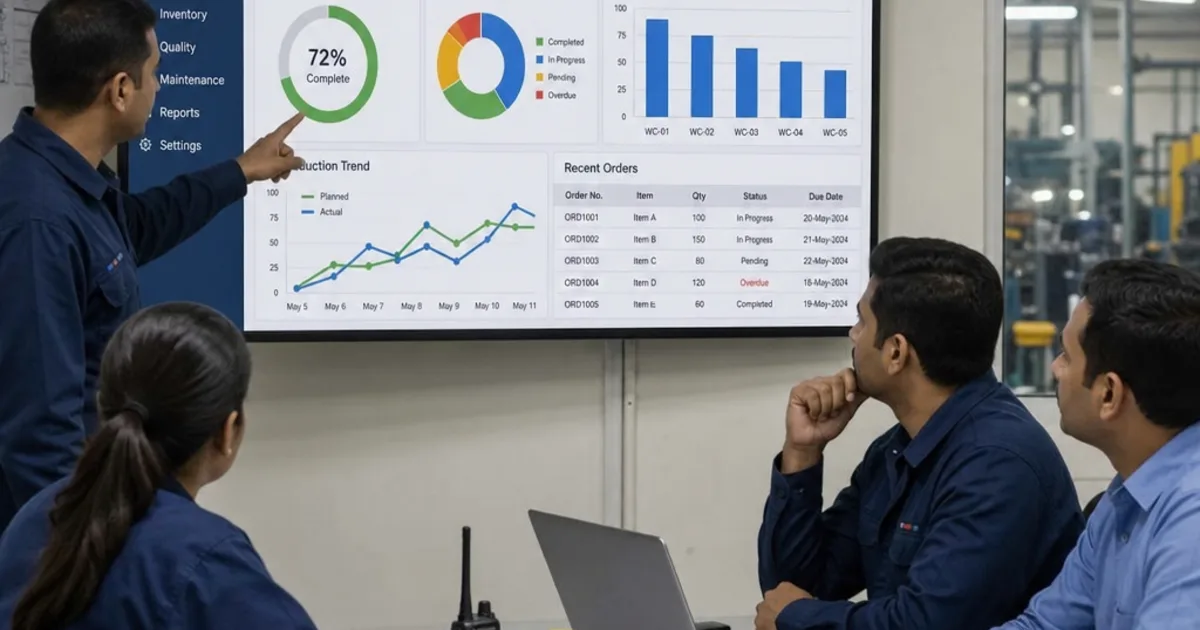
Planning turns demand into an ordered list of work that people can act on. Illustrative photograph, not an OpsMavix project.
Image credit: Jo Szczepanska, Unsplash License. No edits.
Key Takeaways
- Operations planning and control reconciles demand with the capacity an operation can actually supply.
- Loading decides how much work each resource takes; sequencing decides the order; scheduling sets the times.
- No sequencing rule can fix a capacity shortfall: if the load exceeds the window, something must move.
- Level capacity, chase demand and demand management are different answers to an uneven demand pattern.
- Control means comparing actual progress with the plan and acting early, not producing a report at month-end.
- Start with a disciplined manual process, then add configuration, integration or a focused system where the gap is proven.
In this guide:
- 1. Define Operations Planning and Control
- 2. Match Capacity to Demand
- 3. Load Work Onto Resources
- 4. Sequence the Work in a Sensible Order
- 5. Schedule Start and Finish Times
- 6. Monitor Progress and Control Variance
- 7. Compare Ways to Support the Process
- 8. Know the Limits and Start Small
- Frequently Asked Questions
- How OpsMavix Can Help
1. Define Operations Planning and Control
Two halves of one job
Planning is a statement of intent made before the work happens: how much will be needed, which resources will do it, in what order and by when. Control is what happens during and after the work: measuring progress, comparing it with the plan and deciding what to change.
A plan that is never checked quickly becomes fiction; control without a plan turns into firefighting. For a wider look at the control discipline on its own, see what is operations control.
The five activities
| Activity | Question it answers | Typical output |
|---|---|---|
| Capacity versus demand | Can we supply what customers want over the period? | A capacity plan and any agreed changes to demand |
| Loading | How much work does each resource take? | Load per work centre, team or person per period |
| Sequencing | In what order should the work be done? | A priority list using an agreed rule |
| Scheduling | When exactly does each task start and finish? | A dated schedule or Gantt-style chart |
| Monitoring and control | Is the work following the plan and what do we do if not? | Variance against plan and a corrective decision |
The order matters. Sequencing a queue that is far larger than the available time only decides which customers will be let down. Capacity and loading come first.
2. Match Capacity to Demand
Three ways to respond to uneven demand
Demand is rarely flat. Seasonality, promotions, project timing and customer ordering patterns all create peaks and troughs. There are three broad responses, and most operations use a mix.
| Approach | How it works | Main benefit | Main cost or risk |
|---|---|---|---|
| Level capacity | Produce at a steady rate and let stock absorb the difference | Stable staffing and simpler scheduling | Stock and cash tied up before peaks; not possible for most services |
| Chase demand | Change capacity to follow demand each period | Little stock held | Overtime, temporary labour, hiring, idle time and quality risk |
| Demand management | Influence demand to fit capacity | Uses existing capacity better | Customers may not accept changed dates, prices or offers |
Hypothetical example: level versus chase
Assume a hypothetical small manufacturer forecasts demand for one product family over six months: 800, 900, 1,100, 1,300, 1,200 and 700 units. Total demand is 6,000 units, an average of 6,000 ÷ 6 = 1,000 units a month.
Under a level plan it makes 1,000 units every month. Stock rises in quiet months and is drawn down in busy ones. To avoid any shortfall, it needs 300 units of opening stock (the deepest cumulative shortfall, reached at the end of Month 5).
| Month | Demand | Production | Change in stock | Closing stock (opening 300) |
|---|---|---|---|---|
| Month 1 | 800 | 1,000 | +200 | 500 |
| Month 2 | 900 | 1,000 | +100 | 600 |
| Month 3 | 1,100 | 1,000 | -100 | 500 |
| Month 4 | 1,300 | 1,000 | -300 | 200 |
| Month 5 | 1,200 | 1,000 | -200 | 0 |
| Month 6 | 700 | 1,000 | +300 | 300 |
Average closing stock is (500 + 600 + 500 + 200 + 0 + 300) ÷ 6 = 2,100 ÷ 6 = 350 units.
Under a chase plan it makes exactly what is demanded. Stock stays low, but capacity must swing from 700 to 1,300 units a month, a range of 600 units. The largest single change is the drop of 500 units from Month 5 to Month 6.
The choice depends on holding cost, shelf life, how easily skilled capacity can flex and what customers accept. A mixed plan might hold capacity at 1,000, use limited overtime in Months 4 and 5 and agree later delivery dates for some flexible orders.
Check the constraint, not just the total
A factory-level total can hide an overloaded bottleneck. Compare load and usable capacity for each critical resource. Our guide to capacity planning works through usable hours, setup time and bottlenecks in detail, and demand forecasting for a small business covers the demand side.
3. Load Work Onto Resources
What loading means
Loading is allocating an amount of work to a resource for a period. The resource might be a machine, a work centre, a picking team, a service engineer or an approvals desk. Loading answers “how much”, not “in what order”.
Finite and infinite loading
| Method | How it treats capacity | Where it fits | Watch out for |
|---|---|---|---|
| Infinite loading | Places all required work, even if the load exceeds capacity | Exposing overloads early so a decision can be made | It does not prove the work can finish on time |
| Finite loading | Places work only up to a set capacity limit and pushes the rest out | Resources with hard limits, such as a single machine or a fixed team | Depends on accurate calendars, times and priorities |
Hypothetical loading check
A hypothetical fabrication cell has five jobs waiting, needing 4, 2, 6, 3 and 5 days of work: 20 days in total. The cell is available for three five-day weeks, which is 15 working days.
- Infinite loading shows a load of 20 ÷ 15 = 133% of available capacity: 5 days of overload.
- Finite loading accepts 15 days of work into the window and pushes the remaining 5 days into week four.
Either way, the planner now knows a decision is needed before any sequencing rule is applied: add capacity, subcontract, split a job or agree a later date for some work.
Loading checklist
- Use usable hours from real calendars, not nominal headcount.
- Include setup, inspection and rework where they consume the resource.
- Keep firm orders separate from enquiries and forecasts.
- Record who approved any overload and how it will be resolved.
4. Sequence the Work in a Sensible Order
Common priority rules
Sequencing decides which job goes next. The rule should be explicit, because an unstated rule usually becomes “whoever shouted loudest”.
| Rule | How it orders work | Tends to favour | Limitation |
|---|---|---|---|
| First in, first out | Order of arrival | Perceived fairness | Ignores due dates and job length |
| Earliest due date | Nearest due date first | Reducing lateness against promises | Can leave long jobs waiting |
| Shortest processing time | Shortest job first | Lower average completion time and queue | Long jobs can wait repeatedly |
| Customer or contract priority | Agreed importance | Critical customers or penalties | Needs clear, agreed criteria |
| Physical constraints | Setup, colour, material or tooling families | Fewer changeovers | Can conflict with due dates |
Hypothetical example: three rules on one queue
Take the same five hypothetical jobs on one work centre, with processing time and due day measured from today.
| Job | Processing days | Due day |
|---|---|---|
| A | 4 | 6 |
| B | 2 | 4 |
| C | 6 | 15 |
| D | 3 | 8 |
| E | 5 | 12 |
Each job’s completion day is the running total of processing time. Lateness is completion day minus due day, or zero if the job finishes early.
First in, first out (A, B, C, D, E): completion days 4, 6, 12, 15, 20. Late jobs: B by 2, D by 7, E by 8. Total lateness 17 days. Average completion (4 + 6 + 12 + 15 + 20) ÷ 5 = 57 ÷ 5 = 11.4 days.
Shortest processing time (B, D, A, E, C): completion days 2, 5, 9, 14, 20. Late jobs: A by 3, E by 2, C by 5. Total lateness 10 days. Average completion 50 ÷ 5 = 10.0 days.
Earliest due date (B, A, D, E, C): completion days 2, 6, 9, 14, 20. Late jobs: D by 1, E by 2, C by 5. Total lateness 8 days. Average completion 51 ÷ 5 = 10.2 days.
| Rule | Average completion (days) | Total lateness (days) | Jobs late |
|---|---|---|---|
| First in, first out | 11.4 | 17 | 3 |
| Shortest processing time | 10.0 | 10 | 3 |
| Earliest due date | 10.2 | 8 | 3 |
Two lessons follow. First, the rule changes the outcome: earliest due date cut total lateness from 17 to 8 days here, while shortest processing time gave the lowest average completion. Second, every rule still leaves three jobs late, because 20 days of work cannot all finish by day 15. That is a loading problem, and only a capacity or demand decision fixes it.
5. Schedule Start and Finish Times
Forward and backward scheduling
Scheduling turns a sequence into dated start and finish times for each task and resource.
| Method | Starting point | Useful when | Risk |
|---|---|---|---|
| Forward scheduling | Start each task as soon as possible | Maximising resource use and finding the earliest finish | Work may be finished, and held, well before it is needed |
| Backward scheduling | Work back from the due date | Keeping stock and work in progress low | Little slack if anything slips |
Many operations combine the two: backward schedule to find the latest start, then check whether the resource is free earlier and how much buffer that leaves.

A schedule only helps if it reflects the people, skills and equipment actually available on the day. Illustrative photograph, not an OpsMavix project.
Image credit: TruckRun, Unsplash License. No edits.
What a usable schedule shows
A Gantt-style chart is the most familiar format: one row per resource or job, bars for each task across a time axis. It is easy to read, but it hides dependencies unless they are drawn in. A usable schedule shows each task’s resource, planned start and finish, dependencies such as material arrival, the due date and slack remaining, and when it was last updated.
Packaged planning tools can do much of this. For example, Microsoft’s Business Central manufacturing setup guidance describes work centre calendars that set gross available capacity and loading operations according to routings and capacity; the page notes these manufacturing features need the Premium experience. Our article on shop floor scheduling software looks at the scheduling decision in more depth.
6. Monitor Progress and Control Variance
The control loop
Monitoring compares what has actually happened with the plan. Control is the decision that follows. The loop has four steps:
- Record actual progress at a frequency the work needs: per shift, per day or per milestone.
- Compare it with the plan and calculate the variance in time, quantity or cost.
- Decide whether the variance needs action, using agreed tolerances.
- Act, and update the plan so everyone works from the same version.
Hypothetical example: one overrun
Return to the earliest-due-date sequence (B, A, D, E, C). Suppose Job A takes 6 days instead of 4, a variance of +2 days.
| Job | Planned completion day | Actual completion day | Due day | Lateness after overrun |
|---|---|---|---|---|
| B | 2 | 2 | 4 | 0 |
| A | 6 | 8 | 6 | 2 |
| D | 9 | 11 | 8 | 3 |
| E | 14 | 16 | 12 | 4 |
| C | 20 | 22 | 15 | 7 |
Total lateness rises from 8 to 2 + 3 + 4 + 7 = 16 days. Every later job moves by the same 2 days.
Seen on day 5, the overrun still leaves choices: overtime, moving D to an alternative resource, splitting a batch or warning E’s customer early. Discovered on day 22, it leaves only an apology. The value of control lies in the time between the variance occurring and someone seeing it.
Control checklist
- Agree the few measures that matter: completion against plan, quantity, quality holds and blocked work.
- Set tolerances so small variances do not trigger meetings.
- Give each exception an owner and a due date for the decision.
- Update the plan after a decision rather than keeping a separate list.
7. Compare Ways to Support the Process
Match the approach to the gap
The right support depends on where the planning and control process actually fails.
| Approach | When it fits | What to check |
|---|---|---|
| Disciplined spreadsheet and routine | Few resources, stable routes, one planner | Version control, who updates actuals and how often |
| Configure existing tools | Current software already has planning features that are unused | Edition, licences, setup effort and user training |
| Integrate existing systems | Plans and actuals sit in separate tools that do not connect | Record ownership, identifiers and error handling |
| Packaged planning or scheduling software | Standard planning methods fit the operation | Required modules, configuration and reporting |
| Focused custom application | A specific gap, such as shop floor progress capture, is clear | Data access, support and maintenance responsibility |
| Full ERP, packaged or custom | Planning, purchasing, stock and finance need one shared design | Scope, migration, implementation capacity and cost of change |
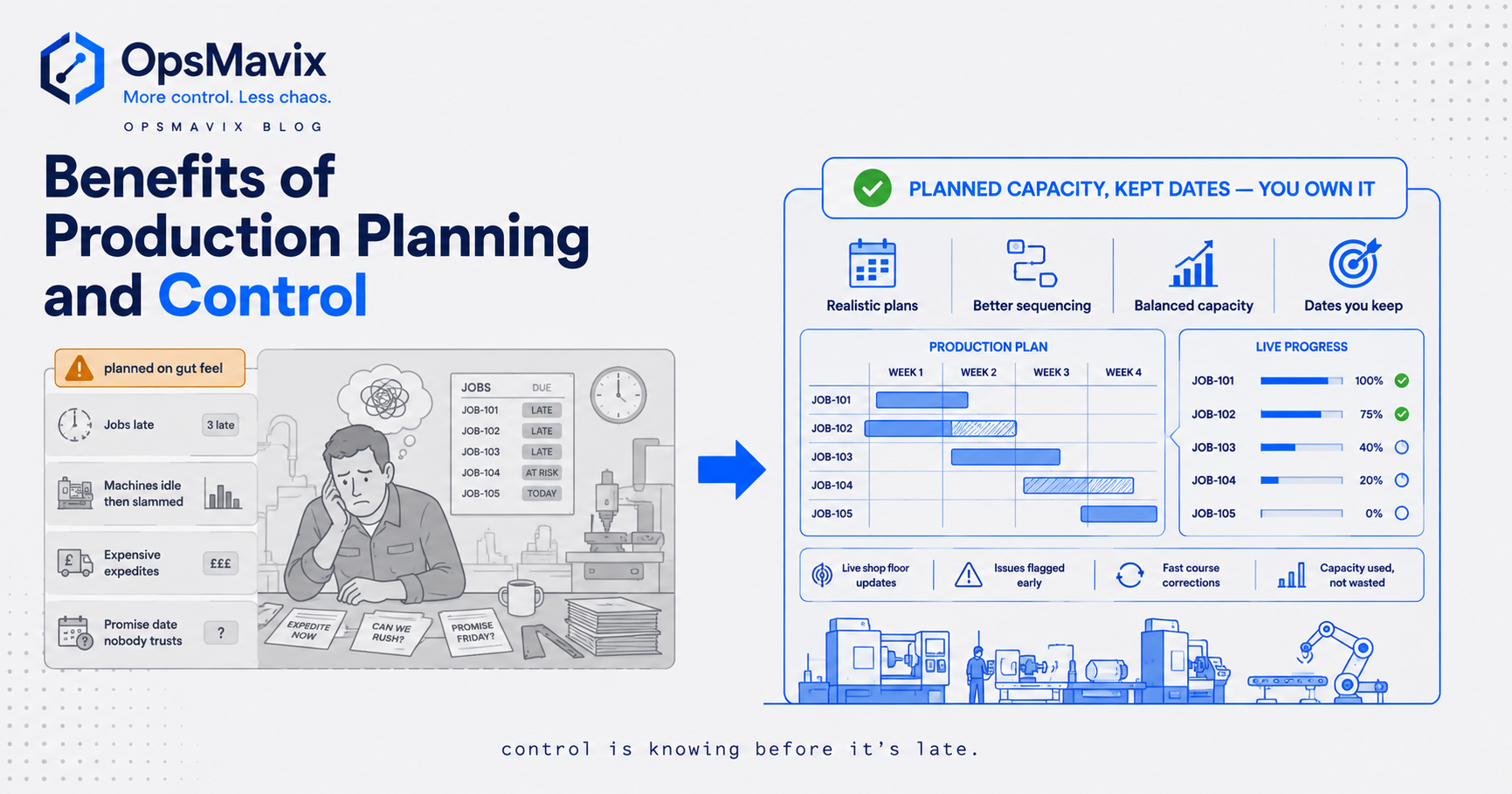
Packaged software provides well-tested planning features; a custom application can fit an unusual process closely; both need ongoing ownership. For a comparison focused on production tools, see production planning and control tools, and for the business case see benefits of production planning and control.
8. Know the Limits and Start Small
What planning and control cannot do
- It cannot create capacity. As the sequencing example showed, 20 days of work will not fit in 15.
- It depends on estimates. If processing times are routinely wrong, the plan will be too. Compare estimates with actuals and adjust.
- It cannot remove uncertainty. Breakdowns, absences and late materials still happen; buffers and early warning reduce their effect.
- It needs people to act. A visible variance with no owner is still an uncorrected variance.
A practical starting sequence
- List the resources that most often limit output.
- Compare demand with usable capacity on those resources for the next few weeks.
- Agree and write down the sequencing rule for each queue.
- Schedule only as far ahead as the information is reliable.
- Record actual progress daily on the constrained resources.
- Review variances in a short, regular meeting with named owners.
- After several weeks, look at where information arrives late and decide whether configuration, integration or a new tool would close that gap.
Frequently Asked Questions
What is operations planning and control?
It is the set of activities that reconciles customer demand with an operation’s ability to supply it. Planning sets what should happen and when; control monitors what does happen and corrects the course.
What are the main activities in operations planning and control?
Matching capacity to demand, loading, sequencing, scheduling, and monitoring and control. They work as a loop, with control feeding back into the next plan.
What is the difference between loading and scheduling?
Loading decides how much work a resource takes in a period. Scheduling sets the start and finish time of each task within that load.
What is the difference between finite and infinite loading?
Infinite loading places all required work regardless of capacity and so exposes overloads. Finite loading only places work up to a set limit and pushes the rest into later periods.
Which sequencing rule is best?
There is no single best rule. Earliest due date tends to reduce lateness against promised dates, while shortest processing time tends to reduce average completion time. Choose based on what matters most and write it down.
What is the difference between level capacity and chase demand?
A level plan keeps output steady and uses stock to absorb changes in demand. A chase plan changes capacity to follow demand, holding less stock but needing flexible resources.
Can OpsMavix build an operations planning and control system?
Yes. OpsMavix can build focused applications or a full custom ERP, and can configure or integrate suitable existing tools where those approaches fit the requirements.
How OpsMavix Can Help
OpsMavix can map how demand, capacity, schedules and actual progress move through your operation, then define the smallest change that makes variances visible in time to act.
That may mean configuring or connecting tools you already use, adding manufacturing production tracking so actual progress reaches the plan, building a project operations dashboard that shows load and exceptions in one place, or scoping a wider system where purchasing, stock and production need a shared design.
Contact OpsMavix with one recent late job or overloaded week, the records behind it and the handoff that creates the most rework. We can use that evidence to define requirements and a practical pilot.
Keep reading

Getting value from OpsMavix? Add us as a preferred source on Google — you'll see more of our operations content in your AI Overviews, AI Mode and Search.