
ERP in Manufacturing: What It Covers and Where It Pays Off
A manufacturing ERP is judged on whether planners, buyers, the shop floor and finance can act on the same numbers. This guide breaks down what the core capabilities actually do, how they connect, and what separates a system that gets used from one that gets worked around.
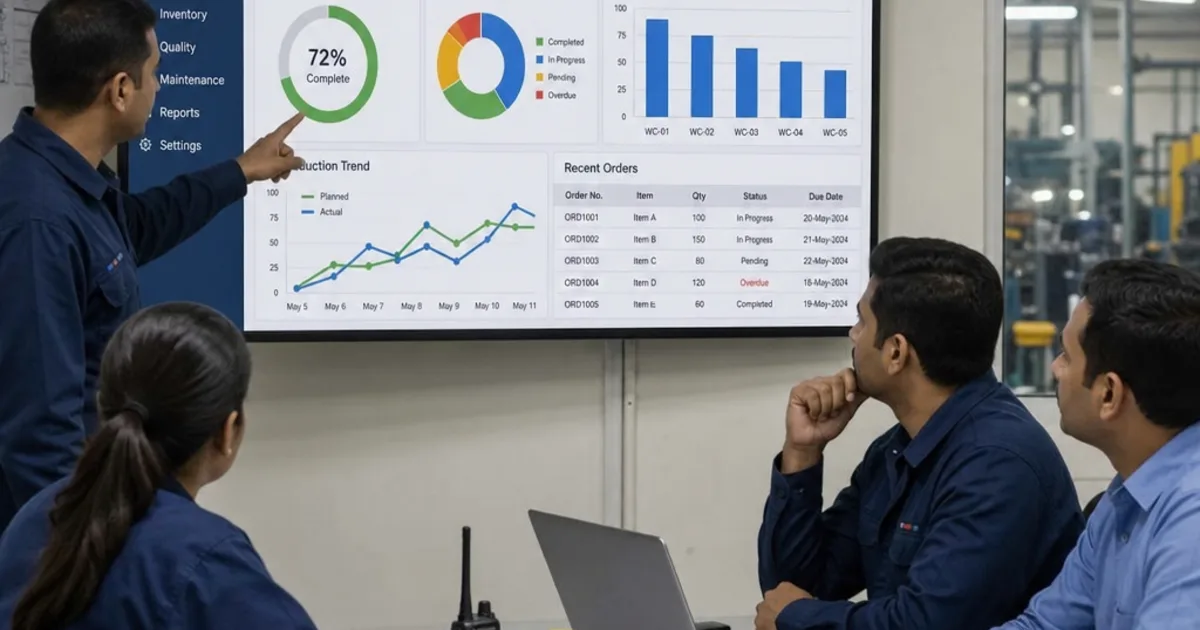
ERP in manufacturing is the set of connected records that carries a customer order through planning, purchasing, production, stock and costing, so each team acts on the same data. The item master, bills of materials, routings, works orders and stock transactions are the parts that make it work, and each one feeds the next.
The practical problem is that a weak link anywhere breaks the chain. A missing BOM component produces a shortage MRP never predicted, and unreported scrap makes stock, the next plan and the job cost wrong. This guide follows each process in the order work flows, with a hypothetical multi-level MRP example and a standard costing example.

Every issue, receipt and stock move recorded in stores feeds the next plan and the next job cost. Illustrative photograph, not an OpsMavix client site.
Image credit: Tiger Lily, Pexels License. Resized for web, no other edits.
Key Takeaways
- ERP in manufacturing links items, BOMs, routings, plans, works orders, stock and cost.
- MRP explodes demand level by level, so one error flows down to every component below.
- Works orders are where planned quantities become recorded consumption, output and time.
- Lot and serial tracking only works if every receipt, issue and shipment captures the number.
- Standard costing reports variances; actual costing shows what each job absorbed.
- Test one real product through the whole chain, not a module list.
In this guide:
- 1. Follow the Chain From Order to Cost
- 2. Set Up the Item Master, BOMs and Routings
- 3. Plan Materials and Works Orders With MRP
- 4. Release and Run Works Orders
- 5. Report Consumption, Output and Time on the Shop Floor
- 6. Control Inventory, Lots and Serial Numbers
- 7. Connect Purchasing, Quality and Costing
- 8. Decide What Your ERP Must Cover
- Frequently Asked Questions
- How OpsMavix Can Help
1. Follow the Chain From Order to Cost
See the records in sequence
ERP stands for enterprise resource planning: software that connects business processes and their data across functions such as finance, procurement and operations. Oracle’s ERP overview describes the general category. In manufacturing, the product structure and the production order sit at the centre.
A single customer order touches almost every record type. It creates demand for a finished item; the BOM and routing translate that into materials and work; planning proposes orders; the shop floor records consumption, output and time; and finance values the result.
| Step | Main record | What it feeds |
|---|---|---|
| Define the product | Item master, BOM and routing | Planning, costing and stock control |
| Capture demand | Sales order or forecast | MRP |
| Plan supply | Planned works and purchase orders | Released orders |
| Make the product | Works order, consumption and output | Stock, WIP and job cost |
| Buy materials | Purchase order and goods receipt | Stock and supplier invoice |
| Check quality | Inspection and non-conformance records | Stock status and corrective action |
| Value the result | Cost entries and variances | Margin and stock valuation |
Know where this guide sits
If you are choosing a product, our guide to ERP software for the manufacturing industry covers selection. For the planning calculation in more depth, see our MRP system guide.
2. Set Up the Item Master, BOMs and Routings
Start with the item master
Every item the business buys, makes or sells needs one record: part number, unit of measure, make or buy, lead time, lot size and whether it carries a lot or serial number. Many later errors trace back to an item set up with copied defaults.
Define what goes into each product
The bill of materials lists the components and quantities needed to make one parent item. A multi-level BOM lets a sub-assembly have its own BOM, so planning and costing can work level by level. Our guides explain what a bill of materials is, how to set up a multi-level BOM and how to run bill of materials management with revision control.
Define how each product is made
The routing lists the operations, the work centre or machine for each, and the set-up and run times. Microsoft’s Business Central documentation, for example, explains that production orders are built from items, production BOMs, routings, machine centres and work centres (Microsoft Learn). Routings drive capacity load and labour cost.
Master data checklist
- Every made item has one released BOM and routing for current production.
- Lead times, lot sizes and tracking rules are set per item, not left as defaults.
- Routing times have been compared with recent recorded times.
- Someone owns each record type and approves changes.
3. Plan Materials and Works Orders With MRP
Understand the planning loop
MRP explodes demand through each BOM level, nets it against stock and open orders, applies lot sizing and offsets by lead time, proposing works orders for made items and purchase orders for bought ones. The MRP system guide covers the single-level calculation; here the focus is how one level’s plan becomes the next level’s demand.
Hypothetical worked example: netting through three levels
A hypothetical manufacturer makes a pump, P100. Each pump uses 1 machined housing, H20, made in-house. Each housing uses 3 kg of aluminium bar, which is bought in. All quantities and parameters below are invented for illustration.
| Item | Level | Stock at start | Open orders | Lead time | Lot rule |
|---|---|---|---|---|---|
| P100 pump | 0 | 10 | None | 1 week to assemble | Lot-for-lot |
| H20 housing | 1 | 15 | None | 1 week to machine | Lot-for-lot |
| Aluminium bar (kg) | 2 | 50 | 100 kg due week 1 | 2 weeks to buy | Minimum order 200 kg |
Customer orders call for 40 pumps in week 3 and 60 in week 5.
Level 0, the pump. Ten pumps in stock cover part of week 3, leaving a net requirement of 40 less 10 = 30. Week 5 needs the full 60. With a 1-week assembly lead time, works orders for 30 and 60 must start in weeks 2 and 4.
Level 1, the housing. The pump releases become the housing’s gross requirement: 30 in week 2 and 60 in week 4. Fifteen housings in stock leave 30 less 15 = 15 to make for week 2, and week 4 needs all 60. With a 1-week machining lead time, housing works orders start in weeks 1 and 3.
Level 2, the bar. Each housing release needs 3 kg: 15 × 3 = 45 kg in week 1 and 60 × 3 = 180 kg in week 3. In week 1, 50 kg in stock plus the 100 kg receipt, less 45 kg, leaves 105 kg. In week 3, 105 kg against 180 kg leaves a net requirement of 75 kg. The supplier minimum of 200 kg lifts the order to 200 kg, leaving 125 kg in stock. With a 2-week lead time, that purchase order must be placed in week 1.
| Aluminium bar (kg) | Wk 1 | Wk 2 | Wk 3 | Wk 4 | Wk 5 |
|---|---|---|---|---|---|
| Gross requirement | 45 | 0 | 180 | 0 | 0 |
| Scheduled receipt | 100 | 0 | 0 | 0 | 0 |
| Net requirement | 0 | 0 | 75 | 0 | 0 |
| Planned order receipt (minimum 200) | 0 | 0 | 200 | 0 | 0 |
| Projected available, end of week | 105 | 105 | 125 | 125 | 125 |
| Planned purchase order release | 200 | 0 | 0 | 0 | 0 |
Read what the example shows
Customer demand in weeks 3 and 5 created a purchase action for the buyer in week 1, two levels down. Had the week 3 order arrived a week later, the bar order would already have been late. This is why accurate stock and lead times matter at every level.
The example also assumes infinite capacity. Business Central’s documentation, for instance, notes that its planning worksheet assumes infinite capacity when developing schedules (Microsoft Learn). Whether the machine shop can run 60 housings in week 3 is a separate capacity planning question.
4. Release and Run Works Orders
Move from planned to released
A works order (also called a production or manufacturing order) authorises making a quantity of one item. In many systems it passes through statuses. Business Central, for example, uses Simulated, Planned, Firm Planned, Released and Finished, and states that planning deletes Planned orders the next time it runs, while Firm Planned orders are kept (Microsoft Learn). Other products use different names for the same progression.
Copy the right structure onto the order
A new works order copies the BOM and routing onto itself, so a later change to the master BOM may not reach an order already released. Agree who may alter an open order and how that change is approved.
Release checklist
- Components are available, or a shortage has been accepted and flagged.
- BOM, routing and drawing revisions on the order match the approved revision (see our guide to manufacturing drawing revision control).
- The due date is realistic against the current load on its work centres.
5. Report Consumption, Output and Time on the Shop Floor
Record what was actually used
Consumption is the issue of components to a works order. It can be recorded manually as material is picked, or automatically. Business Central describes forward flushing, which consumes expected quantities when the order is released, and backward flushing, which records consumption when the order is finished (Microsoft Learn). Automatic flushing records what the BOM says should have been used, so scrap and substitutions still need manual entries.
| Reporting method | When stock is reduced | Best suited to |
|---|---|---|
| Manual issue | When material is issued or booked | Expensive, tracked or variable items |
| Forward flushing | When the order is released | Low-value items used at a fixed rate |
| Backward flushing | When the order is reported complete | Repetitive work with stable BOMs |
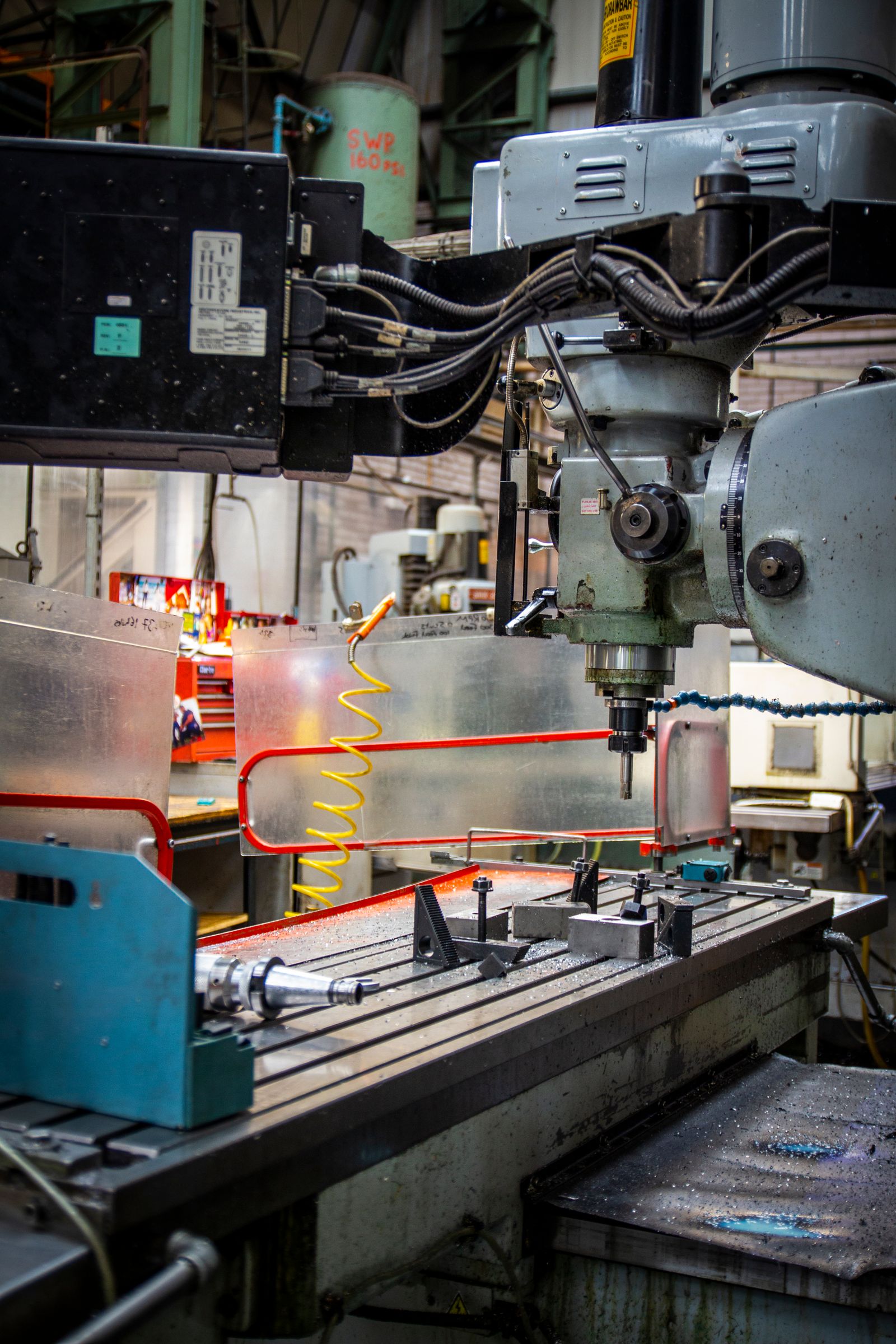
Shop floor reporting turns planned operations into recorded output, scrap and time. Illustrative photograph, not an OpsMavix client site.
Image credit: Connor Lucock, Pexels License. Resized for web, no other edits.
Record output and time
Output posts the finished quantity into stock. Time records set-up and run hours against each operation, feeding capacity reporting and labour cost. In Business Central, consumption posts as negative item ledger entries, output as positive ones and time as capacity ledger entries.
Decide how data reaches the system
Paper travellers keyed later, a shared terminal, tablets or machine data can all work. Timing matters more than method: a report keyed at the end of the week means the plan and stock were wrong all week. Where the floor needs more than ERP reporting offers, a manufacturing execution system or a focused production tracking application may sit alongside the ERP.
Shop floor reporting checklist
- Scrap is recorded with a quantity and reason at the operation where it happened.
- Substituted components are booked as what was actually used.
- Partial completions can be reported without closing the order.
6. Control Inventory, Lots and Serial Numbers
Separate the stock states
A manufacturing ERP separates raw materials, sub-assemblies, work in progress and finished goods, and shows what is on hand, allocated, on hold for inspection or on order. Planning uses these states, so stock in quarantine but shown as available will be promised to production anyway. Our guide to manufacturing and inventory management software covers the stock side in more depth.
Trace lots and serials both ways
Lot tracking groups items made or received together; serial tracking identifies each unit individually. Traceability works in two directions. Business Central’s Item Tracing page, for example, can trace from usage back to origin and from origin forward to usage (Microsoft Learn). That record matters when a supplier reports a faulty batch.
Tracing is only as complete as the transactions behind it. A lot number captured at goods receipt but not at issue to production breaks the chain between the supplier batch and the finished product. Our guide to batch and lot tracking covers the capture points.
7. Connect Purchasing, Quality and Costing
Turn planned orders into purchase orders
Planned purchase orders become firm once a buyer confirms supplier, price and date. The goods receipt updates stock and cost, and the supplier invoice is matched to the order and receipt. Partial deliveries and price differences each need a defined treatment. If invoice matching is a bottleneck, our invoice approval workflow page explains a focused approach.
Put quality checks inside the flow
Inspection is most useful when it controls stock status. Received goods can be held until inspected, an in-process check can stop an order moving on, and a failed inspection can create a non-conformance record linked to the lot. If the business works to a quality management standard such as ISO 9001, confirm with your quality lead which records your certification requires. Supplier issues are covered in our guide to supply chain quality management software.
Choose standard or actual costing
ERP systems value manufactured items in different ways. Business Central, for example, supports FIFO, LIFO, Specific, Average and Standard costing methods (Microsoft Learn). Under standard costing the item carries an expected cost built from its BOM and routing, and differences are posted as variances. Microsoft lists material, capacity, subcontracted, overhead and purchase variances, and notes these are only posted for items using the Standard method (Microsoft Learn).
| Approach | How a works order is valued | Watch for |
|---|---|---|
| Standard costing | At a set cost per unit; differences go to variance | Standards that drift from reality |
| Actual costing | At the materials, time and overhead recorded | Costs that vary with purchase price |
Your accountant should confirm which method suits your stock valuation and reporting obligations.
Hypothetical worked example: standard cost variance on one works order
The hypothetical housing H20 from section 3 has a standard cost of £38.00: 3 kg of bar at £4.00 per kg (£12.00), 0.5 machine hours at £40.00 per hour (£20.00) and £6.00 of overhead per unit. A works order for 60 housings has a standard cost of 60 × £38.00 = £2,280.
The order actually issued 192 kg of bar instead of 180 kg, because of scrap, and took 33 machine hours instead of 30. Overhead is absorbed at the standard rate per unit.
| Cost element | Standard for 60 units | Actual at standard rates | Variance |
|---|---|---|---|
| Material (kg × £4.00) | 180 kg = £720 | 192 kg = £768 | £48 adverse |
| Machine time (hours × £40.00) | 30 h = £1,200 | 33 h = £1,320 | £120 adverse |
| Overhead (£6.00 per unit) | £360 | £360 | £0 |
| Total | £2,280 | £2,448 | £168 adverse |
The variances raise two questions: why 12 kg extra bar was used and why the job took 3 more hours. If the 200 kg order had been bought at £4.20 per kg, a separate purchase variance of 200 × £0.20 = £40 adverse would arise at receipt. Without shop floor reporting of scrap and time, neither production variance would appear.
8. Decide What Your ERP Must Cover
Match the approach to the gap
Not every manufacturer needs every process above in one product. The right scope depends on where records currently break.
| Approach | Where it fits | What to check |
|---|---|---|
| Configure current tools | The process exists but is unused or poorly set up | Edition, settings and data quality |
| Connect existing systems | Tools work but handoffs are rekeyed | Record ownership and error recovery |
| Packaged manufacturing ERP | Its BOM, MRP and costing processes fit how you make things | Modules, configuration and support |
| Focused custom application | One bounded gap, such as shop floor reporting | Integration, ownership and maintenance |
| Full ERP, packaged or custom | Several processes need one record set | Migration, testing and continuity |
Packaged systems bring tested processes; custom applications fit unusual ones but still need maintenance.
Test one product through the whole chain
Pick a real product with at least two BOM levels, one bought-in long-lead item and one tracked component. Then check, in any system you are considering or already run:
- MRP proposes the same orders you would calculate by hand.
- A works order can be released, partly reported, scrapped against and finished.
- A lot can be traced from supplier receipt to customer shipment and back.
- A failed inspection stops the stock being used.
- The finished order’s cost and variances can be explained line by line.
Frequently Asked Questions
What does ERP do in manufacturing?
It connects the records that run production: items, BOMs, routings, plans, works orders, stock, purchasing, quality and cost. A customer order becomes planned works and purchase orders, the shop floor records what was used and made, and finance values the result from the same transactions.
What is the difference between MRP and ERP in manufacturing?
MRP is the planning calculation that works out what to make or buy and when. ERP is the wider system that also records the resulting orders, stock movements, purchasing, quality and costs. Most manufacturing ERP products include MRP as one function.
What is the difference between standard and actual costing?
Standard costing values items at an expected cost and reports the differences as variances. Actual costing values each order at the costs recorded against it. Your accountant should confirm which method suits your reporting obligations.
Why does lot traceability fail in an ERP?
Usually because a lot number is missing from one transaction, such as an issue to production or a stock adjustment. Traceability needs the number captured at receipt, issue, output and shipment, with held stock blocked from use.
Do we need a separate MES as well as an ERP?
Not always. Many ERP products include shop floor reporting. A separate execution or production tracking system helps where the floor needs machine data or faster reporting.
Can OpsMavix build a manufacturing ERP?
Yes. OpsMavix can build focused production and stock applications or a full custom ERP, and can configure or integrate suitable existing tools where those approaches fit the requirements.
How OpsMavix Can Help
OpsMavix can map how items, BOMs, plans, works orders, stock and costs connect in your business, then find the point where the chain breaks and define the system scope needed to fix it.
That may involve improving your current ERP setup, adding manufacturing production tracking so consumption, scrap and time are recorded at the operation, connecting stock records through an inventory automation system, or developing a full custom ERP.
Contact OpsMavix with one recent works order, the BOM and stock records behind it and the point where its planned and actual cost diverged. We can use that evidence to define requirements and a practical pilot.
Keep reading

Getting value from OpsMavix? Add us as a preferred source on Google — you'll see more of our operations content in your AI Overviews, AI Mode and Search.