
Warehouse Bin Locations: The Addressing System That Speeds Up Every Pick
A practical guide to warehouse bin locations — giving every place stock can live a consistent address, why a random or memory-based layout wrecks picking speed and stock accuracy, a simple zone-aisle-bay-shelf-bin naming convention with worked examples, how to roll one out in a growing warehouse without stopping picking, and how good locations become the foundation that slotting, faster picking and reliable cycle counts all sit on.
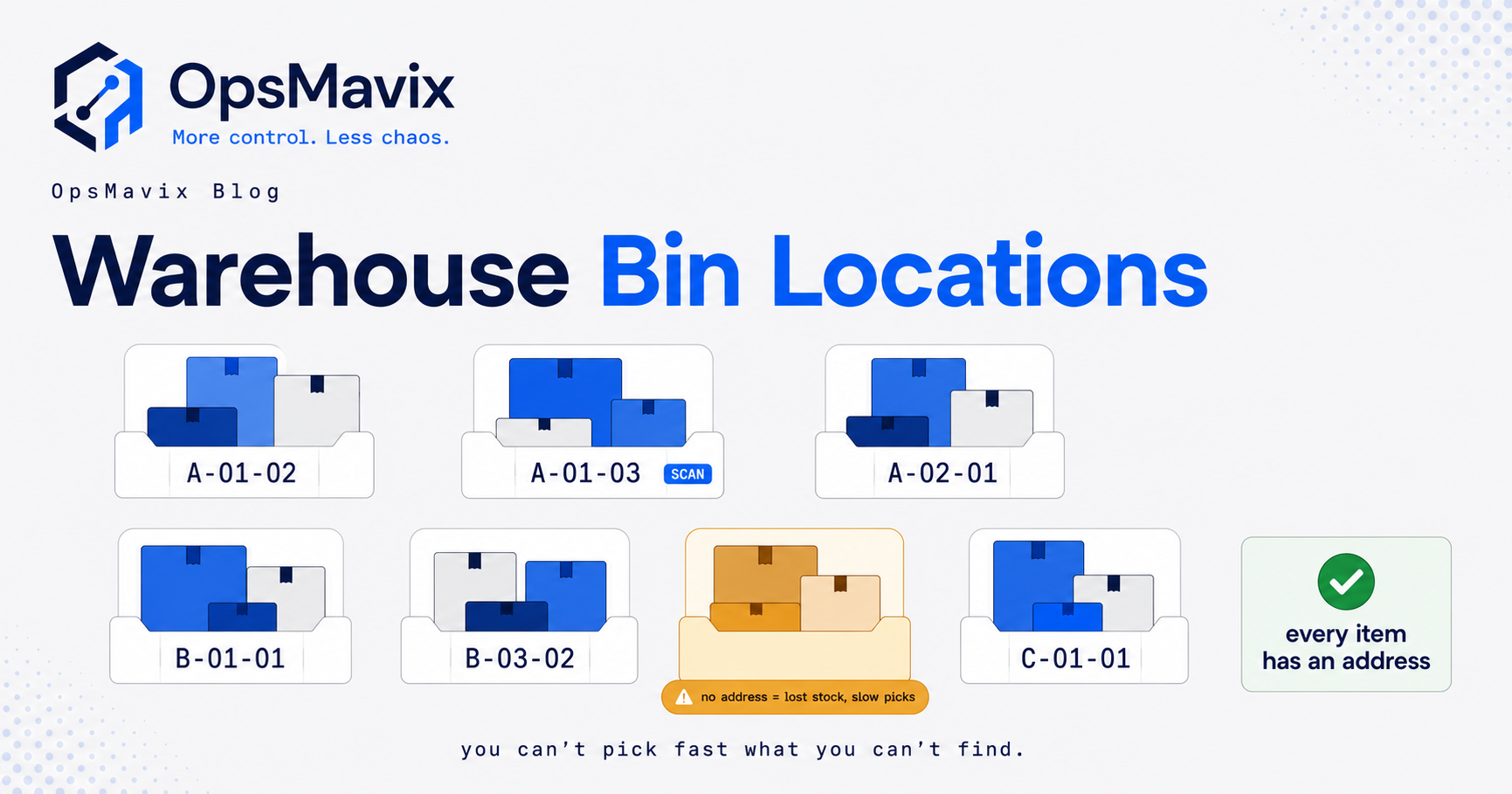
Warehouse bin locations give every place stock can sit a unique, readable address, such as A-03-02-C-04, so a pick list can send anyone to the right spot without relying on memory. The address describes the space; the system records which product and quantity currently sit there.
The practical problem appears as a warehouse grows. Stock goes wherever there is room, experienced staff remember roughly where, and new starters or temporary pickers spend their shifts searching. Counts become vague because nobody can say exactly which space was counted. This guide covers how to structure the code, label it, choose how products occupy locations and roll the scheme out while orders keep shipping. Once the scheme exists, an inventory automation system records every receipt, move and pick against those addresses, so the location file stays true.

Every bay, level and position along an aisle can carry its own address. Illustrative photograph, not an OpsMavix project.
Image credit: Lance Chang, Unsplash License. No edits.
Key Takeaways
- A bin location identifies a physical space; the product code identifies what is stored in it.
- A zone, aisle, bay, level and bin code works best when every segment has a fixed length and meaning.
- Number bays in the direction people walk so a pick list sorted by location becomes a sensible route.
- A check code on the label lets the system confirm the worker is at the intended location.
- Fixed, dynamic and mixed occupancy rules all use the same addresses but need different record discipline.
- Roll out zone by zone: label, record contents, switch put-away and picking, then count.
In this guide:
- 1. Understand What a Bin Location Address Does
- 2. Build the Zone Aisle Bay Level Bin Code
- 3. Number Locations in Walking Order
- 4. Design Labels and Check Digits
- 5. Choose Between Fixed and Dynamic Locations
- 6. Address the Locations People Forget
- 7. Roll Out Without Stopping Picking
- 8. Compare the System Approaches
- Frequently Asked Questions
- How OpsMavix Can Help
1. Understand What a Bin Location Address Does
Separate where from what
A product code such as WID-4471 answers what an item is. A location code such as A-03-02-C-04 answers where something is. Keeping the two separate is the foundation of the whole scheme.
The location keeps its identity whether it holds one product, several products or nothing. The inventory record holds the link: “WID-4471, 36 units, in A-03-02-C-04”. When stock moves, the link changes and the address stays the same.
Treat any storage space as a location
“Bin” is a loose word. A location can be a shelf position, a small parts tote, a pallet position in racking, a floor-marked block stack area or a staging square near the dock. What matters is that each one has a code that exists in exactly one physical place.
| Question | Answered by | Example |
|---|---|---|
| What is it? | Product code or barcode | WID-4471 |
| Where is it? | Location code | A-03-02-C-04 |
| How many are there? | Inventory balance by location | 36 units |
| What happened to it? | Movement history | Received, put away, picked, counted |
Recognise the symptoms of a memory-based layout
- New pickers need weeks before they are useful.
- The same product sits in several unrecorded places.
- Counts are described as “roughly this shelf”.
- Stock is reordered because the units on hand cannot be found.
- “Ask the person who put it away” is a normal instruction.
The wider control problem of stopping counts from drifting is covered in how to prevent stock discrepancies. This guide concentrates on the address layer underneath it.
2. Build the Zone Aisle Bay Level Bin Code
Use a hierarchy that narrows the search
A good code reads like directions. Each segment narrows the search in the order a person moves: area, aisle, section of racking, height, then position across the shelf.
| Segment | Meaning | Example value | Suggested format |
|---|---|---|---|
| Zone | Broad area such as ambient, bulk or small parts | A | One letter |
| Aisle | The run people walk down | 03 | Two digits |
| Bay | The section of racking along the aisle | 02 | Two digits |
| Level | Height from the floor upwards | C | One letter |
| Bin | Position across the level, left to right | 04 | Two digits |
Put together, A-03-02-C-04 means zone A, aisle 3, bay 2, level C, position 4. The format column is a suggestion, not a standard; adapt it to the building.
Packaged warehouse software usually lets you define this structure. Microsoft’s documentation for Dynamics AX 2012 location formats, for example, describes setting the number of segments, the length of each segment and the separator between them.
Follow rules that keep the code stable
- Pad numbers to a fixed width. Use 03 rather than 3, or sorting will put aisle 10 before aisle 2.
- Keep segment order and separator identical everywhere. A-03-02-C-04 and A0302C04 are different text to most systems.
- Avoid characters that look alike. Leaving out the letters I and O in letter segments avoids confusion with 1 and 0.
- Use letters for levels. A, B, C and D from the floor upwards keeps height visually distinct from aisle and bay numbers.
- Keep it short. The code must fit on a label that is readable from the aisle.
Check capacity before you print
Work out how many addresses the scheme can hold before committing to it.
Hypothetical capacity example. Zone A has 12 aisles, 20 bays per aisle, 5 levels per bay and 4 positions per level.
- Locations in zone A: 12 × 20 × 5 × 4 = 4,800.
- With two-digit aisles, the same bay, level and position structure could hold up to 99 × 20 × 5 × 4 = 39,600 locations in one zone.
A smaller site may start with aisle, bay and level only. Choose a shape that can still work at several times the current size, so you extend the scheme rather than rebuild it.
3. Number Locations in Walking Order
Let the sort order become the route
If bays count up in the direction people walk, a pick list sorted by location code reads as a route. If numbering follows the order the racking was installed, a sorted list can send pickers back and forth. The same sorted list then drives the rest of the pick and pack warehouse process, from picking through to the packing bench.
| Numbering choice | Effect on a sorted pick list | When it fits |
|---|---|---|
| One side, then the other | Picker walks the full aisle twice | Narrow aisles picked from one side |
| Odd bays left, even bays right | Picker works both sides in one pass | Aisles where both sides are reachable |
| Serpentine across aisles | Direction alternates aisle by aisle | One-way loops through several aisles |
Work through a hypothetical pick list
A hypothetical order has four lines in A-03-01-B-02, A-03-04-C-01, A-04-02-A-03 and A-04-05-B-01. With serpentine numbering, the picker walks up aisle 3 and continues into aisle 4 in a loop. Under build-order numbering the same codes could correspond to positions at opposite ends of an aisle, so the sorted list would no longer be a route.
Leave room for change
Racking gets added and removed. Leaving occasional unused bay numbers, or a documented rule for inserting new bays, avoids renumbering a whole aisle later. Where SKUs go within this grid is a separate decision covered in warehouse slotting and the step-by-step slotting optimisation method.
4. Design Labels and Check Digits
Put the human code and the barcode together
Each label should show the location code in large characters and a barcode that encodes the same value. Arrows or colours by level can make it clear which shelf a label belongs to. Test labels on the actual racking, at the working distance and with the actual scanners before printing the whole building.
The broader design of product, location and pallet labels, and how scans should be validated against a task, is covered in our warehouse label system guide. Here the focus is the location identity itself.
Use a check code to confirm presence
A barcode scan confirms the location only if the scanned value is compared with the task. Where scanning is not possible, or as an extra check, some systems ask the worker to key in a short check code printed on the label. Microsoft’s location confirmation documentation for Dynamics 365 Supply Chain Management states that the worker is prompted to enter the check digit for the location, and that the step is skipped if no check digit is associated with it.
Choose between calculated and assigned check codes
| Check code type | How it is produced | Strength | Limitation |
|---|---|---|---|
| Calculated | Derived from the location code by a formula | Catches most single mistyped digits | Anyone who knows the formula can work it out without visiting the location |
| Assigned | Separate code stored against each location | Hard to guess without reading the label | Must be stored, printed and reissued carefully |
Hypothetical calculated example. Take the numeric parts of A-03-02-C-04 as 03, 02, 3 (C as the third level) and 04, giving 0302304. Using the weighting method GS1 publishes for its check digit calculation, multiply digits alternately by 3 and 1 starting from the rightmost digit:
- 4 × 3 = 12, 0 × 1 = 0, 3 × 3 = 9, 2 × 1 = 2, 0 × 3 = 0, 3 × 1 = 3, 0 × 3 = 0.
- Sum: 12 + 0 + 9 + 2 + 0 + 3 + 0 = 26.
- Check digit: 30 - 26 = 4.
If someone mistypes the last digit as 5 (0302305), the sum becomes 29 and the expected check digit becomes 1, so the entry fails. This is an internal illustration of the arithmetic only; GS1 check digits are defined for GS1 identifiers, and location codes are your own internal references.
Control reprints and retired codes
Restrict who can create or rename locations. When a bay is removed, retire its codes, remove the labels and confirm no stock balance remains against them. A replacement label must carry the same identity and check code as the original.
5. Choose Between Fixed and Dynamic Locations
The addressing stays the same whichever occupancy rule the shelving follows. Illustrative photograph, not an OpsMavix project.
Image credit: Brian Wangenheim, Unsplash License. No edits.
Compare the three occupancy rules
Once addresses exist, decide how products occupy them. The codes do not change; the rule for putting stock away does.
| Model | How it works | Strengths | Limitations |
|---|---|---|---|
| Fixed | Each SKU has a dedicated home, full or empty | Easy to learn and check by eye | Empty reserved space; limited by the number of slots |
| Dynamic | Any SKU can go into any suitable free location | Better use of space | Depends entirely on accurate location records |
| Mixed | Fixed pick faces for fast movers, dynamic reserve storage | Learnable picking with flexible bulk storage | Needs reliable replenishment from reserve to pick face |
Work through a hypothetical space comparison
A hypothetical warehouse holds 240 slower SKUs on pallets in reserve racking.
- Fixed: each SKU has a dedicated reserve position, so 240 positions are needed. On a typical day 40% wait empty for the next delivery: 240 × 0.40 = 96 empty positions.
- Dynamic: the same stock occupies only the positions in use: 240 - 96 = 144 positions, leaving 96 available for other stock.
The figures are illustrative. The real gain depends on delivery patterns, pallet sizes and how full each position actually is.
Match the rule to the record discipline
Dynamic storage works only when every put-away and move is recorded against a location. Without that, nothing is where anyone expects it. A mixed model is common because it keeps fast lines learnable while reserve storage stays flexible. Its weak point is the move from reserve to pick face, covered in our guide to pick face replenishment.
6. Address the Locations People Forget
Give stock in motion an address
Pick shelves are the obvious locations. The ones that get missed are where stock waits between steps, and untracked waiting stock is where accuracy leaks.
| Location type | Purpose | Should stock be pickable? |
|---|---|---|
| Goods in | Holds receipts before put-away | No, until put away or released |
| Quarantine or inspection | Holds damaged or unchecked stock | No |
| Returns | Holds returned items awaiting assessment | No, until assessed |
| Reserve | Bulk stock feeding pick faces | Usually by replenishment only |
| Packing and despatch staging | Holds picked orders before loading | No, already allocated |
Link each special location to its process
Goods-in staging supports the goods receiving process: booked in, held in a real location, then put away. Quarantine locations keep held stock out of available balances, which is the subject of our quarantine inventory guide.
Practical checklist
- Every staging area has a location code and a label.
- Non-pickable locations are flagged as such in the system.
- Totes or carts that hold stock for long periods have their own references.
- Corrections to balances follow an agreed stock adjustment approval workflow.
7. Roll Out Without Stopping Picking
Phase the work zone by zone
You do not need to close the warehouse. Address the building in stages so each finished zone is complete and usable.
- Draw the map. Walk the site, sketch every zone, aisle, bay and level, and fix the naming rules on paper.
- Create the locations in the system. Load the codes before any labels go up.
- Label every location, empty or full. You are addressing the building, not the stock.
- Record what is where. Scan location, then product, then count. This is effectively a full count of that zone.
- Switch put-away and picking. From the cut-over point, no put-away is accepted without a location and every pick line shows one.
- Count and correct. Count the zone again shortly after cut-over, then move to a routine inventory cycle count by location.
Plan the effort with a hypothetical estimate
A hypothetical site has 1,200 locations: zone A 450, zone B 350, zone C 250 and zone D 150.
| Task | Assumed rate | Person-hours |
|---|---|---|
| Labelling 1,200 locations | 60 per hour | 1,200 ÷ 60 = 20 |
| Recording contents of 1,200 locations | 40 per hour | 1,200 ÷ 40 = 30 |
| Total | 50 |
Zone A alone needs 450 ÷ 40 = 11.25 person-hours to record contents. Two people working quieter afternoon hours could complete it in about one week without stopping picking. Measure your own rates on a trial aisle before planning; the figures above are assumptions.
Keep picking running during the change
- Freeze put-away into a zone while its contents are recorded.
- Pick from a recorded zone using codes, and from unrecorded zones as before.
- Record any stock moved during the changeover as a transfer, not a quiet fix.
- Start with a zone that has clear boundaries, such as small parts.
8. Compare the System Approaches
Match the approach to the gap
Location addressing can live in several kinds of software. The right choice depends on volume, the number of sites and which controls you need.
| Approach | Where it fits | What to check |
|---|---|---|
| Spreadsheet location list | Very small range, few movements | Records go out of date as soon as stock moves without an update |
| Configure current inventory tool | Tool already supports multiple locations per product | Location formats, scanning, move recording and reports |
| Integrate a scanning or WMS add-on | Current system holds orders and stock but lacks floor workflows | Which system owns balances and how failed transfers are handled |
| Packaged WMS | Higher volume, directed tasks, several sites | Edition, implementation effort, licences and configuration |
| Focused custom application | Clear gap such as location moves, counts or replenishment | Data ownership, support, integration and maintenance |
| Full ERP, packaged or custom | Wider coordination across finance, purchasing and operations | Fit, migration, delivery capacity and continuity |
Packaged warehouse software often provides location formats, location confirmation and directed put-away out of the box, so check what your current or shortlisted tools already do before building anything. Our guide to warehouse management software covers when a full WMS is the right call.
Keep the location file honest
Whatever the software, the record stays accurate only if everyday transactions maintain it:
- Put-away always records a destination location.
- Moves between locations are recorded in the same action.
- Picks confirm the source location.
- Counts are done by location, not by product across the building.
- Stock with no location, or a location the system thinks is empty but is not, appears on an exceptions report.
Test with a pilot scenario
Ask any supplier or developer to demonstrate the same scenario: receive a delivery into goods in, put it away into two locations, pick from one, move the remainder, count both and correct a difference with approval. Record each step as demonstrated, configurable, requiring development or unsupported.
Frequently Asked Questions
What are warehouse bin locations?
They are unique addresses for each physical space where stock can sit, such as a shelf position, pallet position or staging area. The address describes where; the inventory record shows what and how many are stored there.
What is a good bin location naming convention?
A fixed hierarchy such as zone, aisle, bay, level and bin, with padded numbers, one separator and a consistent order. Number bays in walking order and avoid characters that look alike.
What is a location check digit?
It is a short code printed on a location label that a worker keys in or scans to confirm they are at the intended location. It can be calculated from the location code or assigned separately and stored against the location.
Should each SKU have a fixed location?
Not necessarily. Fixed homes are easy to learn but leave space empty. Dynamic storage uses space better but depends on accurate records. Many warehouses combine fixed pick faces with dynamic reserve storage.
Can one product be stored in several locations?
Yes. The system should hold a balance for each product in each location, so picking and counting can work with the correct quantities rather than one total.
How do we set up bin locations without stopping picking?
Work zone by zone: create codes, label every location, record contents, switch put-away and picking to the codes, then count to confirm. Freeze put-away into a zone while its contents are being recorded.
Do we need a WMS to use bin locations?
No. Many inventory tools support multiple locations, and a small operation can begin with a simple scheme. A WMS or focused application becomes worthwhile when volume, directed tasks or scan validation justify it.
Can OpsMavix build a location management system?
Yes. OpsMavix can build focused applications or a full custom ERP, and can configure or integrate suitable existing tools where those approaches fit the requirements.
How OpsMavix Can Help
OpsMavix can map your racking, staging areas and stock movements, then define a location scheme and the records needed to keep it accurate.
That may involve configuring your current tools, connecting a scanning workflow, building location, move and count features into an inventory automation system, linking picking to wholesale order management or developing a full custom ERP.
Contact OpsMavix with one recent stock count, the records behind it and the handoff that creates the most rework. We can use that evidence to define requirements and a practical pilot.
Keep reading


Getting value from OpsMavix? Add us as a preferred source on Google — you'll see more of our operations content in your AI Overviews, AI Mode and Search.