
A Warehouse Label System That Ends Pick Errors
Wrong item, wrong bin, wrong customer. A warehouse label system is the cheapest fix for pick errors — here's how bin labelling actually ends them.
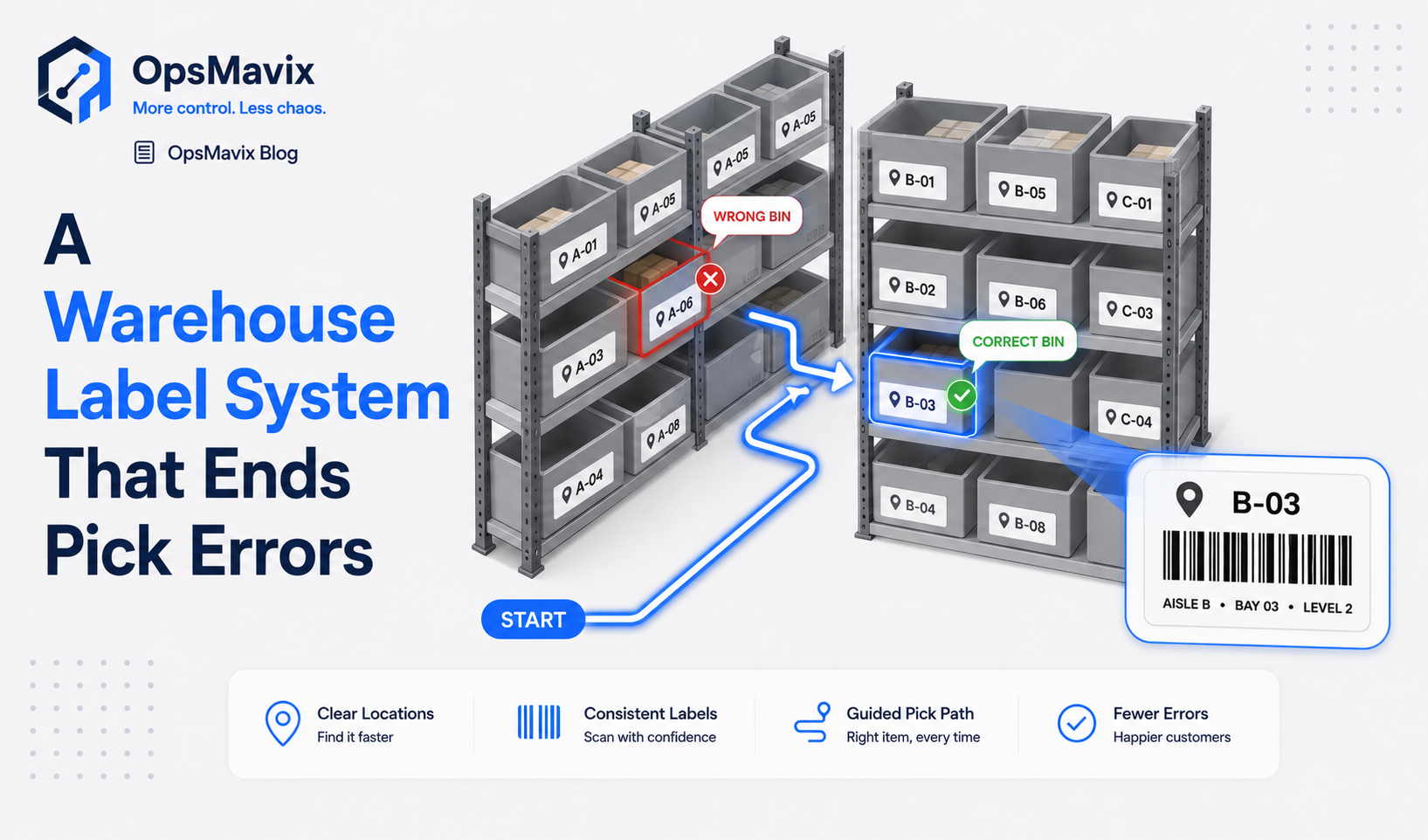
Two similar cartons sit beside each other. The picker recognises the packaging, takes six and moves on. At packing, the order reference is correct, but the product variant is not.
A label on the shelf might have made the choice clearer. A properly configured scan check could have flagged the mismatch before the goods reached the box.
A warehouse label system connects readable, scannable identifiers on locations, products and relevant handling units to the records used for receiving, movement and fulfilment. Its purpose is to make identification clear and let the workflow validate what staff actually handle.
Labels can improve navigation immediately. Stronger picking controls come from correct mappings, quantity rules and scan validation against the task. Neither stickers nor scanners guarantee that every movement is recorded or every order is right.
This guide explains which objects need identifiers, how to organise bin labels and how to prove a scan-verified workflow before extending it across the warehouse.

Clear location identification reduces reliance on memory. The records must still reflect what is actually stored there.
Key Takeaways
- Investigate pick errors across layout, labels, master data, quantities and workflow controls rather than assuming every error has one cause.
- Location, product, lot, serial and package identifiers serve different purposes. Use the detail required for the task.
- A product can exist in several bins, and a bin can hold several products. Movement records maintain those balances.
- Configure what happens when the wrong location, product, lot or quantity is selected; merely accepting a scan does not prove a match.
- Test labels on the actual printers, scanners, packaging and racks before mass printing.
- Pilot receiving, put-away, picking and exceptions together, then measure identification failures and order accuracy.
In this guide:
- Diagnose the picking problem
- Separate the identifiers
- Design a location scheme
- Validate the scan against the task
- A worked picking example
- Follow stock through the warehouse
- Print and maintain usable labels
- Pilot and measure the system
- Frequently asked questions
- How OpsMavix can help
1. Diagnose the Picking Problem Before Printing Labels
Pick errors can start with ambiguous identification, but they can also arise from incorrect stock placement, unit confusion, order amendments or weak packing checks.
Follow several recent errors from order release to dispatch. Identify the exact moment the wrong selection became possible and which control could have caught it.
Look beyond the picker
Common issues include:
- Similar variants placed together without clear descriptions.
- A bin label attached to the wrong space.
- Goods moved without updating their location record.
- One barcode mapped to the wrong product or packaging level.
- Cases treated as individual units.
- Pick tasks based on superseded order information.
- Substitutions made without authorisation.
Training may matter too. A good review considers the conditions and instructions rather than treating the error as either entirely human or entirely technical.
Distinguish navigation from validation
A large, readable bin code helps a picker find the right area. It does not establish that the correct item was placed there.
A product scan checks identity only if the workflow compares it with the expected item. Quantity needs its own capture or confirmation rule.
These are related benefits, but they should not be combined into a promise that bin labels alone eliminate wrong picks.
2. Separate Location, Product and Handling-Unit Identifiers
The warehouse needs to distinguish where goods are, what they are and, where relevant, which specific lot or package is being handled.
| Identifier | Identifies | Example use |
|---|---|---|
| Location | A defined physical storage or processing space | Confirm the source bin or put-away destination |
| Product | A product or variant at an agreed packaging level | Match the pick to the ordered item |
| Lot or batch | A traceable group of goods | Select the allocated or eligible batch |
| Serial | A specific individual unit | Confirm the exact unit handled |
| Handling unit | A pallet, carton, tote or other grouped unit | Move or verify its recorded contents |
| Task or order | The operation being carried out | Load the correct receipt, pick or dispatch |
Do not require unnecessary relabelling
A supplier product barcode may already identify the item correctly. Reuse it where compatible with the system and process.
Internal labels may be needed for locations, missing identifiers or additional tracking detail. Avoid covering useful supplier information with redundant stickers.
Odoo’s product and location barcode guidance illustrates that these identifiers map to different records. Verify that distinction in the chosen software.
A pallet identifier is not a product code
GS1’s Serial Shipping Container Code guidance describes identifying logistics units such as pallets or parcels. A logistics-unit identifier serves a different role from a product identifier.
If scanning a pallet is intended to move its contents, the system needs an accurate contents relationship. A label alone does not prove that the pallet still contains every expected item.
Keep balances separate from labels
Product A can be stored in several bins. A mixed bin can hold Products A and B. The location label should identify the space; the inventory records explain its current contents and quantities.
Do not make a fixed location label claim a permanent SKU assignment when the storage policy allows the contents to change.
3. Design a Location Scheme the Team Can Use
A useful scheme is unique within its required scope, readable on the floor and stable enough to maintain.
For example, an internal display code might be WH1-C-04-03-02, representing warehouse, aisle, bay, level and position. The exact convention should follow the site’s layout rather than imitate an unrelated warehouse.
Make the meaning explicit
| Part | Illustrative meaning |
|---|---|
| WH1 | Warehouse or site |
| C | Aisle |
| 04 | Bay |
| 03 | Level |
| 02 | Position within that level |
These are internal example codes, not GS1 identifiers or a prescribed standard.
Use consistent ordering, numbering direction and zero padding. Include a site prefix where codes might otherwise collide across warehouses.
Label the operational spaces too
Receiving, inspection, returns, packing and dispatch staging need identifiable positions if movements through them affect the records.
A tote or cart may also need a handling-unit reference rather than being treated as an unnamed temporary location.
Place the label unambiguously
Make it clear which shelf or bin a label belongs to. Position, arrows or other visual cues can help where several levels are close together.
Test the normal approach direction and scanning distance. A correct barcode placed where staff must reach unsafely or aim through stock is a poor practical design.
Control relocation and retirement
When racks or bins change, update the master records and physical labels together. Remove obsolete labels and review stock balances linked to retired locations.
A replacement label should reproduce the correct identity. Renaming or reassigning a location is a separate controlled change.
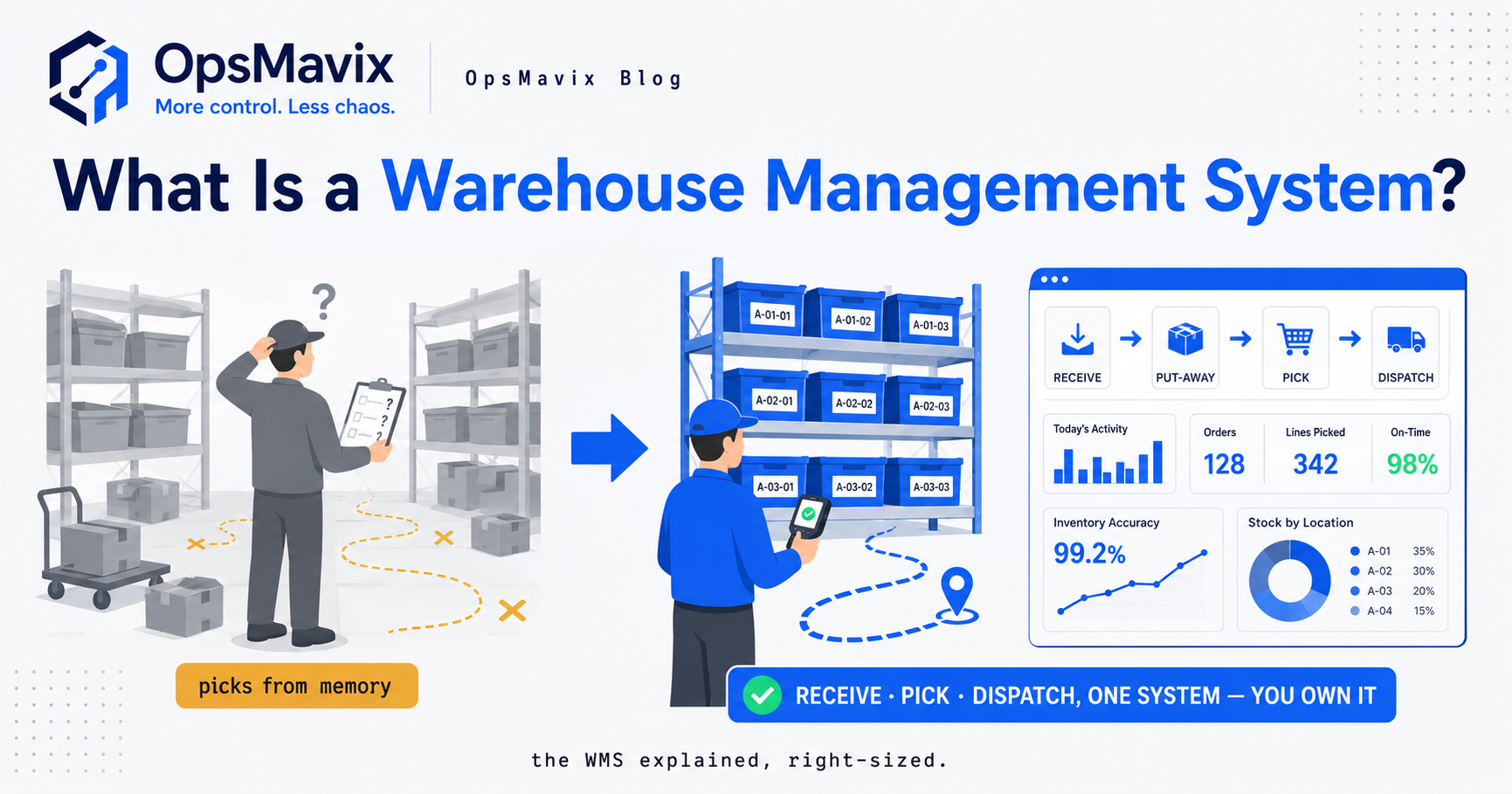
Readable location codes and usable scan positions make the intended confirmation practical at the shelf.
4. Validate the Scan Against the Task
The safeguard is the comparison between the scanned identifier and the permitted action. A scanner that merely fills a field can still accept the wrong selection.
Define the pick sequence
A typical workflow might load the task, confirm the source location, identify the product, capture required lot or serial information and confirm quantity.
The sequence can differ for batch picking or package handling. Test it against the actual operation and make the expected next action clear.
Decide what mismatches do
For each important check, define whether the software rejects the action, requests review or permits an authorised exception with a reason.
Examples include:
- Wrong product or variant.
- Different source bin from the allocated location.
- Lot that is not eligible for the order.
- Serial already committed to another task.
- Quantity exceeding the outstanding requirement.
- Package contents that no longer match the records.
A permitted alternative bin is not necessarily an error. The system may allow reassignment after validating its availability and recording the change.
Quantity is not proven by identity
One product scan may add one unit, one case or no quantity at all, depending on configuration. If a user scans a product once and types ten, the scan does not establish that ten physical units were picked.
Use an appropriate method: repeated unit scans, case-level conversions, package references or explicit counted quantity. Preserve the actual unit of measure.
Odoo’s receipt and delivery barcode guidance demonstrates separate quantity actions alongside identification. Review the equivalent behaviour in your workflow.
Design exceptions before they occur
A damaged label, empty allocated bin or stock discrepancy needs a controlled response. Provide a route for supervisor review, recount, relabelling or reassignment.
Forcing a confirmation when the physical situation disagrees with the task makes the data less reliable.
5. A Worked Example: Location, Product and Quantity Checks
Consider a hypothetical pick for six individual units of Product P-120. The system allocates source bin WH1-C-04-03-02. A nearby bin holds the similar-looking P-121.
| Action | What the workflow checks | Expected outcome |
|---|---|---|
| Load the pick task | Correct order and outstanding line | Show P-120, six individual units and allocated source |
| Scan the nearby bin | Source location against task rules | Reject or require authorised reassignment |
| Scan the allocated bin | Correct source location | Permit product confirmation |
| Scan P-121 | Product against order line | Reject the mismatch |
| Scan P-120 | Correct product | Permit quantity capture |
| Confirm six individual units | Quantity and unit against outstanding demand | Record the verified pick under the agreed process |
The successful identity checks do not independently measure the physical quantity. The quantity step still needs to be performed correctly.
Add a case conversion
Suppose a separately mapped case identifier represents 12 individual units. For an order of six individual units, scanning one intact case should not silently count as six.
If the case is opened, the workflow should record six individual units under the appropriate capture rule, leaving six in the source position.
Assume the source begins with 24 individual units and picking moves six to packing staging:
- Source bin: 24 − 6 = 18.
- Packing staging: 6.
- Total company physical stock: 24, before dispatch.
After all six leave the company inventory boundary under the dispatch process, the physical total becomes 18.
Do not subtract the order once for picking and again for dispatch as if both events independently remove it from company stock.
What the example proves
Location and product checks can catch the illustrated identity mistakes. Correct quantity handling and movement posting address different risks. The label system needs all the relevant controls rather than one generic “scan passed” message.
6. Follow Stock Through Receiving to Dispatch
Labels support inventory accuracy when the process captures movements with the correct references. They do not prevent an unrecorded movement elsewhere.
Receiving and put-away
Confirm the product, quantity and relevant tracking details against the receipt. Resolve unfamiliar or ambiguous barcodes before posting stock to an assumed product.
Identify the actual put-away destination and record the move there. Goods left in receiving should not appear available in the final rack location prematurely.
Replenishment and internal transfers
Capture source, destination and quantity. Preserve lot, serial or package relationships where required.
If pick-face stock is replenished from bulk storage, the records need to show both positions correctly. A location scan without a saved transfer does not update the balances.
Picking and packing
Picking checks selection against the task. Packing can provide another verification point, especially when several orders or totes are handled together.
Keep order and container association clear. Correct items placed in the wrong customer’s carton remain a fulfilment error.
Dispatch, returns and losses
Dispatch needs the correct shipment reference and quantity. Returns should enter the relevant review or release process before becoming freely available.
Samples, damage and internal use need records too. Labels cannot explain stock removed without any captured event.
For the wider recording problem, see why stock never matches the system.
7. Print and Maintain Labels That Work on the Floor
Printing the whole warehouse before testing a small sample can create expensive rework. Validate both the encoded data and the physical result first.
Choose the design for its use
Include a readable code and description where useful. Make key distinctions between similar products visible without crowding the label.
Select a supported barcode format and appropriate size for the scanner and distance. Preserve the required clear space around the symbol and avoid distortion when scaling.
Use the relevant standards where labels must be exchanged with trading partners. Internal bin conventions and standard logistics labels serve different purposes.
Test the actual environment
Check representative labels for:
- Print clarity and contrast.
- Successful decoding to the intended record.
- Adhesion to the actual surface.
- Resistance to expected handling, moisture or temperature conditions.
- Readability at the working distance and angle.
- Placement that does not obscure necessary product information.
A successful scan confirms decoding; it does not by itself prove correct master-data mapping.
Control reprints and changes
Restrict who can create or change identifiers. Review duplicate mappings, removed products and retired locations.
Reprinting a product-type label may be normal. Duplicating a unique serial or handling-unit label onto a different object can create a serious identity conflict. Define the rules by label type.
Provide a routine for damaged labels and remove superseded ones so staff are not offered two conflicting codes.

Label records, tasks and stock movements need consistent identifiers across the connected tools.
8. Pilot the Label System and Measure the Result
Choose one picking zone or product group with recurring identification issues. Include lookalike products, mixed storage or case quantities if those are relevant to the wider warehouse.
Clean the starting records
Verify product mappings, packaging units, locations and stock positions. Print a small label sample and have the intended users test it with the real devices.
Assess existing barcode capabilities first. Configuration or a supported extension may meet the need without custom development.
Test realistic errors
The pilot should include a wrong location, wrong variant, excess quantity, empty bin, damaged label and unauthorised substitution.
Also test partial picking, cancelled tasks, mixed orders at packing and connection failure. Verify that retries do not duplicate inventory moves.
Compare the outcome with a baseline
Track pick-line errors, packing corrections, identification failures, search time and stock discrepancies. Use consistent definitions and distinguish errors caught before dispatch from errors reaching customers.
For a hypothetical period, 20 wrong pick lines out of 2,000 gives a 1% error rate. Eight out of 2,000 gives 0.4%. That is a reduction of 0.6 percentage points, or 60% relative to the original rate.
Those figures illustrate measurement only; they are not a customer result or a promised improvement. Comparable product mix and workload matter when judging the change.
Expand with ownership and support in place
Agree training, master-data ownership, label replacement and device support. For custom software, document source access, hosting, integrations and handover.
Connect the pilot to a practical inventory system under clear posting rules. Expand when the workflow and evidence support it, rather than because every rack now has a sticker.
Frequently Asked Questions
What is a warehouse label system?
It is a coordinated set of identifiers and workflows for locations, products and relevant tracked objects. Labels help people identify goods and let software validate actions against receiving, movement and fulfilment tasks.
Should we label bins as well as products?
Where location confirmation matters, yes. Product identity and location identity answer different questions. The location record should describe the space while inventory records maintain its current contents.
Does every product need a new internal barcode?
No. Existing supplier codes may be suitable if they map correctly and can be read reliably. Add internal labels where required rather than relabelling by default.
Will scanning automatically check quantity?
Not always. A scan may identify a product or package without proving the quantity handled. Configure the unit, case conversion and quantity confirmation method explicitly.
Can a product be stored in several bins?
Yes. The system should preserve balances by location and relevant tracking detail. Picking can then allocate a suitable source instead of assuming every SKU has one permanent home.
Will labels eliminate phantom stock?
They can support more reliable identification and movement capture. Missing events, wrong quantities, duplicate posting or delayed integrations can still create discrepancies. Review the complete workflow alongside the labels.
Are phone cameras enough for scanning?
They may work for some tasks. Test scan speed, distance, ergonomics and the environment before choosing. A dedicated device may be more practical for intensive use, while a phone can suit a limited pilot.
Do we need a full WMS or custom software?
Not necessarily. Existing inventory tools may already support the required barcode checks. Compare configuration, standard products and focused custom work against the actual tasks and exceptions.
Where should we start?
Choose a recent wrong pick and identify whether the gap was location, product, quantity, order association or recording. Pilot labels and checks that address that specific failure across the relevant workflow.
How OpsMavix Can Help
OpsMavix helps warehouses connect identification to practical inventory and fulfilment controls. We begin with the real movement path and recurring errors, then assess what the current tools can support and where a focused build would help.
We can help you:
- Map location, product, unit and tracking requirements.
- Define a consistent location scheme and barcode mappings.
- Build guided receiving, put-away and picking workflows.
- Configure mismatch checks and authorised exceptions.
- Connect validated movements to a warehouse inventory system.
- Link picking and packing to order management.
- Pilot the change with clear measures and team training.
- Provide a documented software handover and support arrangements.
Bring one recent wrong pick and photographs or records of the relevant shelf, product label and task. We will trace where identification or validation failed and what would have caught the mistake earlier.
Book an Operations Leak Audit to map where warehouse picking accuracy breaks down and what to improve first.
Keep reading
Getting value from OpsMavix? Add us as a preferred source on Google — you'll see more of our operations content in your AI Overviews, AI Mode and Search.