
Pick Face Replenishment: UK Warehouse Guide
Stop pickers finding empty faces while reserve stock sits overhead. A UK guide to pick face replenishment triggers, task priority and a worked GBP example.

Pick face replenishment is the process of moving stock from reserve (bulk) locations into the pick locations your team picks from, before those faces run empty. Done well, pickers almost never arrive at an empty slot while full pallets sit in the racking above. Done badly, it is the hidden cause of late dispatches, “out of stock” orders that were never out of stock and stock records that drift every time someone grabs a case from reserve without booking it.
This guide is for UK warehouse, wholesale and ecommerce operations that hold stock in two places, a pick face and a reserve location, and want replenishment to be triggered by data rather than by a picker shouting down the aisle. It sits under our inventory automation system, which is where bin-level stock and replenishment rules live in an OpsMavix build.
Pick faces, reserve and why replenishment breaks
A pick face (also called a forward pick or primary location) is the shelf, bay or pallet location a picker goes to for a SKU. A reserve location holds back-up stock, often full pallets in higher racking or a separate bulk area. Replenishment is the transfer between them.
It breaks in predictable ways:
- No trigger. Nobody knows a face is low until a picker finds it empty, so replenishment is always reactive.
- Trigger set in the wrong units. A minimum of “10” means little if stock arrives in cases of 24 and the face holds eight cases.
- No priority. The driver tops up whatever is nearest, while the SKU on 40 orders this afternoon waits.
- Unbooked moves. Someone pulls a case from reserve and drops it on the face without scanning. The system still thinks it is in reserve, so stock appears in two places or neither.
- Overfilling. A full pallet is forced into a face that only has room for half, and the rest is left in the aisle.
Each of these is a process problem first and a software problem second. The aim is a small set of rules your team can follow and the system can enforce.
The four replenishment triggers
| Trigger | How it works | Best for | Watch out for |
|---|---|---|---|
| Min/max | Task raised when face stock falls to the minimum; top up towards the maximum | Steady sellers, simple operations | Minimum set too low for peak hours |
| Demand-based (order-led) | Task raised when allocated orders for the next wave or day exceed face stock | Wave or batch picking, wholesale order cut-offs | Needs reliable allocation before picking starts |
| Top-off | Faces below a threshold filled in a quiet period, often before the shift | Fast movers, reducing truck traffic during picking | Can tie up labour on faces that would have lasted |
| Emergency (pick-short) | Picker reports an empty face; urgent task raised | A safety net only | If it is common, the other triggers are mis-set |
Most warehouses use a mix: min/max for the long tail, demand-based checks before each wave, a top-off run before the morning shift, and emergency tasks as the exception you measure and try to drive down.
How to set the minimum and maximum
Maximum: what the face physically holds
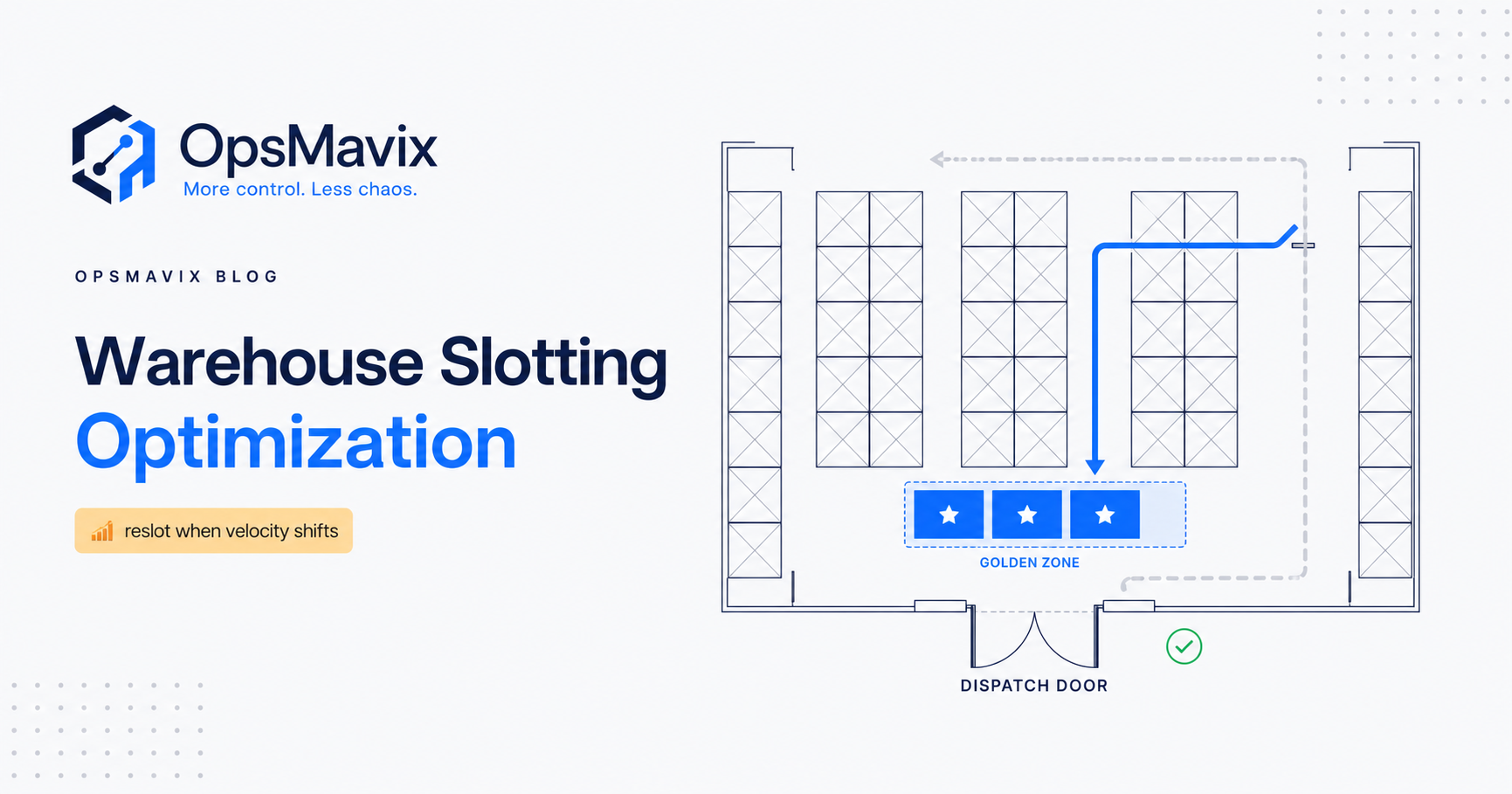
Set the maximum from the location’s real capacity in handling units, not a round number. If a shelf takes eight cases of 24, the maximum is 192 units. If the face is a pallet location, the maximum is one pallet of that SKU’s standard configuration. Our guide to warehouse slotting optimisation covers sizing faces to pick velocity in the first place.
Minimum: enough to last until the replenishment arrives
The minimum should cover demand during the time it takes to raise, assign and complete a replenishment task, plus a margin for busy periods:
Minimum = peak picking rate per hour
          × replenishment response time (hours)
          × (1 + safety margin)
          → rounded up to whole handling units
Measure the response time from your own task history if you have it: from trigger to the stock being scanned into the face. If you do not, time a sample of moves across a normal shift and a busy one. The same logic underpins wider safety stock calculations, just at bin level and in hours rather than weeks.
Replenishment quantity: fill the space, in whole units
When the task is raised, the quantity to move is the space available (maximum minus current stock), rounded down to whole cases or layers so nothing is left in the aisle. Moving a full pallet only makes sense when the face has room for a full pallet.
Worked UK example: one fast-moving SKU
Hypothetical example, GBP where costs are shown. A UK wholesaler picks a cleaning product from a shelf face that holds eight cases of 24 (192 units). Reserve stock sits above in full pallets of 40 cases.
| Input | Value | Note |
|---|---|---|
| Face maximum | 192 units | 8 cases × 24 |
| Peak picking rate | 30 units per hour | Busiest hour, from pick history |
| Replenishment response time | 40 minutes (0.67 h) | Measured trigger-to-scan average |
| Demand during response | 20 units | 30 × 0.67 |
| Safety margin | 50% | Covers queueing at peak |
| Raw minimum | 30 units | 20 × 1.5 |
| Minimum (trigger) | 48 units | Rounded up to 2 whole cases |
| Replenishment quantity at trigger | 144 units | 192 - 48 = 6 cases |
The face triggers at two cases left and receives six. Average demand of around 150 units a day means roughly one replenishment task a day for this SKU, with a top-off run before the morning shift catching it if it closed the previous day just above the minimum. A full pallet (960 units) is never dropped into this face; it stays in reserve.
What pick-shorts are costing
Now suppose the warehouse records 30 pick-short events a day across all SKUs. Each one costs, on average, five minutes of picker time (walking back, waiting, re-picking) and four minutes of a supervisor or truck driver re-tasking: nine minutes in total.
30 events × 9 minutes = 270 minutes = 4.5 hours a day
4.5 hours × £17 assumed loaded labour cost = £76.50 a day
£76.50 × 250 working days = £19,125 a year
If better triggers halved pick-shorts, that would free roughly £9,560 a year of labour capacity. That is time back for picking and dispatch, not an automatic cash saving unless it avoids overtime or agency hours. Late dispatches and missed carrier cut-offs come on top, but measure them from your own data rather than estimating.
The labour rate, event count and time per event are illustrative assumptions, not UK benchmarks or client results.
Prioritising replenishment tasks
When several faces are low at once, rank tasks by time to stock-out, not by distance or the order they were raised:
- Faces already empty with open picks waiting.
- Faces that today’s allocated orders will empty before the next scheduled top-off.
- Faces at or below the minimum.
- Top-off tasks for faces above the minimum.
A simple time-to-stock-out estimate is current face stock divided by the picking rate for the next few hours. Show that number on the task list so the driver can see why a task is urgent. If your wholesale orders have a cut-off time, link replenishment priority to it; our wholesale order management system page explains how order cut-offs and stock allocation fit together.
Keeping the stock record right during moves
Every replenishment is a stock transfer between two locations. Treat it like one:
- Scan out of reserve, scan into the face. Both locations should update at the moment of the move, not at the end of the shift.
- Confirm the quantity moved. If the task says six cases and only five fit, the driver records five and the system leaves one in reserve.
- Flag a short reserve. If the reserve location has less than the system expects, raise a count task immediately instead of quietly adjusting.
- Lock adjustments behind approval. A driver should not be able to “fix” a mismatch by editing quantities. Our guide to a stock adjustment approval workflow covers who approves what.
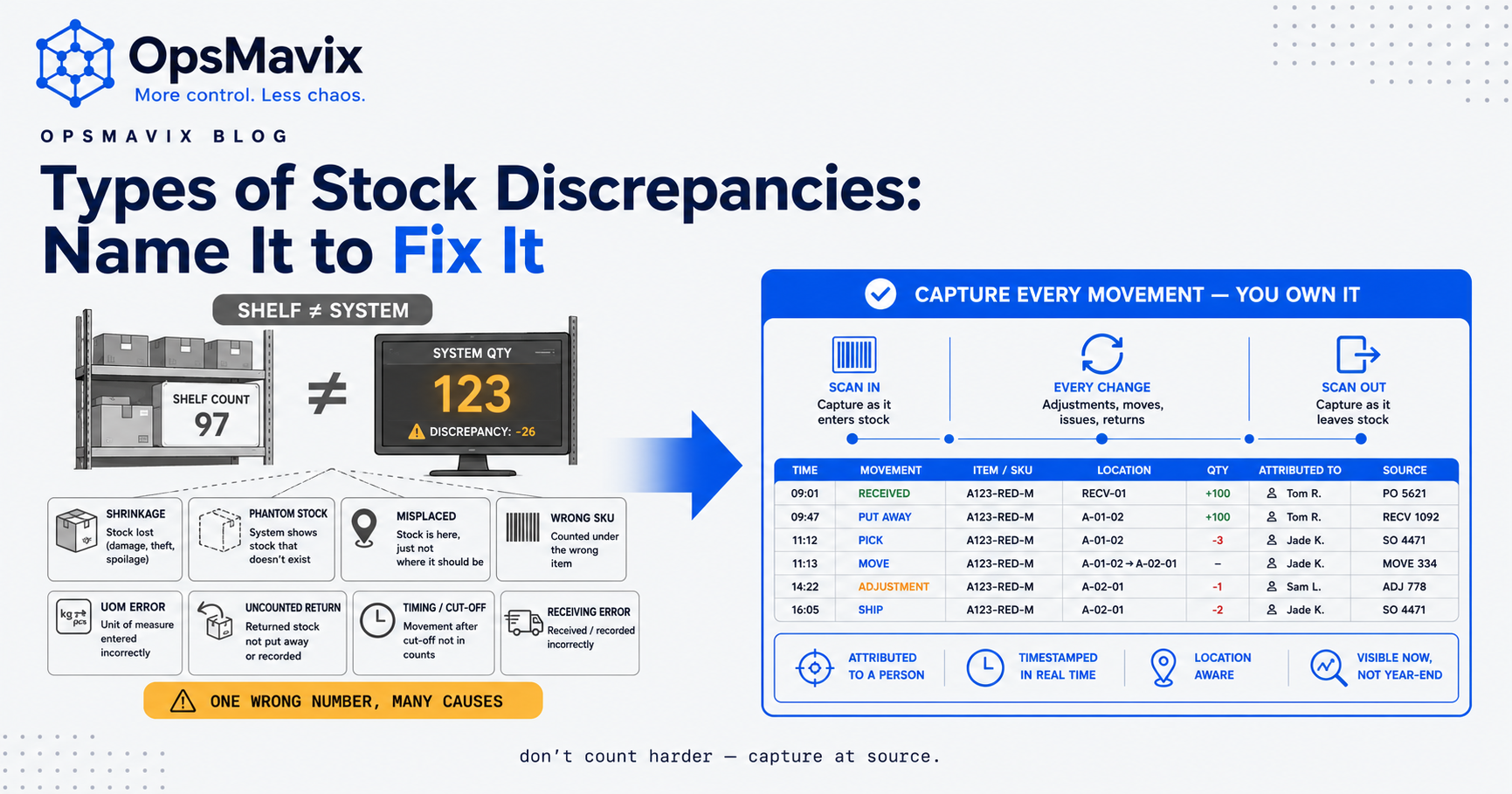
Unbooked replenishment is one of the commonest reasons bin-level records drift. The wider prevention playbook is in how to prevent stock discrepancies.
Health and safety considerations in UK warehouses
Replenishment moves heavy stock, often with lift trucks, sometimes at height, in aisles where people are picking. Software can help schedule it safely, but it does not replace your risk assessment.
- Vehicles and pedestrians. HSE’s warehousing guidance says vehicle movements in the workplace need careful management and highlights separating pedestrians from traffic. Running top-off replenishment before picking starts, or closing an aisle while a truck replenishes it, reduces the time trucks and pickers share the same space.
- Work at height. Regulation 6 of the Work at Height Regulations 2005 requires employers to ensure work is not carried out at height where it is reasonably practicable to do it safely another way, and otherwise to take suitable measures to prevent falls. A replenishment process that relies on pickers climbing racking to reach reserve stock is a warning sign; reserve stock should be brought down by trained operators with suitable equipment.
- Manual handling. HSE notes that lifting and moving by hand is the main cause of reportable accidents in the freight-by-road industry. Putting heavy, fast-moving SKUs in waist-height faces and replenishing in sensible unit sizes reduces handling.
HSE’s free guide HSG76, Warehousing and storage: a guide to health and safety covers these areas in more depth. This section is general information, not legal or health and safety advice for your site.
Spreadsheet, WMS module or connected system?
| Approach | Fits when | Limits |
|---|---|---|
| Paper or spreadsheet min/max list | One site, a few hundred faces, a stable range | No live trigger; relies on someone checking; moves often go unbooked |
| Replenishment module in a full WMS | High volume, many faces, directed picking already in place | Cost and implementation effort; more than many SMB warehouses need |
| Inventory system with bin-level stock and replenishment rules | Two-location stock (face and reserve), clear rules, need for live triggers | Rules are only as good as the minimums you set and the scans your team makes |
Our guide to warehouse management software solutions explains which parts of a WMS most growing UK warehouses actually use. If you run more than one site, multi-location inventory management covers transfers between them.
Implementation checklist
- List every pick face with its SKU, location and real capacity in handling units.
- Measure replenishment response time across a normal and a peak shift.
- Set minimums from peak picking rate, response time and a margin, rounded up to whole units.
- Decide which SKUs get demand-based triggers before each wave or cut-off.
- Schedule a top-off run before picking starts for fast movers.
- Require scan-out from reserve and scan-in to the face for every move.
- Log every pick-short with time, SKU and cause, and review weekly.
- Review minimums monthly, or after any change to range, packaging or demand.
- Check the plan against your site’s risk assessment for vehicles, height and handling.
Costs and limitations
The main costs are setting up accurate location data, labelling faces and reserve locations, giving drivers handheld scanning, and the time to tune minimums. An OpsMavix build is scoped and priced in writing; our inventory automation page lists builds from £4,950 for one area, but the right scope depends on how many sites, faces and integrations you have.
The limits are practical. Replenishment rules cannot fix a face that is too small for the SKU’s velocity (that is a slotting decision), and live triggers depend on pickers and drivers scanning consistently. Expect a few weeks of adjusting minimums before pick-shorts settle.
Frequently asked questions
What is the difference between pick face replenishment and reordering?
Replenishment moves stock you already own from reserve to a pick location inside the warehouse. Reordering buys more stock from a supplier. Both use trigger points, but replenishment works in hours and handling units, while reordering works in days or weeks of supplier lead time.
Should replenishment happen during picking or before it?
Both, for different reasons. A top-off run before picking reduces truck traffic in busy aisles. Live triggers during the shift catch faces that sell faster than expected. Emergency replenishment should be rare.
How often should minimums be reviewed?
Monthly is a sensible starting point, and immediately after a range change, a packaging change or a seasonal shift in demand. Use your pick-short log to spot faces that need a higher minimum.
Do I need a full WMS for replenishment?
Not necessarily. Many SMB warehouses need bin-level stock, min/max and demand-based triggers, a prioritised task list and scan confirmation, which can be delivered without the rest of a full WMS.
Can OpsMavix connect replenishment to our orders?
Yes, where order and stock data are in the system we build or in tools we can connect to. We confirm what is possible with your existing software during scoping rather than assuming every integration is available.
Keep pick faces stocked before pickers arrive
Pick face replenishment is a small, repeatable process with an outsized effect on dispatch speed and stock accuracy. Start with your top 50 faces by picks, measure response time, set minimums in whole units and log every pick-short for a month.
If your team is still replenishing from shouts and memory, talk to OpsMavix about an inventory automation system with bin-level stock, live triggers and scanned moves. Bring your location list and a week of pick-short notes and send us an enquiry.
Sources and further reading
- HSE: Warehousing — vehicle movements, pedestrian separation and manual handling; reviewed 25 October 2026.
- The Work at Height Regulations 2005, regulation 6 (legislation.gov.uk) — avoidance of risks from work at height; reviewed 25 October 2026.
- HSE: HSG76 Warehousing and storage: a guide to health and safety — free download; reviewed 25 October 2026.
- OpsMavix: Warehouse slotting optimisation — sizing and placing pick faces.
The trigger rules, minimums and GBP figures in this article are practical suggestions and hypothetical examples, not benchmarks, client results or health and safety advice. The cover is an OpsMavix diagram.
Keep reading

Getting value from OpsMavix? Add us as a preferred source on Google — you'll see more of our operations content in your AI Overviews, AI Mode and Search.