
Time and Materials Billing Software: US Contractor Guide
Bill every hour and part your crews use. A US guide to time and materials billing software, signed field tickets, NTE caps and a worked USD margin example.

Time and materials billing software turns the hours, materials and equipment your crews use in the field into an invoice the customer will accept. It does that by capturing each day’s work on a field ticket, pricing it against the agreed labor rates and material markup, checking it against any not-to-exceed cap, and moving it to billing before it goes stale.
For US contractors and field service companies, the money is rarely lost in the pricing. It is lost in capture: a ticket nobody had signed, parts pulled from a truck and never recorded, or a job that quietly ran past its cap before anyone in the office noticed.
T&M billing in 30 seconds
- Time and materials (T&M) means the customer pays for labor hours at agreed hourly rates plus materials, usually at cost plus a markup.
- A field ticket (also called a T&M tag or daily work ticket) is the record of what was done each day, ideally signed by the customer’s representative.
- A not-to-exceed (NTE) amount or ceiling caps what the customer will pay without further authorization.
- The billing risk is unbilled work: hours and materials used but never captured, approved or invoiced.
- The control is a short workflow: capture daily, approve daily, price by rule, watch the cap, invoice on a fixed cycle.
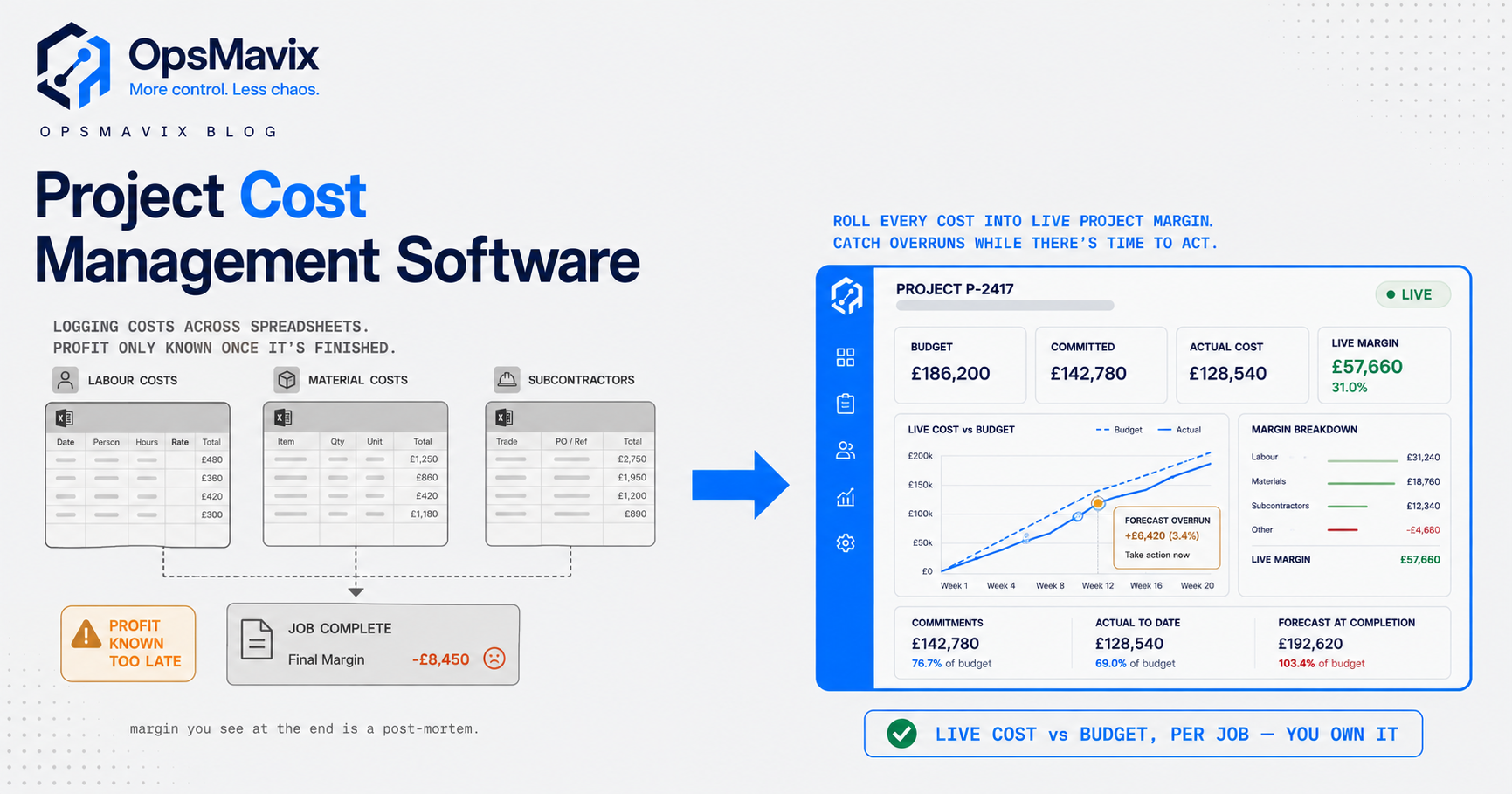
If your field tickets, timesheets, purchase receipts and invoices live in different places, the gap between what was done and what was billed is invisible until the job closes. That gap is what a project operations dashboard is designed to show while the job is still live.
What is time and materials billing?
A time and materials contract pays for work as it is performed rather than for a fixed scope at a fixed price. It is common where the scope cannot be pinned down in advance: service and repair calls, tenant improvements with unknown conditions, emergency work, maintenance on older equipment and “extra work” on otherwise fixed-price jobs.
The US federal definition is a useful reference point even for private work. Under FAR 16.601, a time-and-materials contract provides for acquiring supplies or services on the basis of direct labor hours at specified fixed hourly rates, plus materials at cost. The FAR says this contract type may be used only when it is not possible to estimate the extent or duration of the work, or anticipate costs, with reasonable confidence. It also requires a ceiling price “that the contractor exceeds at its own risk.”
Private contracts are not governed by the FAR, and their terms vary. But the same three ideas usually appear: hourly rates by labor category, a rule for pricing materials, and some form of cap.
T&M vs fixed price vs cost-plus
| Contract type | Customer pays | Who carries overrun risk | What you must track |
|---|---|---|---|
| Fixed price | Agreed lump sum | Contractor | Cost against estimate, change orders |
| Time and materials | Hours × rate + materials (often with markup) | Shared; contractor above any cap | Hours by category, materials, cap consumed |
| Cost-plus | Actual cost + fee | Mostly customer | Every cost with evidence, fee calculation |
Many contractors run all three at once, often on the same job: a fixed-price base scope with T&M extras. If extras are the main issue, our guide to project change request tracking covers how to get added scope estimated and approved before it is built.
Where T&M billing leaks money
Most T&M write-offs come from a handful of repeat causes:
- Unsigned or missing tickets. The work was done, but there is no customer signature, so the line is disputed or dropped.
- Truck stock not recorded. Fittings, wire, filters and consumables come off the van and never reach the ticket.
- Wrong labor category. An apprentice billed at the journeyman rate gets disputed; a foreman billed as a journeyman loses you money.
- Late invoicing. Tickets sit in a folder until month-end, by which time the customer’s site contact has forgotten the job.
- Cap overrun. Nobody compared the running total with the NTE amount, so the last few days of work need a fresh authorization the customer may refuse.
- Markup applied inconsistently. Different office staff apply different markups or forget freight and equipment rental.
None of these is a pricing problem. They are capture and workflow problems, which is why the software question is mostly about the field-to-office handoff.
The T&M billing workflow, step by step
Step 1: Capture the field ticket on the day
Each day, the lead technician or foreman records:
- the job and, if relevant, the work order or change reference;
- each worker’s hours by labor category, with start and finish times;
- materials used, from purchase or from truck stock, with quantities;
- equipment used, such as a lift or generator, with duration;
- a short description of the work done;
- photos where they help support the bill.
The customer’s representative signs the ticket on a phone or tablet before the crew leaves. If the representative is not available, the ticket is sent for remote approval the same day rather than held.
Step 2: Reconcile hours with payroll time
The hours on the field ticket and the hours on the employee’s timecard should come from the same record or be reconciled. They serve different purposes: billing needs hours by job and labor category; payroll needs hours worked each day and each workweek.
For non-exempt employees, the US Department of Labor’s Fair Labor Standards Act (FLSA) recordkeeping rules require employers to keep records that include hours worked each day and total hours worked each workweek. Payroll records must be kept for at least three years, and records on which wage computations are based, such as time cards, for two years. Capturing job time and payroll time once, and reconciling any differences, avoids both billing gaps and payroll disputes. Our timesheet software guide covers job-coded time capture in more detail.
Step 3: Price the ticket by rule
Pricing should be automatic once the ticket is approved:
- labor hours × the contract rate for each labor category, including any overtime rate the contract allows;
- materials at cost plus the agreed markup;
- equipment at the agreed rate;
- any other direct costs the contract allows, such as permits or disposal.
Rates and markups belong to the contract, not to whoever is preparing the invoice. Store them against the customer or job so every ticket is priced the same way.
Sales tax is a separate question. Whether labor, materials or both are taxable depends on the state, the type of work and sometimes how the invoice is presented, so confirm the treatment with your state’s revenue department or your tax adviser and set it up once in your billing system.
Step 4: Track the cap in real time
After each ticket is priced, add it to the running total for the job and compare it with the NTE amount. A simple rule works well:
- at 75 to 80% of the cap, alert the project manager;
- at 90%, require a conversation with the customer about the remaining work;
- above 100%, no further work without written authorization.
The thresholds are a choice, not a standard. The point is that the warning arrives while there is still time to ask.
Step 5: Invoice on a fixed cycle
Invoice approved tickets weekly or at the billing interval in the contract, with the signed tickets attached or available as backup. Short cycles reduce disputes because the work is fresh, and they keep cash flowing on long service jobs.
Step 6: Review unbilled work every week
Run a weekly list of every ticket that is captured but not approved, approved but not invoiced, or invoiced but disputed. Each item gets an owner and a date. This is the single most useful report in T&M billing, and it is the one most often missing.
A worked USD example
The figures below are hypothetical and are included to show the arithmetic. They are not an OpsMavix client case, and the rates are not market benchmarks.
A commercial electrical contractor is doing T&M repair work for a property manager with a not-to-exceed amount of $25,000. The contract sets labor rates of $95 an hour for a journeyman, $65 for an apprentice and $120 for a foreman, materials at cost plus 15%, and lift rental at $280 a day.
| Item | Quantity | Rate | Billable |
|---|---|---|---|
| Journeyman labor | 64 h | $95 | $6,080 |
| Apprentice labor | 48 h | $65 | $3,120 |
| Foreman labor | 16 h | $120 | $1,920 |
| Materials at cost | $6,400 | + 15% | $7,360 |
| Lift rental | 3 days | $280 | $840 |
| Total billable | $19,320 |
The job has used 77.3% of the cap ($19,320 ÷ $25,000), leaving $5,680. With an alert at 80% ($20,000), only $680 of headroom remains before the warning, so the next day’s ticket will almost certainly trigger it. The project manager should already be checking how much work is left.
Now assume the contractor’s loaded labor cost is $58 an hour for the journeyman, $38 for the apprentice and $72 for the foreman, with materials and lift rental passed through at cost.
- Cost: (64 × $58) + (48 × $38) + (16 × $72) + $6,400 + $840 = $13,928
- Gross margin if everything is billed: $19,320 − $13,928 = $5,392 (27.9%)
Suppose two field tickets went unsigned and were dropped: 14 journeyman hours ($1,330) and $420 of truck-stock materials ($483 with markup). The invoice falls by $1,813 to $17,507, but the cost does not change. Gross margin drops to $3,579, or 20.4%.
Nothing about the pricing changed. A few missed tickets took seven and a half points off the margin on one job.
For more worked examples of how margin moves between estimate and actual, see our job costing examples.
What to look for in time and materials billing software
| Capability | Why it matters | Test it with |
|---|---|---|
| Mobile field tickets with signature | Removes paper and gets approval on the day | A crew lead completing a ticket on a phone in a basement with poor signal |
| Labor categories and rates per contract | Prices hours correctly without manual lookups | Two customers with different rates for the same worker |
| Material capture from truck stock | Stops parts disappearing from the bill | Recording three fittings from van stock against a job |
| Automatic markup rules | Makes pricing consistent | A job with a different markup for equipment than for materials |
| NTE tracking and alerts | Warns before the cap is passed | A job at 79% that gets one more ticket |
| Unbilled work report | Shows money waiting to be billed | Filtering by “approved, not invoiced” |
| Accounting integration | Avoids re-keying invoices | Pushing one invoice to QuickBooks or your accounting system and checking the line detail |
| Audit trail | Supports disputes | Showing who edited a ticket after it was signed |
Off-the-shelf tools vs a custom workflow
Field service platforms and construction suites usually include T&M tickets, and for many firms they are enough. Typical reasons to look further are contract-specific rate structures the tool cannot model, a mix of fixed-price and T&M work on the same job, multiple systems that each hold part of the picture, or reporting that requires exporting everything to a spreadsheet. Our field service software guide covers when a platform fits and when it does not.
Costs, limitations and implementation
The direct cost of T&M billing software depends on users, modules and integration. Per-user field service platforms, construction suites and custom-built systems are priced very differently, so compare the total cost for your number of field users over three to five years rather than the monthly headline.
Whatever you choose, a few limits apply:
- Software does not create signatures. If crews will not ask for approval on site, the tool only digitizes unsigned tickets.
- Rates must be set up correctly. A wrong rate in the system is a consistent wrong rate on every invoice.
- Integration needs testing. Check how tickets, invoices and customer records map to your accounting system before go-live.
- Contracts vary. Overtime rules, markup limits, allowable costs and billing intervals depend on each contract, so the workflow must follow the contract, not the other way round.
A sensible rollout
- Pick one customer or job type with frequent T&M work.
- Agree the ticket fields, labor categories and approval rule.
- Run the new tickets for four weeks alongside the old process.
- Compare captured hours, materials and invoice timing with the previous month.
- Fix the gaps, then extend to the next crew or customer.
To see whether the problem is billing or something wider, our guide to why busy projects still lose money looks at project margin more broadly.
FAQ
What is time and materials billing software?
It is software that records labor hours, materials and equipment against a job, prices them using contract rates and markups, tracks the running total against any cap, and produces invoices with backup. It can be part of a field service platform, a construction suite or a custom operations system.
What should a T&M field ticket include?
The job reference, date, each worker’s hours by labor category, materials and equipment used, a description of the work, and the customer representative’s approval. Photos are useful where they support the bill.
What is a not-to-exceed amount in a T&M contract?
It is the maximum the customer has agreed to pay without further authorization. In federal contracts, FAR 16.601 requires a ceiling price that the contractor exceeds at its own risk. Private contracts set their own terms, so check yours.
How do contractors mark up materials on T&M work?
The markup is whatever the contract allows, applied to the material cost. Store it as a rule in your system so every ticket is priced the same way, and keep the supplier invoice or stock cost as backup.
Can the same system handle payroll time and billable time?
It can capture both from one entry, but billing and payroll have different rules. Billing needs hours by job and labor category; FLSA recordkeeping needs hours worked each day and each workweek for non-exempt employees. Reconcile the two rather than keeping separate, unlinked records.
How often should T&M work be invoiced?
As often as the contract allows. Weekly invoicing with signed tickets attached usually reduces disputes compared with monthly batches, because the work is still fresh for both sides.
Conclusion
Time and materials billing looks simple: hours times rate, plus materials. In practice the margin depends on capture and timing. If every ticket is recorded and approved on the day, priced by rule and checked against the cap, T&M work is predictable. If tickets wait in a truck or a folder, the losses are small, frequent and hard to see.
Start this week with one report: every ticket from the last 30 days that has not been invoiced, with the amount and the reason. That list will tell you whether you need new software, a stricter process, or both.
How OpsMavix can help
OpsMavix builds project operations systems that sit alongside your accounting software and show estimate against actual on every job, with hours, materials and extras captured from the field and flagged to bill. Explore the project operations dashboard, then contact OpsMavix with a recent T&M job and the paperwork behind it. We will map where hours and materials drop out between field and invoice, and what a controlled workflow would need to capture.
Sources and further reading
- Acquisition.gov: FAR 16.601, Time-and-materials contracts. Definitions, when T&M may be used and the ceiling price requirement.
- US Department of Labor: Fact Sheet #21, Recordkeeping Requirements under the FLSA. Hours-worked records and retention periods.
- eCFR: 29 CFR 516.2, Employees subject to minimum wage or minimum wage and overtime provisions. The underlying regulation.
- OpsMavix: Project operations dashboard. Current service information.
USD figures in the worked example are hypothetical. This guide is general operational information, not legal, tax or accounting advice; check your contracts and seek professional advice for your circumstances. Published 24 October 2026.
Keep reading

Getting value from OpsMavix? Add us as a preferred source on Google — you'll see more of our operations content in your AI Overviews, AI Mode and Search.