
Project Change Request Tracking Software: US Guide
Control added project scope with a clear request, estimate, approval and billing workflow. A practical US buyer guide with a worked USD example.
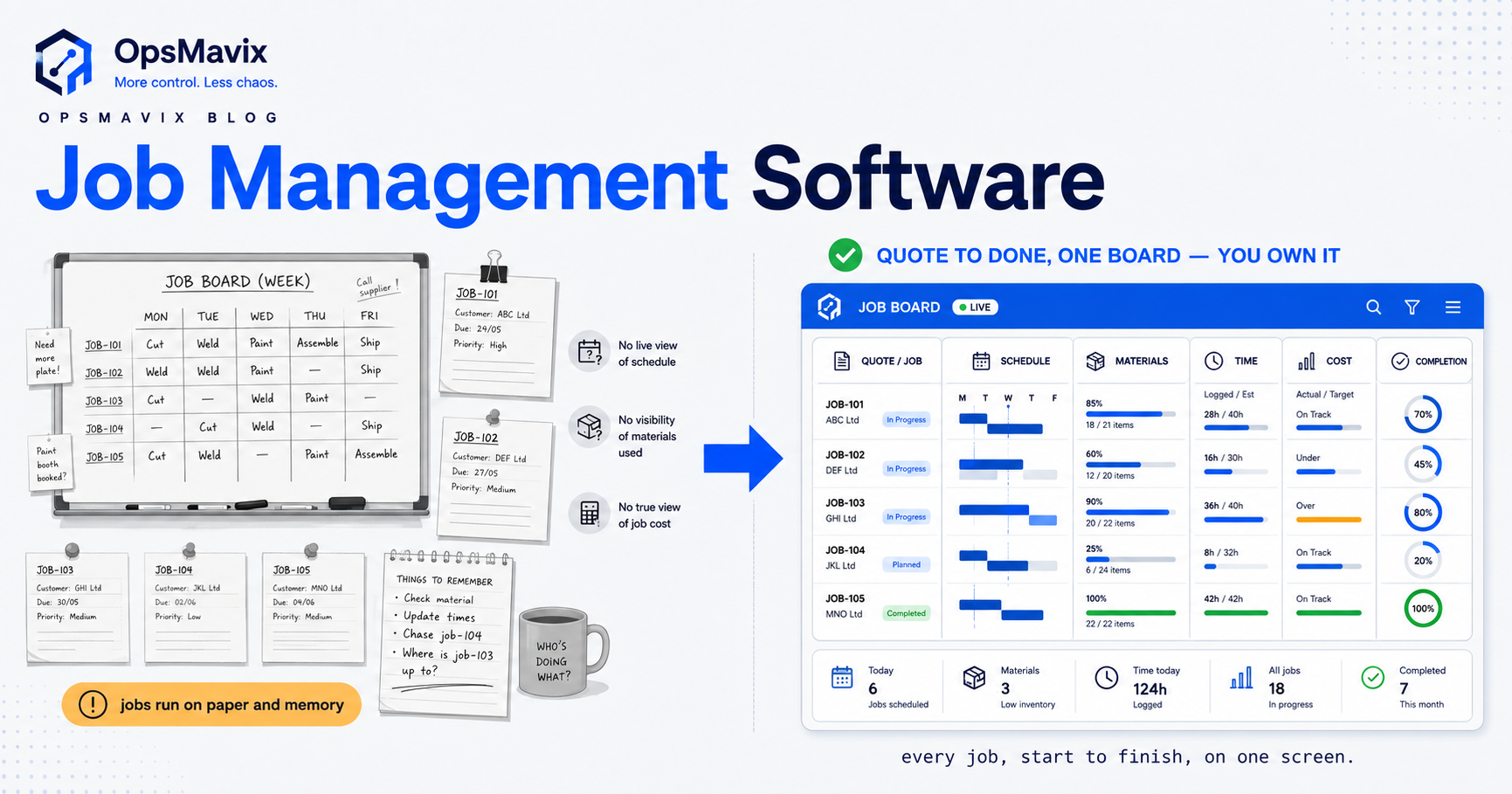
Project change request tracking software gives each proposed scope change an owner, an estimate, a decision and a link to the work it affects. For a US engineering consultancy, installation business or agency, the useful result is simple: staff can see which extra work is authorized before they spend time or place an order.
A request in an email thread is easy to confuse with permission to proceed. A task marked complete does not tell finance whether the customer accepted the extra charge. A good process connects those records without treating them as the same event. If your team needs that connection alongside delivery and cost visibility, start with the OpsMavix project operations dashboard solution and use the workflow below to define what your implementation must do.
In 30 seconds: Capture the request against the original scope; estimate cost and schedule impact; record internal approval and customer acceptance separately; release the agreed work; then reconcile delivery and billing. Keep the original baseline visible. A change register is useful only when it changes what the delivery team is allowed to start.
When a change register becomes worth the effort
Consider a US technical services firm delivering a fixed-fee equipment installation. The customer asks for additional reporting during a weekly call. An engineer adds a task, purchasing orders a component, and the account manager intends to discuss pricing later. Everyone acted reasonably within their own tool, but nobody owned the commercial decision.
The software requirement is not another place to type a description. It is a visible handoff between request, estimate, approval, release and recovery of the agreed charge. Look for recurring signals: work starts while estimates are pending; the same request appears in several messages; accepted changes never reach billing; or a revised budget hides what the original job was supposed to cost.
For a small team with few changes, a shared register and a disciplined review can be enough. The case for software strengthens when multiple project managers, departments or customer approvers must coordinate, especially when changes affect purchase commitments and staffing.
Define the record before choosing software
Use one stable change ID throughout the process. Do not make the ID depend on the current title or status, because both can change.
| Record | Minimum useful information | Why it matters |
|---|---|---|
| Request | Project, requester, date, scope difference and reason | Establishes what is being considered |
| Baseline reference | Original deliverable, estimate version or work package | Makes the difference measurable |
| Impact estimate | Labor hours, purchased items, expenses, dependencies and completion impact | Prevents price-only decisions |
| Commercial decision | Proposed charge, authorized customer contact and acceptance evidence | Separates a request from an agreement |
| Internal decision | Approver, authority limit, decision and timestamp | Shows who authorized the business to proceed |
| Release and closeout | Released tasks, purchase references, actual cost and billing reference | Connects the decision to execution |
Record the revision of the estimate that was accepted. If the customer accepts version two, a later draft must not silently replace it. Store supporting documents with access appropriate to their contents; internal cost rates need not be visible to customers.
A practical approval workflow
1. Capture and triage
Create the request while the conversation is fresh. Identify whether it is additional scope, a correction to your own work, a clarification, or an issue already covered by the agreement. Give it an owner and a decision due date.
These categories are operational aids. The contract and the appropriate commercial or legal review determine rights and obligations. A software status alone cannot establish that a customer owes an extra payment.
2. Estimate the whole impact
Include the direct effort and the work displaced by the change. A four-hour modification may require retesting, a specialist visit and a revised handover date. Ask purchasing whether an existing order can be amended or whether cancellation costs apply.
State assumptions and an estimate validity period. Where uncertainty is material, show a range or a capped discovery step rather than presenting an unsupported precise figure.
3. Record two decisions separately
Internal approval answers whether your company is willing to do the work at the proposed risk and return. Customer acceptance answers whether the appropriate customer party has agreed to the scope, price and timing through the agreed process.
Use separate fields and evidence for each. A project manager approving an estimate internally must not automatically mark it accepted by the customer. Likewise, a customer’s informal request may still need review by someone with the relevant authority.
4. Release work deliberately
Once the required decisions are complete, create or unlock the affected work package. Carry the change ID into task records, time entries and purchasing references. Release only the accepted scope and estimate version.
For urgent work, define an exception route with a named decision maker, a spend or effort limit, and a follow-up deadline. The exception must remain visible as an exception. Renaming it “approved” to clear a queue destroys the signal managers need.
5. Reconcile delivery and billing
At closeout, compare the accepted scope with delivered work and actual cost. Send the approved commercial details to the billing process, then record the resulting invoice reference or the reason no separate invoice is due. Do not label a change “billed” merely because its work is complete.
The broader project cost management guide explains why seeing costs during delivery matters. A change register supplies one specific input to that view: the authorized scope and budget movements behind the numbers.
Worked US example: the price of starting too soon
Hypothetical example, all amounts in USD. A services firm has a $60,000 fixed-fee project with an estimated total delivery cost of $42,000. The initial estimated gross contribution is $18,000, or 30% of revenue. These simplified figures exclude overhead allocation and tax.
The customer requests an extra interface. The estimate is 32 hours at an internal cost of $75 per hour, plus $600 of purchased services. Estimated additional cost is therefore $3,000. The proposed additional charge is $4,500.
| Scenario | Forecast revenue | Forecast total cost | Estimated gross contribution |
|---|---|---|---|
| Original scope | $60,000 | $42,000 | $18,000, or 30.0% |
| Extra work done with no additional charge | $60,000 | $45,000 | $15,000, or 25.0% |
| Extra work accepted at the proposed charge | $64,500 | $45,000 | $19,500, or about 30.2% |
The system does not guarantee acceptance of the $4,500 price. It makes the decision visible before the $3,000 is spent. If the customer declines, the team can defer the interface, reduce the scope, or explicitly authorize an exception.
Keep the original $42,000 cost baseline, the approved $3,000 increase and the revised $45,000 baseline as separate history. Updating one budget cell to $45,000 would hide the reason for the movement.
Spreadsheet, project platform or connected workflow?
| Approach | Sensible fit | What to test |
|---|---|---|
| Shared spreadsheet and controlled document storage | Low change volume with one accountable coordinator | Version discipline, access and follow-up when the owner is absent |
| Existing project platform with approvals | Your team already works there and its approval model fits | Whether accepted versions, customer evidence and billing handoff remain traceable |
| ERP or professional services platform | Finance and project controls already depend on it | Configuration effort, usability and coverage of the actual exception paths |
| Workflow connected to project operations | Existing tools work individually but handoffs repeatedly fail | Ownership of each record, integration reliability and recovery from failed syncs |
Avoid buying a second approval tool before testing the system you already own. Conversely, a task board with a custom “approved” label is not sufficient if anyone can change it and no accepted estimate is retained.
Microsoft’s project budget management documentation describes revised budgets going through approval and a new version being used for comparisons. That is a useful pattern to evaluate; it is not a claim that every project product implements the same controls.
Costs, limitations and implementation choices
A defensible quote should include process discovery, configuration, data cleanup, integrations, user permissions, testing, training and support. Subscription prices alone cannot establish the total cost. Ask which costs recur, what export includes and who maintains the workflow when roles or systems change.
Start with one project type. Agree the statuses and responsibility for each handoff before importing historical requests. Keep completed projects available for reference, but avoid importing years of ambiguous email as supposedly approved changes.
Integration needs particular care. A retry must not create two change records or two billing instructions. Define the source of truth for project IDs, customer details and financial values. If synchronization fails, show a visible error and an owner instead of silently marking the handoff complete.
Software also cannot fix an organization where nobody is allowed to pause unauthorized work. Management must support the decision rule and define when commercial judgment overrides it.
What to prove in a vendor demonstration
Bring a real, anonymized request and ask the supplier to demonstrate the complete chain:
- Revise an estimate after internal approval without overwriting the approved version.
- Obtain customer acceptance through your chosen evidence process.
- Reject a change without deleting its history.
- Authorize limited emergency work and show the outstanding follow-up.
- Link time and a purchase order to the released change.
- Reverse a mistaken billing handoff and retry it without duplication.
- Export the record, decisions and attachment references in a usable format.
Measure the pilot using overdue decisions, work started before release, accepted changes awaiting billing and time spent finding evidence. Establish your own baseline; do not borrow an invented industry savings percentage.
Frequently asked questions
Is a change request the same as a change order?
Teams use the terms differently. A useful internal distinction is that a request is proposed work, while a change order records an authorized change under the relevant agreement. Define your own terminology and map it to your contracts and customer process.
Can we use email for customer acceptance?
Your commercial process determines what evidence is appropriate. If email is used, retain the actual message, the accepted scope and estimate version, the sender and the date. Do not reduce the evidence to a checkbox with no supporting record.
Should every small change need director approval?
Usually the workflow should reflect the business’s authority rules and risk. You can define lower-value routes and escalation triggers, but test cumulative changes too: many small requests can materially change a project’s economics.
Does this replace accounting software?
It need not. Change tracking controls the decision and execution chain. Accounting remains responsible for its financial records. The handoff should use agreed IDs and reconciliation rather than maintaining competing invoice ledgers.
Keep the decision attached to the work
The goal is a reliable answer to three questions: what changed, who authorized it, and where did its time and money go? Start with one workflow that answers those questions before adding more dashboards.
Discuss a project operations workflow with OpsMavix if your approvals, delivery records and cost visibility are split across tools. Bring one recent scope change and the records it touched. You can also send an enquiry to discuss the process and integration requirements before agreeing an implementation scope.
Sources and further reading
- Microsoft Learn: Project budget management overview — budget approvals, revisions and actual-versus-budget comparisons; reviewed 18 October 2026.
- OpsMavix: Project cost management software — related context on cost visibility during delivery.
The workflows, demonstration checklist and USD example above are practical design suggestions and hypothetical calculations, not a client case study or a guaranteed financial result.
Getting value from OpsMavix? Add us as a preferred source on Google — you'll see more of our operations content in your AI Overviews, AI Mode and Search.