
Why Spreadsheets Stop Working as Your Business Grows
Spreadsheets are useful when a business is small, but as operations grow, they can create confusion, delays, reporting problems, and lost visibility.
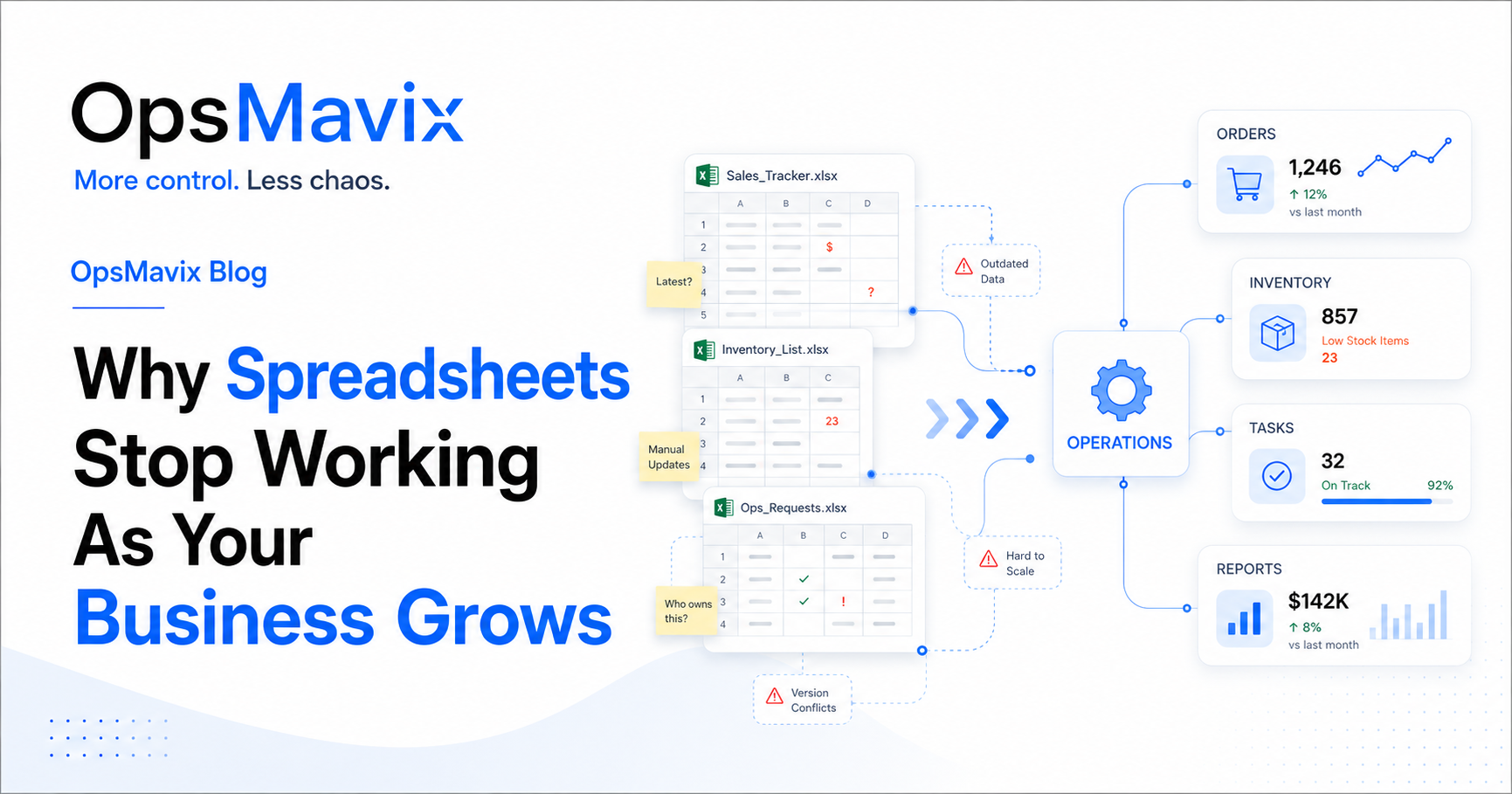
The spreadsheet still opens. The formulas still calculate. But before anyone acts on the numbers, they check with the person who maintains it.
That is often the first real sign your business has outgrown a spreadsheet-based process. The file is working, but the team can no longer rely on it without extra checks, explanations and manual updates.
Spreadsheets become harder to use as a business grows when they are expected to coordinate shared operational work: stock movements, order changes, approvals, responsibilities and handovers. More people and transactions expose gaps in how the process is controlled, even when the workbook itself remains technically capable.
This guide explains seven warning signs, what spreadsheets can still do well, and how to decide whether to improve the existing setup, connect it to other tools or replace the workflow with a dedicated system.
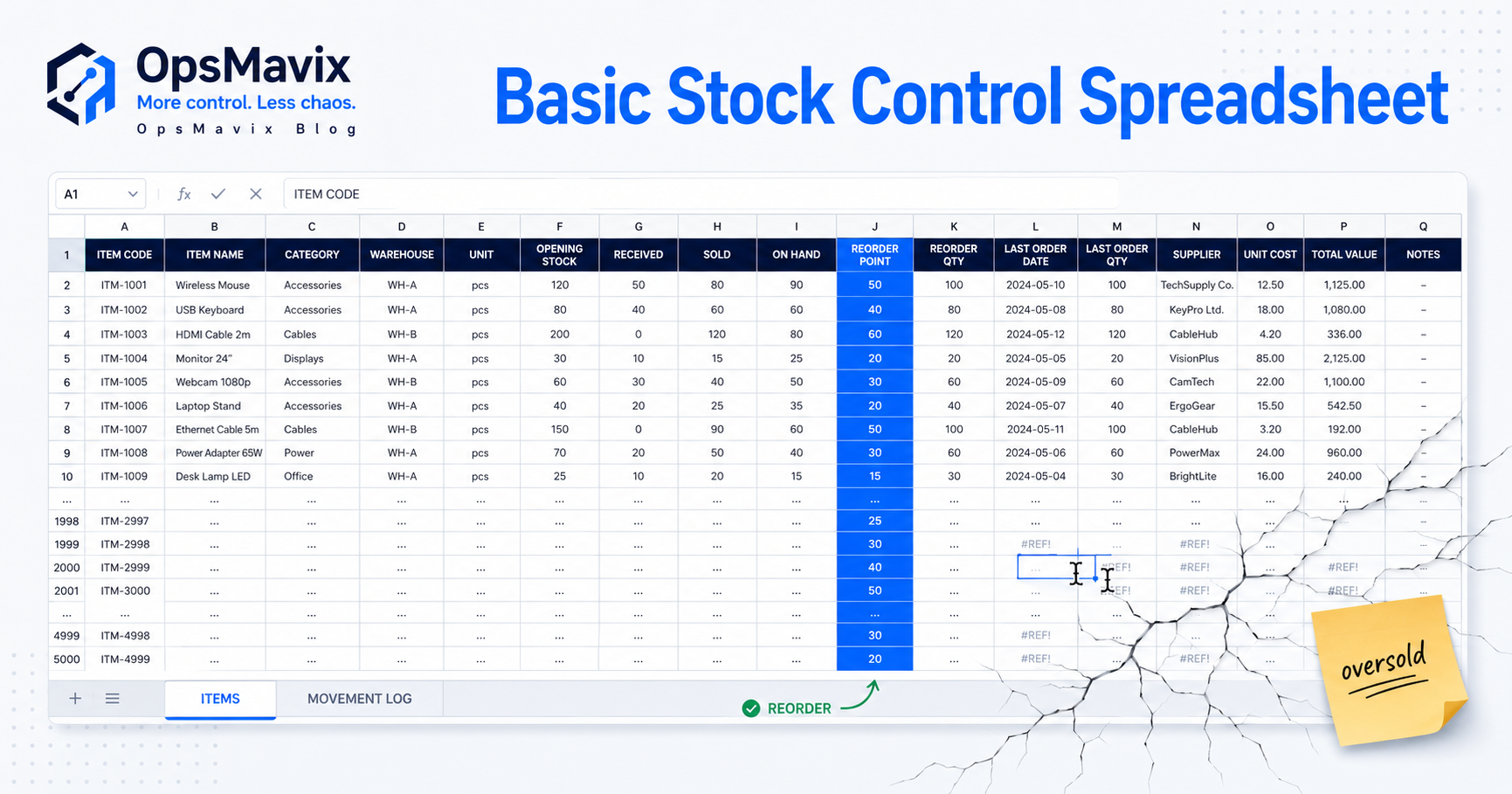
Image: OpsMavix.
- Repeated reconciliation, duplicate entry and unreliable updates are stronger warning signs than the size of a workbook alone.
- Modern spreadsheets support collaboration and controls. Use those capabilities before assuming the tool must be replaced.
- Keep spreadsheets where flexibility helps, such as analysis, planning and scenario modelling.
- Consider moving operational records when the process needs stronger transaction controls, approvals, connected updates or role-specific access.
- Start with one important workflow and measure whether the change reduces errors, delays and administrative work.
1. Too many people update the same file without clear rules
A spreadsheet used by several people can work well. Problems appear when the team shares editing access but has no agreement about who owns each update or how changes should be made.
Typical symptoms include:
- Separate copies labelled “latest”, “final” or “updated”.
- Formulas overwritten with typed values.
- Several spellings of the same customer or product.
- Free-text statuses that mean different things to different people.
- Rows deleted when work is cancelled, removing useful history.
- Changes made without telling the person responsible for the next step.
It would be inaccurate to say spreadsheets cannot support collaboration. Microsoft documents co-authoring and version history in Excel, subject to the supported setup. Google Sheets also provides collaboration, version history and protected ranges.
The question is whether these controls match the process you are trying to run.
What to check first
Use one agreed shared file, define input fields, protect calculations and standardise important values. Assign responsibility for the structure and for keeping records current.
Then ask whether changes need business rules beyond cell editing. For example, should a cancelled order release reserved stock? Must a discount receive approval before the order can proceed? Those requirements need to be implemented and maintained somewhere.
2. The team stops trusting the numbers
The stock sheet says 30 units are available. Sales checks with the warehouse before promising any of them. Purchasing keeps a second list because the first one is often behind.
The same pattern can affect order status, delivery dates, customer details and financial reports. The file contains a number, but the team needs a conversation to establish what it means.
Trust breaks down when physical activity and recorded activity drift apart. Goods arrive, move, get reserved or leave, but the update happens later—or in a different file.
Example: stock on hand is not always stock available
Suppose a warehouse has 30 units on the shelf. Of those, 18 are reserved for existing orders and four are held for inspection. Assuming the groups do not overlap, only eight are available for new orders.
A single “stock” column hides those distinctions. The calculation can be represented in a spreadsheet, but the inputs still need reliable updates and clear definitions.

Image hosted by OpsMavix.
What to check first
Choose a sample of products and trace the movements behind the displayed balance. Identify where receipts, reservations, dispatches, returns or adjustments are missing.
Assign one authoritative stock record and define who updates each event. An inventory automation system may help connect these events when manual capture cannot keep up.
Watch for: Repeated stock discrepancies, unexpected shortages and the time spent confirming figures before decisions.
3. Reports take longer to prepare than they should
The weekly report begins with exports from several tools. Someone cleans product names, removes duplicate rows, copies formulas and checks why the totals do not agree.
By the time managers see the result, some of the orders have moved and yesterday’s stock position is already outdated.
The warning sign is the repeated effort required to make the data usable. It may reveal missing records, inconsistent definitions or a process that depends on manual reconciliation.
What to check first
Separate data preparation from analysis. How much time is spent finding and repairing information, and how much is spent deciding what it means?
Agree the definition of each key measure. “Sales” could refer to orders placed, goods delivered or invoices issued. Mixing these measures creates disagreement even when the underlying records are correct.
Spreadsheets can remain useful reporting tools when fed by dependable source data. Queries, connected exports or a reporting layer may solve the immediate problem without replacing the operational system.
A project operations dashboard is another option when people need a shared view of status, ownership and outstanding work. Its usefulness still depends on the quality and freshness of its inputs.
Watch for: Report preparation time, repeated corrections and data age when the report is used.
4. Orders become difficult to track
An order list can show what was sold. Managing the order also requires knowing what was approved, reserved, delivered, invoiced and still outstanding.
As activity grows, a simple row may accumulate more columns, comments, colour codes and links to other files. Those additions can help temporarily, but they become difficult to maintain when an order splits into several events.
Consider an order for 12 items. Seven are dispatched today, five are backordered, and the customer changes the delivery address for the remainder. What does a single “complete” status mean in that situation?
What to check first
Take a recent changed or partially delivered order through the workbook. Check whether you can clearly identify:
- The original agreement and approved changes.
- Ordered, delivered, cancelled and outstanding quantities.
- The stock allocated to the order.
- The next action and its owner.
- Relevant deliveries, invoices and payments.
Use unique order references to connect these records. If the workbook relies on notes and memory to explain the relationships, a dedicated workflow may be easier to maintain.
A wholesale order management system can be scoped around those requirements, including partial deliveries and repeat orders.
5. Manual updates consume more of the working week
Typing an order into one file, copying it into another and sending a status message can feel like routine administration. The cost becomes clearer when you multiply the handling time by the volume.
A simple time calculation
Imagine a business re-entering 80 order records each working day, taking three minutes per order across its duplicate-entry steps.
| Calculation | Result |
|---|---|
| 80 orders × 3 minutes | 240 minutes per day |
| 240 minutes ÷ 60 | 4 hours per day |
| 4 hours × 5 days | 20 hours per week |
| 20 hours × 48 working weeks | 960 hours per year |
This is an illustrative calculation, not a measured industry average or a guaranteed saving. Use your own timings and count only the work the proposed change could actually remove.
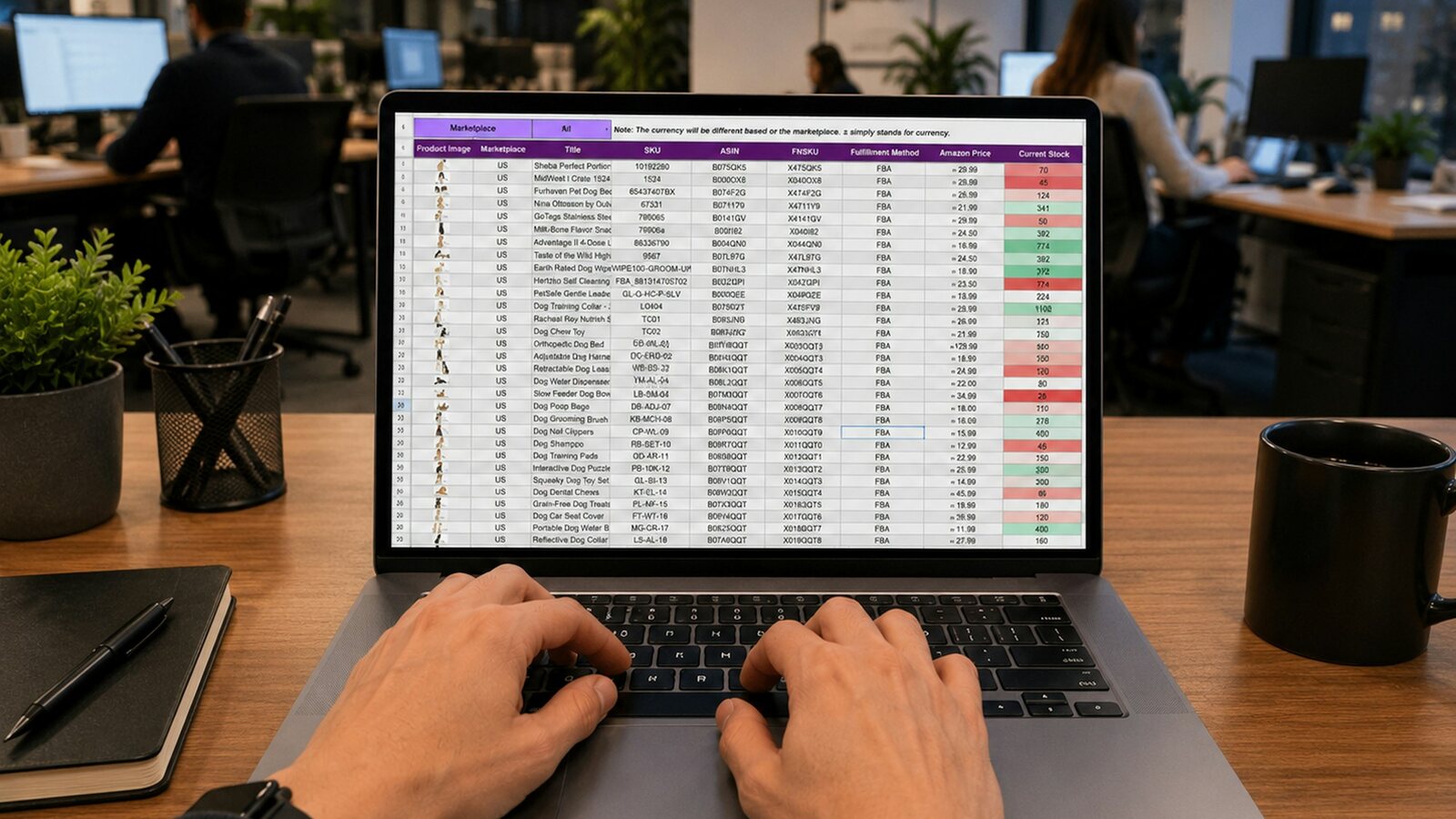
Image hosted by OpsMavix.
What to check first
List repeated transfers of information and ask why each exists. Some may be unnecessary. Others may be better handled through a controlled import, integration or workflow.
Keep the steps that require judgement visible. Automating an approval reminder is different from deciding whether an invoice should be approved. An invoice approval workflow should make both the decision and the person responsible clear.
When you assess the benefit, include time spent reviewing exceptions and maintaining the automation. Freed capacity becomes a financial benefit only when the business can use it productively or reduce a real cost.
6. One person understands how the workbook works
The spreadsheet’s creator knows which tabs matter, which formulas must not change and how to fix an import when it fails.
That knowledge becomes a bottleneck when everyone else relies on them to produce reports, repair errors or explain the figures. A holiday can expose how little of the process is documented.
Complexity may sit in formulas, macros, scripts, linked files or unwritten instructions such as “refresh this tab before you update that one”.
What to check first
Create a short operating guide covering:
- The workbook’s purpose and owner.
- Where its input data comes from.
- Which fields users should edit.
- How calculations and refreshes work.
- How errors are identified and corrected.
- Who can support the process when the owner is unavailable.
Ask a colleague to complete a routine task using the guide. Their questions show which assumptions need documenting.
Replacing the spreadsheet should also reduce this dependency. A custom application with no documentation or handover could leave you dependent on a different person.
7. Every increase in activity creates more administration
Growth adds more than rows. It can add new sales channels, warehouses, product variants, approval rules, suppliers and teams that need to work from the same information.
A second warehouse needs location-specific stock. Another sales channel needs dependable availability updates. A new team needs appropriate access and clear responsibility for handovers.
If each addition requires another workbook and another reconciliation routine, the administrative burden can rise alongside the business.
What to check first
Test the next realistic stage of growth against the current setup. Ask:
- What happens if order volume doubles?
- Can another colleague use the process without creating a separate copy?
- Can you add a location while keeping stock movements traceable?
- Can the business identify updates that failed between systems?
- How much more checking would the current approach require?
There is no universal employee count or row limit at which a business must replace spreadsheets. The relevant threshold is when the process can no longer meet its requirements reliably at an acceptable level of effort.
For online sellers, ecommerce inventory automation may address the connection between channels, stock and fulfilment. Other businesses may need a different first improvement.
When should you keep, improve or replace a spreadsheet?
The decision does not have to apply to every file in the business. Different workflows can need different treatment.
| Approach | Suitable when | What to establish |
|---|---|---|
| Keep the spreadsheet | It supports analysis, planning or a simple process with dependable inputs | Clear ownership, documented calculations and appropriate access |
| Improve the workbook | Problems come mainly from inconsistent input, duplicate copies or accidental edits | Shared file, standard fields, validation and protected calculations |
| Connect the spreadsheet | Analysis works well, but collecting data creates repeated effort | Authoritative sources, refresh rules and visible failures |
| Move to a dedicated application | The process needs structured transactions, linked records, approvals or tailored access | Requirements tested against real work and exceptions |
| Consider a broader ERP | Several business functions need integrated operational and financial records | Wider scope, migration, training, ownership and ongoing support |
A dedicated application can still be poorly configured or badly used. Compare the controls and workflow it will provide with the actual problems you need to resolve.
Spreadsheets can remain useful alongside it. Exporting reliable data for analysis is different from maintaining a competing operational record that the team must reconcile every day.
Worked example: moving order control out of a spreadsheet
This is an illustrative scenario, not a client case study.
A growing wholesaler tracks orders in a shared workbook. Sales enters the order, the warehouse updates a dispatch column and accounts uses the sheet to identify what needs invoicing.
The workflow handles straightforward orders, but partial deliveries are awkward. Staff add notes, duplicate rows and send messages to explain what is still outstanding. Stock reservations sit in a separate file.
The business starts by defining the events it needs to record:
| Event | Required record | Responsible role |
|---|---|---|
| Order accepted | Order reference, customer, items, quantities and agreed terms | Sales |
| Stock allocated | Reserved quantity linked to each order line | Order processing or warehouse |
| Goods dispatched | Actual quantity, dispatch date and remaining balance | Warehouse |
| Order changed | Approved change and its effect on outstanding work | Authorised order owner |
| Invoice prepared | Link to the agreed billing basis and relevant order or delivery | Accounts |
The team then tests whether its current tools can support that structure. If they cannot, these requirements become the basis for selecting or building an order workflow.
The spreadsheet can remain available for sales analysis. The operational record moves only after the team has checked open orders, reservations, partial deliveries and the financial handover.
Success would be measured through fewer duplicate entries, fewer order corrections and less time spent explaining outstanding quantities. Those results need to be demonstrated during the pilot.
Why This Happens
Spreadsheets are flexible enough to absorb new requirements quickly. A new column solves today’s question, another tab handles next month’s report, and a formula connects information that used to be separate.
Over time, the workbook can become an application in practice. It now needs maintained business rules, clear permissions, dependable inputs, change control and support.
The difficulty is that those responsibilities may never have been formally assigned. The file keeps expanding while the team relies on habits established when the process was much simpler.
Understanding that history helps you preserve what works. The workbook may contain valuable pricing logic, customer requirements and operational knowledge that should be documented before any replacement begins.
What To Do Next
Start with the spreadsheets that directly influence orders, stock, approvals or other daily commitments. Review one important workflow before planning a wider rollout.
1. Identify the authoritative files
List each workbook’s purpose, owner, users, inputs and outputs. Identify duplicate versions and files that depend on each other.
2. Map the process behind the cells
Follow a real transaction from beginning to end. Record where someone enters information, makes a decision, copies data or hands work to another person.
3. Measure the recurring problem
Choose a small set of measures, such as duplicate-entry time, order corrections, report preparation hours or stock discrepancies. Establish a starting point before making changes.
4. Agree what needs to change
Decide what can remain in the spreadsheet, what needs stronger controls and what should connect to another system. Define the records, responsibilities and exceptions before comparing software.
5. Prepare and validate the data
Resolve duplicate customer and product records, standardise identifiers and confirm which records are current. Test the transfer with a representative sample before moving the full set.
Compare meaningful totals and relationships, such as open order quantities and stock by location. A matching row count alone does not prove a correct migration.
6. Pilot with real users
Include normal transactions and difficult cases such as partial deliveries, returns and amendments. Confirm that staff can complete their tasks and that the resulting records agree.
7. Make the handover explicit
Agree the changeover date and which system becomes authoritative. Retain the old workbook as an accessible historical record where needed, with editing restricted once it is no longer the working system.
If a short comparison period is necessary, define how discrepancies will be resolved. Avoid leaving two competing live records in place indefinitely.
8. Review the result
Compare the selected measures after the process has settled. Ask the team where work is still being repeated or completed outside the new workflow, and address those gaps before expanding it.
FAQ
Why do spreadsheets become harder to manage as a business grows?
More people, transactions and process variations increase the need for consistent updates, linked records and clear responsibility. A workbook becomes difficult to manage when those controls rely heavily on manual checking or one person’s knowledge.
Are Excel and Google Sheets unsuitable for business operations?
They can support many useful business processes, particularly when requirements are straightforward and controls are maintained. Both provide collaboration features. Assess the suitability of the specific setup against the workflow’s requirements and the consequences of missed or incorrect updates.
Can spreadsheets track changes and protect formulas?
Yes. Excel offers change-tracking features and worksheet protection, while Google Sheets provides version history and protected sheets or ranges. Capabilities depend on the product and setup. These controls help manage editing; business approvals and connected transaction rules still need to be designed.
How many employees or orders mean we need to move away from spreadsheets?
There is no single threshold. A small team with complex stock and order requirements may need a dedicated system sooner than a larger team using spreadsheets for straightforward analysis. Look at reliability, handling time, exceptions and the controls required.
What is the best alternative to spreadsheets for a growing business?
It depends on the process. Options include an inventory application, an order management tool, a workflow platform, connected existing software, a custom internal system or ERP. Define what must happen to each record before choosing the product category.
Should we replace every spreadsheet at once?
Usually, a focused change is easier to evaluate and manage. Prioritise a workflow with a clear problem, establish the improvement and then review related processes. Spreadsheets used for analysis and planning may remain useful.
Will replacing spreadsheets automatically reduce costs?
Benefits depend on adoption, data quality and whether the new workflow removes measurable effort or errors. Include setup, migration, training, integration and ongoing support in the comparison. Treat projected savings as assumptions to test.
How OpsMavix Can Help
OpsMavix helps growing businesses improve the workflows behind scattered spreadsheets, repeated updates and disconnected tools.
We start by understanding what your current files do: the information they hold, the decisions they support and the work people complete around them. From there, we can identify where clearer rules, integrations, dashboards or a dedicated operations system would help.
The aim is to make important records easier to trust, reduce repeated administration and give the team a clearer way to manage everyday work.
Bring the spreadsheet your business depends on most and an example of where it causes delay or confusion. We can use that to define the problem and scope a practical next step.
Book a Free Operations Leak Audit.
Sources
- Microsoft Support: Collaborate on Excel workbooks with co-authoring.
- Microsoft Support: Show changes made in a workbook.
- Microsoft Support: Protect a worksheet.
- Google Docs Editors Help: Collaborate in Sheets.
Worked examples are illustrative. Images are linked from existing OpsMavix media assets.
Keep reading
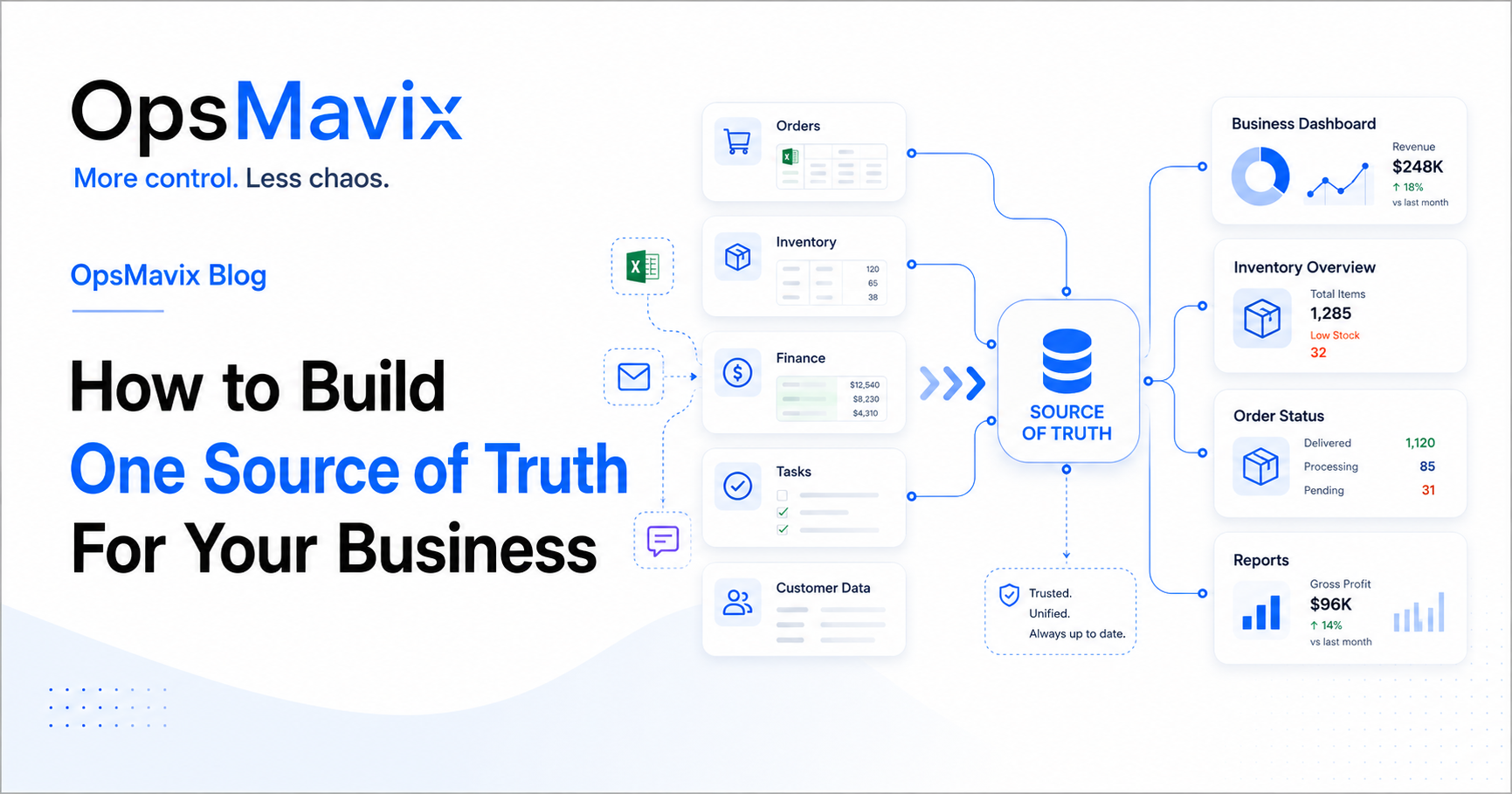
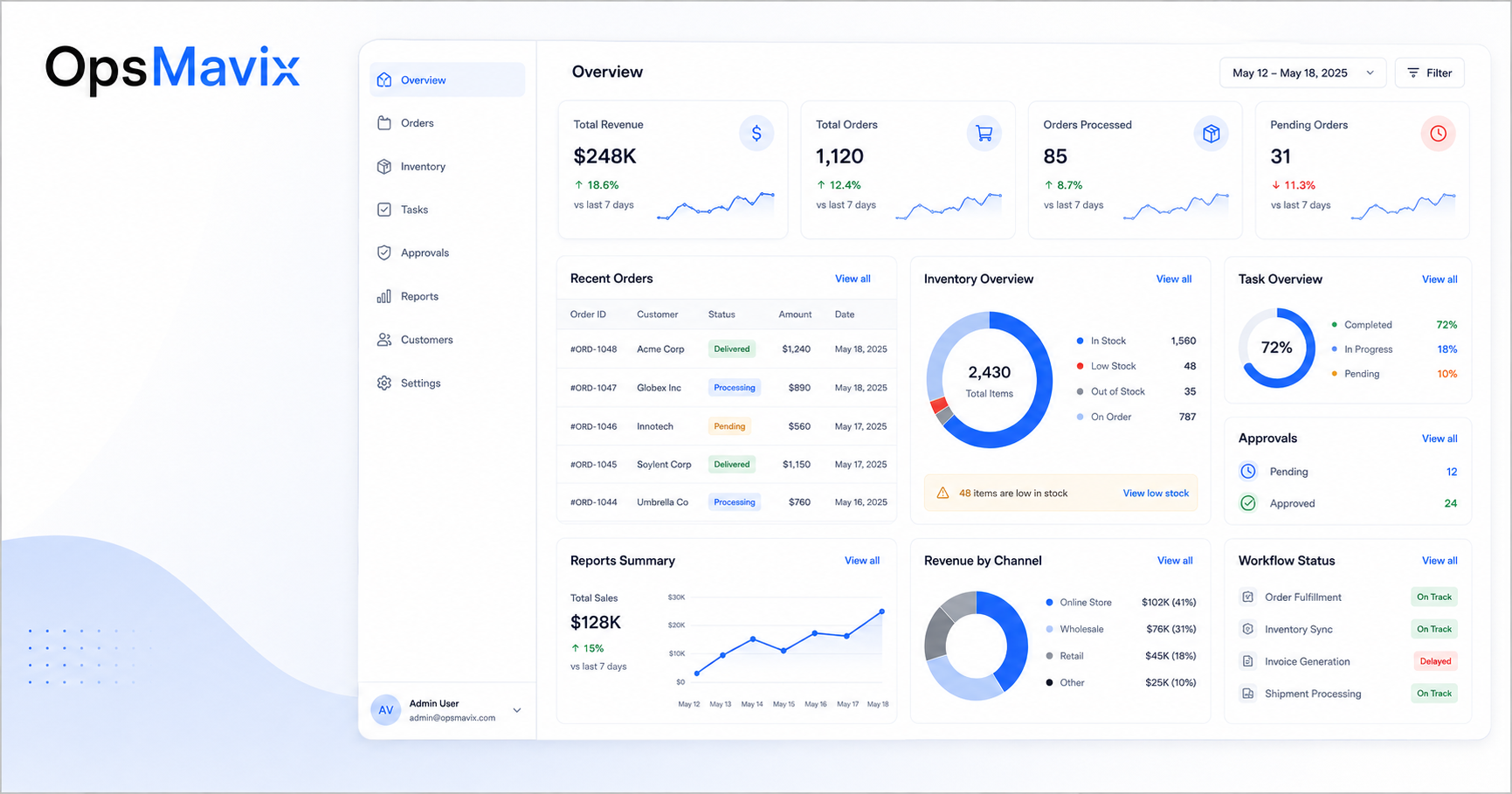
Getting value from OpsMavix? Add us as a preferred source on Google — you'll see more of our operations content in your AI Overviews, AI Mode and Search.