
How to Build One Source of Truth for Your Business
When business information is spread across spreadsheets, emails, and tools, teams lose trust in the data and decisions become slower.
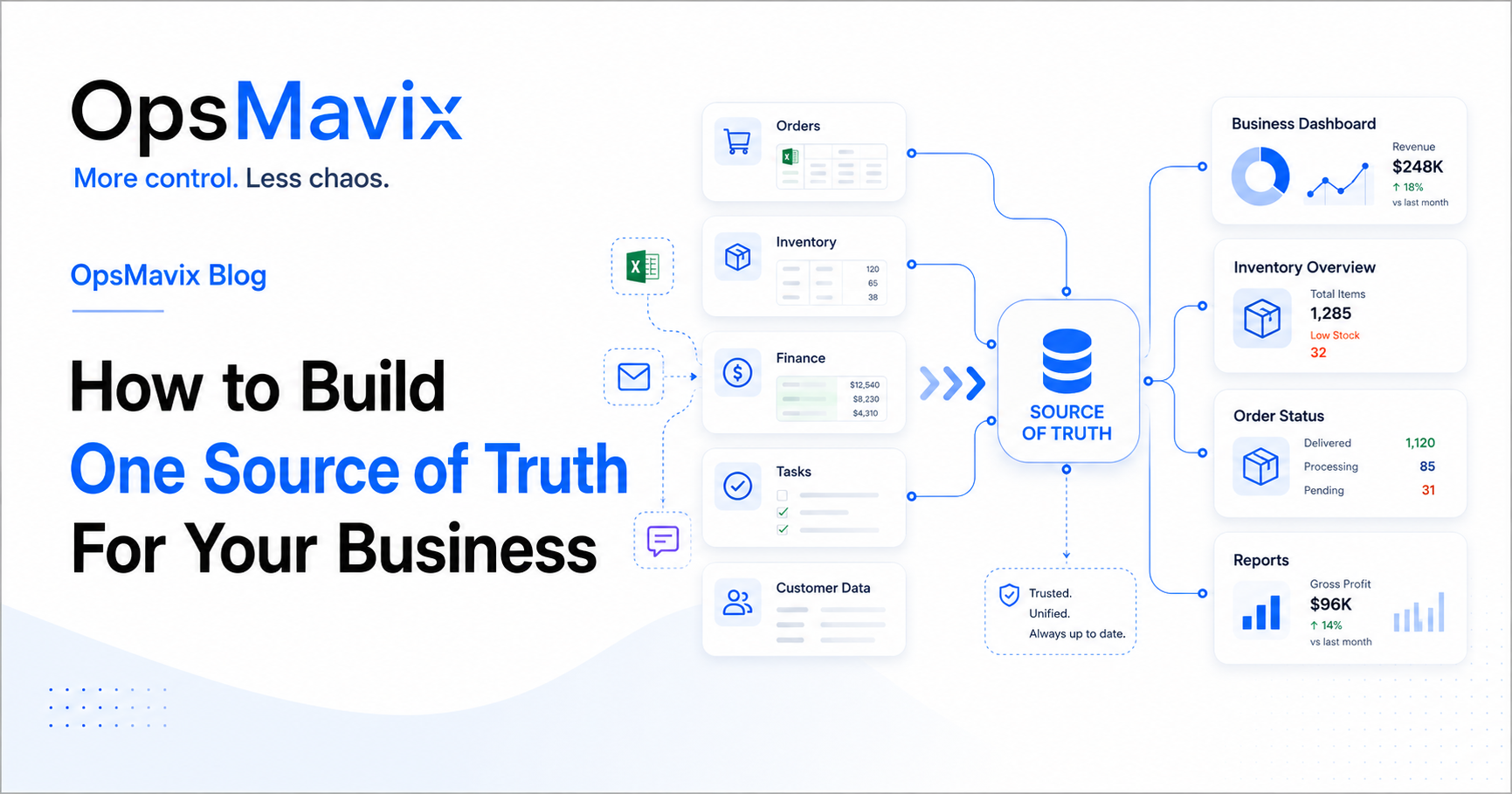
Sales says the order is ready. The warehouse says five items are missing. Finance has an invoice, but nobody is sure whether the customer has paid. Before anyone can give the customer an answer, three people have to compare their records.
This is what happens when a growing business has several competing versions of its daily information. Each department may be doing its work carefully, yet the records no longer tell a consistent story.
Building one source of truth for your business means agreeing where each important fact is maintained, who is responsible for it and how other people and systems receive the current information. The aim is to make orders, stock, customer details, tasks and financial status dependable enough to act on.
You can achieve this across connected tools. Your stock system can maintain quantities while your accounting software maintains invoices. What matters is that the same fact is not being independently changed in several places without clear rules.
Image: OpsMavix.
- Choose an authoritative record for each important type of information.
- Assign a person or role responsible for its accuracy and updates.
- Define what statuses and measures mean before combining them in reports.
- Connect records using consistent customer, product and order references.
- Make delayed or failed updates visible so old information is not mistaken for current information.
- Start with one workflow, prove that the records agree and then extend the approach.
1. The problem starts when information is spread everywhere
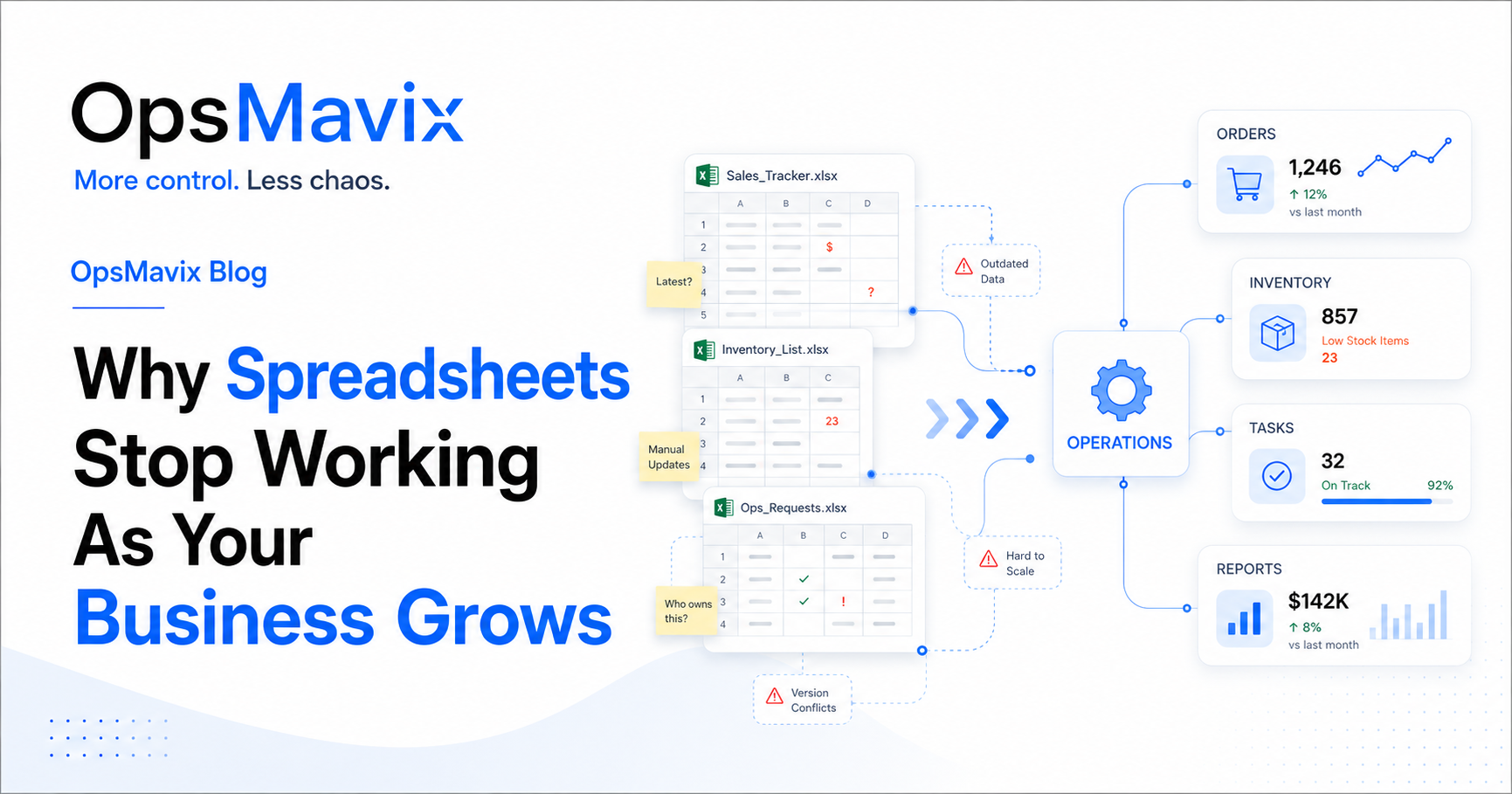
Fragmented information usually builds up gradually. Someone creates a stock spreadsheet because an existing report is difficult to use. Sales starts its own order tracker. A manager keeps a separate task list because the shared one is rarely current.
Each file solves a local problem. Together, they can leave the business without an agreed answer to a simple question.
Typical signs include:
- Sales and the warehouse use different order statuses.
- Staff keep personal lists to compensate for missing updates.
- Customer changes are recorded in messages but never reach the order.
- Reports require someone to decide which version to believe.
- Routine decisions depend on checking with the person who last handled the work.
Having information in several tools is not automatically a problem. The difficulty is unclear authority: nobody knows which record should be corrected when two sources disagree.
Start with one disputed fact
Choose a recent disagreement, such as an order’s promised delivery date. Find every place that date appears. Establish where it was first agreed, who changed it and which records received the change.
That exercise reveals more than a general list of software. It shows where the process loses consistency.
2. Different versions create different decisions
When teams use conflicting information, they can make reasonable decisions that work against each other.
Sales promises goods using yesterday’s availability. Purchasing orders replacements because it cannot see a recent receipt. Customer service tells a buyer an order is complete because the commercial record is closed, although part of the delivery remains outstanding.
The result can be delayed orders, duplicate work, avoidable purchasing and repeated customer corrections.
Check definitions before assuming the data is wrong
Some apparent conflicts are different measures of the same operation. “In stock” might mean physically present, available for sale or expected from a supplier. “Sales” might mean orders accepted, goods dispatched or invoices issued.
For example, a warehouse may correctly report 100 units on hand while sales correctly sees 35 available to promise. The difference needs an explanation, such as reservations or stock on hold.
Similarly, order value and invoice value can legitimately differ because of timing, partial invoicing, cancellations or other agreed billing arrangements.
Create a short set of shared definitions for the terms people use to make decisions. State what each measure includes, excludes and refers to in time.
3. Reporting becomes slow and reactive
When reports depend on exports, copied figures and manually collected updates, someone must rebuild the picture before management can use it.
That effort can hide several different problems: missing data, inconsistent definitions, duplicate records or a report whose purpose is unclear. Connecting tools helps only when those underlying issues are addressed.
Build the report around a decision
If the question is “Which orders might miss their promised date?”, define the information needed to answer it:
- The agreed delivery date.
- Outstanding quantities and current fulfilment status.
- Stock shortages or production dependencies.
- The next action and the person responsible.
- When each relevant source was last updated.
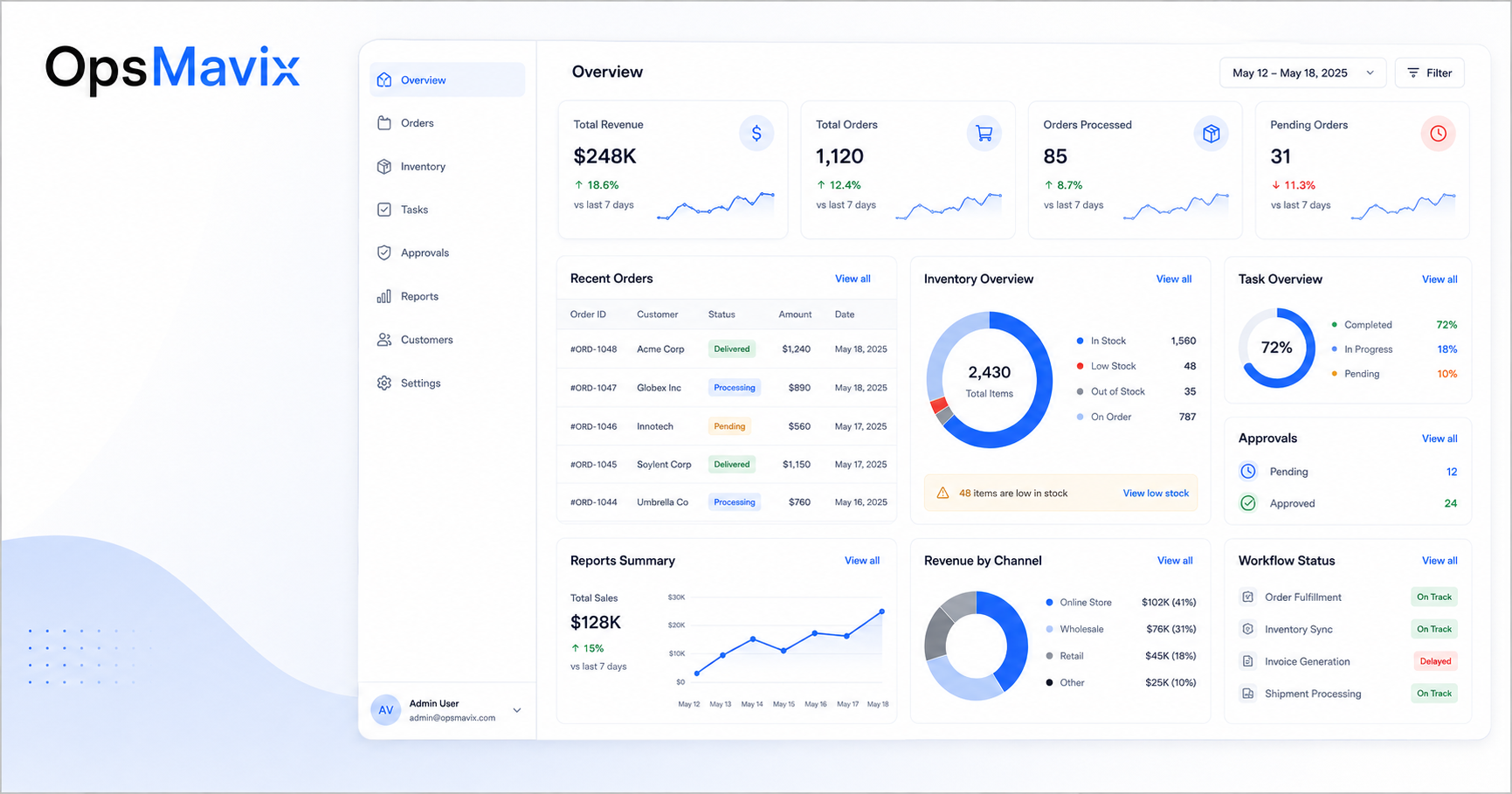
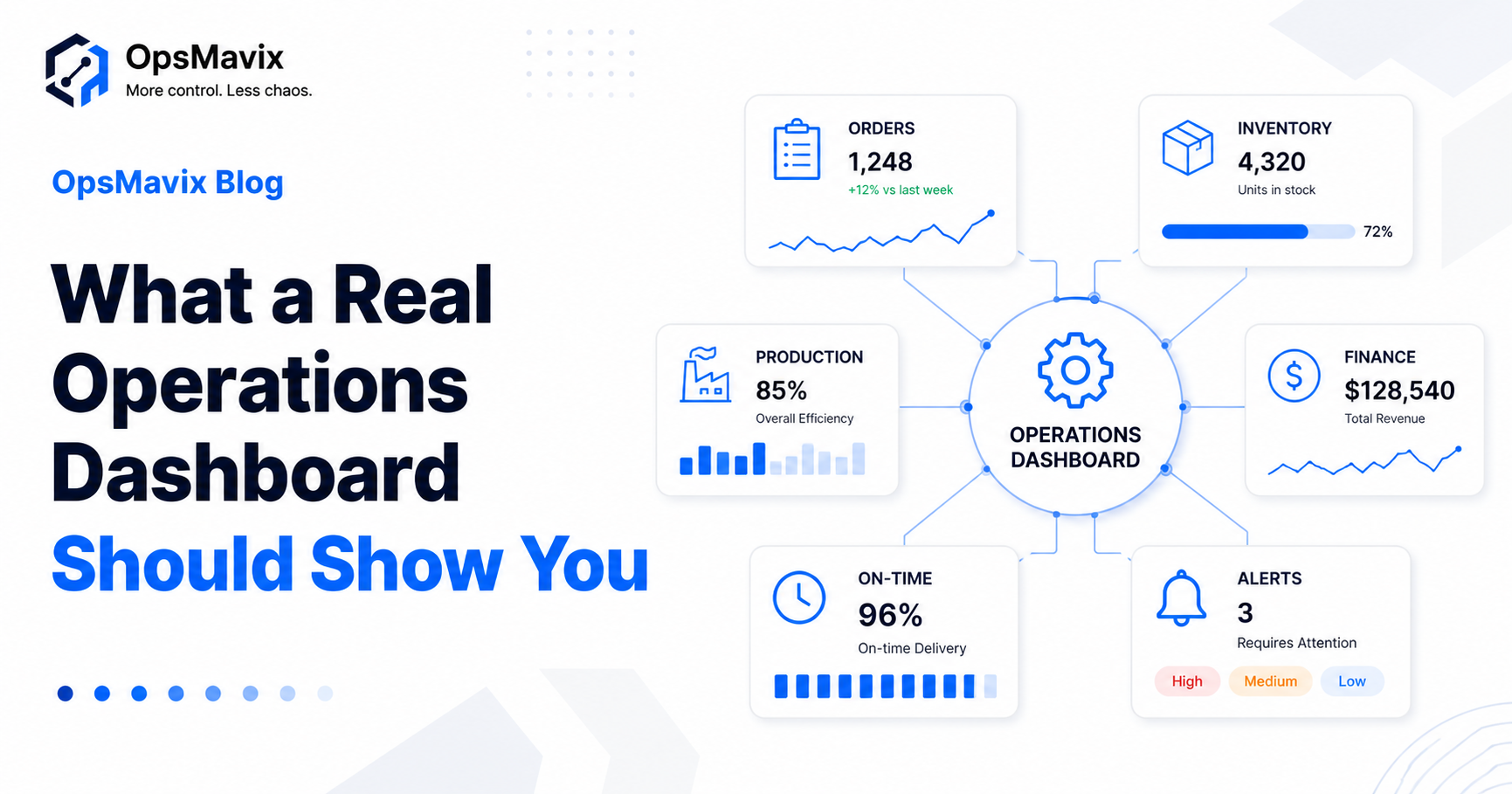
A project operations dashboard can bring this information into a shared view. It should also let users trace an item back to the underlying record so they can investigate and act.
Separate the record from the view
A dashboard usually presents information maintained elsewhere. If it shows an incorrect delivery date, the correction should normally happen in the agreed order record and then flow through to the dashboard.
Editing the displayed number without correcting its source creates another version to reconcile later.
4. Choose which information must be trusted
Start with the information that drives everyday commitments: what you promise customers, what you buy, what you deliver and what work you assign.
Create a simple ownership map. The example below shows one possible arrangement for a product business; the right systems and roles depend on your operation.
| Information | Authoritative record | Responsible role | Who needs to use it? |
|---|---|---|---|
| Customer contacts and communication preferences | Customer management record | Sales or customer service | Sales, service and relevant operations staff |
| Agreed order quantities, prices and delivery requirements | Sales order record | Authorised order owner | Warehouse, purchasing, customer service and finance |
| Stock quantities, locations and reservations | Inventory records | Inventory or warehouse team | Sales, purchasing, production and reporting |
| Actual dispatch quantities and dates | Dispatch record | Warehouse or fulfilment team | Customer service, sales and finance |
| Issued invoices, credits and payment allocation | Accounting records | Finance team | Authorised sales, service and reporting users |
| Task owner, deadline and blocker | Task or workflow record | Process owner and assigned colleague | Relevant team and managers |
| KPI definitions and calculation rules | Shared reporting definitions | Named business owner for each measure | Report builders and report users |
Some information needs ownership at field level. Sales may maintain a customer’s contact details while finance controls payment terms. An order’s delivery address may need to preserve what was agreed for that order even if the customer’s default address later changes.
Give users access appropriate to their work. Shared information does not require everyone to edit every field.

Image hosted by OpsMavix.
For stock, an inventory automation system can connect receiving, movements, reservations and dispatch. The ownership map should still explain who checks exceptions and resolves discrepancies.
5. Build the process before choosing the tool
Software can store a status, but the business must decide what the status means and what event changes it.
Before choosing a platform, follow a real piece of work through the business. Include the normal route and an exception, such as a changed order or partial delivery.
For each step, establish:
- What happens: An order is accepted, goods arrive or a customer approves a change.
- What is recorded: The fields, quantities, dates and supporting information required.
- Who records it: The person or role responsible for the update.
- Who acts next: The colleague or team that uses the information.
- What needs approval: The decisions that require an authorised person.
- What happens if it goes wrong: How missing information, rejected updates or disputes are resolved.
Use statuses that describe the work
An order may be commercially approved, partly delivered and unpaid at the same time. Trying to force all three facts into a single status such as “open” or “complete” hides useful information.
Keep the dimensions separate where the process requires it: approval status, fulfilment status and payment status can each tell a different part of the story.
A wholesale order management system should be assessed against these real scenarios. Ask to see what happens when quantities change, deliveries split or an order is cancelled after stock has been reserved.
6. Connect the records and make failed updates visible
Once ownership is clear, decide how information moves between systems. Simply saying that two tools “integrate” leaves important questions unanswered.
For each connection, agree:
- Which records are shared: Customers, orders, products, stock availability, invoices or selected statuses.
- Which system controls each field: Where an authorised change should originate.
- Which direction updates travel: One way or both ways, with clear rules for each field.
- How records are matched: Consistent identifiers rather than names alone.
- How quickly updates are needed: Based on the decision they support.
- How exceptions are handled: Who sees failed updates and how they are corrected.
Match the update speed to the decision
Stock availability used to accept new orders may need much faster updates than a monthly management report. Define what delay is acceptable and make the last successful update visible.
If a connection stops, users should be able to recognise that the information is stale. Decide whether the affected action needs a manual check, a temporary hold or another agreed fallback.
Prevent repeat messages from creating repeat transactions
Connections may need to retry a failed transfer. The receiving process should recognise an order or event it has already accepted, so a retry does not create a second order or duplicate stock movement.
The implementation details belong with the developer or integration provider. The business requirement is simple: repeated delivery of the same update must not repeat the transaction.

Illustration: OpsMavix.
Our integrated business management software guide explores the options for connecting existing tools or moving to a broader platform.
Worked example: one order across sales, warehouse and finance
This is an illustrative workflow, not a client case study.
A wholesaler accepts an order for 20 units. Twelve are available for the first shipment; the remaining eight will follow when stock arrives. The customer then requests a different delivery address for the second shipment.
With disconnected records, sales may update the address in an email, the warehouse may mark the first shipment as complete, and finance may have no clear view of the remaining commitment.
An agreed set of connected records would show the following:
| Event | Authoritative update | What other teams should see |
|---|---|---|
| Customer order accepted | Sales order records 20 units and the agreed terms | One order reference and the current customer commitment |
| First shipment prepared | Inventory reserves 12 units against that order | Twelve allocated, with eight still requiring fulfilment |
| First shipment dispatched | Dispatch records 12 units actually sent | Twelve delivered to the carrier or dispatched under the agreed process; eight outstanding |
| Customer changes the second delivery address | An authorised change updates the remaining delivery instructions | New instructions for the remaining shipment, with the earlier dispatch history retained |
| Invoice issued | Finance records the invoice according to the agreed billing terms | Invoice status linked to the order without overwriting fulfilment status |
| Remaining stock arrives | Inventory records the receipt and applicable reservation | The remaining shipment can proceed through its required checks |
Customer service can now explain what has shipped, what remains and where the next delivery is going. Finance can follow the billing position independently of the physical movement of goods.
The useful outcome is a consistent account of the order, with each team maintaining the part it owns.
Shared spreadsheet, connected tools or one platform?
There are several ways to create dependable business records. Choose according to the complexity of the workflow and the controls it needs.
| Approach | Can suit | What needs particular attention |
|---|---|---|
| An agreed shared spreadsheet | A simple process with modest update needs and few exceptions | Ownership, controlled inputs, access and avoiding competing copies |
| Connected specialist tools | A business whose existing tools work well within their own areas | Field ownership, shared references, update delays and integration failures |
| A shared operations application | Related workflows that need clearer records, handovers and tailored views | Process design, adoption, documentation and links to existing systems |
| A broader ERP platform | Multiple operational and financial functions that need tightly connected records | Implementation scope, data preparation, configuration and training |
Putting everything in one platform can simplify some connections, but it does not automatically resolve poor definitions or unclear responsibility. Several connected tools can also work well when their records and update rules are properly managed.
Why This Happens
Information becomes fragmented when teams solve immediate needs independently. Each creates a file, report or workaround that helps them complete their own work.
Over time, those records begin to overlap. A customer address exists in several places. An order status is updated by different teams. A report develops its own corrections that never reach the source records.
The business has grown, but the rules for maintaining and sharing information have not kept pace.
Restoring trust means deciding which records are authoritative, cleaning up inconsistencies and making updates part of the normal workflow. A new dashboard or platform can support that work, but it cannot replace those decisions.
What To Do Next
Start with one process that regularly causes people to check, ask or reconcile. Order fulfilment, stock availability and invoice approvals are useful candidates when those are the areas causing difficulty.
1. Map the current information
List the files, applications and messages used in the process. Identify where each important fact is created and where copies are maintained.
2. Agree the authoritative records
Create a small ownership table covering the information, its source, its responsible role and who needs to use it. Define any terms that currently cause disagreement.
3. Clean and match the records
Resolve duplicates, standardise product and customer references and confirm which records are current. Preserve the history needed to understand existing commitments.
4. Define the flow of updates
Agree which fields move between systems, when they move and what happens if an update fails. Include changes, cancellations and partial completion.
5. Pilot with real work
Test a small set of representative transactions with the people who will use the process. Include at least one exception. Check whether each team can answer its questions from the agreed records.
6. Retire competing operational copies
Make the changeover explicit. Keep historical files where needed, but stop maintaining a second live version of the same information. Give staff a clear route for reporting and correcting mistakes in the new process.
7. Measure whether trust and efficiency improve
Compare a few practical measures before and after the change:
- Time spent confirming routine status questions.
- Duplicate entries and mismatched records.
- Report preparation time.
- Failed updates awaiting resolution.
- Customer corrections caused by outdated information.
Keep definitions consistent and allow for changes in workload. These measures help show whether the process is becoming more dependable.
FAQ
What does one source of truth mean in a business?
It means having an agreed authoritative record for each important fact, with clear responsibility for maintaining it. Other views and systems use that record or receive controlled updates from it, so teams can act on consistent information.
Does one source of truth mean using one application?
No. A business can use separate tools for inventory, customer management and accounting. The important requirements are clear ownership of information, consistent identifiers, agreed definitions and dependable connections where records need to be shared.
What is the difference between a source of truth and a dashboard?
The authoritative source is where the information is maintained and corrected. A dashboard presents selected information for monitoring or decisions. It should make the source and freshness clear and let users investigate the underlying records.
Can a spreadsheet be a source of truth?
Yes, for a suitable process with clear ownership and controlled updates. It becomes harder to rely on when several copies compete, changes are not recorded consistently or the workflow needs controls that the setup does not provide.
Should every system show exactly the same numbers?
Only when the figures measure the same thing for the same scope and time. Orders accepted, goods dispatched and invoices issued can differ legitimately. Define the measures and explain the relationship rather than forcing unrelated totals to match.
How current does the information need to be?
That depends on the decision. Stock used to accept orders may need frequent updates, while a periodic management report may have a different requirement. Agree the acceptable delay and show when the information was last refreshed.
How do we rebuild trust after the data has been unreliable?
Fix the causes of the mismatch, reconcile a manageable set of records and give the team a clear way to raise corrections. Demonstrate that the agreed record stays accurate during normal work and exceptions. Trust develops through consistent use and visible resolution of problems.
How OpsMavix Can Help
OpsMavix helps growing businesses create clearer operations systems, workflows, dashboards and automation.
We start by mapping where important information lives and how it moves between people and tools. From there, we can identify conflicting records, define ownership and scope the workflows and connections needed to make the information dependable.
That may involve improving an existing process, connecting tools you already use or building a focused operations system around the way your business works.
Bring one example of information your team repeatedly has to check or reconcile. We can use it to identify the gap and define a practical first improvement.
Keep reading
Getting value from OpsMavix? Add us as a preferred source on Google — you'll see more of our operations content in your AI Overviews, AI Mode and Search.