
Ecommerce CRM Systems: How to Pick the Right One for Your Store
Choosing the right ecommerce crm in 2023 was less about buying the biggest database and more about connecting customer data, marketing activity, support history and sales automation in one usable place.
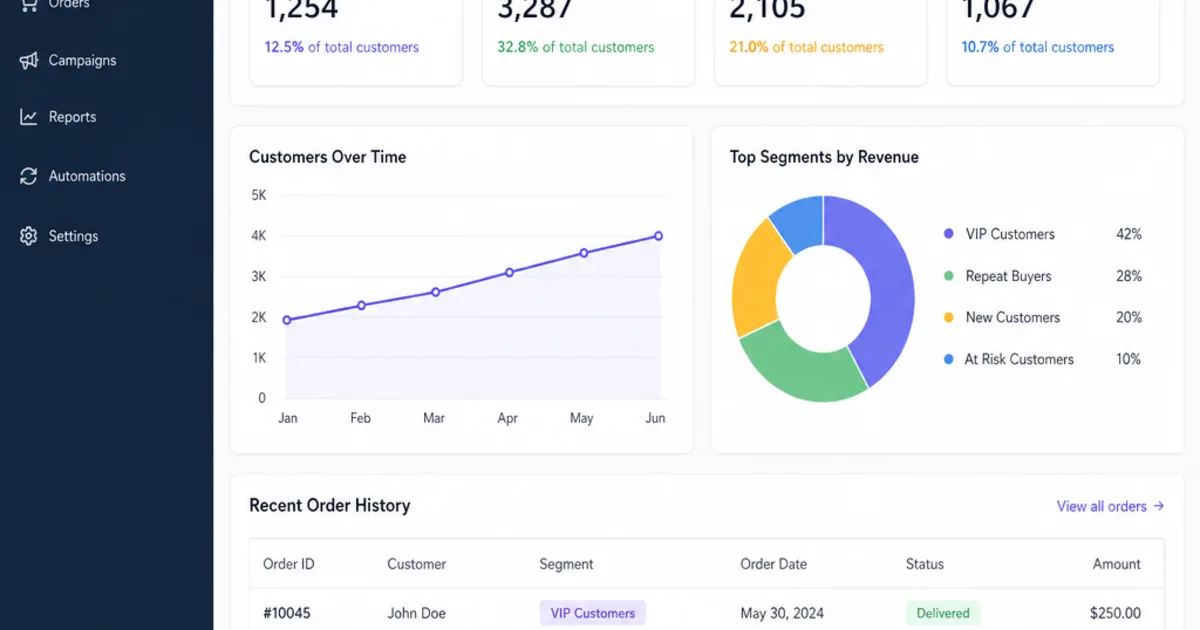
An ecommerce CRM is the system an online store uses to hold customer profiles, order history, marketing consent and service history in one place, then act on them: segmenting buyers, sending timely messages and giving support staff the context they need. For most stores the aim is simple. Turn first-time buyers into repeat customers without sending everyone the same email.
The practical problem is rarely a shortage of software. Customer records sit in the store platform, the email tool, the helpdesk and a marketplace account, each with a slightly different version of the same person. Choosing a CRM well means deciding which records matter, where they come from, what consent you hold and which few automated journeys will actually earn their keep.
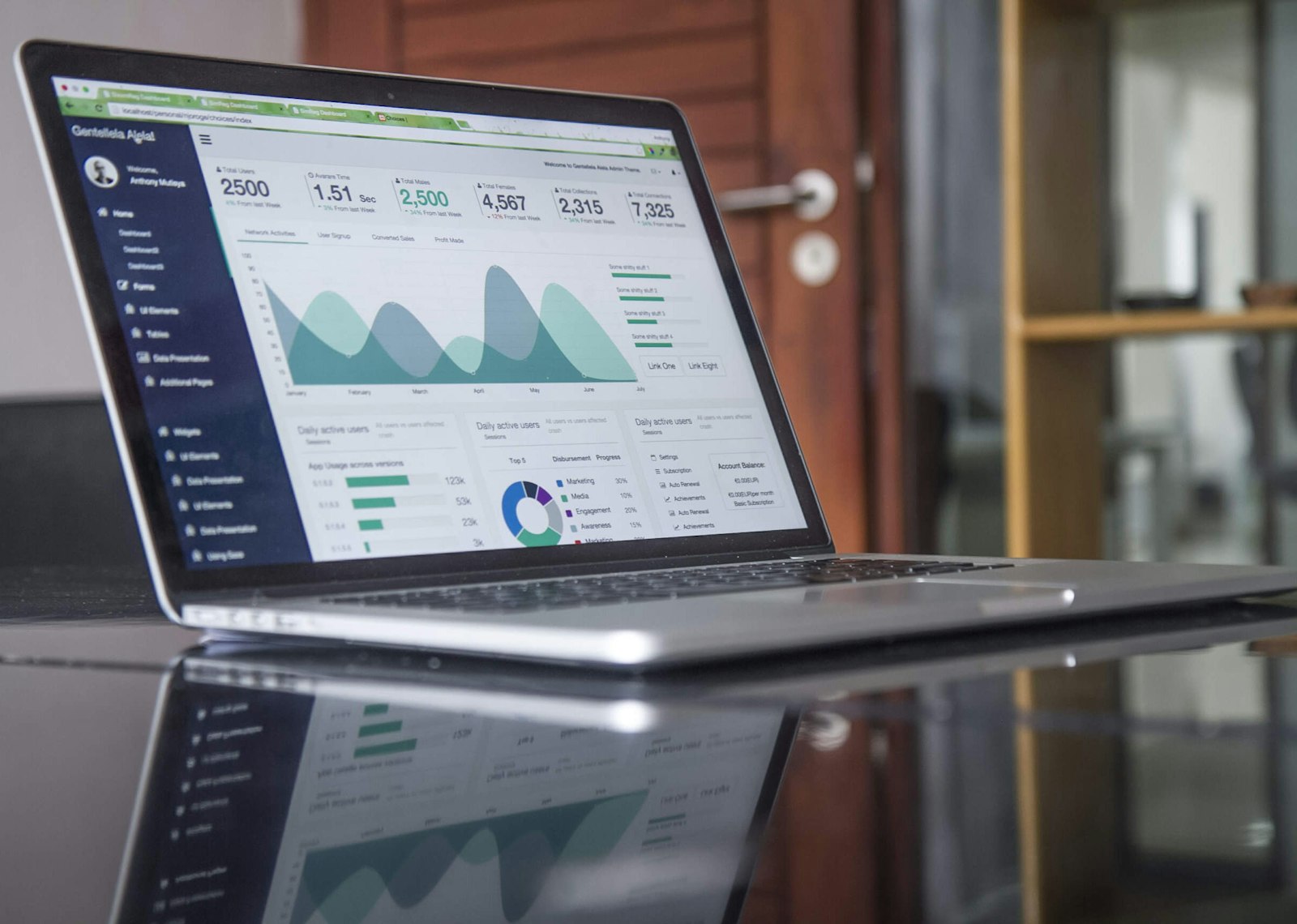
An ecommerce CRM is only as useful as the order and customer data feeding it. Illustrative photograph, not an OpsMavix client screen.
Image credit: Carlos Muza, Unsplash License. Resized only.
Key Takeaways
- An ecommerce CRM links customer profiles, orders, consent and service history so you can act on them.
- Store-native tools, marketing-led B2C CRMs and general sales CRMs suit different businesses.
- Agree one customer identifier and one owner for each record before connecting anything.
- UK electronic marketing needs a lawful basis such as consent or the soft opt-in, recorded per person.
- A few well-built lifecycle flows usually beat a long list of unused features.
- Judge every option on one shared scenario, including setup time and running effort.
In this guide:
- 1. Understand What an Ecommerce CRM Does
- 2. Decide Which Type of CRM Fits Your Store
- 3. Get the Customer Data Model Right
- 4. Record Marketing Consent Properly
- 5. Work Through a Hypothetical Retention Case
- 6. Build the Lifecycle Flows That Matter
- 7. Compare Options Against One Scenario
- 8. Pilot and Run the CRM Day to Day
- Frequently Asked Questions
- How OpsMavix Can Help
1. Understand What an Ecommerce CRM Does
Built around shoppers, not sales pipelines
A traditional CRM is organised around accounts, contacts and deals moving through a sales pipeline. An ecommerce CRM is organised around individual shoppers and what they do: sign-ups, browsing, baskets, orders, returns and messages. Most ecommerce revenue never passes through a salesperson, so the CRM’s job is to decide who should hear what, and when, automatically.
| Question | Traditional sales CRM | Ecommerce CRM |
|---|---|---|
| Core record | Account, contact, opportunity | Customer profile, order, event |
| How revenue arrives | Quotes and deals closed by people | Checkout, often with no human involved |
| Main automation | Tasks and reminders for sales staff | Emails, texts and segments triggered by behaviour |
| Key measure | Pipeline value and win rate | Repeat purchase rate and customer value over time |
| Typical users | Sales and account managers | Marketing, ecommerce and customer service |
What it should and should not own
An ecommerce CRM should hold the joined-up customer view. It should not usually own stock levels, prices or order fulfilment; those belong in the store platform, order system or inventory system. If you need sales promises tied to live stock, that is a different problem, covered in our guide to CRM and inventory management software.
2. Decide Which Type of CRM Fits Your Store
Three broad families
Store-native customer tools. Your ecommerce platform may already do more than you think. Shopify’s segment filter reference, for example, lists filters such as amount spent, number of orders, last order date, email subscription status and an RFM group, plus a predicted spend tier that the page says is only available once a store has made more than 100 sales. For a single-store business with simple journeys, this can be enough to start.
Marketing-led B2C CRMs. These combine customer profiles with email and text automation. Klaviyo, for example, calls itself “the CRM built for B2C” and says its Shopify integration brings customer profile and order data into Klaviyo. This family suits retention-led direct-to-consumer brands where most customer contact is automated messaging.
General sales and service CRMs. Platforms such as HubSpot, Salesforce and Zoho CRM are built around broader sales, marketing and service processes. They suit stores with trade accounts, high-value considered purchases, subscriptions or a real sales team. Check the ecommerce connector carefully: HubSpot’s Shopify data sync article states that contacts, companies and products sync both ways, while orders and abandoned checkouts sync one way from Shopify to HubSpot, and that company sync is only available for Shopify Plus.
Match the family to the business
| Business pattern | Usually a good starting point | Watch out for |
|---|---|---|
| Small single-channel store | Store-native segments and email | Outgrowing it when journeys or channels multiply |
| Retention-led DTC brand | Marketing-led B2C CRM | Service and trade processes living elsewhere |
| B2C plus trade or wholesale accounts | General CRM with a strong store connector | Order data that is read-only in the CRM |
| Multichannel seller with marketplaces | Any of the above, plus a clear customer matching rule | Marketplace buyers whose contact details you cannot market to |
| Distinctive process across sales, service and operations | Focused custom application or wider system | Scope creep and long-term maintenance |
Company size alone does not decide this. A small brand with trade accounts can need more than a larger store with simple repeat purchases.
3. Get the Customer Data Model Right
Decide what identifies a customer
Most duplicate records come from the same person using different email addresses, guest checkouts or marketplace orders. Agree the matching key, usually email address for direct sales, and how you will merge duplicates without losing history.
Give every shared record one owner
| Record | Usual source of truth | Control to demonstrate |
|---|---|---|
| Customer profile and contact details | Store platform or CRM, agreed once | Edits in one place reach the other without creating duplicates |
| Orders and refunds | Store platform or order system | CRM reads them; staff do not edit order values in the CRM |
| Marketing consent | The system that captured it, synced to the CRM | Every unsubscribe reaches every sending tool |
| Products and categories | Store platform or product system | Categories are consistent enough to segment on |
| Support conversations | Helpdesk or CRM service module | Agents see recent orders before replying |
These are common patterns, not rules. The point is that each record has one owner and a known route to every other system.
Keep only what you use
The ICO’s guidance on data minimisation explains that personal data should be adequate, relevant and limited to what is necessary. Importing every field from every tool “in case” makes segmentation harder and adds risk. Start with the fields your first journeys actually need.
4. Record Marketing Consent Properly
The soft opt-in, in plain terms
Under PECR, the ICO’s electronic mail marketing guidance describes a “soft opt-in” for existing customers. In summary, it can apply where you obtained the person’s details during a sale or negotiation of a sale, you are marketing your own similar products or services, and you gave a simple way to opt out when you collected the details and in every message. The ICO says the same rule covers texts as well as emails, and that it does not apply to bought-in lists or to non-commercial promotions such as charity fundraising.
The same ICO page notes that, following the Data (Use and Access) Act, the guidance is under review and may change. Check the current guidance before relying on it, and take advice where your situation is unusual.
What the CRM must store
- How and when each person’s email address or phone number was obtained.
- Whether they consented, or whether you rely on the soft opt-in.
- Separate status for email and text marketing.
- Every unsubscribe, with its date, synced to every tool that can send.
- Which messages are marketing and which are service messages, such as dispatch notices.
5. Work Through a Hypothetical Retention Case
The starting position
The following figures are hypothetical. A store acquired 2,000 first-time customers last year. 18% bought again within the year, which is 360 repeat customers. The average repeat order is £45 and the gross margin on it is 40%. A CRM subscription would cost £90 a month, or £1,080 a year, and the owner estimates £600 of their own time to set up the first flows.
Two possible outcomes
| Scenario | Repeat rate | Extra repeat customers | Extra revenue | Extra gross margin | Margin less subscription | Less setup time |
|---|---|---|---|---|---|---|
| Modest lift | 21% | 60 | £2,700 | £1,080 | £0 | -£600 |
| Stronger lift | 24% | 120 | £5,400 | £2,160 | £1,080 | £480 |
Each extra repeat customer is assumed to place one £45 order. In the modest case the extra margin only covers the subscription, and the first year is £600 down once setup time is counted. In the stronger case the store is £480 ahead after setup.
What the example teaches
The decision turns on a measurable change in repeat purchase rate, not on the feature list. Measure your current repeat rate before you buy, decide what lift would justify the cost, and review it after a set period. If you cannot measure the baseline, fix the data first.
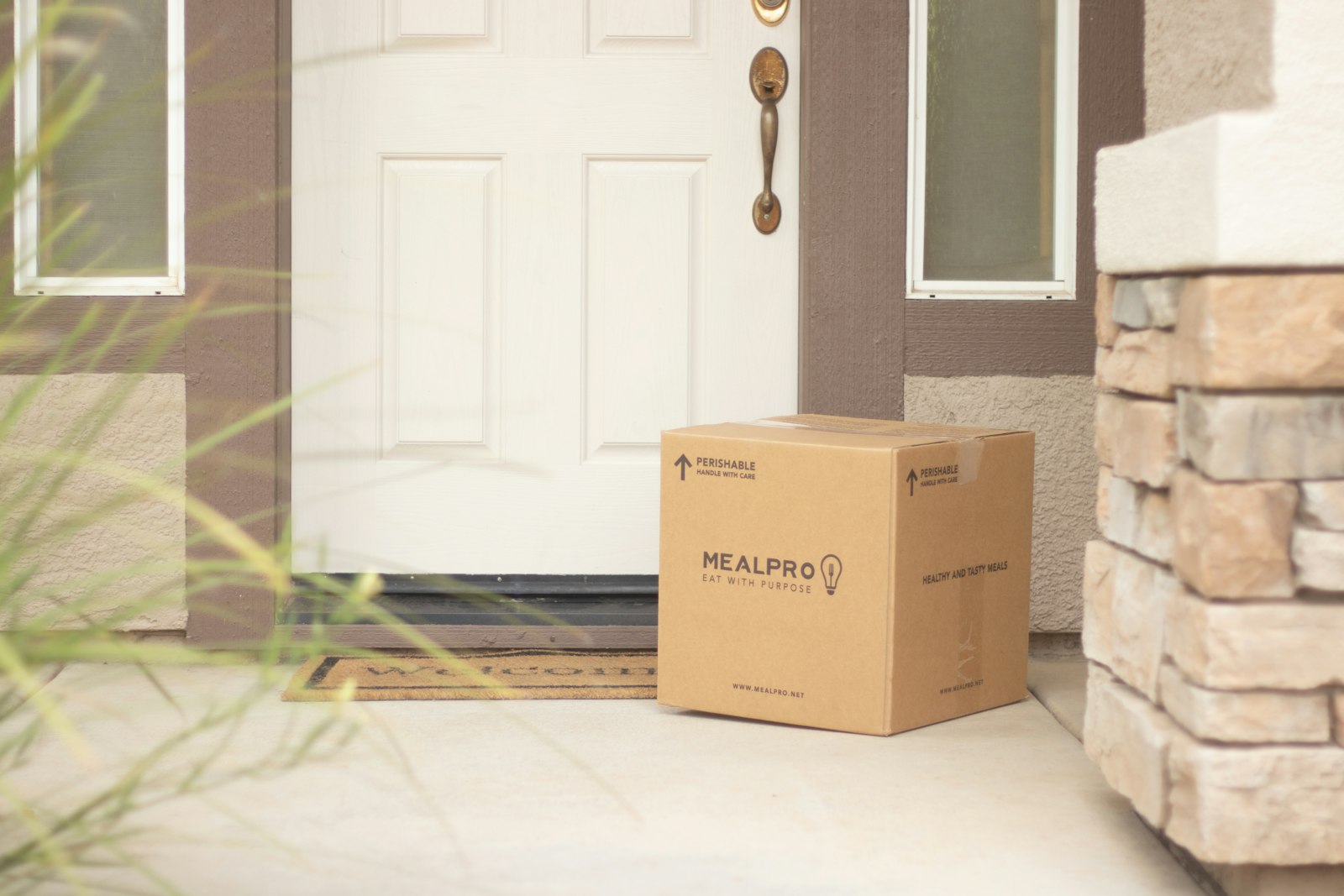
The moment a parcel arrives is often the best time for a useful follow-up message. Illustrative photograph, not an OpsMavix client delivery.
Image credit: MealPro, Unsplash License. Resized only.
6. Build the Lifecycle Flows That Matter
Start with four or five journeys
| Flow | Trigger | Data it depends on |
|---|---|---|
| Welcome | New subscriber or first account | Consent status and sign-up source |
| Abandoned checkout | Checkout started but not completed | Checkout events and contact details |
| Post-purchase | Order dispatched or delivered | Order, product and fulfilment status |
| Replenishment or next purchase | Typical gap since last order passes | Product type and last order date |
| Win-back | No order for a set period | Last order date and lifetime spend |
Keep operations and marketing in step
A post-purchase email that arrives before the parcel, or a win-back offer sent to someone with an open return, damages trust. Make sure dispatch, delivery and returns events reach the CRM promptly. Our guides to the ecommerce order management process flow and returns management cover where those events come from.
Segment simply at first
RFM, short for recency, frequency and monetary value, is a practical starting point: how recently someone bought, how often and how much they have spent. Three or four clear segments used consistently are worth more than thirty that nobody maintains.
7. Compare Options Against One Scenario
Use the same test for every shortlist
Give each supplier, or your own team, the same scenario: a customer who checks out as a guest, later creates an account with a different email address, buys again, requests a return and unsubscribes from texts but not email. Ask them to demonstrate what the CRM shows and does at each step.
| What to compare | Why it matters | Evidence to ask for |
|---|---|---|
| Data sync | Missing orders or refunds break segments | Which objects sync, in which direction, and how failures are shown |
| Duplicate handling | Duplicates inflate counts and annoy customers | A live merge of two records |
| Consent handling | Unlawful sends carry regulatory and reputational risk | How each consent source and unsubscribe is recorded and synced |
| Limitations | Every tool has edges | Features that need a higher plan, add-on or developer work |
| Integrations | The CRM depends on the store, helpdesk and accounts | Supported connectors and who supports them |
| Total cost | Subscriptions are only one part | Setup, data cleaning, training, add-ons and monthly running time |
When something other than a packaged CRM fits
Configuration of your store platform is a valid answer if its customer tools cover your journeys. A connector can join tools you already like. A focused custom application makes sense when your process is distinctive, for example trade and retail customers with different rules, and packaged tools force awkward workarounds. A full ERP is worth considering only when finance, purchasing, stock and customer processes all need unifying. Packaged CRMs carry years of refinement, so compare fairly on your scenario rather than assuming any one model is always cheaper.
8. Pilot and Run the CRM Day to Day
A practical pilot checklist
- Measure the current repeat purchase rate and the time to second order.
- Import a clean sample of customers with consent status for each channel.
- Confirm orders, refunds and fulfilment events arrive within an acceptable time.
- Test the merge rule on known duplicates.
- Build the welcome and post-purchase flows first.
- Send an unsubscribe from every channel and confirm it reaches every sending tool.
- Check the support view shows recent orders and messages.
- Review results after a set period against the baseline.
Name the owners
Decide who owns data quality, who approves new segments and flows, who checks failed syncs and who answers when a customer asks what data you hold. A CRM without an owner drifts within months.
For stores selling across several channels, keep stock accuracy in mind too. A well-timed campaign for an item you cannot ship creates the wrong kind of customer contact; see how to prevent overselling.
Frequently Asked Questions
What is an ecommerce CRM?
It is a system that brings together customer profiles, orders, marketing consent and service history for an online store, and uses them to segment customers and automate messages. It may be a dedicated tool, a module of a wider platform or features built into your store.
Do I need a separate CRM if my store platform has customer segments?
Not always. If built-in segments and email cover your journeys, start there. Consider a separate CRM when you need richer automation, more channels, service history or trade account handling.
What is the difference between an ecommerce CRM and an email marketing tool?
Many modern tools blur the line. A CRM should hold the joined-up customer record and its history; an email tool mainly sends campaigns. Check whether a product holds orders, consent and service data or just a mailing list.
Can I email every past customer under the soft opt-in?
Not automatically. The ICO describes conditions including obtaining the details during a sale or negotiation, marketing similar products or services, and offering an opt-out at collection and in every message. Check the current ICO guidance, which is under review.
Should marketplace customers go into my CRM?
Only where you have a lawful basis and the marketplace’s terms allow it. Marketplace contact details are often restricted, so treat them separately from direct customers.
How do I measure whether a CRM is worth it?
Measure repeat purchase rate, time to second order and margin from repeat customers before and after. Compare the change against subscription, setup and running costs.
How long does it take to set up an ecommerce CRM?
That depends on data quality, the number of systems connected and the flows you need. A focused first phase with a few flows is quicker to prove than a full rollout.
Can OpsMavix build a custom ecommerce CRM?
Yes. OpsMavix can build focused applications or a full custom system, and can configure or integrate suitable existing tools where those approaches fit better.
How OpsMavix Can Help
OpsMavix can map where your customer, order and consent records live today, agree which system owns each one and define the scope needed to make your customer view reliable.
That may mean connecting your store and CRM properly, using ecommerce inventory automation so campaigns only push what you can ship, bringing trade buyers into a wholesale order management system, or building a project operations dashboard that shows repeat purchase and order status side by side.
Contact OpsMavix with one recent customer whose records disagreed between systems, the tools involved and the message or service step that went wrong. We can use that evidence to define requirements and a practical pilot.
Keep reading

Getting value from OpsMavix? Add us as a preferred source on Google — you'll see more of our operations content in your AI Overviews, AI Mode and Search.