
Custom Operations Systems for Growing Businesses
Custom operations systems help growing businesses replace spreadsheet chaos with clearer workflows, dashboards, and automation.
The order is in a spreadsheet. The customer’s latest change is in an email. The approval is in a message, and the person who knows what happens next is away.
This is where a growing business can feel busy without feeling in control. The team spends more time finding information, checking versions and moving updates between tools, while the underlying work becomes harder to follow.
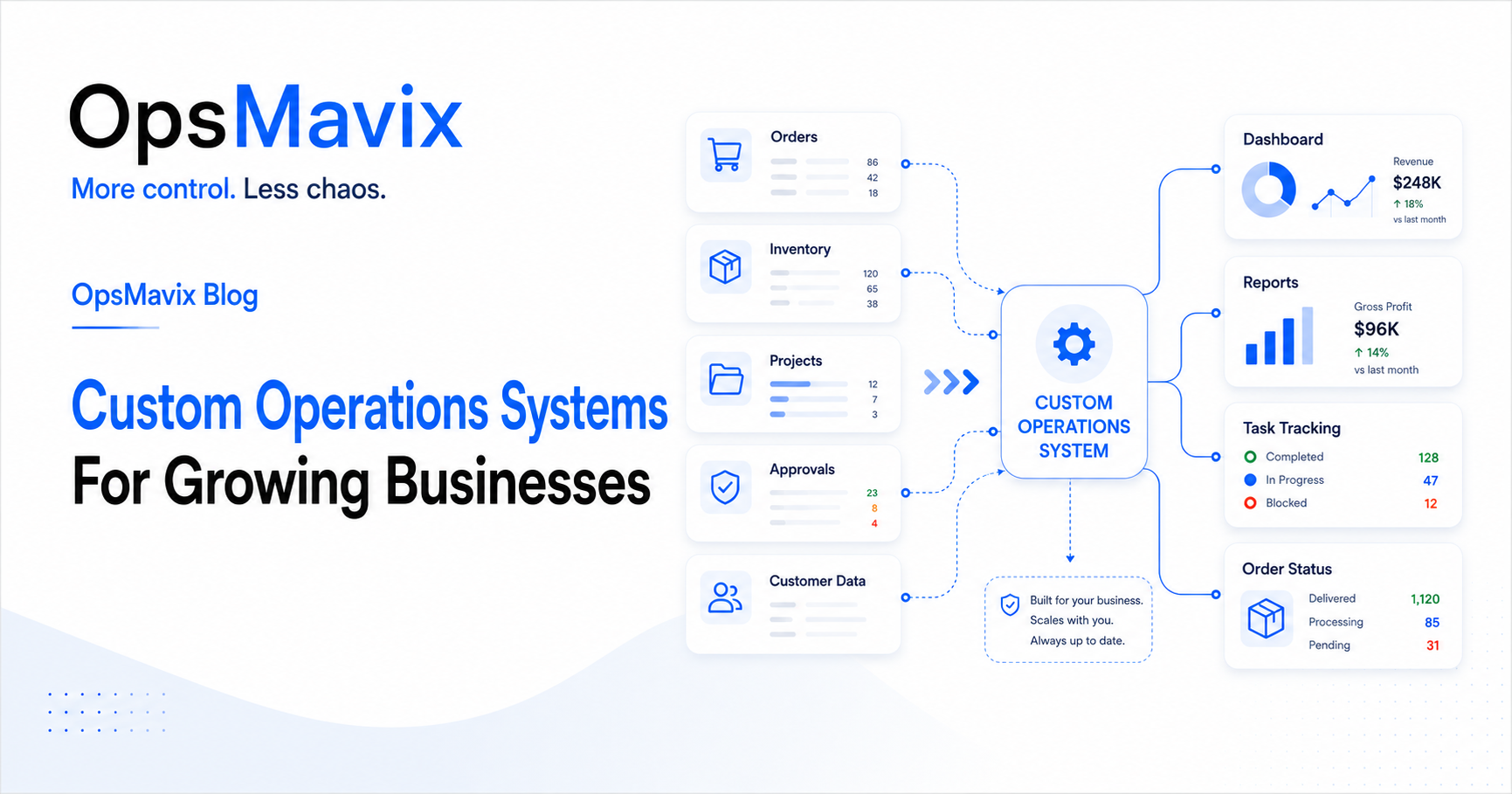
Custom operations systems are internal applications designed around a business’s agreed workflows, records and responsibilities. They can connect orders, projects, stock, tasks, approvals and reporting so the team has a clearer way to complete daily work.
A custom build is worth considering when a specific operational requirement is poorly served by the current tools and standard alternatives would require substantial workarounds. This guide explains what to build, when custom software makes sense and how to keep the first release focused on a measurable improvement.

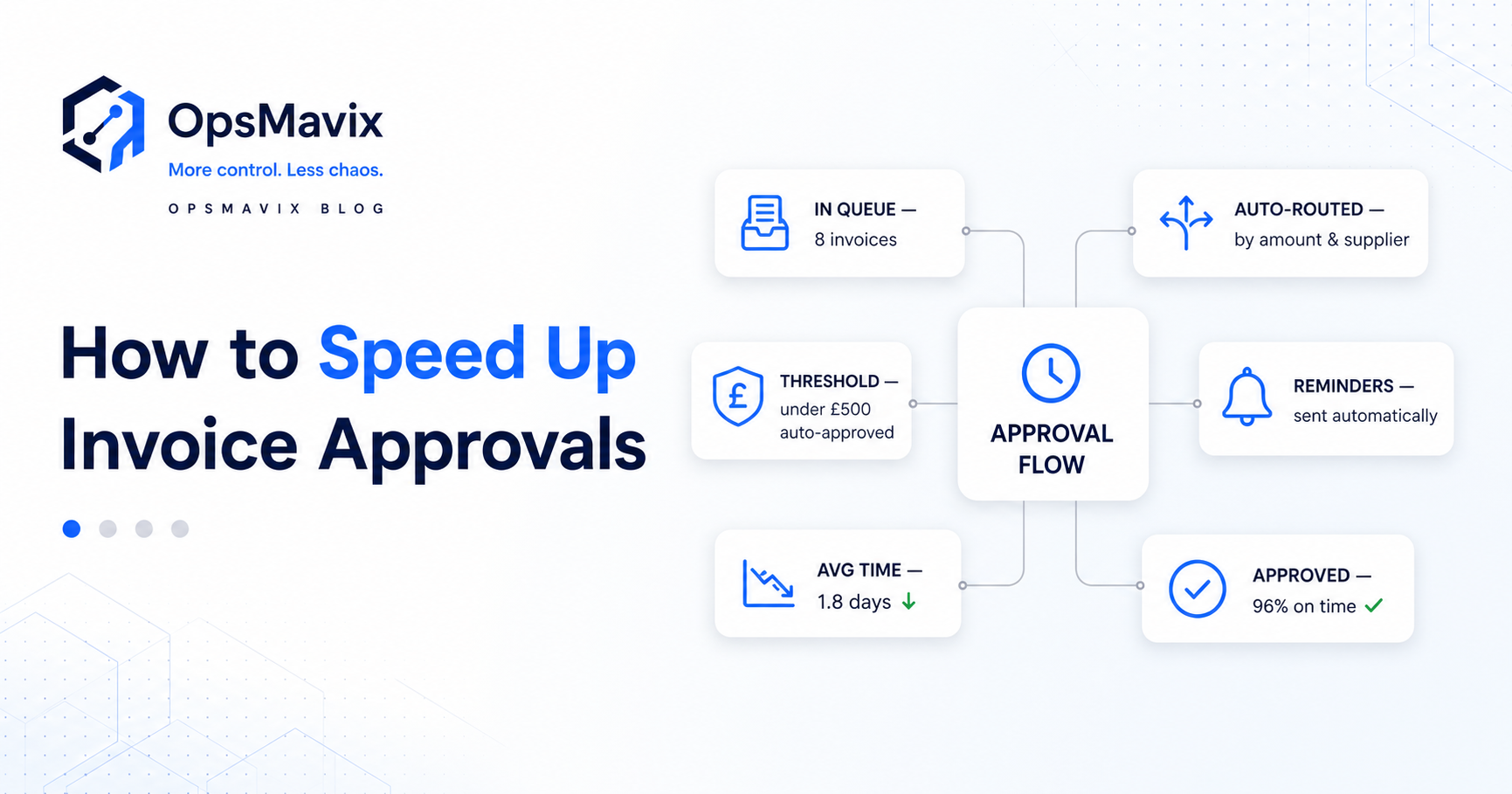
Illustration: OpsMavix.
- Start with a recurring operational problem and the people affected by it.
- Define the workflow, required records and responsibilities before designing screens.
- Compare a custom build with better configuration, integration and packaged software.
- Scope the first release around a complete workflow, including its common exceptions.
- Agree ownership, running costs, support and handover before development begins.
- Measure success through changes in handling time, errors, delays or visibility—not the number of features delivered.
1. The problem starts when spreadsheets become the system
Spreadsheets are useful for planning, analysis and straightforward shared processes. The difficulty appears when the business relies on a collection of files to coordinate work that crosses several teams.
An order may need approval, stock allocation, a delivery date, supporting documents and a clear handover to finance. Each requirement adds another column, tab or message. Eventually, understanding the record requires knowing the story behind it.
Common warning signs include:
- Different versions of the same file circulating between colleagues.
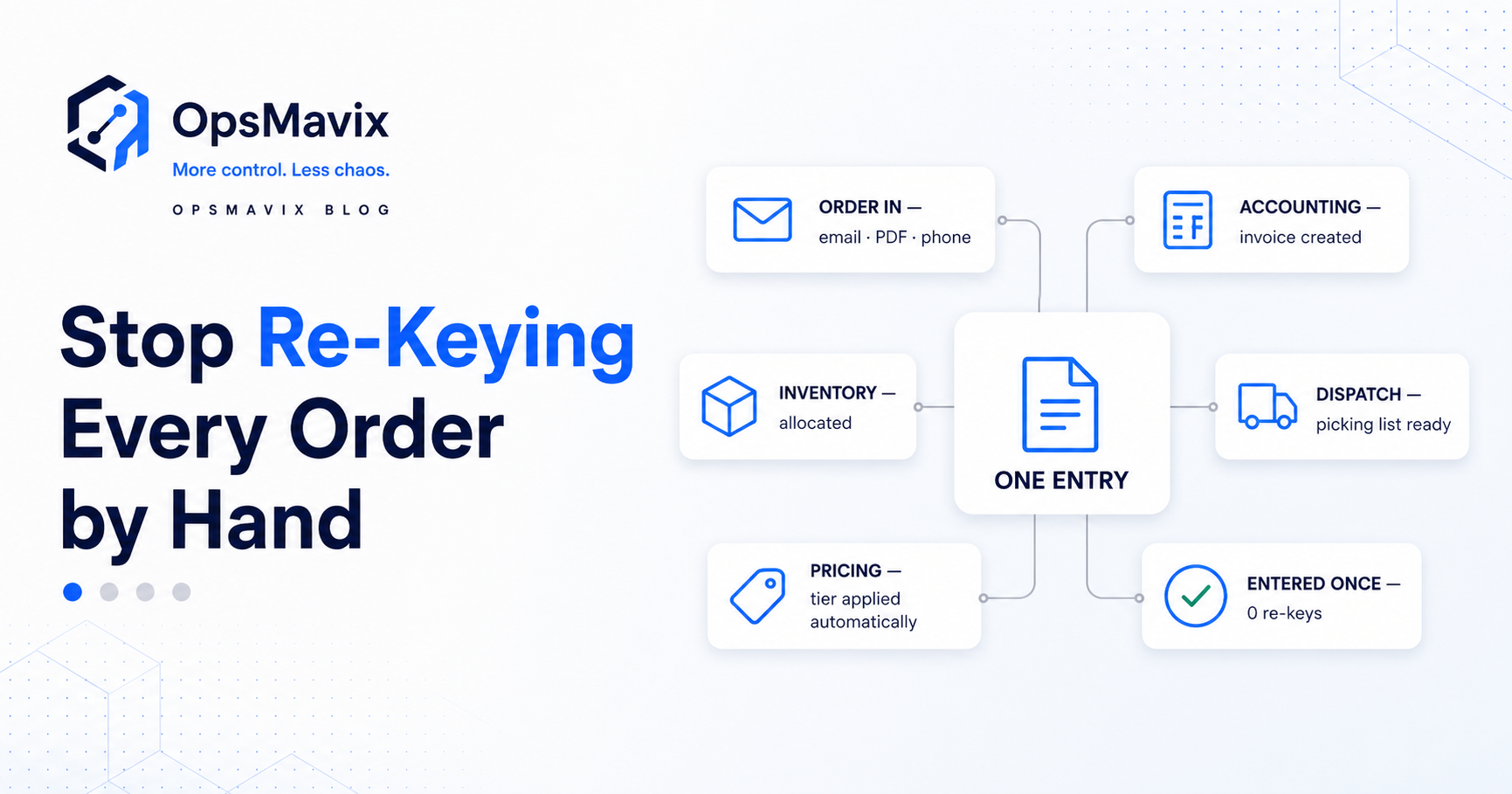
- Repeated copying of customer or order details.
- Important updates arriving after the next person has acted.
- Approvals recorded separately from the work they authorise.
- Reports that require manual corrections before anyone trusts them.
- Tasks without an obvious owner or next action.
- One person maintaining the logic that holds everything together.
The right response depends on the cause. A clearer procedure or better use of an existing tool may resolve a simple problem. A custom operations system becomes more relevant when the process needs connected records and controls that the current setup cannot maintain reliably at a reasonable effort.
For a closer look at that decision, see why spreadsheets stop working as your business grows.
2. What a custom operations system does
A useful custom system gives people a dependable place to record work, make authorised decisions and see what should happen next.
Its scope can include several operational areas, but each should have a clear purpose.
| Area | What the system can organise | Question it should help answer |
|---|---|---|
| Clients and customers | Contacts, linked work, requirements and communication history | What has been agreed with this customer? |
| Orders and projects | Status, dates, documents and outstanding quantities or milestones | What is open, complete or waiting? |
| Tasks and responsibilities | Assigned owners, deadlines, dependencies and blockers | Who needs to act next? |
| Inventory | Receipts, locations, reservations and recorded movements | What can we use or promise? |
| Production | Jobs, stages, material requirements and progress | Where is the work and what is holding it up? |
| Approvals | Requests, decisions, reasons and authorised reviewers | What is approved and what still needs a decision? |
| Reporting | Measures and exception lists built from maintained records | What needs management attention? |
These capabilities only become useful when the underlying relationships are correct. A task should link to the relevant order or project. An approval should identify what was approved. A report should lead back to the records that explain its figures.
Different views for different roles
The warehouse may need quantities, locations and picking instructions. A manager may need overdue approvals and blocked orders. Finance may need the agreed billing information.
A project operations dashboard can give each role a relevant view while preserving consistent records underneath. People should not need to maintain separate spreadsheets just to see the information their role requires.
The system can also connect to existing applications. Keeping a finance package that works well may be sensible if the new application addresses the operational work around it.
3. When your business needs one
Repeated questions, unreliable reports and missed handovers indicate a need to review the process. They do not, by themselves, prove that bespoke software is the answer.
The case for a custom operations system becomes stronger when you can identify a specific requirement that existing or packaged tools handle poorly.
Examples might include:
- An approval process that depends on several related conditions and records.
- Jobs that need a particular sequence of documents, checks and handovers.
- An operational view that must combine information from several established systems.
- Repeated manual workarounds that remain necessary after sensible configuration of standard tools.
- Data-entry screens that need to match a particular warehouse, workshop or field workflow.
Check that the difference matters
Some established practices are essential to how the business serves customers. Others are habits left over from an earlier stage.
Before commissioning custom development, ask what would happen if the process followed a simpler standard approach. Preserve requirements that create value or provide necessary control. Improve steps that exist mainly because of limitations in the old tools.
If your current requirements are broadly standard, a packaged application may provide a suitable route. If the main issue is moving data between tools that otherwise work well, an integration may be enough.
4. The solution starts with process design
OpsMavix starts by understanding the work the system needs to support. A list of desired screens is useful later; the first task is to define how a transaction or job should move through the business.
Follow a real piece of work
Take a recent order, project or approval request and trace it from start to finish. Include a case that changed or encountered a problem.
Record:
- What starts the process.
- Which information must be present.
- Who owns each step.
- What decision moves the work forward.
- Where delays or repeated entries occur.
- What exceptions need a different route.
- What confirms that the process is complete.
Agree where information belongs
If customer records already exist in one application, decide whether the custom system reads those records or maintains them. Apply the same thinking to stock, orders, invoices and other shared information.
Avoid allowing several applications to independently edit the same field without a clear rule for resolving differences. The one source of truth guide explains how to map that ownership.
Define what users should be able to do
Translate the workflow into concrete behaviour. For example:
- A sales colleague can prepare an order and submit it for review.
- An authorised manager can approve, reject or return it with a reason.
- A material change after approval triggers the agreed review process.
- The warehouse can see orders released for fulfilment.
- Management can identify requests waiting beyond the agreed target.
These statements are easier to build and test than a broad requirement such as “better visibility”.
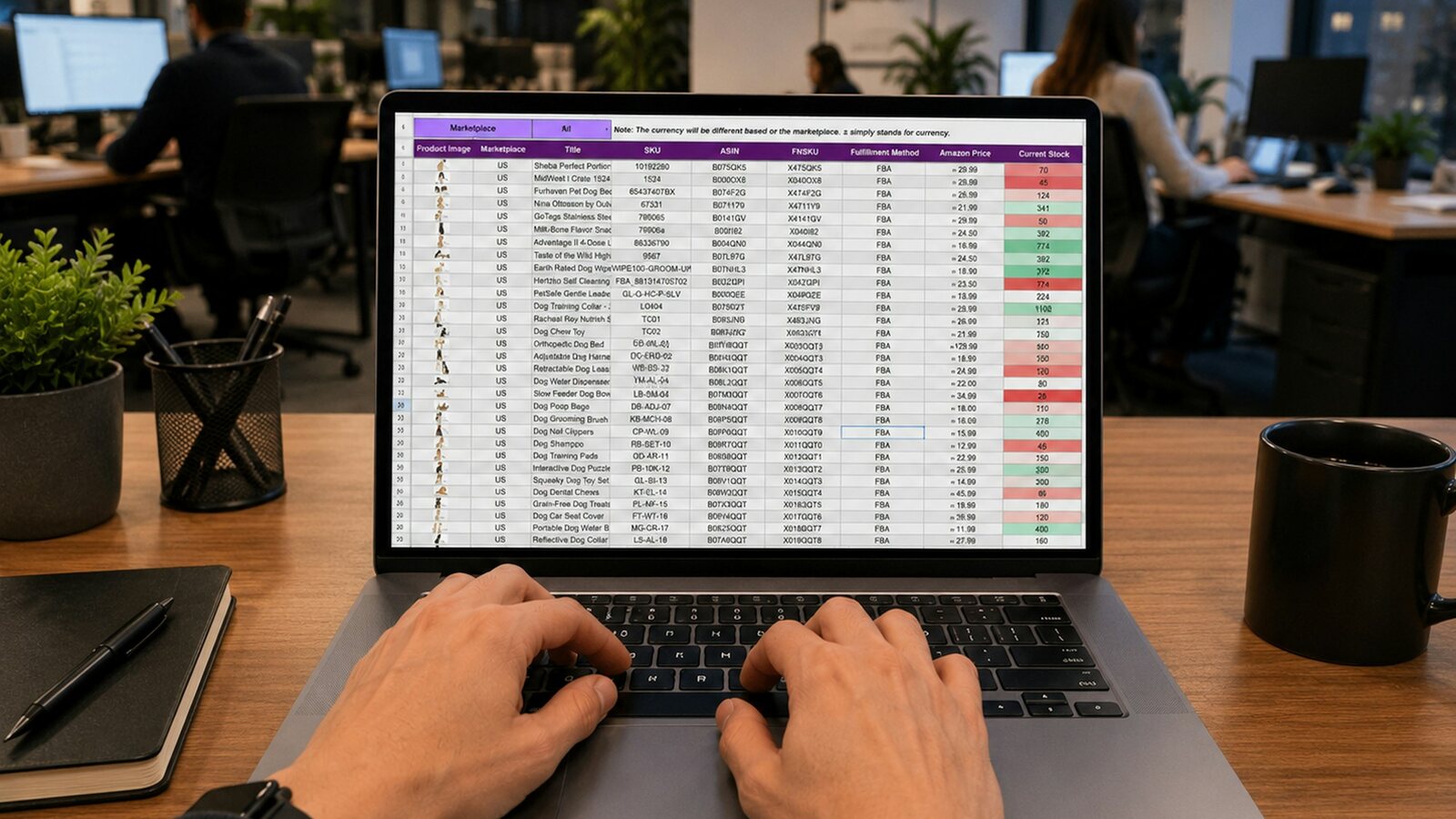
Image hosted by OpsMavix.
5. Custom software vs packaged tools and integrations
Compare the available routes using the same requirements. The aim is to find a maintainable solution that the team can use reliably.
| Approach | Suitable when | Main consideration |
|---|---|---|
| Improve the existing setup | The tools can support the process, but configuration or responsibilities are unclear | Whether the improvement removes the recurring problem |
| Buy a packaged application | Standard workflows meet most important requirements | Fit for real transactions, exceptions, integrations and user roles |
| Connect existing tools | Each application works well, but information is repeatedly transferred by hand | Data ownership, update timing and handling failed transfers |
| Build a custom system | A defined workflow needs substantial adaptation or specific connected behaviour | Scope, maintainability, ownership and ongoing support |
| Implement a broader platform | Several business functions need coordinated change | Overall process coverage, migration effort and organisational readiness |
A custom build can use standard components and existing services. “Custom” describes the fit and behaviour of the solution; it does not require every part to be written from scratch.
Likewise, using a configurable platform does not automatically give you ownership of the underlying software. Compare the actual agreement and dependencies alongside the functions provided.
For the broader concept, read what an operations system is.
6. Worked example: a focused order approval system
This is an illustrative scenario, not a client case study or a claim of measured results.
A B2B distributor uses a spreadsheet to manage orders that require commercial approval. The team must check customer-specific requirements, discounts and requested delivery dates before releasing work to the warehouse.
Approvals happen in email. If the order changes afterwards, staff manually check whether the earlier approval still applies. Managers spend time explaining which version the warehouse should use.
The first release
A focused custom application could provide:
- An order record linked to the existing customer and product references.
- Required fields for the information needed to make the decision.
- A review queue showing the owner, submission date and reason for approval.
- A recorded decision linked to the version reviewed.
- Rules for changes that require another review.
- A controlled handover of approved orders to the fulfilment process.
- An exception list for rejected or failed handovers.
The build can retain the existing finance and inventory tools, with the required connections defined in the scope.
What should be tested?
| Scenario | Expected behaviour |
|---|---|
| An order lacks a required delivery detail | The user can see what is missing before submitting it |
| An authorised manager approves an order | The decision and reviewed version are recorded |
| A material order detail changes afterwards | The agreed review rule is applied and the change remains traceable |
| A colleague without approval rights attempts release | The application prevents that action |
| The handover to fulfilment fails | The failure is visible and assigned for resolution |
| A failed transfer is retried | The process avoids creating a duplicate order |
How would the business judge success?
Measure approval turnaround time, time spent chasing decisions, orders released using outdated information and failed handovers awaiting correction.
The system should demonstrate improvement against the starting position. A completed screen or automated email is a deliverable; a dependable process is the operational result to verify.
7. What to include in the first build
A first release needs enough scope to complete one useful workflow. A screen that captures an order but leaves the next team copying it into another file may leave the main problem unresolved.
Define the following before development:
- The outcome: The specific delay, error or repeated effort the build addresses.
- The workflow: Where it starts, where it ends and the exceptions included.
- The records: Required fields, relationships and authoritative sources.
- The users: Roles, permitted actions and practical working conditions.
- The connections: What information moves, in which direction and how often.
- The measures: How the business will evaluate the change.
- The acceptance criteria: Real scenarios that must work before the release is accepted.
For businesses with stock, an inventory automation system may need to include receiving or reservation changes even if the visible request is a stock dashboard. Scope the records needed to make the dashboard trustworthy.
For manufacturers, production tracking may need a simple way to capture shop-floor updates before management reporting can improve.
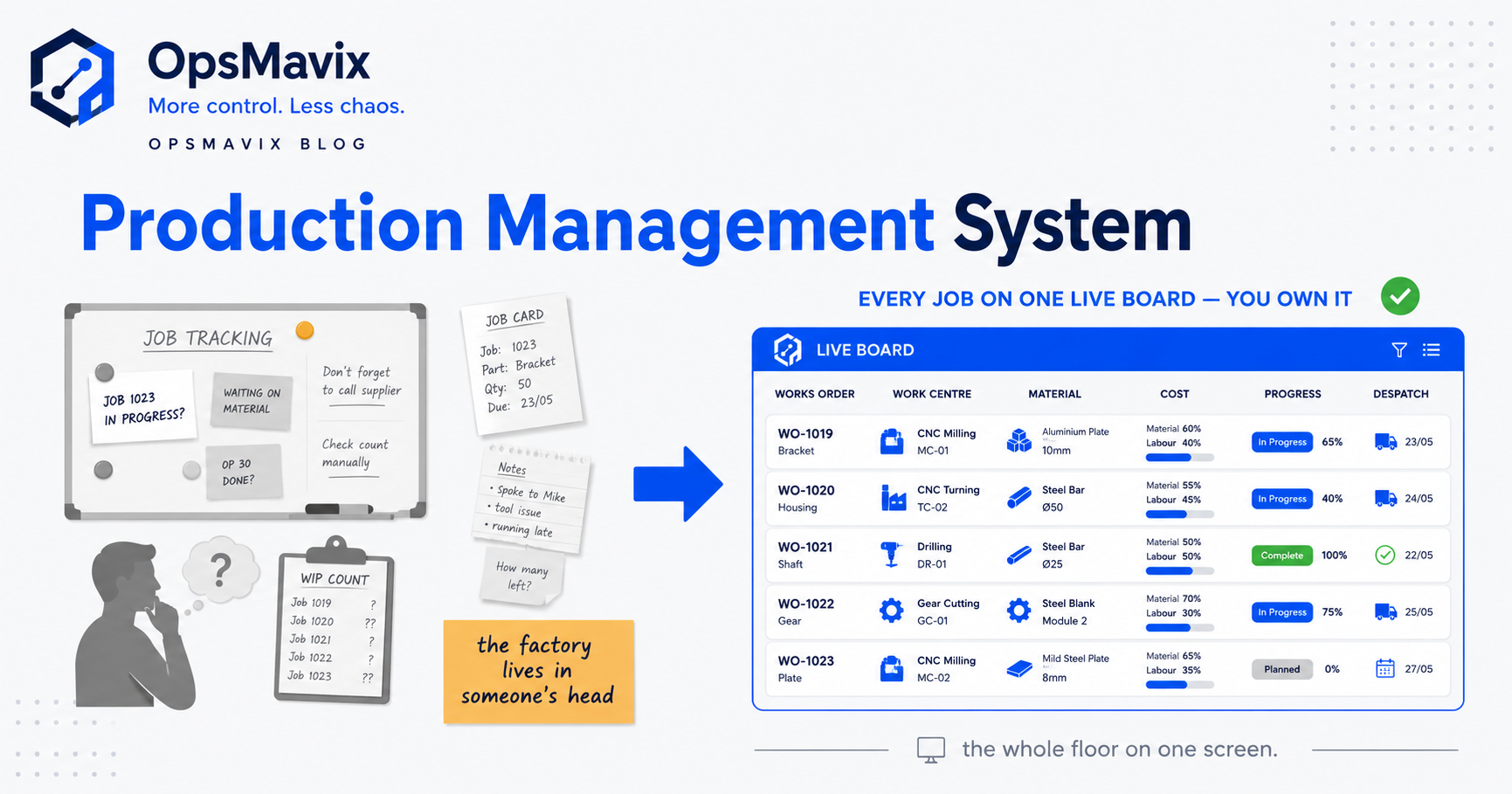
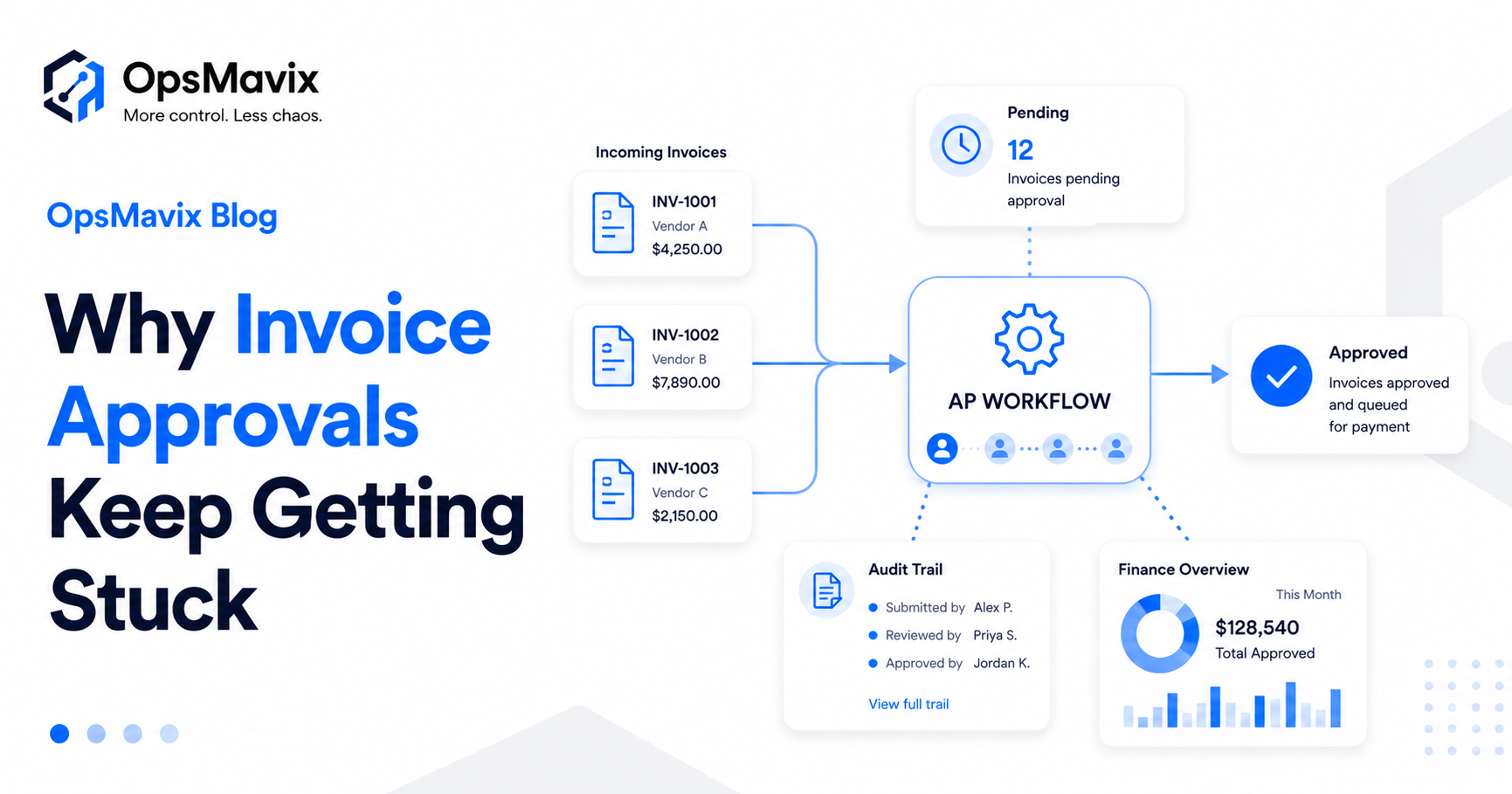
Illustration: OpsMavix.
Make everyday use part of the design
Ask the people doing the work to review the proposed workflow early. Check whether they can find the right record, complete the action and correct a mistake without unnecessary steps.
A warehouse terminal, a manager’s laptop and a phone used away from the office may need different layouts. Design around those working conditions within the agreed scope.
8. Costs, ownership and ongoing support
The cost of a custom operations system depends on the workflow, data, integrations, permissions and support required. A simple-looking interface can still involve substantial work if it must coordinate several existing systems.
Ask proposals to separate:
- Process discovery and design.
- Development and configuration.
- Data cleaning and migration.
- Integrations and exception handling.
- Testing, training and release support.
- Hosting, maintenance and ongoing assistance.
- Future changes outside the agreed scope.
Compare alternatives over the same period. Include the internal time needed to prepare data, test the workflow and support adoption.
What should ownership mean?
If ownership is part of the offer, the agreement should explain access to source code, business data, documentation and the accounts needed to operate the system. It should identify third-party components and what another developer would need to take over support.
Paying for custom development does not automatically remove all licences or recurring costs. Hosting, external services, updates and support can remain ongoing expenses.
Agree what happens after launch
Identify who handles defects, questions, failed integrations and enhancement requests. Establish how changes are reviewed and tested before release.
The aim is to give the business a system it can operate and maintain confidently as its needs change.
Why This Happens
Spreadsheets and messages often become operational systems by accumulation. One team adds a tracker, another adds a report, and a colleague supplies the missing link by remembering what needs to happen next.
As activity grows, the unwritten rules become harder to maintain. The same information is copied more often, and more people need to understand decisions that were once handled through a quick conversation.
A custom operations system can make those rules and relationships explicit. Its value depends on designing them well, giving people clear responsibilities and maintaining the records as part of normal work.
What To Do Next
Choose one process that repeatedly creates delay, confusion or duplicate administration. Review a recent example from beginning to end.
- Describe the problem. State what happens, who is affected and how often it occurs.
- Gather the current records. Bring the relevant files, forms, messages and reports together for the review.
- Measure a starting point. Record handling time, corrections, overdue items or repeated enquiries.
- Define the improved workflow. Agree ownership, required information, decisions and exceptions.
- Compare the options. Check whether existing tools, an integration, a package or a custom build provides the best fit.
- Write the first-release scope. Include the end-to-end workflow, connections and acceptance scenarios.
- Pilot with the team. Validate the records and handovers before making the new process authoritative.
- Review the result. Resolve gaps and check the measures before extending the system.
If a new system replaces a live spreadsheet, agree a clear changeover. Preserve the history needed for reference and stop maintaining competing operational copies once the new process is accepted.
FAQ
What is a custom operations system?
It is an internal application designed around an organisation’s agreed processes. It can organise customers, orders, projects, tasks, stock, approvals and reporting, with records and actions tailored to the people doing the work.
How is it different from a standard business application?
A standard application provides established workflows that you configure and adopt. A custom system allows more specific design of records, rules, screens and integrations. The better choice depends on fit, cost, support and the importance of your particular requirements.
Do we need to replace all our spreadsheets?
No. Spreadsheets can remain useful for analysis, planning and other suitable tasks. Focus on the operational workflows where conflicting records, repeated entry or missing controls create a measurable problem.
Can a custom system connect to our accounting, ecommerce or inventory tools?
Often, provided the relevant systems support the required access or data exchange. Confirm the exact records, directions, update frequency and error handling during scoping. An integration should be tested against changes and exceptions as well as straightforward transactions.
Will automation remove all manual work?
Some repetitive steps can be automated, while decisions and exceptions may still need people. Design a clear route for those cases and include their handling time when assessing the benefit.
How long does a custom operations system take to build?
The schedule depends on scope, integrations, data readiness and the time available for review and testing. A supplier should base the plan on defined requirements, dependencies and acceptance criteria. A focused pilot can help establish what the wider rollout will involve.
How do we know whether a custom build is worth it?
Compare the current burden with the total cost of the proposed change and suitable alternatives. Use your own measures, such as duplicated administration, approval delays or correction rates. Treat expected improvements as assumptions to validate in the pilot.
Will we own the finished system?
That depends on the agreement and the technologies used. Confirm rights to the custom code, access to data, third-party licences, hosting control and support handover before committing. Ask what is needed for another provider to maintain it.
How OpsMavix Can Help
OpsMavix helps growing businesses turn scattered spreadsheets and manual handovers into clearer operations systems.
We start by mapping the workflow and identifying where information, ownership or control breaks down. From there, we can scope custom records, practical screens, integrations, dashboards and automation around the requirements that matter.
The focus is a system the team can use to complete work reliably, with clearer information for the people managing it.
Bring one process that creates repeated questions, delays or duplicate entry. We can use it to define a practical first step and assess whether a custom system is the right fit.
Keep reading
Getting value from OpsMavix? Add us as a preferred source on Google — you'll see more of our operations content in your AI Overviews, AI Mode and Search.