
Airtable Consultant for Operations Systems
Airtable-style operations systems help businesses move from messy spreadsheets to clearer workflows, databases, dashboards, and automation.
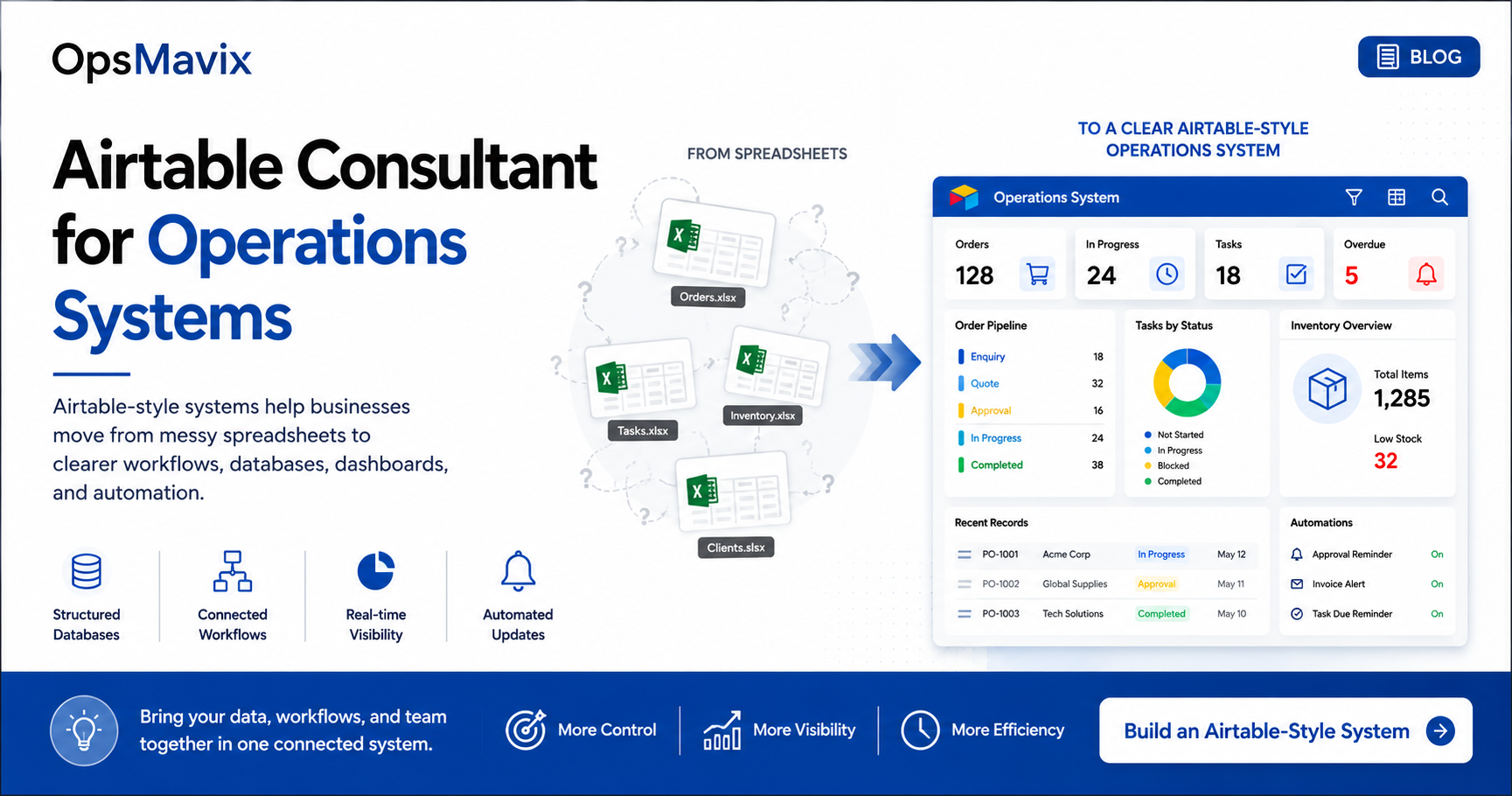
Your team has a project spreadsheet, a separate task list and customer details copied into both. When a deadline changes, someone updates one file, sends a message and hopes the next person has seen it.
This is often what sends a growing business looking for an Airtable consultant for operations systems: the need to connect records, clarify responsibility and reduce repeated administration while keeping everyday work straightforward.
An Airtable consultant helps turn business requirements into a structured Airtable setup using linked records, interfaces and automations. An operations systems agency may also design the workflow, connect other applications, prepare data and support the rollout.
An Airtable implementation and an “Airtable-style†custom system are different deliverables. The first runs on Airtable. The second describes a similar way of working through connected records, forms and focused views, potentially built on another platform or as a custom application. Agree which you are buying before comparing proposals.
Illustration: OpsMavix.
- Start with the workflow and the information it needs, then choose the platform.
- Use connected customer, project and task records to reduce unnecessary duplication.
- Give each role a clear view of its work, with appropriate access and actions.
- Define automation triggers, exceptions and responsibility for failures.
- Check platform limits, permissions, ongoing costs and handover arrangements.
- Test the system with real work before replacing the existing process.
1. The problem with spreadsheet workflows
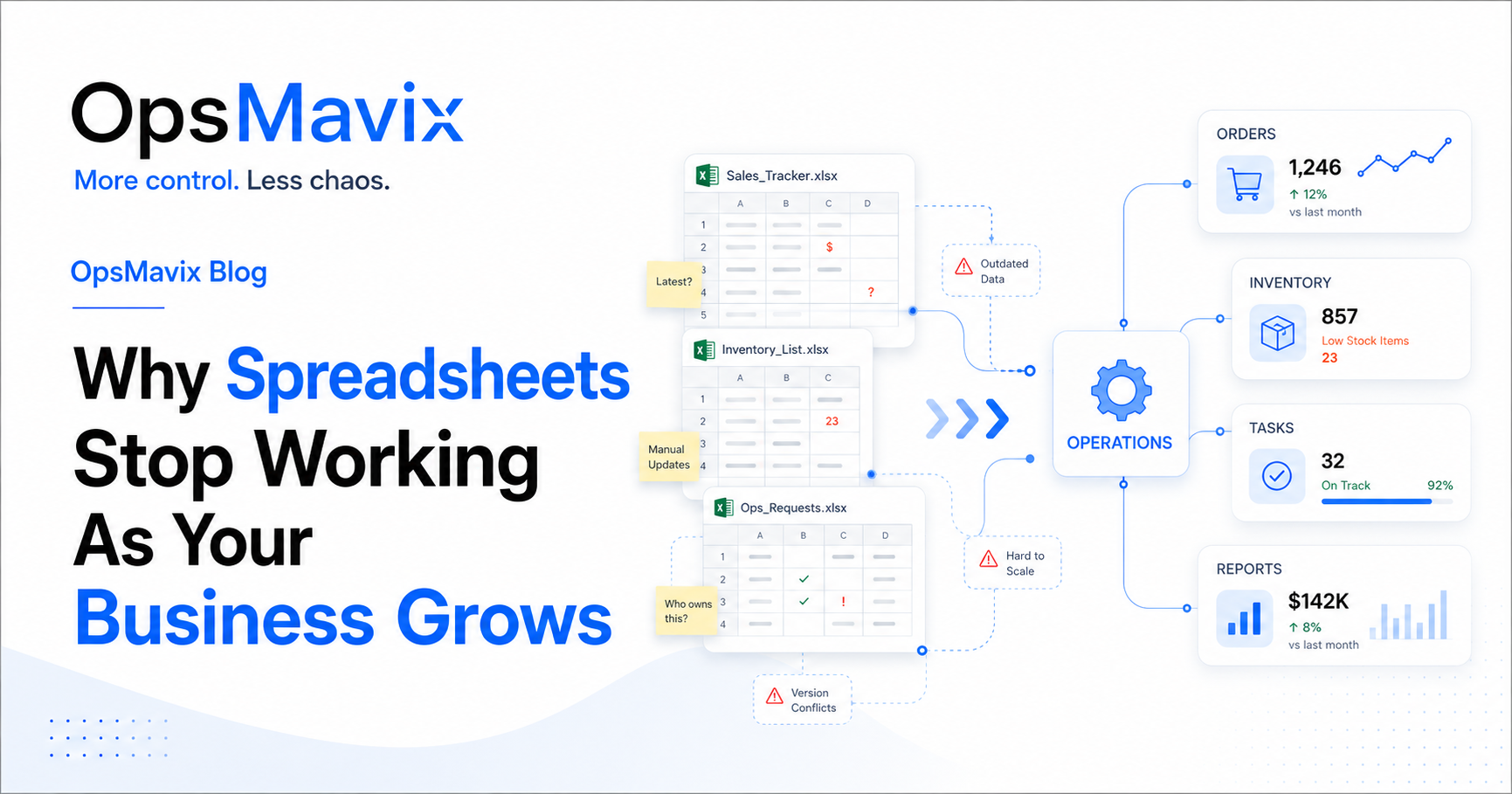
Spreadsheets can support useful business processes. The difficulty comes when several files are expected to coordinate connected work without dependable ownership or update rules.
A task may be marked complete in one file while the project tracker still shows it as open. A client changes their requirements, but the person doing the work sees an older note. Managers ask for updates because the report does not reflect what the team knows.
Common symptoms include:
- Several versions of the same customer or project details.
- Copying information between files and applications.
- Statuses that different people interpret differently.
- Tasks without a clear owner or deadline.
- Approvals stored separately from the work they authorise.
- Reports that require repeated checking and correction.
- One colleague who knows how everything fits together.
These are reasons to review the workflow. They do not automatically establish that Airtable, or any other platform, is the right solution.
Start by identifying where the records should connect and which updates people repeat. Our guide to why spreadsheets stop working as your business grows provides a broader assessment.
2. Why Airtable-style systems can work
The appeal is a familiar way to view information combined with more deliberate relationships between records.
In Airtable, a base can contain tables representing different types of information. Airtable’s linked-record documentation explains how records in those tables can be connected. For example, a client can link to several projects, and each project can link to its tasks.
That relationship gives the team a way to organise information without repeatedly typing the same details into unrelated lists.
Start with the relationships
A practical design might separate:
- Clients and their contact information.
- Projects and the work agreed with each client.
- Tasks and the people responsible for completing them.
- Approval requests and the decisions made on them.
- Documents and the relevant project or request.
Changing a current contact detail in its authoritative record can then make that information available where needed. Historical information, such as the terms approved for a particular project, may need to be preserved separately rather than overwritten by a later change.
Give users a focused interface
Airtable Interface Designer provides tools for building interfaces over the underlying data. A system can therefore present a focused working view instead of requiring everyone to navigate every table.
A coordinator might use a project overview, a team member might use an assigned-work view, and a manager might review pending decisions. The underlying records should remain consistent across those views.
Add automation where the rules are clear
Airtable automations use triggers and actions to support workflows. Suitable examples may include notifying an assigned colleague, creating a follow-up record or flagging a request for review.
The design still needs to explain what happens if information is incomplete, a status changes again or an action fails. Automatic activity is useful when it supports a reliable process.
3. What a good operations system should show
The system should answer the questions people ask to complete their daily work.
| Question | Information the user needs |
|---|---|
| What is open? | Active work and its current stage |
| Who owns it? | A responsible person or team |
| What is late? | The agreed due date and current completion status |
| What is blocked? | The blocker, the next action and who can resolve it |
| What needs approval? | The request, supporting information and authorised reviewer |
| What has changed? | Relevant amendments and their effect on outstanding work |
| What needs management attention? | Exceptions that require a decision or intervention |
Avoid using a single status to describe several different facts. A project can be approved, awaiting materials and partly complete at the same time. Separate those states when the workflow needs to distinguish them.
A project operations dashboard should also let someone move from a headline figure to the relevant record. “Eight overdue tasks†is more useful when the manager can see which tasks, why they are late and who will act.
Check access with the actual user role
Airtable’s interface permissions depend on the user’s access and how the interface is shared. Sharing an interface separately from its base is a paid-plan capability according to Airtable’s documentation.
Test what each role can see and change. A filtered screen is a presentation choice; confirm the underlying access arrangements instead of assuming the filter defines a user’s full access.
4. Worked example: clients, projects, tasks and approvals
The following is an illustrative design, not a client case study or a claim of measured results.
A growing business manages customer installation projects. Client details live in one spreadsheet, project milestones in another, and approval messages in email. Coordinators manually chase incomplete tasks before updating the client.
A connected design could begin with four main record types:
| Record type | Example fields | Relationship |
|---|---|---|
| Client | Client reference, name, contacts and current communication details | Linked to its projects |
| Project | Project reference, client, agreed scope, owner and target date | Linked to tasks and approval requests |
| Task | Description, project, owner, due date, status and blocker | Belongs to a project |
| Approval request | Project, requested decision, reviewer, decision date and reason | Identifies the item or version reviewed |
The structure gives each fact a clear home. A task belongs to a project, and the project belongs to a client. The team can understand those connections without copying the client’s details onto every task.
The everyday workflow
- A coordinator creates a project against the correct client.
- The team records the required tasks, owners and due dates.
- Team members update their work through an appropriate interface.
- A blocker records what is missing and who needs to resolve it.
- An approval request presents the relevant information to its reviewer.
- The project view brings together outstanding tasks and decisions.
The important exception
Suppose the customer changes the scope after approval. The system should apply the agreed rule for another review and retain enough history to show what was approved earlier.
Whether this is achieved through Airtable configuration, automation, an integration or custom application logic belongs in the scope. It should be demonstrated during testing.
How to measure the result
Track the time spent gathering updates, requests waiting for approval, tasks missing owners and corrections caused by outdated information. Compare the same measures after the team has adopted the new workflow.
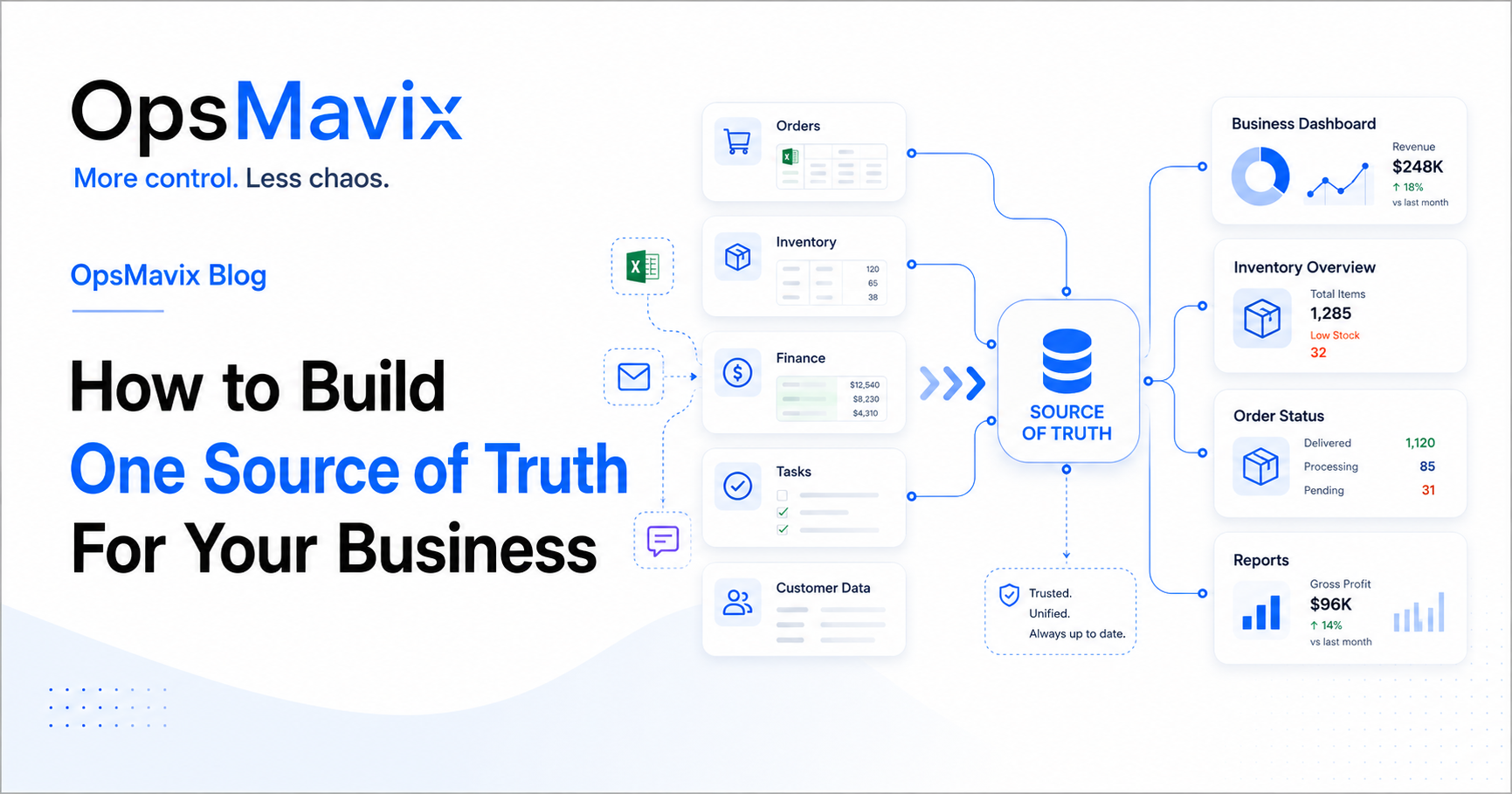
Illustration: OpsMavix.
5. What an Airtable consultant should deliver
A good brief describes the work the system must support and how the business will maintain it after launch. Useful deliverables include the following.
A workflow map and record design
The proposal should explain where the process starts, where it ends and how the records connect. It should identify the information that is maintained in Airtable and the information that remains authoritative elsewhere.
Interfaces for the people doing the work
Users should be able to find the right record, understand what is required and complete their action. Ask to see the proposed workflow through the eyes of a team member, a reviewer and a manager.
Automation rules and exception handling
Document what starts each automation, what it changes and who investigates failures. Test repeated updates so they do not create duplicate tasks or repeated notifications unintentionally.
Airtable applies automation allowances by plan. The consultant should estimate the expected activity and compare it with the current automation limits, including realistic exceptions and repeat processing.
A migration and testing plan
Importing a spreadsheet is only part of the work. Duplicate clients, inconsistent status names and missing owners need attention before the new process can be trusted.
Test representative records and their relationships. A matching row count does not prove that every task is linked to the right project or every project to the correct client.
Documentation and handover
The business should receive an explanation of its tables, fields, interfaces, automations, integrations and maintenance responsibilities. Agree who controls the workspace and connected accounts and how another provider could support the setup.
6. Airtable implementation or custom operations system?
“Airtable-style†is a description of an approach. It is not a guarantee that Airtable is the underlying platform or that different products have the same features.
Make the delivery route explicit:
| Question | Airtable implementation | Custom system with an Airtable-style interface |
|---|---|---|
| What is being delivered? | A configured solution running on Airtable | An application with a separately agreed technology and hosting approach |
| What determines capabilities? | Airtable features, the selected plan, configuration and integrations | The implemented scope and any platform or service dependencies |
| What affects recurring cost? | The applicable subscription and connected services | Hosting, maintenance, support and any third-party licences |
| What should be handed over? | Appropriate workspace access, documentation and integration ownership | The agreed code, data, accounts, documentation and operating instructions |
| What happens when needs change? | Assess new requirements against platform capabilities and limits | Scope, develop and test the required changes |
| What must be checked before committing? | Workflow fit, user access, expected volume and platform allowances | Workflow fit, technical maintainability, ownership terms and ongoing support |
An Airtable implementation can be a practical option when its capabilities fit the process. A custom application may be worth evaluating when requirements call for specific interfaces, transaction behaviour or integrations that are difficult to support within the proposed platform setup.
For stock-heavy or manufacturing workflows, test the complete transaction behaviour: reservations, partial movements, returns, traceability and simultaneous updates where relevant. A product table and a quantity field do not, by themselves, establish a dependable inventory system.
You can explore those requirements in OpsMavix’s inventory automation system and manufacturing production tracking pages.
7. How to choose an Airtable consultant or operations systems agency
Ask each provider to work through the same business scenario. This makes it easier to compare proposals on fit rather than presentation.
Useful questions include:
- Which parts of the process will you review before recommending a platform?
- Will the deliverable run on Airtable or another technology?
- Which records will remain in our existing systems?
- How will users see and update only the information appropriate to their role?
- Can you demonstrate a changed request, a rejected approval and a failed update?
- Which limits or ongoing costs could affect the proposed workflow?
- What data preparation and migration work is included?
- Who maintains the system after launch, and what is included in support?
- What will we receive at handover?
If you specifically need an Airtable implementation, ask for evidence of relevant Airtable delivery experience. If a provider proposes a custom alternative, ask it to explain the requirement that makes that route worthwhile.
Agree acceptance criteria in plain language. For example: “A task linked to the wrong project can be corrected by an authorised user, and the project overview then reflects the correction.â€

Image hosted by OpsMavix.
8. How OpsMavix approaches Airtable-style systems
OpsMavix builds custom operations systems for businesses outgrowing disconnected tools and repeated manual updates.
The approach begins with the workflow: what needs tracking, who owns each step, where information comes from and which decisions the system must support. From there, a scoped solution can include connected records, forms, task ownership, approval routes, dashboards and automation.
In this context, Airtable-style describes a structured, accessible way of managing connected information. The actual platform, integrations and ownership arrangements should be agreed explicitly during scoping.
The first version should address a complete, useful workflow. It might connect project intake, assigned tasks and approvals, while retaining other applications that already work well.
For more on scoping that route, read our guide to custom operations systems.
Why This Happens
Businesses often create separate trackers because each team needs a quick answer. One list helps manage projects, another helps allocate tasks, and a third records approvals.
As the work becomes more connected, the lists still need people to carry information between them. A renamed project, changed deadline or new client requirement must be updated in several places.
A structured system can reduce that duplication by making relationships and responsibilities explicit. The improvement comes from the design of the records and workflow, supported by a platform suited to the requirements.
What To Do Next
Start with one workflow that produces repeated questions, missed updates or manual reporting.
- Gather the current files. Identify the spreadsheets, forms, messages and reports involved.
- Map one real example. Follow a project or request through normal work and at least one exception.
- List the core records. Separate clients, projects, tasks, approvals and other information that needs its own identity.
- Agree ownership. Define who maintains each record and which system is authoritative.
- Write the required user actions. State what each role must see, change or approve.
- Compare delivery options. Check Airtable, existing tools and custom development against the same requirements.
- Pilot and review. Validate the relationships, access and automation with actual users before changing the live process.
After rollout, review where colleagues still keep separate lists or ask for manual confirmation. Those behaviours can reveal missing information, unclear rules or a screen that does not support the task well enough.
FAQ
What does an Airtable consultant do?
An Airtable consultant translates business requirements into an Airtable solution. The engagement may include workflow review, table and linked-record design, interfaces, automations, integrations, migration, training and support. Confirm which of those activities are included in the proposal.
What is an Airtable-style operations system?
It describes a system organised around connected records, forms and focused views with a spreadsheet-like working experience. It may use Airtable, another platform or custom software. The term alone does not identify the underlying technology.
Is moving a spreadsheet into Airtable enough?
It can be a starting point, but the process also needs clear record relationships, ownership, statuses and user actions. Copying a confusing structure into a new tool may leave the same duplication and handover problems in place.
Can Airtable manage projects and approvals?
Its records, interfaces and automations can be configured to support project and approval workflows. Test the specific requirements, especially who may approve, what is recorded and what happens when information changes after a decision.
Can we use it for inventory?
Assess the actual requirements. Maintaining a product list is different from controlling reservations, stock movements, returns and traceability. Demonstrate the required scenarios and expected volume before making any proposed setup the authoritative stock record.
Do we need to replace our accounting software?
Only if the wider requirements justify that change. An operational workflow may keep the existing accounting system and exchange selected information with it. Define which system owns each record and how discrepancies or failed transfers are handled.
How much does an Airtable operations system cost?
Separate the implementation fee from platform subscriptions, connected services and ongoing support. Cost depends on the workflow, number and type of users, data preparation, interfaces, integrations and maintenance. Request a scoped proposal and check current plan allowances for the expected usage.
Will we own the system?
For an Airtable build, distinguish control of your workspace, data and configuration from ownership of the Airtable platform. For a custom application, confirm the contractual rights to code, data and documentation, together with any third-party dependencies and hosting arrangements.
How OpsMavix Can Help
OpsMavix helps businesses turn scattered spreadsheets and manual handovers into connected operations systems.
We can review your current workflow, identify the records and responsibilities it needs, and scope practical forms, views, dashboards and automation around that process. The proposed platform and integrations should support the way the work needs to happen.
Bring one workflow that repeatedly causes confusion, along with the files and reports used to manage it. That gives us a concrete starting point for a system your team can use and maintain.
Book a Free Operations Leak Audit.
Sources
- Airtable: Linking records.
- Airtable: Getting started with Interface Designer.
- Airtable: Getting started with automations.
- Airtable: Interface Designer permissions.
Product documentation checked 7 October 2026. Plan features and allowances can change. The worked example is illustrative; images are linked from existing OpsMavix media assets.
Keep reading
Getting value from OpsMavix? Add us as a preferred source on Google — you'll see more of our operations content in your AI Overviews, AI Mode and Search.