
7 Signs Your Business Operations Are Becoming Hard to Control
Learn the 7 warning signs that your business operations are becoming hard to control, from messy spreadsheets to slow reporting and unclear workflows.
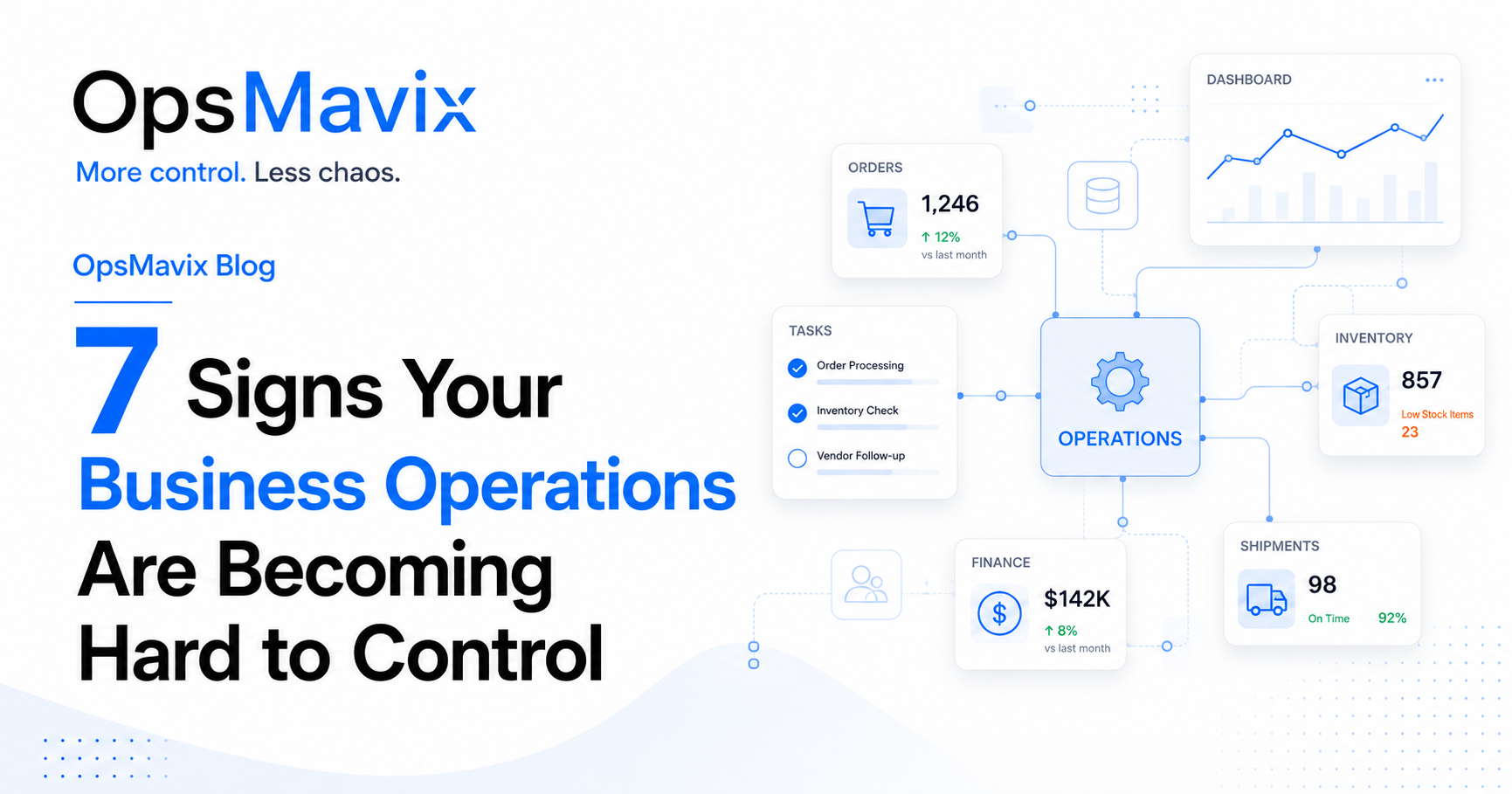
If finding out whether an order has shipped means checking a spreadsheet, searching WhatsApp and asking the warehouse, your business is spending time reconstructing information it should already have.
That can happen gradually. The tools that supported a small team stay in place while orders, products, customers and staff increase. People work harder to keep everything moving, but updates take longer, mistakes repeat and the owner becomes the person everyone asks for answers.
The clearest signs that business operations are becoming hard to control are repeated status questions, unreliable stock figures, slow reporting, scattered order records, dependence on one person, excessive manual work and poor visibility of what needs attention. Each points to a gap in how work is recorded, assigned or passed between people.
Here are seven warning signs to look for, what they mean in practice and where to start improving them.
Image: OpsMavix.
- Look for recurring problems: updates people repeatedly chase, figures they distrust and work they enter more than once.
- Give each process a clear owner, an agreed record and a defined next step.
- Measure the problem before choosing software or automation.
- Improve one workflow first, then check whether it reduces delays, errors or administration.
- Build reports from the records people use to do the work, so reporting does not become a separate reconstruction exercise.
1. Your team keeps asking for the same updates
“Has this order been sent?” “Did the customer approve the quote?” “Who is dealing with this?”
Questions like these are part of normal teamwork. The warning sign is when the same routine questions keep interrupting the same people because nobody can find a reliable answer independently.
You may notice that:
- Order updates sit in individual inboxes or chat threads.
- Different people give different answers about the same job.
- A shared spreadsheet exists, but someone must confirm whether it is current.
- Tasks have descriptions but no owner, due date or next action.
The result is a chain of interruptions. Customer service asks sales, sales asks the warehouse, and the warehouse asks the person who handled the shipment yesterday.
What to improve first
Choose one place where the current status belongs. Define the statuses clearly and agree who updates them when work changes.
For example, “ready to dispatch” should have an agreed meaning, such as picking and packing complete with the required checks passed. “Dispatched” should mean the goods have actually left through your agreed dispatch process.
Give relevant staff access to the status, its latest update and the person responsible for the next step.
Measure: Count routine status enquiries over a working week, then repeat the count after the change.
2. Your stock numbers are not trusted
When sales checks the stock system and then phones the warehouse to check again, that second step tells you something: the number on screen is not enough to support a promise to the customer.
Common symptoms include:
- Products shown as available cannot be found.
- Stock exists but is already allocated to another order.
- Goods move between locations without a recorded transfer.
- Returns, damaged items or production consumption are updated late.
- Staff maintain their own backup stock lists.
Stock problems affect more than the warehouse. They can lead to overselling, urgent purchases, delayed deliveries and unnecessary stockholding.

Image hosted by OpsMavix.
What to improve first
Follow one product through receiving, put-away, movement, reservation, picking and dispatch. For manufacturing, include material consumption and finished production. Check where the physical event happens without a matching record.
Distinguish on-hand stock, reserved stock and stock available to sell. Goods awaiting inspection or held because of damage should not silently appear as available.
Then assign responsibility for recording each movement and investigate count differences instead of repeatedly adjusting them away.
Measure: Track count discrepancies for a consistent sample of products and locations, plus orders delayed by unexpected shortages.
For more detail on the difference between stock on the shelf and stock you can promise, see our available-to-promise guide.
3. Reports take too long to prepare
A report that takes two days to assemble may leave little time to act on what it reveals.
The work often involves exporting sales, finding the latest stock file, checking finance figures and asking managers for updates. Someone then removes duplicates, repairs missing fields and explains why this week’s numbers differ from last week’s.
The delay may come from inconsistent definitions as well as disconnected tools. One team reports orders placed, another reports orders shipped, and finance reports invoices. All three numbers can be valid, but they describe different events.
What to improve first
Start with the decision the report supports. If managers need to prevent late deliveries, a list of orders at risk is more useful than a large spreadsheet of every order ever raised.
For each measure, agree:
- What it means and how it is calculated.
- Which record supplies the data.
- Who maintains that record.
- How often the information needs updating.
- What action follows when the measure shows a problem.
Automate preparation once the inputs and definitions are dependable. Include a visible update time so people know how current the report is.
Measure: Record preparation time, manual corrections and the age of the data when the report reaches its users.
4. Orders are tracked in too many places
An order arrives by email, goes into a spreadsheet, is passed to the warehouse through WhatsApp and is entered again for invoicing. Later, the customer changes the quantity, but only one version gets updated.
This is how ordinary changes become operational mistakes.
Warning signs include duplicate entry, missing approvals, conflicting delivery dates, unclear order status and customer updates based on an old version of the order.
What to improve first
Give each order a unique reference and an agreed record. Connect its quotation, approval, fulfilment, invoice and payment information through that reference.
Keep commercial and fulfilment statuses distinct. An order can be approved but waiting for stock, partially delivered but fully paid, or dispatched with an invoice still outstanding.
Record changes with enough history to establish what changed, who authorised it and which teams need to act. A partial delivery should leave the remaining quantity visible rather than marking the entire order complete.
One reliable record does not require one application for everything. Connected tools can work well when ownership of each field is clear and failed updates are visible.
Measure: Track order corrections, duplicate entries, missing handovers and deliveries affected by outdated information.
Our guide to integrated business management software explains the options for connecting existing tools or moving to a shared system.
5. One person knows everything
In many growing businesses, one experienced colleague keeps the operation moving. They know which file matters, which supplier needs chasing and what the customer meant by their last message.
Their knowledge is valuable. The risk appears when routine work cannot continue without their involvement.
You may see approvals queue during their holiday, colleagues wait for instructions on familiar tasks, or management meetings depend on their personal update rather than shared records.
What to improve first
Ask that person to walk through recurring tasks with a colleague. Capture the steps, decisions and exceptions in short guides stored alongside the work.
Make sure the backup person has the appropriate access and authority to complete the process. Documenting a procedure does little if only one employee can open the required system or approve the next step.
Then let the colleague complete a real task using the guide. Their questions will reveal what the instructions assume but do not explain.
Measure: Count routine tasks that require the key person’s intervention, and check whether cover can complete them during an absence.
6. Manual work is taking too much time
Repeated administration can become so familiar that nobody questions it: copying order details, preparing the same report, chasing approvals or sending updates that already exist elsewhere.
Each task looks small. Together, they can consume a meaningful part of the working week.
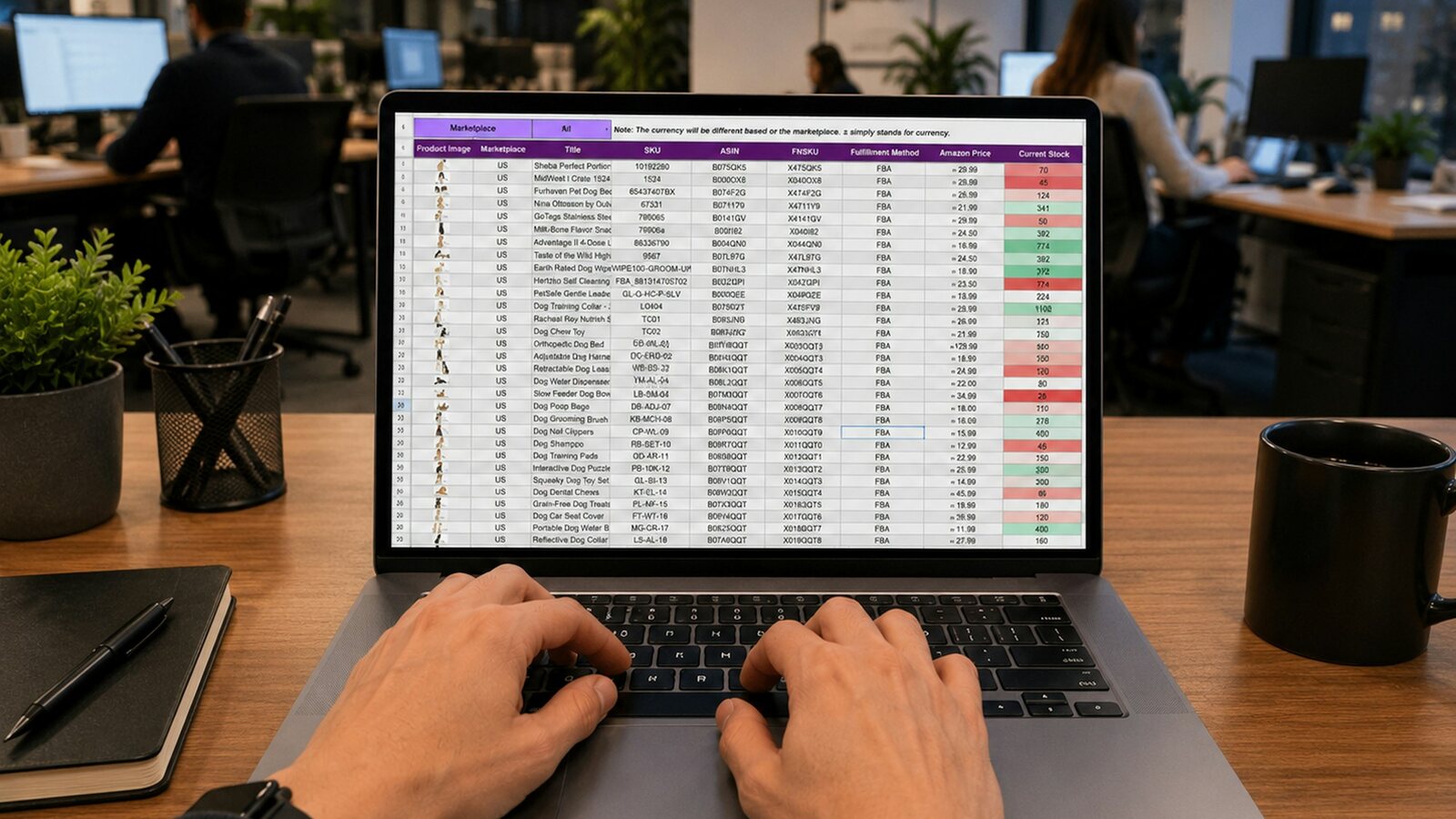
Image hosted by OpsMavix.
A simple way to estimate the time
Consider this illustrative example:
| Repeated task | Weekly volume | Time each | Weekly time |
|---|---|---|---|
| Re-entering order details | 100 orders | 4 minutes | 6 hours 40 minutes |
| Chasing routine status updates | 50 enquiries | 3 minutes | 2 hours 30 minutes |
| Assembling a management report | 1 report | 120 minutes | 2 hours |
| Total | 11 hours 10 minutes |
Across 48 working weeks, that would represent 536 hours. These are example figures, not research findings or a savings forecast. Use your own volumes and timings, and avoid counting the same work twice.
What to improve first
Remove unnecessary steps before automating them. If order details are already captured correctly, passing that record to the next stage may be better than building an automation around a second manual entry.
For work that still needs automation, define the trigger, required information, exceptions and person responsible when something fails. Start with a stable, repetitive task whose outcome is easy to check.
Recovered time creates capacity. It becomes a financial saving only when the business can use it to reduce costs or produce additional value.
Measure: Track handling time, errors and exception work before and after the change.
7. You cannot see the whole business clearly
The business is busy, but nobody can quickly explain what is late, blocked or likely to cause trouble next week.
The owner spends the morning asking for updates. Problems surface through customer complaints. Teams optimise their own work without seeing the effect on the next department.
Useful operational visibility should help you answer:
- Which orders are at risk of missing their promised date?
- Which shortages will stop fulfilment or production?
- Which approvals or customer decisions are holding work up?
- Which team has more work than it can complete?
- Which recurring errors are creating rework?
What to improve first
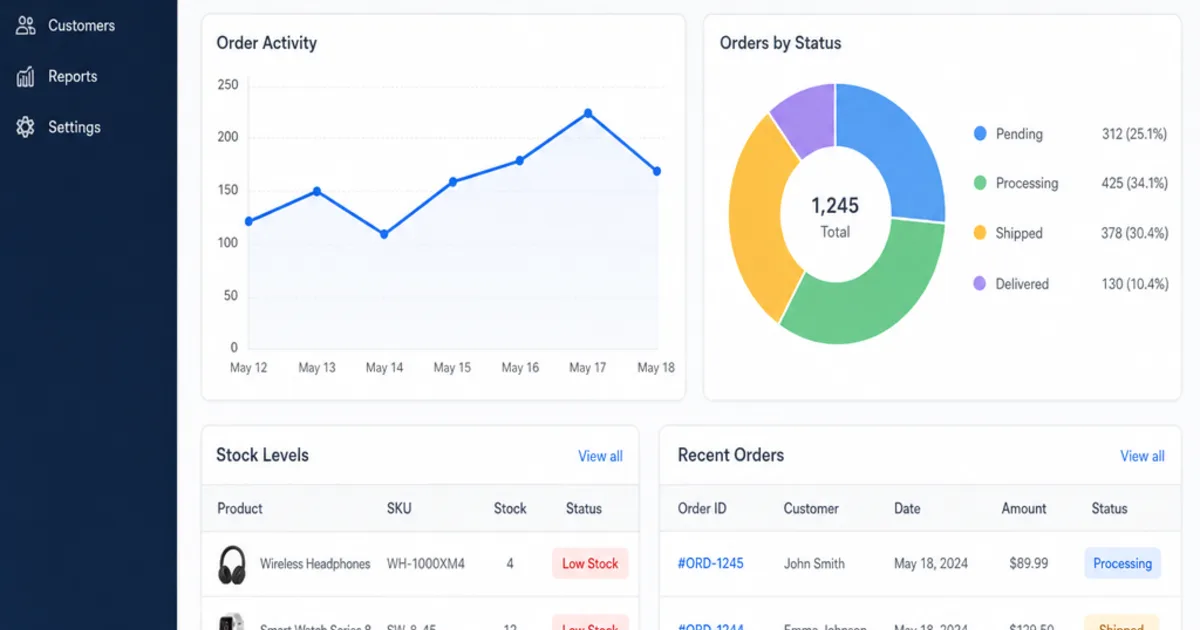
Build a small exception view showing the items that need attention. For each item, include its owner, due date, blocker and next action.
A headline such as “12 overdue orders” helps identify a problem. The supporting list should let someone find the affected customers, understand the causes and assign action.
Review those exceptions on a regular schedule. A dashboard becomes part of operational control when someone uses it to make and follow through on decisions.
Measure: Track how long blockers remain unresolved and whether fewer issues first reach management through customer escalation.
For a broader explanation of how records, responsibilities and alerts fit together, read our operations control system guide.
Quick check: which problem should you fix first?
Use this as a discussion guide with your team. You do not need all seven warning signs to justify improving a process.
| Warning sign | First check | Practical starting point |
|---|---|---|
| Repeated status questions | Can staff find a current answer themselves? | Shared status, owner and next action |
| Untrusted stock | Where do movements go unrecorded? | Clear movement rules and targeted counts |
| Slow reporting | How much time goes into preparing the data? | Agreed definitions and reliable source records |
| Scattered orders | How many times is the same order entered? | Unique reference and connected order history |
| Dependence on one person | What stops when that person is away? | Short process guides, access and trained cover |
| Excessive manual work | Which repeated task consumes the most time? | Remove duplication, then automate stable steps |
| Poor visibility | Can managers identify and assign today’s blockers? | Exception list with owners and due dates |
Prioritise by consequence and frequency. A recurring stock error that prevents delivery may deserve attention before a report that looks untidy but remains dependable. Safety, regulatory or material customer risks may need immediate action regardless of frequency.
Why This Happens
Business operations often become harder to manage because activity grows faster than the structure supporting it.
A process that relied on one conversation now crosses three teams. A spreadsheet designed for a few orders now coordinates several channels. Informal knowledge becomes essential to work that other people need to complete.
The underlying gaps tend to be similar:
- No agreed owner for a step or decision.
- Several competing versions of the same information.
- Updates recorded long after the work happens.
- Different interpretations of statuses and measures.
- Exceptions handled privately and never added to the shared record.
Adding another tool can leave these gaps in place. A better starting point is to agree how work should move and what each person needs to record. Technology can then support that process through shared records, integrations, dashboards or automation.
What To Do Next
Choose one workflow that repeatedly causes delays, mistakes or unnecessary administration. Order fulfilment, stock receiving, quote approval and weekly reporting are useful candidates when those are the areas causing pain.
1. Follow a real example
Take a recent order, receipt or report through every step. Record who handled it, where the information lived and where someone had to chase, copy or correct it.
Include the awkward cases: a changed quantity, partial delivery, missing approval or returned item. These often expose gaps that a normal transaction does not.
2. Establish the starting position
Measure a small set of relevant figures over a representative period: handling time, errors, overdue items or repeated enquiries. Note unusual peaks so they do not distort the comparison.
3. Define the improved workflow
Agree where the record belongs, who updates it, what each status means and when the next person takes responsibility. Define how exceptions are raised and resolved.
4. Choose the smallest suitable change
The answer may be a clearer procedure, better use of an existing tool, an integration, a focused application or a broader system. Match the scope to the problem and the wider requirements it touches.
5. Pilot, review and extend
Try the change with the people who will use it. Check whether it makes their work easier and improves the measures you selected. Resolve gaps before extending it across more teams.
Example: If sales repeatedly asks the warehouse whether orders have shipped, start by connecting dispatch confirmation to the shared order record. Review whether sales can answer customers independently, then address the next recurring gap.
FAQ
What are business operations?
Business operations are the activities, responsibilities and information that turn customer demand into delivered products or services. Depending on the business, they include sales orders, purchasing, stock, production, service delivery, invoicing and reporting.
How do I know if my business has outgrown spreadsheets?
Look at how the spreadsheets are used. Warning signs include conflicting versions, repeated reconciliation, delayed updates and important decisions that require someone to verify the figures manually. A well-managed spreadsheet can still be suitable for a simple, low-volume process.
Do these signs mean I need ERP software?
They indicate a need to review your operating processes and information flow. Some problems can be addressed within existing tools; others benefit from specialist software, integrations or ERP. Define the requirements before choosing the platform.
What is a single source of truth in business operations?
It means having an agreed authoritative record for each important piece of information. Inventory may belong in a stock system while financial entries belong in accounting software. The key is clear ownership and dependable connections between records that need to agree.
What should I automate first?
Choose a repetitive task with reliable inputs, clear rules and a measurable burden. Remove unnecessary steps first, then make sure exceptions and failed updates have an owner. Routine data transfer or internal notifications may be suitable starting points.
Can better processes help before we buy software?
Yes. Clear responsibilities, defined statuses, consistent naming and documented handovers can improve how work moves. They also make it easier to specify and introduce software if the current tools cannot support the required volume or complexity.
How do I measure whether operations are improving?
Compare the same measures before and after a change, allowing for differences in volume and workload. Useful measures include time spent chasing updates, order corrections, stock discrepancies, report preparation time and overdue work. Include feedback from the people doing the process.
How OpsMavix Can Help
OpsMavix helps growing businesses improve the systems, workflows, dashboards and automation behind their daily operations.
We work with businesses outgrowing spreadsheets, email chains, WhatsApp updates and disconnected tools. The starting point is understanding where work slows down, information becomes unreliable or people repeat the same administration.
From there, we can define a clearer workflow and scope the systems needed to support it, with a focus on:
- Clear responsibilities and dependable handovers.
- Better visibility of orders, stock and work in progress.
- Less duplicate entry and routine administration.
- Reports built from reliable operational records.
- A system that supports how the business needs to work.
Bring one process that repeatedly causes problems and a recent example of where it went wrong. That gives us a concrete place to start.
Keep reading


Getting value from OpsMavix? Add us as a preferred source on Google — you'll see more of our operations content in your AI Overviews, AI Mode and Search.