
ERP Software for Builders: What Small & Mid-Size Firms Really Need
Most small and mid-size builders don't need enterprise construction ERP. This is what actually keeps jobs profitable — job costing, quotes vs actuals, CIS, retentions and cash flow — and where a right-sized, owned system beats both spreadsheets and a full ERP.
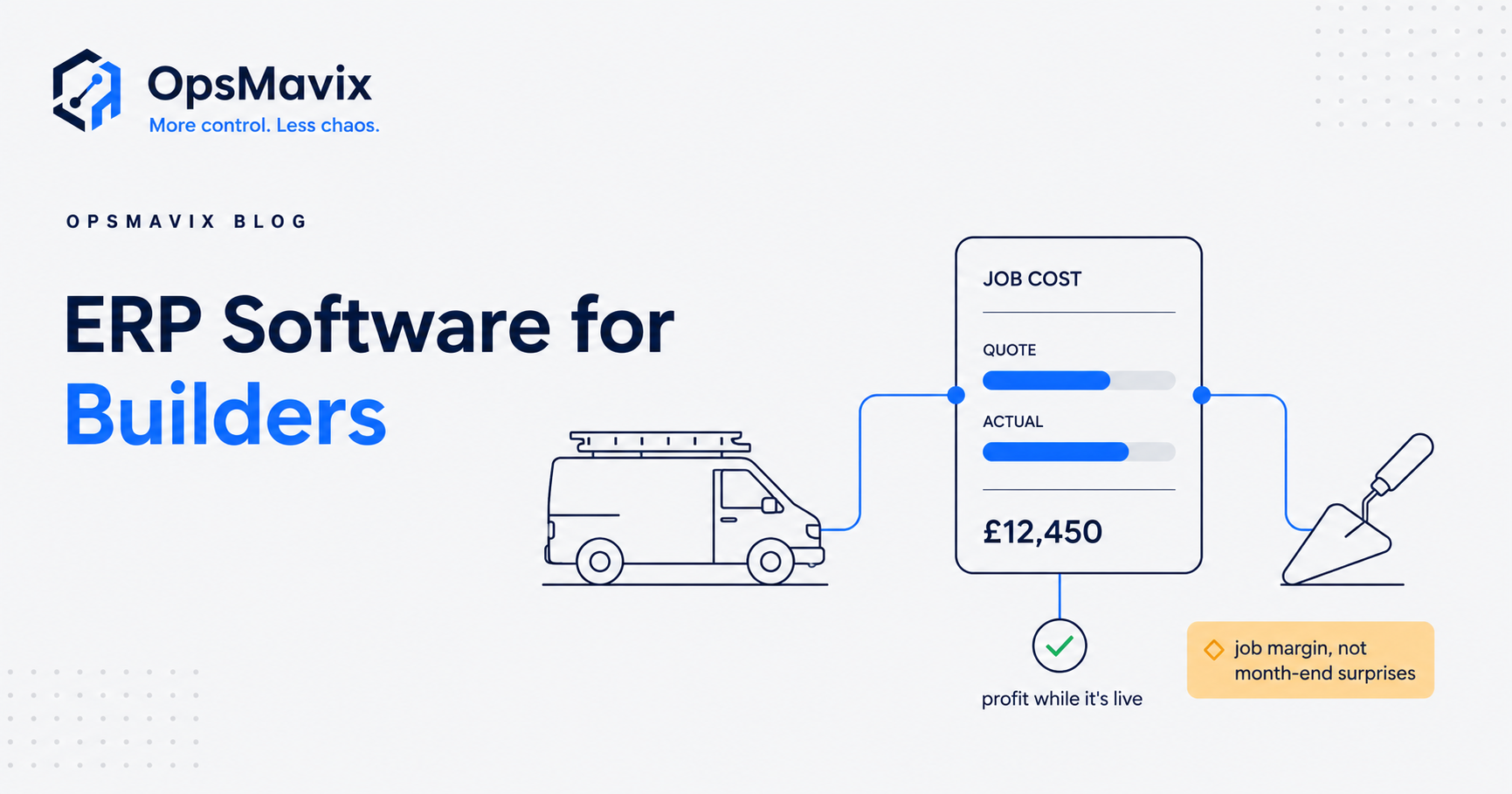
ERP software for builders is enterprise-grade software that ties every part of a construction business — estimating, project management, procurement, plant, payroll and finance — into one database, and for most small and mid-size UK firms it is far more than the job needs. A jobbing builder running six live jobs, a small contractor with a handful of subbies, or a house-builder doing four plots a year does not have an “enterprise resource planning” problem. They have a “which job is quietly losing money” problem, a “did that subbie’s CIS get deducted right” problem, and a “why is the account empty when the job book is full” problem. Those decide whether the firm survives — and none require a six-figure ERP rollout.
Quick summary: Construction had the highest number of insolvencies of any UK sector — 3,934 in the 12 months to August 2025 — with late payment and cost control the recurring killers (Insolvency Service). Small and mid-size builders rarely need full construction ERP; they need job-level profitability, CIS handled correctly, and cash flow they can actually see.
Contents
- What “ERP software for builders” really means
- What a small builder actually needs to run jobs profitably
- Job costing: quotes vs actuals is the number that matters
- Subcontractors, CIS and the paperwork that bites
- Retentions, applications for payment and the Construction Act
- Why profitable builders still run out of cash
- Full ERP vs spreadsheets vs a right-sized owned system
- Worked example: a six-job builder
- When full ERP is actually the right call
- What to build first
- FAQ
- How OpsMavix Can Help
- Sources
What “ERP software for builders” really means
The term gets thrown at everything from a £30/month app to a £250,000 platform, so it helps to be precise. A true construction ERP is a single integrated system covering estimating, tendering, project management, procurement, subcontractor management, plant and equipment, payroll, CVR (cost value reconciliation) and full financials — all sharing one database so a change in one place updates everywhere.
That integration is genuinely powerful for a contractor turning over tens of millions across dozens of projects. It is also expensive, slow to implement, and heavy to run: you pay for modules you’ll never open, bend your process to fit the software, and often need a dedicated person just to keep it fed. For a firm doing £500k–£5m a year, the cost and disruption usually outweigh the benefit — the same trap that catches small firms buying software built for enterprises.
The pillar view — what construction ERP software is and who it’s for — covers the enterprise end in full. This piece is about the other end: the builder too big for spreadsheets but nowhere near ready for full ERP.
What a small builder actually needs to run jobs profitably
Strip away the ERP marketing and a small builder’s operational needs are surprisingly short and stubbornly practical:
- A live view of every job’s cost against its quote — so a job going wrong shows up in week two, not at the final account.
- Clean quoting and variations — the original price, plus a running record of extras agreed (and the ones done “as a favour” that quietly erode margin).
- Subcontractor and CIS handling — verify status, deduct the right amount, pay on time, and keep HMRC happy.
- Applications for payment and retentions tracked — so nothing is invoiced late and no retention is ever forgotten.
- Cash flow you can actually see — money in versus money out, mapped to jobs, weeks ahead.
- One source of truth — not a quote in a spreadsheet, costs in a shoebox, and payments in the accountant’s head.
Notice what is not on that list: tender management for £20m frameworks, plant depreciation schedules, multi-region consolidation. That’s the gap. Off-the-shelf construction ERP over-serves this firm; a pile of spreadsheets under-serves it. The right answer sits in between — an operational system rather than an ERP.
Job costing: quotes vs actuals is the number that matters
If a small builder tracks only one thing properly, it should be quoted cost versus actual cost, per job, updated as the job runs. This single comparison answers the only question that determines survival: am I making money on this, and if not, how fast is it leaking?
The failure mode is nearly universal. The estimate lives in a tender spreadsheet. Real costs — subbie invoices, merchant deliveries, plant hire, labour — arrive over weeks by email, text and paper docket. Nobody reconciles the two until the job is finished, by which point the £4,000 of unbilled variations and the joiner who ran three days over are sunk. The builder “felt busy” all year and finds the profit isn’t there.
Proper job costing closes that loop while the job is live. Every cost is coded to a job the day it lands; the system shows committed cost, actual cost and remaining budget against the quote in real time. When a trade blows its allowance you see it and act — chase a variation, tighten the next stage, or at least stop repeating the mistake on the next quote. That is the premise of tracking project profitability without spreadsheets: it doesn’t require ERP, just one place where cost meets quote.
Subcontractors, CIS and the paperwork that bites
Most small builders live and die by their subbies, and that brings the Construction Industry Scheme (CIS) with it. Under CIS, a contractor deducts money from a subcontractor’s payment and passes it to HMRC as an advance on the subcontractor’s tax and National Insurance (GOV.UK).
The rates are unforgiving if you get them wrong: 20% for registered subcontractors, 30% for unregistered, and 0% for those with gross-payment status — and the deduction is applied only after taking off VAT and the cost of materials the subcontractor has paid for (GOV.UK). Get a subbie’s verification wrong, deduct on materials you shouldn’t, or miss the monthly return, and you’ve created HMRC exposure on top of an awkward conversation with the trade.
For a small firm this is pure drag done badly in spreadsheets: verify status, split labour and materials, deduct correctly, produce the payment-and-deduction statement, file the monthly return. A right-sized system captures the subbie invoice once and carries CIS through automatically — no re-keying, no month-end scramble, no guessing which invoices had materials on them.
Retentions, applications for payment and the Construction Act
The paperwork most likely to cost a builder real money is the paperwork around getting paid. The Housing Grants, Construction and Regeneration Act 1996 — the “Construction Act” — gives contractors the right to stage/interim payments, requires proper payment notices, and gives a right to suspend work for non-payment and to refer disputes to adjudication (legislation.gov.uk). Those rights only help you if you actually raise applications for payment on time and in the right form.
Two things quietly bleed small builders here:
- Applications for payment slipping. Interim payments depend on you valuing the work done and applying for it on schedule. Miss a cycle and you’ve financed the next month of the job out of your own pocket.
- Retentions forgotten. A retention (commonly around 5% held, half released at practical completion, half after the defects period) is your money, held by someone else. On a busy job book it’s the single easiest thing to lose track of. Builders routinely leave thousands in unclaimed retention because nobody was tracking release dates.
A right-sized system treats every application and every retention as a tracked item with a date attached, so nothing goes un-applied-for and no retention release ever slips past. This isn’t ERP functionality — it’s a simple owned register that most builders currently keep in their head.
Why profitable builders still run out of cash
Here is the brutal part. A builder can be profitable on paper and still go under, because construction cash flow is structurally hostile: you pay for materials and labour now and get paid for the work later, often with retention withheld on top. That timing gap is why late payment and cost pressure keep pushing firms over the edge, and why construction leads every other UK sector for insolvencies year after year (Insolvency Service).
The defence is visibility, not volume. A small builder needs to see, weeks ahead: what’s going out (subbie payments, merchant accounts, wages, VAT, CIS), what’s coming in (applications due, invoices outstanding, retentions releasing), and where the pinch points are. Full ERP gives you that — buried under fifty features you didn’t want. A focused operations dashboard gives you the same forward view without the weight.
Full ERP vs spreadsheets vs a right-sized owned system
Most builders are choosing between three real options, not two. Spreadsheets are cheap and flexible until they fracture into a dozen versions nobody trusts. Full ERP is comprehensive and expensive and slow. The middle option — a right-sized system you own — is the one most firms don’t know exists.
| What matters to a builder | Spreadsheets | Full construction ERP | Right-sized owned system |
|---|---|---|---|
| Upfront cost | Near zero | High (five to six figures) | Moderate, fixed scope |
| Time to useful | Immediate, then degrades | Months of implementation | Weeks |
| Job costing (quote vs actual) | Manual, always behind | Excellent | Built for exactly this |
| CIS / subcontractor handling | Error-prone, re-keyed | Handled, heavyweight | Handled, matched to your flow |
| Retentions & applications tracking | Easily forgotten | Tracked, complex to run | Tracked, simple |
| Cash-flow visibility | Snapshot at best | Strong but buried | Forward view, plain |
| Fits how you work | You bend to the sheet | You bend to the ERP | Built around your process |
| Who owns it | You (but fragile) | The vendor | You |
| Ongoing burden | High manual effort | Needs a dedicated person | Low |
The honest summary: at £20m across many projects, ERP earns its keep. If you’re a small or mid-size builder, spreadsheets hold you back and ERP would flatten you — the fit is the owned middle: a focused operations system built around your process.
Worked example: a six-job builder
Take Meadow & Sons, a fictional but typical Midlands builder: two directors, £1.4m turnover, six live jobs (two extensions, a barn conversion, three kitchen/bathroom refits), and eight regular subcontractors under CIS.
Before. Quotes live in one spreadsheet, actual costs land by email and paper docket, CIS is worked out by hand each month, and applications for payment go out “when there’s time.” At year end the accountant reveals the barn conversion lost £6,200 — a run of unpriced variations nobody had chased. Two retentions worth £3,900 were never claimed. And in March, despite a full order book, the account went into the overdraft because three applications had slipped a cycle while a big VAT bill and two subbie runs landed together.
After a right-sized owned system. Every cost is coded to its job the day it arrives, so quote-versus-actual is live on one screen. The barn job’s overrun flags in week three — the director raises a £5,800 variation the client signs, turning a loss into a small profit. Subbie invoices are captured once and CIS flows through automatically; the monthly return is a two-minute check. Every application and retention release sits on a dated register that nudges before the date, so nothing slips and the £3,900 gets claimed. A forward cash-flow view shows the March pinch a month out, so the VAT bill gets planned around rather than discovered.
Nothing here is exotic and no ERP was bought. The firm didn’t change how it builds — it changed how it sees the money, and that alone is the difference between the barn job’s £6,200 loss and its £5,800 recovery.
When full ERP is actually the right call
To be fair to ERP, there is a point where it becomes the correct answer. Consider it seriously when you’re running many large, concurrent projects; when you have a real procurement function managing long supply chains; when you carry significant owned plant needing scheduling and depreciation; when you need formal CVR across a portfolio; or when a main contractor or funder mandates a specific system. At that scale, integration across genuinely complex modules is worth the cost and disruption.
The mistake is buying that machine before you’re that business — paying enterprise prices and swallowing enterprise complexity to solve small-firm problems that a focused system solves faster and cheaper.
What to build first
If you’re a small or mid-size builder, don’t boil the ocean. Sequence it:
- Job costing first — one place where every cost meets its quote, live. This is where the money is.
- CIS and subcontractor payments — capture once, deduct correctly, file without the scramble.
- Applications and retentions register — dated, chased, never forgotten.
- Forward cash-flow view — money in versus out, mapped to jobs, weeks ahead.
Each step pays for itself before the next begins, and you never carry features you don’t use. For the deeper version of step one, see job costing software for builders.
FAQ
Do small builders really not need construction ERP?
Most don’t. If you’re running a handful of jobs with a small crew and a few subbies, full ERP over-serves you at a heavy cost. What you need is job-level profitability, correct CIS, tracked retentions and clear cash flow — all achievable without an enterprise platform. ERP becomes worth it at genuine scale and complexity, not before.
What’s the cheapest way to fix job costing?
Cheap and fragile is a spreadsheet; cheap and durable is a small owned system where every cost is coded to a job the day it arrives and compared live against the quote. The spreadsheet feels free until it fractures and starts hiding losing jobs. The goal is one source of truth you can trust mid-job, not just at the final account.
How does CIS affect what software I need?
CIS means you must verify each subcontractor, deduct 20% (registered), 30% (unregistered) or 0% (gross-payment status) after removing VAT and materials, issue payment-and-deduction statements, and file a monthly return. Handling that by hand across several subbies is where errors and missed deadlines creep in, so any system you use should carry CIS through automatically from a single captured invoice.
Can a right-sized system handle retentions and applications for payment?
Yes — and this is often where it pays for itself fastest. Every application and every retention becomes a dated, tracked item that’s chased before it slips, so you stop financing jobs out of your own pocket and stop leaving retention money uncollected. You don’t need ERP for this; you need a reliable register that replaces the one currently in your head.
Will I have to change how I work?
No — that’s the point of a right-sized owned system. It’s built around how you already run jobs, rather than forcing your process to fit a vendor’s software. You keep building the way you build; the system just makes the money visible and the admin lighter.
How OpsMavix Can Help
OpsMavix isn’t an ERP vendor and we don’t sell generic custom code. We build right-sized, owned operations systems for firms that have outgrown spreadsheets but shouldn’t be paying for — or fighting with — a full ERP. For a builder, that means job costing that shows quote versus actual while the job is live, CIS and subcontractor payments handled from a single captured invoice, a retentions-and-applications register that never lets money slip, and a forward cash-flow view mapped to your jobs.
You own the system, it’s built around how you already work, and we sell the outcome — jobs you can see the profit on, no double entry, one source of truth — backed by a delivery guarantee. Start by finding out exactly where your jobs are leaking: Book a Free Operations Leak Audit.
Sources
- GOV.UK — Construction Industry Scheme (CIS) overview: https://www.gov.uk/what-is-the-construction-industry-scheme
- GOV.UK — What you must do as a CIS contractor (deduction rates 20%/30%/0%): https://www.gov.uk/what-you-must-do-as-a-cis-contractor/make-deductions-and-pay-subcontractors
- legislation.gov.uk — Housing Grants, Construction and Regeneration Act 1996 (the Construction Act): https://www.legislation.gov.uk/ukpga/1996/53/contents
- Insolvency Service (GOV.UK) — Company Insolvency Statistics commentary, construction the top sector (3,934 in the 12 months to August 2025): https://www.gov.uk/government/statistics/company-insolvencies-september-2025/commentary-company-insolvency-statistics-september-2025