
Manufacturing Drawing Revision Control: UK Guide
Keep the authorised drawing revision attached to each production job. A UK guide to release, work in progress, supplier handoffs and pilot costs.
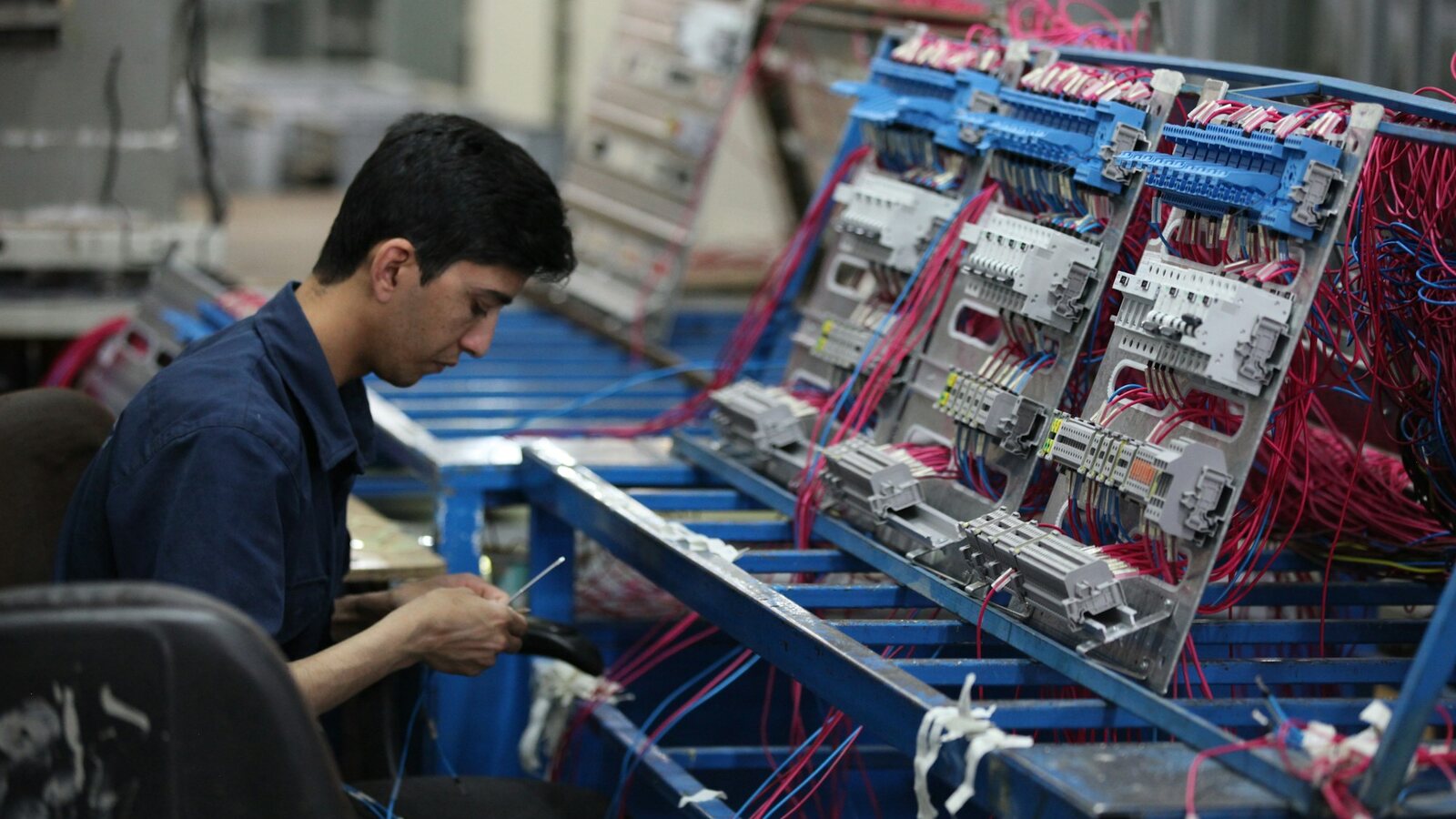
Manufacturing drawing revision control is the process of identifying, approving and issuing the correct drawing version for each production job, while retaining evidence of what was actually used. For a UK manufacturer, the key question is not simply “Which file is newest?” It is “Which released revision is authorised for this order, operation and quantity?”
A shared folder can hold drawings without answering that question. Engineering may have released revision D for future orders while a partly completed batch must remain on revision C until a formal disposition is agreed. The OpsMavix manufacturing and production tracking solution is a relevant starting point when you need to connect job status and operational records. Drawing control requirements should be scoped explicitly alongside that workflow, rather than assumed to exist because files can be attached.
In 30 seconds: Keep working drafts separate from released drawings. Give every released file a drawing number and revision. Link the authorised revision to the production job. Review changes against work in progress, materials, subcontract operations and inspection requirements. Retain the previous version and the release decision instead of overwriting history.
Why the latest drawing is not always the right drawing
Imagine a UK fabrication business producing customer-specific assemblies. A revised hole pattern arrives after cutting has started. The engineering folder now contains the new PDF, but the printed job pack on the shop floor still shows the old one. Purchasing has already sent a copy to a subcontractor.
Replacing the PDF in one folder does not resolve the manufacturing decision. The business must establish which orders are affected, whether partly made components can be used, what the subcontractor should do and how inspection will confirm the agreed outcome.
Drawing revision control handles the identity and release of the document. Production tracking connects that release to the work. You need both relationships to answer a later enquiry about a specific delivered batch.
Avoid treating this as a universal compliance formula. Customer contracts, product risks and applicable standards may require additional review, evidence or validation. A revision register by itself does not establish certification or regulatory compliance.
Build a clear drawing record
A practical drawing register should distinguish document identity, revision and release state. A filename such as “final-new-2.pdf” is not a dependable release rule.
| Field | Example, for illustration | Purpose |
|---|---|---|
| Drawing number | ASM-204 | Stable identity across revisions |
| Revision | C | Identifies a particular released design state |
| Status | Draft, in review, released or superseded | Separates preparation from production use |
| Change reference | EC-018 | Explains why the design changed |
| Release record | Approver, timestamp and approved file | Retains the decision and its subject |
| Effectivity | Orders raised after a specified cut-off, with named exceptions | Defines where the change applies |
| Job assignment | Job J-082 uses revision C | Connects the drawing to actual work |
The revision on the drawing’s title block, the register and the job pack should agree. Where native CAD files generate PDFs, establish which released outputs are required at the point of use. A model and a drawing may have their own identifiers and dependencies; do not assume one label controls every related file.
Restrict release authority to the appropriate roles. Operators should be able to find and read the authorised information quickly without gaining permission to replace it.
A release workflow that reaches the shop floor
1. Create a controlled proposed change
Keep the proposed revision separate from the released production version. Record the reason, affected items and supporting customer instructions. Identify related bills of materials, process sheets, inspection instructions and purchased parts that may also need review.
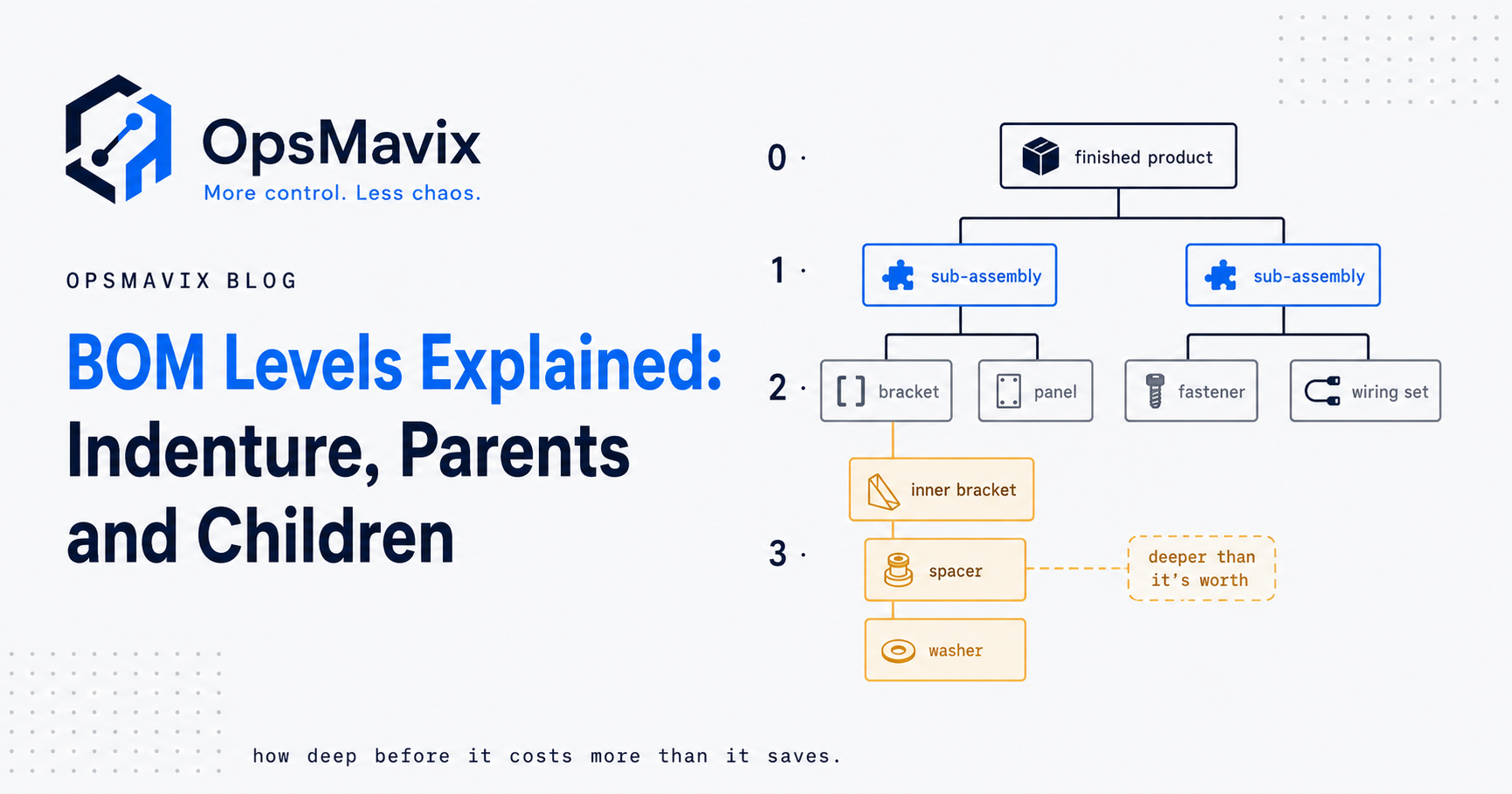
The bill of materials software guide covers the connected parts structure. A drawing change and a BOM change are related decisions, but one should not silently substitute for the other.
2. Review impact before release
Engineering checks the technical change. Production assesses tooling, routing and work already started. Purchasing reviews open orders and subcontract work. Quality reviews the inspection impact. Decide which reviews are needed for the particular risk rather than making every change wait for every department automatically.
Capture the disposition of affected stock and work in progress: continue, inspect, rework, hold or another authorised outcome. Those choices need an accountable decision maker and sufficient instructions. Do not let a generic software rule decide that old stock is either acceptable or scrap.
3. Set effectivity explicitly
Define the cut-over using a reference the team can actually apply: a named job, order, batch, serial range or another controlled boundary. A date alone can be ambiguous when orders are open across the cut-off.
For example, “Revision D applies to new jobs released after the cut-over; J-082 remains on revision C pending the recorded review” is clearer than “Use D from Monday”. The exact rule must fit your product and customer requirements.
4. Release the complete pack
Issue the approved drawing with the corresponding instructions and job references. Retain the released file as an identifiable version. The production view should make the job’s assigned revision prominent and warn when a user is viewing a superseded or unassigned document.
Supplier communications need the same care. Record which revision was sent, which order it applies to and whether acknowledgement or revised commercial agreement is required. A general email announcing “new drawing attached” is difficult to reconcile later.
5. Confirm the point of use
Check that the correct information reached the workstation before affected work resumes. Printed packs need an issue and replacement process. Digital viewing needs a tested approach to cached or downloaded files, especially when shop-floor connectivity is unreliable.
A QR code can help open a job record. It does not, by itself, ensure the displayed document is authorised, current for that job or available offline. Test those behaviours on the devices and network used in production.
6. Retain the as-built record
At completion, retain the job’s drawing assignment, relevant change decisions, inspection references and any approved departures. Do not rewrite a completed job’s history simply because a later revision has become the default for new orders.
Odoo’s official version control documentation illustrates the distinction between changes contained within an engineering change order and their application to the production BOM. It is one product-specific example of separating proposed work from production release, not a guarantee about other systems or configurations.
Worked UK example: assessing a revision-control pilot
Hypothetical example, all amounts in GBP and excluding VAT. A small manufacturer records three incidents in a quarter where teams used an unintended drawing revision. It estimates 30 hours of rework at an internal cost of £32 per hour, plus £540 of replacement material and £180 of extra transport.
The direct recorded cost is 30 × £32 + £540 + £180 = £1,680 for the quarter. This excludes management time, delayed capacity and customer impact because the business has not measured them reliably.
Suppose a proposed pilot requires £1,200 of one-off setup and training plus £150 per month of additional software and support. Its first-quarter incremental cost is £1,650. These are invented planning figures, not OpsMavix prices or market benchmarks.
| Pilot outcome | Recorded incident cost avoided | First-quarter incremental cost | Simple first-quarter difference |
|---|---|---|---|
| All measured incidents avoided | £1,680 | £1,650 | £30 favourable |
| Half of measured cost avoided | £840 | £1,650 | £810 unfavourable |
| No measured cost avoided | £0 | £1,650 | £1,650 unfavourable |
The comparison does not prove a return. It shows why the team should validate adoption and recurring cost rather than assume every error disappears. Later quarters would have a different cost profile if the setup cost does not recur. Avoid counting freed labour capacity as cash savings unless it actually reduces spending or enables measurable additional output.
Shared folders, PDM, PLM or production workflow?
| Approach | When it may fit | Main question to test |
|---|---|---|
| Controlled folders and register | Limited drawings and few releases with one accountable controller | Can the team reliably assign, distribute and retrieve each job’s authorised revision? |
| PDM or document control system | CAD files, dependencies and engineering document lifecycle need stronger control | How do released outputs reach production and suppliers? |
| PLM or manufacturing ERP | Changes affect product structures, routings and multiple departments | What configuration and training make release decisions usable on the floor? |
| Connected production workflow | Engineering control already works but job-level distribution and history do not | Which system owns release, and how is the authorised version linked without copying conflicting masters? |
Do not replace a functioning engineering system solely to add a shop-floor view. An integration may close the gap. Conversely, attaching files to a job board is insufficient when the business needs controlled release, retained versions and explicit effectivity.
Ask suppliers to show the actual configuration rather than infer capability from the labels PDM, PLM or ERP. Implementation scope and product editions can change what is available.
Implementation costs and limits to allow for
Budget for drawing register cleanup, naming rules, access controls, migration, integration, workstation access, training and ongoing administration. Consider how released files and their history can be exported if you change systems.
Start with a manageable product family and include at least one open job crossing a revision change. Agree how legacy documents are classified. An old folder marked “approved” should not be imported as verified evidence unless the appropriate person has established its status.
Assign ownership of release decisions and failure queues. If an integration cannot retrieve an approved drawing, production should see the problem and the escalation route. Silently falling back to an older cached file can defeat the whole process.
The system also depends on disciplined use. People may continue to print personal copies or send files outside the controlled route. Make the authorised route easier to use, train supervisors and audit a sample of real jobs after launch.
Demonstration and pilot checklist
Use an anonymised drawing set and ask a supplier to demonstrate:
- A draft change that operators cannot mistake for a released drawing.
- A revision released for future jobs while a named open job retains its authorised version.
- A change affecting a BOM, a subcontract order and an inspection instruction.
- A printed pack replacement and a tablet with a cached older document.
- Two concurrent proposed changes without one overwriting the other’s decision history.
- Retrieval of the exact drawing used for a completed job.
- Export of released files, revision assignments and approval records.
During the pilot, measure wrong-revision incidents, time spent locating drawings, unacknowledged releases and unresolved change decisions. A count of documents uploaded is not evidence that the right information reached production.
Frequently asked questions
Is a revision number enough?
No. It identifies a version, but the team also needs its release state and the jobs or quantities to which it applies. A higher revision may still be a draft or may apply only to future work.
Should every open job switch to the newest revision?
Only after the authorised impact review determines what applies. Some jobs may continue, others may need inspection or rework, and some may need to pause. Preserve the reason and decision rather than applying a blanket update.
Can we keep using printed drawings?
Yes, if your requirements permit it and the issue, replacement and retrieval process is controlled. The practical test is whether someone at the machine can identify the authorised copy and what to do when a revision changes.
Will software make us ISO certified?
Software alone does not establish certification. Your management system, actual practices and applicable assessment determine that outcome. Specify the evidence and controls required for your business and have the relevant responsible people review them.
Connect the released drawing to the job
Start with one traceable chain: proposed change, review, released revision, job assignment and retained production evidence. Prove that chain on an open order before expanding the rollout.
Explore manufacturing and production tracking with OpsMavix if engineering files and shop-floor records are disconnected. Bring a recent revision change, an affected job pack and the supplier handoff. Send an enquiry to discuss the workflow, existing systems and controls that would need to be included in your implementation.
Sources and further reading
- Odoo 19 documentation: Version control — a primary product example of engineering change isolation and application to production; reviewed 18 October 2026.
- Odoo 19 documentation: Engineering change orders — related product documentation on proposed and production BOM versions.
- OpsMavix: Bill of materials software — related reading on controlling product structures.
The release workflow and GBP example above are practical suggestions and hypothetical calculations, not a client case study, a compliance assurance or a promised financial result.
Keep reading
Getting value from OpsMavix? Add us as a preferred source on Google — you'll see more of our operations content in your AI Overviews, AI Mode and Search.