
7 Signs Your Business Needs Operational Systems
Most owners don't decide to get operational systems — they hit a wall first. Here are the seven signs you've hit it, and what each one is really costing you.
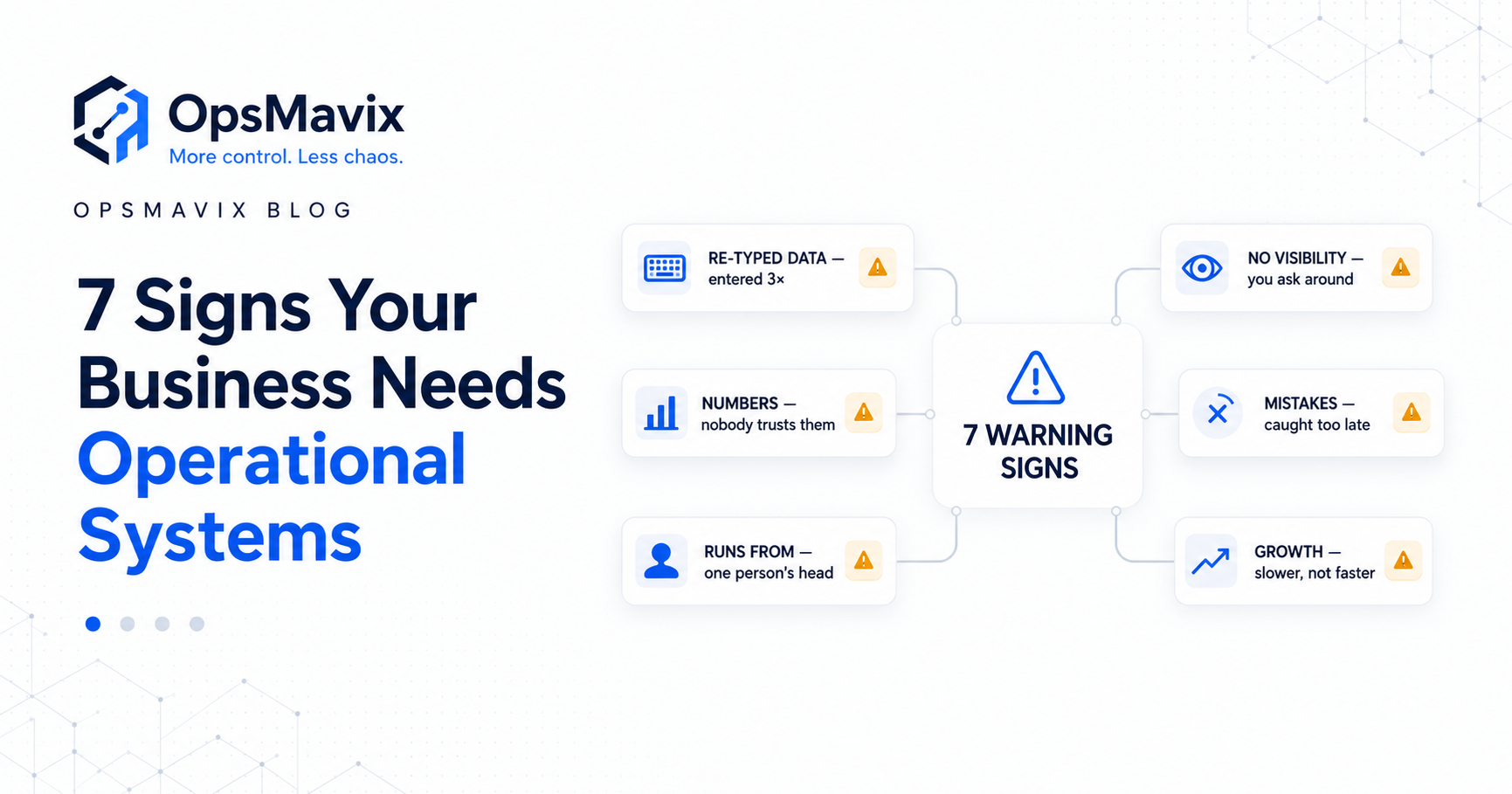
The order is in the inbox. The stock figure is in a spreadsheet. The dispatch date is in someone’s messages. Your customer wants an update, and nobody can answer without checking with someone else.
Nothing has completely broken. The business is still working. It just takes more effort to keep it moving than it used to.
That is often how a growing business outgrows manual work. Reports take longer, the same details get entered several times, and a few experienced people hold the process together through memory and constant checking.
Operational systems connect the records, tools and processes that run daily work — orders, stock, production, approvals and reporting. The aim is to make information reliable and accessible enough for people to act without rebuilding the picture every time.
You do not need to wait for an expensive mistake to review how the business operates. These seven signs can help you identify where the current process is creating extra work, what it is costing and which improvement to make first.
If the term is unfamiliar, start with what an operations system actually is.

Connected operations give the team a shared way to record work, follow progress and investigate exceptions.
Key Takeaways
- The warning sign is not using spreadsheets. It is depending on repeated copying, reconciliation and individual memory to keep daily operations moving.
- Repeated data entry, conflicting numbers, status chasing and errors found late are practical signs that your current setup needs review.
- Each sign can be investigated through handling time, correction work, delays, direct costs or lost contribution.
- Connected software needs accurate source records, clear ownership and a defined process for exceptions.
- A focused application, integration or ERP may fit. Choose the approach around the requirements rather than assuming every business needs the same platform.
- Start with one costly workflow, establish a baseline and verify the improvement before expanding.
In this guide:
- Spreadsheets carrying critical operations
- The same data entered more than once
- Numbers nobody fully trusts
- The business running from one person’s head
- Visibility that depends on asking around
- Mistakes discovered after the damage
- Growth creating more friction
- A worked example of the cost
- Manual work versus connected operations
- How to choose the first improvement
- Frequently asked questions
- How OpsMavix can help
1. Spreadsheets Are Doing Jobs They Were Never Built For
A spreadsheet is useful for a calculation, forecast or analysis. The difficulty starts when several people depend on it to control changing orders, stock movements and production work throughout the day.
An order quantity changes in one file, but the picking sheet still has the old number. Someone adjusts a formula without realising another report depends on it. A new employee copies last week’s workbook and starts updating a separate version.
The business can continue operating this way for a long time. The hidden work is keeping all those versions aligned.
Look at what happens when the file is wrong
Ask what would be disrupted if the main workbook became unavailable or contained an unnoticed error.
Could the team still identify committed stock? Would purchasing know what to reorder? Could the warehouse tell which orders were ready to ship?
If the answer depends on someone reconstructing the information from emails and memory, the workbook is carrying a critical operational role without enough supporting controls.
Measure the maintenance around the spreadsheet
Count the time spent copying rows, repairing formulas, comparing versions and confirming whether an update has been included.
Those activities may feel like routine administration, but they are part of the cost of the current setup. They also help identify which records should move into a more controlled process first.
Spreadsheets can remain useful alongside an operational system. The first improvement may be to record stock movements or orders in one authoritative place, then use a spreadsheet to analyse that information.
2. The Same Data Gets Entered More Than Once
An order arrives by email. Someone types it into accounting, copies the items into a stock sheet and enters the address into a dispatch tool.
The team is manually connecting systems that do not exchange the information they need.
Every extra entry takes time. It also creates another record that must be corrected if the customer changes the quantity, delivery address or requested date.
Follow one order from receipt to dispatch
List every place its details are entered. Include the less obvious copies: warehouse sheets, purchasing lists, customer messages and management reports.
Then follow an amended order. Does the change reach all those records? Who checks? What happens if that person is away?
The amendment often reveals more about the weakness of the process than the original entry.
Connect the handoff and its exceptions
A useful connection preserves the correct customer, product, quantity and reference as information moves between systems.
It also needs a plan for missing product codes, failed transfers, duplicate submissions and order changes. Moving data automatically is only helpful if the receiving record is correct and failed transfers are visible.
A wholesale order management system can help bring order entry, status and fulfilment into a clearer process.
The first target does not have to be every integration. A frequent handoff that consumes measurable time is a practical starting point.
3. Nobody Fully Trusts the Numbers
Sales checks the shelf before promising stock. Purchasing asks the warehouse to confirm the report. Finance rebuilds a figure before using it in a meeting.
Some checks are appropriate. The warning sign is routinely checking ordinary records because experience has taught the team that they may be wrong.
That uncertainty slows decisions and makes commitments harder to keep.
Different definitions can create apparent discrepancies
Physical stock, sellable stock and available stock are different quantities.
Consider 60 units physically present in a warehouse. If ten are damaged and 20 are reserved for existing orders, only 30 remain available for new commitments, assuming no other restrictions.
A report showing 60 and another showing 30 may both be correct. Their labels and definitions need to make the difference clear.
Some systems already exclude unusable goods from their on-hand figure. Agree the definitions before applying deductions so quantities are not subtracted twice.
Accurate records require accurate movements
A connection cannot compensate for goods received without a receipt, damaged items left in sellable stock or returns made available before inspection.
Review where movements are recorded and where they are missed. Track stock adjustments, discrepancies and the time spent verifying figures manually.
An inventory automation system can support those records and make movements easier to trace. The physical process still needs to match what is recorded.

Reliable operational figures start with the work recorded at the locations receiving, storing and dispatching goods.
4. The Business Runs Out of One Person’s Head
One person knows which supplier to use, which orders need special treatment and how to fix the master workbook. When they are away, work waits or colleagues interrupt them for instructions.
Their experience is valuable. The risk comes from having no accessible record of the rules and decisions everyone else needs.
Test whether someone else can complete the process
Choose a routine task and ask a colleague to follow it using the information available.
Can they identify what to do, which details are required and who can approve an exception? Or do they need to ask the usual owner at every stage?
This exposes the difference between having a written procedure and having a usable working process.
Make responsibilities and decisions part of the workflow
A purchasing request should have an owner, a status, supporting information and a recorded decision. An absent approver should have a defined substitute.
A production job should show its current stage, remaining work and any blocker. Customer exceptions should be recorded against the relevant order rather than left in someone’s inbox.
Start with the knowledge that repeatedly blocks other people. Record it where they do the work and test whether the handover actually succeeds.
Systems can preserve routine rules and decisions. Unusual cases still need appropriate judgement and authority.
5. You Cannot See What Is Happening Without Asking Around
“Where is that order?” becomes a message to sales, then a call to the warehouse, then a search for the promised date.
The answer may be available, but assembling it takes too long. Managers spend their time collecting updates rather than addressing the issues behind them.
The same problem appears in production, project delivery and approvals. A weekly report offers a snapshot, while important changes happen between reports.
Start with exceptions rather than a wall of charts
Useful visibility answers questions such as:
- Which orders have passed their promised dispatch date?
- Which tasks are blocked, and what is blocking them?
- Which approvals have been waiting longest?
- Which jobs are exceeding their estimated cost?
- Which customers need an update today?
A count is a starting point. Clicking it should show the affected records, their owners and enough detail to decide what to do next.
For project businesses, a project operations dashboard can bring job costs and profitability into that operational view.
Show how current the information is
A connected dashboard may update immediately or on a schedule. Label the refresh time and show failed updates.
A report that looks current but contains yesterday’s data can create misplaced confidence. The team needs to know when the information requires verification.
Measure how much time managers spend chasing status and how long it takes for an operational problem to become visible.
6. Mistakes Only Surface After They Have Cost You
A shortage is discovered when picking starts. An order change is missed until the wrong goods reach the customer. A potential duplicate invoice is found during reconciliation.
The problem may have started much earlier. By the time it is noticed, someone must investigate, correct the records and explain the outcome.
Trace the error back to the earliest useful check
Review a recent incident and ask where the necessary information first existed.
Could a product code have been checked before processing? Could an unavailable quantity have been flagged before a commitment? Could an order amendment have updated the existing record before a picking list was issued?
The aim is to put a proportionate check at the point where it can prevent avoidable downstream work.
Keep a clear route for uncertain cases
A check should not silently reject valid work or allow everything through because the team cannot resolve exceptions.
Missing information, unusual quantities and potential duplicates need an owner and a review route. Record what was decided so the next person can understand the outcome.
Systems can reduce mistakes and detect exceptions earlier. They cannot guarantee that errors disappear.
Track correction time, additional shipping, customer credits, write-offs and other direct costs where relevant. Separate the incident’s cause from its consequences so the improvement addresses the actual failure.
7. Growth Makes Everything Slower
More orders naturally create more work. The warning sign is when handling each order also becomes harder.
The team spends longer finding information, checking availability and coordinating handoffs. Queues build. Overtime increases. Another employee joins, but needs constant guidance because the process is difficult to follow.
Compare handling effort as volume changes
Review processing time per order, corrections per transaction, throughput per staffed hour and backlog age.
Total administration hours alone can be misleading. If order volume doubles and handling time stays stable, the business may be coping well. If time per order rises, investigate what has changed.
Account for differences in the work too. Larger, more complex orders may legitimately require more effort than the previous mix.
Find where work accumulates
A bottleneck might be an approval queue, an unreliable stock check or repeated data entry. It could also be limited staffing, warehouse space or supplier capacity.
Software can help resolve information and workflow problems. It cannot create physical capacity simply by making the backlog visible.
Identify the constraint before choosing the solution. Otherwise, the business risks adding a new tool while keeping the same delay.
A Worked Example: What Repeated Entry Is Costing
Consider a hypothetical distributor processing 600 orders per month. Staff spend an additional four minutes per order copying details between tools.
These figures illustrate a calculation; they are not an OpsMavix customer case study.
| Measure | Illustrative figure |
|---|---|
| Monthly order volume | 600 orders |
| Extra copying time per order | 4 minutes |
| Monthly copying time | 2,400 minutes, or 40 hours |
| Assumed fully loaded staff cost | £25 per hour |
| Staff-time value occupied by copying | £1,000 per month |
Suppose a connected process reduces the routine copying work to one minute per order. It also produces 30 exceptions each month, requiring ten additional minutes each to investigate.
| Work after the change | Monthly time |
|---|---|
| Routine handling: 600 orders × 1 minute | 10 hours |
| Exception handling: 30 cases × 10 additional minutes | 5 hours |
| Total measured handling time | 15 hours |
| Capacity released compared with 40 hours | 25 hours |
| Value of that capacity at £25 per hour | £625 |
That is 25 hours available for other work, before allowing for ongoing maintenance or support. It is not automatically £625 of cash saved. Cash costs change only if the improvement changes expenditure, such as paid overtime or external administration.
Use the same discipline for other operational costs
For a stock-related lost sale, estimate the contribution lost rather than treating the full selling price as profit.
For an error, record the direct correction costs and handling time. Avoid counting the same hours once under repeated entry and again under general administration.
Keep confirmed costs separate from estimates. This gives you a more useful basis for comparing the current process with the implementation and ongoing costs of an improvement.
Manual Work vs Connected Operational Systems
Manual processes can be workable at modest volume. Their limits become visible when records change frequently and several people need to coordinate the same work.
| Area | Disconnected manual process | Connected process with clear controls |
|---|---|---|
| Data entry | Details copied between files and tools | Supported records shared through defined connections |
| Stock visibility | Figures reconciled through manual checks | Movements and reservations recorded consistently |
| Order changes | Staff update each separate copy | Changes follow the agreed record and handoff rules |
| Approvals | Decisions sit in messages or individual memory | Requests, owners and decisions have recorded statuses |
| Reporting | Someone assembles updates periodically | Views use connected records with visible refresh status |
| Errors | Often found during a later check | Validation and exception review can happen earlier |
| Handover | Depends on experienced staff explaining the process | Rules, records and responsibilities are accessible |
| Ongoing work | Copying, chasing and reconciliation | Exception handling, data checks and system maintenance |
The improvement comes from the configured process and its use. Installing software alone does not establish accurate data, reliable connections or clear responsibility.
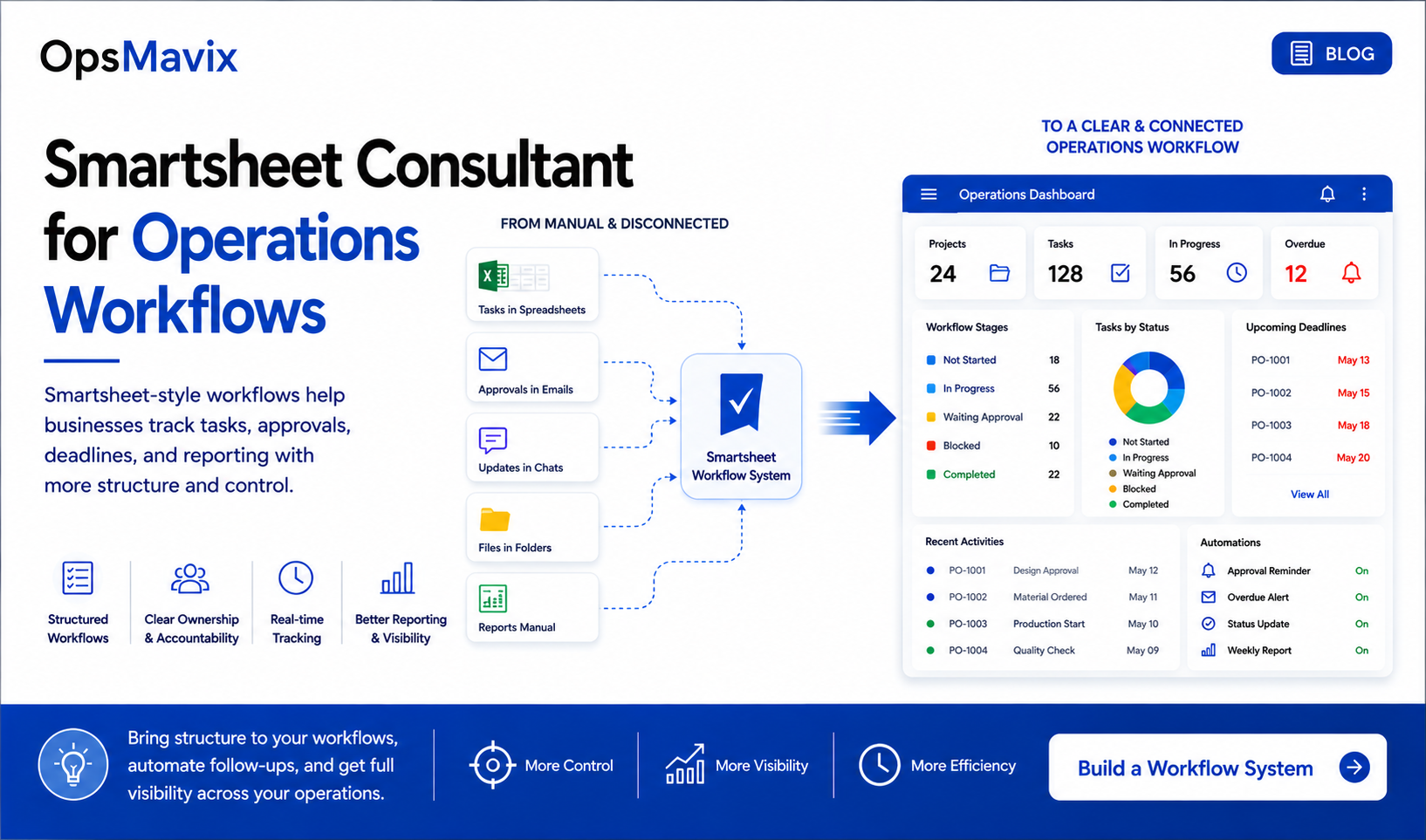
Connected workflows bring records and responsibilities together so the team can act on the same information. Illustration from OpsMavix.
What to Do About It
You do not need to replace every tool at once. Start with the process that creates the greatest measurable disruption and understand it properly before choosing the build.
Follow real work through the business
Select several representative transactions. Include a straightforward case and cases involving changes, missing information or delays.
Record where information enters, where it is copied, who makes decisions and where the work waits. This reveals requirements that a list of desired software features can miss.
Establish a baseline
Measure handling time, corrections, delays and relevant costs over a representative period. Include busy periods where possible.
Agree who owns the figures and how they are calculated. A baseline gives you something concrete to compare after the process changes.
Define the outcome before selecting the platform
Specify what should happen differently: one order entry, a reliable availability check, a visible approval queue or a report that no longer needs weekly reconstruction.
Then compare improving the configuration of existing tools, connecting them, adding a focused application or introducing an ERP.
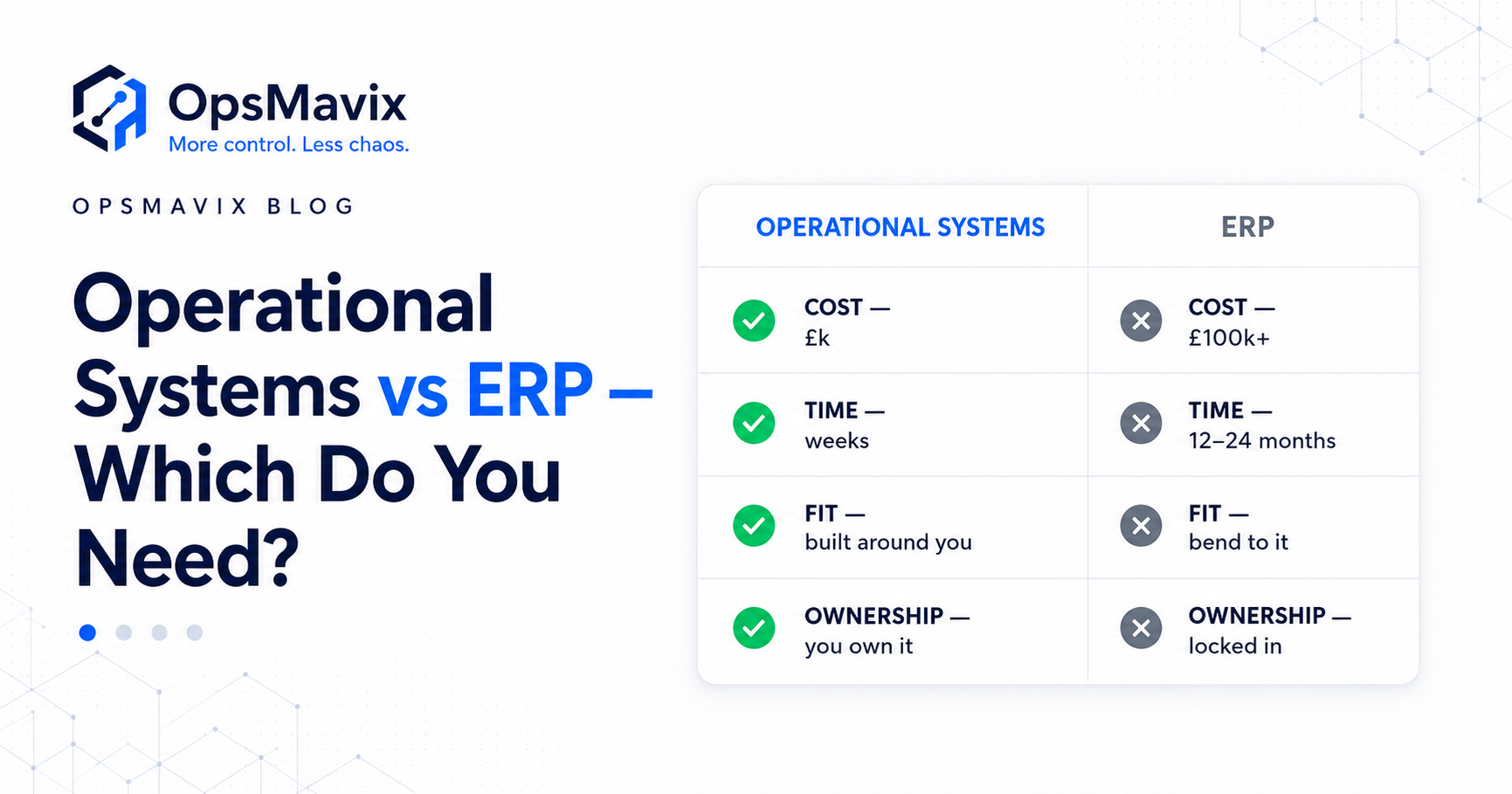
ERP products serve businesses of different sizes. Their cost and implementation effort vary with scope, migration, integrations and training. A focused change may be enough for one workflow; wider shared-record requirements may justify a broader platform.
Pilot the workflow and its failures
Check normal transactions and relevant exceptions: amendments, cancellations, partial fulfilment, duplicate events, missing fields and failed connections.
Confirm that the team can identify a failure and recover without creating duplicate records or losing work. Give unresolved exceptions a named owner.
Measure again before expanding
Compare the same measures after the team has adopted the process. Include exception handling, support effort and ongoing costs.
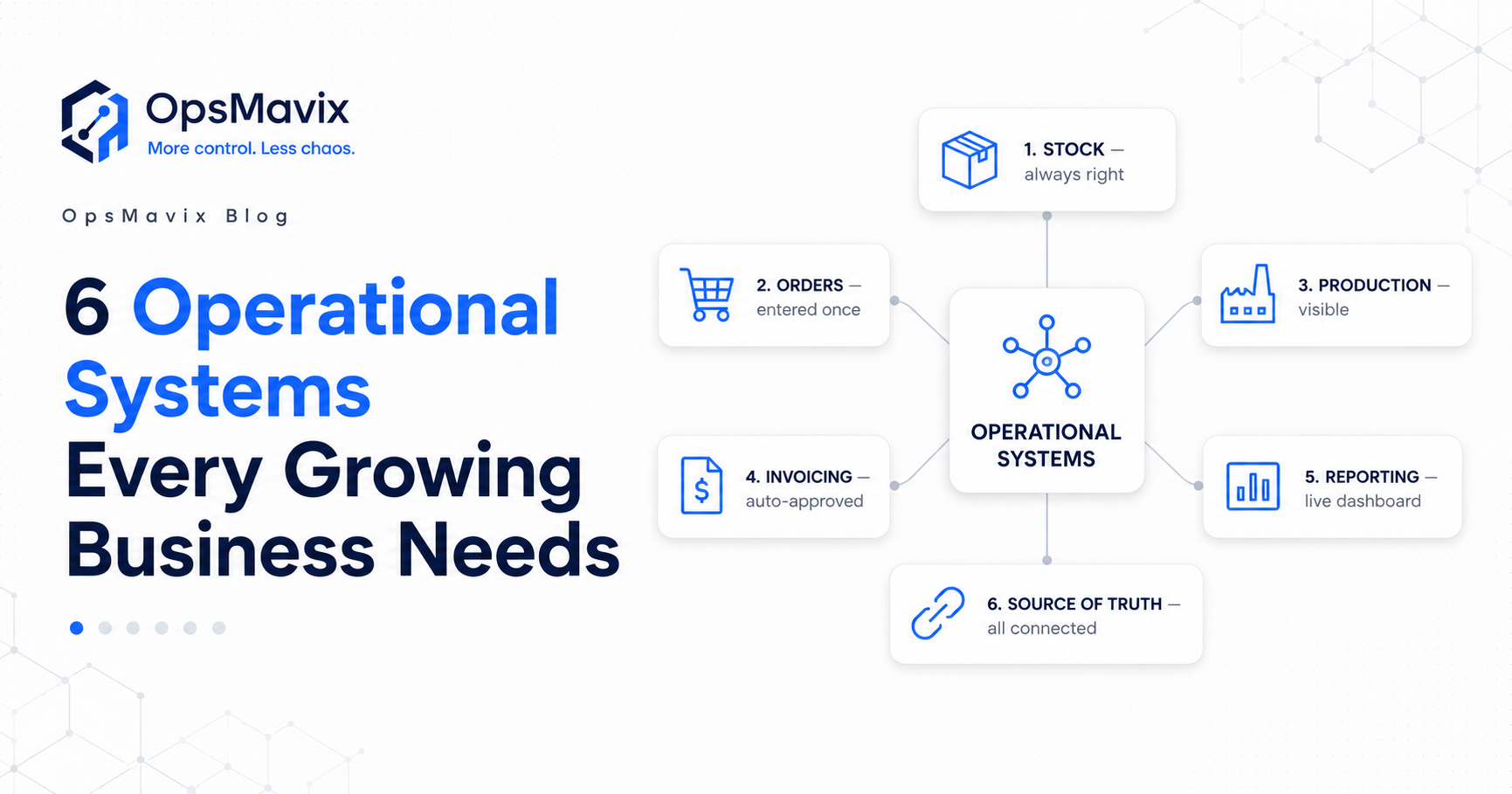
Expand when the first workflow is stable and the next requirement is clear. The operational systems every growing business needs can help you plan the wider picture without implementing everything at once.
Frequently Asked Questions
What are operational systems?
They are the tools, records and processes that support daily business activities such as inventory, orders, production, approvals and reporting. They can operate within one platform or across connected applications.
How do I know if my business needs better operational systems?
Look for repeated data entry, conflicting figures, dependence on individual memory, status chasing and errors found late. Measure the frequency and impact to identify whether the cause is the process, data, tools or capacity.
Are spreadsheets always the wrong choice?
No. They remain useful for analysis, planning and manageable datasets. Review their operational role when several people must repeatedly copy, reconcile or repair information to keep work moving.
Do I need a full ERP to fix these problems?
Not necessarily. A configuration change, integration or focused application may address the main issue. An ERP may be appropriate when several functions need integrated records. Compare workflow fit, migration effort, training and total ongoing cost.
Will connecting our tools make the numbers accurate?
Connections can distribute updates consistently, but accuracy depends on source records and agreed definitions. Missing stock movements, incorrect product mapping and duplicate entries still need to be addressed.
What is the cost of waiting?
It may include handling time, correction work, delayed fulfilment and lost contribution. Calculate it from your own incidents and records. There is no universal amount, and staff-time value should not be presented as automatic cash savings.
How quickly can an operational improvement go live?
A focused change may be delivered in weeks. Broader requirements can take longer depending on integrations, data quality, testing and adoption. Agree the timetable against a defined scope.
Where should we start?
Bring one recurring problem and a few recent examples. Follow them through the process, measure the impact and define what a reliable outcome would look like. That is a stronger starting point than choosing software from a feature list.
How OpsMavix Can Help
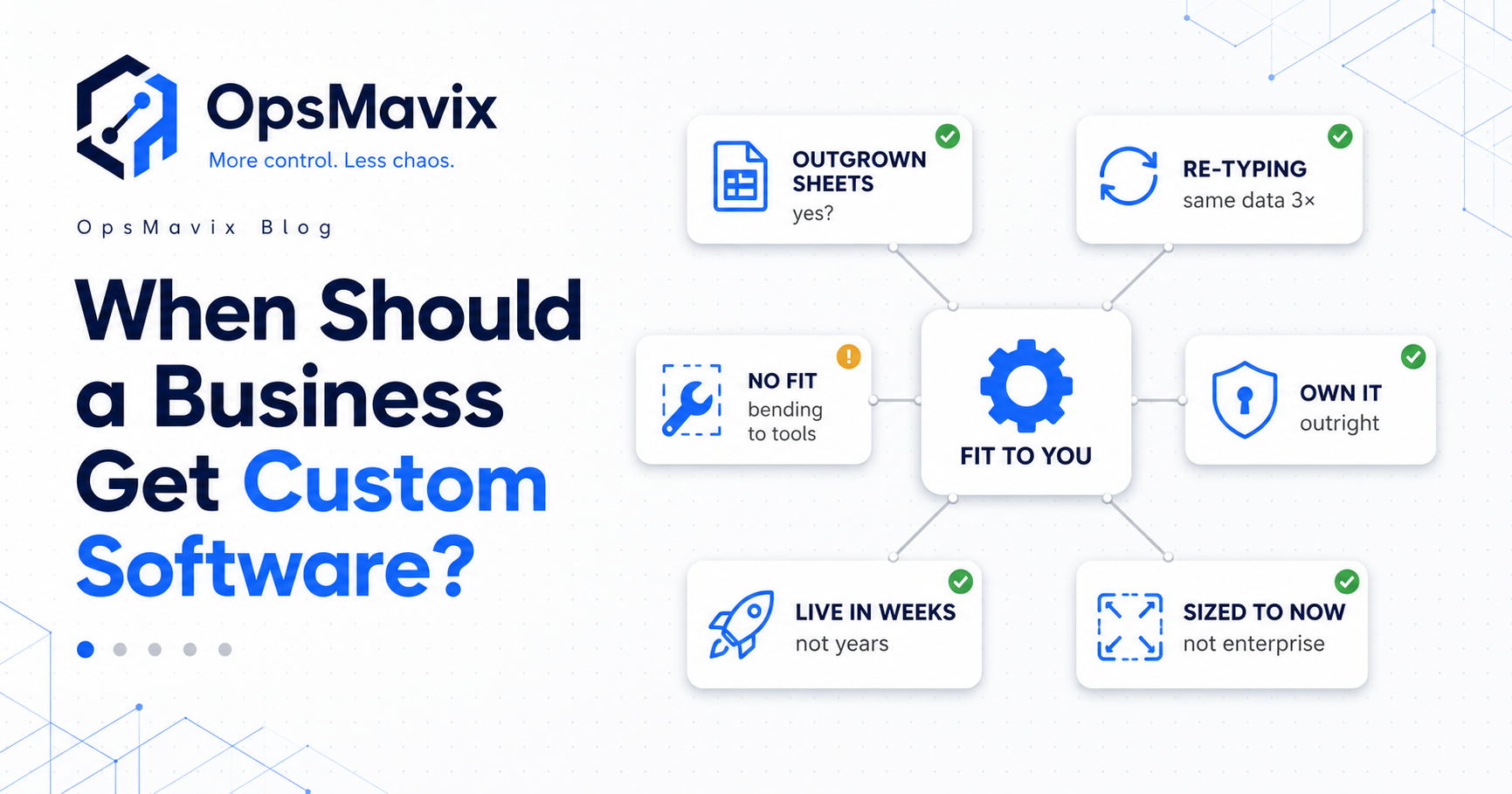
OpsMavix builds custom operational systems around the way a business handles its daily work.
We start by mapping where information enters, where it gets copied, which decisions hold up progress and where the team loses confidence in the records. From there, we define the connections and controls needed to make the process more reliable.
That can include:
- Inventory records with clear movement and availability rules.
- Connected orders with defined status and change handling.
- Recorded responsibilities and approval decisions.
- Checks for missing information and duplicate records.
- Alerts for failed handoffs and unresolved exceptions.
- Project reporting that makes costs and progress easier to review.
- A phased scope focused on the work creating the most disruption.
If several of these signs are familiar, book an Operations Leak Audit. Bring a recent order, stock discrepancy or report that took too long to prepare. We can help trace where the process became unreliable and define what to fix first.
Keep reading
Getting value from OpsMavix? Add us as a preferred source on Google — you'll see more of our operations content in your AI Overviews, AI Mode and Search.