
What Is an Operations System and When Do You Need One?
An operations system helps growing businesses manage orders, stock, tasks, reporting, and daily workflows in one clearer structure.
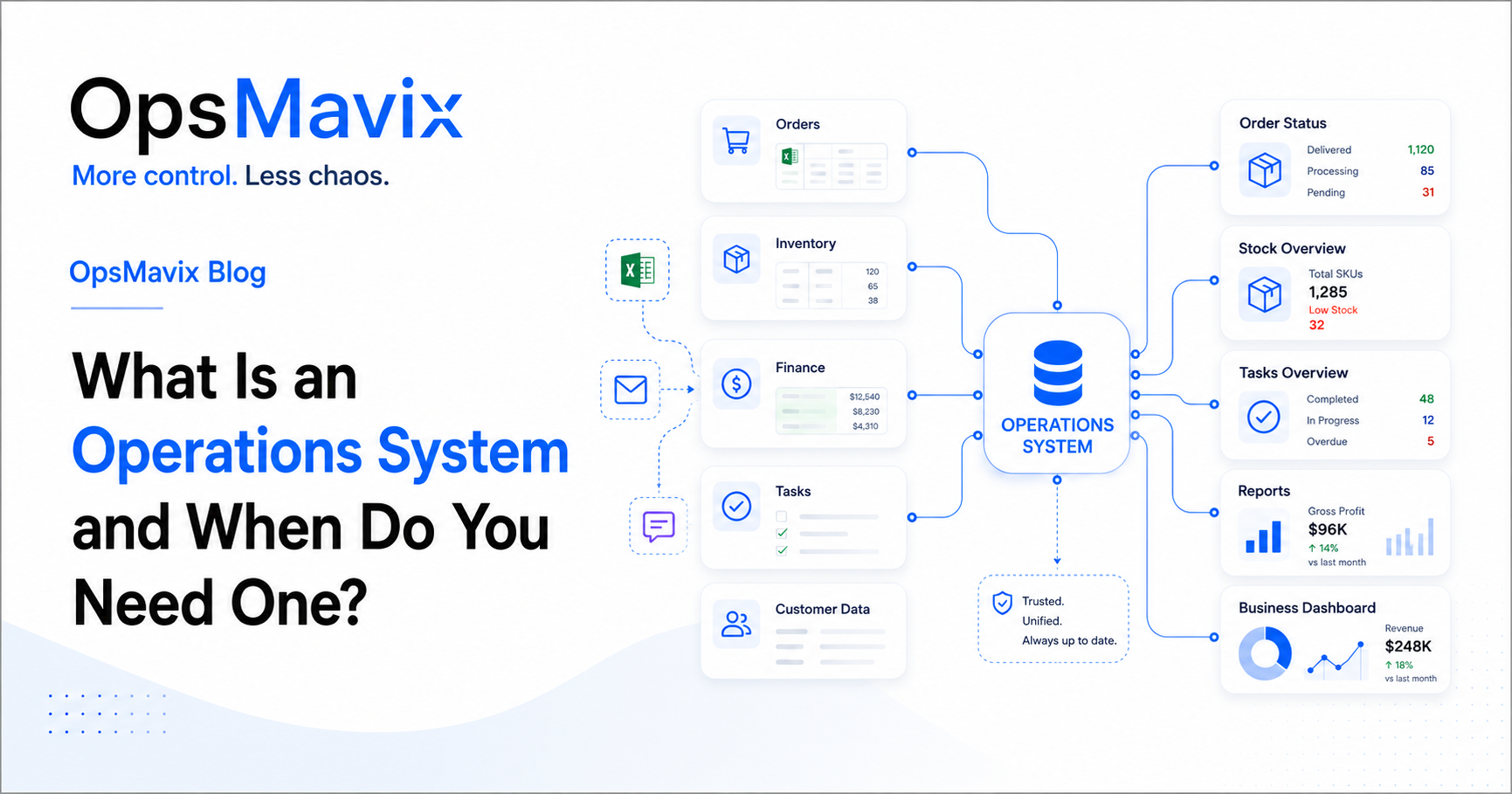
Many growing businesses reach a point where spreadsheets, messages, and manual updates are no longer enough. Work is still getting done, but it becomes harder to see what is happening, who owns each step, and where delays are starting.
This is usually when business owners start asking: what is an operations system, and do we actually need one?
An operations system is not just software. It is the structure that helps a business manage daily work clearly, connecting people, processes, data, tools, and reporting into one more reliable way of working.
For small teams, manual processes can be enough. But as orders, customers, stock, tasks, and reports increase, the business needs a clearer way to operate.
1What Is an Operations System?
An operations system is the way a business manages its daily work from start to finish.
It can include workflows, dashboards, automation, forms, approvals, task tracking, reporting, and connected tools. The purpose is to make sure important information is clear, updated, and easy to use.
A good operations system helps answer questions like:
-
What needs to be done?
-
Who owns the next step?
-
What is delayed?
-
Which orders are active?
-
What stock is available?
-
Which tasks are overdue?
-
What reports do managers need?
The system does not need to be complicated. It needs to match how the business actually works.
2The Problem Starts When Work Is Managed in Too Many Places
Many businesses do not notice the problem at first. They add tools, files, and manual steps as they grow.
One team uses spreadsheets. Another team uses email. Customer updates are in WhatsApp. Tasks are in someone’s notes. Reports are created manually at the end of the week.
This creates confusion because information is spread across too many places.
Common problems include:
-
Orders are hard to track
-
Stock numbers are not trusted
-
Reports take too long
-
Tasks are missed
-
Updates are repeated manually
-
One person knows most of the process
-
Managers cannot see the full picture
When this happens, the business is not only working harder. It is becoming harder to control.
3An Operations System Creates One Clear Workflow
A strong operations system connects the main steps of the business into one clearer workflow.
For example, an order may move through several stages:
-
Enquiry
-
Quote
-
Approval
-
Order confirmation
-
Stock check
-
Picking or production
-
Delivery
-
Invoice
-
Payment
-
Reporting
Without a clear system, each step may be tracked in a different place. This makes it difficult to know what has been done and what still needs attention.
With a better workflow, the team can see the status, owner, next step, and any delays.
For businesses managing repeated B2B or wholesale orders, a wholesale order management system can help create this structure.
4When Does Your Business Need an Operations System?
Your business may need an operations system when the current way of working creates more admin than control.
Some signs include:
-
Spreadsheets are becoming too large or confusing
-
The team keeps asking for the same updates
-
Reports take too long to prepare
-
Stock or order information is not trusted
-
Tasks depend on memory
-
Approvals are slow
-
Customers are waiting for updates
-
The owner has to check everything manually
These signs usually mean the business has grown, but the operating structure has not grown with it.
The business may not need a full ERP immediately. It may need a focused internal system that solves the biggest operational problems first.
5What Should an Operations System Include?
The right operations system depends on the business, but most growing companies need the same basic foundations.
A useful operations system may include:
-
Clear process steps
-
Defined task ownership
-
Reliable data
-
Order or project tracking
-
Stock or resource visibility
-
Approval workflows
-
Dashboards and reports
-
Notifications or reminders
-
Documentation of key processes
The goal is not to add complexity. The goal is to remove confusion.
For businesses that need better visibility, a project operations dashboard can help bring key information into one place.
6Start With the Process, Not the Tool
Before building or buying a system, the business should first map how work currently happens.
Start by asking:
-
Where does the process begin?
-
What steps are involved?
-
Who owns each step?
-
Where is information stored?
-
What is updated manually?
-
Where do delays happen?
-
Which reports are needed?
-
What should be automated?
This helps avoid building the wrong system.
If the process is unclear, new software can make the problem worse. But when the workflow is understood first, the system can be designed around the real business.
Why This Happens
These problems usually happen because the business grows faster than the structure behind it.
The company may now have more customers, more orders, more staff, more products, and more reporting needs. But the daily operation may still depend on the same spreadsheets, messages, and manual checks from an earlier stage.
That is when work becomes harder to manage.
The issue is not only technology. It is also process design, ownership, visibility, and reliable information.
What To Do Next
If your business feels harder to manage, start by reviewing one important process.
Choose the area that creates the most confusion today. This could be orders, stock, reporting, approvals, customer updates, or project delivery.
Then write down:
-
What happens first
-
What happens next
-
Who is responsible
-
Where the information is stored
-
What causes delays
-
What is repeated manually
-
What managers need to see
This will show where control is being lost.
From there, you can decide whether you need a dashboard, automation, workflow system, internal portal, or a more complete operations system.
How OpsMavix Can Help
OpsMavix helps growing businesses design and build clearer operations systems.
We work with companies that are outgrowing spreadsheets, emails, WhatsApp updates, and disconnected tools, but are not always ready for a full ERP.
OpsMavix can help you:
-
Map your current operations
-
Identify where control is being lost
-
Design clearer workflows
-
Build internal operations systems
-
Create dashboards and reporting views
-
Reduce repeated manual work
-
Connect tools and information
-
Improve visibility across the business
If your business is becoming harder to manage, OpsMavix can help you build a clearer system around the way your team actually works.