
ERP System Examples: Which One Actually Fits Your Business
The best ERP system is rarely the biggest one. This guide walks through the ERP software examples most UK businesses shortlist, where each one genuinely fits, and the implementation realities worth planning for before you sign anything.
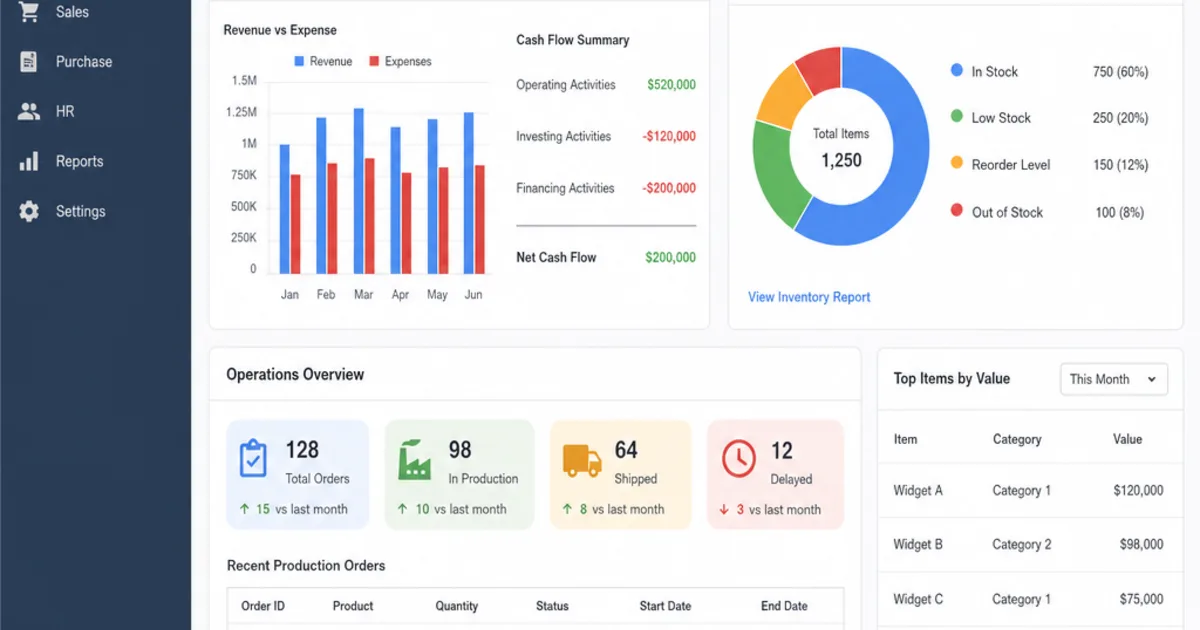
ERP system examples range from enterprise suites such as SAP S/4HANA to cloud platforms for growing firms such as Oracle NetSuite, Microsoft Dynamics 365 Business Central and Acumatica, and open source options such as Odoo and ERPNext. Each one connects finance, purchasing, stock, sales and reporting around shared records, but they are built for different sizes of business, industries and ways of working.
The practical problem is that a list of brand names does not tell you which one fits. A wholesaler re-keying orders into accounts, a manufacturer chasing material shortages and a services group consolidating several companies all need ERP for different reasons. This guide groups real examples by business size and type, then walks through how an ERP flow actually works, so you can judge fit before you book a demonstration.
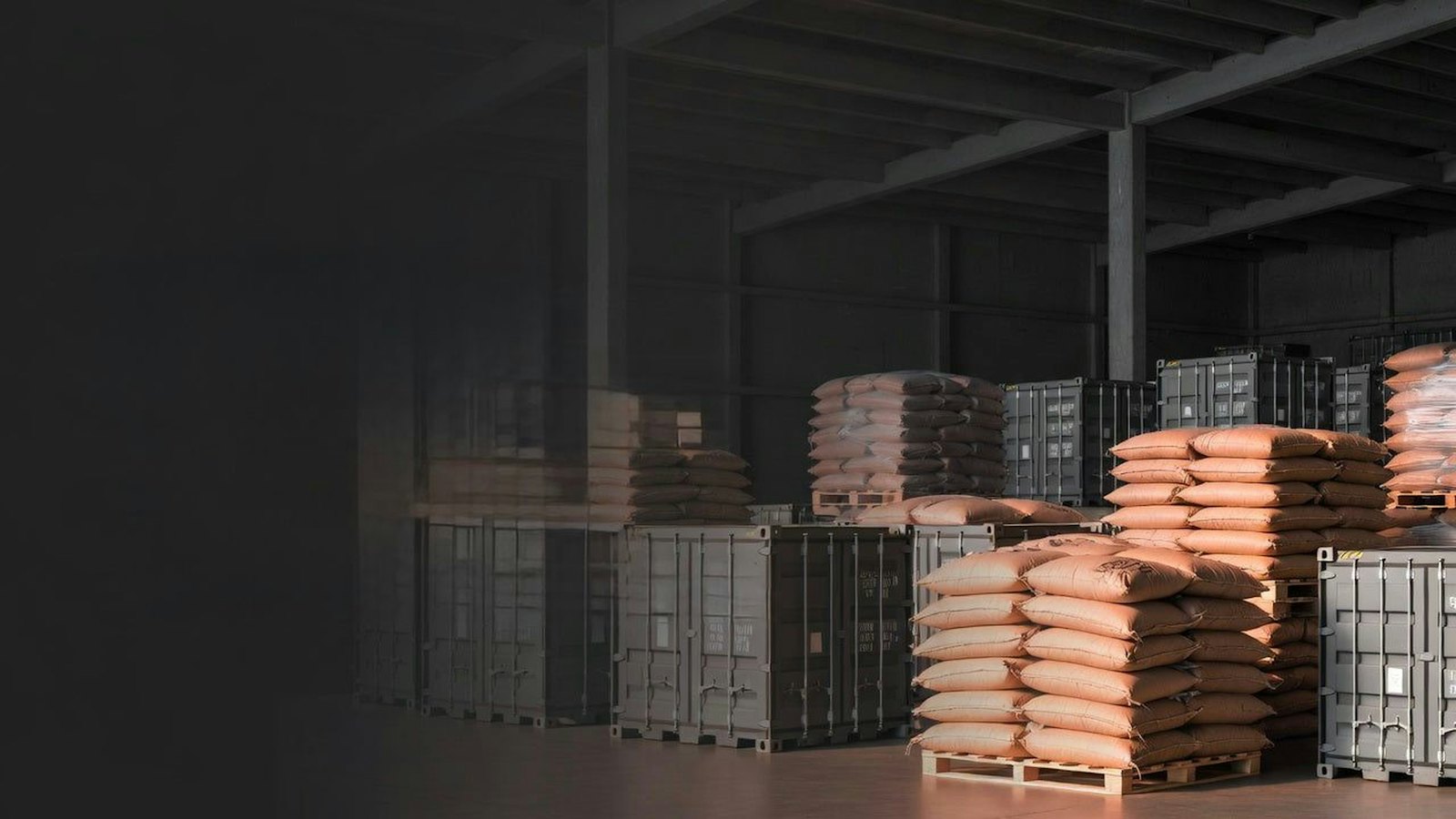
Stock held in a warehouse is one of the records an ERP system has to connect to sales, purchasing and finance. Illustrative photograph, not an OpsMavix project.
Image credit: UZ Creative Services, Unsplash License. No edits.
Key Takeaways
- An ERP system connects finance and operational records so one transaction updates everyone who depends on it.
- Real ERP system examples differ mainly in target business size, industry depth and how they are licensed and deployed.
- Order to cash and procure to pay are the two flows most businesses should test first.
- Vendor descriptions are a starting point; a scripted demonstration with your own data is the real test.
- Configuration, integration, a focused custom application or a full ERP can each be the right answer.
- Compare options on the same scenario and the same cost lines, not on module lists.
In this guide:
- 1. What an ERP System Actually Does
- 2. ERP System Examples by Business Size
- 3. ERP Examples Built for Specific Industries
- 4. Open Source ERP Examples
- 5. Worked Example of Order to Cash
- 6. Worked Example of Procure to Pay
- 7. When Configuration Integration or Full ERP Fits
- 8. How to Shortlist ERP Examples Fairly
- Frequently Asked Questions
- How OpsMavix Can Help
1. What an ERP System Actually Does
A plain definition
ERP stands for enterprise resource planning. Oracle’s ERP overview describes it as a type of software organisations use to manage day-to-day business activities such as accounting, procurement, project management and supply chain operations.
The important word is connected. In an ERP, a sales order, a stock movement, a supplier invoice and a ledger posting refer to the same customers, products, suppliers and accounts. When one team records something, the next team sees it without retyping it.
What sits inside most ERP systems
| Area | Typical records | Question it helps answer |
|---|---|---|
| Finance | Ledgers, invoices, payments, bank reconciliation | What do we owe, what are we owed and what did we earn? |
| Sales and orders | Quotes, sales orders, deliveries, returns | What has the customer ordered and what has shipped? |
| Purchasing | Requisitions, purchase orders, receipts | What have we committed to buy and what has arrived? |
| Inventory | Items, locations, stock movements, valuations | What do we hold, where, and what is it worth? |
| Production | Bills of materials, work orders, routings | What must we make, with which materials? |
| Projects and services | Jobs, timesheets, project costs | Is this job or contract making money? |
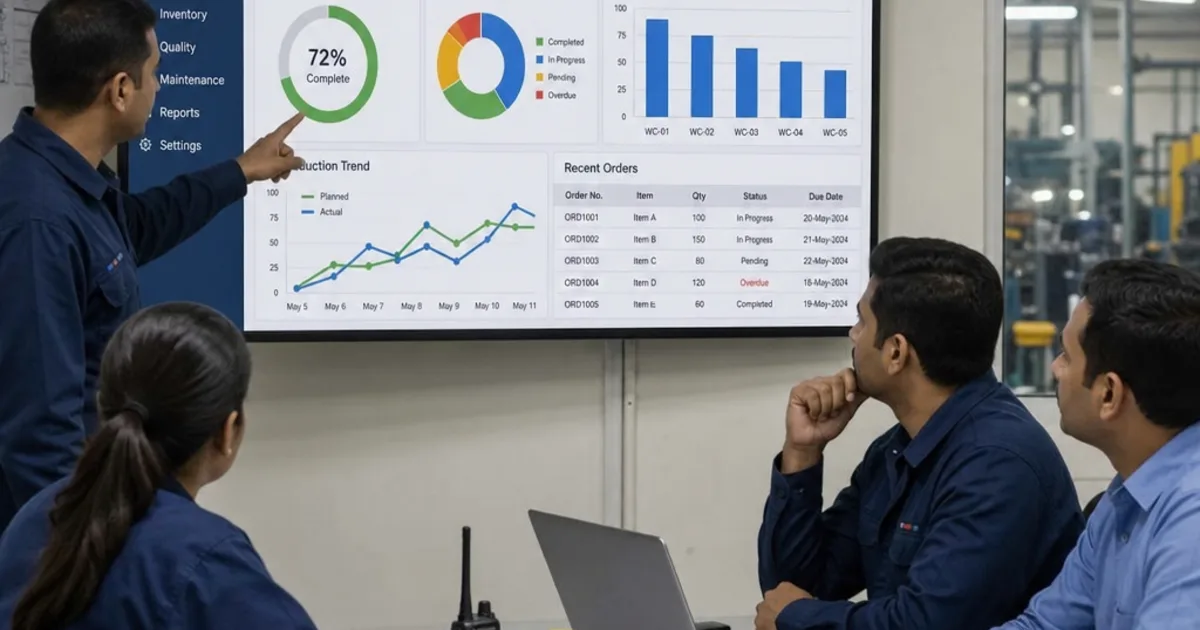
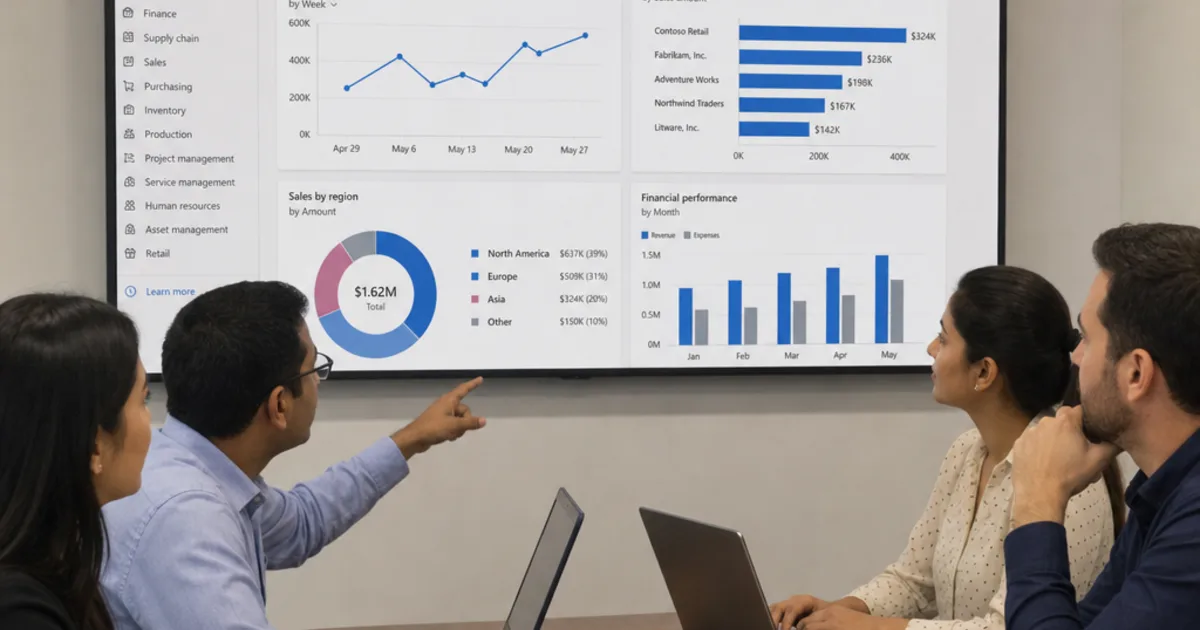
| Reporting | Dashboards, financial statements, KPIs | Where should we act this week? |
Not every business needs every area. A distributor may never use production; a consultancy may never hold stock. That is why the examples below differ so much.
What ERP does not do on its own
ERP does not make poor data accurate or decide how your process should work. Item codes, supplier records, approval rules and ownership still need agreeing. A system that records a bad process faithfully will still produce bad numbers, only faster.
2. ERP System Examples by Business Size
The descriptions below use each vendor’s own positioning, checked on their sites in October 2026. They are not rankings, and every product has editions, partners and add-ons that change what you actually get.
Small and mid-sized businesses
Microsoft Dynamics 365 Business Central. Microsoft’s Business Central documentation describes it as a business management solution for small and mid-sized organisations. Its documented areas include finance, sales, purchasing, inventory, warehouse management, manufacturing, project management and service management. It is often considered by firms already working in Microsoft tools.
SAP Business One. SAP’s Business One page says it is designed for small and midsize businesses, covering accounting and financials, purchasing, inventory, sales and customer relationships, and reporting and analytics.
Oracle NetSuite. NetSuite’s ERP page calls it a cloud business management solution covering accounting, orders, inventory, projects, production, supply chain and warehouse operations, with multi-currency and multi-entity support. NetSuite says it serves companies from pre-revenue startups to fast-growing businesses.
Acumatica. Acumatica presents itself as a cloud ERP, with industry versions for areas such as construction, distribution, manufacturing, professional services and retail. Its site promotes a licensing approach with unlimited users, so ask how pricing is actually calculated for your scenario.
Finance-led mid-sized organisations
Sage Intacct. Sage describes Sage Intacct as cloud accounting and financial management software for mid-sized and growing businesses, with multi-entity consolidation and multi-dimensional reporting. It is finance-led, so check carefully if stock, warehousing or production are central to your operation.
Larger and multi-entity groups
SAP S/4HANA. SAP offers S/4HANA Cloud as part of its SAP Cloud ERP range, which SAP says comes with business processes that incorporate industry standard best practices. SAP’s Business One page states that S/4HANA Cloud serves organisations of all sizes. In practice it tends to appear on shortlists where a group needs standardised processes across many entities, countries or plants, and has the internal capacity for a significant programme.
Microsoft Dynamics 365 Finance. Microsoft documents Dynamics 365 Finance as a separate application from Business Central, covering general ledger, payables, receivables, budgeting, cost accounting, fixed assets and globalisation features for financial operations.
Quick comparison by size
| Example | Vendor positioning (checked October 2026) | Often worth testing when |
|---|---|---|
| Business Central | Small and mid-sized organisations | You use Microsoft tools and need finance plus stock or projects |
| SAP Business One | Small and midsize businesses | You want an SAP product without a large enterprise programme |
| Oracle NetSuite | Startups to fast-growing businesses, cloud | You are adding entities, currencies or channels |
| Acumatica | Cloud ERP with industry editions | Your industry matches one of its editions |
| Sage Intacct | Mid-sized and growing, finance-led | Multi-entity finance is the main pain |
| SAP S/4HANA Cloud | Organisations of all sizes, standard best practices | Many entities need one standard process model |
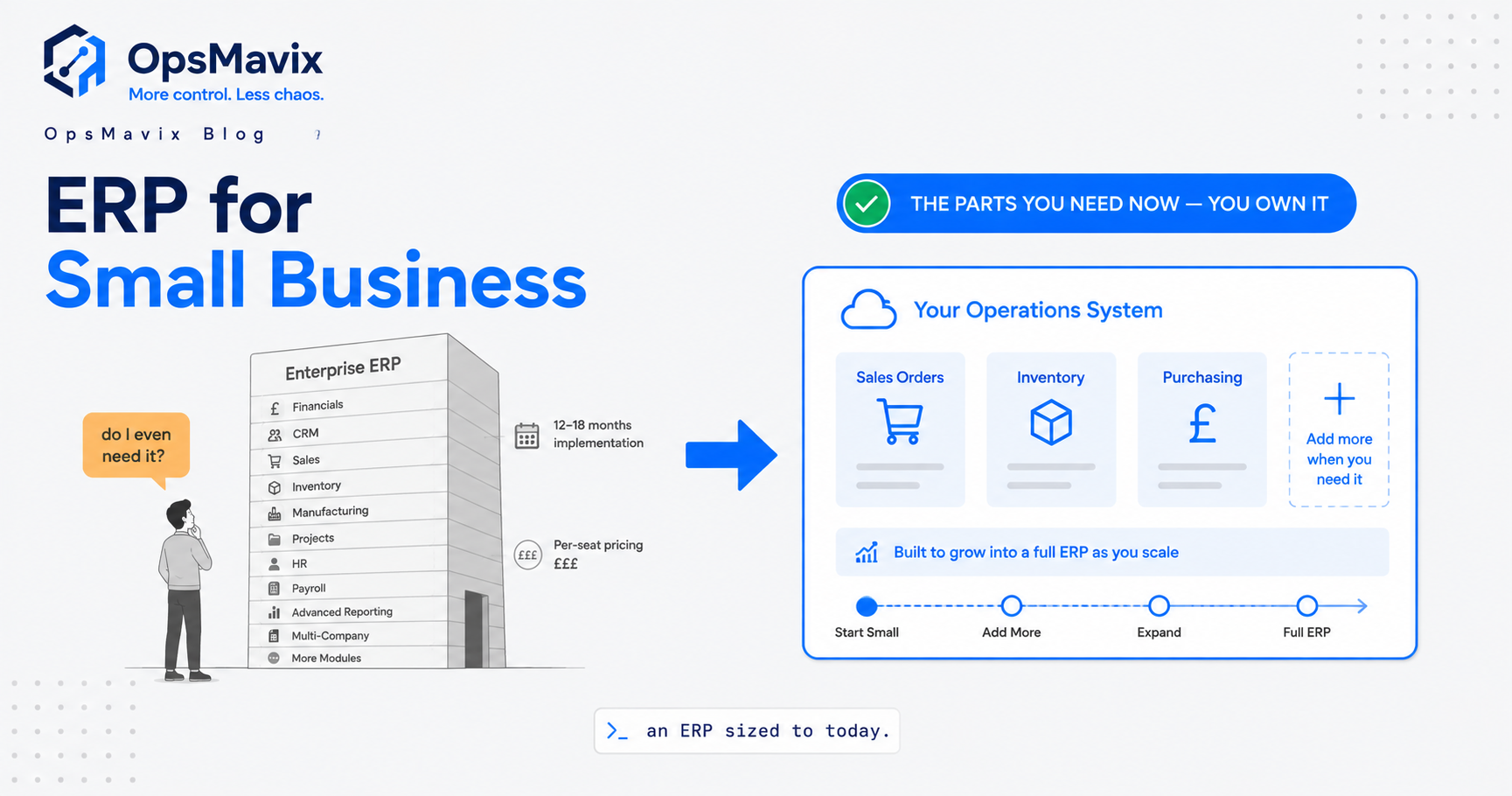
For a smaller business deciding whether it needs any of these yet, see our guide to enterprise resource planning for small business.
3. ERP Examples Built for Specific Industries
Manufacturing
Epicor Kinetic. Epicor describes Kinetic as a global cloud ERP built for manufacturers and specialised for discrete, make-to-order manufacturing. It is cloud-focused, with options for on-premises and hybrid deployment, and covers planning and scheduling, production management, supply chain and finance.
Manufacturers should test bills of materials, routings, work orders, material shortages and traceability with their own products. A finance-led ERP may record the cost of production without helping anyone plan it.
Asset-intensive and service businesses
IFS Cloud. IFS says IFS Cloud connects asset lifecycle management, service and enterprise operations in one platform. Its product areas include ERP, enterprise asset management (EAM) and field service management (FSM), and it highlights industries such as aerospace and defence, construction and engineering, energy, utilities, manufacturing and telecommunications.
This makes it a different kind of example: the organising record is often an asset or a service contract rather than a product on a shelf.
Matching industry to the organising record
| Industry | Organising record | Example capabilities to test |
|---|---|---|
| Wholesale and distribution | Product, location, customer order | Allocation, back orders, picking, price lists |
| Discrete manufacturing | Bill of materials, work order | Material planning, shortages, routings, scrap |
| Construction and projects | Project, contract, cost code | Commitments, variations, applications for payment |
| Asset-intensive services | Asset, service contract, work order | Maintenance history, engineer scheduling, parts usage |
| Professional services | Client, project, timesheet | Utilisation, billing rules, project margin |
Construction is a good example of how far the organising record can shift. Our guide to construction enterprise resource planning explains it in detail.
4. Open Source ERP Examples
Odoo
Odoo’s apps page describes it as a suite of open source business apps, including Accounting, Inventory, Manufacturing, Sales and Purchase. Its editions page explains that Odoo comes as Odoo Community (open source) and Odoo Enterprise (licensed), with Enterprise built on the Community core.
The breadth is attractive, but each additional app, customisation and integration adds testing and upgrade work. Our guide to Odoo disadvantages covers the trade-offs.
ERPNext
ERPNext, built on the Frappe framework, describes itself as 100% open source ERP covering accounts, invoicing, sales, procurement, stock, manufacturing, projects, point of sale, HR and payroll. Its site states that it has no per-user pricing and that you pay only for hosting on its recommended Frappe Cloud service.
What open source does and does not change
| Point | What it means in practice |
|---|---|
| Licence cost | Some or all of the software may be free to use; check the edition |
| Hosting | Someone still has to host, back up and secure it |
| Implementation | Configuration, data migration and training still take time and skill |
| Customisation | Easier to inspect and extend, but every change must survive upgrades |
| Support | Comes from the vendor, a partner or your own team; agree who |
Open source shifts where the cost sits rather than removing it. Compare it on the same total cost lines as any packaged product.
5. Worked Example of Order to Cash
Order to cash is the chain from a customer order to money in the bank. It is a good first test because it touches sales, stock, warehouse and finance.
The hypothetical scenario
A hypothetical wholesaler receives an order for 200 units of one product at £12.50 each, excluding VAT. The unit cost in the system is £7.80. Only 150 units are in stock today.
| Step | What the ERP records | Hypothetical figure |
|---|---|---|
| Sales order | 200 units × £12.50 | £2,500.00 order value |
| Stock check | 150 available, 50 short | 50 units on back order |
| Pick and dispatch | 150 units leave stock | Stock value reduced by 150 × £7.80 = £1,170.00 |
| Invoice | 150 units × £12.50 | £1,875.00 invoiced |
| Open order | 50 units × £12.50 | £625.00 still to ship |
| Payment | Customer pays the invoice | Receivable cleared |
Check the arithmetic
- Full order value: 200 × £12.50 = £2,500.00.
- Full order cost: 200 × £7.80 = £1,560.00, giving a gross margin of £940.00, or 37.6% of sales value.
- First shipment margin: £1,875.00 minus £1,170.00 = £705.00.
- Remaining order: £2,500.00 minus £1,875.00 = £625.00.
All figures are hypothetical and exclude VAT, delivery charges and discounts.
What a good system shows at each step
- The salesperson sees available stock before confirming a date.
- The warehouse picks only what is allocated and records the shortage.
- Finance invoices what shipped, not what was ordered.
- The back order stays visible until it ships or the customer cancels it.
- Reports show order value, invoiced value and cash received as three different numbers.
Where these steps happen in separate tools, the same order is often typed two or three times. Our guide to integrated business management software compares linking tools with moving to a suite.

Approvals and signed documents sit behind every purchase an ERP records. Illustrative photograph, not an OpsMavix project.
Image credit: Jakub Żerdzicki, Unsplash License. No edits.
6. Worked Example of Procure to Pay
Procure to pay covers the chain from a purchase request to paying the supplier. Its main control is matching the purchase order, the goods received and the supplier invoice before payment.
The hypothetical scenario
The same hypothetical wholesaler orders 500 units from a supplier at £4.20 each. The warehouse receives 480 units. The supplier invoices 500 units at £4.25 each.
| Document | Quantity | Unit price | Value |
|---|---|---|---|
| Purchase order | 500 | £4.20 | £2,100.00 |
| Goods received (at order price) | 480 | £4.20 | £2,016.00 |
| Supplier invoice | 500 | £4.25 | £2,125.00 |
Check the arithmetic
- Invoice value minus received value at the agreed price: £2,125.00 minus £2,016.00 = £109.00.
- Quantity difference: 20 units not received × £4.25 invoiced price = £85.00.
- Price difference: 480 units received × £0.05 overcharge = £24.00.
- £85.00 + £24.00 = £109.00, so the whole difference is explained.
All figures are hypothetical and exclude VAT.
What a good system does with the mismatch
- Flags the invoice as not matching the order and receipt.
- Shows the buyer both differences rather than one total.
- Holds the invoice from payment until someone with authority resolves it.
- Records the outcome, such as a credit note for 20 units and agreement on price.
- Keeps the open quantity on the purchase order visible if the 20 units are still due.
This is where approval workflows matter. Without them, mismatches are often found after payment, when they are harder to recover.
Order to cash and procure to pay side by side
| Question | Order to cash | Procure to pay |
|---|---|---|
| Starting document | Sales order | Purchase order |
| Physical event | Dispatch | Receipt |
| Finance document | Sales invoice | Supplier invoice |
| Typical exception | Short stock, back order | Short delivery, price difference |
| Control to test | Invoice only what shipped | Match before payment |
7. When Configuration Integration or Full ERP Fits
Five approaches compared
| Approach | When it tends to fit | Main limitation to check |
|---|---|---|
| Configure current tools | The capability exists but is unused or switched off | Edition limits, user licences and workarounds |
| Integrate existing systems | Each tool works, but handoffs between them fail | Record ownership and failed transfers |
| Packaged ERP | Your process is close to established practice | Workflows you cannot change, upgrade terms, partner dependence |
| Focused custom application | One valuable gap has clear boundaries | Support, maintenance and ownership of the code |
| Full ERP, packaged or custom | Wide coordination problems justify broad change | Migration, delivery capacity and continuity |
A hypothetical re-keying estimate
Before choosing, measure the problem. Suppose a hypothetical business re-keys 120 orders a week from its online store into accounts, at 4 minutes each.
- Weekly time: 120 × 4 = 480 minutes, or 8 hours.
- Yearly time over 48 working weeks: 8 × 48 = 384 hours.
If that is the main pain, an integration may solve it without replacing anything. If the same business also struggles with stock allocation, purchasing and multi-site reporting, a broader system may be justified. The figures are hypothetical; use your own counts.
Be fair to each option
Packaged ERP carries years of design work, regular updates and an ecosystem of partners. A custom application can match a specific process closely and avoid paying for unused features, but it still needs testing, documentation, hosting and support. Our guide to bespoke ERP software costs in the UK sets out what ownership involves.
8. How to Shortlist ERP Examples Fairly
Start from decisions, not modules
List five to ten decisions that go wrong today, such as promising a delivery date or approving a supplier invoice. For each one, note who decides, what information they need and how late it arrives. Those decisions become your requirements.
Run the same script with every vendor
- Create a customer, a supplier and three products with your real codes.
- Take a sales order you cannot fully supply, ship part of it and invoice it.
- Raise a purchase order, receive a short delivery and post a mismatched invoice.
- Show how each mismatch is flagged, approved and resolved.
- Produce a report showing order value, invoiced value and cash received.
- Correct a mistake and show the audit trail.
- Export the data for that scenario.
Score what you see
| Score | Meaning |
|---|---|
| 3 | Demonstrated live with your data |
| 2 | Standard configuration, shown or documented |
| 1 | Needs development, integration or a workaround |
| 0 | Not supported |
Shortlist checklist
- Requirements are written as decisions and marked essential, important or optional.
- Every option has been scored against the same script.
- Total cost covers licences or hosting, implementation, migration, integrations, training and internal time.
- Data export and exit terms are understood.
- A named owner inside the business has time for the first phase.
For rollout planning after selection, see our guide to ERP implementation in the UK. For a wider executive view of vendors and governance, see the modern ERP playbook.
For many SMEs the honest shortlist includes an owned system: our inventory automation system covers the stock-and-orders core most of these examples are bought for, at a fixed price.
Frequently Asked Questions
What are some common ERP system examples?
Widely known examples include SAP S/4HANA and SAP Business One, Oracle NetSuite, Microsoft Dynamics 365 Business Central and Dynamics 365 Finance, Sage Intacct, Epicor Kinetic, IFS Cloud, Acumatica, Odoo and ERPNext. They differ in target size, industry focus, deployment and licensing.
Which ERP examples suit a small business?
Microsoft positions Business Central for small and mid-sized organisations and SAP positions Business One for small and midsize businesses. Odoo, ERPNext, NetSuite and Acumatica are also often considered. Many small firms first solve their main gap through configuration or integration.
What is the difference between order to cash and procure to pay?
Order to cash runs from a customer order to receiving payment. Procure to pay runs from a purchase request to paying the supplier. Both connect operational events, such as dispatch or receipt, to finance documents.
Is open source ERP free?
The software licence may be free for some editions, but hosting, implementation, support and upgrades still cost time or money. Odoo, for example, offers a Community edition and a licensed Enterprise edition, so check which features you need.
Is a finance system the same as an ERP?
Not always. Finance-led products focus on ledgers, consolidation and reporting. A broader ERP usually adds orders, stock, purchasing and sometimes production. Some finance products connect to operational tools instead.
How should we compare ERP vendors fairly?
Give each vendor the same scripted scenario using your own data, score what is demonstrated live and compare total cost on the same lines over the same period.
Do we need a full ERP to fix re-keying?
Not necessarily. If re-keying between two tools is the main problem, an integration may be enough. A full ERP makes more sense when several handoffs and reports are failing together.
Can OpsMavix build a full ERP?
Yes. OpsMavix can build focused applications or a full custom ERP, and can configure or integrate suitable existing tools where those approaches fit the requirements.
How OpsMavix Can Help
OpsMavix can help you turn a list of ERP system examples into a short list of decisions, records and handoffs, then test which approach closes the gap at a sensible cost.
That may mean configuring tools you already pay for, connecting them, building a wholesale order management system, adding an inventory automation system, introducing invoice approval workflows, adding manufacturing production tracking or developing a full custom ERP.
Contact OpsMavix with one recent order that was hard to fulfil, the supplier invoice that took longest to approve and the reports you rebuild each month. We can use that evidence to define requirements and a practical pilot.
Keep reading
Getting value from OpsMavix? Add us as a preferred source on Google — you'll see more of our operations content in your AI Overviews, AI Mode and Search.