
ERP Price: What Actually Moves the Number on the Quote
Two businesses can buy the same ERP and pay very different amounts, because the licence line is rarely the expensive part. This guide breaks down the pricing models, the cost drivers most buyers underestimate, and how to build an ERP budget that survives contact with a real project.
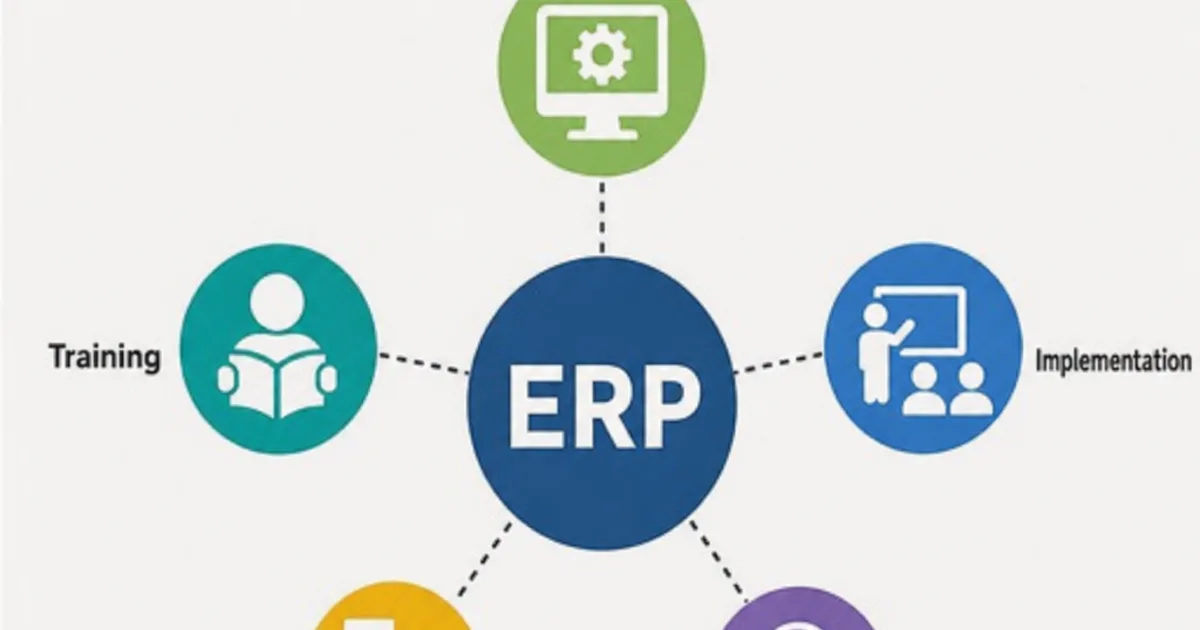
An ERP price is the full amount a business pays to choose, set up and run an enterprise resource planning system, not just the subscription or licence line on a vendor’s quote. That total also includes implementation, data migration, integrations, training, support and the time your own people spend on the project.
The practical problem is that these costs are rarely shown in one place. Some vendors publish per-user list prices, others quote only after a discovery call, and partner fees sit on separate proposals. Without a consistent way to add the lines together, two quotes for the same requirements can look very different while describing very different amounts of work.

Licence fees are only one line in an ERP budget. Illustrative photograph, not an OpsMavix client.
Image credit: Bia Limova, Pexels License. No edits.
Key Takeaways
- The ERP price is the total cost of ownership, not the headline per-user figure.
- Microsoft publishes Business Central list prices; NetSuite and Sage 200 pages showed none.
- List prices change and usually exclude VAT, implementation and partner support.
- Map users by licence type before asking for quotes, because seat mix drives subscription cost.
- Internal staff time and data preparation are real costs, even when nobody invoices them.
- Compare quotes over the same period, on the same written scope and assumptions.
In this guide:
- 1. Understand What an ERP Price Includes
- 2. Check Published List Prices and Quote-Only Pricing
- 3. Map Users and Licence Types Before Requesting Quotes
- 4. Budget for Implementation and Data Migration
- 5. Price Integrations, Training and Support
- 6. Count Internal Time as a Real Cost
- 7. Build a Five-Year Total Cost of Ownership
- 8. Compare Quotes on the Same Scope
- Frequently Asked Questions
- How OpsMavix Can Help
1. Understand What an ERP Price Includes
Separate the software from the project
A subscription or licence gives you the right to use the software. It does not configure your chart of accounts, load your product records, connect your ecommerce platform or teach a warehouse team a new receiving process. Those activities are part of the project, and they are usually priced separately by the vendor, an implementation partner or your own team.
NetSuite’s own guide to ERP pricing makes the same distinction. It describes direct costs such as the software licence, initial deployment and ongoing operation, and indirect costs such as employee training and potential business interruption.
Use one list of cost components
| Cost component | What it usually covers | Who typically charges for it |
|---|---|---|
| Licences or subscriptions | Rights to use the software, priced per user, per module or as a package | Vendor or reseller |
| Implementation | Discovery, solution design, configuration, testing and go-live support | Implementation partner or vendor services |
| Data migration | Cleansing, mapping, importing and reconciling records and balances | Partner, specialist or internal team |
| Integrations | Connectors or custom interfaces to ecommerce, banking, payroll, couriers or legacy tools | Partner, app publisher or developer |
| Training | Role-based training, materials and refresher sessions | Partner or internal trainers |
| Support | Helpdesk, fixes, minor changes and upgrade testing after go-live | Partner, vendor or internal administrator |
| Internal time | Workshops, decisions, testing, data validation and administration | Your own business, usually unbudgeted |
Some lines are one-off, some recur every year, and some depend on how quickly the business changes. Keeping them separate makes it easier to see which quote has moved cost from one line to another.
2. Check Published List Prices and Quote-Only Pricing
What vendors showed on their own pages
The table below records what each vendor’s official pricing or product page showed when checked on 20 October 2026. Prices change, can differ by country and currency, and may not match what you are finally offered, so confirm the current figures with the vendor before budgeting.
| Product | What the official page showed | Currency and billing basis | Source |
|---|---|---|---|
| Microsoft Dynamics 365 Business Central Essentials | £61.50 per user per month | GBP, paid yearly, excluding VAT | Microsoft Business Central pricing |
| Microsoft Dynamics 365 Business Central Premium | £84.60 per user per month | GBP, paid yearly, excluding VAT | Microsoft Business Central pricing |
| Microsoft Dynamics 365 Business Central Team Members | £6.20 per user per month | GBP, paid yearly, excluding VAT | Microsoft Business Central pricing |
| Sage Intacct (UK) | Bespoke pricing, starting from £1,200 per month | GBP, excluding VAT; estimates exclude support fees and implementation | Sage Intacct pricing |
| Sage 200 | No price published; the page offers a callback, demo and partner search | Quoted | Sage 200 features |
| Oracle NetSuite | No list prices published; NetSuite describes “tailored, customer-specific pricing” | Quoted | NetSuite ERP pricing guide |
| Odoo | Odoo publishes its plans on its own pricing page, which we could not retrieve automatically when checking | Check the page directly | Odoo pricing |
Microsoft’s page also states that the prices shown are for informational purposes and may not reflect the actual list price because of currency, country and regional factors. It directs buyers to a partner for purchase, assessments, consulting services or additional pricing. Sage’s Intacct page says the base subscription includes three full users and a ten-pack of employee licences, with further users priced separately.
Read a list price for what it is
A published per-user price is useful for one thing: estimating the subscription line for a defined set of users. It does not tell you what implementation will cost, which add-on apps you will need or what a partner will charge for support.
Quote-only pricing is not necessarily more expensive. It does mean you cannot compare products independently until you give every vendor the same scope. For a deeper look at the Microsoft range, see our Microsoft ERP buyer’s guide.
3. Map Users and Licence Types Before Requesting Quotes
Count roles, not people
Most subscription ERP pricing depends on the number and type of users. Microsoft, for example, describes its Business Central Team Members licence as offering limited access to read data, approve workflows and create or update select information. Someone who only approves purchase orders may not need a full licence; someone who posts journals or processes orders usually will. Check each vendor’s licensing terms for exactly what each user type may do.
A simple user map should record:
- Each role and the number of people in it.
- The tasks each role must perform in the system.
- Whether the role needs full, limited or read-only access.
- Seasonal, temporary or external users.
- Roles expected to grow over the next three to five years.
Hypothetical example: how seat mix moves the subscription
Assume a hypothetical business with 12 people who need full access and 20 who only view data and approve requests. Using the Business Central list prices shown above, excluding VAT and assuming the limited licence suits those 20 roles:
| Licence line | Calculation | Annual amount |
|---|---|---|
| Essentials users | 12 × £61.50 × 12 months | £8,856 |
| Team Members users | 20 × £6.20 × 12 months | £1,488 |
| Annual subscription | £10,344 |
If all 32 people were licensed as Essentials users instead, the annual subscription would be 32 × £61.50 × 12 = £23,616. The difference comes entirely from the user map, which is why it should be agreed before any quote is compared.
4. Budget for Implementation and Data Migration
Know what implementation work involves
Implementation turns a product into a working system for your business. Typical activities include:
- Discovery of current processes, reports and exceptions.
- Solution design for workflows, approvals and permissions.
- Configuration of the agreed settings and documents.
- Data migration and reconciliation.
- Integration build and testing.
- User acceptance testing with real scenarios.
- Training, cutover and early support.
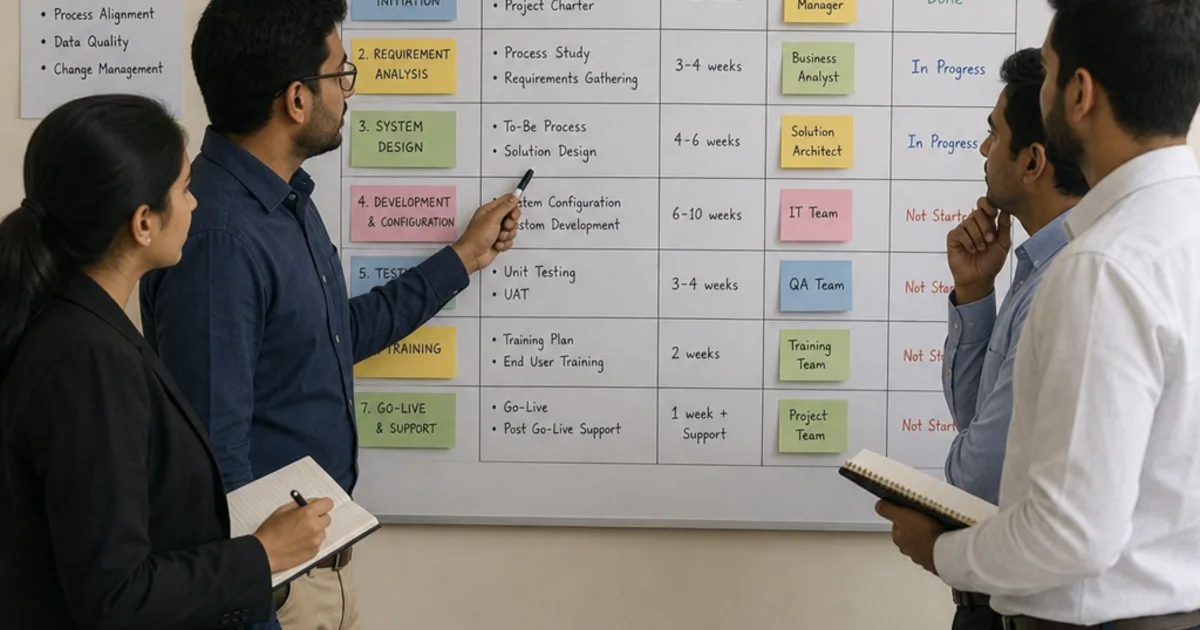
The cost depends on the number of processes, entities, sites, integrations and exceptions involved, and on how quickly your team can make decisions. Ask each partner to price these stages separately and state their assumptions. Our ERP implementation guide for UK businesses covers scope, testing and go-live planning in more detail.
Treat data preparation as its own line
Data migration is often underestimated because the records already exist. In practice, duplicated customers, inconsistent product codes, mixed units of measure and incomplete supplier details all need decisions before import.
| Migration task | Question to settle before quoting |
|---|---|
| Master data | Which customers, suppliers and products move, and who cleans them? |
| Open transactions | Which orders, invoices and purchase orders are still live at cutover? |
| Balances | Which opening balances and stock quantities need reconciliation? |
| History | How much transaction history is genuinely needed in the new system? |
| Validation | Who signs off that migrated data matches the source? |
A partner can only price migration sensibly once these answers exist. If they are left open, expect either a large allowance or a change request later.
5. Price Integrations, Training and Support
Integrations
Each connection between the ERP and another system needs a defined direction, trigger, error handling and owner. Some products have published connectors or marketplace apps; others need custom development. Either way, budget for the build, testing and the ongoing cost of keeping the connection working when either side changes. Marketplace apps may carry their own subscriptions.

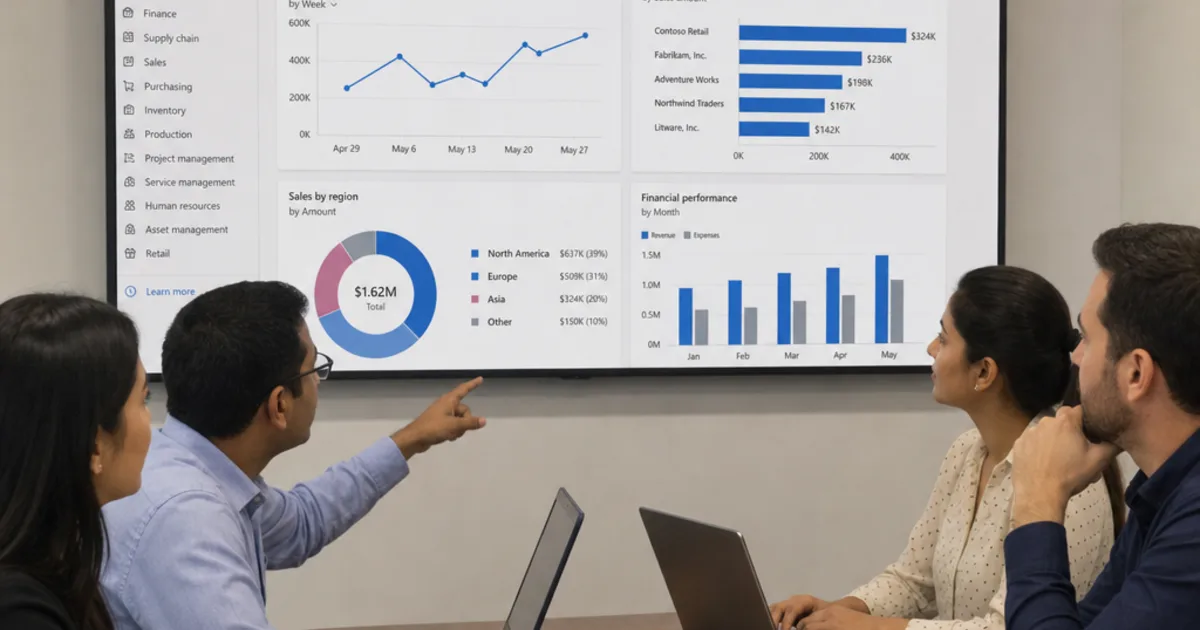
Role-based training is a cost line in its own right, before and after go-live. Illustrative photograph, not an OpsMavix client.
Image credit: Beniam, Pexels License. No edits.
Training
Training should be planned by role. A finance user closing a period, a buyer raising orders and a warehouse operative receiving goods need different sessions and materials. Include time for new starters and refreshers after upgrades, not only the initial launch.
Support
After go-live, someone must answer questions, fix configuration issues, manage permissions and test updates. Cloud vendors typically release updates on their own schedule, but those updates still need checking against your processes and integrations. Ask each partner what their support covers, how it is charged and what response commitments apply.
| Ongoing cost | Questions to ask |
|---|---|
| Partner support | Is it a fixed monthly fee, a block of hours or charged per request? |
| Update testing | Who tests releases against your integrations and reports? |
| Small changes | How are new reports, fields or workflows priced? |
| App subscriptions | Which add-ons carry their own recurring charges? |
| Additional users | What happens to the price when you add seats or entities? |
6. Count Internal Time as a Real Cost
Where internal time goes
Your own people attend discovery workshops, make design decisions, clean data, test scenarios, attend training and support colleagues after launch. That time has a cost even when it never appears on an invoice, and it often means backfilling or postponing other work.
A practical estimate should cover:
- Project lead time across the whole implementation.
- Subject matter experts from finance, sales, purchasing and operations.
- Data owners responsible for cleansing and sign-off.
- Testers working through real scenarios.
- A system administrator after go-live.
Estimate it with a day rate
Use a fully loaded internal day rate agreed with finance, then multiply it by the expected days for each role. The aim is not precision; it is to make the cost visible so that a quote which assumes heavy internal effort can be compared fairly with one that includes more partner work.
7. Build a Five-Year Total Cost of Ownership
Hypothetical worked example
The figures below are a hypothetical illustration, not a quote, benchmark or client result. The subscription line uses the Business Central list prices checked on 20 October 2026 for the user map in section 3, excludes VAT and assumes prices stay unchanged for five years. Every other figure is an invented assumption for illustration only.
| Cost line | Hypothetical assumption | Five-year amount |
|---|---|---|
| Subscription | £10,344 per year × 5 years | £51,720 |
| Implementation partner fees | One-off allowance | £30,000 |
| Data migration and cleansing | One-off allowance | £6,000 |
| Integration build | 2 integrations × £4,000 | £8,000 |
| Training | One-off allowance | £3,500 |
| Contingency | 15% of the £47,500 one-off external costs above | £7,125 |
| Integration maintenance | £1,200 per year × 5 years | £6,000 |
| Partner support | £3,600 per year × 5 years | £18,000 |
| Internal project time | 4 people × 15 days × £240 per day | £14,400 |
| Internal administration | 10 days per year × £240 × 5 years | £12,000 |
| Five-year total | £156,745 |
In this example, the subscription is £51,720 of £156,745, about 33% of the five-year total. Year one carries £86,569 because the one-off costs and project time fall there; each later year is £17,544 for subscription, integration maintenance, support and administration.
Test the sensitivity
Change one assumption at a time and see what moves. If the per-user price rose by a hypothetical 5% a year from year two, the five-year subscription would be about £57,157 instead of £51,720, an increase of about £5,437. Doubling the implementation allowance would add £30,000 plus £4,500 of contingency. Exercises like this show which assumptions deserve the most scrutiny in a quote.
Use the same five-year structure for every option you consider, including a bespoke ERP, so the comparison covers the same period and the same cost lines.
8. Compare Quotes on the Same Scope
Give every supplier the same brief
A fair comparison needs the same written scope, user map, integration list, data migration assumptions and support expectations. Ask each supplier to mark every requirement as standard, configurable, requiring development or unsupported.
Practical quote comparison checklist
- Licences are priced on the same user map and billing basis.
- Currency, VAT treatment and contract term are stated.
- Implementation stages are priced separately with assumptions.
- Data migration scope and validation responsibilities are explicit.
- Each integration is listed with its build and ongoing cost.
- Training is planned by role, including new starters.
- Support terms, response commitments and change pricing are clear.
- Add-on apps and their subscriptions are identified.
- Internal time assumptions are written down.
- The total is shown over the same multi-year period.
Match the approach to the requirement
| Approach | When it may fit | Main cost risk |
|---|---|---|
| Configure current tools | The required control already exists in your edition | Overlooked limits in the current plan |
| Connect existing systems | Tools work individually but handoffs fail | Interface maintenance and error handling |
| Packaged ERP | Standard processes cover most requirements | Implementation, add-ons and seat growth |
| Focused custom application | A valuable gap has clear boundaries | Maintenance and support ownership |
| Full ERP, packaged or custom | Wider coordination justifies broader change | Migration, change management and delivery capacity |
Packaged software brings established functionality and a vendor roadmap. A custom system can fit unusual processes closely but needs a clear maintenance plan. Neither is automatically cheaper; the five-year comparison should decide. If you are weighing linked apps against a suite, our guide to integrated business management software sets out those options.
Frequently Asked Questions
How much does ERP cost?
There is no single figure. The total depends on users, modules, implementation scope, data, integrations, training, support and internal time. Build a multi-year total from those lines rather than relying on a per-user price alone.
Does NetSuite publish its prices?
No list prices were published on NetSuite’s site when we checked. NetSuite describes its pricing as tailored and customer-specific, so you need a quote based on your scope.
What did Business Central cost on Microsoft’s UK page?
On 20 October 2026, Microsoft’s UK page showed £61.50 per user per month for Essentials, £84.60 for Premium and £6.20 for Team Members, paid yearly and excluding VAT. Prices change, so check the page before budgeting.
Do ERP list prices include VAT?
The Microsoft and Sage pages we checked showed prices excluding VAT. Confirm the VAT treatment on every quote so you compare like with like.
Is implementation included in the subscription?
Usually not. Sage states that its Intacct estimates exclude support fees and implementation, and Microsoft directs buyers to partners for consulting services. Ask for implementation as a separate, itemised quote.
What is total cost of ownership for ERP?
It is the full cost of choosing, implementing and running the system over a defined period, including subscriptions, project work, migration, integrations, training, support and internal time.
Which ERP cost is most often missed?
Internal staff time is commonly left out because nobody invoices it. Data preparation, integration maintenance and support after go-live are also easy to underestimate.
How long should a TCO comparison cover?
Use a period that reflects how long you expect to keep the system, often three to five years, and apply the same period to every option.
Can a custom system cost less than a packaged ERP?
Sometimes, and sometimes not. It depends on scope, maintenance and how closely packaged software already fits. Compare both on the same multi-year cost lines.
How OpsMavix Can Help
OpsMavix can help you document the processes, users, integrations and data behind your requirements, so every supplier prices the same scope and you can compare total cost honestly.
That may lead to configuring existing tools, connecting systems, building a focused application such as an inventory automation system or manufacturing production tracking, adding invoice approval workflows, or developing a full custom ERP.
Contact OpsMavix with your current user list, the quotes you have received and the process that creates the most manual work. We can use that evidence to define requirements and a practical pilot.
Keep reading
Getting value from OpsMavix? Add us as a preferred source on Google — you'll see more of our operations content in your AI Overviews, AI Mode and Search.