
Zipsale Alternative: When Reselling Outgrows the App
A reselling app crosslists fast and counts what it sees. When stock lives in more places than it watches, here's when to look past a Zipsale alternative — and when not to.
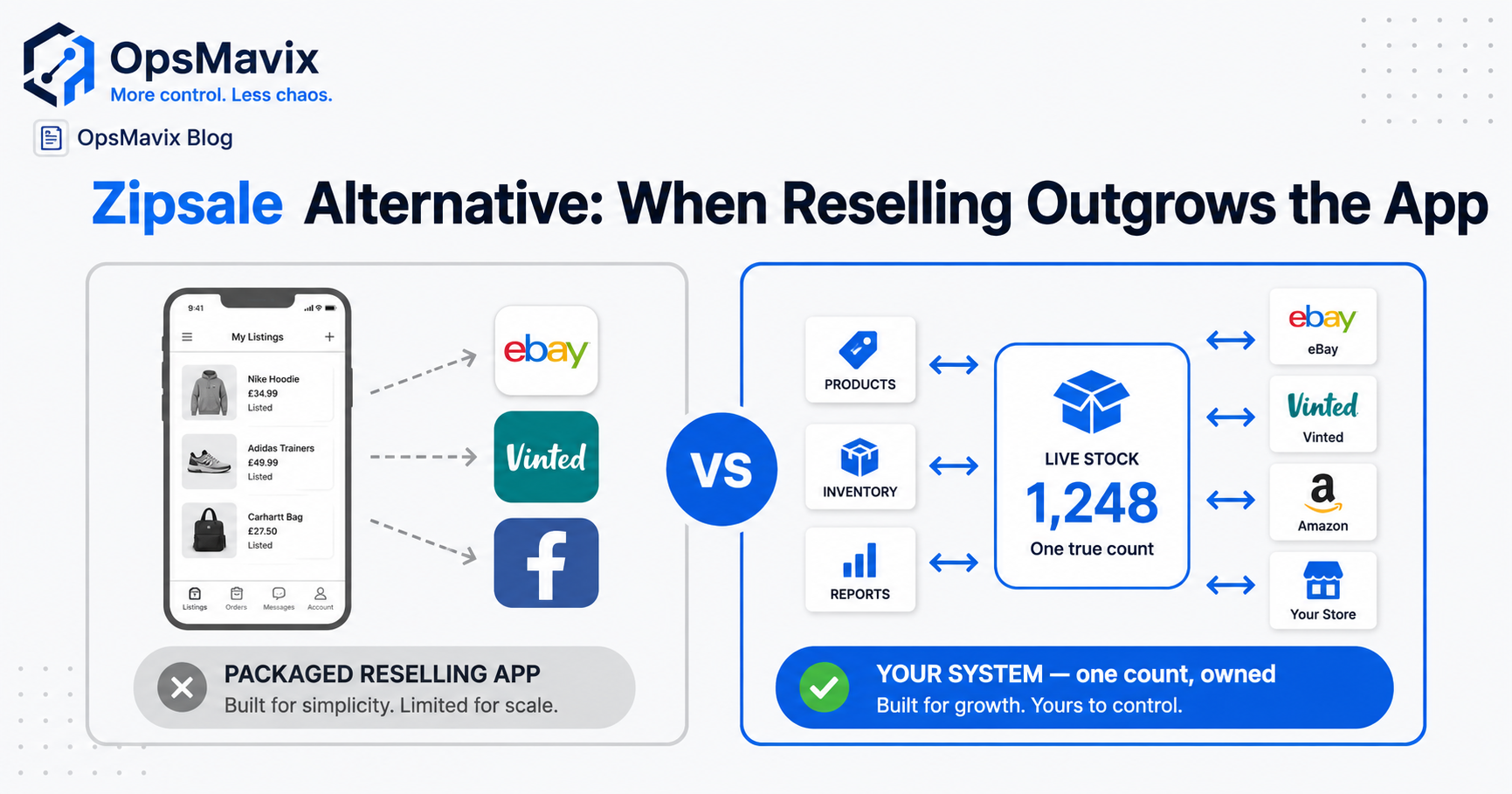
The best Zipsale alternative depends on the job you need to improve. If listing the same one-off item on several marketplaces is the main task, another crosslisting tool may be the right comparison. If your problem is stock across locations, multiple units, reservations or warehouse movements, assess inventory-control capabilities as well as listing features.
Zipsale already provides crosslisting and auto-delisting on supported connections. It also lists Shopify among its supported platforms, so adding a storefront does not automatically mean you have outgrown it. The useful question is whether your actual item types, channels and working process are covered reliably.
This guide explains how to assess the alternatives, diagnose double-selling and compare the cost of staying, switching or building a focused system. The aim is a workflow you can explain and maintain—not a migration for its own sake.
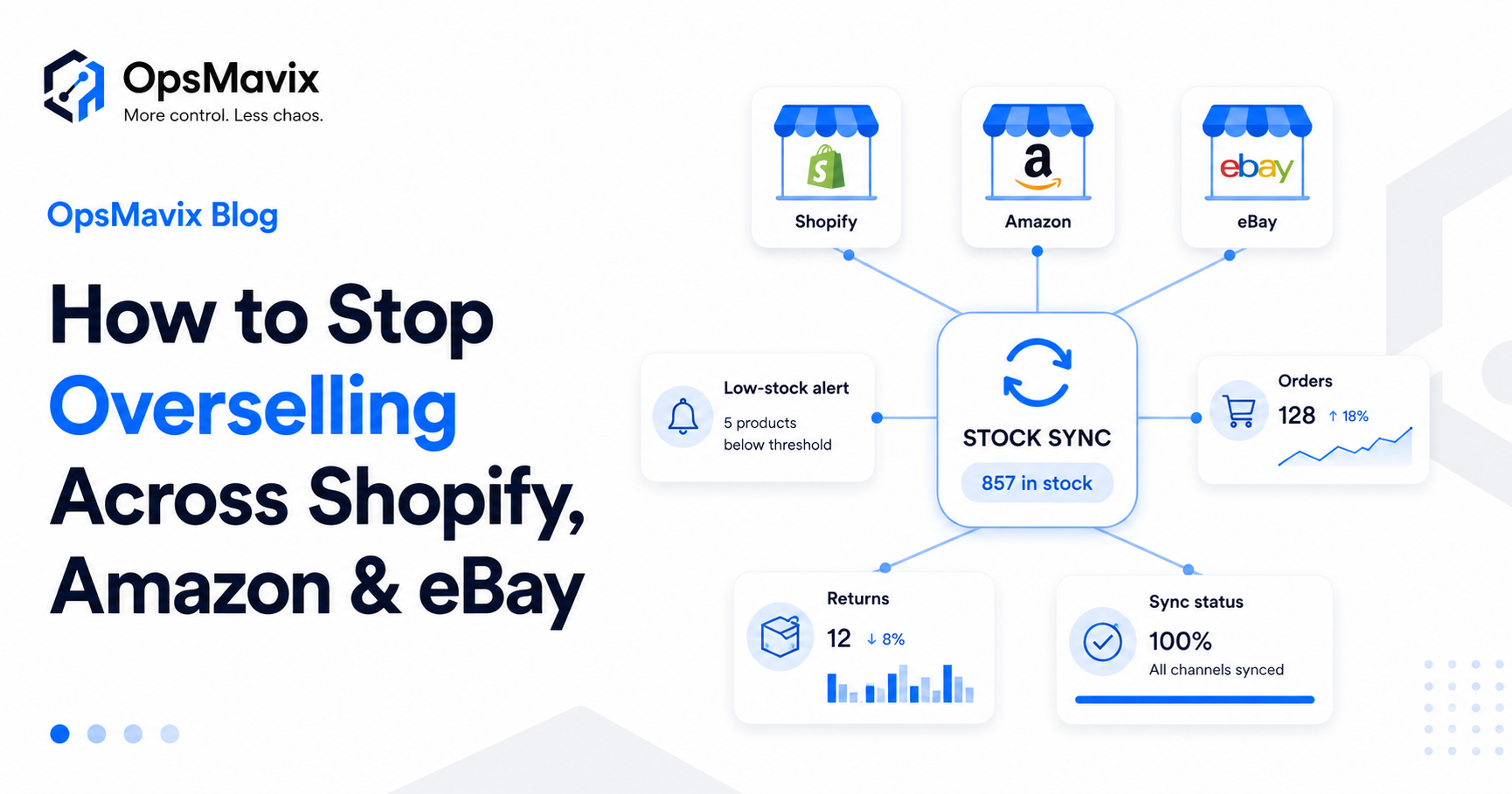
For a unique item, every listing must refer to the same physical unit and follow the agreed sold-item process.
Key Takeaways
- Crosslisting, sale detection and inventory control are different capabilities. Confirm each separately for every required marketplace.
- Zipsale supports more than a basic two-marketplace workflow, including documented Shopify support and auto-delisting functions.
- Item type matters. A single-quantity reseller and a seller of replenishable variants need different stock rules.
- Custom software still depends on permitted platform access and reliable connections. It cannot guarantee support for every marketplace.
- Compare another reselling app, a broader inventory platform and a focused custom workflow, rather than assuming custom is the only step up.
- Migration and ownership need practical plans, including listing links, data exports, support and ongoing costs.
In this guide:
- 1. Define What You Need to Replace
- 2. Build a Shortlist Around Your Marketplaces
- 3. Diagnose Double-Selling Before Switching
- 4. Separate Listing Management From Stock Control
- 5. Compare Zipsale and the Other Routes
- 6. Calculate the Cost of Staying or Moving
- 7. Check Integration Feasibility and Ownership
- 8. Migrate a Small Catalogue Safely
- Frequently Asked Questions
- How OpsMavix Can Help
1. Define What You Need to Replace
A reseller may use one application to create listings, hold photographs, record item details and remove other listings after a sale. A stock business may also need receiving, location transfers, component reservations and replenishment.
Write down the requirement before deciding which category to buy.
Understand Zipsale’s Documented Role
Zipsale’s marketplace information describes its supported connections and single-quantity focus. Its auto-delisting guidance explains that behaviour varies by marketplace, including manual handling for Facebook Marketplace sales.
Check the current guidance for your account and connections. Product support and platform requirements can change.
Identify Your Item Model
Ask whether you sell:
- Unique second-hand items, each with quantity one.
- Several units of the same product.
- Variants such as sizes or colours.
- Multipacks or bundles sharing components.
- Items owned by clients or consignors.
- Stock across stores, storage units or fulfilment partners.
A second physical location does not automatically require custom software. It does require a reliable way to find the item and record a move.
Separate a Gap From an Unused Feature
Keeping an extra spreadsheet can mean a capability is missing. It can also mean the app has not been configured or the team has retained an old habit.
Trace what the sheet contributes. If it duplicates an existing field, improving the workflow may be enough. If it holds information the application cannot represent, document that as a requirement.
2. Build a Shortlist Around Your Marketplaces
An alternatives search should produce a relevant shortlist, not a ranking based on a generic feature count.
Start with your country, account type, required marketplaces and item model. Import support, listing creation and automatic sale detection may differ within the same product.
Packaged Crosslisting Alternatives
Two examples to investigate are:
- Vendoo: its UK marketplace page lists supported selling platforms. Use the UK information rather than assuming a feature on another regional page applies to your account.
- Crosslist: its marketplace overview describes supported listing connections. Check its separate auto-delisting documentation for the conditions that apply to linked listings and sale handling.
These are options to assess, not a claim that either is universally better than Zipsale. Confirm current support and run representative tests before paying for a migration.
Broader Inventory Alternatives
If the requirement includes quantities, locations, reservations and warehouse work, assess a suitable inventory platform with supported channel connections.
You may be able to retain your listing tool while adding stock-location control, provided the systems have clear responsibilities and do not compete to update the same records.
Focused Custom Development
A custom workflow may be relevant for unusual handling, unsupported internal connections or information that standard tools do not manage well.
It is only a credible option when access to each required platform is feasible and the development scope includes operation and support. “Built for you” does not remove marketplace constraints.
| Requirement | What to verify during shortlisting |
|---|---|
| Create listings | Required fields, images, categories and regional support |
| Import existing listings | Item data, images and external listing identifiers |
| Detect sales | Supported account, connection conditions and failure visibility |
| Remove other listings | Manual versus automatic handling on each channel |
| Track physical stock | Item location, condition and movement history |
| Handle quantities or bundles | Availability and component rules, including exceptions |
| Exit later | Usable exports, identifiers and migration support |
3. Diagnose Double-Selling Before Switching
A unique item listed on several marketplaces remains one physical item. Once a sale is accepted, the workflow needs to prevent further promises wherever that item is offered.
An incident can come from a missing link, a delayed detection, a disconnected session or a sale outside the monitored workflow. Identify which happened before blaming or replacing the app.
Trace One Incident
For the item that sold twice, establish:
- Its internal item ID and all external listing references.
- Whether every listing was linked to that item.
- When the first sale was accepted.
- When the system detected it.
- Which removal actions were submitted and completed.
- When the second order arrived.
- Whether a connection or required session was unavailable.
This distinguishes a genuine capability gap from a setup or operating problem.
Include Sales Outside the App
A sale at a fair, through a message or in a physical shop may need a manual sold-item action unless a supported connection records it.
Make that action practical and assign responsibility. An app cannot automatically react to an event it never receives.
Check Connection Requirements
Zipsale’s getting-started guidance describes browser-extension requirements for some marketplaces. Confirm the current operating conditions for each connection, including any session requirements.
Apply the same checks to a replacement tool. Moving an unchanged connection dependency into another application may leave the original problem intact.
Account for Competing Orders
Two customers can act close together before a sale is detected and other listings are removed. Automatic delisting reduces risk; it does not prove that concurrent orders are impossible.
Define the response for unresolved removal actions and high-risk items. Visibility and timely handling matter as well as speed.
4. Separate Listing Management From Stock Control
Listing management makes an item visible for sale. Inventory control records what you physically hold, where it is and what is already committed.
Some products combine both. Others provide one function and connect to another system. Either arrangement can work if the boundaries are clear.
Give Unique Items a Stable Identity
Two similar jackets may differ in size, wear, provenance or cost. Even if the listing descriptions look alike, they should remain distinguishable physical units.
Keep the internal item ID linked to all relevant listings and a known storage location. That helps the team pick the unit the buyer actually purchased.
Model Replenishable Stock Differently
A quantity-one listing and a SKU with 50 interchangeable units need different rules. Variant records, unit conversions and reservations become important when selling repeatable products.
Location counts should not be confused with channel quantities. The same shared pool may be published to several destinations without physically existing several times.
A Simple Availability Example
Suppose a seller holds 20 units of a repeatable SKU. Four are reserved for accepted orders, two await inspection and a shared buffer of two is applied.
Under that simplified policy, 12 units remain available for publication: 20 minus four, two and two.
Publishing 12 to two channels does not create 24 units. The channels share the pool and need reliable demand capture. Alternatively, the seller might allocate seven units to one channel and five to another, with rules for redistributing unused allocation.
Track Returns by Condition
A refund does not automatically mean an item has returned to usable stock. Record physical receipt, inspection and the decision to relist or restrict it.
For a unique item, condition may have changed. For repeatable stock, a damaged return should not increase the sellable quantity.
See why stock never matches the system for the wider movement-control problem.

Listings, item records and stock movements need agreed identifiers and update responsibilities.
5. Compare Zipsale and the Other Routes
Avoid comparing an existing crosslisting app with an undefined custom system that is assumed to do everything perfectly.
Use the same workflows, channels and test cases for each proposal.
| Approach | When it may fit | Main questions |
|---|---|---|
| Keep and configure Zipsale | Supported crosslisting and sold-item handling meet the need | Are listings linked and connection requirements maintained? |
| Switch crosslisting apps | Another product supports the required listing workflow better | Does regional support cover creation, detection and removal? |
| Add or adopt an inventory platform | Quantities, locations or reservations need stronger control | Which system owns stock and how do listings connect? |
| Build a custom workflow | A specific process or connection remains poorly served | Is access feasible, scope defined and support sustainable? |
| Use a combined approach | Listing functions fit but internal stock work needs improvement | Are responsibilities clear and competing updates prevented? |
Compare Adoption and Exceptions
Ask users to import, locate, sell, remove and return representative items. Include an incomplete connection and a manual sale.
A polished demonstration of creating one listing does not prove the whole sold-item process. Similarly, a custom stock screen does not prove that external listings will be updated reliably.
When to Keep the Tool
Keep Zipsale when it meets the requirement and the remaining issues can be resolved through setup or operating controls. More channels do not automatically justify a replacement.
When Custom May Be Worth Considering
A custom workflow may make sense for a defined gap in location handling, consignor records, reservation rules or connections to your other tools.
Assess when to get custom software before commissioning a wider build. The requirement should be clear enough to test and important enough to maintain.
6. Calculate the Cost of Staying or Moving
Compare the costs of the required workflow over a defined period. Subscription price matters, but so do manual work, implementation and continuing support.
Worked Three-Year Example
The following figures are hypothetical. They are not Zipsale, Vendoo, Crosslist or OpsMavix quotations. Assume manual administration is valued at £20 an hour over 48 weeks each year.
| Cost over three years | Keep current workflow | Configure or switch packaged app | Focused custom workflow |
|---|---|---|---|
| Setup, migration and training | £0 | £2,000 | £15,000 |
| Annual software, hosting and support | £600 | £900 | £3,000 |
| Remaining manual work each week | 5 hours | 2 hours | 1 hour |
| Manual work over three years | £14,400 | £5,760 | £2,880 |
| Total over three years | £16,200 | £10,460 | £26,880 |
In this example, the packaged improvement costs least if it meets the requirements. Custom needs a necessary capability or a verified additional benefit to justify its greater cost.
The current workflow totals £600 multiplied by three, plus five hours multiplied by 48 weeks, £20 and three years: £16,200.
Include Incident Costs Carefully
Use recorded cancellation, extra handling or fulfilment costs that the proposed solution could credibly prevent. Distinguish a refunded sale from the actual loss: not every pound refunded represents a pound of lost profit.
Avoid counting an incident twice within both manual-work savings and an error-cost allowance. Do not invent future savings to make a preferred option win.
Treat Recovered Time as Capacity
Time recovered becomes a cash saving if it removes paid work or avoids hiring. It may instead create capacity to list more items, but that benefit depends on stock supply, demand and achievable sales.
For a small reseller, a custom project can be difficult to justify financially even when its functions are attractive. Scale the decision to usable value.
Include Switching Effort
Migration may involve images, descriptions, item IDs, listing links, costs and sold history. Allow for testing, training and any temporary duplicate work.
A tool advertised as quick to start may still take time to move into safely. A focused build may also take longer if platform access or data quality is uncertain.
7. Check Integration Feasibility and Ownership
Custom development does not mean every marketplace becomes available through a reliable two-way connection.
Some platforms provide suitable interfaces for an account and use case. Others may require a supported partner, a browser-mediated workflow or manual handling. Verify those conditions before promising automation.
Validate Each Required Operation
For every channel, establish how the proposed solution will:
- Read or import listings.
- Create or update an offer.
- Detect an accepted sale.
- Remove or reduce availability.
- Handle a return or relisting decision.
- Expose a lost connection or failed update.
Check permitted access, account eligibility and regional support. If a required operation cannot be supported reliably, identify the manual step or reconsider the scope.
Design Recovery as Well as Speed
A custom connector still needs duplicate prevention, safe retries and reconciliation. It must respect external constraints rather than assume immediate delivery.
For example, Shopify documents webhook delivery limitations. Owning the code does not make external events arrive perfectly.
A successful stock system makes pending work and failures visible, so the team can act rather than discover the problem after another sale.
Make Independence Practical
For any standard product, confirm exports, renewal terms, support and exit arrangements. For custom software, confirm code rights, data access, documentation, credentials and how another developer could take over.
Owning software can reduce dependence on its original developer. Hosting, security maintenance and marketplace connections still require continuing work and may incur charges.
No contract can guarantee that an external marketplace will keep an interface unchanged forever.
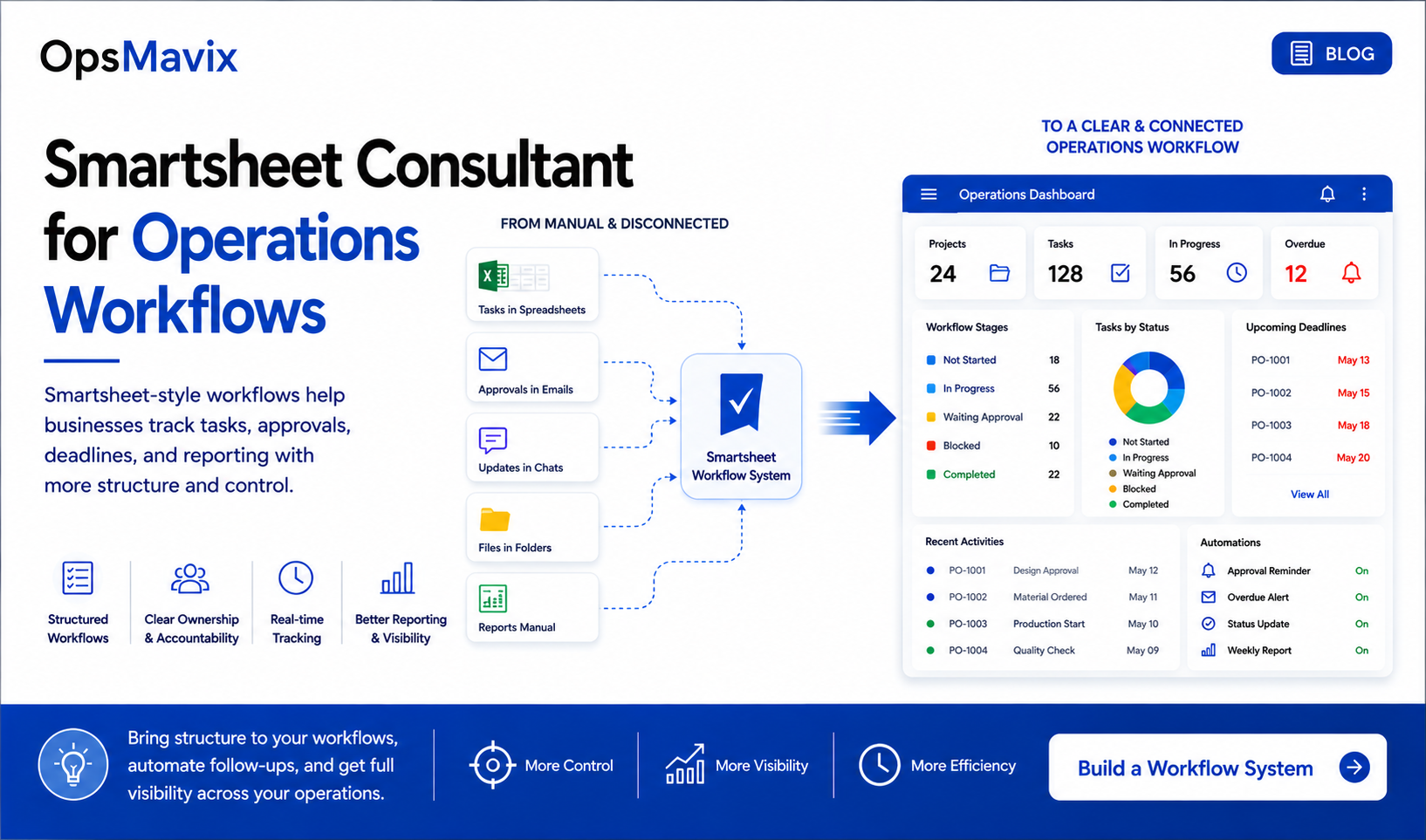
Clear support responsibilities and visible exceptions matter when several tools participate in the same selling process.
8. Migrate a Small Catalogue Safely
Pilot a representative group before moving the whole operation. Include unique items, repeatable stock or other models you actually use.
Preserve Listing Relationships
Keep internal item identifiers, external listing references, locations and sold status. Retain photographs and condition details where required.
Importing the item description without its listing relationships may create an inventory record that cannot identify which external offers need removal.
Assign One Update Owner
During cutover, define when the old tool stops managing the pilot items and the new workflow takes responsibility.
Parallel observation can help check results. Competing processes both trying to delist, relist or overwrite stock can create confusion.
Test the Full Lifecycle
Run a listing import, sale, removal, fulfilment and return. Also test:
- A manual physical sale.
- A listing that was not linked correctly.
- A disconnected session or rejected update.
- A duplicate event.
- Two orders arriving close together.
- A returned item that should remain unavailable.
Use controlled test items and confirm the actual channel result. Do not declare success merely because your dashboard reports that a request was sent.
Agree Acceptance Criteria
Set requirements for correct item matching, removal completion, failure visibility and staff handling time. Include a rollback or contingency process for unresolved issues.
A live operations view can show pending actions and data freshness, provided its figures are grounded in the records.
Retire duplicate spreadsheets deliberately once the new workflow is accepted. Keep useful analysis, but make the authoritative item and stock records clear.
Frequently Asked Questions
What is the best Zipsale alternative?
There is no universal best choice. Vendoo and Crosslist are packaged options to investigate for crosslisting. A broader inventory platform or focused custom workflow may be relevant for additional stock-control needs. Confirm region, account type and each required operation.
Does adding Shopify mean I need to leave Zipsale?
No. Zipsale lists Shopify among its supported platforms. Assess the actual Shopify workflow and current support rather than assuming a storefront is outside its scope.
Does auto-delisting guarantee I cannot sell an item twice?
No. It reduces exposure when sales are detected and removal actions complete correctly. Missing links, connection requirements, manual sales and competing orders still need controls and an exception process.
What is the difference between crosslisting and inventory management?
Crosslisting creates and manages offers on selling platforms. Inventory management records items, locations, movements and commitments. A product may combine them, but verify both capabilities rather than treating them as identical.
Can a custom system connect to every marketplace?
Not automatically. Feasibility depends on permitted access, account eligibility, supported operations and regional conditions. Check each integration before commissioning development and define any unavoidable manual steps.
How do I know I have outgrown a reselling app?
Document recurring workarounds and incidents, then test whether configuration can resolve them. A switch is justified when an important requirement remains unmet or a credible total-cost comparison supports it—not merely because a spreadsheet exists beside the app.
Is custom software cheaper in the long run?
Sometimes, but not by default. Include development, migration, hosting, maintenance, integration changes and support. For many smaller resellers, a suitable packaged product will remain the more economical option.
Does owning the system remove sunset risk?
It can reduce dependence on the original software supplier when code and handover rights are clear. External platforms and services can still change. Data exports, documentation and support remain important with either approach.
How do I avoid another difficult migration later?
Use stable item identifiers, documented listing links and usable exports. Keep connection responsibilities clear and confirm exit terms. These reduce future migration effort, but no system can promise that your business will never need another change.
How OpsMavix Can Help
OpsMavix builds focused eCommerce inventory systems and automation for growing sellers with stock workflows or connections their existing setup cannot handle reliably.
We start with item identity, physical locations and the selling process. Then we establish which tools can remain and whether the missing capability can be supported through configuration, integration or a defined custom build.
OpsMavix can help you:
- Map unique items, repeatable SKUs and listing relationships.
- Define stock availability and reservation rules.
- Track movements between locations.
- Investigate double-selling and failed updates.
- Assess connection feasibility before promising automation.
- Make pending actions and exceptions visible.
- Plan migration, testing, documentation and support.
If Zipsale meets your crosslisting requirements, retaining it may be sensible. A wider inventory workflow should address a demonstrated gap rather than duplicate a function that already works.
Bring a double-sold item, a recurring reconciliation or a listing the team could not remove reliably to an Operations Leak Audit. We will map where the process loses control and which changes could improve it, so you can decide whether to keep, switch or build.
Keep reading
Getting value from OpsMavix? Add us as a preferred source on Google — you'll see more of our operations content in your AI Overviews, AI Mode and Search.