
StockSync Alternative: Custom Multichannel Stock Sync
A sync app keeps your stores roughly aligned. A custom system makes one live stock count the truth across every channel. Here's when each one fits, and when you've outgrown the app.
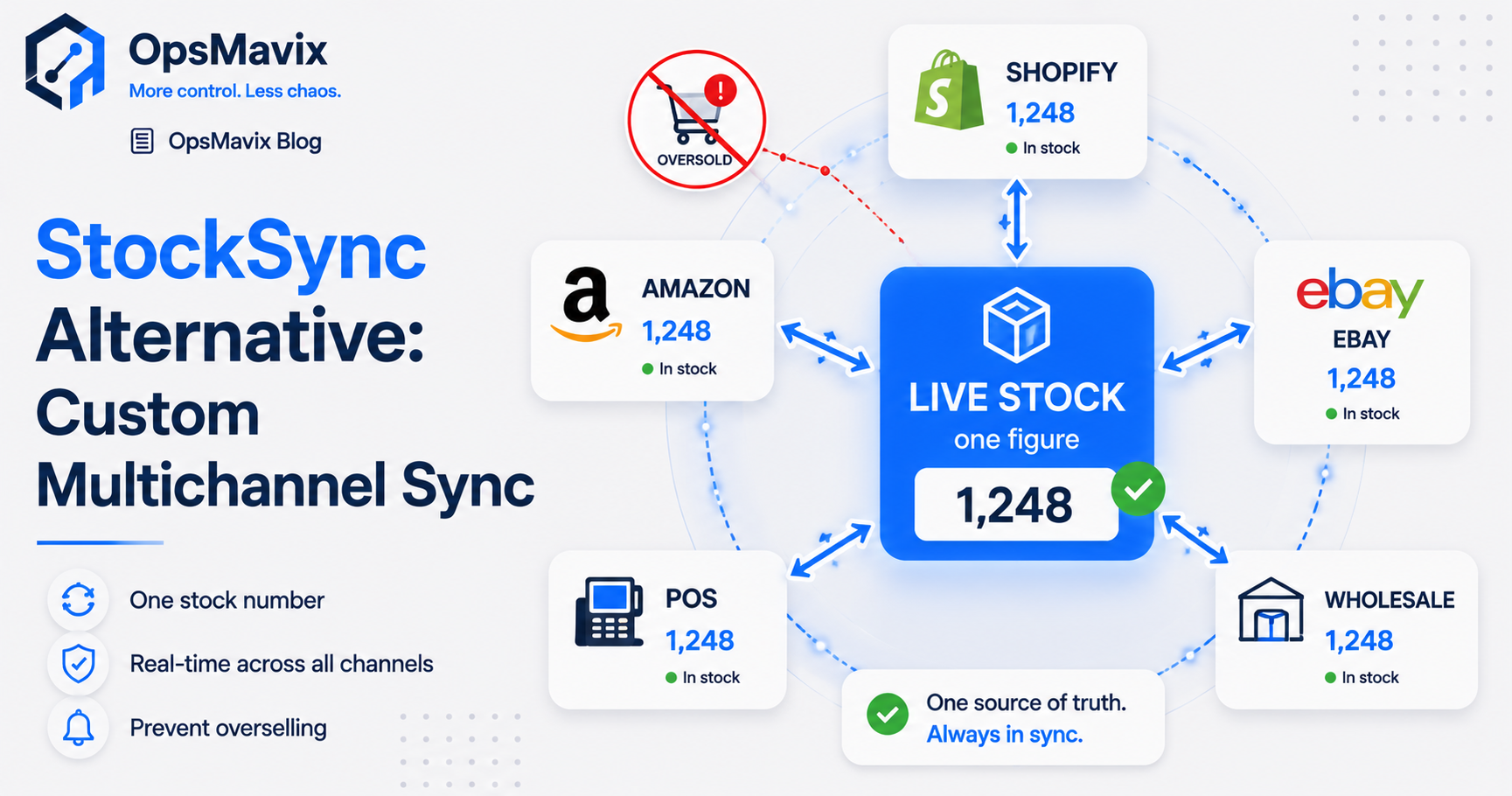
The best StockSync alternative depends on what your current setup cannot do. If you need to import supplier availability into Shopify or keep quantities aligned between Shopify stores, a configured sync app may be enough. If the problem extends into warehouse movements, reservations, kits or wholesale orders, you may need a broader inventory platform or a focused custom system.
The important distinction is how stock is controlled. Which record is authoritative? When does an order reserve stock? What happens when a channel update fails? Can the team explain each adjustment? A standard product or a custom build can answer those questions well—or leave gaps.
This guide explains what Stock Sync does, how to diagnose the problems behind an alternatives search, and when configuration, another product or custom development is worth the move.
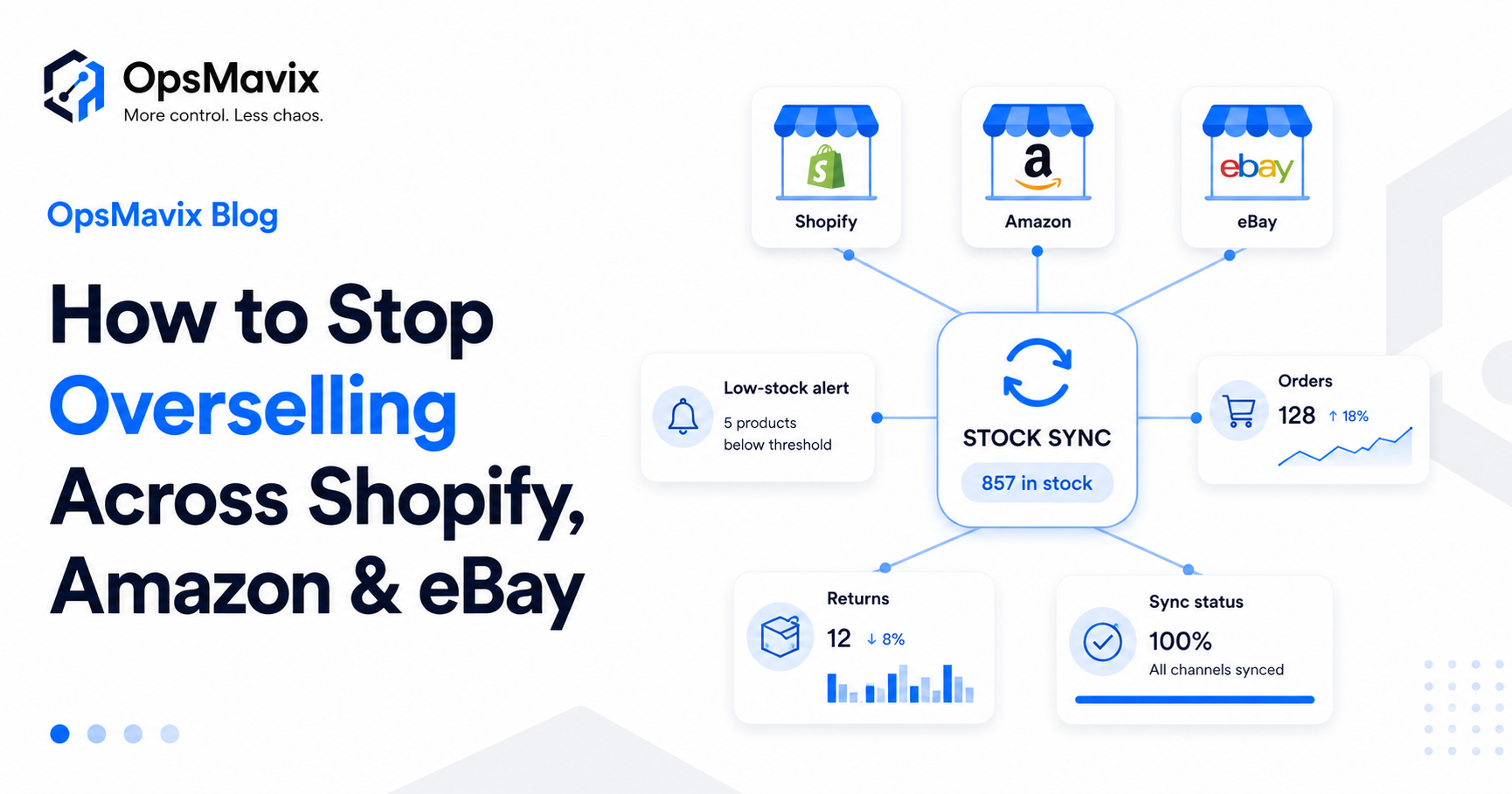
Overselling needs a traceable explanation: stock rules, reservations, source data and update failures all deserve investigation.
Key Takeaways
- Stock Sync supports supplier feeds and Shopify inventory updates, including a documented real-time Shopify-to-Shopify quantity connection.
- A connector can work with an authoritative stock source. You do not need custom software simply to define a source of truth.
- Custom software still has to synchronise with channels. API limits, delayed events and failed updates do not disappear because you own the code.
- Reliable availability needs movement capture, reservations and recovery controls, as well as correctly mapped SKUs and locations.
- Compare configuration, replacement and custom development against the same requirements and total cost.
- Ownership can improve independence when the contract and handover support it, but ongoing hosting, maintenance and external dependencies remain.
In this guide:
- 1. Check Which Stock Sync Capability You Need
- 2. Define the Authoritative Stock Record
- 3. Diagnose Overselling Before Replacing the App
- 4. Compare the Alternatives Fairly
- 5. Make Every Stock Change Explainable
- 6. Understand What Real-Time Sync Can Promise
- 7. Compare Costs and Ownership With a Worked Example
- 8. Pilot the Change Before Switching
- Frequently Asked Questions
- How OpsMavix Can Help
1. Check Which Stock Sync Capability You Need
“Stock sync” describes a function as well as appearing in product names. Before comparing alternatives, confirm the app, connection type and workflow you mean.
This guide refers to syncX: Stock Sync for Shopify. A similarly named app may have different capabilities and limits.
Supplier Feeds and Store Connections Are Different
Stock Sync’s official overview describes supplier-feed workflows, mapping and stock updates. Its documentation also describes a Shopify-to-Shopify connection that responds to quantity changes in a main store.
It is therefore inaccurate to describe every Stock Sync workflow as a slow scheduled bridge. The supported behaviour depends on the source and connection selected.
A supplier file updated twice a day cannot tell you about a supplier sale made five minutes ago unless that information is available through another mechanism. Changing the receiving app does not make the original file fresher.
Write Down the Required Job
Your requirement might be:
- Import supplier availability into a Shopify location.
- Reflect a main Shopify store’s quantities in another store.
- Publish warehouse availability to several marketplaces.
- Capture orders and reservations centrally.
- Track receipts, picks, returns and write-offs.
- Manage kit availability across shared components.
Those jobs overlap, but they are not interchangeable. A quantity-feed tool should be assessed against quantity-feed requirements; a full inventory workflow needs a wider assessment.
2. Define the Authoritative Stock Record
A source of truth is a design decision, not a feature available only through custom development.
Your authoritative record could live in a configured inventory platform, a WMS, an ERP, Shopify for a suitable workflow, or a custom system. Connectors can publish availability from that record to channels.
One Authority Still Means Several Channel Copies
Shopify and external marketplaces maintain their own representations of availability. A central system does not remove those copies. It gives you a clear authority and rules for updating them.
The useful question is not “how do we eliminate sync?” It is “how do we make published availability consistent, recoverable and visible when it is stale?”
Agree What Each Quantity Means
Separate stock held from stock that can be promised:
| Stock measure | What it tells you |
|---|---|
| On hand | Quantity physically recorded at a location |
| Reserved | Quantity allocated to accepted demand |
| Unavailable | Stock blocked by damage, inspection or another restriction |
| In transit | Stock moving between locations under the transfer workflow |
| Available to sell | Quantity the agreed rules allow you to promise |
| Published quantity | Availability last sent to a particular channel |
If these definitions are mixed, a correct physical count can still produce an incorrect storefront quantity.
Worked Example: Availability Across Channels
Suppose you hold 24 units, with six reserved, two damaged and a shared safety buffer of three. Under that simplified rule, the remaining quantity available for publication is 13.
That does not mean each channel has its own separate stock of 13. If two channels both display 13, they are publishing views of a shared pool.
For scarce stock, you may instead allocate limits to channels—for example eight units to one and five to another—so the total published allocation does not exceed 13. That can reduce competing claims, although it may also leave sellable stock unused on a quieter channel.
Choose the policy deliberately. A shared pool requires reliable demand capture; channel allocation needs rules for redistributing unused availability.
3. Diagnose Overselling Before Replacing the App
An oversold order proves that availability failed somewhere. It does not identify which tool caused the failure.
Trace one incident through the full timeline before commissioning a replacement.
Follow the Last Unit
For a specific SKU, establish:
- The recorded on-hand and available quantities before the order.
- The source of the quantity published to each channel.
- When the first order was accepted and reserved.
- When the reduced availability was sent and acknowledged.
- Whether another order arrived during that interval.
- Whether any physical movement was missing from the record.
This separates an update delay from a mapping error, missing reservation or incorrect source quantity.
Look for Competing Writers
Two apps may both update the same channel location. A warehouse connection reduces availability, then a supplier feed overwrites it with an older total. Each integration can appear to work while the combined result is wrong.
Agree which process is allowed to write each field and location. Investigate overwrite rules, additive updates and SKU matching before assuming the app needs to change.
Treat Supplier Availability Carefully
A supplier showing ten units does not necessarily mean ten units are reserved for your customers. Other sellers may draw from the same pool.
Check source freshness, ordering arrangements and confirmation timing. A buffer can reduce exposure; it cannot guarantee that stock will still exist when the supplier receives the order.
For the wider diagnosis, see why stock never matches the system.

Each connection needs a clear stock authority, mapping and responsibility for updates.
4. Compare the Alternatives Fairly
You have more than two choices. Keeping Stock Sync with corrected configuration, changing a connector, adopting a broader inventory platform and building custom workflows can all be credible options.
| Approach | When it may fit | What to prove |
|---|---|---|
| Keep and configure Stock Sync | Supported feed or store connection meets the requirement | Mapping, quantity rules, locations and update behaviour |
| Choose another connector | A specific connection or workflow is unsupported | Actual source and channel coverage, failure recovery and cost |
| Adopt a standard inventory platform | You need central movements, orders and reservations | Supported workflows, interfaces, adoption and migration |
| Build a focused custom system | Important requirements remain poorly served | Defined scope, traceability, reliability and support |
| Combine a platform with custom integration | The core system fits but a connection does not | Clear boundaries and responsibility for each transaction |
What Custom Can Add
Custom development can address unusual kit rules, branch allocation, wholesale reservations or approval requirements. It can also provide a monitoring or recovery workflow around connections that currently need manual attention.
It should earn its place through those specific capabilities, rather than a promise that custom is inherently instant, auditable or cheaper.
What Standard Software Can Already Provide
Standard inventory platforms can also support central stock records, movement histories, reservations and channel integration. Assess the actual product and configuration.
If a supported option meets your requirement well, buying it may be faster and easier to maintain. See when to get custom software for the wider build-versus-buy decision.
For sellers combining retail and B2B demand, include wholesale order management in the assessment. Those orders need to reserve against the appropriate stock pool too.
5. Make Every Stock Change Explainable
A number that changes without an explanation undermines confidence. The answer is traceable movement capture and integration history, whether the solution is standard or custom.
Keep Evidence of the Event and the Update
Useful records include:
- The SKU and location affected.
- The movement or adjustment quantity.
- The source order, receipt, transfer or return.
- The time and responsible user or process.
- The reason for a manual adjustment.
- The outbound channel update and its result.
A physical stock movement and a published quantity update are different records. You need enough evidence to link them without mistaking one for the other.
Avoid Double Deduction
Suppose an accepted order reserves two units. Picking may then move those units from storage to staging, and dispatch may complete the outbound movement.
The system must not treat each notification as a new sale and deduct the same units repeatedly. Agree which event changes on-hand stock, which changes reservations and which publishes availability.
Make Corrections Visible
An investigation may identify an unposted write-off or an incorrect receipt. Record the approved correction and its reason. Do not silently replace balances simply because a channel total differs.
Repeatedly forcing totals to match can hide the event that caused the discrepancy and make the next investigation harder.
A connected inventory system should make these records accessible to the people responsible for resolving exceptions.
6. Understand What Real-Time Sync Can Promise
Event-driven integration can reduce delay, but “real time” does not mean every platform changes at the same instant.
Custom software is still subject to external interfaces, network failures and platform constraints. Shopify’s official documentation notes webhook delivery limitations and API limits. These constraints apply to systems built for you as well as packaged apps.
Design for Recovery
A reliable integration should account for:
- A missed or delayed notification.
- The same event arriving more than once.
- Events arriving in an unexpected order.
- A temporary API rejection or rate limit.
- A channel accepting an update after a delay.
- A connection losing access or becoming unavailable.
It needs safe retries, duplicate prevention and periodic reconciliation. Monitoring should show what failed and who needs to act.
Measure the Whole Delay
Measure from the source change to the channel’s accepted update, not just how quickly your own server receives a notification.
Agree an operating target under representative demand and define how to respond when it is exceeded. Peak-season tests should include the expected order volume and catalogue activity.
Use Buffers and Allocation Deliberately
Buffers, channel allocations and rules for scarce items can reduce overselling risk. They trade some selling availability for protection against competing orders or delayed updates.
The right rule depends on demand, margin, replenishment and the cost of a cancellation. No fixed buffer guarantees protection in every situation.
For a practical overview, see how to reduce overselling across Shopify, Amazon and eBay.
7. Compare Costs and Ownership With a Worked Example
A higher subscription bill is a reason to review value, not automatic evidence that a product is unsuitable. Increased usage may justify increased fees if the tool removes more work than it costs.
Likewise, a fixed custom-build price does not cover every future integration change or support task.
Compare Total Cost Over a Defined Period
These figures are hypothetical planning assumptions, not Stock Sync pricing or supplier quotations. Assume manual work is valued at £25 an hour over 48 weeks a year.
| Cost over three years | Keep current setup | Configure or replace connector | Focused custom system |
|---|---|---|---|
| Setup, migration and training | £0 | £4,000 | £18,000 |
| Annual software, hosting and support | £1,200 | £2,400 | £3,600 |
| Manual work each week | 8 hours | 3 hours | 1 hour |
| Manual work over three years | £28,800 | £10,800 | £3,600 |
| Total over three years | £32,400 | £22,000 | £32,400 |
In this example, the connector improvement is the lowest-cost option if it meets the requirements. Custom needs a necessary capability or a credible additional benefit to justify its higher cost against that option.
The current setup totals £1,200 multiplied by three years, plus eight hours multiplied by 48 weeks, £25 and three years: £32,400.
Do not invent cancellation savings to make the preferred option win. Use verified incident costs, allow for implementation risk and avoid counting the same benefit twice.
Distinguish Capacity From Cash
Reduced reconciliation time is recovered capacity. It becomes a cash saving if it removes overtime, avoids hiring or supports profitable work the business can actually take on.
Include testing, training, data cleanup, interface changes and ongoing support in the proposal. A lower development quote may omit work that another option includes.
Make Ownership Usable
For custom development, confirm source-code rights, data exports, administrator access, documentation and the ability for another developer to take over.
For a standard product, check export formats, exit arrangements, renewal terms and supported interfaces. Both approaches can create dependency if those details are neglected.
Owning code can reduce dependence on the original developer. It does not remove dependence on marketplaces, hosting providers or other external services.
Visible failures, traceable corrections and clear support ownership turn connections into an operational process the team can manage.
8. Pilot the Change Before Switching
Start with a bounded product group, location or connection. Choose examples that exercise the difficult requirements, not only the easiest SKUs.
Clean the Mapping
Document the relationship between internal SKUs, channel identifiers, variants and locations. Include kits, case quantities and supplier codes where relevant.
Agree which system owns each stock quantity and which integrations may publish to each destination. Disable or redirect conflicting writers as part of the planned cutover.
Test the Exceptions
A useful pilot includes:
- Two channels receiving orders for scarce stock close together.
- A cancellation before and after picking.
- A returned item awaiting inspection.
- A kit sharing components with individually sold items.
- A duplicate notification.
- A failed update followed by a retry.
- An older supplier feed arriving after a newer stock movement.
Confirm the resulting on-hand, reserved and published quantities—not simply that an update appeared.
Switch With a Reconciliation Point
Agree opening balances, outstanding reservations and the treatment of in-flight orders. Identify when the old writer stops and the new one becomes authoritative.
Parallel observation can help validate results. Parallel competing writes can create the very discrepancies you are trying to remove.
Set Acceptance Criteria
Use measurable criteria: correct handling of test orders, traceable adjustments, recovery from a failed update, acceptable propagation delay under load and a reduction in manual investigation.
A live operations dashboard can show exceptions and data freshness, provided the underlying records are reliable.
Frequently Asked Questions
What is the best StockSync alternative?
It depends on the app and requirement. For supplier-feed imports or Shopify quantity connections, configuration or another connector may be enough. For central movements, reservations and unusual workflows, evaluate broader inventory platforms and custom development against the same test cases.
Does Stock Sync only update on a schedule?
No. Its documentation describes scheduled supplier-feed workflows and a real-time Shopify-to-Shopify quantity connection. Check your source, connection and plan rather than assuming every update follows the same schedule.
Can a sync app use one source of truth?
Yes. A connector can publish quantities from an authoritative inventory source. What matters is the source definition, update rules and recovery process. Central stock control does not require custom software in every case.
Does custom software remove sync delays?
No. It still exchanges data with external channels and is subject to their APIs and delivery behaviour. Good design can reduce delays, expose failures and recover safely, but it cannot make every marketplace update simultaneously.
Will a custom inventory system stop phantom stock?
It can help when missing records or unsuitable rules are the cause, but accuracy is not automatic. Opening balances, movement capture, mapping, duplicate prevention and reconciliation all need to work. Standard software can provide these controls too.
How is this different from Shopify inventory management?
Shopify has its own inventory capabilities and channel options. Assess whether those meet your locations, reservations, supplier feeds and external-channel requirements. An additional system should address a specific remaining gap rather than duplicate supported functions.
When is custom development justified?
When important requirements remain poorly served after configuration and standard options are assessed. Examples may include unusual kits, allocation rules, wholesale demand or integrations. The benefit needs to justify implementation and maintenance costs.
Does ownership remove sunset or lock-in risk?
It can reduce dependence on a particular software supplier when code rights and handover are usable. External APIs, hosting and third-party services can still change. Confirm exports, support and exit arrangements for any option.
How do I compare pricing fairly?
Use a defined period and include setup, licences, hosting, support, manual work and verified error costs. Compare options delivering the same required capability. A rising fee alone does not show poor value, and a one-off build price alone does not show the full cost.
How OpsMavix Can Help
OpsMavix builds focused eCommerce inventory automation for businesses whose current tools leave measurable stock-control or integration gaps.
We start with the source record, movement rules and connection history. That helps distinguish an app limitation from a mapping issue, competing writer, missing reservation or stale supplier feed.
OpsMavix can help you:
- Map the authoritative stock source and channel connections.
- Define available stock, reservations and allocation rules.
- Investigate overselling and unexplained adjustments.
- Identify supported tools and connections worth retaining.
- Build custom workflows or integrations where a gap remains.
- Make failed updates and reconciliation exceptions visible.
- Plan pilot testing, cutover, documentation and support.
If Stock Sync meets the feed requirement, it may remain part of the solution. If wider stock control is needed, the next step should address that requirement with evidence and a clear scope.
Bring one oversold order, an unexplained quantity change or a recurring manual reconciliation to an Operations Leak Audit. We will map where availability breaks down and which changes could reduce the loss, so you can decide whether to configure, replace or build.
Keep reading
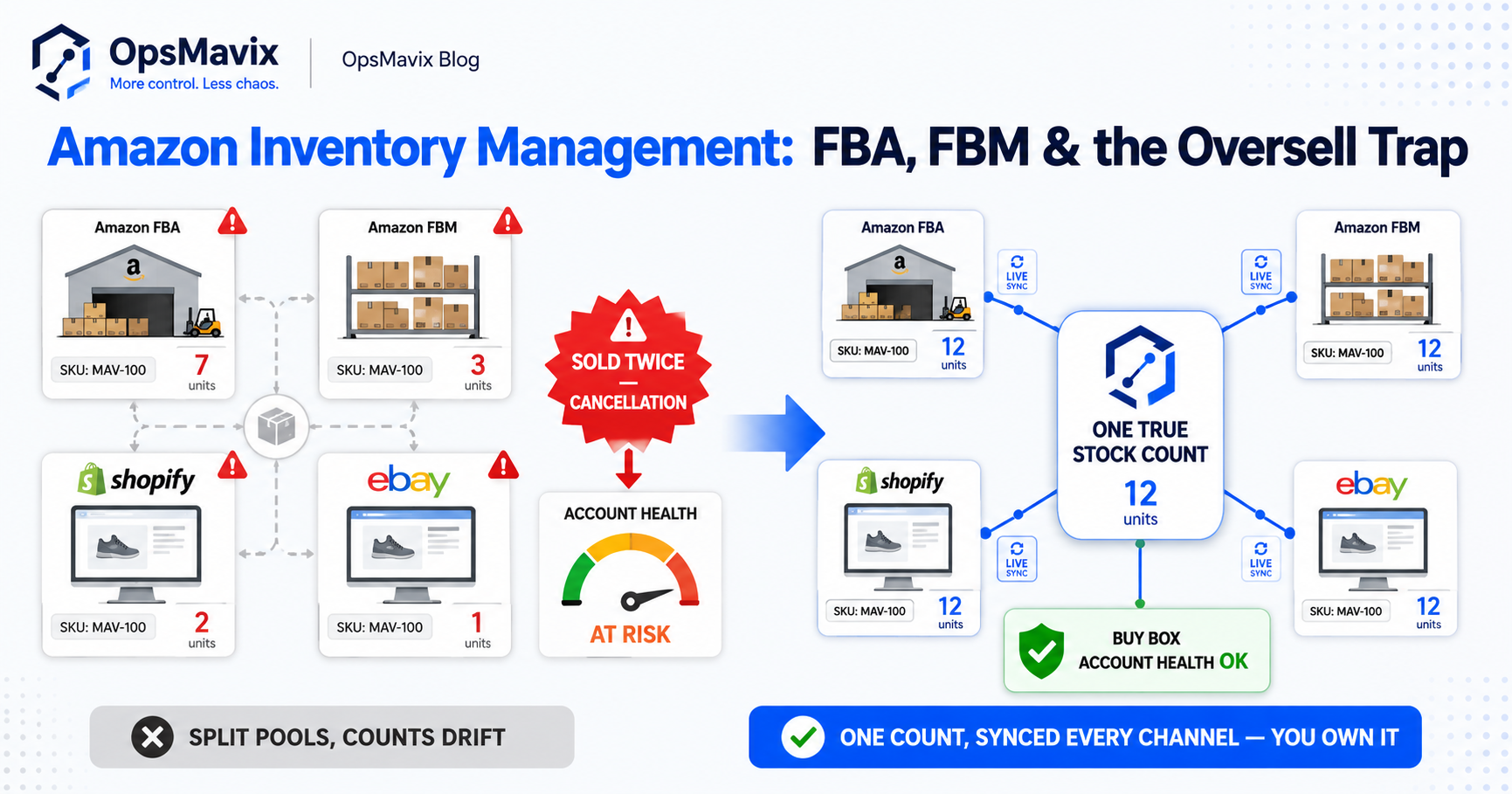
Getting value from OpsMavix? Add us as a preferred source on Google — you'll see more of our operations content in your AI Overviews, AI Mode and Search.