
Why Your Stock Never Matches the System
You count the shelf, you check the system, and the two never agree. Here's why inventory discrepancies happen — and how to get a number you can trust.
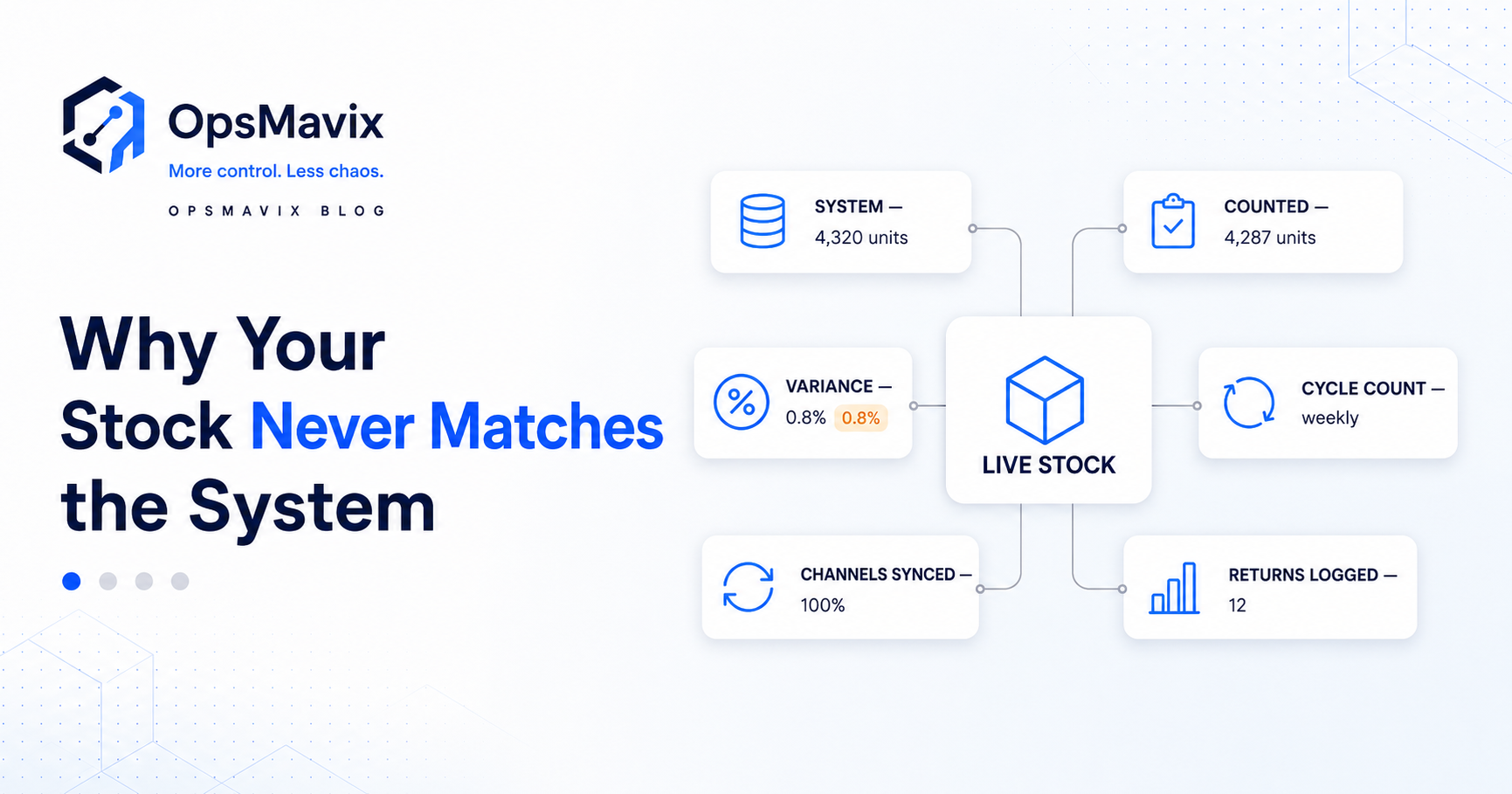
You count the shelf, check the system, and the two disagree. Before promising stock to a customer, you start asking the warehouse to check again.
That repeated checking is one of the hidden costs of inventory discrepancies. Sales loses confidence in availability, purchasing orders defensively, and the warehouse spends time investigating quantities that should already be clear.
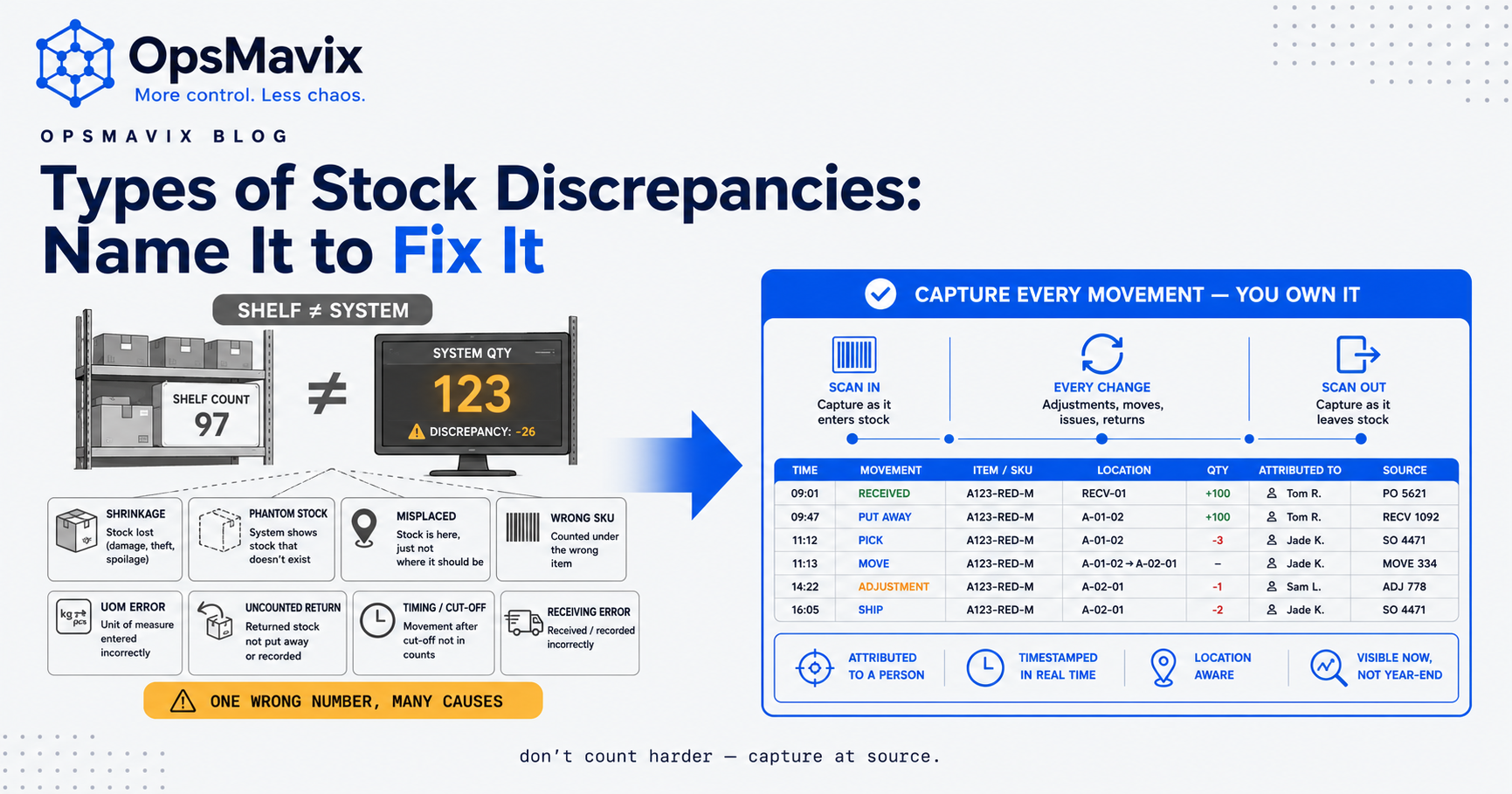
A mismatch does not establish that someone counted badly. It may come from an unrecorded movement, an incorrect location, a unit conversion, a missed receipt, a damaged item, or a connection that failed to update another system.
The useful question is what changed between the physical stock and its record, and how to stop that gap recurring.
This guide explains five common causes, how to investigate a difference, and the controls that help a growing business maintain trustworthy stock information.
Compare the same product, location, unit, and point in time before treating a difference as missing stock.
Key Takeaways
- Start by confirming that the count and system figure describe the same thing: physical, sellable, reserved, and available quantities differ.
- Delayed movements, disconnected systems, product-data errors, and unrecorded exceptions can all create discrepancies.
- An order reservation changes availability; it does not necessarily remove a physical unit from the warehouse.
- Investigate the cause before posting an adjustment, or a late transaction may create another error.
- Cycle counting helps reveal drift and recurring problems, but prevention comes from fixing the underlying process.
- Connected systems still need physical checks, visible integration failures, and people responsible for resolving exceptions.
In this guide:
- Movement and recording delays
- Disconnected locations and channels
- Entry and product-data errors
- Irregular reconciliation
- Missing returns and other movements
- A worked discrepancy investigation
- What trustworthy stock looks like
- Where to start
- Frequently asked questions
- How OpsMavix can help
1. The Stock Movement and the Record Happen at Different Times
Stock moves when goods arrive, staff pick an order, parts enter production, or a pallet changes location. If the record follows much later, users act on an outdated position.
The size of that gap matters. A delay that seems harmless during a quiet period can create conflicting commitments when several orders arrive quickly.
Separate the events in an order’s lifecycle
A reservation, pick, pack, and dispatch describe different events.
A reservation commits stock to an order and reduces what remains available to promise. Picking may move units from a shelf to a packing area. Dispatch removes them from the business’s physical stock according to the defined process.
If the system treats every event as another deduction from the same quantity, it can count the order more than once. If it records only dispatch, it may leave committed units available to other orders for too long.
Define how each event changes quantities, locations, and availability.
Capture receipts at the appropriate stage
A delivery arriving at the warehouse does not always mean every unit is ready to sell. Goods may need counting, identification, or inspection.
Distinguish received stock from accepted sellable stock where the process requires it. Capture shortages and damaged receipts instead of receiving the purchase-order quantity automatically without checking what arrived.
Make delayed transactions visible
Show outstanding receipts, picks, transfers, or adjustments that have not reached the shared record.
Where integrations are involved, distinguish an event captured locally from an update accepted by the destination system. A successful scan on one device does not establish that every channel now has the revised figure.
2. Stock Records Are Disconnected Across Locations and Channels
A business can have one physical stock pool advertised through several storefronts, or separate pools in several warehouses. Both arrangements need clear relationships between the records.
A channel quantity is not always a physical count
Shopify, Amazon, or eBay may display a quantity after buffers, allocations, or fulfilment rules have been applied. That quantity should not automatically match a total warehouse count.
For example, a warehouse can contain 20 units while only eight are available to sell because ten are reserved and two are quarantined. A marketplace may advertise six after a further two-unit buffer.
Those numbers can all be correct if their definitions and deductions are clear. The discrepancy arises when the team assumes they describe the same stock position.
Track location as part of the record
A transfer from one warehouse to another should have a visible state while it is in transit. The units should not be available for immediate picking at both ends.
Similarly, shelf, packing, returns, quarantine, and subcontractor locations may need separate records. A unit missing from its usual shelf can still exist elsewhere in the business.
Decide which locations can fulfil each order source and which status makes stock eligible for sale.
Choose an authoritative availability process
Several systems may legitimately store inventory data. The important point is which process owns availability and how other systems receive updates.
Avoid competing imports or apps overwriting the same quantity without clear precedence. Record failed updates and reconcile the difference rather than assuming that connected software is always aligned.
For the channel-specific risk, see how to stop overselling across Shopify, Amazon and eBay. Fast syncing reduces exposure, but independent checkouts can still accept orders before all quantities change.
3. Entry Errors and Product Data Create Quiet Differences
A missed digit is one possible cause. Product identification and units can produce much larger discrepancies even when the operator enters the quantity exactly as instructed.
Confirm the SKU and variant
Similar product names, neighbouring sizes, and old labels can lead staff to record a movement against the wrong item.
Use clear internal identifiers and mapping to external listings. Barcodes can help with identification, but only if they refer to the correct product and unit of sale.
A duplicated or incorrectly assigned barcode can reproduce an error consistently.
Make units explicit
A supplier may deliver cartons while the business stocks individual units. A material may be bought by the roll and consumed by the metre.
If one carton contains 12 pieces, receiving ten cartons as ten pieces understates the quantity by 110 pieces. Receiving ten pieces as ten cartons overstates it by the same amount.
Define the conversion, show the unit during entry, and test the relevant purchasing, storage, and consumption routes.
Link bundles to their components
A component sold individually and inside a kit draws from the same stock. Independent kit quantities can hide that relationship.
Decide whether the kit is physically assembled stock or a virtual bundle assembled at fulfilment. The movement and availability rules differ, so the system should represent the actual process.
Reduce duplicate entry
Where the same movement is typed into several tools, discrepancies can arise through omission or different timing.
A supported integration can reduce rekeying, but it must handle retries and corrections. Receiving the same event twice should not double the stock, and an amended movement should not silently leave the original quantity in place.

Clear product and location identification help the physical movement and its record stay aligned.
4. Counting Happens Without a Clear Reconciliation Routine
Counting establishes what is physically present within the chosen scope. Reconciliation explains how that observation compares with the record and what action is required.
A count without that investigation can improve the number temporarily while leaving the cause untouched.
Use cycle counts to shorten the investigation window
Cycle counting means checking selected stock regularly rather than waiting to count everything together.
Microsoft’s cycle-counting documentation separates the process into creating count work, performing the count, and resolving differences. That final stage is essential to maintaining accuracy.
A recurring count can make the relevant movements easier to trace because fewer events have occurred since the last check.
Prioritise by risk
There is no universal weekly or monthly frequency that suits every item. Consider value, movement frequency, shortage consequences, prior discrepancies, and the practical counting effort.
Count a high-risk component more often if its errors repeatedly stop production. Review slow-moving items too, particularly where damage, obsolescence, or location changes can go unnoticed.
Cycle counting may complement broader stocktakes and finance requirements. It should not be assumed to replace every other verification requirement.
Define the count boundary and time
Record the product, location, unit, relevant batch or serial information, and count time.
Control movements in the count area or maintain an accurate record of them during the count. An item picked between the system snapshot and the physical count can appear missing even when both observations were correct at their own times.
Where appropriate, use a count method that does not expose the expected quantity to the counter, then investigate material differences through a recount or review.
Review before adjusting
Check recent receipts, dispatches, transfers, returns, and pending transactions. Look for the item in staging or adjacent locations.
Record the approved adjustment and its reason when a correction is required. A late receipt or duplicate issue should be resolved appropriately rather than hidden inside an unexplained stock adjustment.
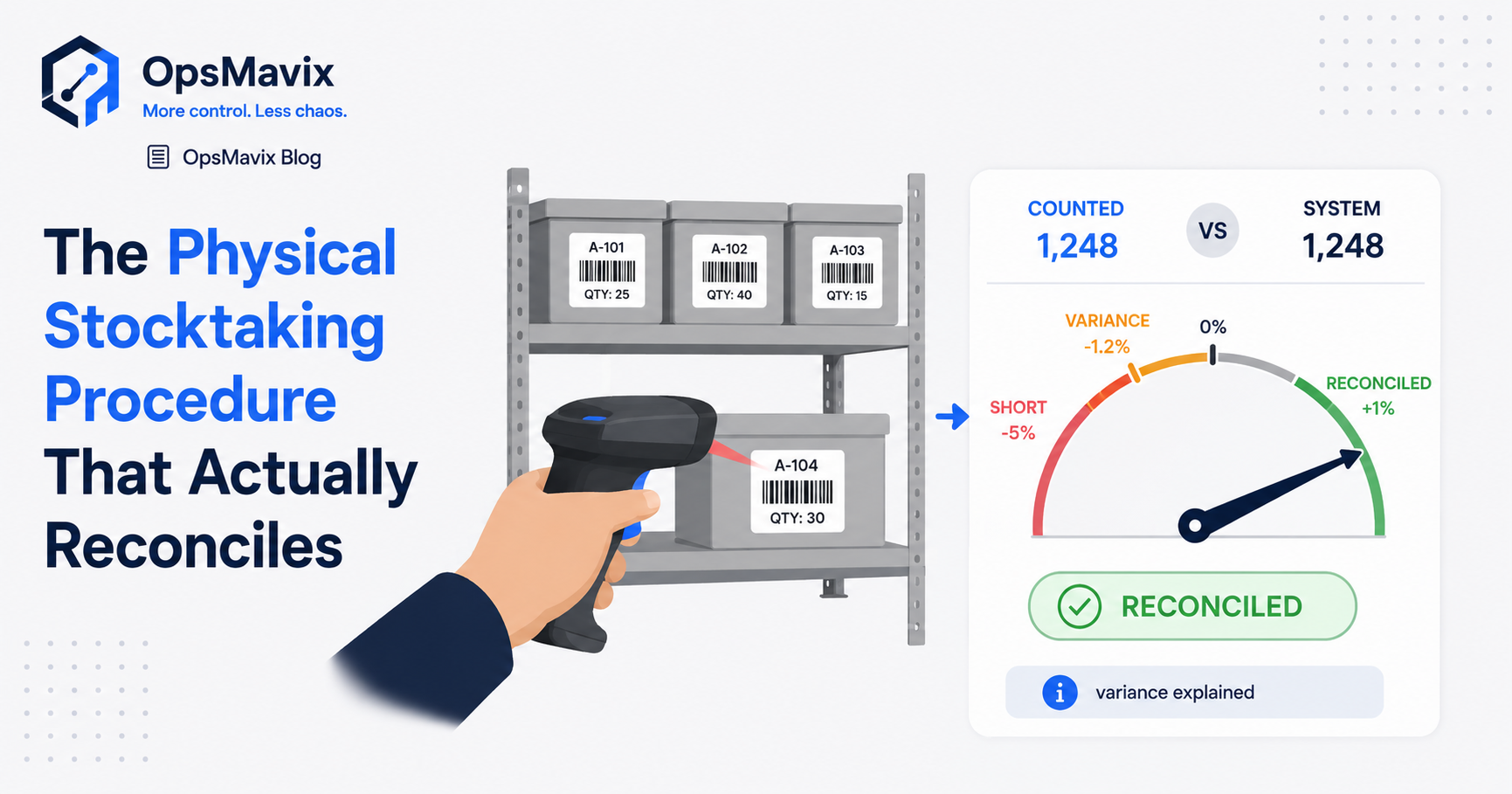
For a more detailed count routine, see the physical stocktaking procedure.
5. Returns, Damage, Samples, and Production Use Go Unrecorded
Sales are visible because they connect to customer orders. Other movements may happen without an equally clear record.
Returns need a physical and condition check
A refund or return request does not establish that the item is back in the warehouse. The unit may still be with the customer or in transit.
When it arrives, record the location and condition. Make it sellable after the required inspection or other checks, rather than restoring availability solely because money was refunded.
Damage changes availability before it changes ownership
A damaged unit can remain physically present while being unsuitable for sale. Moving it to quarantine should reduce eligible stock under the agreed rules.
If it is later repaired, returned to a supplier, or written off, record that outcome too. Keep the physical quantity and stock condition understandable throughout the process.
Samples and internal use are real movements
A unit used for a display, sent as a sample, or consumed internally no longer belongs in ordinary sellable stock unless the process explicitly says otherwise.
Provide a simple movement type and reason so staff can record it without inventing a customer sale.
Production requires a clear consumption model
Manufacturing may issue materials, consume them, produce finished goods, and record scrap or rework. The stock rules must reflect those events consistently.
Estimated or automatic consumption can differ from actual usage. Decide how substitutions, waste, and unused materials are recorded so the gap does not grow silently.
A production tracking system can support the connection between work orders and recorded production events where that is part of the required scope.
A Worked Example: A Shelf Shortage That Is Not a Stock Loss
Imagine the system records 50 units of a product in shelf location A. A count finds only 42 there.
The apparent difference is eight units. Before writing them off, the warehouse checks the recent picking and packing activity.
These figures are illustrative, not a client case study.
| Position at the count time | System record before investigation | Physical observation |
|---|---|---|
| Shelf A | 50 | 42 |
| Packing area | 0 | 8 |
| Total within this example’s count scope | 50 | 50 |
The eight units were moved to packing for an order, but the location transfer was not recorded. Total physical stock agrees; the location record does not.
Correct the cause rather than creating a loss
Confirm the movement and associated order, then complete or correct the relevant transaction through the authorised process. Do not write off eight units from the shelf and separately add eight to packing without understanding the history.
If those units are already reserved, the reservation should remain linked to the order. Physical movement to packing does not create another order commitment.
Check availability separately
Suppose the 50 physical units include eight reserved for that order and two damaged units in a separately identified part of shelf A.
For this simplified example:
Available to sell = 50 physical units − 8 reserved units − 2 damaged units = 40 units
The 42-unit shelf count, 50-unit total physical count, and 40-unit available figure describe different things. They should not be forced to match.
Learn from the incident
The useful improvement may be recording a transfer when picking completes, improving scanner placement, or surfacing picks whose physical movement has not been posted.
If the same difference appears repeatedly, changing the total count each time will not solve it.
What Trustworthy Stock Looks Like
Trustworthy inventory is a set of consistent records with clear meanings and traceable movements. It may include many quantities by item, location, condition, batch, and commitment.
One source of truth means those records follow an agreed model. It does not require every screen to show the same undifferentiated number.
A movement history explains the balance
Users should be able to trace receipts, transfers, dispatches, consumption, returns, and adjustments to their relevant references.
Include who recorded or approved material changes and when. Give authorised users a correction route that preserves enough history to explain the result.
Availability follows commitments
Accepted orders and other authorised reservations should affect what remains available. Cancellation and expiry rules should release commitments appropriately.
A connected inventory system can support those rules across the business. It still depends on complete movements and sound product data.
Integration problems become visible
Monitor rejected transactions, unmapped products, duplicate events, and stale updates. Identify who owns each exception and how it is resolved.
For channel availability, eCommerce inventory automation can connect stock updates with appropriate buffers or allocations where required.
Counts continue after automation
Physical mistakes, unrecorded damage, and losses can still occur. Regular verification helps detect them and tests whether the process is working.
Automation reduces manual handling; counting and investigation provide an independent check on the record.

Reliable inventory combines connected records, practical movement capture, exception review, and physical verification.
Where to Start Fixing Inventory Discrepancies
Choose a manageable product group with repeated differences or meaningful operational consequences.
- Define the quantities. Agree what physical, reserved, quarantined, and available mean in the current tools.
- Check product and location data. Confirm identifiers, variants, units, conversions, and storage locations.
- Establish the position. Count with a clear boundary and time, then review movements around that point.
- Classify the differences. Separate location errors, timing issues, missing transactions, and confirmed losses.
- Fix the recurring cause. Improve the capture point, rule, mapping, or integration responsible.
- Verify again. Use a risk-based cycle count and review whether the same cause returns.
Track count differences in units and, where useful, value. Also monitor the number of repeated causes, time spent investigating, failed movements awaiting action, and stock-related fulfilment problems.
An overall accuracy percentage can hide a small number of critical shortages. Keep the detail needed to identify products that repeatedly disrupt the business.
Frequently Asked Questions
What causes inventory discrepancies?
Possible causes include delayed transactions, wrong locations, unit conversions, incorrect product mapping, duplicate events, unrecorded movements, physical losses, and counting errors. Investigate the specific difference before deciding which cause applies.
How do I fix stock that never matches the system?
Start with a defined count scope and compare like-for-like quantities at the same point in time. Review recent and pending transactions, correct confirmed errors, and address recurring causes. Then maintain a practical capture and verification routine.
Is physical stock the same as available stock?
No. Physical stock can include reserved, damaged, quarantined, or otherwise ineligible units. Available stock reflects what the business can still promise under its fulfilment rules.
Should I adjust the system as soon as a count differs?
Investigate first, particularly for material or repeated differences. A movement may be missing, pending, or recorded against the wrong location. Posting an adjustment before resolving that transaction can create another error later.
What is cycle counting?
It is the regular counting of selected stock or locations, followed by review and resolution of differences. It helps shorten the time between an error occurring and being discovered, and provides feedback on the movement process.
How often should we count stock?
Set the frequency using risk, movement volume, value, previous differences, and operational impact. Review the plan as those factors change. A fixed weekly or monthly rule is not sufficient for every product or warehouse.
Do barcode scanners eliminate discrepancies?
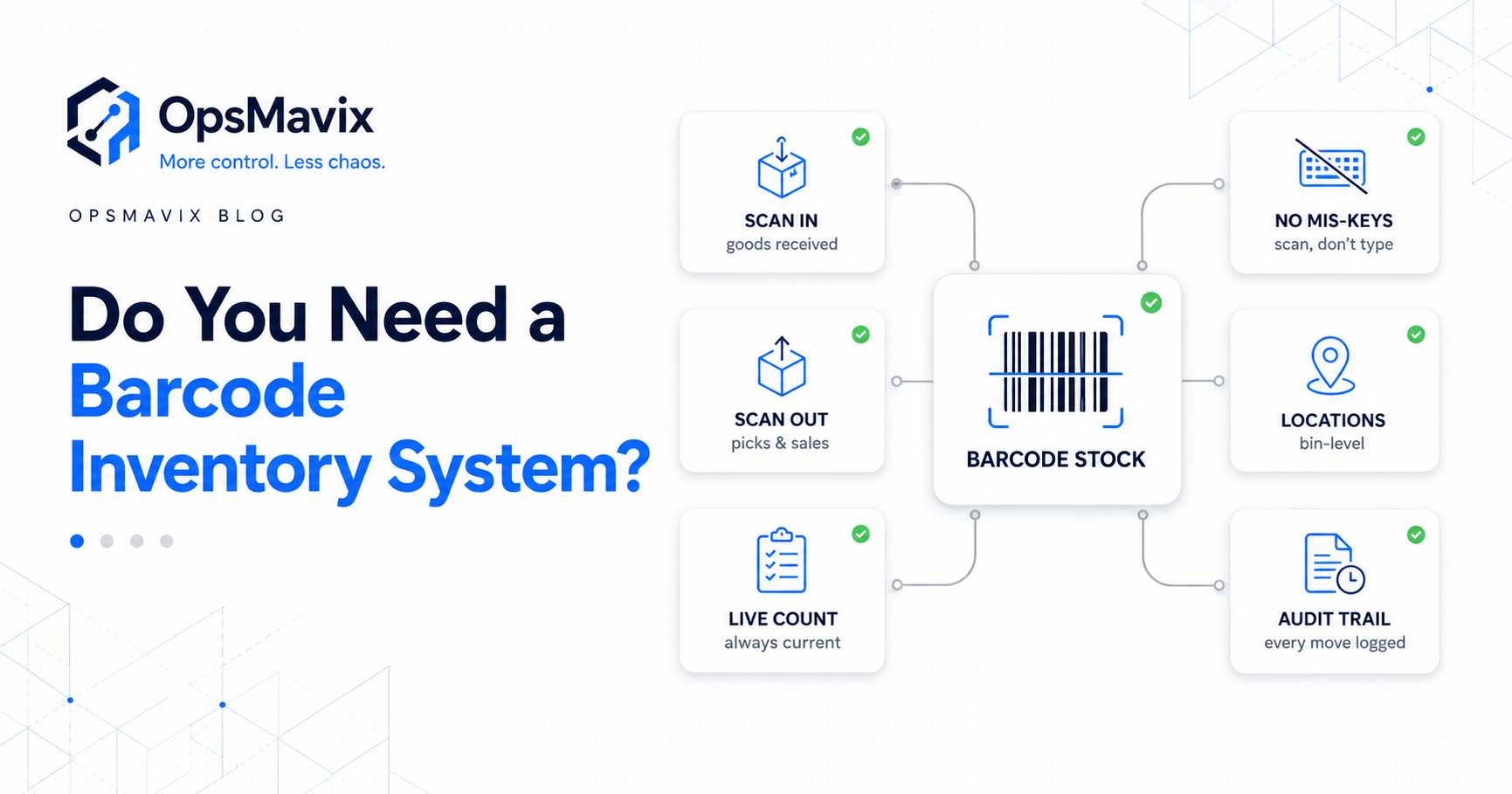
They can reduce identification and entry effort, but mapping, unit definitions, process design, and user actions still matter. Test whether the scan records the correct product, location, quantity, and event.
Why do we oversell when the warehouse count looks correct?
Physical stock may already be committed or ineligible, or channels may retain stale published quantities. Review reservations, fulfilment pools, buffers, mappings, and failed updates as well as the count itself.
Can connected software keep every number accurate automatically?
It can reduce delays and duplicate handling, but it cannot see unrecorded physical events. Keep clear ownership, integration monitoring, and counts in place after launch.
How OpsMavix Can Help
OpsMavix builds custom inventory systems for businesses whose stock records are spread across spreadsheets, disconnected tools, and manual updates.
We start by mapping the products, locations, movements, commitments, and interfaces that determine availability. That helps identify whether the main problem is physical capture, product data, timing, or system alignment.
We can help you:
- Define consistent stock and availability rules.
- Connect receipts, transfers, reservations, and dispatch records.
- Structure returns, damage, and adjustment workflows.
- Improve product and unit mapping.
- Surface failed updates and unresolved discrepancies.
- Support cycle-count review and movement history.
- Connect stock visibility to supported sales channels and operational tools.
If the team cannot trust the stock figure, book an Operations Leak Audit. Bring a product that repeatedly differs and the last few movements recorded against it. We can help trace where the record breaks down and define a practical first fix.
Keep reading
Getting value from OpsMavix? Add us as a preferred source on Google — you'll see more of our operations content in your AI Overviews, AI Mode and Search.