
Shopify Inventory Sync Monitoring: US Buyer Guide
Detect stale Shopify stock updates, assign failures and prove recovery. A US guide to alerts, reconciliation and a worked USD cost example.
Shopify inventory sync monitoring helps an operations team detect when stock updates have stopped, identify the affected products and locations, and confirm that recovery actually restored the intended availability. For a US merchant running Shopify alongside a warehouse system or ERP, a green “connected” badge is useful only if the latest stock changes are also reaching their destination.
This guide is about operating an existing connection reliably. If you are defining the wider process, start with OpsMavix eCommerce inventory automation. Monitoring, reconciliation and recovery requirements should be included explicitly in the implementation scope, with responsibilities agreed between the merchant, warehouse and integration provider.
In 30 seconds: Monitor the age of unprocessed stock changes, failed updates and SKU/location mismatches. Separate receipt of an event from successful application of its business change. Reconcile selected records against the agreed stock authority. Give every actionable alert an owner, and prove recovery before closing it.
Why a connected app can still leave stock stale
A connection can remain authenticated while an individual update fails. A newly created SKU may have no mapping. A location may be excluded from the publishing rules. A processing queue may be delayed even though incoming requests are accepted.
For a US retailer with East Coast and West Coast fulfilment locations, the overall store total can look plausible while one location is wrong. If support sees only “last connection successful”, it may spend hours checking physical stock before learning that the relevant update never completed.
The monitoring question is therefore specific: which quantity, for which item and location, should have changed, and what evidence shows that it did? That is different from a broad discussion of which stock-sync application to buy. The guide to stock-sync alternatives covers that wider buying decision.
Define the quantities and direction first
Monitoring needs an agreed expected result. On-hand stock, available-to-sell stock and the quantity published to a channel may legitimately differ because of reservations, held stock, buffers or channel allocation rules.
Write down which system owns each quantity. An ERP might control warehouse stock while Shopify owns accepted online order data. Those responsibilities need not belong to the same application. Document the allowed update direction for each field so that a repair does not create a loop of competing writes.
| Monitoring record | Example question | Evidence to retain |
|---|---|---|
| Source change | What business event changed availability? | Source record ID, item, location and timestamp |
| Processing state | Was the event received, queued and applied? | Correlation reference, state and failure reason |
| Target update | Did the destination accept the intended change? | Result, destination identifier and completion time |
| Reconciliation | Does current target stock match the agreed rule? | Comparison time, expected value and observed value |
| Exception ownership | Who is resolving the mismatch? | Owner, next action and review deadline |
Keep item and location identifiers alongside human-readable names. A renamed warehouse should not break the trace from an old failure to the current location.
The five signals worth putting on an operations dashboard
1. Oldest unprocessed stock change
The age of the oldest unresolved change tells you whether a backlog is becoming operationally important. A queue of ten events from the last few seconds is different from one failed update sitting untouched since yesterday.
Use a threshold that reflects your trading pattern and architecture. There is no universal safe delay for every store. A fast-selling promotion may justify a tighter response than a low-volume catalogue, but the integration still needs tested capacity and an agreed recovery process.
2. Updates that failed permanently
Separate a temporary retry from a failure requiring human action. A missing product mapping is unlikely to fix itself by repeating the same request. Show the affected item, destination, error category and last attempt without forcing the warehouse manager to read a developer log.
Avoid exposing credentials or unnecessary customer information in an alert. A reference to a controlled support view is usually more useful than copying full request payloads into chat messages.
3. Mismatches at the item-location level
Compare the expected published quantity with the observed destination quantity. Apply the agreed buffer and allocation rules before calling a difference an error. Otherwise the dashboard will repeatedly flag intentional differences and users will learn to ignore it.
Prioritise discrepancies affecting active listings and products being sold now. Still retain a complete exception list so that quiet catalogue errors are not forgotten indefinitely.
4. Mapping gaps after catalogue changes
New products, variants and locations deserve a visible readiness check. Record whether the required identifiers exist on both sides and whether the connection has permission to use them.
A useful onboarding test is one controlled stock movement for the new item at each relevant location. Matching SKU text alone does not prove that the integration is updating the intended record.
5. Alerts awaiting acknowledgement or proof of repair
An alert that has been sent is not necessarily being handled. Track who accepted responsibility, what action is underway and when the next review is due. Separate “someone has acknowledged this” from “the quantities are reconciled”.
Group related failures when one outage affects many items. Operations needs the incident scope and priority, rather than hundreds of identical messages that hide the original cause.
What Shopify’s webhook guidance means for buyers
Shopify’s official delivery-verification documentation explains that duplicate webhook deliveries can occur and recommends idempotent processing or delivery-ID checks. It also describes queueing and periodic API reconciliation as useful patterns.
The practical buying question is whether repeated delivery can repeat a stock effect, and whether the connection can find changes it missed. Ask the supplier to demonstrate both. Do not assume a webhook receipt proves the downstream inventory update finished.
That documentation also describes signature verification for HTTPS webhooks. Your technical provider should handle authenticity checks through the supported implementation. An operations dashboard should report processing outcomes without exposing the secrets used for verification.
An incident workflow your team can follow
Establish scope before forcing a resync
Identify affected SKUs, locations and the period of uncertainty. Check whether incoming orders and warehouse movements are still being captured. Record the current authoritative quantity and the intended destination quantity before making corrections.
A blanket overwrite can hide the original fault or undo a valid newer change. The repair must respect the agreed record ownership and current business state.
Contain the commercial risk
Agree in advance who can pause a promotion, restrict affected availability or route orders for review. Choose the least disruptive response supported by your systems and business rules. Do not present a stock buffer as a replacement for fixing a broken connection.
For US teams spanning time zones, record incident timestamps consistently and display the relevant local time clearly. The handoff from an East Coast operations lead to a West Coast warehouse should include the same incident reference and next action.
Repair, reconcile and close
Resolve the underlying issue, then replay or rebuild the affected updates using the integration’s tested recovery procedure. Confirm the current expected state rather than assuming every historical event should be applied blindly.
Reconcile the affected records, check a subsequent real or controlled movement, and document the outcome. Close the incident only after the monitoring view shows the unresolved exceptions have been addressed or explicitly accepted by the appropriate owner.
Worked US example: monitoring cost versus incident cost
Hypothetical planning example, all amounts in USD. A retailer records four inventory-sync incidents in a month. Each takes two staff members 90 minutes to investigate. At an assumed internal cost of $35 per person-hour, that is 4 × 2 × 1.5 × $35 = $420 of investigation time.
The same incidents create $180 of recorded additional shipping and handling costs. Total measured monthly incident cost is $600. Lost sales are excluded because the retailer has no reliable measure of them.
Suppose a proposed monitoring improvement costs $1,500 to configure and $120 per month to operate. Those invented amounts are not OpsMavix prices or market benchmarks.
| Assumption over six months | Amount |
|---|---|
| Measured incident cost if unchanged | $3,600 |
| Setup plus six months of monitoring | $2,220 |
| Incident cost avoided if reduced by half | $1,800 |
| Simple difference at that reduction | $420 unfavourable |
At this assumed reduction, the improvement has not recovered its cost over six months. Avoid a sales case that quietly treats every incident cost as eliminated. Also distinguish freed staff capacity from a cash saving: time saved does not automatically reduce payroll.
A pilot should establish whether faster detection changes outcomes, not just whether a dashboard can display failures attractively.
Existing app monitoring, managed service or custom controls?
| Approach | When to consider it | What to verify |
|---|---|---|
| Existing connector’s built-in tools | Failure visibility and recovery are already available | Who receives alerts and whether target quantities can be reconciled |
| Managed integration support | The team needs operational ownership and response coverage | Support hours, incident responsibilities and evidence of closure |
| Additional monitoring layer | Several working connectors need one exception view | Access to reliable states and protection against conflicting repairs |
| Custom integration or workflow | Material gaps remain after configuration options are tested | Recovery design, maintenance, handover and ongoing operating cost |
Compare the same scope in each quote. A low subscription price may exclude monitoring setup, catalogue cleanup and support. Custom ownership still requires hosting, maintenance and adaptation to external API changes.
Pilot and demonstration checklist
Use a controlled environment or agreed test records. Ask the provider to demonstrate a temporary outage, a missing mapping and a repeated event. Include an update that is accepted at the connection boundary but fails later in processing.
Before approving the rollout, confirm:
- An operations user can identify affected items and locations without reading raw logs.
- Alerts reach a named owner during the required support hours.
- Acknowledging an alert does not mark the stock issue resolved.
- Retrying a delivery does not repeat the business effect.
- Reconciliation uses the current agreed availability rule.
- A subsequent valid movement still flows correctly after repair.
- The team can export incident history and understand ongoing support costs.
Agree pilot measures such as time to detect, time to restore, unresolved mismatch age and investigation effort. Set the baseline from your own incidents; do not invent a guaranteed industry improvement rate.
Frequently asked questions
Does “real time” mean updates cannot be missed?
No. Ask what the supplier means by the term, how delays are measured and how failed updates are recovered. A latency claim is not a complete reliability design.
Should every quantity mismatch create an alert?
Only after the comparison accounts for the agreed stock rules and freshness window. Intentional buffers and temporary in-flight updates should not be indistinguishable from persistent failures.
Can a warehouse manager resolve everything from the dashboard?
Some actions may be operational, such as correcting a mapping through an approved process. Others require technical support. Define permissions and escalation rather than giving broad write access merely to clear an alert.
Is this only relevant to large US retailers?
No. The decision depends on the cost and frequency of failures, stock velocity and the team’s ability to recover. A small store may be well served by its connector’s existing tools and a documented daily check.
Make stock-sync recovery a business process
The useful outcome is a traceable chain from a source stock change to the destination result, with a clear owner when it breaks. Start with one connection and a small set of important items before adding every channel.
Discuss eCommerce inventory automation with OpsMavix if Shopify, warehouse records and support handoffs are disconnected. Bring one recent failure and the evidence your team used to diagnose it. Send an enquiry to scope monitoring, reconciliation and recovery alongside the wider workflow.
Sources and further reading
- Shopify developer documentation: Verify webhook deliveries — primary guidance on duplicate handling, verification, queueing and reconciliation; reviewed 19 October 2026.
- OpsMavix: Stock-sync alternatives — wider context on choosing a stock-sync approach.
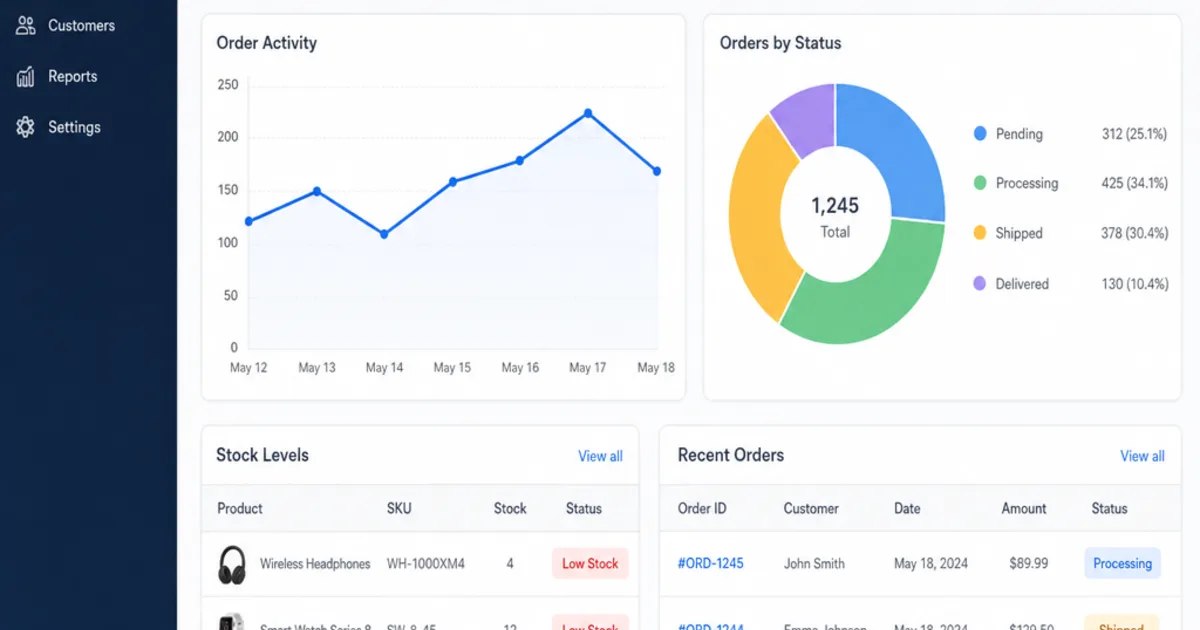
The dashboard design, incident workflow and USD calculations are practical suggestions and hypothetical examples, not client results. The cover is an illustrative commerce dashboard, not a screenshot of the monitoring workflow specified here.
Keep reading

Getting value from OpsMavix? Add us as a preferred source on Google — you'll see more of our operations content in your AI Overviews, AI Mode and Search.