
Shop Floor Job Tracking: Know Where Every Job Is
You shouldn't have to walk the floor to answer "where's that job?". Here's how small manufacturers get live job visibility without a full ERP.
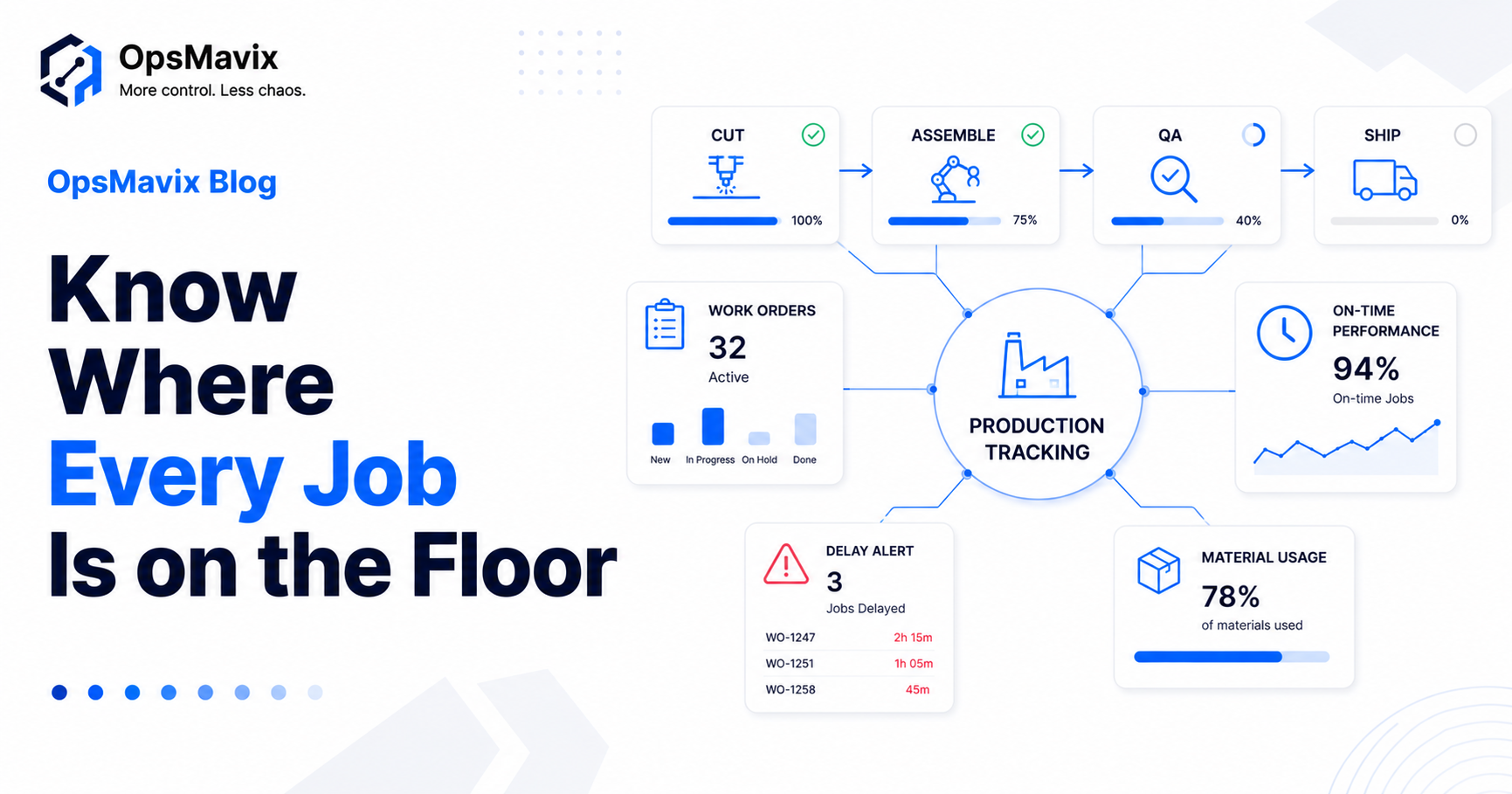
You can get real-time shop floor job tracking without an ERP — by capturing job status, WIP and labour against work orders in one lightweight system built around how your floor already runs. You don’t need Epicor, Sage 200 or a £100k rollout to answer “where is that job right now?”
Most small manufacturers are stuck between two bad options: spreadsheets and paper travellers that are out of date the moment they’re written, or a heavyweight ERP that takes a year to implement and forces the floor to bend to the software. There’s a middle path — and it’s where the visibility actually lives.
Here’s what to track, how to start small, and why you don’t need an ERP to do it.
Key Takeaways
- You can track jobs live without an ERP — a focused system on top of how the floor already works.
- Track the essentials: job status, WIP, late jobs, and labour/material against the work order.
- Real-time beats paper/spreadsheets — they’re stale the moment they’re written.
- Start with one value stream, prove it, then expand — don’t boil the ocean.
- The goal is answering “where’s that job?” without walking the floor.
1Why Spreadsheets and Paper Travellers Stop Working
They go stale instantly. The moment a job moves to the next station, the spreadsheet or the paper traveller is wrong — and nobody updates it in real time. So the only reliable way to know a job’s status is to walk the floor and ask, which doesn’t scale and pulls your best people off the work.
2You Don’t Need an ERP for This
A full ERP solves planning, finance and procurement together — and makes you implement all of it. For visibility of jobs on the floor, that’s a sledgehammer. A focused production tracking system captures status and WIP against your work orders without replacing your accounts or forcing a year-long rollout. It’s the same call as operational systems vs a full ERP applied to the floor; for the deeper how-to, see building a production tracker you can trust.
3What to Actually Track
Track the few things that tell you whether the floor is on schedule:
- Job status — which stage each job is at, right now.
- WIP — what’s in progress and where it’s sitting.
- Late / at-risk jobs — what’s slipping before the due date.
- Labour and materials against the work order — so you know true job cost, not a guess.
Skip the rest until these are live. Visibility first; optimisation later.
4Paper/Spreadsheets vs Live Job Tracking
| Spreadsheets / paper travellers | Live job tracking | |
|---|---|---|
| Status accuracy | Stale on the next move | Current to the last scan/update |
| “Where’s job X?” | Walk the floor and ask | One screen |
| Late jobs | Found when they’re already late | Flagged before the due date |
| Job cost | Reconstructed afterwards | Labour + materials captured live |
| Setup | “Free” but unreliable | Lightweight, built on your floor |
5Start With One Value Stream
Don’t try to instrument the whole factory at once. Pick one product line or work cell, get live status and WIP working there, prove the value, then expand. A focused first step gets you visibility in weeks, not the year a full ERP demands — and the floor actually adopts it because it fits how they already work. Stock and despatch can connect later through your inventory and order systems.
FAQ
Can shop floor job tracking work without replacing our ERP or accounts system?
Yes. A focused tracking system sits alongside what you already use, feeding it clean job and cost data rather than replacing your accounting or buying a full ERP.
Do you need Epicor, Infor or Sage 200 to track jobs on the floor?
No. Those are full ERP/MRP suites. Real-time job and WIP visibility can be delivered as a lightweight system built around your work orders, without that scale of rollout.
Do operators need tablets or terminals to clock onto jobs?
Usually a simple station — a tablet or scanner at each cell — is enough to update status as jobs move. It’s designed to take seconds, so it doesn’t slow the floor down.
How long does it take to get useful job tracking in place?
Starting with one value stream, useful visibility lands in weeks, not the many months a full ERP implementation typically takes.
Can we start with job tracking and add planning later?
Yes — that’s the recommended path. Get status, WIP and late-job visibility live first, then layer on factory scheduling software and planning once the floor trusts the data.
How OpsMavix Can Help
OpsMavix builds custom production tracking systems for small and mid-sized manufacturers — live job status, WIP and late-job alerts against your work orders, without a £100k ERP, starting with one value stream.
If you can’t tell where a job is without walking the floor, that’s a visibility leak costing you delays and rework. Book an Operations Leak Audit and we’ll map where your floor loses time.