
PSL Datatrack vs a Custom Production System
Packaged job-costing software like PSL Datatrack is built for the average shop. A custom production system is built for yours. Here's the honest comparison.
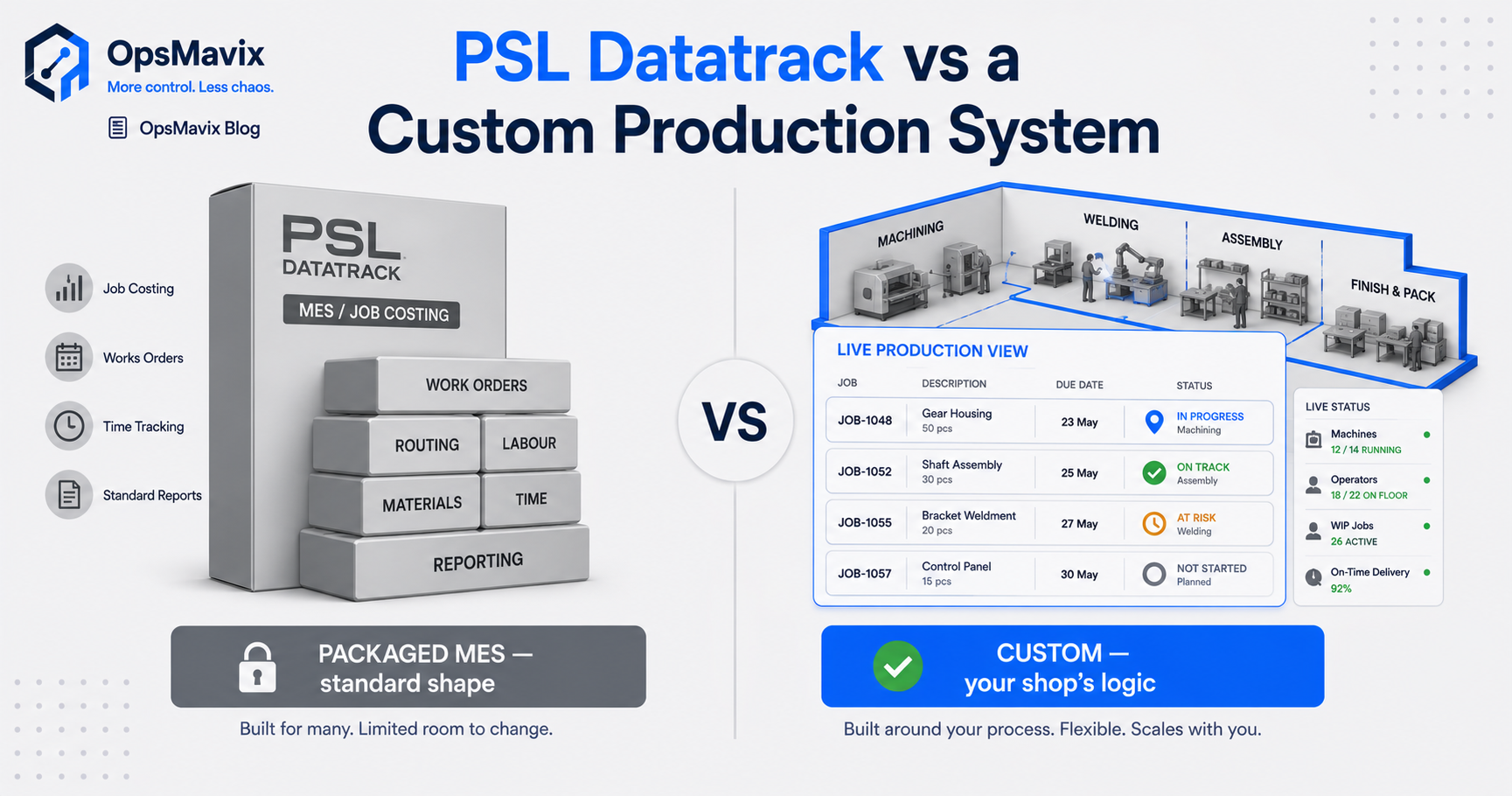
PSL Datatrack or a custom production system? Choose by how well each handles your real jobs, rather than by the length of its feature list. A packaged product can give a manufacturer established capabilities and vendor support. A custom build can address specific workflows or connections that suitable standard products do not handle well enough.
Both routes need to deliver the same practical result: jobs that remain visible, operators who can update progress easily, and costs that trace back to recorded work. Neither guarantees those outcomes simply because the software is packaged or bespoke.
For a high-mix, low-volume shop, the useful comparison is fit, data capture, costing, implementation effort and ongoing support. This guide explains what to test, how to compare the costs and where to start before committing the whole factory.
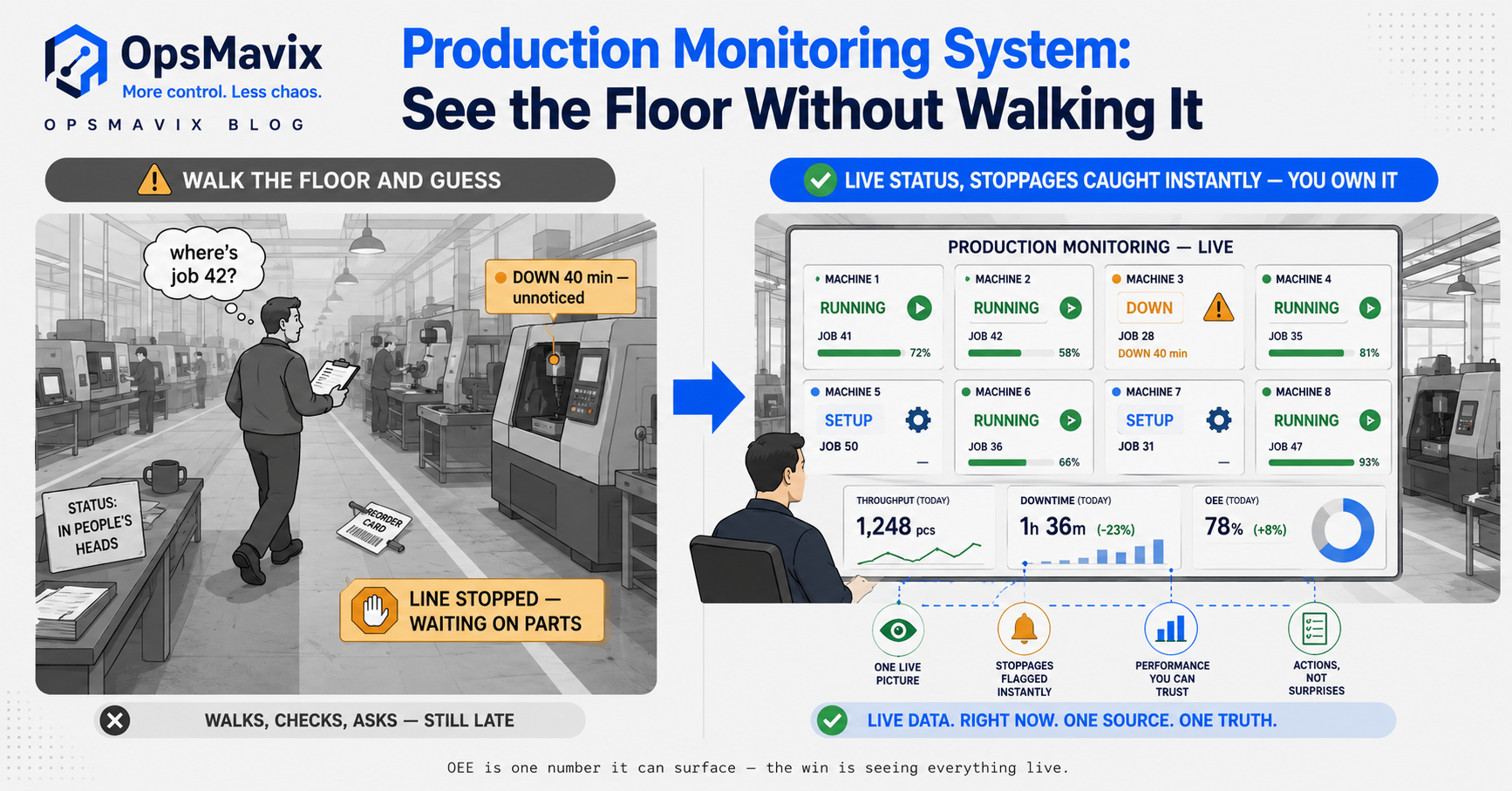
The purpose of production control is to make jobs, delays and recorded costs visible to the people responsible for them.
Key Takeaways
- PSL Datatrack is a modular production-control product for manufacturers, with documented planning, shop-floor and financial capabilities.
- High mix does not automatically rule out packaged software. Test your routes, exceptions and operator workflows in the actual product.
- Custom development earns its place when a measurable gap remains, rather than because it promises to preserve every existing habit.
- Live job status depends on timely updates and visible exceptions, whichever system you choose.
- Trusted job costing needs agreed rates, reliable actuals and clear treatment of shared costs, not just a report screen.
- Compare total cost, support and handover terms, then pilot a bounded workflow before wider rollout.
In this guide:
- 1. Understand What PSL Datatrack Offers
- 2. Define What You Need a Production System to Do
- 3. Test Fit With Your Actual Jobs
- 4. Make Shop-Floor Updates Practical
- 5. Compare Quoted and Actual Job Costs
- 6. Compare Spreadsheets, PSL Datatrack and Custom Software
- 7. Assess Total Cost and Ongoing Dependency
- 8. Pilot One Area and Prove the Result
- Frequently Asked Questions
- How OpsMavix Can Help
1. Understand What PSL Datatrack Offers
PSL Datatrack positions its software for small and medium-sized manufacturers, including precision engineering and subcontract work. Its production-control overview describes a modular approach, allowing capabilities to be added as requirements develop.
That is different from assuming a buyer must adopt an entire fixed suite at once.
Check the Relevant Modules
The vendor’s feature information covers planning, shop-floor data collection, financial functions and additional options. Build your evaluation around the modules needed for your workflow, rather than comparing an unspecified “packaged system” with a narrowly scoped custom proposal.
Ask the supplier to demonstrate:
- How a quotation becomes a works order.
- How operations and due dates are represented.
- How progress is captured on the floor.
- How material and subcontract activity relate to the job.
- How actual costs are reviewed.
- How information connects to existing business tools.
Confirm the Proposed Configuration
A capability listed on a website does not establish that it is included in your quotation or configured for your workflow.
Request a written scope covering modules, deployment, interfaces, data migration, training and support. Confirm licensing and renewal terms directly; do not assume a per-seat subscription model without a proposal.
Give the Standard Product a Fair Test
An established product may already solve the problem and reduce the development work you need. It may also require configuration or process changes that deserve careful assessment.
The decision is whether those changes improve control or introduce costly workarounds—not whether change is necessary at all.
2. Define What You Need a Production System to Do
Start with the operational failure you want to prevent. “We need production software” is too broad to guide a useful comparison.
A shop may need dependable job visibility, work-centre scheduling, traceability, costing or all four. Separate the requirements so you can choose a sensible first scope.
Job Visibility
At a minimum, the team should be able to identify each job, its current operation, quantity, due date, owner and blocking issue.
Every accepted job should have a visible planning state. Unscheduled work must remain on an exception list; it should not disappear simply because nobody has assigned a machine yet.
Scheduling
Scheduling adds the intended order of work and the load on resources. Depending on your needs, it may account for setup, calendars, materials, subcontract lead times and dependencies.
Do not treat tracking as a complete scheduling engine. Knowing where a job is helps planning, but it does not automatically calculate a feasible completion date.
For a focused assessment, see manufacturing scheduling software for small shops.
Costing and Traceability
Costing requires evidence of the resources consumed. Traceability may require material batches, process records, revision control or inspection evidence.
Specify which records are essential to your customers and operation. A minimal tracker may be useful without being a substitute for the wider production-control functions you need.
Turn the Need Into Acceptance Criteria
Useful criteria include:
- Every open works order is visible, including unscheduled jobs.
- Operators can record the required update without duplicate typing.
- Blocked work has an owner and reason.
- Completed-job costs reconcile to agreed source records.
- Rework and scrap remain distinguishable from normal production.
3. Test Fit With Your Actual Jobs
High-mix manufacturing creates many variations, but it is also a market served by specialist production software. Do not assume packaged tools are unsuitable simply because your job mix changes frequently.
Test the difficult workflows with representative data.
Build a Demonstration Pack
Include examples such as:
| Example job | What the demonstration should prove |
|---|---|
| Repeat component with a revised drawing | Correct revision reaches the works order and floor records |
| Rush order interrupting the queue | Priorities change without hiding the effect on other jobs |
| Job split across machines | Quantities and progress remain attributable |
| Outside processing operation | Dispatch, return and expected completion remain visible |
| Partial completion and delivery | Remaining demand and work stay clear |
| Rework after inspection | Additional work and cost are recorded against the right job |
| Material shortage | The block is visible before it affects the promised date |
Ask operators and planners to participate. A management-only demonstration may miss the steps that determine whether updates stay current.
Distinguish Good Process Change From a Workaround
A requirement to record a job identifier or confirm a quantity may improve control. Keeping a separate spreadsheet because the software cannot represent a split operation is a different issue.
Document where the proposed process is clearer, where it adds effort and where information must leave the system. Estimate how frequently each workaround occurs.
When Custom Fit Is Worth Considering
Custom development can help if an essential routing rule, connection or user workflow remains poorly served after configuration options have been assessed.
It still needs design, testing and a clear process. Encoding inconsistent habits into software may preserve the confusion rather than improve it.
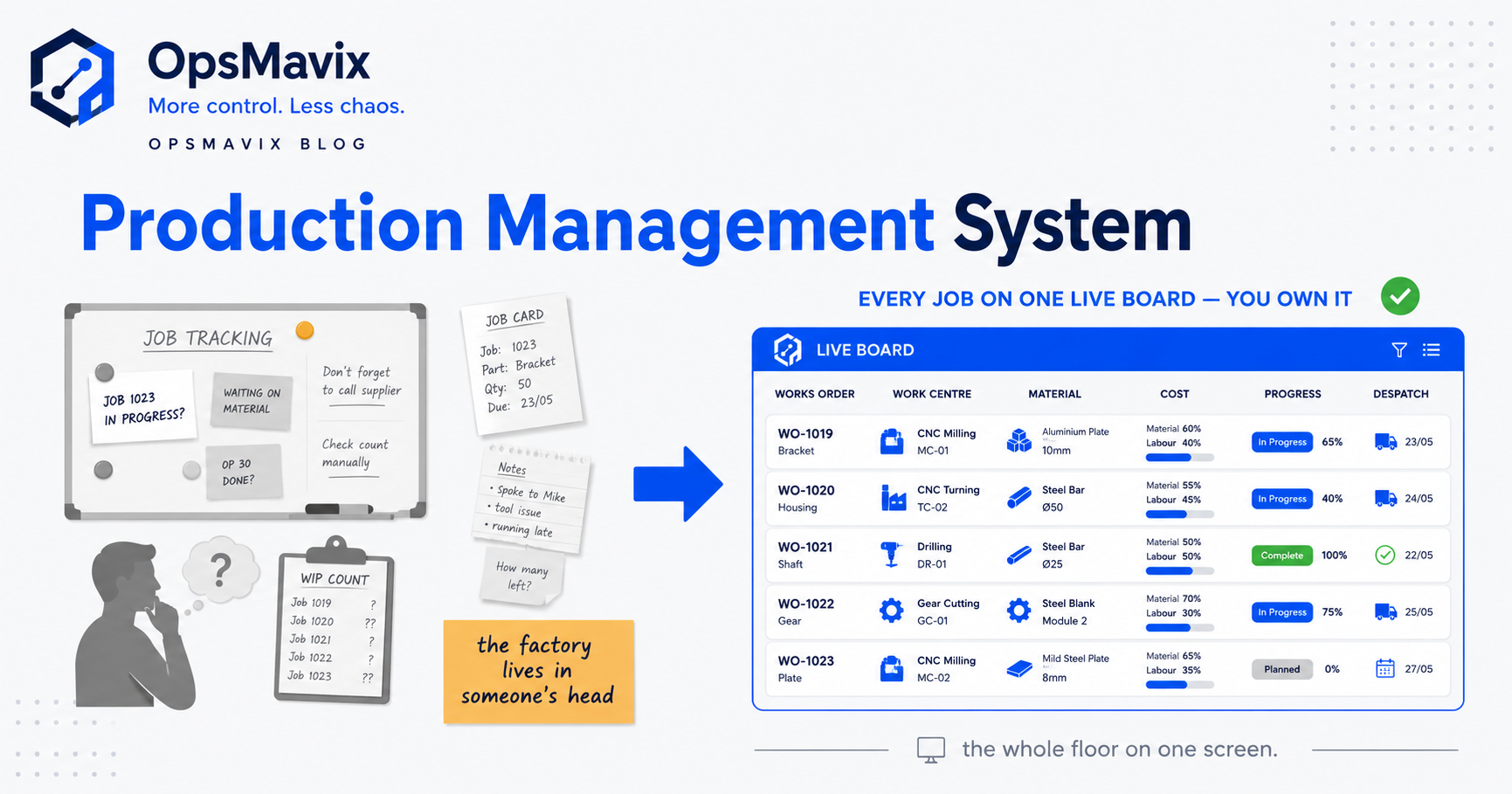
A production tracking system should reflect the agreed workflow, including exceptions—not merely reproduce the current whiteboard as a screen.
4. Make Shop-Floor Updates Practical
The failure both routes need to address is stale information. A job moves, but the record does not. Management then plans or promises against an outdated status.
The answer is a usable capture process, clear responsibilities and checks for missing updates.
Test the Actual Update
At a representative workstation, ask an operator to:
- Identify the job and operation.
- Record starting or completing work.
- Enter good quantity and scrap where required.
- Record a hold or interruption.
- Correct a mistaken entry through the approved process.
Measure the effort and observe where errors occur. Use the real input device and working environment, rather than judging a desktop demonstration alone.
PSL Datatrack documents shop-floor data-capture capabilities. Assess those alongside any proposed custom interface; do not assume the standard product requires slow manual transcription.
Define Who Updates What
Operators, stores, supervisors and planners may each own different records. Specify responsibilities so two people do not duplicate an update while another step remains unrecorded.
A timestamp shows when an entry was made. It does not prove the physical work happened at that exact time, so the system should distinguish late corrections where relevant.
Make Missing Updates Visible
Use exception checks for stalled operations, overdue work, incomplete time entries or jobs with no planned resource. The relevant person should know what needs investigation.
A dashboard should make stale data visible. It should not quietly present the last recorded stage as confirmed current reality.
For the whiteboard comparison, see factory scheduling software versus the whiteboard.
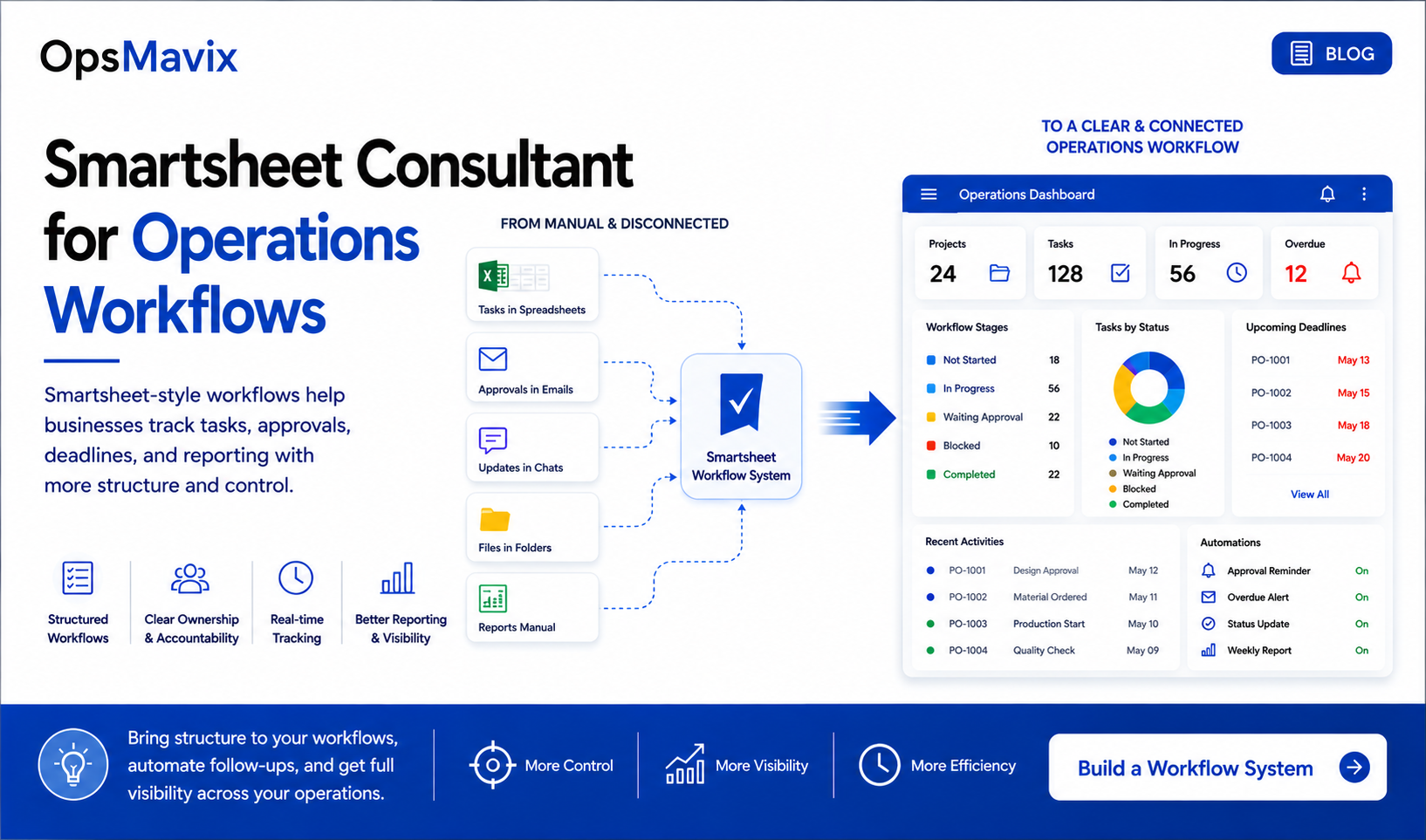
Production visibility depends on shared responsibilities and recorded work, with delays and missing information exposed for review.
5. Compare Quoted and Actual Job Costs
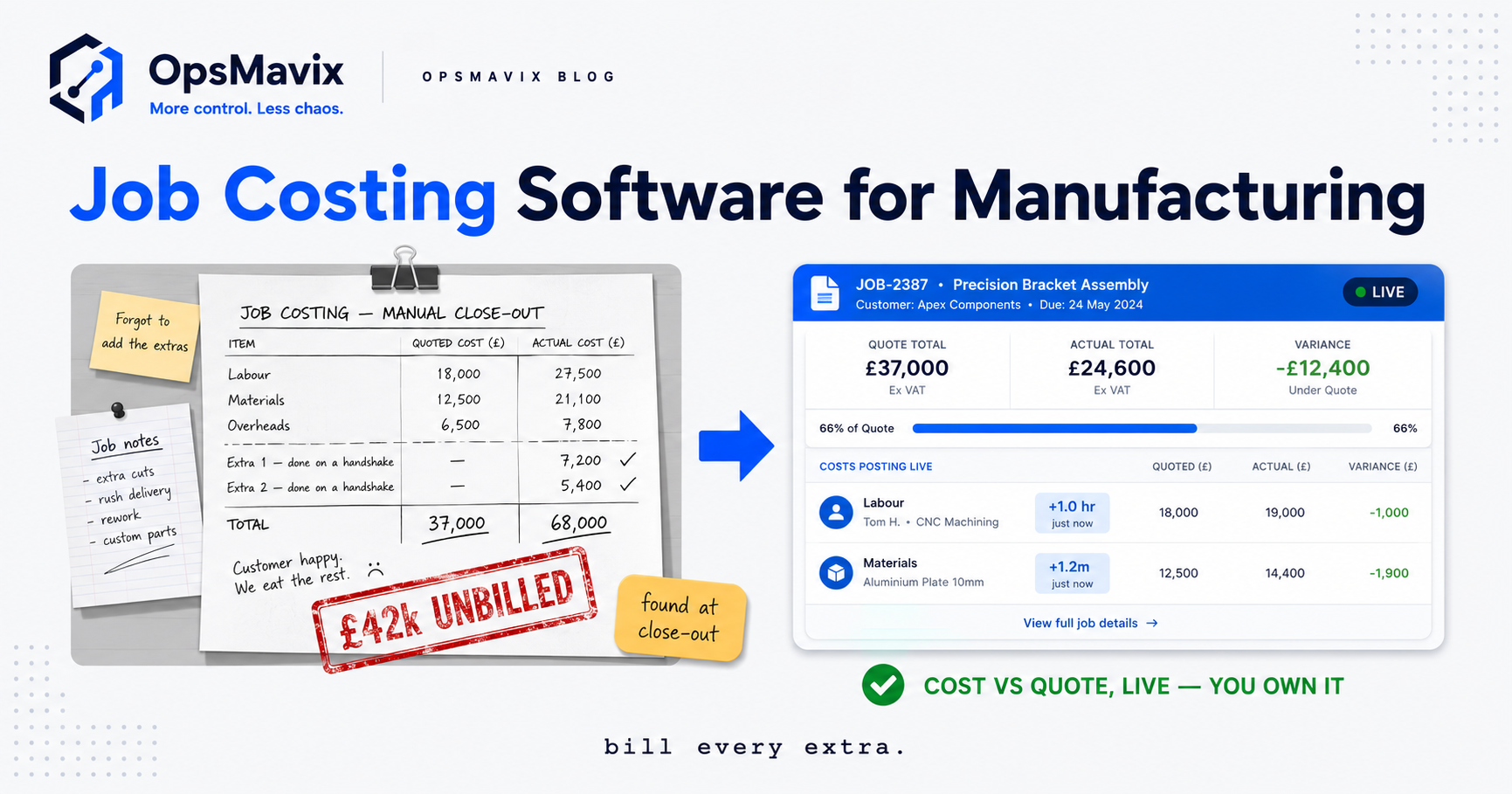
A job-costing report becomes useful when the estimate and actuals use a consistent basis. A discrepancy may come from extra time, material usage, subcontract charges or a difference in costing rules.
PSL Datatrack’s financial-control description discusses job costing alongside purchasing and shop-floor collection. Custom software can also connect these records, but the same data requirements apply.
Agree the Cost Basis
Before comparing jobs, define:
- Labour and machine rates, including what each rate contains.
- Whether setup and production time are separate.
- Material issues, returns and scrap treatment.
- Tooling and subcontract charges.
- The treatment of shared costs or overhead.
- When the actual cost is sufficiently complete to review.
Avoid counting the same labour or overhead twice—for example within a combined machine rate and again as a separate cost.
Worked Example: Quoted Versus Actual
This is a hypothetical completed job with a £1,600 selling price. Assume the categories below do not overlap, and all relevant charges have been recorded.
| Cost category | Quoted cost | Actual cost | Difference |
|---|---|---|---|
| Labour at £30 per hour | £300: 10 hours | £390: 13 hours | £90 |
| Machine at £25 per hour | £200: 8 hours | £225: 9 hours | £25 |
| Material | £400 | £440 | £40 |
| Subcontract work | £150 | £180 | £30 |
| Total recorded job cost | £1,050 | £1,235 | £185 |
| Selling price less recorded job cost | £550 | £365 | (£185) |
The quoted contribution on this stated basis is £550, or about 34.4% of selling price. The actual contribution is £365, or about 22.8%.
Those are not necessarily full accounting profit margins. Costs outside the stated basis may still apply. The purpose is to make the £185 variance explainable before quoting the next similar job.
Investigate Before Changing the Price
The extra labour could reflect an underestimated setup, rework or an incorrect time entry. Material variance could reflect price changes or actual consumption.
Link the variance to evidence. A report that identifies “labour £90 over estimate” starts the investigation; it does not finish it.
6. Compare Spreadsheets, PSL Datatrack and Custom Software
Use the same required scope when comparing options. A narrow tracker cannot fairly be priced against a package that includes quoting, purchasing, traceability and financial functions.
| Requirement | Whiteboard or spreadsheet | Configured PSL Datatrack | Custom production system |
|---|---|---|---|
| Job visibility | Depends on manual maintenance and sharing | Assess the relevant modules and capture workflow | Depends on the workflow designed and used |
| Scheduling | Often manually sequenced | Demonstrate the proposed planning configuration | Requires explicit planning rules and suitable scope |
| Shop-floor capture | Usually separate from the planning record | Documented shop-floor capabilities; test at the workstation | Can be designed for specific devices and processes |
| Job costing | Needs controlled formulas and source records | Demonstrate costing inputs and review reports | Requires reliable actuals, rates and validation |
| Unusual exceptions | Flexible but may become hard to control | Test supported handling and configuration | Can be built where justified, with maintenance implications |
| Rollout | Low initial setup, with ongoing manual effort | Depends on modules, migration and training | Depends on scope, access, design and testing |
| Support | Often relies on internal knowledge | Confirm vendor and implementation support | Confirm developer support and usable handover |
| Ownership and costs | File control does not remove key-person dependency | Confirm actual licence, export and contract terms | Confirm code rights, hosting, support and external costs |
Give Spreadsheets a Defined Role
A controlled spreadsheet can remain useful for analysis or a small workload. The risk grows when it becomes the only shared record for a process many people need to update.
Compare the Required Scope, Then the Extras
Identify the functions needed immediately and those that may matter later. An established package may offer useful breadth. A focused build may avoid unnecessary scope.
Neither approach wins just because it includes more or fewer modules. The value is in capabilities the business can use and sustain.
For the broader choice, see factory management software: build versus buy.
7. Assess Total Cost and Ongoing Dependency
Ask for a complete proposal that includes setup, migration, interfaces, training, support and recurring charges.
Worked Three-Year Comparison
The following numbers are hypothetical and are not PSL Datatrack prices or OpsMavix quotations. Assume remaining manual administration is valued at £25 an hour over 48 working weeks each year.
| Cost over three years | Continue current workflow | Configure a packaged product | Focused custom build |
|---|---|---|---|
| Setup, migration and training | £0 | £10,000 | £18,000 |
| Annual software, hosting and support | £1,000 | £4,000 | £3,600 |
| Remaining manual admin per week | 12 hours | 4 hours | 3 hours |
| Manual admin over three years | £43,200 | £14,400 | £10,800 |
| Total over three years | £46,200 | £36,400 | £39,600 |
Under these assumptions, the packaged option costs less than the custom build, provided it meets the requirement. Custom may still be justified if an important capability remains unmet or a verified benefit changes the calculation.
Do not add speculative savings just to make one route win. Use observed delays, rework and admin costs, and avoid counting a single benefit twice.
Treat Recovered Time Honestly
Reduced administration creates capacity. It becomes a cash saving when it removes overtime, avoids hiring or enables work the business can profitably fulfil.
Also assess disruption, implementation risk and continuing change costs. A three-year total is a decision aid, not a promise that every assumed benefit will materialise.
Make Support and Ownership Concrete
For a packaged product, confirm licence rights, renewals, exports, interfaces and support arrangements. For custom software, confirm source-code rights, documentation, administrator access and how another developer could take over.
Custom ownership does not remove hosting, security, maintenance or third-party charges. Good handover can reduce dependency; poor handover can leave the business dependent on one developer.

Production, stock and reporting connections need clear data ownership and support responsibilities throughout the system’s life.
8. Pilot One Area and Prove the Result
Choose a cell, product family or bounded job workflow that represents the problems you need to solve. Include difficult cases, not just repeat jobs with clean data.
Establish a Baseline
Measure status-checking time, unscheduled work, missing updates, overdue operations and the effort required to complete a job-cost review.
Record the timing and cause of delays separately. A better screen does not remove a material shortage or a machine-capacity constraint.
Prepare the Records
Clean job identifiers, operation names, resource definitions and units. Agree opening WIP, outstanding quantities and how already-started work will be captured.
Where materials connect to an inventory system, define when stock is issued, returned or scrapped. A costing connection must not create a second stock deduction for the same event.
The same discipline applies to stock that does not match the system: movements and corrections need traceable records.
Set Acceptance Criteria Before Rollout
Require correct results for the demonstration jobs, practical operator updates and a reconciled costing example. Test a missed update, a correction and a temporary interruption.
Use a reporting view to expose outstanding exceptions and incomplete cost data, rather than presenting provisional totals as final.
Expand When the Process Is Trusted
A focused release may deliver useful visibility in weeks where scope and data are ready. Broader integration, traceability or scheduling requirements can take longer with either route.
Expand after the pilot has met its criteria and support responsibilities are clear. Retire duplicated records deliberately so the team knows which system to use.
Frequently Asked Questions
Is PSL Datatrack suitable for a small high-mix shop?
It is positioned for small and medium-sized manufacturers, including precision and subcontract work. Suitability depends on your requirements and configuration. Demonstrate representative routes, revisions, partial quantities, outside processing and rework before deciding.
What is the difference between PSL Datatrack and a custom production system?
PSL Datatrack is an established modular product. A custom system is developed for agreed requirements and may provide a focused workflow or wider functionality. Compare the actual scope, adoption, support and contract terms rather than assuming either model guarantees fit.
Does a packaged product mean changing every procedure?
No. The extent of change depends on the product, configuration and current process. Some changes improve control; others create workarounds. Test those differences with planners and operators before committing.
Will operators use a custom system more readily?
Not automatically. Adoption depends on the task, interface, equipment, training and usefulness of the resulting information. Both standard and custom systems should be tested at the workstation with real users.
Can PSL Datatrack provide shop-floor data collection and job costing?
The vendor documents these capabilities. Confirm the modules, inputs and reporting included in your proposal, and test whether the results use the cost basis your business needs.
Can custom software make costing automatic?
It can reduce duplicate entry and link recorded work to jobs. It still needs reliable time, material, subcontract and rate information. Missing or incorrect actuals remain a problem regardless of how the report is generated.
Do I need to replace all my business software?
Not necessarily. A production workflow may connect to existing inventory, order and accounting tools. Confirm supported interfaces and transaction ownership so connections do not duplicate data or postings.
How long until production visibility is useful?
A focused pilot may deliver value in weeks when data, access and scope are ready. A broader rollout depends on configuration, migration, integration and training. Request a phased plan with acceptance criteria from either supplier.
Which route costs less?
There is no universal answer. Compare the same required scope over a defined period, including implementation, support and remaining manual work. Custom is justified by an unmet requirement or credible value, rather than assumed savings.
How OpsMavix Can Help
OpsMavix builds focused production tracking systems for manufacturers with workflows or connections their current setup cannot handle reliably.
We begin with how jobs move, how progress is recorded and how actual costs become available. That helps identify whether configuration, an established product or custom development is the better route for the gap.
OpsMavix can help you:
- Map work-order stages, dependencies and exceptions.
- Define job visibility and scheduling requirements.
- Design practical shop-floor updates.
- Connect material and labour records to works orders.
- Make overdue work and incomplete data visible.
- Link production with stock and reporting where needed.
- Plan pilot testing, documentation and handover.
If PSL Datatrack meets your requirements well, it deserves a fair place on the shortlist. If a defined gap remains, a custom workflow or connection may be worth assessing against that gap.
Bring a slipped job, a costing variance or a workaround the floor repeats to an Operations Leak Audit. We will map where production loses visibility or evidence, so you can assess the next system against the work it must improve.
Keep reading
Getting value from OpsMavix? Add us as a preferred source on Google — you'll see more of our operations content in your AI Overviews, AI Mode and Search.