
Building a Production Tracker You Can Trust
A production tracker is only useful if the numbers are right. Here's how to build one that shows where every job is, without walking the floor or asking around.
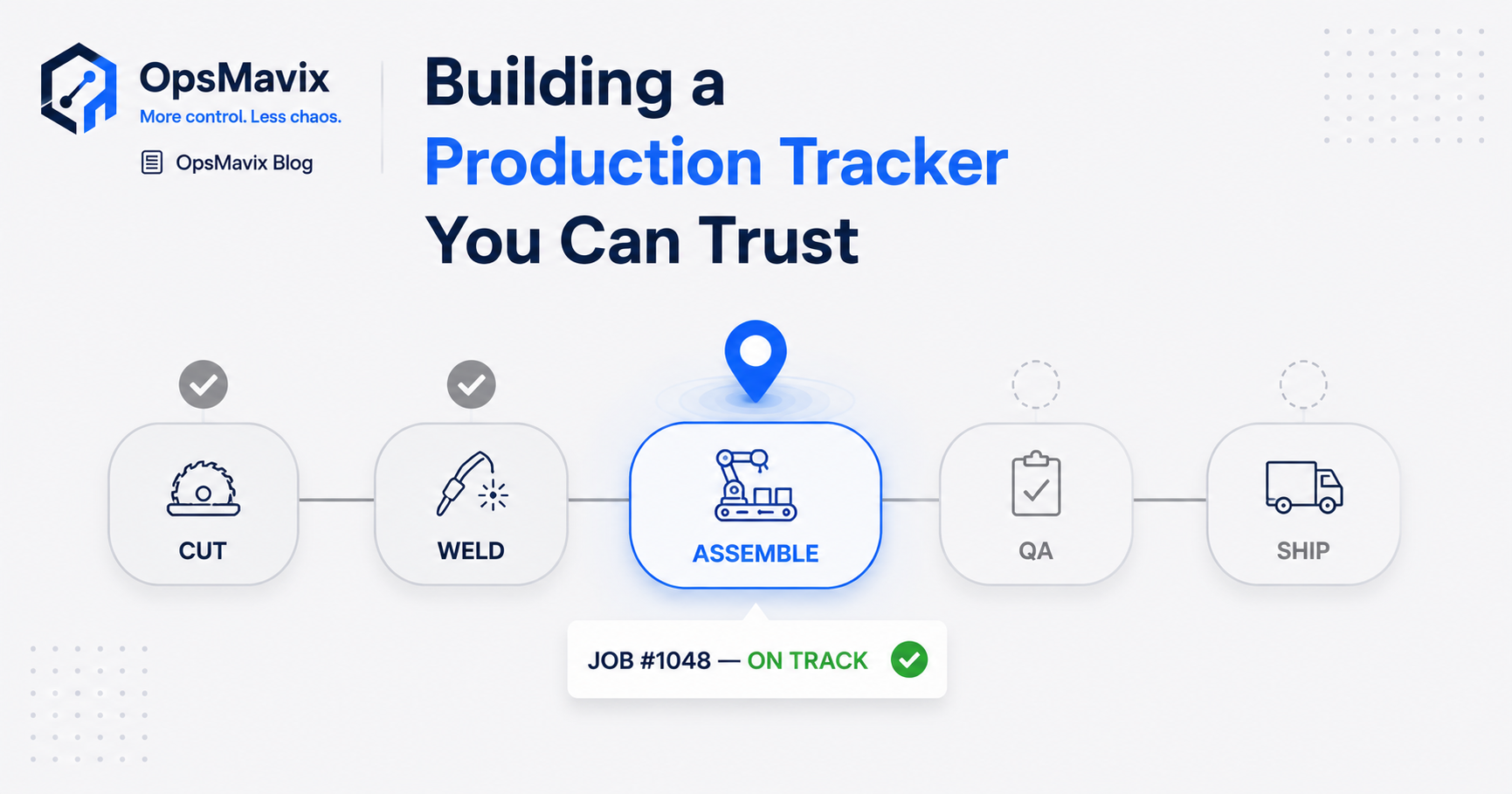
A production tracker is a single live view of every job on your floor: its stage, its due date, and what it’s waiting on. Build it right and you answer “where is that job?” without walking the floor or phoning anyone. The hard part isn’t the screen. It’s making the numbers trustworthy enough that you stop double-checking them.
Most small manufacturers already have a tracker. It’s a whiteboard, a paper traveller, or what one owner called “a 47-tab monster that only you understand.” The trouble is it goes stale the moment a job moves, so the only reliable status still lives in someone’s head. A real production tracker fixes that.
Here’s what to build, what to track, and how to make it one your team actually uses.
Key Takeaways
- A production tracker is only worth building if you can trust every number on one screen. Otherwise you’re back to walking the floor.
- The leak it kills: jobs that quietly fall off the plan and only get noticed when the customer phones.
- Track the essentials first: status, due dates, what’s late, and labour and material against the work order.
- Build it around how your floor already runs, not as a tool the team has to bend to.
- Start with one value stream, prove the data is right, then expand.
1Why “Trust” Is the Whole Job
A production tracker that’s only sometimes right is worse than none, because it gives false confidence. Say the board shows a job at assembly when it’s actually still waiting on material. You’ve just promised a customer a date based on a lie. So the bar isn’t “can we display job status.” It’s “can the owner open one screen and trust every number on it without quietly walking the floor to confirm.”
Most homegrown trackers fail that test. The data gets entered when someone remembers, by someone who isn’t doing the work, after the fact. Trust comes from capturing status at the point the job moves, not transcribing it later.
2The Leak a Production Tracker Plugs
There’s a specific, expensive failure this is built to stop. As one manufacturer put it: “The entire shop is run from my head, and the first I hear a job’s slipped is when the customer phones.”
That’s the silent ball-drop. A job never gets scheduled, or it falls off the whiteboard when it’s wiped, and nobody notices until a repeat customer rings asking where their order is. You scramble a rush job, eat the overtime, and apologise. The numbers on the wall never matched the shop in the first place. A tracker that flags at-risk jobs before the due date is the difference between catching that on Monday and hearing it from the customer on Friday.
3What to Actually Track
Resist the urge to instrument everything. Track the handful of things that tell you whether the floor is on schedule:
- Job status — which stage each job is at, right now.
- Due dates and what’s at risk — flagged before it slips, not after.
- WIP — what’s in progress and where it’s sitting.
- Labour and materials against the work order — so true job cost is captured, not reconstructed.
That last one earns its keep. Knowing “how close my quote was to actual” turns quoting from a guess into a number, which is how you stop bleeding margin on every job.
4Whiteboard and Spreadsheet vs a Live Production Tracker
| Whiteboard / 47-tab spreadsheet | Live production tracker | |
|---|---|---|
| Status accuracy | Stale on the next job move | Current to the last update |
| “Where’s job X?” | Walk the floor and ask | One screen |
| Late jobs | Found when already late | Flagged before the due date |
| Job cost | A guess, reconstructed after | Labour and materials captured live |
| The bus factor | One fragile file in one head | One owned system, no single point of failure |
The spreadsheet feels like it costs nothing. But the “3 AM panic when formulas break before a board meeting”, plus the fact that nobody but you can fix it, is a real cost. You just only pay it when it’s too late to do anything about.
5Build It Around the Floor, Not the Other Way Round
This is where off-the-shelf tools lose. Manufacturers describe rigid software as “as flexible as a wooden door” and complain they were “forced to change almost every procedure because [it] only has ‘One’ way of doing things.” When the tool fights the floor, the lads quietly go back to the whiteboard, and you’ve paid for shelfware.
Our view at OpsMavix: a production tracker should encode your shop’s logic, your stages, your travellers, your way of moving a job. It should not impose a SaaS vendor’s idea of “best practice.” The whiteboard works because it matches how you think. The job is to keep that logic and make it live, shared, and impossible to wipe by accident. If clocking onto a job takes longer than scribbling on the board, adoption dies. Keep each update to seconds at a simple station per cell.
6Start With One Value Stream
Don’t instrument the whole factory on day one. Pick one product line or work cell, get live status and due-date visibility working there, confirm the data matches reality, then expand. A focused first step lands real visibility in weeks rather than the year a full ERP rollout demands, and it earns trust before you scale it. Stock and despatch can connect later through your inventory and order systems. Stock accuracy is worth fixing early too: see why your stock never matches the system.
FAQ
What is a production tracker?
A production tracker is a live view of every job in production: its current stage, due date, WIP, and the labour or material against it. Anyone can see where a job stands without walking the floor or asking around. The goal is one screen you can trust.
How is a production tracker different from an ERP?
An ERP bundles planning, finance and procurement, and makes you implement all of it. A production tracker does one job well: live visibility of jobs on the floor. You can run a focused production tracking system without replacing your accounts or committing to a year-long rollout — the same idea as shop floor job tracking without an ERP.
Why don’t spreadsheets work as a production tracker?
They go stale the instant a job moves, and nobody updates them in real time, so the only accurate status ends up in someone’s head. They also turn fragile: a “47-tab monster” only one person understands, which breaks at the worst possible moment.
How do you make sure the team actually uses it?
Build it around how the floor already works and keep each update to seconds at a simple station per cell. When the tool matches the shop’s existing logic instead of forcing new procedures, adoption sticks rather than drifting back to the whiteboard.
How long does it take to get a production tracker live?
Starting with one value stream, useful visibility typically lands in weeks rather than the many months a full ERP implementation takes. You prove the data is right on one line, then expand from there.
How OpsMavix Can Help
OpsMavix builds custom production tracking systems for small and mid-sized manufacturers: live job status, due dates, WIP and at-risk alerts against your work orders, built around how your floor already runs, and yours to own outright. No £100k ERP, no bending the shop to the software.
If the only reliable answer to “where’s that job?” is walking the floor or asking around, that’s a visibility leak costing you delays, rush jobs and rework. Book an Operations Leak Audit and we’ll map where your floor loses time.