
The Physical Stocktaking Procedure That Actually Reconciles
A once-a-year count that never reconciles is wasted effort. Here's a physical stocktaking procedure — prep, freeze, blind-count, reconcile — that produces a stock figure you can actually trust.
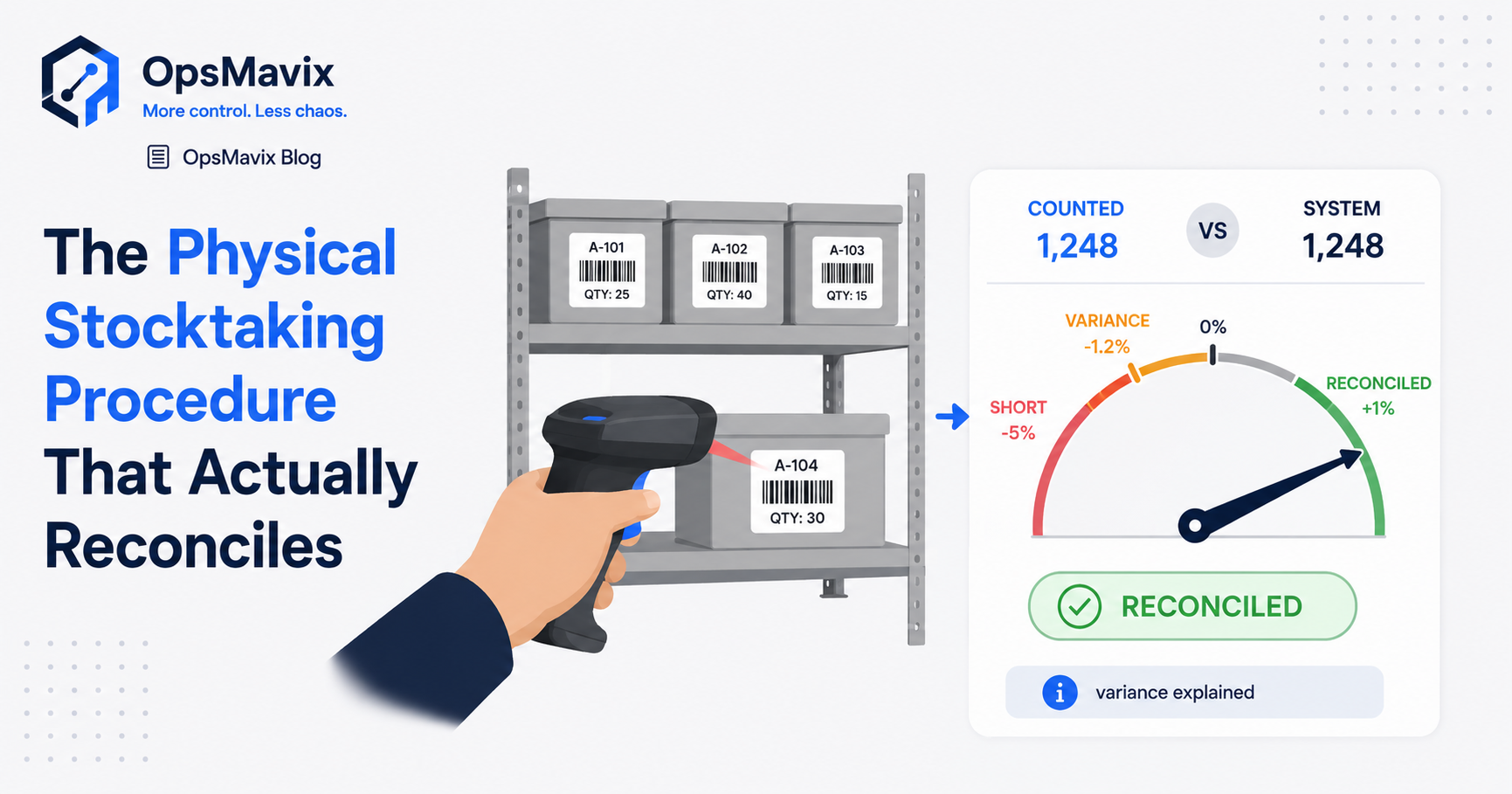
The team counts 47 units. The system shows 50. Someone changes the balance to 47, the warehouse reopens and the discrepancy is considered closed.
A week later, the same product is wrong again. The original count corrected the balance, but nobody established which movement was missing or whether the count and system record referred to the same moment.
A physical stocktaking procedure is a controlled process for counting actual inventory, reconciling it with the records and approving any corrections. Preparation, movement control, count coverage and follow-up matter as much as the count itself.
The outcome should be more than a completed spreadsheet. You need an explainable balance, retained count evidence and a list of recurring causes to fix. Some differences may remain unexplained after reasonable investigation; record that uncertainty rather than inventing a reason.
This guide sets out a practical procedure from preparation through reconciliation, with worked examples and controls for keeping records useful between full counts.

A useful stocktake establishes which goods, locations and movements are included before the team starts counting.
Key Takeaways
- Define the count scope and reference time, including stock in receiving, dispatch, transit, returns and third-party locations.
- Freeze movements in the counted area where practical. If movement continues, record and reconcile it using timestamps and clear boundaries.
- Use blind initial counts where appropriate, and preserve the original observations when an independent recount is required.
- Count by the detail needed for control: product, unit, location, lot, serial number and status where relevant.
- Resolve cut-off and recording errors before posting a residual inventory adjustment, so the same discrepancy is not corrected twice.
- Retain count evidence, approvals and reasons, then use movement controls and risk-based cycle counts to reduce recurring drift.
In this guide:
- Define the count scope
- Prepare locations and teams
- Control movement and cut-off
- Count blind and verify coverage
- Worked reconciliation examples
- Investigate and approve adjustments
- Close the count properly
- Keep records reliable between counts
- Frequently asked questions
- How OpsMavix can help
1. Define the Scope and the Reference Time
Before issuing count sheets, decide exactly what the stocktake covers. “Everything in the warehouse” can hide several different stock positions and ownership arrangements.
A count identifies physical goods. The reconciliation also needs to establish which goods belong in the relevant inventory records.
Create a scope map
Include or explicitly address:
- Storage bins and pick faces.
- Receiving and put-away areas.
- Picked or packed goods awaiting dispatch.
- Returns, damaged stock and quarantine.
- Production stock and work in progress where in scope.
- Vans, external storage and third-party warehouses.
- Transfers in transit.
- Consignment goods and other stock held for a different owner.
Segregate and identify third-party goods rather than automatically treating them as company inventory. Similarly, stock owned by the business but held elsewhere needs a separate evidence route.
Agree the level of detail
If inventory is controlled by lot and location, a SKU total alone is insufficient. A surplus in one lot does not establish that a shortage in another is harmless.
Decide how to count sealed cases, loose units, lengths, weights and work in progress. State the unit of measure and conversion rules on the count instructions.
Set the reference time
The count and the system comparison must relate to the same reference time or be bridged by recorded movements.
Keep the snapshot identifier, timestamp and filters. A file exported before the last receipts were posted is not automatically the correct baseline for a later count.
2. Prepare the Locations, Records and Counting Teams
Preparation reduces avoidable ambiguity. It should organise the goods without concealing problems that the count needs to identify.
Make locations identifiable
Label bins and separate mixed products where practical. Identify goods on the floor, temporary storage and empty locations. Do not move stock informally after the baseline is established.
Create a zone map and assign every zone to a count team. A completed sheet should identify its zone, counter, date and time.
Review outstanding transactions
List receipts, picks, dispatches, transfers and returns that are physically in progress but not fully recorded. Resolve them before the count where possible, or place them in a controlled cut-off list.
Do not rush-post an uncertain transaction merely to make the list tidy. Keep the evidence and status clear.
Prepare the tools
Count sheets or devices should identify the product and required tracking detail while leaving the initial count field empty. Provide a way to record unexpected stock that is absent from the prepared list.
For scanners, check labels, connectivity, permissions and the unit captured. A scan of one case must not silently mean one individual unit.
Brief the team
Explain:
- What constitutes a completed location.
- How to confirm an explicit zero.
- How to record unidentified or damaged goods.
- Whether sealed packs may be counted by a verified pack quantity.
- How to handle a movement request during the count.
- Who resolves questions and authorises exceptions.
Separate counting, review and adjustment approval as practical for the team size. A smaller business may need a supervisor review rather than a dedicated team for each role.
3. Control Stock Movement and Cut-Off
A movement freeze is often the simplest way to keep the comparison understandable. It can apply to one zone rather than requiring the entire operation to stop.
When a freeze is practical
Stop relevant receipts, picks and transfers for the defined window. Control system posting as well as physical movement: either can change the comparison.
Mark counted zones and prevent stock being moved into or out of them without approval. Confirm what happens to urgent requests before they occur.
When movement must continue
Use a controlled movement log with product, quantity, tracking details, source, destination and time. Record whether each movement occurred before or after the relevant location was counted.
A timestamped snapshot alone is not enough if stock continues moving and those movements cannot be matched to the count observations.
Odoo’s inventory adjustment guidance explicitly notes that movements can occur between counting and applying an adjustment. Test how your system handles that interval before posting results.
Handle staging and transit deliberately
Picked goods in dispatch staging may still be physically on site. Count them once, under the correct location and status. Do not count them again in their source bin.
A transfer dispatched from one warehouse but not received at another should have a defined transit position. The destination should not report it as received simply because it is expected.
Keep integration timing visible
A 3PL or sales channel may post movements after the local count window. Identify delayed records, failed imports and retries so they do not become unexplained adjustments.
Freeze, log or reconcile the relevant events under an agreed method. Avoid comparing a current channel figure with an earlier warehouse snapshot as if they represent the same time.
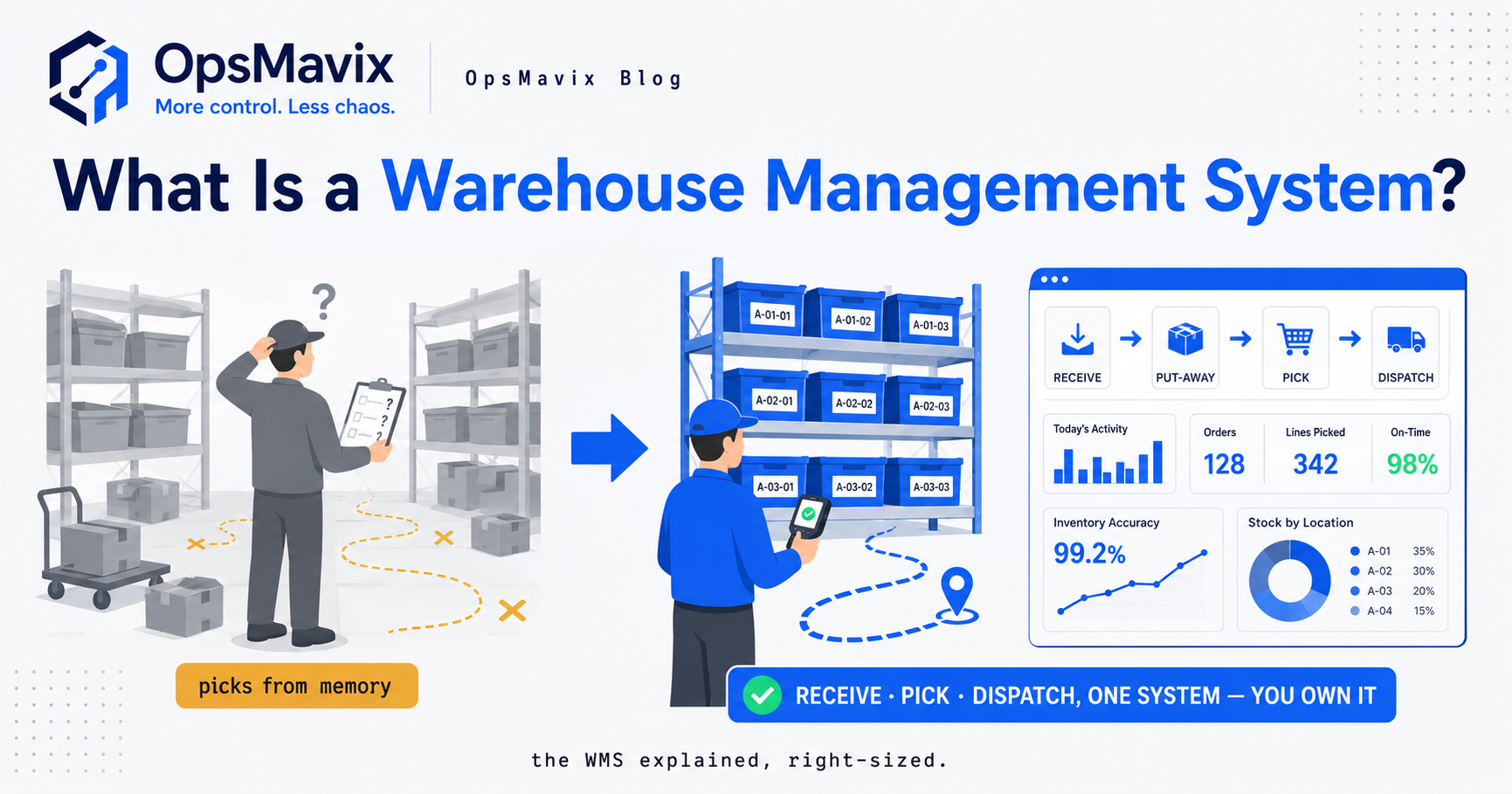
Count timestamps and movement records need to refer to the same product, tracking detail and location.
4. Count Blind and Verify Coverage
A blind initial count hides the expected quantity so the counter records an observation rather than working toward the displayed balance.
It reduces one source of bias. It does not prevent unit errors, skipped bins or incorrectly identified goods.
Count the physical location
Work through each zone systematically. Record the required product, quantity, unit, lot or serial and status. Confirm zero quantities explicitly so a blank field is not interpreted as an empty bin.
Mark a location complete only when its full contents have been addressed, including unexpected goods.
Check in both directions
Compare the prepared list with the shelf to verify expected records. Also inspect the shelf against the list to find unlisted items or locations.
Otherwise, the team can complete every prepared line while missing goods that were never on the sheet.
Microsoft’s physical inventory documentation describes distributing count recordings and controlling their coverage. Apply the equivalent safeguards in your chosen tool.
Recount according to risk
Define review thresholds before the count. Consider absolute quantity, value, percentage difference and product sensitivity rather than relying on one blanket percentage.
Require an independent recount where the result or risk warrants it. Keep the first and second observations; do not replace the original evidence with a revised number without explanation.
If counts still disagree, resolve identification, unit conversion and coverage before approving the result.
5. Worked Examples: Reconciling Counts and Timing
These hypothetical examples illustrate the logic. Your software’s posting behaviour must be verified before using a particular adjustment method.
Example A: a missing dispatch record
At the reference time, the system shows 100 units and the verified physical count is 92.
Initial variance = 92 − 100 = −8 units.
Investigation finds a documented eight-unit dispatch that physically left before the reference time but was not recorded.
| Step | Recorded quantity | Physical quantity | Difference |
|---|---|---|---|
| Initial comparison | 100 | 92 | −8 |
| Missing dispatch corrected through the approved process | 92 | 92 | 0 |
Do not post both the missing dispatch and a separate minus-eight inventory adjustment for the same event. That would reduce the record to 84 and create a new error.
The correction route depends on transaction dates, permissions and system controls. Preserve the dispatch evidence and its connection to the count review.
Example B: comparing different moments
At 09:00, the baseline is 100 units. Between then and the 11:00 count, a logged receipt adds 20 and a logged dispatch removes 15.
Expected quantity at 11:00 = 100 + 20 − 15 = 105.
The team counts 103 units, so the variance at the count time is:
103 − 105 = −2 units.
Comparing 103 directly with the 09:00 snapshot would suggest a three-unit surplus and reach the wrong conclusion.
Example C: movement after the count
Continuing example B, another properly recorded dispatch removes ten units after 11:00. Before the residual correction, the system balance is 95 and the expected physical balance is 93.
An approved minus-two correction would align them at 93 under this illustrative model. Blindly setting the current balance to the earlier count of 103 would ignore the later dispatch.
Verify whether the application posts a difference, replaces a quantity or recalculates against later movement. Do not assume all count tools behave alike.
6. Investigate Variances and Approve Adjustments
A surviving discrepancy needs an investigation proportionate to its value and risk. The aim is to establish the most reliable balance and prevent repeat errors, not to force an explanation for every unit.
Check common causes systematically
| Possible cause | Evidence to review | Potential follow-up |
|---|---|---|
| Unit or pack conversion | Labels, item setup and count instructions | Correct conversion rules and training |
| Missing receipt or dispatch | Physical documents and transaction history | Repair the recording handoff |
| Wrong bin or lot | Related location and tracking balances | Correct the classification with evidence |
| Return or sample not recorded | Return documents and internal-use records | Add a defined movement workflow |
| Cut-off difference | Timestamps and staging or transit records | Improve movement control |
| Damage or expiry disposal | Disposal evidence and approvals | Record the loss through the appropriate process |
| Unexplained shortage | Verified recount and available history | Record uncertainty and investigate recurring patterns |
Do not treat a count difference alone as evidence of theft. Keep suspected causes separate from confirmed findings.
Preserve the adjustment trail
Retain the baseline, verified count, timing reconciliation, proposed correction, reason and approver. Record the actual adjustment reference after posting.
Where an error can be repaired through its original transaction, review that route before using a general adjustment. For a residual discrepancy, a controlled inventory adjustment may be appropriate even if the cause remains unknown.
Distinguish quantity correction from value review
A corrected quantity does not automatically establish the appropriate valuation treatment. Use the configured costing method and the business’s finance review for the resulting postings.
For illustration, a confirmed unexplained shortage of two units at an assumed stock cost of £12 is £24 of quantity-related cost difference. It is not automatically £24 of lost sales or profit.
7. Close the Stocktake With an Evidence Pack
Closing the count means more than applying adjustments. Confirm coverage, posting and follow-up before declaring the records reconciled.
Retain the core evidence
Keep:
- Scope, zone map and count instructions.
- Baseline snapshot and reference time.
- Original counts, explicit zeros and recounts.
- Movement and cut-off logs.
- Investigation notes and supporting transaction references.
- Approved corrections and posting references.
- Outstanding issues, owners and due dates.
- Final reviewed balances for the count scope.
Reconcile the final position
Check that approved corrections were applied once and to the correct product, lot, location and status. Review any movements since the count before comparing final quantities.
A net zero difference across the warehouse can conceal offsetting shortages and surpluses. Review the detailed positions rather than judging success only by the overall total.
Release the operation clearly
Tell teams which zones and workflows are reopened. Resolve any temporary holds or queued movements, with a controlled order of processing.
Discuss the evidence and timing required for financial reporting or external review with the people responsible for that work. An operational count procedure does not by itself establish those separate requirements.
Turn findings into process changes
Assign the recurring issues: a receipt workflow that misses quantities, an unclear case conversion or returns left in an unrecorded area.
A short action list with owners and review dates is more useful than a long variance report that nobody revisits.

The count should connect to receiving, dispatch, returns and adjustment records so recurring differences can be traced.
8. Keep Records Reliable Between Stocktakes
A count verifies a position at a defined time. Subsequent movements change the stock; they do not automatically make the records inaccurate.
Drift appears when those changes are missing, wrong or inconsistently classified. Movement capture remains the main control between counts.
Cover every stock-changing workflow
Make room for receipts, dispatches, transfers, returns, samples, internal use, scrap and status changes. Reservations should remain distinct from physical movement.
Show failed or delayed updates and assign a recovery owner. A connected inventory system can support the process, but configuration, training and exception handling still matter.
Use risk-based cycle counting
Count selected locations or items throughout the year. Frequency can reflect value, transaction volume, loss sensitivity and past differences.
Fast-moving or repeatedly inaccurate items may warrant more frequent checks. Include low-activity locations periodically so forgotten stock is not excluded indefinitely.
Use the same principles of scope, timing, blind observation and controlled correction for cycle counts. Smaller counts do not remove the need for movement control.
Measure repeat causes
Track first-count accuracy under a stated tolerance, recount frequency, adjustment quantity and value, and recurring reasons. Avoid presenting net adjustment value as a complete measure of accuracy.
A falling variance rate is useful evidence. It is not a guarantee that the next full count will match on its first pass.
Improve existing tools before replacing them
Standard inventory products often already offer counting, adjustments and history. Determine whether configuration, permissions or missing workflows are the actual gap.
Custom development can help where an important process remains unsupported. Compare migration, support and maintenance alongside build cost, and agree ownership and handover explicitly.
Frequently Asked Questions
What is a physical stocktaking procedure?
It is the controlled process of preparing a count, observing physical inventory, reconciling it with records and approving corrections. It should retain evidence and identify recurring recording problems.
Do we have to close the whole warehouse?
Not always. A controlled zone freeze may be sufficient, or movements can continue under a reliable timestamped log and reconciliation method. Choose a method the team and software can actually support.
Why should the initial count be blind?
Hiding the expected quantity reduces the risk of counters simply confirming it. Blind counting still needs correct product identification, units and complete location coverage.
Should every difference be recounted?
Define the review policy according to value, quantity and risk. Material or sensitive differences need independent verification. Preserve the first observation and the recount rather than silently replacing either.
Should we adjust the system to match the count?
After verification and timing reconciliation, an approved correction may be appropriate. First check for missing transactions and classification errors so they are not also corrected separately. Retain the evidence and reason, including uncertainty where necessary.
What if stock moved after it was counted?
Bridge those movements to the current position or use the application’s verified adjustment logic. Do not replace a current quantity with an earlier count without accounting for the interval.
Why does our stocktake keep producing differences?
Possible causes include missed movements, wrong units, cut-off errors, incomplete coverage and counting mistakes. Trace repeated discrepancies to evidence rather than assuming one cause explains them all.
How often should we count stock?
Frequency depends on operational risk and any applicable reporting or review needs. Use risk-based cycle counts between wider counts, and agree the required full-count arrangements with the relevant business stakeholders.
Will cycle counting eliminate stock errors?
It can identify differences sooner and help expose recurring causes. It does not replace reliable receiving, dispatch, returns and adjustment controls, nor guarantee perfect accuracy.
How OpsMavix Can Help
OpsMavix helps growing businesses connect physical stock movements with inventory records that can be checked and explained. We start with where the differences occur, then assess whether the current tools or a focused build can close the gap.
We can help you:
- Map receiving, dispatch, transfer and return workflows.
- Define stock locations, units and tracking requirements.
- Build controlled count and variance-review processes.
- Connect movements through a practical inventory system.
- Make failed updates and unexplained adjustments visible.
- Add operations reporting for recurring causes and follow-up actions.
- Pilot improvements with clear acceptance checks and training.
Bring a recent count sheet, the matching system snapshot and one discrepancy that returned after correction. We will trace the timing, movements and adjustment history to identify what the procedure or workflow needs to change.
Book an Operations Leak Audit to map where stocktaking reconciliation breaks down and what to improve first.
Keep reading
Getting value from OpsMavix? Add us as a preferred source on Google — you'll see more of our operations content in your AI Overviews, AI Mode and Search.