
When a Parts Tracking Spreadsheet Stops Coping
A parts tracking spreadsheet is fine until you can't trust the count, you re-key the same numbers twice, and one person owns the file. Here's where it breaks and the right-sized fix.
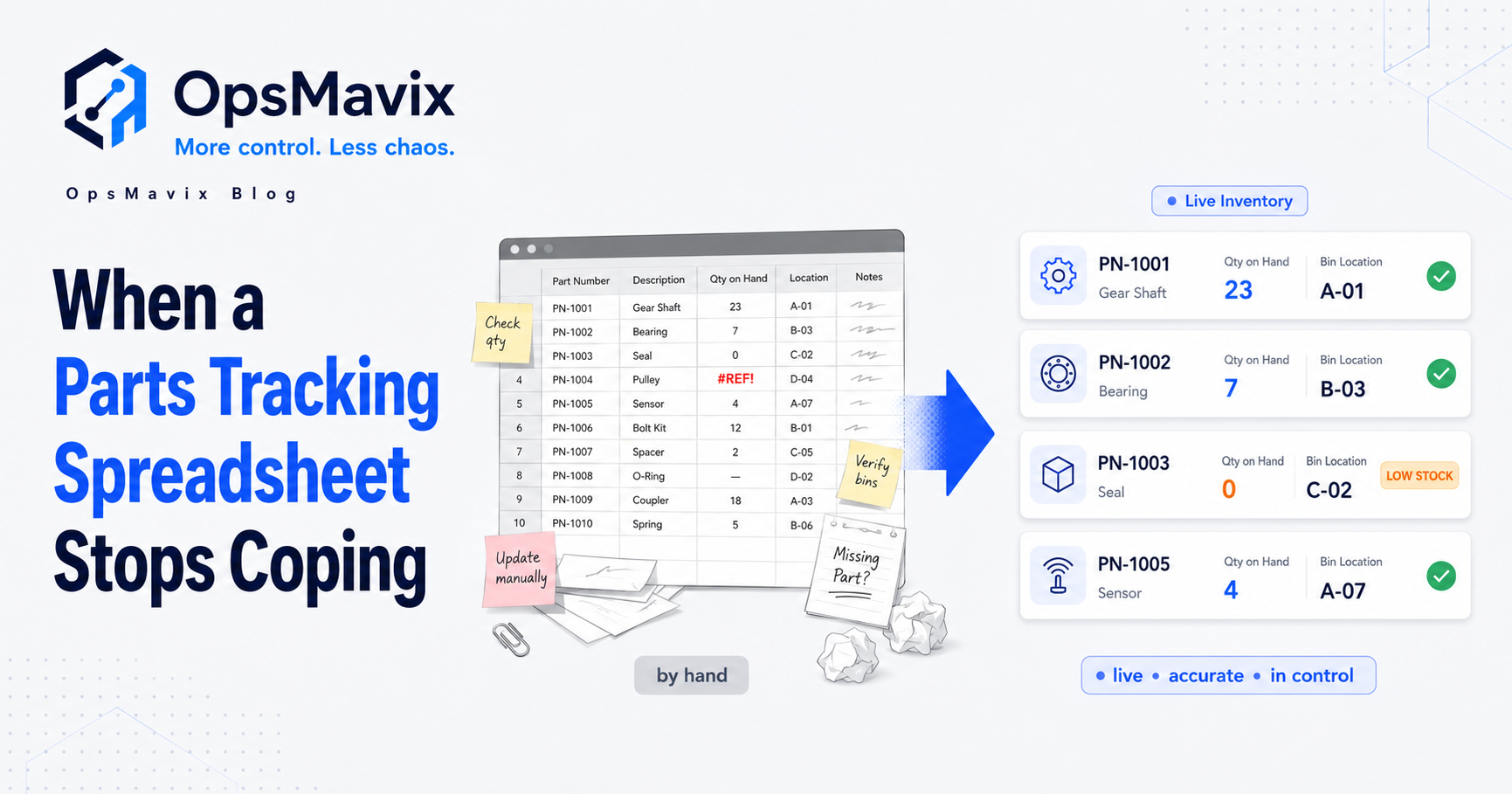
A parts tracking spreadsheet stops coping the moment three things become true at once: the on-hand count is no longer live, you re-key the same numbers into more than one place, and only one person can actually read the file. Below that point it’s a working tool. Past it, you’re paying for a system that quietly lies to you. This post is about spotting that line and what to build on the other side of it.
Most maintenance teams, small manufacturers, and field-service shops start with Excel for spare parts, and they’re right to. The trouble is the parts tracking spreadsheet doesn’t fail loudly. It fails the day an engineer drives to a job, opens the van, and the part the sheet promised isn’t there.
Here’s where it breaks, in order, and how to replace it without buying a £100k system you don’t need.
Key Takeaways
- A parts tracking spreadsheet is fine until you can’t trust the on-hand number. After that it costs you more than it saves.
- The three break points: no live count, the same data re-keyed in two places, and one person who owns the file.
- The expensive failure is the stockout you find at the point of use: an engineer at a job, a line down, no part.
- Fix it by capturing parts movement where it happens (issued, received, used), not by typing it up later.
- Start with the parts that actually hurt when they run out, prove the count is right, then widen it.
1Where the Parts Tracking Spreadsheet First Breaks
The first crack is always the same: the number on the sheet and the number on the shelf drift apart. Someone takes a part for a repair and means to update the file later. They don’t. Multiply that by a week of jobs and the count is fiction.
This is the exact wound inventory people describe in their own words: “our spreadsheet counts wind up being off, sometimes wildly so.” A parts tracking spreadsheet has no way to know a part left the shelf. It only knows what someone remembered to type. That gap is where every later problem grows.
2The Stockout You Find at the Point of Use
There’s a specific, expensive failure this whole post is built around. The sheet says you have the part. You don’t. And you find out at the worst possible moment, with an engineer on site, the machine down, and the customer watching.
It’s the same pattern warehouse teams hit with overselling: “we would consistently oversell items we didn’t even have on hand.” For a parts operation it’s not a refund, it’s a wasted call-out, an emergency courier, or a line stopped while you source a £4 component overnight at five times the price. The parts tracking spreadsheet didn’t cause the shortage. It hid it until it was too late to fix cheaply.
A right-sized parts system flips that: the count is live, so a low part flags before the job, not during it.
3The Re-Keying Tax
The second break point is duplication. The parts list lives in the spreadsheet, but the same numbers also get typed into a job sheet, an invoice, a purchase order, or the accounts package. Every part used gets entered more than once, by hand, which means every part used is a new chance to get it wrong.
This is the leak we cover in detail in why your stock never matches the system: the same figure keyed in two places will disagree, and the disagreement is invisible until it bites. The more your parts spreadsheet grows, the more re-keying it generates, and the manual work scales faster than the business does. If you’re already feeling this across orders too, the same fix applies. See stop re-keying orders by hand.
4The One-Owner Problem
The third break point is the quietest and the most dangerous. The parts tracking spreadsheet grows tabs, formulas, hidden columns, and lookup logic until it becomes what one owner called “a 47-tab monster that only you understand.” It works right up until the person who built it is on holiday, off sick, or gone.
Then nobody can fix a broken formula, nobody trusts the count, and the whole parts operation freezes. The same person also lives in fear of it: “the 3 AM panic when formulas break before a board meeting.” That’s not a tooling problem you can train away. It’s a single point of failure baked into a file.
5Spreadsheet vs a Right-Sized Parts System
| Parts tracking spreadsheet | Right-sized parts system | |
|---|---|---|
| On-hand count | Right only just after a manual update | Live to the last issued or received part |
| “Have we got this part?” | Open the file, hope it’s current | One screen, current count |
| Low stock | Found when an engineer’s already on site | Reorder point flags before it runs out |
| Data entry | Re-keyed into job sheets, POs, accounts | Recorded once where the part moves |
| The owner risk | One fragile file in one head | One owned system, no single point of failure |
The spreadsheet looks like it costs nothing because the cost is hidden. You only get the bill in wasted call-outs, emergency orders, and the day the file breaks and the one person who understands it isn’t there.
6What to Track, and Where to Capture It
You don’t need to instrument every washer. Track the handful of things that decide whether a job can go ahead:
- On-hand by part and location: van stock, the stores, each site, counted as it moves.
- Issued / used / received: captured at the point it happens, not typed up later.
- Reorder point per part: so the parts that hurt when they run out reorder themselves.
- What a part is used on: link it to the job, asset, or machine so usage is traceable.
The single thing that makes this work is where you capture it. The parts spreadsheet fails because entry happens after the fact, by someone who isn’t doing the work. A real system records the movement at the van, the stores hatch, or the bench, in seconds. If logging a part takes longer than scribbling it on a clipboard, nobody does it, and you’re back to a sheet that lies.
7Start With the Parts That Hurt
Don’t migrate the whole catalogue on day one. Pick the parts where a stockout actually costs you: the critical spares, the fast movers, the components that stop a line or a job. Get live counts and reorder points working on those first, confirm the number matches the shelf for a fortnight, then widen it.
A focused first step lands real visibility in weeks, not the year an enterprise rollout demands, and it earns trust before you scale. Parts stock can connect to your wider inventory automation and, for makers, to production tracking later. If your needs are broader than parts alone, the same approach drives a full custom inventory system.
FAQ
Is a parts tracking spreadsheet ever good enough?
Yes, until three things become true at once: the count goes stale between updates, you re-key the same numbers into more than one place, and only one person can read the file. Below that line a spreadsheet is a sensible, cheap tool. Past it, the hidden costs outrun the savings.
Why does my parts count never match the shelf?
Because a spreadsheet only knows what someone remembered to type. A part can leave the shelf with no record, so the count drifts: “our spreadsheet counts wind up being off, sometimes wildly so.” The fix is capturing each issue and receipt at the point it happens, not reconstructing it later. More on this in why your stock never matches the system.
What’s the difference between a parts system and a full ERP?
An ERP bundles finance, procurement, and planning and makes you implement all of it. A right-sized parts system does one job: a live, trusted count of the parts you actually use, with reorder points and movement history. You can run that without replacing your accounts or committing to a year-long rollout.
How do I get engineers to actually log parts?
Make logging a part take seconds, at the point they use it, in the van, at the stores, on the bench, not a form they fill in back at the office. When capture matches how the work already happens, it sticks. When it’s slower than a clipboard, adoption dies and the count goes back to guesswork.
How long until a parts system is live?
Starting with the critical and fast-moving parts, useful live visibility typically lands in weeks rather than the many months a full ERP implementation takes. You prove the count is right on those parts first, then expand from there.
How OpsMavix Can Help
OpsMavix builds custom parts and inventory systems for maintenance teams, small manufacturers, and field-service operations: a live on-hand count by part and location, reorder points that flag before you run out, and movement captured where the work happens, built around how your team already works, and yours to own outright. No per-seat fees, no vendor that can switch it off, no £100k ERP.
If your parts tracking spreadsheet only tells the truth right after one person updates it, that’s a leak costing you call-outs, downtime, and rush orders you never see itemised. Book an Operations Leak Audit and we’ll map where your parts count is costing you money.