
Odoo Disadvantages: Common Issues & Solutions
Odoo is flexible and powerful, but it is not the right fit for every business. Learn the main Odoo disadvantages, common problems, hidden risks and what to consider before implementation.
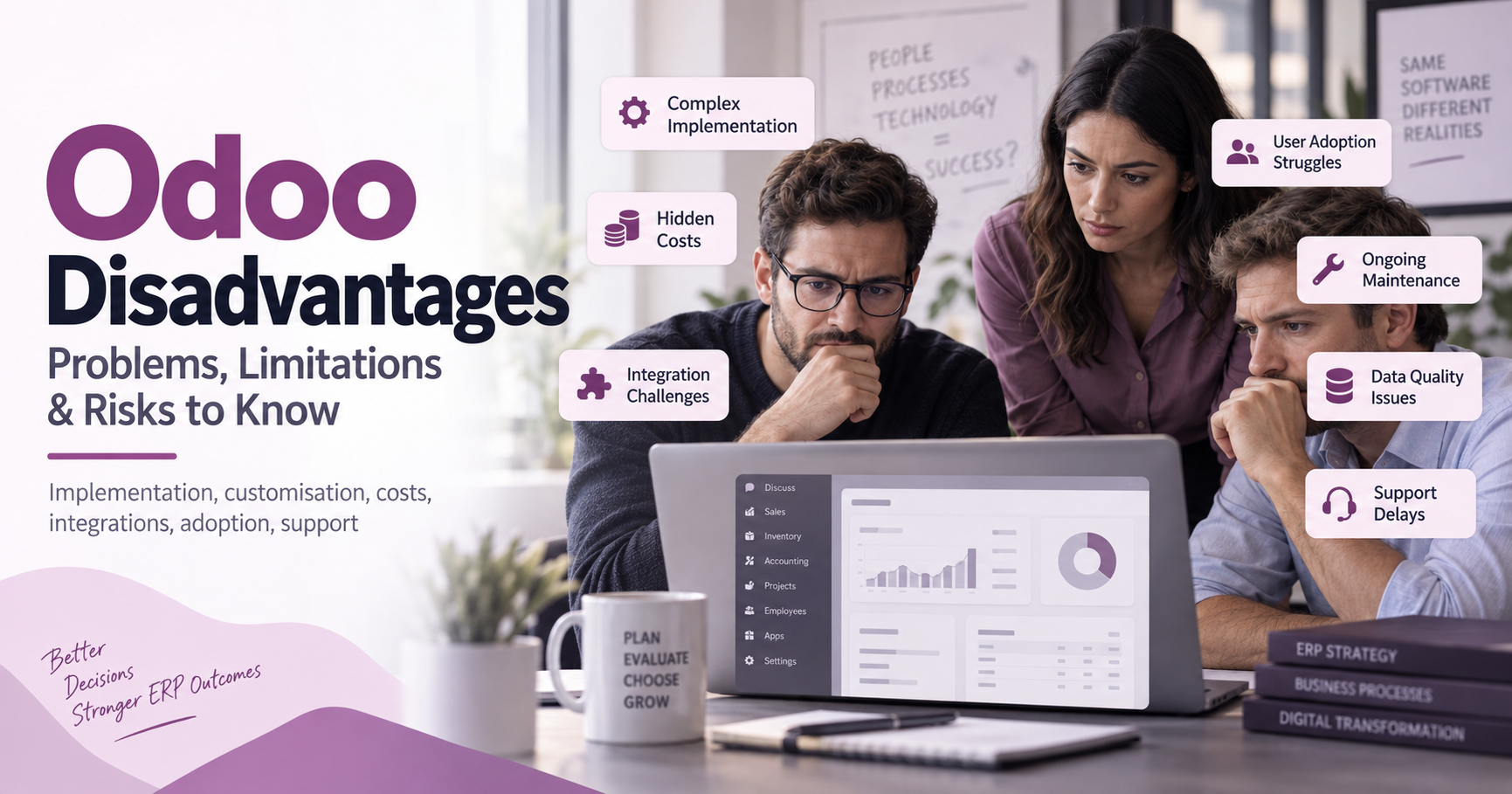
Odoo is a flexible ERP platform that can bring sales, accounts, stock, projects, websites and other business processes into one connected system. Yet it is not the perfect fit for every organisation, and many Odoo problems appear when teams underestimate configuration, data quality, training or long-term support. This article looks at the most common Odoo disadvantages in practical terms, so you can judge the risks before committing budget, time and internal resources. If you are weighing Odoo against a system built for you, our bespoke software development UK guide sets out costs, code ownership and how to choose a supplier.

What are the main disadvantages of Odoo?
The main disadvantages of Odoo usually come from complexity rather than from one single flaw. Odoo can do a great deal, but that breadth means implementation decisions matter: the wrong apps, weak process mapping, rushed migration or excessive customisation can turn a promising ERP project into a frustrating one. For growing businesses, the most important question is not simply whether Odoo has enough features, but whether the organisation has the time, expertise and support to shape it properly.
A balanced view of Odoo ERP advantages and disadvantages should recognise both sides. The platform is modular, adaptable and widely used, which makes it attractive for companies that have outgrown disconnected tools. At the same time, that flexibility can create hidden work, especially when several departments depend on the same data and workflows.
Flexibility can become complexity
One of Odoo’s biggest strengths is also one of its common drawbacks. Because it is modular, businesses can add apps for CRM, invoicing, purchasing, inventory, manufacturing, HR, eCommerce and more. In theory, this lets you build a system around your needs instead of forcing your company into a rigid structure.
In practice, too many modules can create confusion. Teams may activate features before they fully understand how those features affect reporting, user permissions, approvals or stock movements. A small change in one area can have consequences elsewhere, particularly when accounting, warehouse operations and sales processes are tightly connected.
This is where many Odoo issues begin. A company may start with a simple requirement, such as improving sales order management, then gradually add invoicing, purchasing and stock control without redesigning the wider workflow. The result can be duplicated data, unclear ownership and staff who are unsure which screen, field or process they should use.
Implementation requires careful planning
Odoo is rarely a “switch it on and it works exactly as imagined” system. Even when the standard features are suitable, a successful rollout usually requires discovery, process mapping, configuration, testing, data cleansing and staff training. If these stages are rushed, the disadvantages of Odoo become much more visible.
Common planning mistakes include:
- Starting with software before process: choosing modules without first agreeing how work should flow across departments.
- Migrating poor-quality data: importing old contacts, products or accounts without cleaning duplicates and errors.
- Underestimating testing: checking happy paths only, while ignoring refunds, returns, partial deliveries, exceptions and approvals.
- Skipping user training: assuming staff will learn naturally because the interface looks accessible.
- Going live too broadly: launching too many modules at once instead of phasing the change.
Good planning does not remove every challenge, but it reduces avoidable disruption. Before implementation, businesses should document core processes, define success criteria and identify who will make decisions when trade-offs appear.
Customisation can create long-term maintenance work
Many organisations choose Odoo because they want a system that can be adapted. Custom fields, automated actions, tailored reports and bespoke modules can make the platform fit a business more closely. However, customisation is one of the most common sources of long-term Odoo limitations.
Every custom feature needs to be tested, maintained and reviewed when processes change. If too much logic is built around one team’s current way of working, the system may become harder to upgrade or adjust later. Over-customisation can also make support more difficult, because issues are no longer limited to standard Odoo behaviour.
A sensible approach is to customise only where there is a clear business case. If a process can be improved to fit the standard system without damaging operations, that may be better than building bespoke functionality. The aim should be a usable system, not a perfect digital copy of every existing habit.
Costs may be less predictable than expected
Odoo is often viewed as cost-effective, especially compared with some larger enterprise platforms. However, the total cost depends on more than licences or hosting. Businesses should also consider implementation support, development work, integrations, data migration, training, maintenance and future changes.
Some costs appear gradually. A team might need an additional integration after launch, extra reporting, workflow changes, or support for users who are still adjusting. If these items were not budgeted, Odoo can feel more expensive than expected even if the initial proposal looked attractive.
When comparing Odoo advantages and disadvantages, it helps to think in terms of lifecycle cost. What will it take to implement, support and improve the system over several years? A cheaper start is not always cheaper overall if the project needs repeated fixes later.
User adoption is not automatic
An ERP system changes how people work. Staff may have to enter information more consistently, follow approval rules, use new dashboards or stop relying on spreadsheets. Even if Odoo is configured well, users can resist the change if they do not understand the purpose behind it.
This is not just a training issue. People need to know why certain steps matter, especially when their actions affect other departments. For example, a sales team that enters incomplete product details may create problems for purchasing, stock control and invoicing. ERP success depends on shared discipline.
To improve adoption, businesses should:
- Involve key users early, before final decisions are made.
- Explain the process benefits, not only the software features.
- Provide role-specific training rather than generic walkthroughs.
- Create simple internal guides for common tasks.
- Review feedback after launch and refine where necessary.
Strong adoption turns Odoo into a shared operating system for the business. Weak adoption turns it into another tool people work around.
Reporting depends heavily on clean data
Odoo can support useful reporting, but reports are only as reliable as the data behind them. If products are named inconsistently, contacts are duplicated, taxes are misapplied or sales stages are used differently by each team member, dashboards may mislead rather than clarify.
This is one of the quieter Odoo disadvantages because it may not be obvious on day one. The system can appear to function, but managers later discover that the figures do not match expectations. At that point, the issue may be less about the reporting tool and more about inconsistent usage.
Businesses should set data rules before launch. Define naming conventions, required fields, responsibilities and review routines. Clean data makes automation safer, reporting clearer and decision-making more dependable.
Integrations can be more demanding than expected
Most businesses do not run ERP in isolation. They may need Odoo to connect with payment providers, marketplaces, delivery systems, marketing tools, legacy software or specialist industry platforms. These integrations can be powerful, but they also introduce risk.
Problems can occur when systems structure data differently, update at different times or handle errors in different ways. A stock adjustment in one platform might not immediately reflect in another. An order may fail to sync because a field is missing. A small integration issue can quickly become an operational headache if orders, invoices or inventory are affected.
Before committing to an integration, it is worth asking what data moves, how often it moves, what happens when it fails and who is responsible for fixing it. Clear ownership matters as much as technical possibility.
Standard features may not suit every industry
Odoo covers a wide range of business functions, but not every industry requirement will fit neatly into standard apps. Some companies need highly specific compliance workflows, production logic, pricing structures, document controls or field operations. In those cases, Odoo may still be workable, but it may need careful configuration or development.
This is where expectations should be realistic. A demo can show a smooth, simplified process, but real operations often involve exceptions. If those exceptions are central to how the business works, they must be explored before signing off the project.
The best safeguard is to test real scenarios. Use actual products, customers, order types, approval rules and reporting needs. If the system handles everyday complexity well, it is more likely to survive the pressures of daily use.
Support quality varies by setup
Support experiences can differ depending on whether a business uses internal staff, an implementation partner, community resources or direct vendor support. Some issues may be simple configuration questions. Others may involve custom code, integrations or process design.
This variation is one of the practical Odoo problems buyers should consider early. If nobody clearly owns support, users may lose confidence when issues arise. Delays can also encourage people to return to spreadsheets or manual workarounds, reducing the value of the ERP.
A support plan should define how requests are raised, who prioritises them, what counts as urgent and how improvements are scheduled. Companies considering help from Opsmavix or another ERP adviser should use early conversations to clarify responsibilities, scope and post-launch assistance rather than focusing only on the initial setup.
How to reduce Odoo issues before they grow
Many Odoo issues are preventable with disciplined preparation and realistic expectations. The goal is not to avoid every challenge, because any ERP project will involve decisions and trade-offs. The goal is to spot risks early, control complexity and make sure the system supports the way the business should work.
A practical pre-implementation checklist includes:
- Confirm the main business problems Odoo must solve.
- Map current workflows and decide what should change.
- Choose only the modules needed for the first phase.
- Clean key data before migration.
- Test common tasks and awkward exceptions.
- Limit customisation to high-value requirements.
- Train users by role and responsibility.
- Set clear support arrangements before go-live.
- Review the system after launch and improve gradually.
This approach keeps the project grounded. It also helps decision-makers separate genuine Odoo limitations from problems caused by poor preparation.
Is Odoo still worth considering despite these drawbacks?
Yes, Odoo can still be worth considering if its flexibility, modular structure and process coverage match the organisation’s needs and the implementation is managed carefully. The drawbacks do not mean the platform is unsuitable; they mean buyers should approach it as a serious business change rather than a simple software purchase. When expectations, data, workflows and support are handled properly, many of the risks become manageable.
The key is to compare fit, not just features. If your business needs a connected system and is prepared to invest time in design, training and improvement, Odoo may remain a strong option. If you need an almost instant plug-and-play solution with minimal internal involvement, the same flexibility may become a burden.
Final takeaway
The most common Odoo disadvantages are linked to complexity, planning, customisation, data quality, integrations, user adoption and support. These are not minor details; they shape whether the system becomes a useful operational backbone or a source of daily frustration.
A careful review of Odoo ERP advantages and disadvantages should happen before implementation, not after problems appear. Define your processes, challenge assumptions, test real scenarios and be honest about the support your team will need. With the right preparation, you can make a clearer decision about whether Odoo is the right ERP for your business and avoid many of the problems that catch organisations by surprise.
If the shortcomings above are the ones you keep hitting, a right-sized inventory automation system built around your actual stock flow is the comparison worth running before another Odoo module.
Keep reading
Getting value from OpsMavix? Add us as a preferred source on Google — you'll see more of our operations content in your AI Overviews, AI Mode and Search.