
Odoo Complaints: Addressing Problems & Support
Odoo is a powerful ERP platform, but poor configuration, training gaps, data problems and unclear processes can lead to frustration. Learn the most common Odoo complaints and how to turn them into practical improvements.
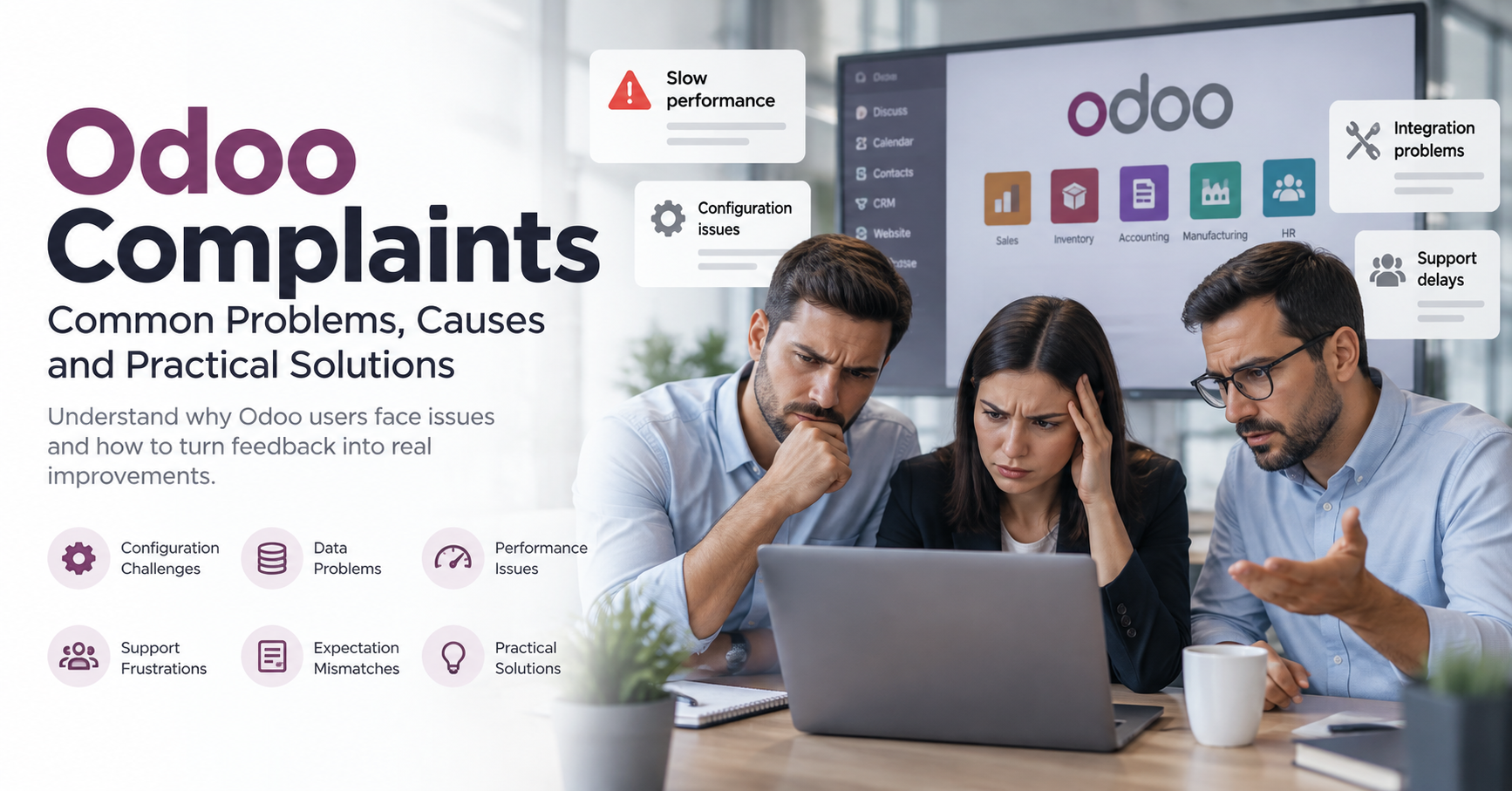
Odoo can be a powerful business platform, but no ERP system feels effortless when users are frustrated. Common Odoo complaints often come from mismatched expectations, poor configuration, unclear processes, limited training, or support gaps rather than the software alone. This article explains how to understand Odoo problems properly, respond to user concerns constructively, and turn Odoo feedback into practical improvements.
Why do Odoo complaints happen?
Odoo complaints usually happen when the system people use every day does not match the way their work actually flows. A team may expect automation, cleaner reporting, or simpler approvals, then discover that the setup needs refinement, integrations need attention, or staff need more guidance. The fastest way to address Odoo issues is to treat each complaint as a useful signal, not as an interruption.
That shift matters because ERP frustration can spread quickly. If one department feels the system slows them down, others may begin to see every delay as an Odoo problem, even when the root cause sits in data quality, permissions, process design, or internal ownership. A calm, structured response helps separate emotion from evidence and gives users confidence that their concerns are being taken seriously.
Understanding the real source of Odoo problems
Before changing settings or escalating to Odoo support, start by identifying what kind of issue you are dealing with. A complaint such as “Odoo is too slow” could mean a page loads slowly, a workflow has too many clicks, a user lacks permissions, a customisation is behaving badly, or someone is unsure what to do next. Each cause needs a different fix.
It helps to group Odoo complaints into clear categories. This prevents teams from jumping straight to technical solutions when the better answer might be training, process simplification, or clearer communication.
Common categories include:
- Usability concerns: users find screens confusing, menus hard to navigate, or daily tasks more complicated than expected.
- Configuration gaps: workflows, fields, approvals, or access rights do not reflect how the business operates.
- Data problems: duplicate records, incomplete entries, inconsistent naming, or weak migration planning cause unreliable outputs.
- Performance concerns: pages, reports, or integrations appear slow or unpredictable.
- Support frustrations: users do not know where to ask for help, how quickly to expect a response, or who owns the issue.
- Expectation mismatches: the business expected an out-of-the-box result that actually requires configuration, development, or process change.
Once the category is clear, the conversation becomes much more productive. Instead of debating whether Odoo is “good” or “bad”, the team can discuss what is blocking a specific outcome.

Listening to users without letting frustration lead the process
When people raise Odoo issues, the first response should not be defensive. Users are often reacting to real friction in their daily work, and even an exaggerated complaint may contain useful detail. The aim is to acknowledge the frustration while guiding the conversation towards facts.
Ask users to describe what they were trying to do, what happened, what they expected to happen, and how often the issue occurs. If possible, request a screenshot, screen recording, error message, affected record, module name, and the steps needed to reproduce the problem. This creates a shared picture and reduces the risk of vague complaints becoming long-running internal myths.
A simple intake checklist can help:
- What task was the user trying to complete?
- Which Odoo app or module was involved?
- Is the issue affecting one user, one team, or the whole organisation?
- Can the problem be reproduced consistently?
- Is there an error message, missing field, incorrect result, or slow action?
- Has anything changed recently, such as an update, new integration, import, or permission change?
- Is there a temporary workaround?
This approach also improves Odoo customer service conversations if you need outside help. Clear evidence makes it easier for consultants, internal administrators, or Odoo support teams to investigate efficiently.
Turning Odoo feedback into a practical improvement plan
Odoo feedback is only useful if it becomes visible, prioritised, and acted upon. A scattered mix of emails, chat messages, corridor conversations, and urgent tickets can make the system feel more chaotic than it really is. Centralising feedback gives everyone a clearer sense of what needs fixing and what can wait.
Create a feedback log that captures the issue, department, business impact, urgency, owner, status, and next step. You do not need an overly complex system to begin with. The important thing is that users can see their concerns have been recorded and that decision-makers can compare issues fairly.
Prioritise based on business impact rather than noise. A minor inconvenience raised by ten people may deserve attention, but a quiet problem affecting invoicing accuracy, stock movement, compliance, or customer communication may be more urgent. Good prioritisation protects the team from spending all its energy on the loudest complaint.
Useful priority levels might include:
- Critical: blocks core operations or creates significant financial, customer, or compliance risk.
- High: slows important workflows, affects several users, or causes repeated manual correction.
- Medium: creates inconvenience but has a manageable workaround.
- Low: cosmetic, occasional, or better suited to a future improvement cycle.
Once priorities are agreed, communicate them clearly. Users do not need every technical detail, but they do need to know whether an issue is being investigated, scheduled, deferred, or closed.
What can businesses learn from Odoo reviews?
Odoo reviews can help businesses spot recurring themes before, during, or after implementation. Public review sites and searches for phrases such as “Odoo reviews complaints” may reveal patterns around support expectations, customisation, usability, hosting, pricing assumptions, upgrades, or partner experience. However, reviews should be read as context, not as a complete diagnosis of your own system.
Every implementation is different. Two companies can use the same Odoo app and have completely different experiences because their processes, data, integrations, training, and internal ownership differ. Negative Odoo reviews may highlight risks to plan for, while positive reviews may show what works well when the platform is configured and managed carefully.
Use reviews constructively by asking:
- Does this complaint relate to the software, the implementation approach, or the support model?
- Could the same issue affect our users?
- Have we set realistic expectations with teams and leaders?
- Do we have a plan for training, testing, documentation, and post-launch support?
- Are our customisations necessary, maintainable, and clearly owned?
This balanced reading prevents panic. It also helps leaders avoid dismissing genuine concerns simply because they appeared in a public review rather than an internal meeting.
Building better Odoo support inside the organisation
Many Odoo problems become worse when users do not know who to ask for help. If every issue goes straight to a senior manager, external consultant, or general inbox, responses can become slow and inconsistent. A basic support structure makes the system feel more reliable.
Start by naming internal champions for key departments. These people do not need to be developers. They simply need to understand their team’s workflows, collect feedback, answer common questions, and know when to escalate. Champions can also help test changes before they reach the wider organisation.
Clear support rules are just as important. Users should know where to submit requests, what information to include, how urgent issues are defined, and when they can expect an update. This does not require promises that cannot be kept. It requires consistency, transparency, and sensible ownership.
Strong internal Odoo support usually includes:
- A single place to submit issues and improvement requests.
- A clear distinction between bugs, training questions, and enhancement requests.
- Named owners for triage, configuration, data, integrations, and external escalation.
- Short user guides for common tasks.
- Regular review sessions to identify repeated pain points.
- A change log so users know what has been fixed or improved.
When people understand the support route, they are less likely to feel ignored. That alone can reduce the emotional weight behind many Odoo complaints.
Reducing future Odoo issues through training and process design
Training should not be treated as a one-off launch activity. Odoo evolves as the business changes, and employees forget steps they do not use regularly. New starters also need a structured introduction, not a collection of old messages and assumptions.
Good training is role-specific. A salesperson does not need the same depth as an inventory manager, accountant, project lead, or administrator. Focus sessions on real tasks: creating records, approving documents, correcting mistakes, reading reports, and knowing when to ask for help.
Process design also matters. If a workflow is unclear outside Odoo, putting it into Odoo will not automatically make it simple. Review the underlying process before adding custom fields, automations, or approval layers. Sometimes the best fix is not more configuration, but fewer steps and clearer accountability.
To reduce repeat issues, consider these habits:
- Test workflows with real users before rolling them out widely.
- Keep documentation short, visual, and task-based.
- Review permissions regularly so people can do their work without unnecessary access.
- Clean data before major changes, imports, or reporting improvements.
- Avoid unnecessary customisation when standard configuration will do.
- Schedule regular feedback reviews after go-live, upgrades, or department changes.
These habits make Odoo feel less like a system imposed on users and more like a tool shaped around practical work.
Responding when complaints are about customer service
Some Odoo complaints are not about features at all. They are about communication, response times, handovers, unclear responsibilities, or disappointment with the support experience. Whether the support comes from an internal team, an implementation partner, or Odoo customer service, expectations need to be explicit.
Define what good service means for your organisation. For example, users may need acknowledgement quickly, even if the full fix takes longer. Leaders may need regular status updates on high-impact issues. Administrators may need cleaner documentation before escalating a case externally.
If users feel support is poor, review the journey from their point of view. Can they report a problem easily? Do they receive a response? Are they asked the same questions repeatedly? Do they know whether the issue is solved, rejected, delayed, or waiting for more information? Improving this experience often reduces dissatisfaction even before every technical issue is resolved.
A practical response framework for Odoo complaints
A consistent framework keeps discussions focused and prevents teams from reacting differently every time someone complains. It also creates a record of decisions, which is useful when similar issues appear later.
Use this five-step approach:
- Acknowledge the concern. Confirm that the complaint has been heard and that someone owns the next step.
- Clarify the facts. Gather the workflow, module, user role, screenshots, timing, error details, and business impact.
- Classify the issue. Decide whether it is a bug, configuration gap, training need, data issue, process problem, or enhancement request.
- Prioritise and assign. Set urgency based on operational impact, then assign an owner and realistic next action.
- Close the loop. Tell users what changed, what workaround exists, or why a request will not be progressed now.
The final step is often the one teams miss. Closing the loop builds trust because users see that feedback does not disappear. Even when the answer is “not yet”, a clear explanation is better than silence.
Creating a healthier relationship with Odoo
Addressing Odoo user complaints is not about pretending every concern is simple or blaming users for struggling. It is about building a practical system for listening, diagnosing, prioritising, and improving. When complaints are handled well, they become a guide to better configuration, clearer training, stronger support, and more realistic expectations.
The most successful approach is steady rather than dramatic. Capture Odoo feedback, investigate recurring Odoo problems, learn from Odoo reviews, and make support visible. Over time, that discipline can turn frustration into confidence and help the platform serve the business more effectively.
Odoo is a powerful ERP system, but it often comes with challenges. Many businesses encounter common Odoo problems, leading to user complaints and frustration.
Finding effective solutions is crucial for turning Odoo feedback into actionable improvements. This is where OpsMavix steps in. Their tailored solutions help organisations optimise Odoo functionality, enhance user experience, and streamline support processes.