
5 Reasons Invoice Approvals Get Delayed
Approvals don't stall because people are lazy — they stall because of five fixable things. Here's each cause and how to kill it.
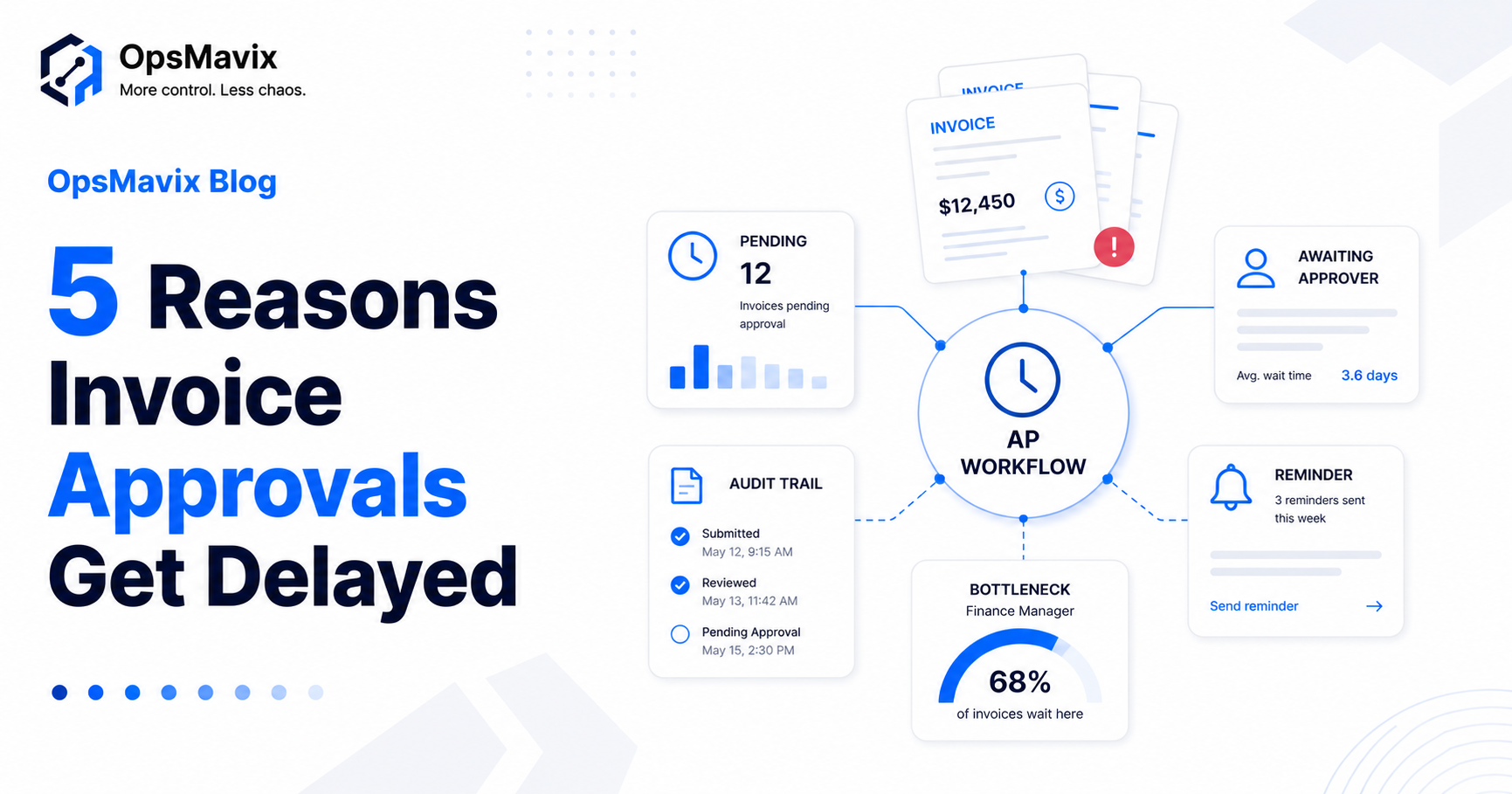
Invoice approvals get delayed for five fixable reasons: no clear owner, no queue, no chasing, no cover when someone’s away, and invoices that arrive missing the details needed to approve them. Fix those five and approvals go from weeks to days.
If your suppliers chase you more than you’d like, or month-end is a scramble to track down sign-offs, the problem usually isn’t your people — it’s that approvals are running through email, which was never built to route work. (We covered why approvals stall in Why Invoice Approvals Keep Getting Stuck; this is the practical fix list.)
Here are the five causes, each with the fix that removes it.
Key Takeaways
- Approval delays come from five fixable causes, not lazy approvers.
- The root problem is running approvals through email, which can’t route, queue, or chase.
- Approval thresholds let small invoices skip the full chain — most of the speed-up.
- Automatic routing + reminders end the “sitting in an inbox” delay.
- A real approval workflow records every sign-off, so month-end and audits stop being a hunt.
1No Clear Owner
Fix it by routing each invoice to a defined approver automatically. Most delays start because an invoice lands with whoever happened to receive it, not whoever should sign it off — so it drifts. When routing is rule-based (by amount, supplier or department), every invoice has an owner the moment it arrives.
2No Queue
Fix it by giving approvers a single list of what’s pending, not an inbox. In email, an invoice sits among a hundred other messages with nothing marking it urgent. A proper queue shows each approver exactly what’s waiting and how long it’s been there — so nothing quietly ages out of sight.
3No Chasing
Fix it with automatic reminders and escalation. Nothing in email nudges a busy approver, so invoices wait until a supplier complains. Automated reminders — and an escalation path if something sits too long — do the chasing for you, without you playing collections inside your own company.
4No Cover When Someone’s Away
Fix it by rerouting to a backup approver automatically. One person on holiday shouldn’t freeze the finance function. A workflow reassigns pending approvals to a deputy so the queue keeps moving, instead of stacking up until they return.
5Invoices That Arrive Incomplete
Fix it by capturing the right details up front and matching against the order. Half of delays are an approver bouncing an invoice because the PO, amount or line items don’t line up. Capturing invoices in one place and matching them to the original order before they hit the approver removes the back-and-forth entirely.
Email vs an Approval Workflow
| Email approvals | Approval workflow | |
|---|---|---|
| Owner | Whoever got the email | Routed by rule |
| Visibility | None | Live status of every invoice |
| Chasing | Manual, or never | Automatic reminders + escalation |
| Cover for absences | Stops dead | Reroutes to a backup |
| Small invoices | Same slow chain | Skip via thresholds |
| Audit trail | Scattered in inboxes | Recorded automatically |
FAQ
How long should it take to approve an invoice?
With a clear workflow, most invoices should clear in a few days; routine, in-threshold ones in hours. Manual, email-based approval is what stretches it into weeks — usually from chasing and re-work, not from the actual decision.
How do I speed up invoice approvals without buying a big system?
Start with the cheapest wins: set approval thresholds so small invoices skip the full chain, give approvers one queue instead of an inbox, and turn on automatic reminders. Those three remove most of the delay — the full playbook is in how to speed up invoice approvals.
Should small invoices skip the full approval chain?
Usually yes. Approval thresholds let low-value, in-budget invoices auto-approve or take a shorter path, so your team’s attention goes to the invoices that actually warrant scrutiny.
What is three-way matching and why does it stop delays?
It’s checking the invoice against the purchase order and the goods/service received before approval. When those three line up automatically, approvers aren’t bouncing invoices for mismatches — which is one of the biggest hidden sources of delay.
What information should be on an invoice so it doesn’t stall?
A matching PO or reference, correct amounts and line items, the right contact, and clear payment terms. Capturing and checking these on arrival stops the back-and-forth that holds invoices up.
How OpsMavix Can Help
OpsMavix builds custom invoice approval workflows that route each invoice to the right approver, chase it automatically, cover absences, and record every sign-off — so approvals run in days and month-end stops being a hunt.
If invoices keep stalling and nobody can see where, that’s a measurable operational leak. Book an Operations Leak Audit and we’ll map where your approvals lose time.