
Inventairy XL Alternative: When You Need More Than Off-the-Shelf
A packaged counting app fixes the count, not the chaos around it. Here's when to look past an off-the-shelf tool like Inventairy XL — and what a custom inventory system does that a template can't.
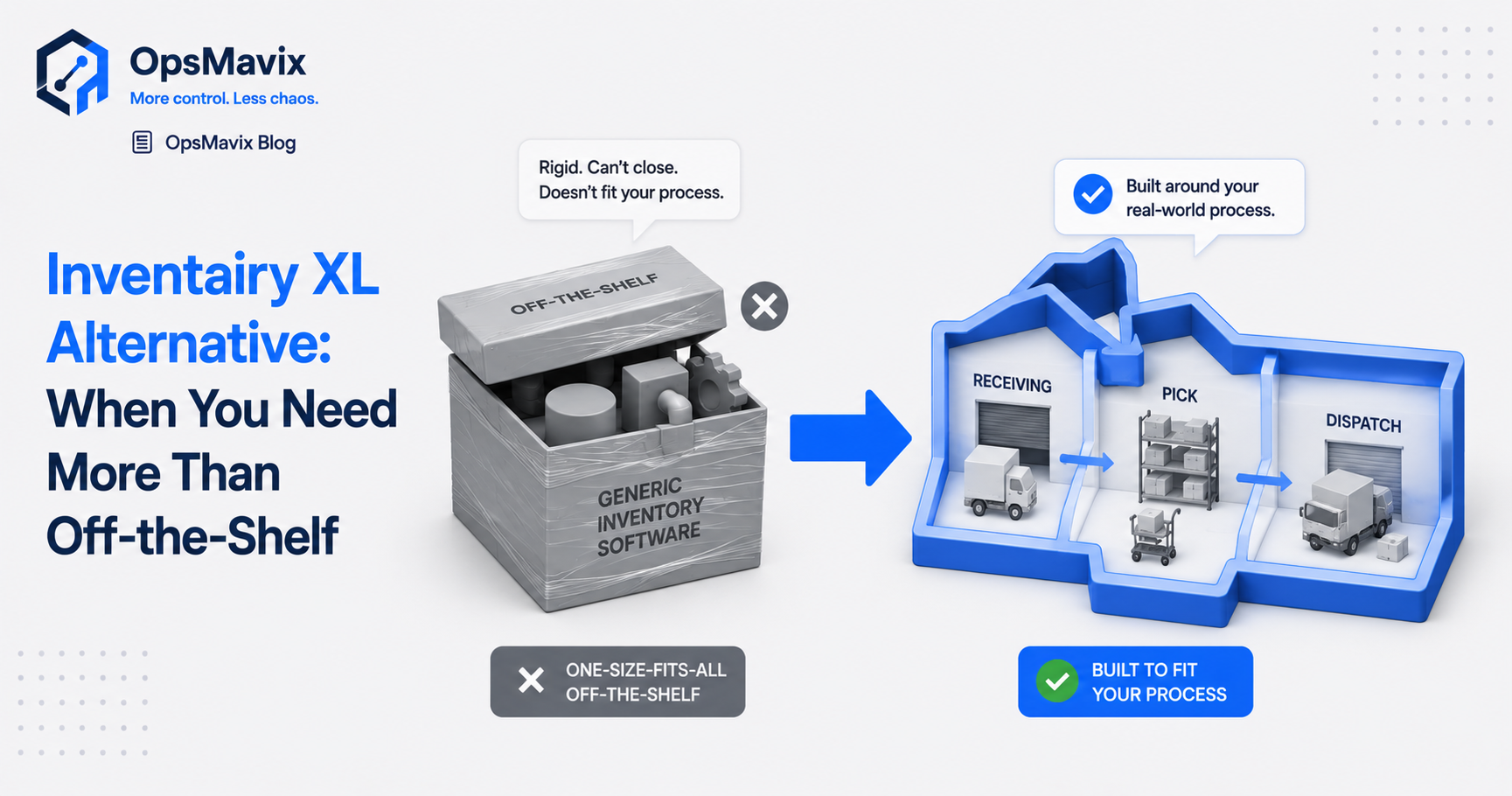
The best Inventairy XL alternative depends on what’s actually broken. If you only need to count one location accurately, another packaged app will do. If you’re overselling, drowning in spreadsheets, or bending your process to fit the software, the alternative isn’t a different counting app — it’s a custom inventory system built around how your stock really moves, that you own.
Most people searching this have hit the same wall. The packaged tool counts fine. The mess is everything around the count: stock that lives in three places, reorder points nobody set, returns that never get logged, a number you’ve quietly stopped trusting. This post covers when a boxed tool is the right call, when you’ve outgrown it, and what a built-for-you system changes.
Key Takeaways
- Packaged counting tools fix counting. They rarely fix the mess around the count — channels, reorder logic, returns, dispatch.
- You’ve outgrown off-the-shelf when your real process needs workarounds to fit someone else’s template.
- A custom system is built around your flow — receiving, pick, dispatch — not a generic SKU list.
- The deeper win isn’t features. It’s ownership: no per-seat fees, no sunset, no vendor pulling the rug.
- Don’t rip out a tool that works. Switch only when the leak costs more than the migration.
1The Count Was Never the Real Problem
A boxed inventory app does one thing reliably: it counts what you scan. For a small, single-channel operation that can be enough for years. But operations managers don’t go looking for an alternative because the counting broke. They go looking because everything attached to the count is held together by hand.
One warehouse manager described it like this: “We would consistently oversell items we didn’t even have on hand — the stock never matches the system, and I’m running a million messy spreadsheets for the warehouse.” The count isn’t the complaint. Overselling, mismatched figures, and spreadsheet sprawl bolted onto the side of the tool are. A counting app can’t fix any of that, because the gaps live in the workflow around it.
2You’ve Started Building Workarounds to Fit the Template
This is the clearest signal you’ve outgrown off-the-shelf. Packaged tools assume a standard shape: standard SKUs, standard locations, standard reorder rules. Your business has its own quirks. Kits. Batches. Multi-location transfers. A supplier who only takes orders one way. So you bend your process to fit the software, then patch the gap with manual steps.
Every workaround is a small tax you pay forever. The exported spreadsheet that handles a case the tool won’t. The second list someone keeps “just to be safe.” Each one is also a fresh place for the number to drift, the same way stock discrepancies creep in when inventory is tracked across disconnected places. A system that already matches your shape leaves nothing to work around.
3Stock Lives in More Places Than One Tool Watches
Most off-the-shelf counting tools watch one warehouse and one count. Growing stock businesses sell across a shop, a website, a marketplace or two, and hold stock in more than one location. A standalone counter doesn’t know what the website just sold, so the floor figure and the channel figure quietly diverge until you oversell and have to make the call nobody wants to make.
That’s when overselling stops being an accident and becomes structural. A custom inventory system treats every channel and location as movements against one shared figure, so a sale online decrements the same number the picker sees on the floor. Real-time sync isn’t the headline here. The headline is that there’s only ever one number to be wrong — and it isn’t.
4The Hidden Cost Is Lock-In, Not Licence Fees
A packaged tool’s price looks fine until you depend on it. Then the real risk isn’t the monthly fee. It’s that you don’t own the thing your operation now runs on. Steve, the inventory manager we model this for, has been burned before: a previous platform was sunset “by a banner on the vendor’s website,” which “invalidates two years worth of work” and forced a scramble to find a replacement.
That’s the quiet case for building. When the system is yours, there’s no per-seat creep as the team grows, no surprise price hike, and no vendor who can switch it off. You’re not renting your operations layer; you hold it. For a business whose stock figures are the business, that independence outweighs any single feature list. It’s the same reason the honest question isn’t which app to buy but whether you need an operations system or a full ERP.
5When NOT to Switch (the Honest Bit)
Replacing working software costs you real money and time: migration, retraining, the risk of a bad week. So don’t switch on principle. If a packaged tool counts your single location accurately and nothing important is being patched by hand, keep it. Adding complexity you don’t need is its own kind of leak.
The switch earns its place when the maths tips — when overselling, dead stock, manual reconciliation, and the dread of a vendor pulling the rug cost you more, month after month, than building the right thing once. Our view is plain: pick the alternative when staying the same costs more than the fix, not before. Then move once, onto a system that won’t make you do this again in two years.
FAQ
What is the best Inventairy XL alternative?
There isn’t a single best one — it depends on whether your problem is counting or the workflow around the count. If you only need accurate counts in one location, another packaged app may be fine. If you’re overselling, juggling spreadsheets, or bending your process to fit a template, a custom inventory system built around your actual flow is the alternative that addresses the real cause.
Why choose a custom system over an off-the-shelf inventory tool?
Off-the-shelf tools ask your warehouse to fit their template. A custom system is shaped to how your stock genuinely moves — receiving, picking, transfers, returns, dispatch — and you own it outright. That means no per-seat fees as you grow, no vendor able to sunset it, and no spreadsheets propping up the gaps.
Is a custom inventory system more expensive than a packaged app?
The licence is usually cheaper to start for a packaged app. The honest comparison is total cost. A tool that needs constant manual workarounds, causes overselling, or gets discontinued can cost far more over time than building the right system once and owning it. We’d only recommend the switch when the ongoing leak outweighs the build.
How do I know I’ve outgrown an off-the-shelf counting tool?
The tells: you keep spreadsheets alongside the tool, you oversell stock you don’t have, stock lives in more places than the tool watches, and your team builds workarounds for cases the software won’t handle. Those are signs the workflow has outgrown the template, not that you’re counting badly.
Will switching mean another painful migration in two years?
That’s exactly the trap with rented tools that get repriced or sunset. A system built for you and owned by you removes the recurring-migration risk: it grows with the business instead of forcing another scramble to find an alternative later.
How OpsMavix Can Help
OpsMavix builds custom inventory systems shaped to how your stock actually moves — receiving, picking, transfers, returns, dispatch — so every movement updates one live figure the shelf and the screen both agree on. No template to bend to, no spreadsheets bolted on the side, and nothing a vendor can switch off, because you own it.
If you’ve outgrown an off-the-shelf tool but you’re not ready for a six-figure enterprise WMS, that middle ground is exactly what we build. Book an Operations Leak Audit and we’ll map where your stock accuracy breaks down today, what it’s costing you, and whether a custom system is genuinely worth the move.