
Factory Scheduling Software vs the Whiteboard
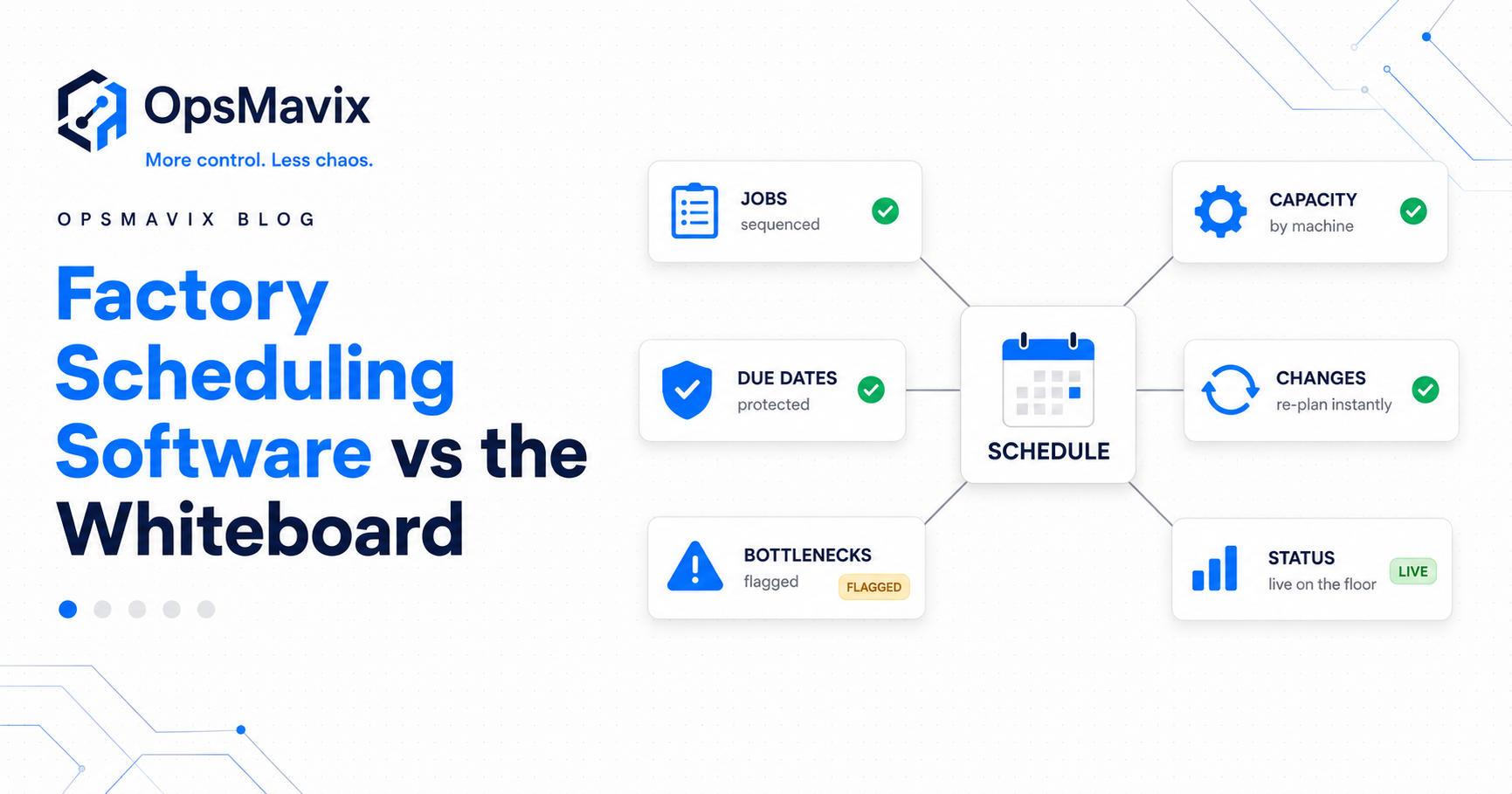
A whiteboard tells you the plan. It never tells you the truth. Here is what factory scheduling software actually changes for a high-mix shop, point by point, without a £100k ERP.
The morning plan puts a fabrication job through cutting, welding and inspection before Thursday’s collection. By lunchtime, a machine has stopped, a setup has overrun and an urgent order has taken the next slot. The board still shows the original sequence.
When the customer calls, the team walks the floor to find out what actually happened.
Factory scheduling software helps manufacturers organise work against due dates, operation sequences and available resources, then compare the plan with recorded progress. Its value is making the next decision easier: what can run, what is blocked and which delivery commitments need attention.
For a small or mid-sized high-mix shop, the first improvement may be a shared job queue and reliable status updates. More advanced capacity planning can follow where it adds value. Neither a screen nor a planning algorithm can produce an accurate schedule from missing jobs, unrealistic durations or unrecorded changes.
This guide explains what a practical scheduler should show, how it connects to production tracking and job costs, and how to prove one workflow before expanding across the factory.
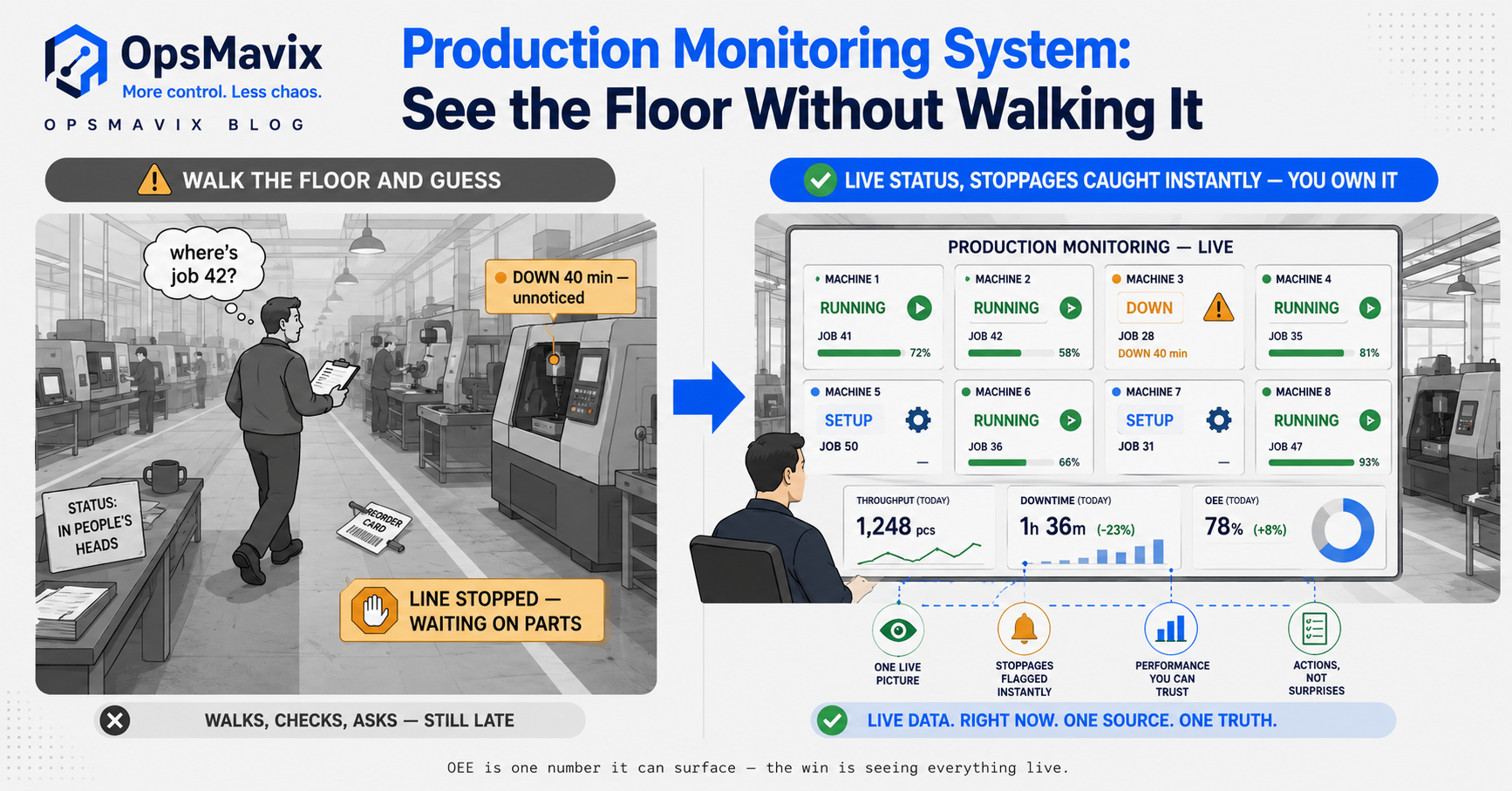
A useful schedule connects the intended sequence with recorded progress, resource availability and visible exceptions.
Key Takeaways
- Scheduling decides when and where work should run. Production tracking records what has happened. A useful factory view connects both.
- A digital schedule is only as current as its inputs; simple updates and visible stale records matter.
- Due dates need to be assessed against remaining operations, material readiness and capacity, rather than coloured red only after they pass.
- Capturing labour, materials and rework against jobs can support estimate-versus-actual analysis, provided the costing rules are clear.
- Check existing manufacturing tools, dedicated schedulers and focused custom options against the same requirements.
- Pilot one value stream or constrained work centre, including rush orders, downtime, partial completion and schedule changes.
In this guide:
- Why the plan and the floor drift apart
- Keep every accepted job accounted for
- What a scheduler needs to show
- A worked capacity example
- Connect the schedule to job costs
- Whiteboards, spreadsheets and scheduling software
- Choose the right software scope
- Pilot one value stream
- Frequently asked questions
- How OpsMavix can help
1. Why the Plan and the Floor Drift Apart
A whiteboard can work well when the workload is modest and the team updates it consistently. The same is true of a shared spreadsheet with clear ownership.
The problem begins when changes happen faster than they reach the plan. The supervisor knows a job has moved, the operator knows the machine is waiting for tooling and the office still promises the original completion date.
Identify the missing update
Follow a recently delayed job and ask:
- Was the job entered into the plan at all?
- Were setup and processing times realistic?
- Did the required material arrive before the planned start?
- Was the assigned machine or operator available?
- Who recorded a stoppage or priority change?
- When did the person responsible for the customer promise learn about it?
This separates a scheduling problem from a missing order, a supply delay or a communication failure.
Make updates possible where work happens
If recording progress requires a long walk or several screens, updates will tend to arrive late. A station near the cell, a tablet or a scanned job reference can shorten that handoff.
The operator should be able to select the correct operation, record a useful event and see confirmation. A timestamp showing when the record was last updated helps supervisors identify jobs whose status needs checking.
2. Keep Every Accepted Job Accounted For
A persistent job record is easier to trace than a wiped line, but it does not guarantee that every order enters production. The handoff from accepted demand to the factory queue needs its own control.
Reconcile orders with production work
Decide which orders should create work, when they become ready for planning and who resolves missing information. An order awaiting a drawing or deposit may need a visible hold rather than an active production slot.
Useful views include:
- Accepted orders with no linked production job.
- Jobs ready to schedule but not allocated.
- Scheduled jobs that have not started as expected.
- Work blocked by material, tooling, approval or resource availability.
- Completed production awaiting inspection or dispatch.
Cancellation and archiving should be controlled and traceable. A record should not vanish from the active queue without an explainable outcome.
Define risk before the due date
A job can be on time today and already unlikely to meet its delivery commitment. Its remaining operations may require more available capacity than the days left allow.
A practical risk rule can compare estimated remaining completion with the required finish date. It should also show assumptions: processing time, material readiness, waiting time and the resources considered.
If the system only checks whether the due date has passed, it provides a late-job report rather than an early-warning view.
Keep drawing and revision information attached
Scheduling the right job is not enough if the floor uses the wrong specification. Make the relevant revision, approval and quantity visible against the work order, and define what happens when a customer changes them after release.
Software can help control access and flag changes. It cannot establish that a drawing is correct simply because it has been uploaded.
3. What Factory Scheduling Software Needs to Show
A useful schedule answers three questions: what should happen next, what can happen next and what is actually happening.
Those are related, but they are not interchangeable.
The minimum job record
Each job should have a stable reference linked to its customer or order, required quantity, due date and operation sequence. Add the information that genuinely affects decisions, such as material status, drawing release, resource requirements and priority.
Avoid turning the first implementation into a data-entry exercise. Start with the fields needed to run and explain the workflow.
Separate planned and actual values
| Information | Planned record | Actual or current record |
|---|---|---|
| Timing | Expected start and finish | Recorded start, stop and completion |
| Quantity | Required good output | Good, rejected and outstanding quantities |
| Resource | Intended machine or work centre | Resource used and current availability |
| Materials | Required components and readiness | Issues, returns, shortages and holds |
| Sequence | Intended operation order | Current stage and completed predecessors |
| Delivery | Required dispatch or completion | Current expected finish and risk reason |
A job marked “in progress” may still be stopped. Give the team a way to record waiting, blocked or paused work without pretending the operation is advancing.
Decide how much planning automation is needed
A manually sequenced queue can be a useful first step. It leaves dispatching judgement with the supervisor while preserving a shared record.
Finite-capacity scheduling goes further by considering available resource time and existing commitments. Microsoft’s finite-capacity planning guidance explains how this differs from loading work without the same capacity limit.
Automated planning still needs credible calendars, durations, routings and resource constraints. Optimising a poorly maintained model can produce a precise-looking plan that the floor cannot execute.
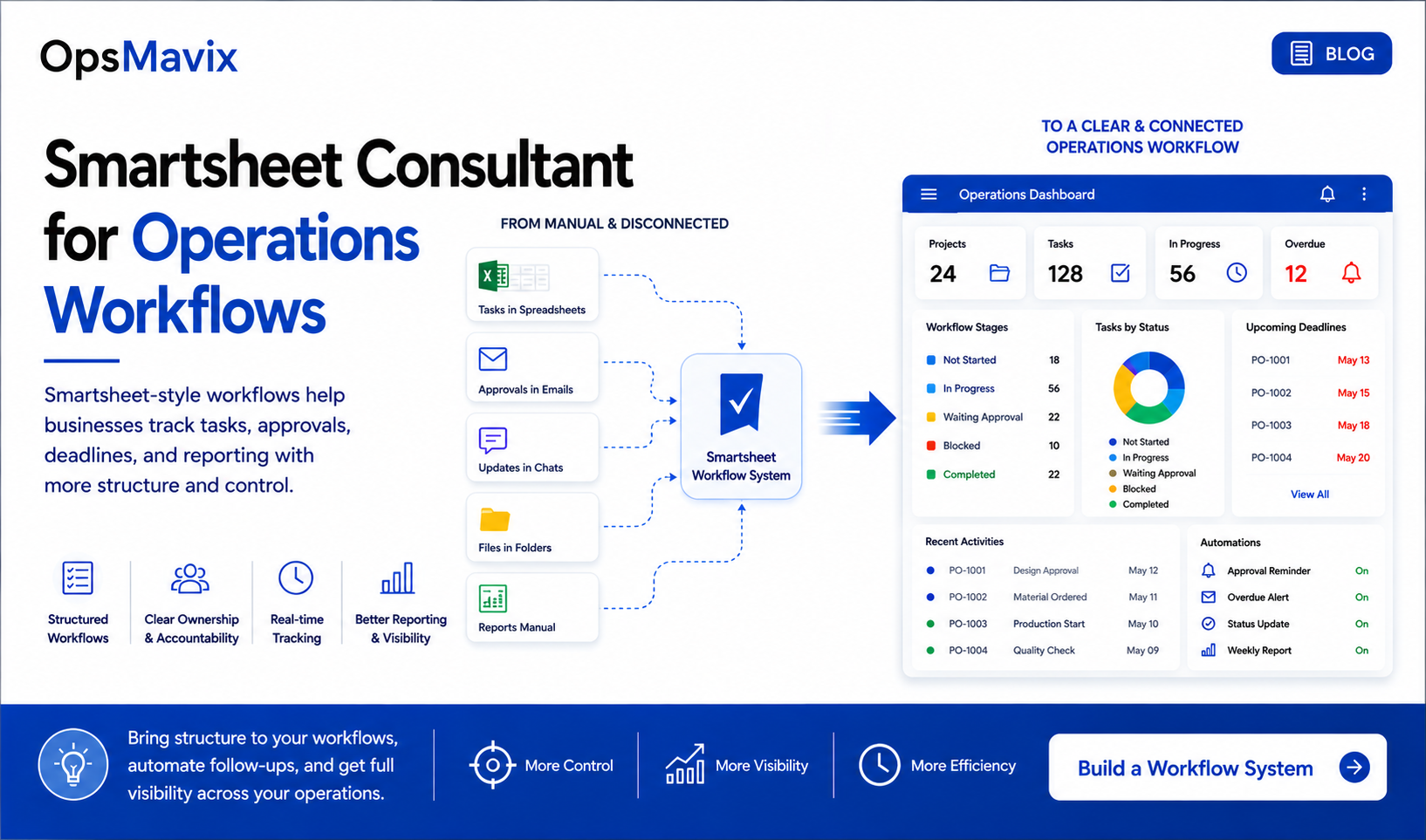
Planned work, recorded progress and exceptions should remain distinguishable, even when they appear in one shared view.
4. A Worked Example: Finding an Overloaded Welding Cell
A job list can look achievable until setup time and unavailable hours are included. A simple capacity check can reveal the problem before a delivery date passes.
Hypothetical one-week workload
Suppose a welding cell has five eight-hour working days: 40 hours. The plan reserves four hours for maintenance and four hours for other unavailable time, leaving:
40 − 4 − 4 = 32 available hours.
Assume the cell can run one job at a time and the planned tasks need the same resource.
| Job | Processing time | Setup time | Total cell time |
|---|---|---|---|
| A | 10 hours | 2 hours | 12 hours |
| B | 8 hours | 1 hour | 9 hours |
| C | 9 hours | 2 hours | 11 hours |
| Total | 27 hours | 5 hours | 32 hours |
The initial plan fits exactly. It has no spare capacity under these assumptions.
Then job A overruns by two hours and a rush job needs four hours of processing plus one hour of setup. The revised load is:
32 + 2 + 4 + 1 = 39 hours.
Against 32 available hours, that leaves a seven-hour overload.
What the scheduler should make visible
Adding the rush job to the top of the queue does not create extra time. The plan must show which existing work moves and whether that affects a delivery commitment.
The supervisor can assess options:
- Use an approved alternative cell if it has the right capability and capacity.
- Add authorised overtime with suitable staffing.
- Subcontract an operation where quality and delivery requirements allow it.
- Change the sequence if setup savings are genuinely achievable.
- Agree a revised delivery commitment.
The software should retain the revised plan and make the impact visible. The decision still depends on operational judgement.
Check the constraints outside the cell
This simplified example measures machine time only. Real feasibility may also depend on a shared welder, fixtures, inspection capacity and material arrival.
Likewise, a welding finish date is not necessarily a dispatch date. Downstream assembly, inspection, packing and transport cutoffs need to be included where they affect the customer promise.
5. Connect Production Records to Estimate vs Actual Costs
Scheduling and costing are different functions, but they can use related production records. Capturing actual work against a job makes it possible to compare the estimate with what the job consumed.
Agree what the comparison includes
At minimum, define how the system treats:
- Labour time and labour rates.
- Setup time and machine or work-centre costs.
- Materials issued, returned and scrapped.
- Rework and subcontract operations.
- Allocated overheads where used.
Do not count the same cost twice. For example, a work-centre hourly rate may already include some costs also represented in a separate labour or overhead rate.
Odoo’s manufacturing-order cost documentation provides one example of software distinguishing estimated costs from costs based on recorded production. Your implementation still needs agreed inputs and accounting treatment.
Hypothetical job-cost comparison
For illustration, assume the following excludes overheads, machine charges and subcontracting:
| Direct cost | Estimate | Recorded actual |
|---|---|---|
| Labour at £30 per hour | 10 hours × £30 = £300 | 13 hours × £30 = £390 |
| Materials | £400 | £450 |
| Total | £700 | £840 |
The direct-cost variance is £140, or 20% above the £700 estimate.
That is a signal to investigate. Was the routing estimate too optimistic? Did a drawing change? Was the extra material scrap or an approved scope increase?
Turn the result into a better next estimate
Keep reasons alongside the numbers. A one-off breakdown should not automatically change every future quote, while a repeated setup overrun may justify revising the standard allowance.
This comparison is not full profitability unless the remaining relevant costs and revenue are included. It is still useful evidence for improving estimates and understanding recurring production losses.
6. Whiteboards, Spreadsheets and Factory Scheduling Software
The right tool depends on workload, change frequency and the controls the operation needs. A whiteboard is not wrong merely because it is simple.
| Area | Whiteboard or spreadsheet | Factory scheduling software |
|---|---|---|
| Shared visibility | Can work locally or through a managed shared file | Can provide role-based views across teams |
| Updates | Depend on a defined manual routine | Can capture floor events and connected changes |
| Capacity | Often checked manually | May support resource calendars and capacity checks |
| Missing jobs | Requires reconciliation with accepted orders | Can flag unmatched or unscheduled work if configured |
| Delivery risk | Usually relies on planner review | Can compare remaining work with required dates |
| History | Varies with the recording method | Can retain changes, reasons and timestamps |
| Job costs | Can be calculated with disciplined records | Can connect time and consumption to jobs |
| Main dependency | Clear ownership and consistent updates | Clear ownership, credible data and maintained software |
Watch for complexity that only one person understands
A spreadsheet can become fragile when its rules are hidden in formulas and its exceptions are undocumented. A custom application can develop the same dependency if its logic and administration are poorly handed over.
The goal is a process the team can run and explain. Documentation, permissions and training matter whichever format is chosen.
Make stale data visible
If a job has not been updated since yesterday, the screen should not imply that its status is verified now. Show the last update, assign follow-up and reconcile the record with the floor.
Digital visibility is valuable when the team can judge how reliable the information is.
7. Choose the Right Scope Before Replacing Systems
You do not automatically need a full ERP to improve scheduling. You also do not automatically need custom software.
Start by checking what the current manufacturing or inventory product supports. Then assess a dedicated scheduler, a supported extension or a focused custom layer against the same workflow.
Keep what already works
An existing order system may remain the source of accepted demand. An inventory system may remain responsible for component movements. The scheduling layer can coordinate the resulting work without duplicating their ownership.
Define the connections explicitly:
- Which system creates and changes the job?
- Where are material readiness and reservations recorded?
- Which application owns completion and finished output?
- How are cancellations and quantity changes handled?
- What happens when a connection fails?
A production tracking system can connect scheduling to recorded work. Links to inventory and order management should preserve those responsibilities.
Compare total implementation effort
Include data preparation, migration, training, devices, integrations, support and future changes. A focused project may be smaller than a wider ERP programme, but comparing different scopes alone does not establish better value.
A broader ERP may be appropriate when scheduling is part of coordinated requirements across finance, purchasing, manufacturing and multiple sites. See operational systems vs ERP for that wider decision.

A scheduler can connect existing order, inventory and production records without replacing every application at once.
8. How to Pilot One Value Stream
Choose a value stream or constrained work centre where late changes and unclear status create recurring problems. Keep the first scope small enough to observe, while including the handoffs that affect its finish dates.
Establish the baseline
Measure a representative period before the change:
- Accepted jobs missing from the plan.
- On-time completion against a clearly defined commitment.
- Time spent asking for job status.
- Unplanned priority changes and their reasons.
- Material-related waiting and resource downtime.
- Overtime or expediting associated with schedule disruption.
Separate causes. A material shortage and an unrecorded job need different fixes.
Involve the people who update the floor
Have operators test the actual screens at the intended station. Use real job references and common interruptions.
Check whether they can record a start, pause, reason, completed quantity and handoff without losing context. Explain how the data improves decisions and what the measurements mean. Fit is important, but training and consistent management use also affect adoption.
Test realistic exceptions
Before wider rollout, verify that:
- An accepted order creates or links to the correct work.
- An unscheduled job remains visible.
- A rush order shows the effect on existing commitments.
- Downtime reduces the relevant available capacity.
- Partial completion leaves the remaining quantity open.
- A drawing change produces the agreed hold or review.
- A failed connection can be identified and recovered without duplicates.
- Cancelled work leaves a traceable outcome.
Review the result before expanding
Compare the pilot with the baseline and correct the biggest gaps. Confirm who owns master data, daily planning, exception follow-up and support.
A focused pilot may deliver a useful schedule in weeks, but timing depends on data readiness, integrations and the scope being tested. Expansion should follow demonstrated reliability rather than an arbitrary deadline to instrument every cell.
Frequently Asked Questions
Is a whiteboard or spreadsheet ever enough for factory scheduling?
Yes, when the workload and update routine remain manageable. Consider changing when missing jobs, inconsistent status or difficult capacity checks create recurring cost. The number of employees alone does not determine the right tool.
Is factory scheduling the same as production tracking?
No. Scheduling organises intended work against timing and resources. Tracking records progress and outcomes. Connecting them helps the planner revise the schedule using current information.
Will scheduling software keep itself up to date?
Only where reliable events or integrations provide the updates. Operator actions may still be needed for starts, stoppages and completion. Make those actions simple and show when records have become stale.
Can it warn us before a job is late?
It can, if risk rules consider remaining work, constraints and required finish dates. A basic overdue flag only tells you that the deadline has passed. Ask suppliers to demonstrate the earlier warning with realistic jobs.
Do we need finite-capacity scheduling straight away?
Not always. A shared queue and reliable progress capture may be the first priority. Add capacity checks where resource overload causes problems, using realistic calendars, operation times and resource requirements.
Can scheduling software show quote versus actual?
A connected implementation can compare estimates with recorded labour, materials and other agreed costs. Accuracy depends on capture and costing rules. Scheduling software does not automatically include a complete job-costing function.
Do we need to replace our ERP or accounting software?
Not necessarily. Existing software may already support the required scheduling, or a focused tool can connect to it. Confirm which system owns each record and how changes are exchanged before introducing another application.
Will operators use it instead of the whiteboard?
Adoption is more likely when updates are straightforward, the station is accessible and the information helps daily work. Involve operators in the pilot, provide training and use the same records consistently in planning discussions.
What should we pilot first?
Choose one recurring scheduling problem and a bounded workflow. Include normal jobs and exceptions such as rush work, downtime and partial completion. Measure the result before extending to other areas.
How OpsMavix Can Help
OpsMavix helps manufacturers connect planning decisions to what is happening on the floor. We start with the jobs, stages, resources and handoffs that create delay, then identify what existing tools can support and where a focused build would help.
We can help you:
- Map accepted orders into a visible production queue.
- Define stages, readiness checks and job ownership.
- Build shared scheduling and production tracking views.
- Connect material readiness through your inventory system.
- Capture labour, material and rework records against jobs.
- Add actionable schedule-risk and missing-job checks.
- Pilot one value stream with training and measurable acceptance criteria.
- Plan support and a documented handover.
Bring one recent delayed job, including its original plan and what actually happened. We will trace where the schedule lost contact with the floor and identify what would have made the problem visible earlier.
Book an Operations Leak Audit to map where your factory loses scheduling visibility and what to improve first.
Keep reading
Getting value from OpsMavix? Add us as a preferred source on Google — you'll see more of our operations content in your AI Overviews, AI Mode and Search.