
Factory Management Software: Build vs Buy
The real build-vs-buy decision for running a factory — cost, fit, lock-in and timeline — and why the middle path beats both a £100k ERP and another spreadsheet tab.
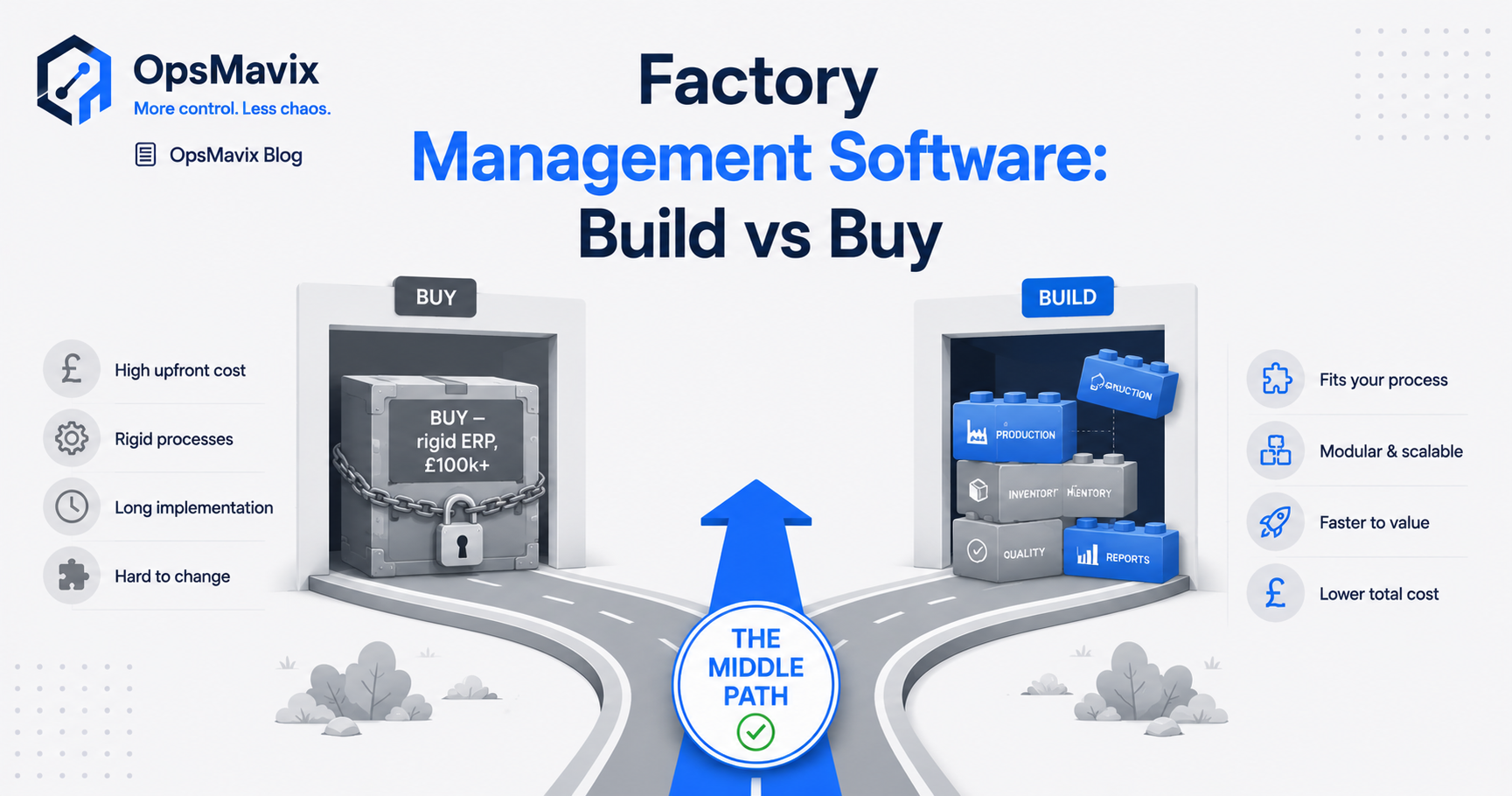
An order is accepted in one application, its production plan is maintained on a whiteboard and the component shortage sits in a separate spreadsheet. The office promises a delivery date without seeing the constraint the supervisor is trying to resolve.
Buying a larger suite might address that gap. So might configuring the current tools, connecting their records or building a focused workflow around the missing handoff.
Factory management software supports the records and controls used to coordinate production, materials, orders and reporting. The scope can range from a focused shop-floor application to a wider manufacturing suite. Its value depends on whether the team can use it to make and execute better decisions.
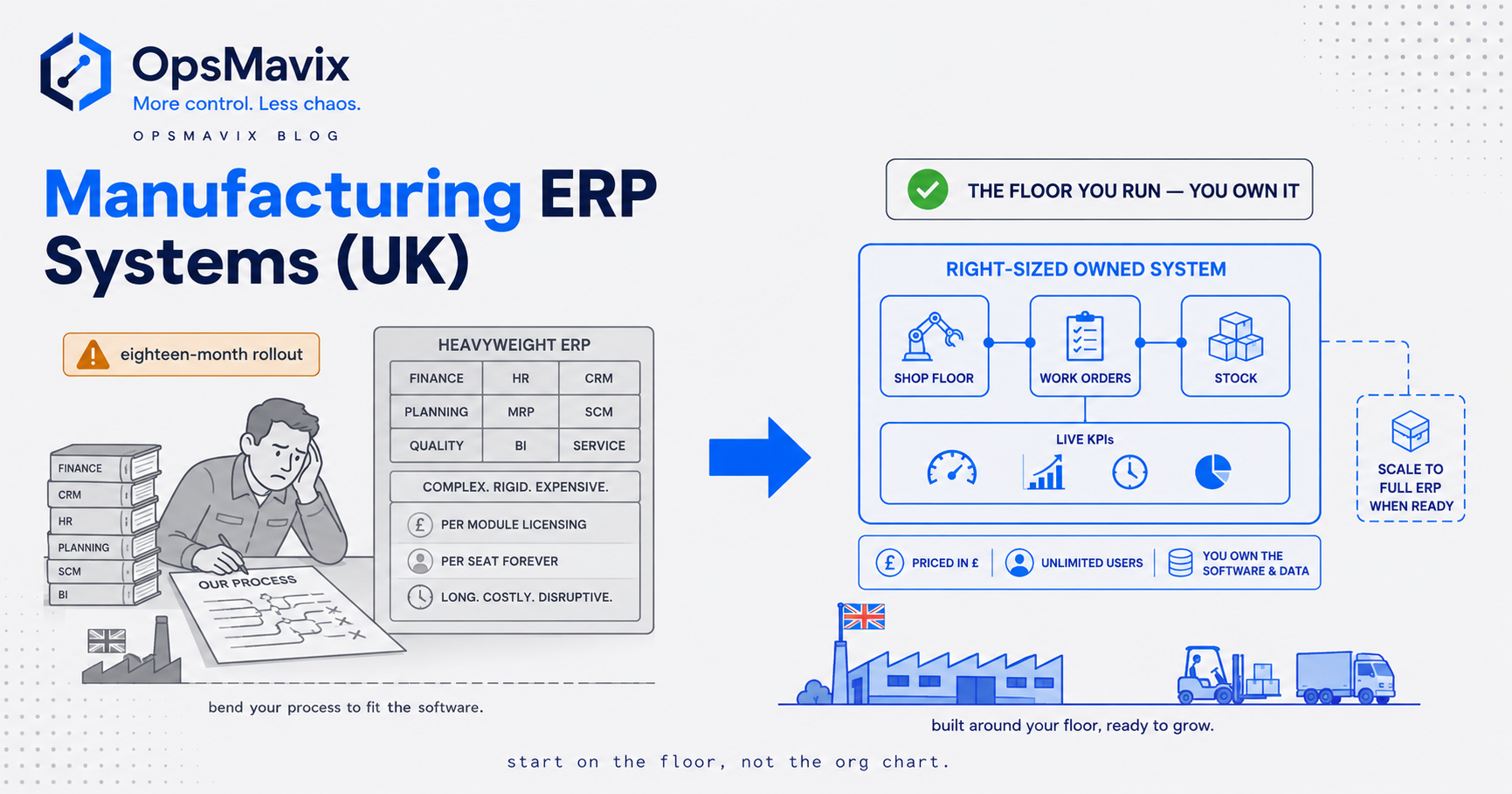
Build versus buy is therefore more than a choice between spreadsheets and an expensive ERP. A useful comparison includes process improvements, existing capabilities, dedicated products, integrations and custom development against the same requirements.
This guide explains how to assess fit, cost, ownership and delivery risk, with a worked comparison and a practical way to prove one workflow before expanding.
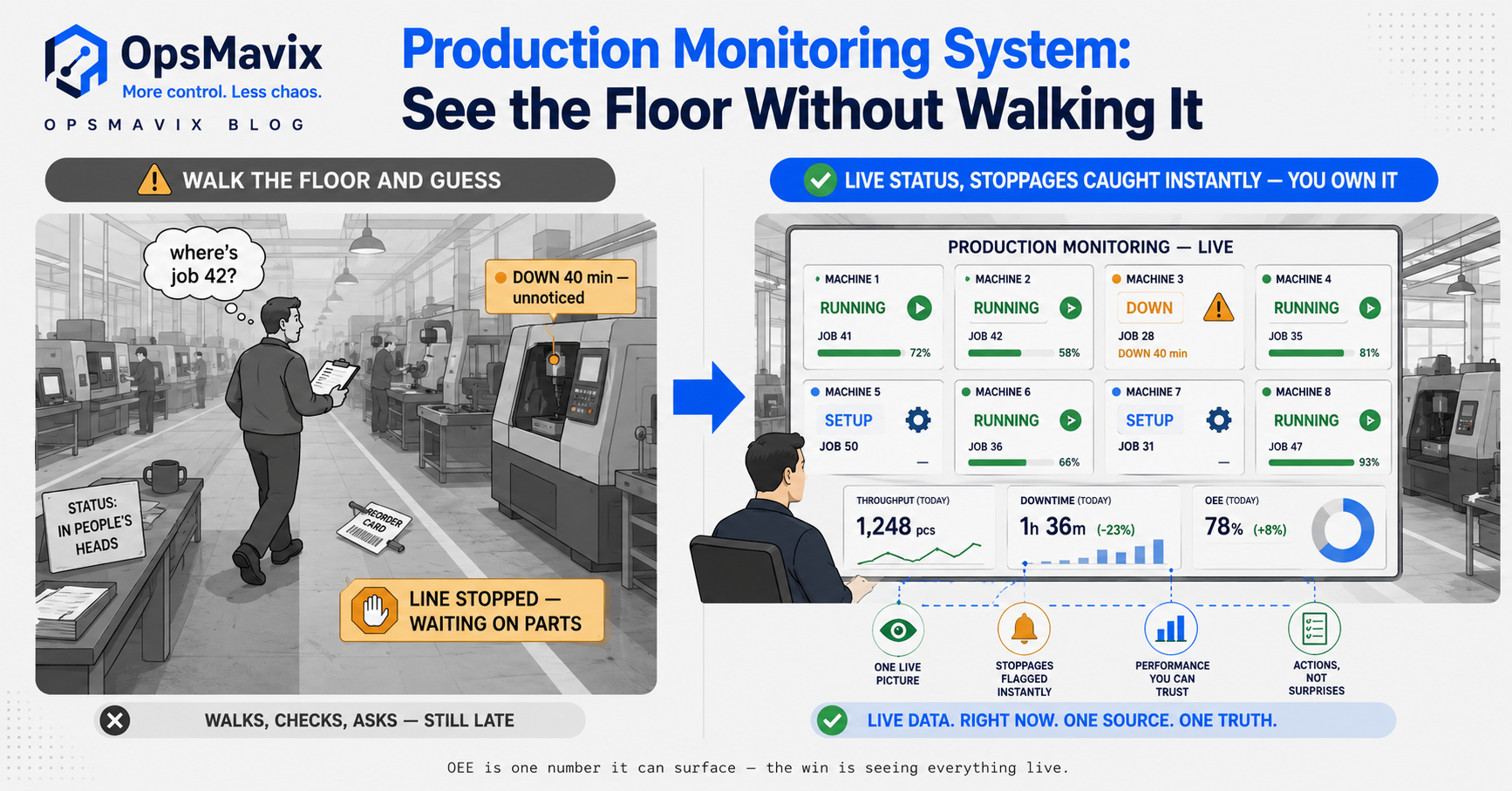
Start with the coordination gap between accepted demand, production readiness and recorded progress.
Key Takeaways
- Define the recurring operational problem before choosing a product category or commissioning a build.
- Standard manufacturing products can suit growing factories; custom earns its place when valuable requirements remain unsupported.
- Configuration and integration are genuine alternatives to replacing the whole stack.
- Compare equivalent scope over the same period, including implementation, internal effort, recurring costs and remaining manual work.
- Ownership, portability and maintenance responsibilities must be agreed explicitly; custom software does not remove every dependency.
- Pilot a bounded workflow with representative exceptions, measurable outcomes and a controlled cutover.
In this guide:
- Define what the factory needs
- Understand the buying options
- When custom is worth considering
- Test fit with real factory work
- A worked total-cost comparison
- Ownership and ongoing responsibility
- Delivery scope and pilot controls
- Make the decision and expand
- Frequently asked questions
- How OpsMavix can help
1. Define What Your Factory Management Software Needs to Do
A request to “put everything in one place” needs a more concrete brief. Which information is missing, who needs it and what decision should change when it becomes available?
Start with recent examples rather than an imagined ideal dashboard.
Trace a costly incident
Choose a delayed job, unexpected shortage or repeated order-entry error. Follow the records from accepted demand through production and fulfilment.
Identify:
- Which application or person created the first record.
- Where information was copied or changed.
- Which readiness check was missing.
- When the problem became visible.
- Who could have acted earlier.
- What the correction cost in time or money.
One incident might reveal a missing material-status connection. Another might reveal inaccurate operation durations. Those should not automatically become the same software requirement.
Group requirements by business function
| Area | Practical requirement | Example acceptance question |
|---|---|---|
| Orders | Account for accepted demand and amendments | Does a quantity change reach the correct job? |
| Production | Show quantities, stages and blockers | Can a partly completed job remain visible accurately? |
| Scheduling | Compare work with timing and resources | Does a rush job reveal its impact on existing commitments? |
| Inventory | Record materials, locations and availability | Are reservations distinct from physical movements? |
| Quality | Control release and exceptions | Can held output be excluded from dispatch availability? |
| Reporting | Explain status and recurring losses | Can management trace a reported difference to its records? |
Mark each requirement essential, useful or optional. A longer feature list is not necessarily a better project.
Define record ownership
One shared view does not require every record to live in one application. It does require agreement about which system owns the order, material movement, production event and financial posting.
That ownership prevents two applications from independently adjusting the same stock or overwriting different versions of a job.
2. Understand the Options You Can Buy
Buying does not necessarily mean a broad ERP programme. Dedicated production tools, scheduling products, inventory applications and supported extensions can address narrower requirements.
A broader manufacturing suite may also be appropriate for a smaller business with genuinely connected needs.
Distinguish the functions
Production tracking records actual progress. Scheduling organises intended timing and resource use. MRP calculates material requirements using demand, product structures and supply records. ERP supports a wider range of business functions and shared controls.
Products often combine those functions. Evaluate the required capabilities rather than assuming the label establishes cost or complexity.
Check what you already have
Current tools may support work-order stages, lots, approval rules or data interfaces that are not being used.
Before replacing them, ask for a demonstration of the configured workflow. Review whether the obstacle is a missing capability, incorrect setup or unreliable source data.
Assess standard products on actual fit
A suitable standard product can reduce development effort and provide supported updates. It can also require migration, training and ongoing subscriptions.
Some process changes are worthwhile: consistent product codes, explicit release steps or clearer approvals may improve control. Other changes may remove an important commercial or manufacturing requirement.
Separate useful standardisation from a costly workaround. For the wider scope question, see operational systems vs ERP.
3. When a Custom Build Is Worth Considering
Custom development is worth assessing when a valuable rule or handoff remains difficult to support after configuration, suitable products and available integrations have been tested.
It might provide a missing workflow rather than replace the entire system.
Describe the unsupported behaviour
Useful requirements are specific:
- One customer order generates several linked production jobs under a defined release rule.
- Partial good output becomes available while rejected quantities remain under rework control.
- A subcontract return needs receipt and quality release before the next operation can start.
- Order amendments require review before changing already released work.
A developer can design and test those behaviours. “Flexible software that fits us” is much harder to scope.
Keep reliable applications where possible
A focused production tracking system may connect to existing orders and stock. A custom dashboard may consolidate reliable records without replacing their source applications.
Confirm that the required interfaces actually exist. A connection cannot be promised solely because both applications contain the relevant information.
Recognise when building is premature
Custom is a weak choice when nobody agrees the process, the benefit is unmeasured or a suitable product already meets the essentials.
It also needs a business process owner and time for decisions, data preparation and acceptance testing. Those inputs remain necessary even when the developer writes every line of code.
Do not encode every current workaround
Build around the real manufacturing requirements while improving weak controls. Reproducing an informal approval or ambiguous completion status can preserve the very problem the project should address.
4. Test Fit With Real Factory Work
Use the same demonstration brief for standard products, integrators and custom proposals. This makes the comparison concrete.
Build a representative test job
Choose a real routing with known quantities, resource needs and material constraints. Add exceptions that occur often enough to matter.
Ask the proposed workflow to handle:
- A material shortage before release.
- A shared machine or specialist constraint.
- Partial completion and outstanding quantities.
- Scrap or rework.
- A drawing revision after work starts.
- A subcontract operation with a delayed return.
- A cancelled or amended order.
- Inspection before output becomes available.
Do not accept a generic successful order as evidence for all those cases.
Test the floor interface
Operators should try the intended terminal or tablet at the relevant cell. Check identification, instructions, start and pause actions, quantity entry and confirmation that the event saved.
Simple interaction helps adoption, but training and consistent supervisor use matter too. Custom design does not guarantee that staff will keep records current.
Compare the options fairly
| Option | Main advantage to assess | Main responsibility or risk |
|---|---|---|
| Improve the existing process | Lowest change burden where controls are sufficient | Existing capability may still leave an important gap |
| Configure or connect current tools | Retains reliable applications | Mapping, exceptions and integration maintenance |
| Buy a suitable standard product | Existing functionality and supplier support | Fit, migration, subscriptions and product dependency |
| Build a focused custom layer | Explicit support for an unmet workflow | Scope control, testing, hosting and maintainability |
| Implement a broader suite | Coordinated records across several functions | Wider data, process and adoption effort |
No row automatically wins because the factory is small or large. Requirements and implementation conditions decide the fit.
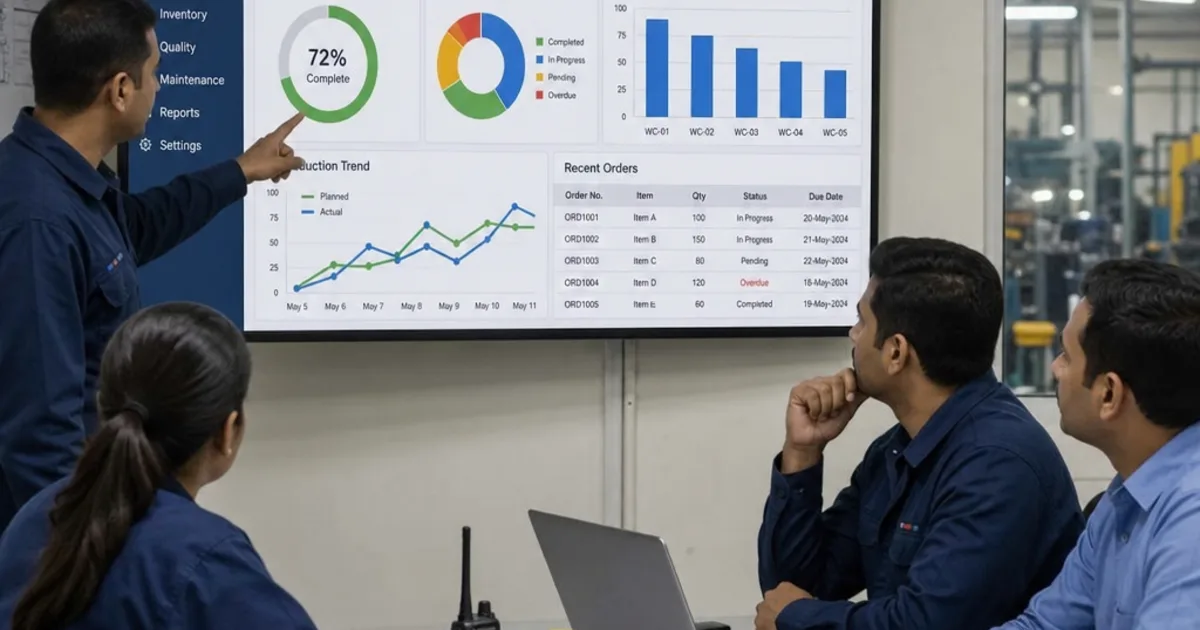
Evaluate the complete workflow, including exceptions and the actions required from the people on the floor.
5. A Worked Example: Comparing Three-Year Cost
The quote is one input to the decision. Compare implementation and operating costs with the manual work that remains after each change.
The figures below are hypothetical, not supplier prices or an OpsMavix quote. Assume all options address the same defined coordination workflow and retain other common business costs outside the comparison.
Quantify the current effort
Suppose the team spends 12 hours each week copying records and reconciling job status. At an assumed loaded staff value of £25 per hour over 48 working weeks:
12 × £25 × 48 = £14,400 per year.
Over three years, that is £43,200 of staff-time value.
Compare four alternatives
| Three-year cost | Keep current setup | Configure and connect | Buy a standard product | Build a focused layer |
|---|---|---|---|---|
| Setup, migration and training | £0 | £6,000 | £8,000 | £18,000 |
| Recurring software, hosting and support | £3,000 | £9,000 | £18,000 | £7,200 |
| Remaining manual work | £43,200 | £10,800 | £21,600 | £7,200 |
| Total | £46,200 | £25,800 | £47,600 | £32,400 |
The remaining work assumptions are:
- Configure and connect: three hours weekly, 3 × £25 × 48 × 3 = £10,800.
- Standard product: six hours weekly, 6 × £25 × 48 × 3 = £21,600.
- Focused layer: two hours weekly, 2 × £25 × 48 × 3 = £7,200.
Under these assumptions, configuring and connecting has the lowest total. The custom layer removes more manual effort but costs £6,600 more over the comparison period.
Demonstrate the assumptions
The standard product’s six remaining hours are an assumption about this example, not a claim about standard products generally. If a demonstration shows that it also leaves only two hours, its total falls to £33,200.
Likewise, a missing integration or additional maintenance need can change the custom figure. Test the expected reductions before relying on them.
Include omitted costs explicitly
A real comparison should review internal project time, devices, data cleanup, ongoing changes and any legacy subscriptions retained. Treat tax consistently where applicable and use the same scope and time horizon.
Released staff time is not automatically cash saved. Explain whether it avoids overtime, supports more output or frees capacity for another useful activity.
Keep documented error costs separate and avoid counting the same time reduction twice as both labour savings and additional revenue.
6. Ownership, Portability and Ongoing Responsibility
Buying and building create different dependencies, but neither eliminates dependency altogether.
A subscription product can provide supported operation while limiting certain changes. A custom application can provide source access while relying on hosting, libraries and a maintainable deployment process.
Ask the same practical questions
- Can the business export usable data, including important relationships?
- Who controls administrator and hosting accounts?
- What happens if the original supplier becomes unavailable?
- Which components are licensed from third parties?
- Who handles backups, restore tests and security updates?
- How are future changes requested and priced?
- Can another competent provider take over?
Specify the custom handover
Agree the source repository, deployment instructions, database structure, integration documentation and account access. Clarify ownership and permitted use in the agreement.
Test whether the documentation supports deployment and recovery. A copy of code without working instructions is an incomplete handover.
Define support rather than assuming it
State how incidents, routine updates and new features are handled. A fixed price bounds the agreed build scope; it does not make every future requirement free.
No per-seat charge can be commercially useful, but hosting, external services and maintenance may still apply. Compare those costs with the subscription alternative rather than treating ownership as zero ongoing cost.
7. Manage Delivery Through Scope and a Working Pilot
A focused workflow can be delivered sooner than a wider replacement because fewer processes and records need changing. That is a scope difference, not an inherent guarantee that custom is always faster.
Name the first operational outcome
For example:
“Every released job in the selected value stream has a visible quantity, stage and blocker, with missing or stale updates reviewed by the supervisor.”
Then define its acceptance checks and boundaries. State which integrations, histories and other product lines are excluded from the first phase.
Keep relevant constraints in scope
A scheduling pilot can defer a full inventory connection, but it still needs a reliable material-readiness input. A production tracker can defer complete costing, but its quantity states must still be meaningful.
Do not make the pilot appear successful by excluding the constraint responsible for the original failure.
Plan data preparation and cutover
Assign owners for product codes, units, locations, routings and open jobs. Reconcile the starting position and identify which old records should remain active.
Decide how the pilot connects to ongoing operations, who reviews results and how to recover if incorrect records appear. Avoid two uncontrolled systems independently releasing the same work.
Use milestones tied to evidence
Useful milestones include an agreed workflow, a tested configuration or prototype, reconciled pilot data and approved user acceptance.
OpsMavix publishes different scopes and typical delivery ranges on its pricing page. The written project plan should establish the actual timeline, exclusions and dependencies for the factory’s requirements.
8. Make the Decision and Expand With Evidence
Choose the approach that meets the essential requirements, has a credible delivery plan and leaves the business able to operate and maintain it.
Use a short decision record
Document:
- The problem and baseline cost.
- Essential requirements and demonstrated exceptions.
- Alternatives assessed and unresolved gaps.
- Comparable costs and assumptions.
- Record ownership and support arrangements.
- Pilot scope, acceptance checks and decision owner.
This makes the choice reviewable without relying on a persuasive demo or a general dislike of subscriptions.
Measure the first result
For production visibility, track missing jobs, stale records and time spent chasing status. For inventory, review count differences and missing movement causes. For scheduling, assess resource conflicts and completion against a clearly defined commitment.
Start with the measures tied to the original problem. A larger dashboard does not establish more value.
Expand when the next requirement justifies it
Once the first workflow is dependable, connect further inventory, order or reporting functions where there is a clear operational benefit.
If scheduling is the priority, the detailed guides to manufacturing scheduling software and factory scheduling software provide more specific checks.

Expansion should preserve clear ownership between order, production, stock and reporting records.
Frequently Asked Questions
What is factory management software?
It supports coordination across relevant factory functions such as production, materials, orders and reporting. The required scope depends on the operation; one application or several connected tools can provide it.
Should a growing factory build or buy?
First assess the essential requirements and current capabilities. Buy when a suitable product fits. Configure or connect where that resolves the gap. Consider custom where an important unmet workflow has enough value to justify development and maintenance.
Is buying always a full ERP implementation?
No. Dedicated scheduling, production and inventory tools can address narrower needs. A broader suite can fit coordinated requirements across several functions, including in a smaller factory.
Is custom always cheaper than a standard product?
No. Compare equivalent scope and lifetime cost. A focused build may be economical for an unsupported workflow, while a suitable existing product can avoid unnecessary development and maintenance effort.
What should we include in the cost comparison?
Implementation, migration, internal project time, devices, licences, hosting, support, future changes and remaining manual work. Use consistent assumptions and avoid double-counting benefits.
Does custom software remove supplier lock-in?
It can improve portability if source access, deployment, data exports and account control are properly agreed and delivered. It still relies on maintainable technology and support arrangements.
Will operators automatically adopt a custom system?
No. Practical screens, training, clear responsibilities and consistent management use all matter. Test with the actual users and work rather than assuming a bespoke interface guarantees adoption.
How long does factory software take to implement?
Scope, data quality, integrations and testing determine the schedule. A bounded workflow may become useful relatively quickly; a wider replacement needs more coordination. Request milestones based on the actual requirements.
Where should we start?
Choose one costly incident and trace its records and handoffs. Turn the missing controls into a short demonstration brief, compare options and pilot the most credible solution on a bounded workflow.
How OpsMavix Can Help
OpsMavix helps manufacturers identify what to keep, what to connect and what is worth building. We start with how work and information move through the factory, then define the controls needed to reduce recurring delays and errors.
We can help you:
- Map production, material and order handoffs.
- Identify essential requirements and current-tool capabilities.
- Define a focused scope with measurable acceptance checks.
- Build practical production tracking and inventory workflows.
- Connect reliable source records to operations reporting.
- Pilot one value stream with data preparation and team training.
- Provide a documented handover and clear support arrangements.
Bring a recent delayed job, stock discrepancy or expensive workaround, plus any software proposals already received. We will compare the actual requirements with the proposed scopes and identify what deserves investment first.
Book an Operations Leak Audit to map what your factory needs to improve, what existing tools can handle and where a custom build would earn its place.
Keep reading
Getting value from OpsMavix? Add us as a preferred source on Google — you'll see more of our operations content in your AI Overviews, AI Mode and Search.