
Enterprise Resource Planning for Small Business: A Practical Guide
Still copying orders between spreadsheets, stock tools and accounting software? Learn how ERP connects your operations, what to budget for and how to plan a practical rollout.
Enterprise Resource Planning for Small Business: A Practical Guide
An order arrives. Someone copies it into a spreadsheet. Another person checks stock. Finance enters the same details again to raise an invoice.
That process may work when orders are occasional. As the business grows, it becomes a daily source of delays, mistakes and extra admin.
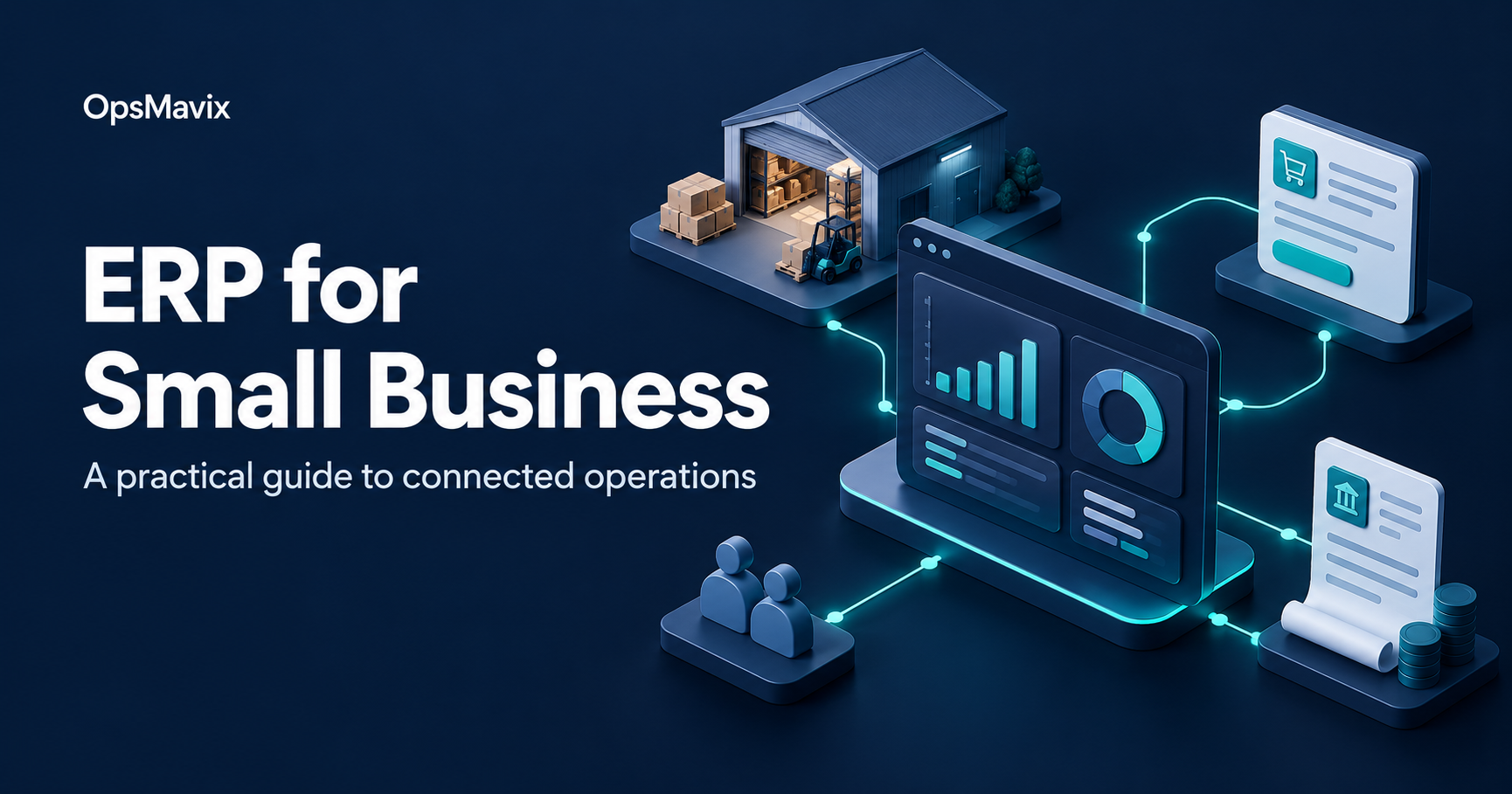
Enterprise resource planning for small business connects the work behind each order, bringing functions such as sales, purchasing, stock and finance into a shared system. This guide explains what ERP does, when it becomes useful and how to approach a rollout without making the project bigger than it needs to be.
What is enterprise resource planning?
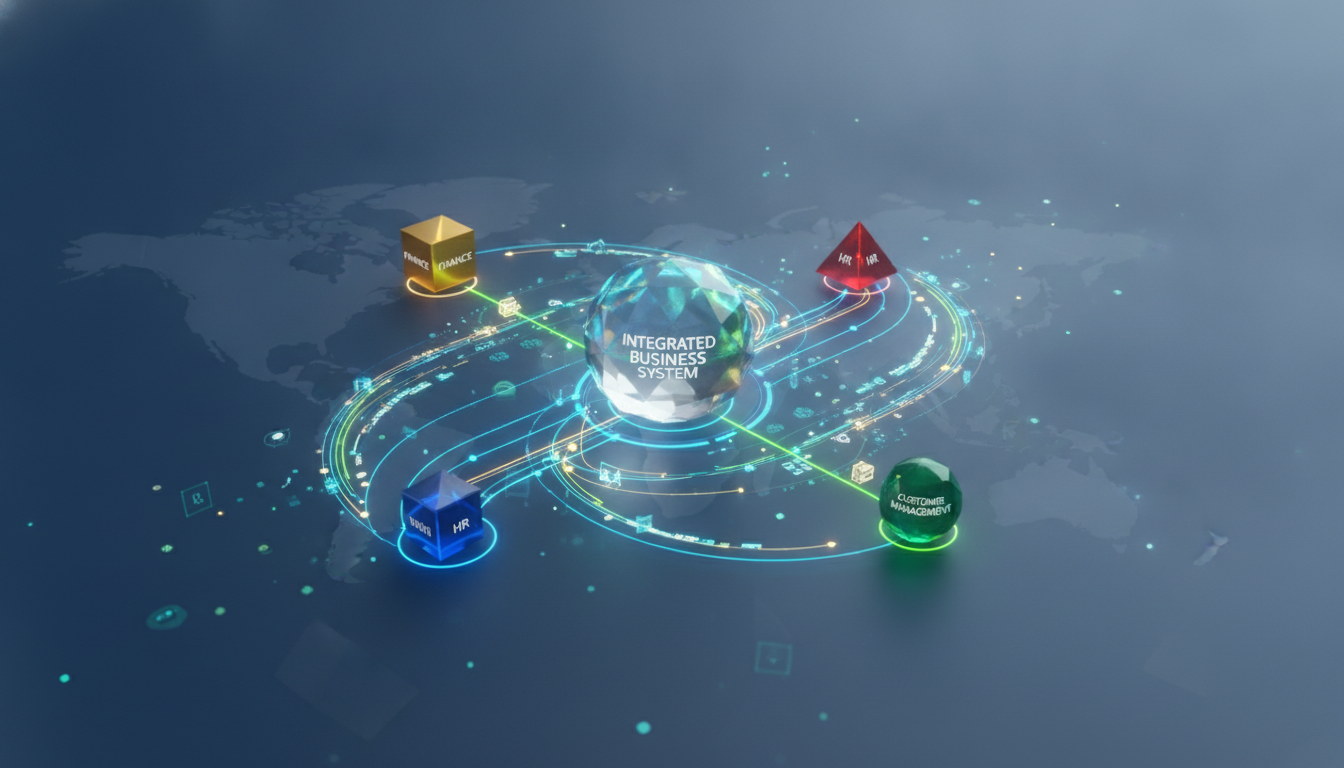
Enterprise resource planning, usually shortened to ERP, is software used to manage connected business activities. Instead of each department maintaining separate records, teams share information across the processes they use.
For example, a confirmed sales order can feed the warehouse’s picking process and the finance team’s invoicing workflow. Exactly what happens automatically depends on the software, its configuration and any integrations.
Oracle’s explanation of ERP describes this connection between business processes and shared data as a central part of an ERP system.
For a small business, the practical question is: can your team process an order without repeatedly copying information between tools?
What can an ERP system manage?
You do not need every module on day one. Start with the areas where disconnected information causes the most work.
| Business area | What it can cover | A problem it can help address |
|---|---|---|
| Sales and CRM | Customers, quotations and sales orders | Customer details scattered across inboxes and spreadsheets |
| Inventory | Stock movements, locations, reservations and replenishment | Sales and warehouse teams working from different stock figures |
| Purchasing | Suppliers, purchase orders and receipts | Reordering too late or missing incoming deliveries |
| Finance | Invoices, payments and accounting reports | Retyping sales information into accounting software |
| Manufacturing | Bills of materials, work orders and production planning | Unclear material requirements or production status |
| People and projects | Employee records, timesheets and project activity | Separate records that are difficult to reconcile |
Coverage varies by product and package. Payroll, ecommerce connections and specialist industry processes may require additional modules or external integrations.
Five signs your business may need ERP

Stock accuracy depends on recording receipts, movements and dispatches consistently. Photo: Tiger Lily / Pexels.
ERP becomes worth investigating when the same problems keep interrupting daily work:
- You enter the same information several times. Orders move manually between your website, stock records and accounts.
- Your stock figures disagree. The sales team sees availability that the warehouse cannot confirm.
- Reporting takes too long. Someone has to combine several spreadsheets before you can see outstanding orders or margins.
- Processes depend on one person. A particular employee is the only one who knows how to connect the records.
- Growth creates more admin. Every new channel, location or product range adds another manual workaround.
These signs do not automatically mean you need a full ERP rollout. If one missing connection causes most of the trouble, a focused integration may be sufficient. Map the problem before choosing the software.
How ERP works: a wholesale order example
Imagine a small distributor selling through a website and directly to trade customers. This is an illustrative workflow, rather than a customer case study.
| Stage | With disconnected tools | With a configured ERP workflow |
|---|---|---|
| Order received | Staff copy customer and product details | The order is entered once or imported through an integration |
| Stock checked | Someone checks a separate spreadsheet | Staff check recorded availability and reservations |
| Goods picked | The warehouse receives an email or printout | The warehouse works from a picking task linked to the order |
| Order dispatched | Sales and finance wait for an update | Dispatch is recorded against the order |
| Invoice raised | Finance retypes the order | An invoice can be created from the relevant order or delivery records |
| Stock replenished | Someone notices a shortage | Reordering rules can flag or generate purchasing needs |
The benefit is continuity: each team can see what happened before its part of the job begins.
External sales channels still depend on their connectors. Check synchronisation frequency, error handling and stock reservation rules before assuming that availability updates instantly everywhere.
If stock and order handling are your main bottlenecks, explore inventory automation systems as a starting point.
What benefits should you measure?

Choose reports that answer operational questions. Illustrative analytics photo, not an ERP product screenshot: Negative Space / Pexels.
A useful ERP business case starts with a baseline. Record what happens today, then measure whether the new process improves it.
| Goal | A practical measure |
|---|---|
| Reduce repetitive admin | Minutes spent entering and checking each order |
| Improve stock accuracy | Difference between recorded stock and physical counts |
| Fulfil orders more reliably | Percentage dispatched by the promised date |
| Invoice sooner | Time between the invoicing trigger and issuing the invoice |
| Make reporting easier | Hours spent preparing the monthly management pack |
Avoid treating projected time savings as guaranteed cash savings. Saving five hours a week may give your team more capacity; it does not automatically reduce payroll costs.
Similarly, a dashboard is only useful when the underlying transactions are complete and accurate. ERP cannot compensate for receipts, returns or stock movements that nobody records.
Cloud, on-premise or hybrid ERP?
| Approach | How it works | What to clarify |
|---|---|---|
| Cloud ERP | Software runs on infrastructure accessed over the internet | Hosting responsibilities, backups, updates, access controls and recurring fees |
| On-premise ERP | Software runs on infrastructure managed by the business or its provider | Maintenance, security, recovery arrangements and upgrade costs |
| Hybrid setup | Some applications or infrastructure remain separate while others run in the cloud | Integration ownership, data consistency and support responsibilities |
Compare the responsibilities included in each proposal. A software subscription does not necessarily cover implementation, data cleaning, integration maintenance or user support.
Open-source software is another consideration, but it describes licensing rather than hosting. It can be hosted in different ways and still involves implementation and ongoing maintenance costs.
How much does ERP cost for a small business?
There is no single useful price without knowing the scope. Ask each provider to quote against the same users, workflows, integrations and data requirements.
Include these items in the comparison:
- Software subscriptions or licences.
- Discovery, configuration and any development.
- Data preparation, migration and reconciliation.
- Connections to existing systems.
- Training and the time your own team needs to contribute.
- Hosting, support, upgrades and ongoing integration maintenance.
A three-year comparison can reveal costs that an initial implementation quote leaves out. Ask what happens to the price when you add users, locations or transaction volume.
For a simple return-on-investment calculation, compare benefits and costs over the same period:
ROI (%) = ((Financial benefits − total costs) ÷ total costs) × 100
Use documented assumptions. Keep cash savings, released staff capacity and expected revenue improvements separate so you do not count the same benefit twice.
How to choose an ERP system

Agree the workflows and responsibilities before evaluating software. Photo: cottonbro studio / Pexels.
Give each shortlisted provider a realistic scenario from your business. Include an ordinary order and an exception, such as a partial delivery, return or supplier delay.
Ask them to show the complete process and explain:
- Which steps work as standard, which need configuration and which need development?
- Who maintains each integration when another platform changes?
- How are failed imports or synchronisation errors detected and corrected?
- Can you export your data in a usable format?
- Who owns custom code, and what happens if you change support provider?
- What training, launch support and ongoing help are included?
Make sure the people doing the work attend the relevant demonstrations. A warehouse operator or finance administrator may spot a missing step that a feature checklist will not reveal.
A practical ERP implementation plan
1. Define the first phase
Choose a clear operational outcome, such as processing an order through to dispatch and invoicing. Record what is included, what is deferred and how you will judge success.
2. Prepare the data
Assign owners for products, customers, suppliers and opening balances. Remove duplicates, standardise product codes and units, and agree which historical records need to move.
3. Configure and connect
Set up the agreed workflows, permissions and integrations. Document who owns each connection and how the team will respond to errors.
4. Test complete scenarios
Test normal transactions alongside returns, cancellations, part deliveries and stock discrepancies. Reconcile migrated balances and quantities before signing off the migration.
5. Train the team and plan the cutover
Train people on their daily tasks. Agree when old-system transactions stop, when final data moves, who checks it and how operations will continue if a critical issue prevents launch.
6. Support the launch and review results
Assign someone to triage issues after go-live. Compare the agreed measures with your baseline before adding more modules or automation.
Common mistakes to avoid

Include the people who receive, pick and dispatch stock in testing and training. Photo: Tiger Lily / Pexels.
Trying to launch everything at once. A wider scope means more dependencies to test and more change for the team to absorb.
Moving poor data into a new system. Duplicate products and incorrect quantities still cause problems after migration.
Customising before checking standard workflows. Every change should solve a specific need and have an owner for future maintenance.
Leaving training until launch day. Give users time to practise, ask questions and work through exceptions.
Measuring success only by going live. Track whether orders, stock records, reporting and daily work have actually improved.
Frequently asked questions
Is ERP suitable for a small business?
It can be, particularly when sales, purchasing, stock and finance need to share information. Suitability depends on process complexity and the cost of current problems, rather than employee count alone.
What is the difference between ERP and accounting software?
Accounting software focuses on financial records and reporting. ERP connects finance with other operational workflows, such as purchasing, inventory or manufacturing. The boundary varies because some accounting products include additional operational features.
Does ERP replace CRM?
Some ERP systems include CRM capabilities. Others connect to a separate CRM. Decide whether the included features cover your sales process before replacing a tool the team already uses successfully.
How long does implementation take?
Timing depends on scope, data quality, integrations, development and staff availability. Ask for a plan tied to those requirements, including testing and migration, rather than accepting a generic launch date.
Do we need every department in the first rollout?
No. You can phase the work, provided the first phase supports a complete, usable process and clearly defines how it will interact with systems that remain in place.
Start with the process costing you the most time
Write down where your team copies information, waits for updates or corrects the same errors. Choose one recurring problem and define what a better process would look like.
For a practical next step, explore the OpsMavix Core System and consider which workflow your business needs to connect first.