
Electronic Kanban: Replacing the Card Wall
Physical kanban cards get lost, wiped, or ignored the moment the floor gets busy. Here's how an electronic kanban system keeps pull-based reordering honest.
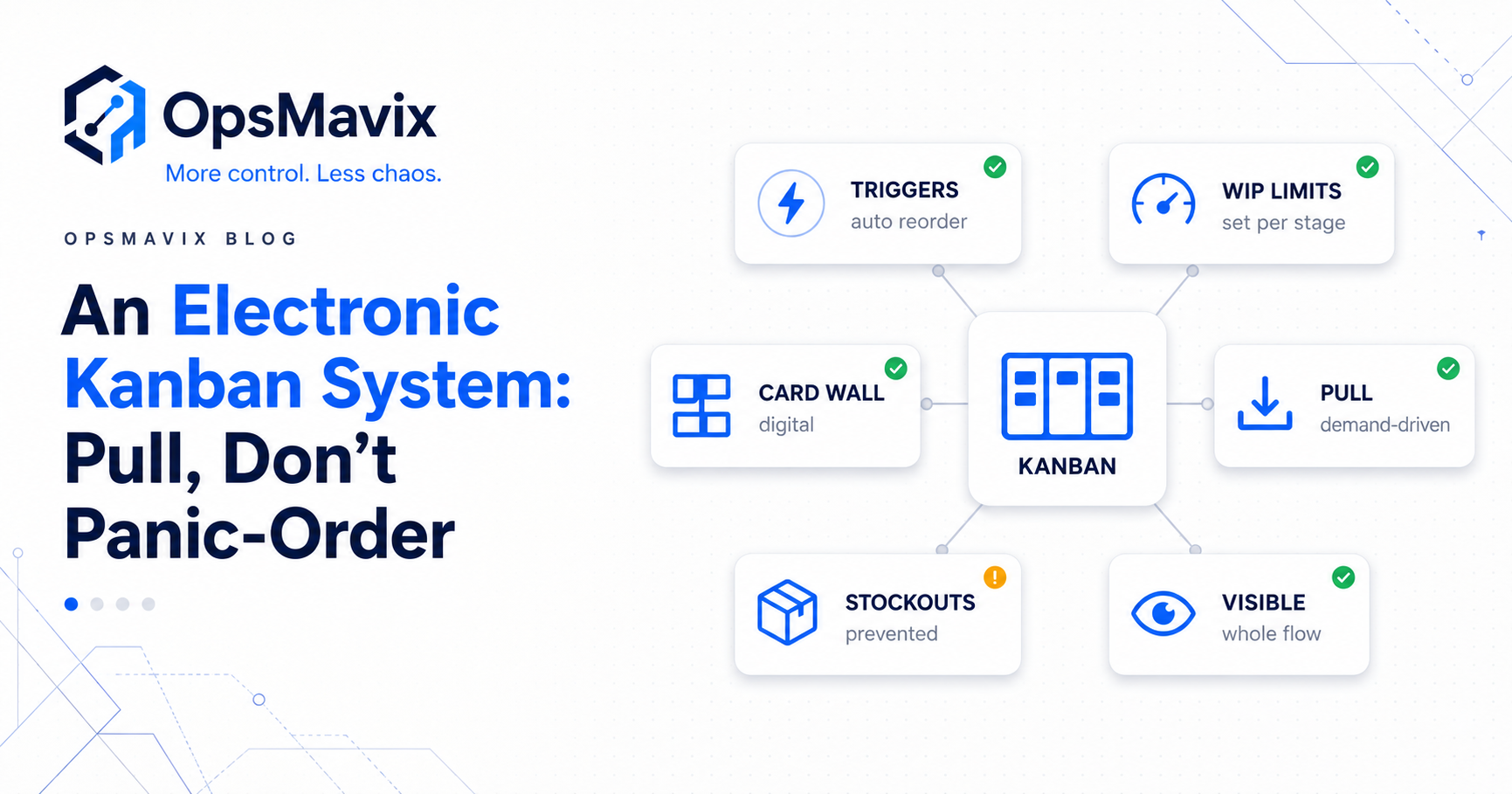
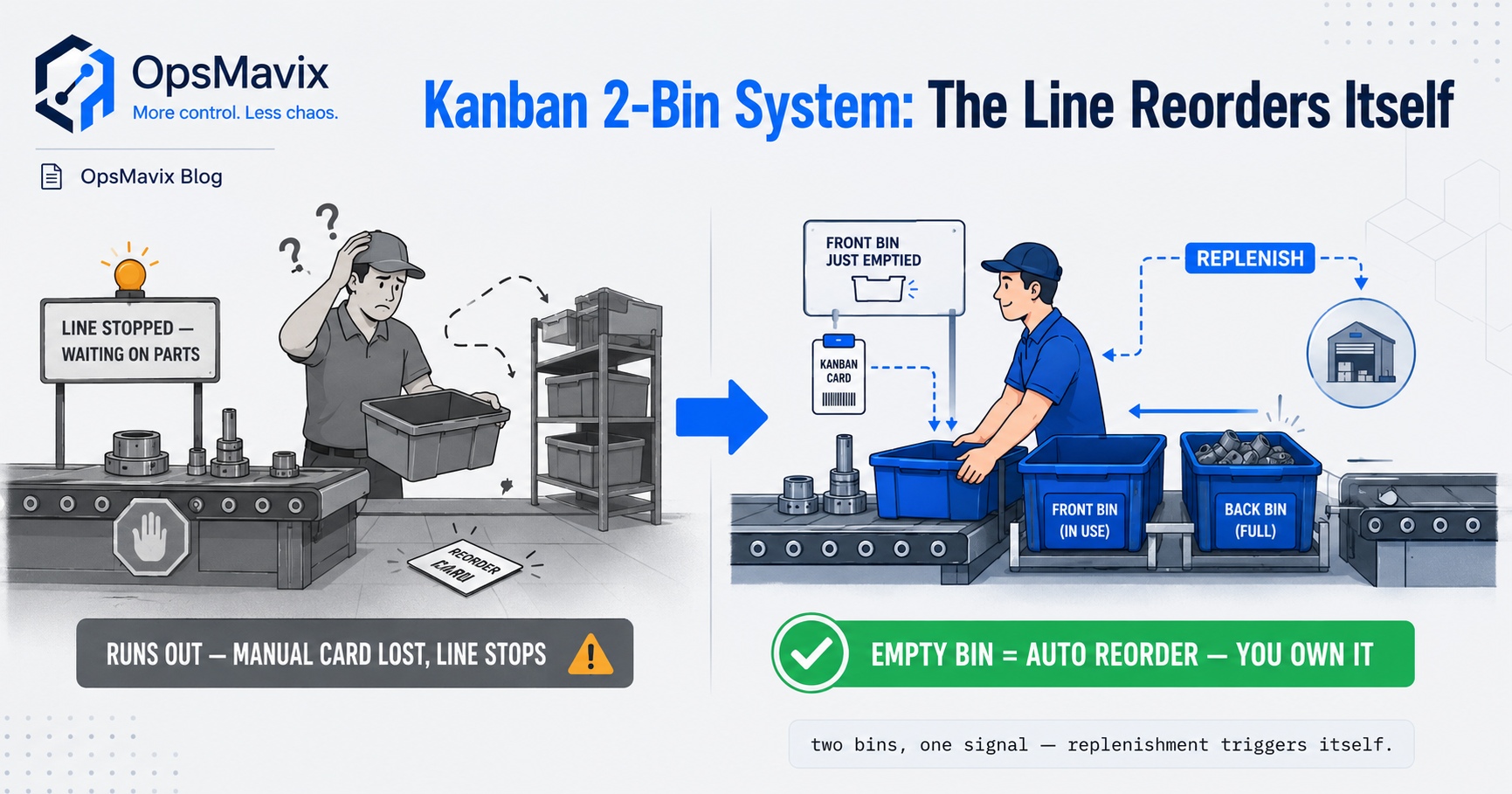
The bin is empty. Its replenishment card is somewhere between the workbench and the stores tray. Production assumes someone has requested more parts; stores has not seen the signal. The first shared update arrives when the next job cannot start.
The problem is not necessarily the pull principle. It is the handoff between consumption, a replenishment request and confirmation that usable material has arrived.
An electronic kanban system records and manages pull signals digitally, so the team can see what needs replenishing, who is handling it and which requests are overdue. A scan, an operator action or a recorded stock movement can trigger the signal, depending on how the loop is designed.
Going electronic should preserve the useful discipline of kanban while improving visibility and traceability. It does not make missed consumption, unreliable suppliers or poorly sized buffers disappear.
This guide explains how digital kanban works, which parts of a physical system are worth keeping and how to pilot one replenishment loop without making a full ERP replacement the starting point.
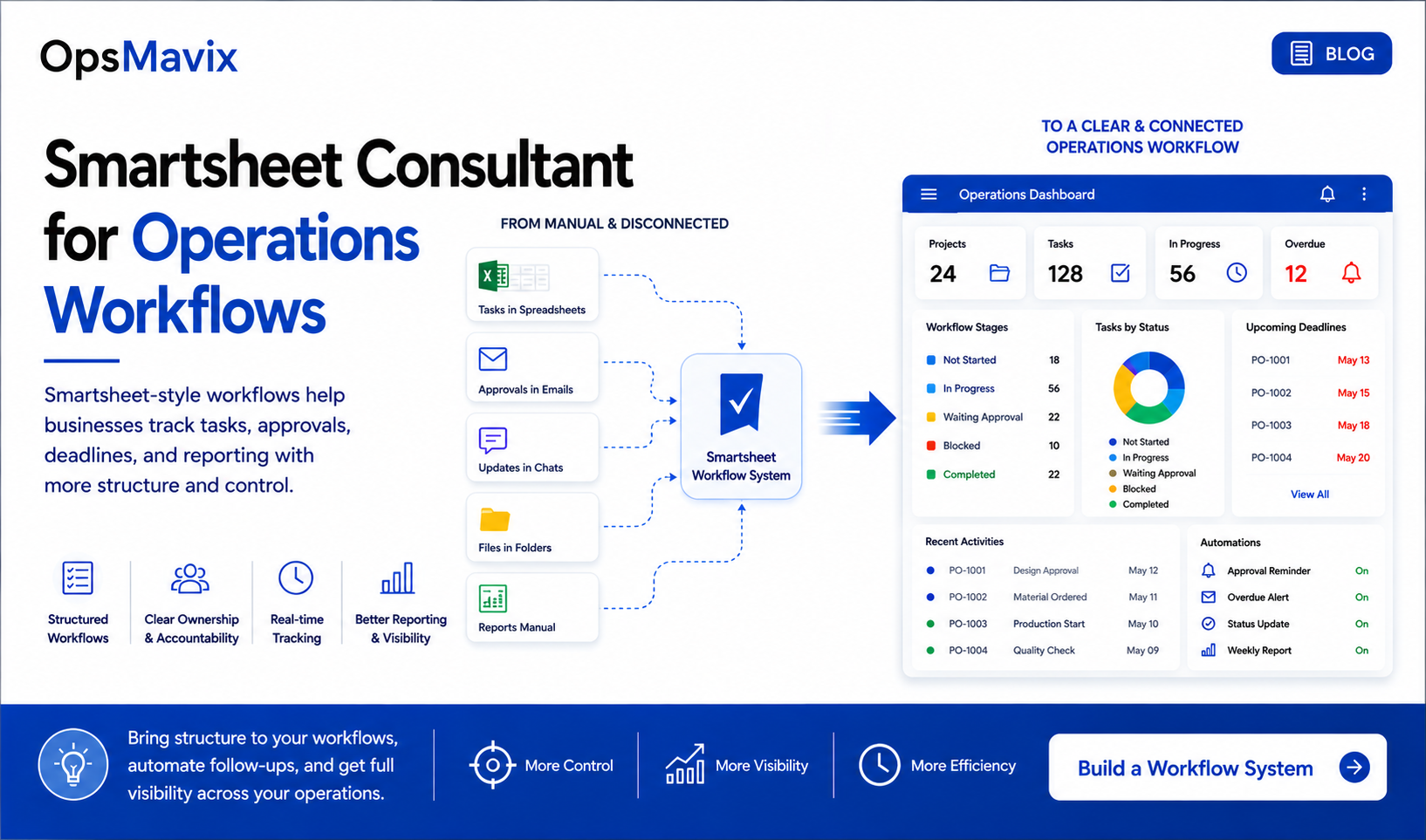
A digital board makes replenishment status easier to share. The loop still needs a defined trigger, owner and completion rule.
Key Takeaways
- Electronic kanban changes how pull signals are captured and managed; it does not replace the need for a reliable replenishment process.
- Triggers can be container-based or quantity-based. Define the actual event rather than assuming every movement should create a request.
- Digital records improve visibility and auditability, but signals can still be missed, duplicated or ignored without appropriate controls.
- Buffer quantities must reflect consumption, replenishment lead time, container size and variability.
- High-mix operations need part selection: frequently used items may suit repeatable pull loops better than rare or unpredictable lines.
- Check existing software before commissioning a custom system, then prove one loop with real exceptions before expanding.
In this guide:
- Where physical signals become difficult to manage
- Keep the pull principle
- What a digital kanban needs to track
- A worked buffer and replenishment example
- Physical versus electronic kanban
- Kanban, MRP and high-mix production
- Controls that keep the loop reliable
- Choosing software and piloting the change
- Frequently asked questions
- How OpsMavix can help
1. Where Physical Kanban Signals Become Difficult to Manage
Physical kanban can work well when the signal, collection route and replenishment responsibilities are clear. Paper is not inherently unreliable, and a screen is not inherently better.
The difficulty grows when the operation cannot easily distinguish a signal that has been raised from one that has been accepted, replenished or delayed.
Follow a recent missing replenishment
A card might have been placed in the wrong tray. A stores round might have been missed. The supplying process might have accepted the request but encountered a shortage. These are different failures and need different responses.
Look for:
- Cards moved without a clear collection route.
- Requests awaiting action with no visible owner.
- Replenishment delays that only become apparent when a bin empties.
- Separate boards showing inconsistent status.
- Shift handovers that depend on memory.
- Repeated requests because nobody knows whether the first was received.
Digital capture helps most when the main weakness is tracking the signal and its progress. It helps less when the supplying process cannot meet the required lead time.
More parts mean more rules to maintain
On a high-mix floor, each part may have a different supplier, container size or delivery route. A generic “order more” card can hide those differences.
Electronic kanban can hold those rules against the correct part and location. Someone still needs to maintain them as products, demand and supply conditions change.
2. Keep the Pull Principle and Define the Trigger
Kanban is a signal authorising replenishment or movement within a defined pull system. The Lean Enterprise Institute’s kanban explanation distinguishes production signals from withdrawal signals: making more material and moving existing material are related but different actions.
A digital implementation should make that distinction explicit. A request to move components from stores to a cell should not automatically become a purchase order for the same quantity.
Container-based signals
An operator scans a container when it reaches the agreed state, such as empty. The system identifies the container, part, destination and replenishment quantity, then opens the corresponding request.
The operator action can be manual even though request creation is automatic. Scanning does not prove that every consumption event has already been recorded.
Quantity-based signals
A system can instead evaluate an agreed quantity after a relevant stock movement. If the rule is met, it creates the replenishment signal.
Define what that quantity means. Physical stock, usable stock, reserved stock and material already on its way are different figures. A trigger built on the wrong figure can request too much or too little.
SAP’s quantity-signal documentation illustrates that quantity signals and classic empty-container signals are different approaches. The selected approach must match the physical loop.
Agree what happens after the signal
A trigger might create an internal transfer request, a production instruction or a purchasing request. It may require approval before an external order is placed.
Record that distinction so “request raised” is not mistaken for “supplier has accepted an order.”
3. What an Electronic Kanban System Needs to Track
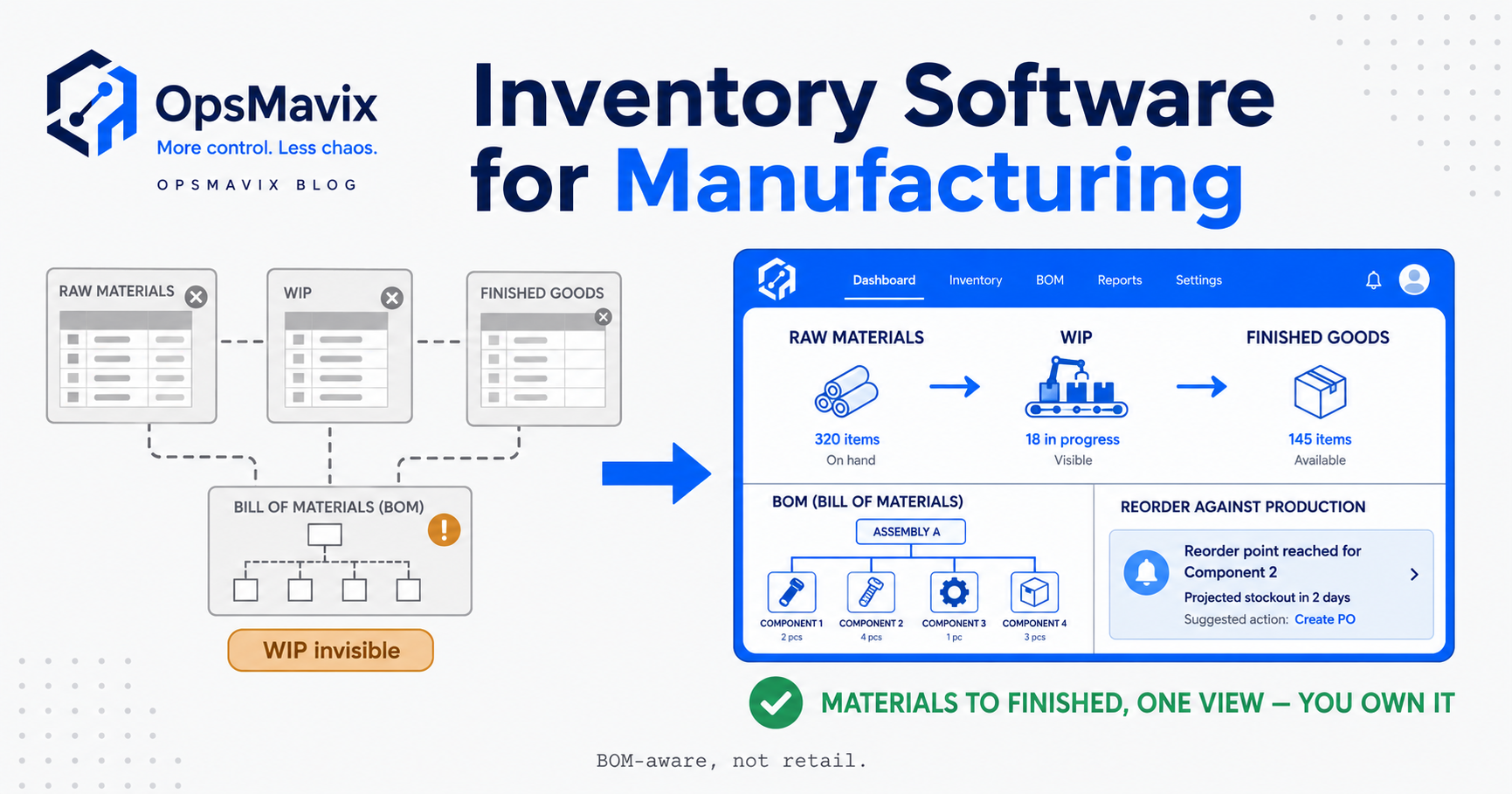
A useful electronic kanban system needs enough information to run the loop and explain what happened. It does not need every function of a wider manufacturing platform.
The control loop
For each part and destination, define:
- The supplying location, process or supplier.
- Container or replenishment quantity and unit of measure.
- The event that raises a signal.
- The expected replenishment lead time.
- The person or team responsible for action.
- The permitted number of active containers or outstanding requests.
- How receipt and usable availability are confirmed.
Location matters. Twenty units in the central warehouse do not automatically mean twenty units are available beside the machine that needs them.
The signal lifecycle
A practical status model might use the following stages. Adapt it to the actual operation rather than adding stages nobody can maintain.
| Status | What it means | Evidence or responsibility |
|---|---|---|
| Raised | A valid replenishment event was captured | Part, loop, quantity, event and time |
| Accepted | The supplying team has taken responsibility | Owner and expected completion |
| In progress | Picking, production or procurement is under way | Related transfer, job or order |
| In transit | Material has left its source | Dispatch or movement confirmation |
| Received | Material reached the destination | Actual received quantity |
| Available | Required checks are complete and material can be used | Receipt or release confirmation |
| Exception | The normal loop cannot complete as expected | Reason, owner and next action |
Receipt and availability may be the same event for some parts. Keep them separate when inspection or another release step is required.
The board should show action, not just colour
Each open signal should make its next step clear. Show the owner, age, expected arrival and relevant exception rather than relying only on red, amber and green tiles.
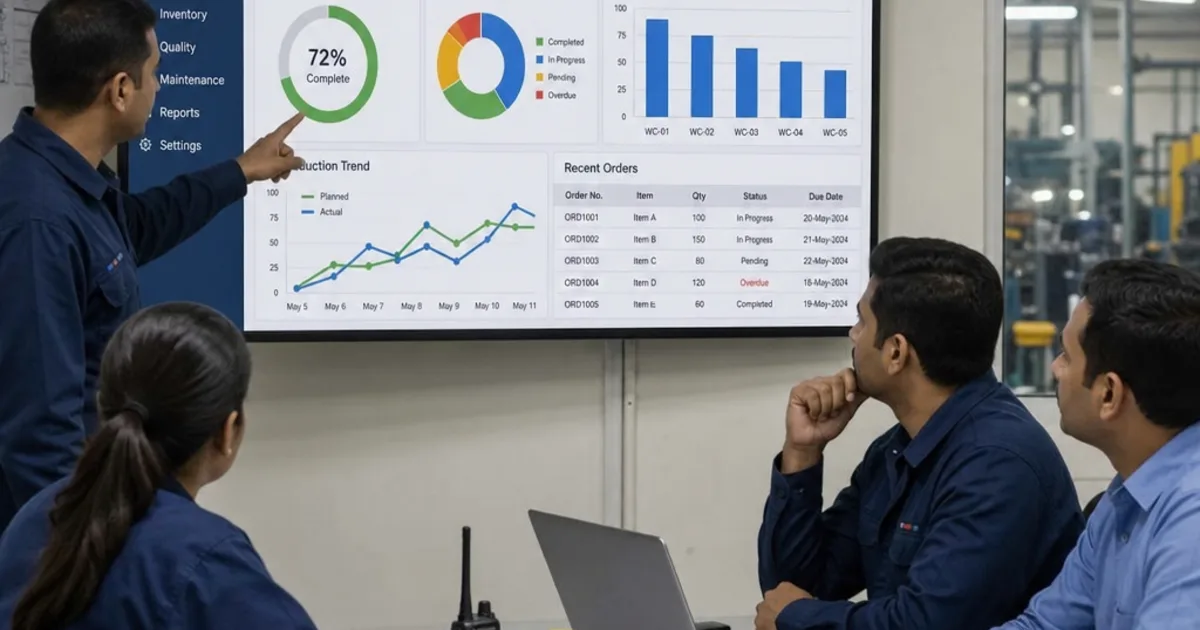
A digital board can support production tracking, but it should preserve the meaning of each replenishment state. “Started” is not the same as “ready at the cell.”

Stock at the supplying location and usable material at the consuming cell are separate positions that the replenishment loop must connect.
4. A Worked Example: Sizing and Running One Pull Loop
Digital signals cannot compensate for a loop that holds too little material to cover replenishment. Buffer sizing is part of process design, and its assumptions need reviewing against actual performance.
Hypothetical container calculation
Suppose a cell uses a component at an average of 40 units per working day. Replenishing a container takes two working days, including the normal collection, preparation and delivery steps. Each container holds 20 units.
For this illustrative calculation, the team adds a 25% allowance to expected consumption during the replenishment period:
40 × 2 × 1.25 = 100 units.
Dividing by the container quantity gives:
100 ÷ 20 = five containers.
This is a simplified starting calculation, not a universal kanban design rule. The allowance is an assumption to test, not a recommended percentage for every business. Actual sizing must consider demand variation, replenishment variation, quality losses, minimum batches and the specific signal timing.
If the same loop takes three working days instead of two, the calculation becomes 40 × 3 × 1.25 ÷ 20 = 7.5, rounded up to eight containers. A lead-time change can materially alter the requirement.
What happens to one container
Assume the example uses an empty-container trigger and each container has a unique ID.
| Event | Physical position | Digital response |
|---|---|---|
| Operator empties container K-03 | Its 20 units have been consumed | Scan records K-03 as empty and raises one refill request |
| Stores accepts the request | Container remains empty | Owner and expected refill time are recorded |
| Operator scans K-03 again | No new consumption has occurred | Existing request is shown; no duplicate refill is created |
| Stores sends 20 units | Replacement material is moving | Request shows in transit |
| Cell receives and checks 20 units | Container is usable again | Receipt is recorded and K-03 returns to available |
If other containers become empty while K-03 is being replenished, their legitimate requests can also be raised. Preventing duplicates for one container must not block valid signals for different containers in the same loop.
Partial replenishment needs an explicit rule
If stores delivers only 12 units, do not quietly mark a 20-unit refill complete. Record the actual receipt and show the remaining eight units or an agreed exception outcome.
The operator should know whether the partial container is available for use and how the outstanding quantity will be handled. The system should not invite an extra full refill simply because the first one was incomplete.
5. Physical Kanban vs Electronic Kanban
The comparison is about control and effort, not whether one format is modern. A well-run physical loop can outperform a poorly configured digital one.
| Area | Physical kanban | Electronic kanban |
|---|---|---|
| Trigger | Card, container or another agreed physical signal | Scan, operator action or defined recorded movement |
| Local visibility | Often clear beside the work | Screen or retained physical cues at the cell |
| Remote visibility | Usually requires communication or a visit | Can share current recorded status across teams |
| Request ownership | Depends on the collection and handling method | Can assign and display a responsible team |
| History | Requires separate records if needed | Can retain event and status history |
| Overdue signals | Identified through routine checks | Can flag age or missed target times |
| Duplicate requests | Controlled through card and container discipline | Needs rules for repeated scans, retries and active requests |
| Failure modes | Missing cards, incorrect placement, missed collection | Missed scans, wrong mappings, outages, unhandled alerts |
| Upkeep | Physical organisation and routine discipline | Process discipline plus software, devices and data maintenance |
Keeping cards can be useful
A hybrid arrangement can retain visual container labels while recording signals electronically. This can make identification easy and preserve a local cue during interruptions.
Choose one authoritative way to raise a replenishment request. If a paper tray and a digital board both independently create orders, the hybrid approach can produce double replenishment.
6. Electronic Kanban, MRP and High-Mix Production
Kanban and MRP address different planning and execution needs, and they can coexist. Neither needs to be treated as the only method for the whole factory.
MRP calculates time-phased material requirements from a production plan, bills of materials, inventory and scheduled receipts. Its inputs can include actual orders as well as forecasts. Describing it as forecasting alone misses part of its role.
Kanban manages replenishment through defined pull signals. Demand expectations still influence buffer sizing and capacity planning, even when the operational trigger is consumption.
High mix needs selection, not just digitisation
The Lean Enterprise Institute’s pull-production guidance describes supermarket, sequential and mixed approaches. Maintaining a buffer of every item is not the only way to organise pull.
For a high-mix shop, consider:
- Repeat-use components with reasonably predictable replenishment.
- Infrequent parts that may be better purchased or made against a specific requirement.
- Long-lead items needing earlier planning than a local empty-bin signal provides.
- Shared components whose consumption spans several cells.
Electronic kanban may work well for a selected group of repeat-use items while other parts remain under order-based planning. A digital trigger for every SKU can create excessive stock or noisy requests.
You do not need to replace the ERP to improve a loop
Existing ERP, inventory or manufacturing software may already support kanban. A dedicated application or a focused custom layer may also fit.
Assess the current capability first. If a separate system is needed, define which application owns inventory, purchasing and production records. Avoid running two independent replenishment processes for the same part and location.
A connected inventory system can provide movement records, while the kanban layer manages the agreed pull lifecycle.
7. Controls That Keep the Digital Loop Reliable
An electronic signal is easier to trace when it is captured correctly. It is not impossible to lose: an unrecorded event never enters the board, and an ignored alert remains an ignored alert.
Handle scans and retries safely
Use clear part, container and location identification. Validate whether the requested status transition is allowed.
A repeated empty scan should show the existing request. A failed network call followed by a retry should not create a second order. Give operators visible confirmation so they know whether their action succeeded.
Provide a defined outage routine
Decide what happens when the scanner, network or application is unavailable. A temporary paper log may be appropriate, but someone must reconcile it with the digital records when service returns.
If offline capture is supported, test how delayed events are processed and how conflicts are resolved. Do not assume an event stored on a device is already visible to stores.
Escalate useful exceptions
Alerts should distinguish:
- A new request not yet accepted.
- A refill that has passed its expected completion time.
- A partial or damaged receipt.
- A supplier or internal stock shortage.
- A failed connection to purchasing or inventory.
Assign an owner and next action. Sending the same warning to everybody repeatedly can make the board easier to ignore.
Record corrections and review the loop
Allow authorised corrections with a reason and history. Review signal-to-receipt time, shortages, duplicate attempts and adjustments.
If buffers are repeatedly wrong, investigate the consumption records and lead time rather than simply increasing every quantity. The same discipline helps explain why stock never matches the system.
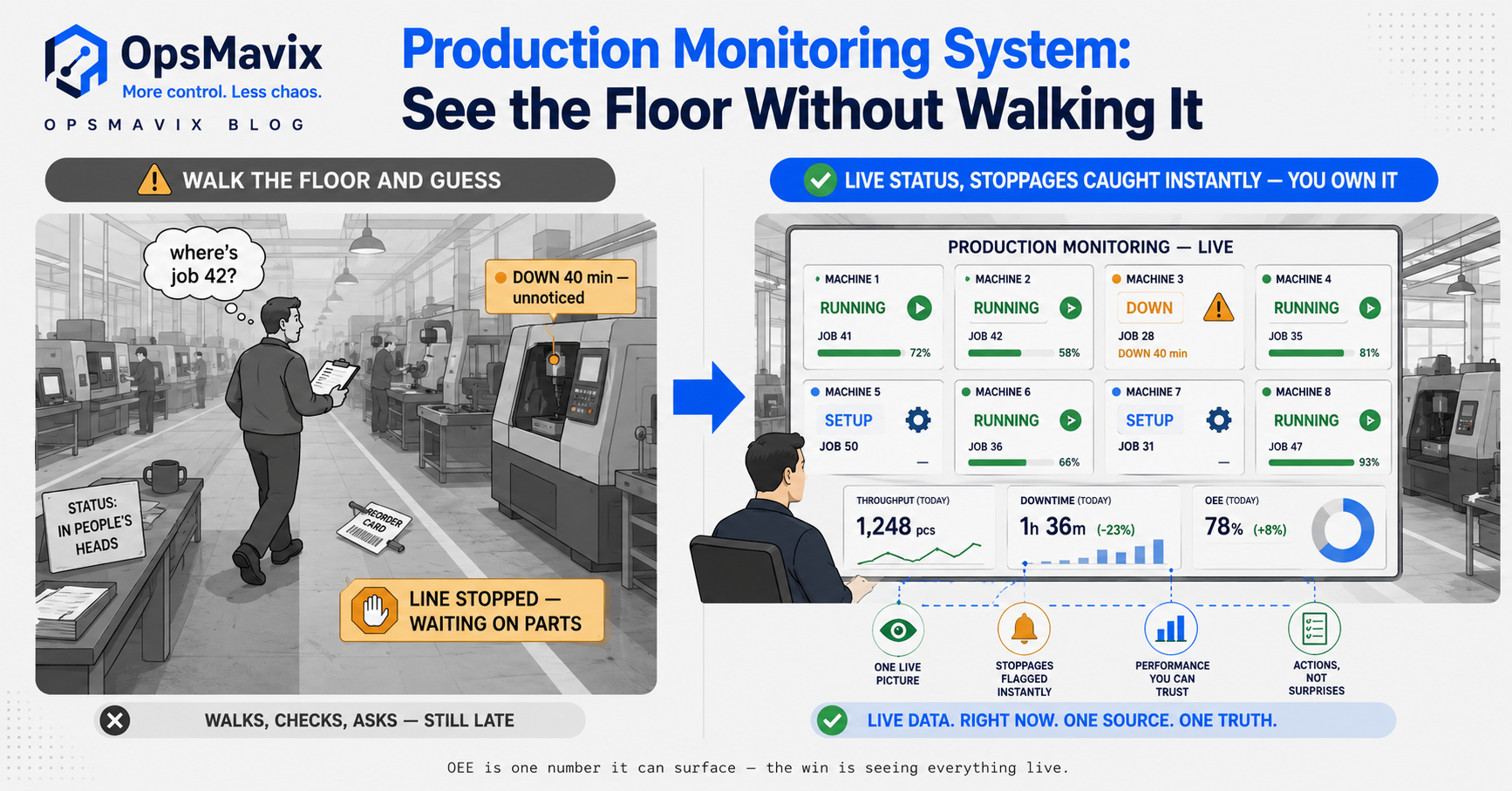
The board should reveal waiting work and exceptions early enough for a named owner to act.
8. How to Choose and Pilot an Electronic Kanban System
Start with one identifiable replenishment problem. Choose a loop whose source, destination, consumption and refill process can be observed clearly.
Compare the available options
Check whether the current system can manage container IDs, request status, partial receipts and overdue signals. If considering another product or a custom build, ask for the same workflow demonstration.
Compare implementation, devices, labels, integrations, training, hosting, support and ongoing changes. Ownership and handover should be explicit for a custom build; they do not remove maintenance responsibilities.
Establish a baseline
Measure a representative period before the pilot:
- Time between a valid signal and usable replenishment.
- Requests missed or discovered late.
- Material-related waiting at the cell.
- Emergency transfers or purchases.
- Staff time chasing request status.
- Inventory held within the loop.
Keep causes separate. A shortage caused by supplier non-delivery should not be counted as a lost-card problem.
Test more than the successful refill
Acceptance checks should cover a normal request, repeated scan, unavailable supply, partial receipt, incorrect container scan and outage recovery.
Also test two different empty containers in the same loop. Both should create valid requests without duplicates for either container.
Expand after the loop is trusted
Train operators and replenishment staff together. Show them when to signal, how to confirm success and where to find exceptions.
At the end of the pilot, compare actual performance with the baseline. Adjust rules and quantities before adding more parts. A focused pilot may be relatively quick, but the schedule depends on integration, data quality and the time needed to observe representative replenishment cycles.
Frequently Asked Questions
What is an electronic kanban system?
It is a digital way to capture and manage kanban pull signals. It records the agreed replenishment event, creates or routes a request and shows its progress through completion or exception handling.
Does electronic kanban automatically detect consumption?
Only if consumption is captured through a reliable connected event. Some systems use operator scans or taps instead. The request can be generated automatically after that action, but the original event still needs to be recorded.
Is electronic kanban the same as a task kanban board?
No. A task board organises work items through stages. Manufacturing replenishment kanban also needs defined material, quantities, locations, triggers and supply rules. Moving a generic task card does not establish those controls.
How is electronic kanban different from MRP?
Kanban uses defined pull signals to control replenishment. MRP calculates material requirements against a production plan and related records. They can work together, with different items or activities managed through different methods.
Can electronic kanban work on a high-mix, low-volume floor?
It can suit selected repeat-use parts, but not every rare or unpredictable item benefits from a standing buffer. Review item frequency, lead time and supply reliability before deciding which loops to establish.
Do we need to remove the physical cards?
No. Labels or cards can remain useful identifiers and local visual cues. Make sure the physical and digital arrangements do not independently create duplicate replenishment orders.
Will digital kanban stop material shortages?
It can improve signal visibility and response, but shortages can still arise from poor sizing, missed events, quality problems, capacity constraints or supplier delays. Measure those causes separately and address them alongside the software.
Do we need an ERP to run electronic kanban?
Not necessarily. Existing software, a dedicated application or a focused custom layer may support the loop. If an ERP is already in use, check its capabilities and decide how replenishment records will connect before adding another system.
Where should we start?
Choose one recurring shortage or late refill, map the actual signal path and measure its delays. Pilot a small group of suitable parts with clear ownership, exception handling and receipt confirmation.
How OpsMavix Can Help
OpsMavix helps manufacturers improve the handoffs between consumption, replenishment and production visibility. We begin with the physical loop, then identify which controls the existing tools can support and where a focused build would help.
We can help you:
- Map how pull signals are raised, collected and actioned.
- Define container, part, location and replenishment rules.
- Build clear request ownership and status views.
- Connect signals to inventory movements and production tracking.
- Add practical overdue alerts and exception handling.
- Pilot one loop and compare the result with its baseline.
- Plan training, support and a documented handover.
Bring a recent incident: an empty bin nobody replenished, a duplicate request or a refill that arrived too late. We will trace where the signal or supply response broke down and identify what to improve first.
Book an Operations Leak Audit to map where replenishment becomes invisible and whether electronic kanban is the right fix.
Keep reading
Getting value from OpsMavix? Add us as a preferred source on Google — you'll see more of our operations content in your AI Overviews, AI Mode and Search.