
Custom Software for Business: When It's Worth It
Off-the-shelf got you here; it won't get you further. Here's how to tell when custom software for business is the right call, and when it isn't.
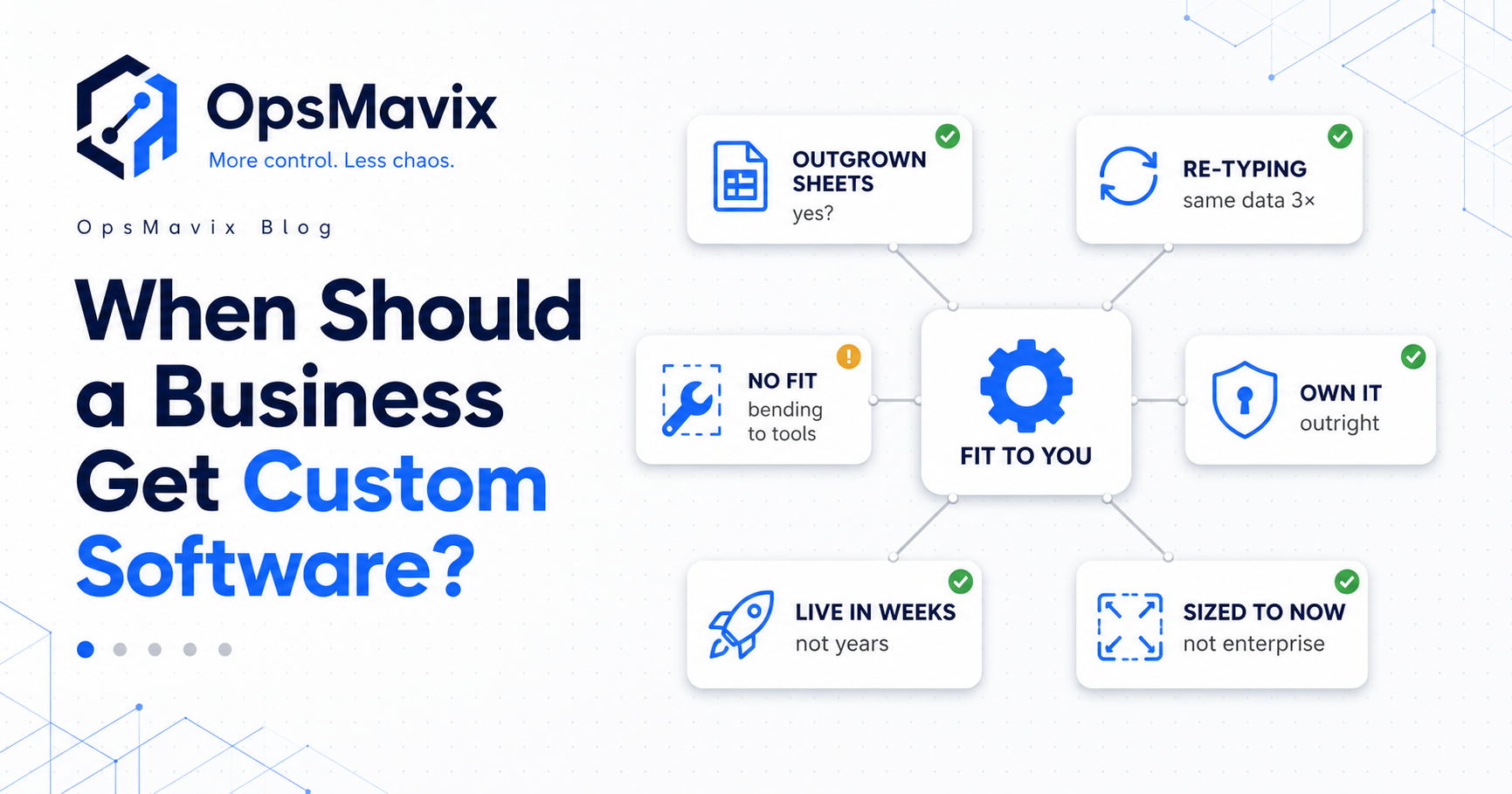
An order arrives by email. Someone types it into a stock sheet, another person enters it into accounting, and the warehouse checks a separate list before dispatch. Each tool works on its own. The handoffs still depend on people remembering what to copy next.
You could buy another app. You could replace the whole stack. Or you could connect the parts that already work and build only the workflow that is missing.
Get custom software when an important, measurable operational problem cannot be solved well enough by configuring, connecting or buying suitable existing tools. Before that point, standard software is often the faster and more economical choice.
The decision is about fit and total cost. A cheap subscription can become expensive if it creates hours of work every week. A custom build can also become expensive if its scope is unclear or nobody is responsible for maintaining it.
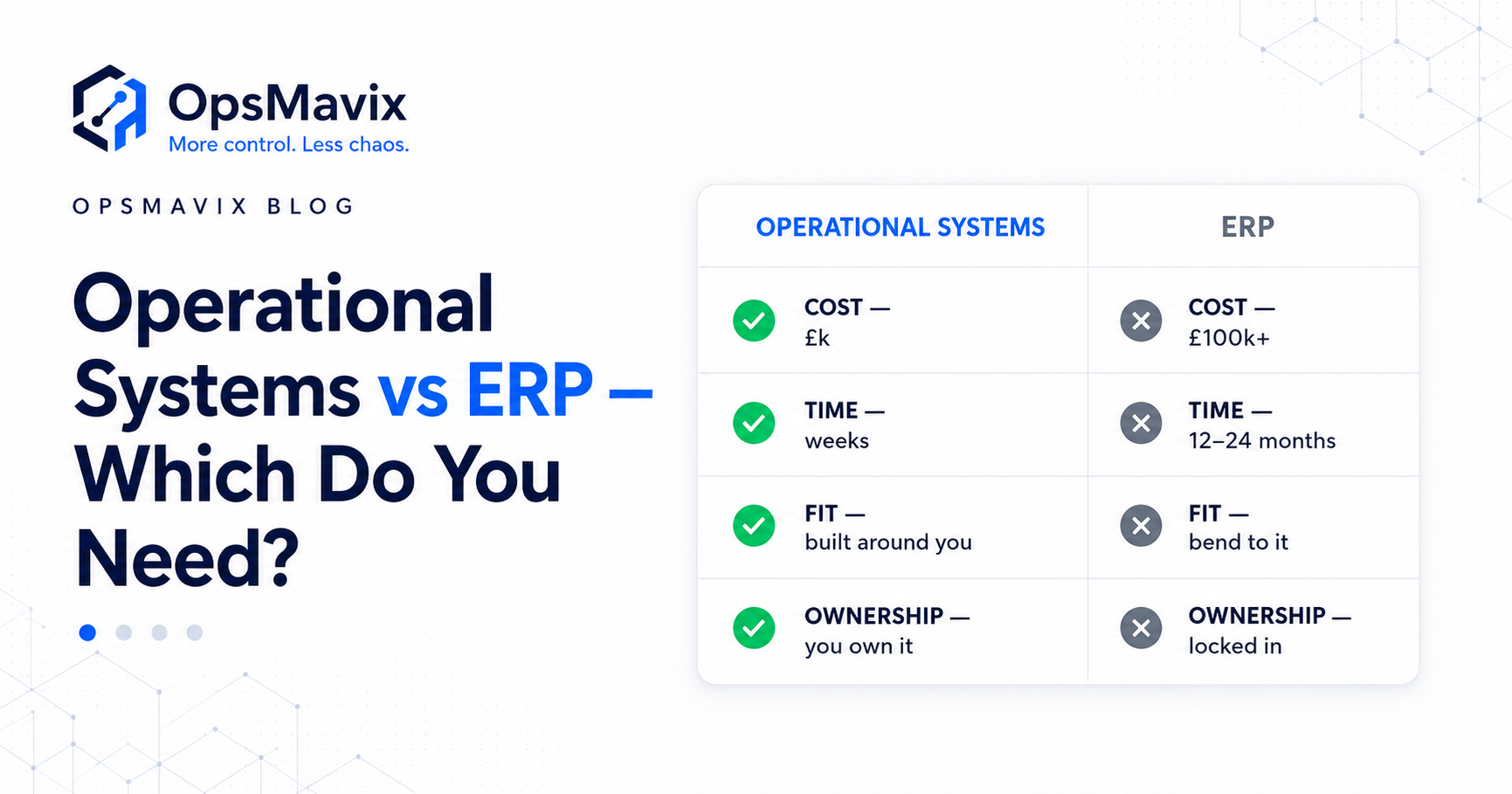
This guide explains when to build, when to buy, how to compare the alternatives and what to agree before committing. If an ERP is the only next step you have been shown, start with operational systems vs ERP.

The right scope may be a connection between existing tools, a focused workflow or a wider system. Start with the operational gap.
Key Takeaways
- Buy standard software when it supports the important parts of your process at an acceptable total cost.
- Check configuration and existing integrations before commissioning a custom build.
- Repeated data entry, costly workarounds and missing controls are useful signals, but each needs a clear diagnosis.
- Custom software earns its place when a defined requirement remains unmet and the expected benefit justifies building and maintaining it.
- Compare setup, migration, subscriptions, hosting, support, staff effort and future changes over the same period.
- Start with a bounded workflow, test real exceptions and agree ownership, access and handover in writing.
In this guide:
- Start by checking what you can buy
- When adapting becomes a costly workaround
- Disconnected tools and repeated data entry
- The options between another app and a full ERP
- When custom software is the wrong move
- A worked build-vs-buy cost comparison
- Ownership and avoiding developer dependency
- How to prove the scope before building
- Frequently asked questions
- How OpsMavix can help
1. Start by Checking What You Can Buy
Custom software should solve a gap that matters. It should not reproduce a mature product simply because a different screen would look nicer.
Accounting, email, standard customer management and straightforward inventory requirements are sensible places to assess existing tools first. They may already provide the functions, support and updates you need.
Test a real workflow instead of a feature list
A product can claim to support orders without supporting your actual order lifecycle. Ask the supplier to demonstrate a representative transaction using realistic data.
For a wholesale order, that might include customer-specific pricing, a partial delivery, a backorder, an amended quantity and the resulting accounting records. For stock, it might include a receipt, transfer, damaged item and return.
Separate requirements into:
- Essential: without this, the process cannot run safely or economically.
- Useful: this reduces effort but has an acceptable temporary alternative.
- Optional: this improves convenience without changing the main outcome.
A product that meets the essentials may be a better decision than a bespoke system that perfectly matches every preference.
Configuration is a genuine option
Before rejecting the current tool, check whether the missing behaviour already exists through permissions, approval rules, location settings, import templates or supported extensions.
An unused feature is different from a missing capability. Paying for a short configuration review can prevent a much larger unnecessary project.
2. When Adapting Becomes a Costly Workaround
Every software implementation changes some habits. That alone is not evidence that the software is wrong.
A standard approval sequence may improve a previously inconsistent process. A required product code may remove ambiguity. Those changes can be useful discipline.
The problem starts when adapting removes something your business genuinely needs or creates repeated work without a useful control.
Look for work outside the system
Typical warning signs include:
- Splitting one job across several records because the tool cannot represent it properly.
- Keeping a second stock sheet for information the main application cannot hold.
- Manually recalculating prices or quantities after every import.
- Recording approvals in messages because the application cannot route them correctly.
- Teaching each new employee the same undocumented workaround.
Ask why each workaround exists. Some will disappear with better configuration. Others reveal requirements that are missing from the product.
Describe the missing rule precisely
“We need something flexible” is difficult to quote and test. A more useful requirement is:
“When an order contains a kit, reserve the correct component quantities, flag shortages and prevent dispatch until the required approval is recorded.”
That statement identifies a trigger, an action and a control. It gives standard software suppliers and custom developers the same problem to demonstrate.
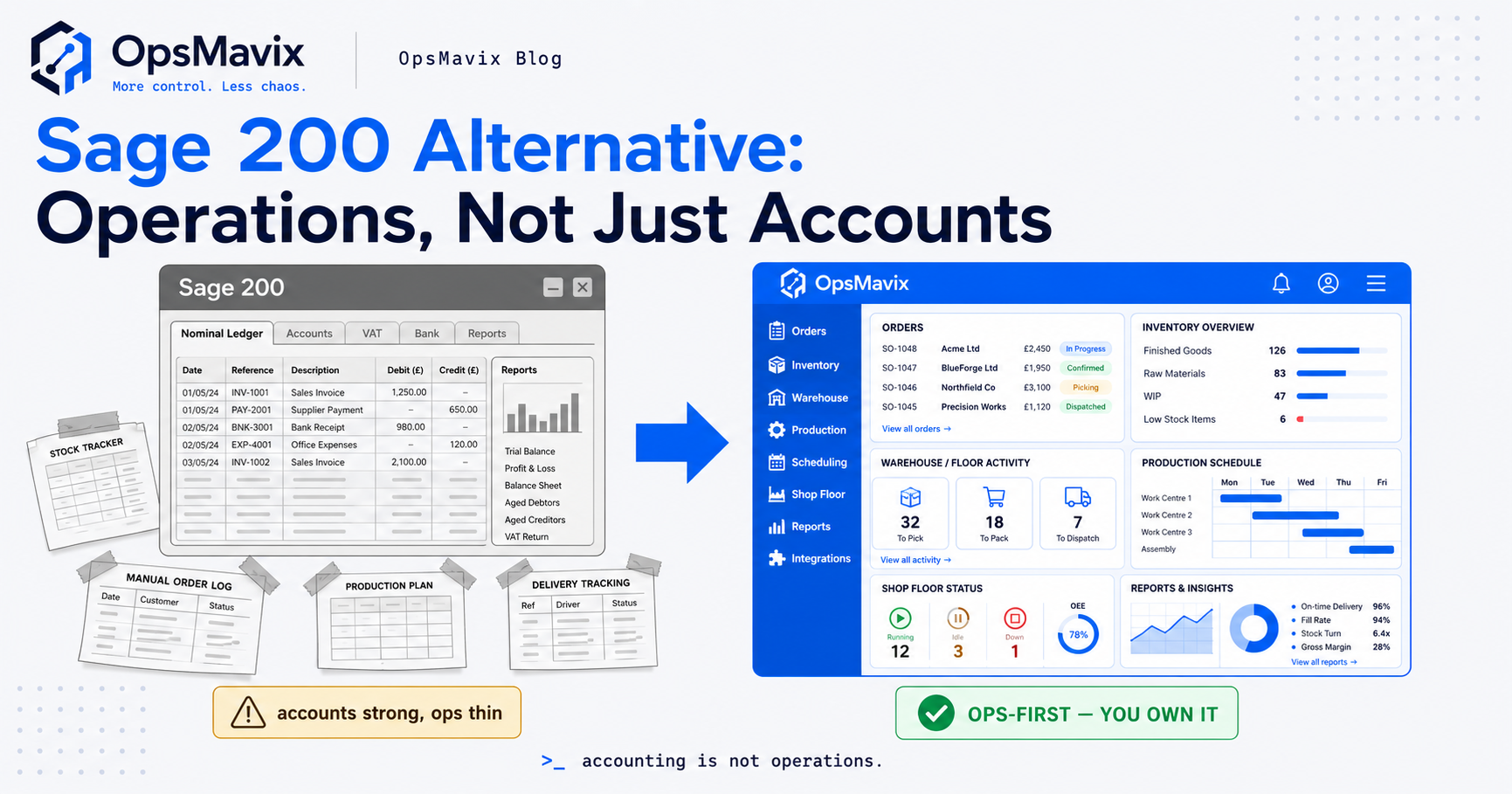
For related symptoms, see the operational systems every growing business needs.
3. Disconnected Tools and Repeated Data Entry
Repeated data entry is a strong reason to investigate a connection. It is not automatically a reason to replace every application.
If an order is copied into accounting, stock and a dispatch list, identify which system should create the record and which systems should receive it. Agree which application owns customer details, product codes, order status and accounting information.
Check existing connections first
A native integration, supported connector or small automation may already handle the handoff. Its suitability depends on what it transfers and how it deals with exceptions.
Check:
- Does it support the relevant product variants and units?
- Does it handle amendments, cancellations and partial fulfilment?
- Can a failed transfer be seen and retried?
- Will retrying create a duplicate?
- Are updates frequent enough for the operation?
- Who maintains the connection when either application changes?
A connection that transfers new orders but ignores later changes may leave the team doing much of the same reconciliation.
Build the missing handoff when necessary
Custom integration can be appropriate when available connections do not support the required mapping, rules or exception handling. That can leave the accounting package and storefront in place while removing the repetitive work between them.
Some applications restrict access or provide incomplete interfaces. Confirm what can actually be read and updated before promising automatic synchronisation.
The same diagnosis applies when stock never matches the system: first determine whether the problem is missing movements, incorrect mappings, delayed updates or separate figures that disagree.

The software decision should follow the physical workflow, including receipts, reservations, transfers, returns and dispatch.
4. The Options Between Another App and a Full ERP
An expensive ERP proposal does not prove custom software is the right answer. It proves that one supplier has proposed one scope at one price.
Ask what the proposal includes: modules, implementation, data migration, training, integrations, licences and support. Then compare alternatives against the same essential requirements.
Compare more than two choices
| Option | A sensible fit when | Main question to resolve |
|---|---|---|
| Configure the current tools | Required functions already exist but are not being used properly | Will configuration remove the actual workaround? |
| Add a supported integration | Existing tools fit, but data is copied between them | Does the connection handle the complete record lifecycle? |
| Switch to another standard product | Another product supports the workflow with fewer compromises | What will migration and team adoption involve? |
| Build a focused custom layer | Important rules or handoffs remain unsupported | Can the scope be bounded and maintained? |
| Implement a wider ERP | Coordinated requirements span several core business functions | Does the wider scope justify the implementation effort? |
Keep systems that already do their job
A custom order workflow does not require a custom accounting ledger. A management dashboard does not require replacing the warehouse application if reliable data can be accessed from it.
For example, a wholesale order management system might capture and validate orders before sending approved records into existing accounting software. A project operations dashboard might consolidate the statuses management currently collects by hand.
A wider ERP can also be the right choice when financial, purchasing, manufacturing and multi-company requirements need coordinated controls. Avoid ruling it out simply because the first demonstration or quote was unsuitable.
5. When Custom Software Is the Wrong Move
Custom software can encode a bad process just as effectively as a good one. Before building, check whether the problem needs software at all.
The underlying process is still unclear
If nobody agrees who approves an order or when stock should be reserved, resolve those decisions first. Otherwise the developer will have to guess, and the team may reject the resulting behaviour.
You do not need every future detail settled. You do need agreement on the core workflow and a way to handle exceptions.
A suitable standard product already exists
If a standard tool meets the essentials and its compromises are modest, replacing it may introduce unnecessary cost and maintenance responsibility.
Ownership is valuable, but it is not a business case by itself. The system still needs hosting, backups, security updates and future changes.
The benefit is small or unmeasured
A rarely used feature might not justify a build. A recurring problem might be cheaper to fix through clearer responsibilities, cleaner data or a revised template.
Custom is also premature when the business cannot provide a process owner, realistic test data or time for user acceptance testing. Those inputs are part of the project, not optional extras.
6. A Worked Build-vs-Buy Cost Comparison
Compare costs over the same period and use assumptions you can explain. Include the work that continues after implementation, rather than comparing one subscription price with one development quote.
Hypothetical three-year example
Suppose a team spends eight hours each week correcting and transferring order information. At an assumed loaded staff cost of £25 an hour over 48 working weeks, that effort costs:
8 × £25 × 48 = £9,600 a year.
The team compares three options. These are illustrative figures, not supplier quotes or an OpsMavix price promise. Each option is assumed to cover the same defined workflow.
| Three-year cost | Keep the current setup | Buy a better-fitting product | Build a focused custom layer |
|---|---|---|---|
| Setup, migration and training | £0 | £4,000 | £14,000 |
| Subscription or hosting and maintenance | £3,600 | £10,800 | £6,000 |
| Remaining manual work | £28,800 | £7,200 | £3,600 |
| Total | £32,400 | £22,000 | £23,600 |
The standard product leaves two hours of weekly work: 2 × £25 × 48 × 3 = £7,200. The custom layer leaves one hour: 1 × £25 × 48 × 3 = £3,600.
On these assumptions, buying has the lowest three-year cost. Custom reduces more manual work, but its additional setup cost makes it £1,600 more expensive over the period.
Test the assumptions before deciding
Ask whether the expected reductions have been demonstrated. If the custom layer actually leaves three hours of weekly work, its business case changes substantially.
Also check:
- Whether existing subscriptions remain necessary under each option.
- Whether migration, training and internal project time are fully included.
- Whether support covers incidents, routine maintenance or both.
- Which future changes are excluded from the quote.
- Whether the figures include tax consistently where applicable.
Keep error costs separate unless you have evidence for them. Count the cost of correcting an error or its lost margin, rather than treating the entire order value as a loss by default.
Released staff time is capacity, not automatically cash savings. It becomes financially useful when the team can use it for more valuable work, avoid overtime or support growth without equivalent additional hiring.
7. Ownership and Avoiding Developer Dependency
Custom software can give you control, but the word “custom” does not establish ownership or portability. Those depend on the agreement and the delivery arrangements.
Define what is handed over
Agree access to:
- The source code and its version history.
- Deployment instructions and environment configuration.
- Database structure and usable data exports.
- Hosting accounts and administrator credentials.
- Integration documentation and third-party dependencies.
- Backup, restore and routine maintenance procedures.
Check which components are transferred to you and which remain subject to external licences. An owned application can still rely on paid hosting, API access or third-party services.
Make maintenance responsibilities explicit
Someone needs to respond when an integration fails, a dependency needs an update or a recovery is required. Specify who does that, expected response arrangements and how the work is paid for.
A fixed build price can bound the agreed delivery. It does not make every future feature or external change free.
Test the handover
Ask whether another competent developer could deploy the application from the documentation. Confirm that backups can be restored and that the business can access its accounts without waiting for the original supplier.
This makes ownership practical. A folder of code without usable deployment instructions is an incomplete handover.
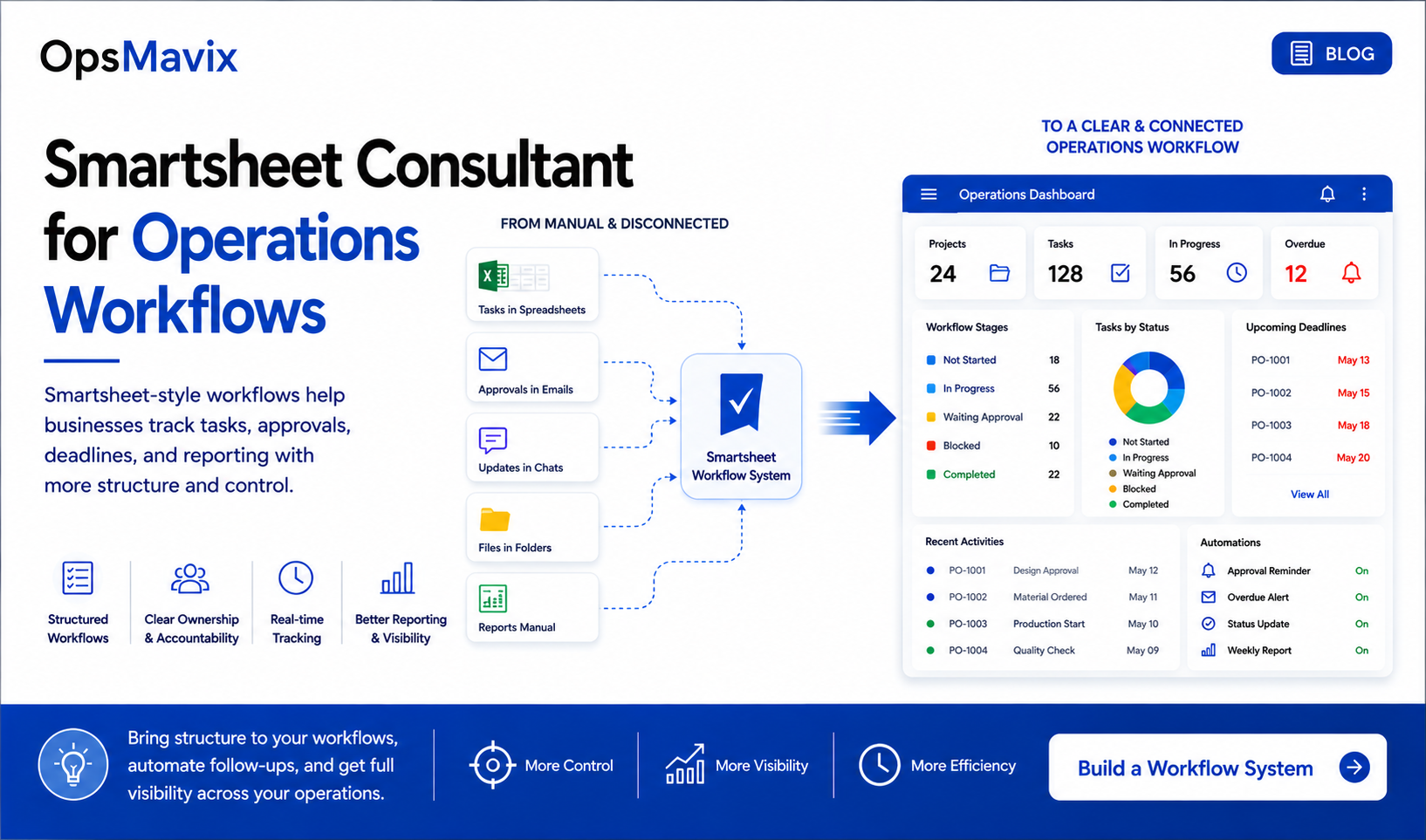
An owned system still needs clear responsibilities for support, access, changes and recovery.
8. How to Prove the Scope Before Building
Start with a recent incident rather than a broad request to modernise operations. Follow what happened from the first record to the final outcome.
Map one costly workflow
Record its starting point, responsible people, tools, repeated entry, decision rules and common exceptions. Measure a short baseline: time per order, corrections per week, approval delays or reconciliation effort.
Then identify the smallest useful improvement. That might be validating incoming orders, routing approvals or showing failed stock updates in one place.
Write acceptance checks before development
For an order workflow, useful checks might include:
- An incoming order creates one correctly mapped record.
- A changed quantity reaches the relevant downstream application.
- A retry does not create a duplicate order.
- A partial delivery leaves the outstanding quantity visible.
- A failed connection produces an actionable alert.
- Authorised users can correct a mapping with an audit trail.
These describe business outcomes, so they can also be used to assess standard products.
Pilot before wider rollout
Use a limited customer group, team or product range. Include ordinary transactions and realistic exceptions, then compare the result with the baseline.
Agree who owns migration checks, user training and the final cutover. Define how to recover if the pilot produces incorrect records. Avoid informal parallel working that creates two competing versions of the same order.
Expand when the first workflow is reliable and the expected benefit is visible. The next module should have its own reason to exist.
Frequently Asked Questions
When should a business get custom software?
When a valuable requirement remains unmet after assessing suitable standard tools, configuration and integrations. Repeated work and errors help identify the problem, but the decision should also account for delivery, maintenance and adoption costs.
Is buying always cheaper than building?
No. Buying may have a lower upfront cost, while subscriptions and remaining manual work change the longer-term comparison. Custom also carries ongoing costs. Compare equivalent scope over the same period rather than assuming either option wins.
Do disconnected apps mean I need a custom system?
Not necessarily. A supported integration may resolve the handoff. Custom becomes relevant when available connections cannot handle the required rules, amendments or exceptions reliably enough.
Is custom software cheaper than an ERP?
A narrowly scoped build may cost less than a broad ERP implementation, but that compares different scopes. If you need the wider ERP functions, include those requirements in both options before comparing prices.
How long does custom software take to build?
It depends on scope, migration, integrations and the availability of people to make decisions and test. A bounded workflow may be delivered in weeks; a larger platform can take months. Ask for milestones and acceptance criteria tied to your actual project.
Will I own the software and data?
Confirm ownership, permitted use, source access and data exports in writing. Also identify third-party licences and account ownership. Custom development alone does not guarantee an unrestricted handover.
Can I keep my existing accounting and stock tools?
Often, if they support the required access and continue to meet your needs. Check their interfaces and integration rules during discovery. Keeping reliable tools can make the project smaller and easier to adopt.
What should I ask a developer before agreeing to a build?
Ask what is included, how changes are priced, how success will be tested and who maintains the result. Request explicit migration, backup, recovery and handover arrangements, alongside the delivery schedule.
Where should I start if I am unsure whether to build or buy?
Choose one recurring problem and collect recent examples. Measure its frequency, staff effort and consequences. Use that evidence to ask suppliers to demonstrate a solution to the same requirement.
How OpsMavix Can Help
OpsMavix helps growing businesses identify what to keep, what to connect and what is worth building. The starting point is the operation: where records are copied, decisions are delayed and workarounds create recurring cost.
We can help you:
- Map the workflow and identify its most expensive gaps.
- Assess whether existing tools or connections can meet the requirement.
- Define a focused build with clear acceptance checks.
- Connect inventory and wholesale orders around the way the business works.
- Create reporting and operations dashboards that reduce manual status collection.
- Plan migration, training and a practical handover.
OpsMavix publishes scoped build bands and typical delivery ranges on its pricing page. The written project scope should establish the price, ownership, ongoing costs and support arrangements before development starts.
Bring one recent example: an order typed into three places, an approval delayed in an inbox or a workaround your team repeats every day. We will use it to identify the actual gap and compare fixing the current setup, buying a better-fitting tool and building the missing part.
Book an Operations Leak Audit to map where manual work is costing you and what is worth changing first.
Keep reading
Getting value from OpsMavix? Add us as a preferred source on Google — you'll see more of our operations content in your AI Overviews, AI Mode and Search.