
Custom POS Software: When the Till Can't Keep Up
A till that takes payment but never tells your stock the truth is a leak, not a system. Here's when custom POS software is the fix, and when it isn't.
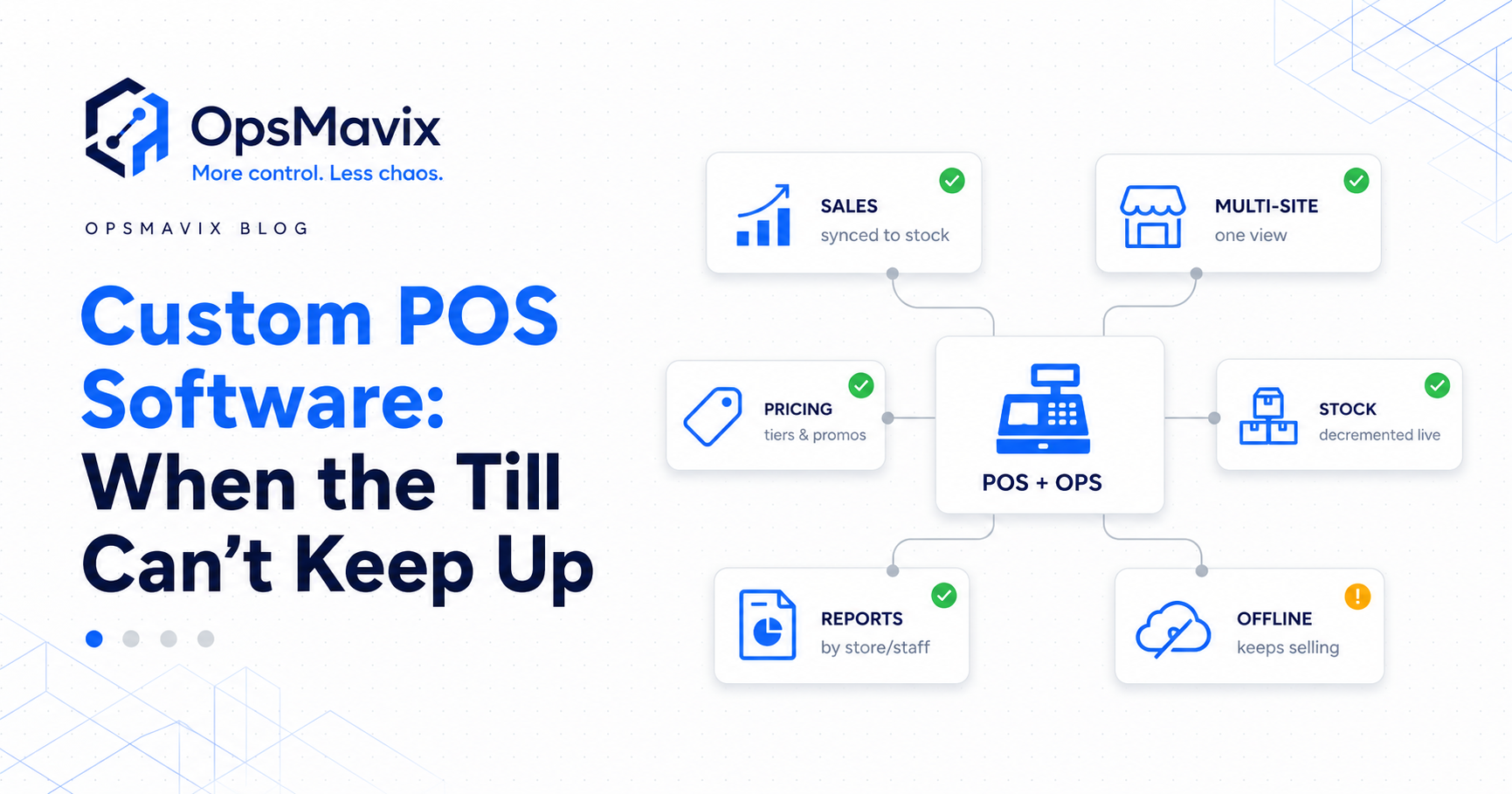
The till completes the sale. The customer leaves with the last unit, but the online listing still shows one available. Another customer orders it before the inventory update arrives.
Checkout worked. The stock handoff did not keep up.
For a retailer combining shops, warehouses and online channels, that gap is worth investigating before replacing the point-of-sale system. The existing POS may already support the required stock functions, need better configuration or connect through a suitable integration.
Custom POS software is worth considering when important checkout or retail workflows remain difficult to support through suitable standard products. If the main problem is inventory coordination, a focused connection or stock layer may be the more appropriate scope.
This guide explains how to separate those requirements, what connected stock should do and how to assess a custom build against the alternatives.

Checkout, inventory and order fulfilment need clear relationships. They do not all need to be replaced to improve one handoff.
Key Takeaways
- Standard POS systems can support stock and multiple locations. Check the actual product, configuration and connections before assuming custom software is necessary.
- A shared inventory view should preserve quantities by location, condition and commitment rather than flatten everything into one sellable total.
- A sale should affect the relevant stock pool. It should not subtract the same quantity from every branch independently.
- Returns, branch transfers, order changes and offline sales need their own handling rules.
- Fast updates, buffers and allocations can reduce overselling exposure, but they do not guarantee that independent channels never accept conflicting orders.
- Compare improving the current POS, adding a connection, switching products and building custom against the same requirements.
- Pilot the full transaction lifecycle and define ongoing costs, maintenance and ownership before wider rollout.
In this guide:
- The gap after the sale
- What the problem looks like
- When custom earns its place
- What connecting the till requires
- A worked multi-location example
- Delays, buffers and offline trading
- Custom POS versus integration and ERP
- How to assess and implement the change
- Frequently asked questions
- How OpsMavix can help
1. The Till Records the Sale, but the Stock Handoff Falls Behind
A sale creates several related events: payment, goods handed over or committed, an inventory change and relevant reporting or accounting records.
Their timing and ownership need to be defined. A successful payment does not establish that every connected system has accepted its stock update.
An export after closing may leave the online channel working from an earlier figure. A failed import may leave a warehouse report incomplete. An incorrect product mapping may reduce the wrong variant.
Standard POS is not limited to taking payment
Shopify’s location documentation describes assigning a location to a POS device for inventory tracking. Its multi-location guidance explains that inventory is tracked separately at each location.
Other products need their own assessment, but multi-site trading alone does not establish that standard software is unsuitable.
Check what the installed product already supports and whether it is configured to reflect the actual operation.
Follow the event all the way through
Choose a recent sale and establish:
- Which item and variant were sold.
- Which location supplied the goods.
- When the inventory change was recorded.
- Which other applications needed an update.
- Whether those updates succeeded.
- What the online channel advertised during the interval.
This distinguishes a checkout limitation from an inventory, mapping or connection problem.
2. What “The Till Cannot Keep Up” Actually Means
The symptoms often appear outside checkout, where separate teams rely on the stock record.
Overselling across channels
A shop sale and an online order may both be accepted while their records advertise access to the same remaining stock.
Alternatively, the issue may be an incorrect opening balance, an unrecorded write-off or stock advertised from a location that cannot fulfil the order.
Classify the cause before choosing the control.
Reordering without a useful location view
A branch may need stock while another location has spare units. A purchasing decision based only on the branch’s balance can miss a transfer opportunity.
But a company-wide total alone is insufficient too. The other branch’s goods may be committed, unavailable or unable to reach the destination in time.
Replenishment needs relevant location-level availability and lead times, not just a sum of physical units.
Evening reconciliation
Staff compare till reports, marketplace orders and warehouse sheets after closing. They investigate missing transactions and manually align quantities.
Measure that work, including corrections and the reasons behind them. Some financial reconciliation may remain appropriate even after inventory handoffs improve.
Customer commitments that are hard to explain
Customer service sees an order, but cannot establish which branch is fulfilling it or why it is delayed.
The stock record should connect to the commitment and its status. A quantity without the underlying allocation cannot explain every fulfilment problem.
For the broader discrepancy issue, see why stock never matches the system.
3. When Custom POS Software Is Worth Considering
Custom work should address a defined requirement that suitable alternatives do not support well enough.
It may involve the checkout interface, an extension or the operational layer behind the POS. These are different scopes and should be priced separately.
Identify the actual unmet workflow
Potential requirements include special bundle rules, made-to-order commitments, retail and trade ordering, or branch-transfer processes that remain difficult to represent in the current tools.
Ask whether the requirement is already supported through configuration or a maintained extension. An unfamiliar feature is not the same as an absent capability.
Keep checkout scope proportionate
Replacing the POS can affect staff workflows, supported hardware and payment-provider connections.
If those parts work well, retaining them may reduce transition effort. Confirm supported APIs, transaction access and extension options before promising an operational connection.
A custom payment or checkout integration also needs the appropriate provider-supported implementation. Do not assume an inventory project includes rebuilding payment processing.
Compare alternatives against the same cases
| Requirement | What to demonstrate |
|---|---|
| Shared retail and online demand | How each accepted order commits the relevant stock |
| Bundles | How component quantities are reserved and released |
| Branch transfers | How dispatch, transit and receipt remain distinct |
| Made-to-order items | How a customer commitment differs from stock already available |
| Returns | How refunds, receipt and condition checks are represented |
| Trade orders | How approvals, terms and fulfilment are recorded |
A standard product may handle all of these. Custom becomes relevant when the remaining gaps justify the build and maintenance responsibility.
4. Connect the Till to Defined Stock Records
A reliable connection starts with record ownership: which application owns product identity, location availability, the sale and the financial entry?
Those responsibilities may sit in one platform or across several applications.
Preserve location detail
A single source of truth does not mean every branch advertises the same quantity.
Maintain the quantities and commitments for each relevant stock pool. Define which locations can fulfil each channel and how an order is routed.
Shopify’s published location model is one example of separate location balances. A custom layer still needs to respect the actual physical and fulfilment boundaries.
Distinguish availability from physical stock
Physical stock can include goods reserved for existing orders or awaiting inspection. Availability depends on the definitions and restrictions used by the system.
An inventory automation system can support those rules, provided movements and commitments are recorded consistently.
Map the transaction lifecycle
| Event | Stock question to resolve |
|---|---|
| In-store sale with goods handed over | Which location supplied the quantity, and when is its physical balance reduced? |
| Ship-to-customer order | Which stock pool reserves and fulfils the commitment? |
| Cancellation before fulfilment | Can the reservation be released, and is the stock still available? |
| Refund | Have goods physically returned, or is this only a financial event? |
| Return inspection | What condition and destination should the goods have? |
| Branch-transfer dispatch | What left the source and entered transit? |
| Branch-transfer receipt | What actually arrived at the destination? |
| Duplicate event or retry | Has the transaction already been applied? |
An eCommerce inventory automation system can connect online demand where supported. Wholesale order management may be needed for trade commitments drawing on related stock.
Monitor acceptance, not just transmission
Record whether an outgoing update was accepted and which events remain pending.
A connector that sent the message may still receive a rejection. Give failures an owner and a recovery route that avoids applying the same movement twice.

Shared visibility should preserve where stock is held, what is committed and which locations can fulfil the order.
5. A Worked Example: Two Shops and an Online Channel
Consider a hypothetical retailer holding one product in Leeds, Manchester and a central warehouse.
For this example, every unit is usable, there are no existing reservations and online orders are fulfilled only from the central warehouse.
| Opening location | Physical units | Reserved units | Available units |
|---|---|---|---|
| Leeds | 4 | 0 | 4 |
| Manchester | 3 | 0 | 3 |
| Central warehouse | 8 | 0 | 8 |
| Company total | 15 | 0 | 15 |
The online channel has access to eight units, not all fifteen, because only the warehouse supplies that channel in this example.
A shop sale changes the supplying location
Leeds sells one unit and hands it to the customer. Leeds physical stock falls to three. Manchester and the warehouse retain their balances.
Company physical stock is now fourteen. The sale should not subtract one unit from every location.
An online order creates a warehouse commitment
An online customer orders two units. The system reserves them in the warehouse, leaving six available there until fulfilment.
| Position after both events | Physical units | Reserved units | Available units |
|---|---|---|---|
| Leeds | 3 | 0 | 3 |
| Manchester | 3 | 0 | 3 |
| Central warehouse | 8 | 2 | 6 |
| Company total | 14 | 2 | 12 |
These are illustrative figures, not an OpsMavix customer result.
Dispatch fulfils the reservation
When the warehouse dispatches the two online units, its physical stock falls from eight to six and that reservation falls from two to zero.
Warehouse availability remains six. The units were already committed; dispatch should not deduct them a second time from available stock.
A branch transfer needs a transit state
Suppose the warehouse then sends three units to Manchester.
Until receipt is confirmed, record them as in transit. Do not make them immediately available for Manchester counter sales if they have not arrived.
After the full receipt, Manchester has six and the warehouse has three. Leeds still has three. Transfers change location balances but do not create new company stock.
A short or damaged receipt needs an exception process rather than an assumption that the dispatched quantity arrived intact.
6. Manage Sync Delays and Offline Sales
Independent applications do not necessarily share one immediate reservation transaction. A channel can accept an order before another receives the revised quantity.
A design described as “real-time” still needs measured timing and failure handling.
Offline trading creates a freshness gap
Shopify’s offline-feature documentation states that POS cannot sync orders and inventory with the admin while offline.
Assess the corresponding behaviour of your own product. Define which trading actions it permits, what is queued and how reconnecting reconciles the records.
A local sale may be valid while other channels still advertise the earlier balance.
Buffers provide a cushion
A stock buffer withholds some availability from a listing. It can reduce exposure during update delays, but it does not create extra stock or guarantee protection against every burst of orders.
Review demand, observed update times and the impact of withholding sellable units. Low-stock products may need different treatment from slow movers.
Allocations control shared exposure differently
An allocation assigns quantities to channels or purposes rather than letting every channel advertise the same pool.
That can reduce contention, but one channel may sell out while another retains stock. Rebalancing needs to consider pending commitments.
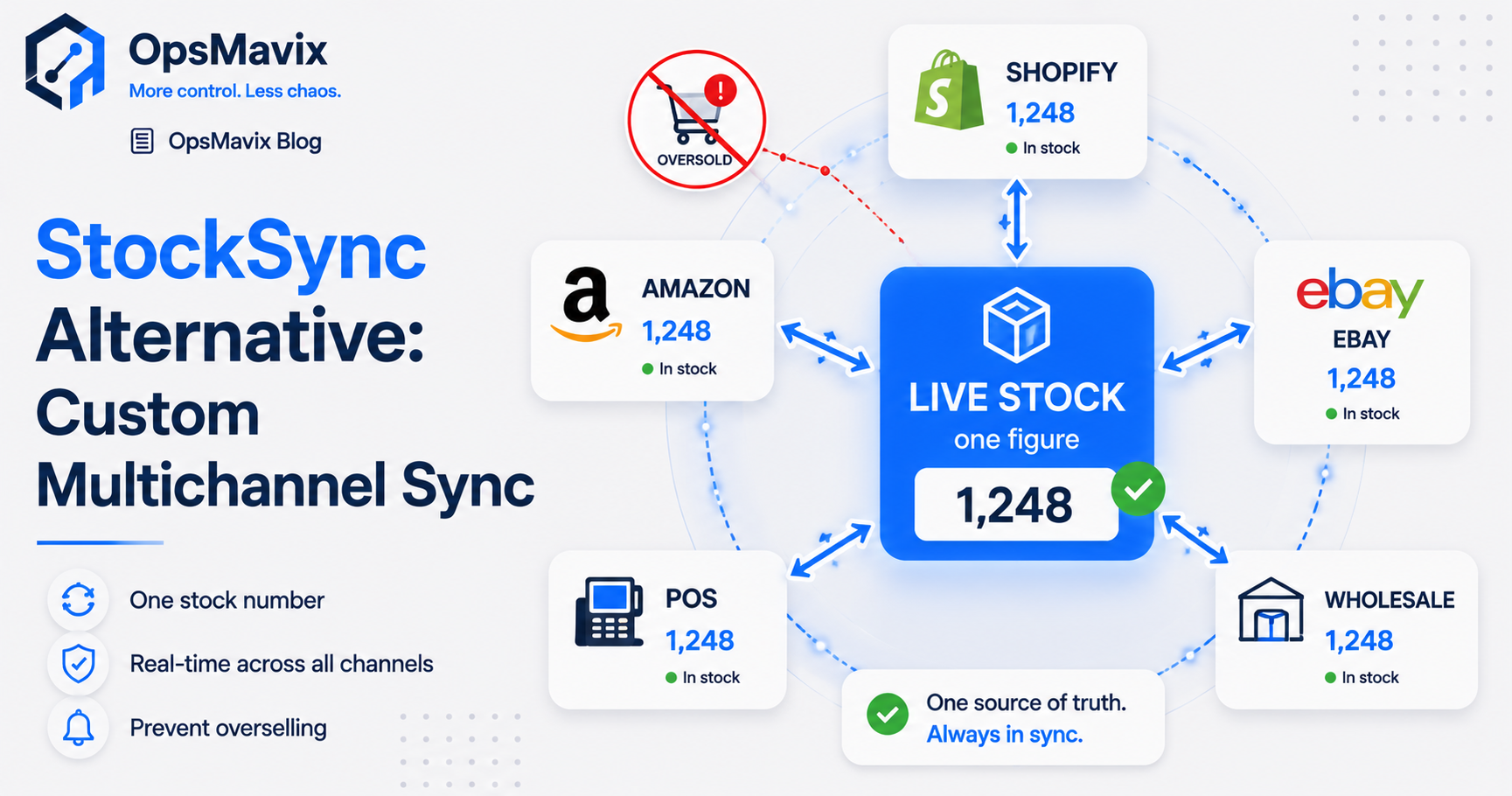
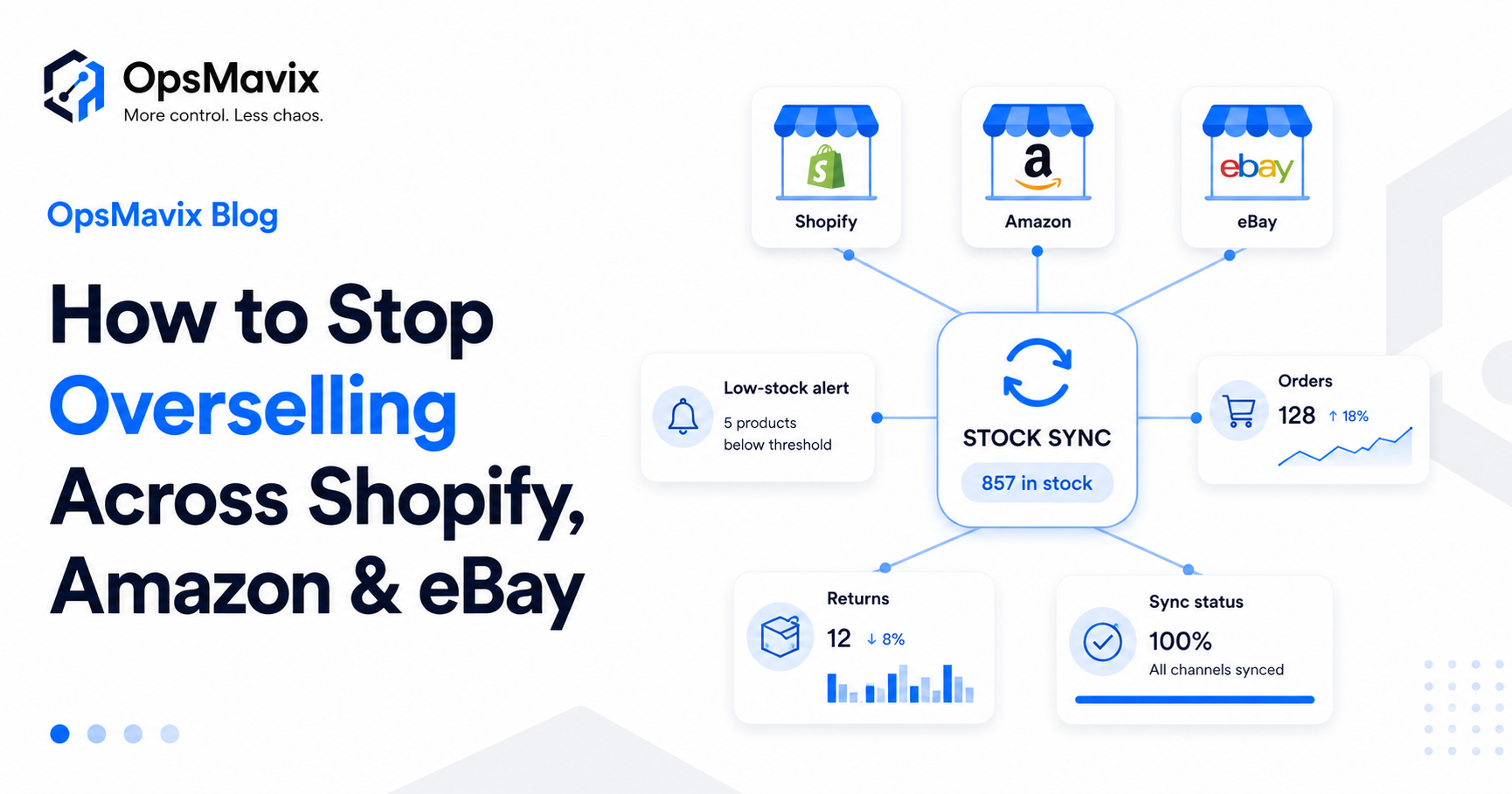
For the broader channel problem, see how to stop overselling across Shopify, Amazon and eBay.
Define how stale information is handled
Show the last successful update and unresolved failures. Agree who intervenes and which availability settings can be changed while a connection is unreliable.
The appropriate response depends on the channel and workflow. It should be planned and tested rather than improvised during a busy trading period.
7. Custom POS, Integration or Retail ERP?
The alternatives differ in scope. Compare the same required outcomes before comparing prices or timelines.
| Approach | When to investigate it | Main check |
|---|---|---|
| Configure the current POS | Supported stock capabilities are not being used correctly | Locations, mapping, workflow and permissions |
| Add a supported integration | Checkout works, but a defined handoff is missing | Events, timing, retries and reconciliation |
| Switch to a packaged POS | Another product fits checkout and stock requirements better | Migration, hardware, training and total cost |
| Build a focused operational layer | Important coordination rules justify development | Clear boundaries, maintenance and handover |
| Build or extend checkout | The actual counter workflow has unmet requirements | Payment-provider support, devices and operator use |
| Introduce a broader platform | Several functions need coordinated records and controls | Product fit, phased scope and migration |
ERP is not limited to the largest retailers
A smaller business may need broader integrated records. A larger business may still resolve a specific issue with a focused connection.
Headcount and site count alone do not settle the decision. See operational systems vs ERP for the wider comparison.
Ownership and operating costs need explicit terms
Custom does not automatically mean owned outright or free to operate. Confirm code rights where applicable, third-party licences, hosting, support and future changes.
For packaged options, check user, device, site and transaction charges along with renewal and export terms.
A focused project may be quicker because it affects less work. Data quality, integrations and training still determine the actual timetable.
Scope the change around the failed handoff and its dependencies, then test the full workflow.
8. How to Prove the Right Scope Before Building
Start with recent incidents and the records behind them.
Map sites, channels and fulfilment pools
List where stock is physically held, which channels can sell it and where each order can be fulfilled.
Include trade orders, click-and-collect, ship-to-customer transactions and goods in transit where relevant.
Establish a baseline
Measure stock-related cancellations, discrepancies, manual adjustments and reconciliation time. Classify the causes.
Keep confirmed direct costs separate from estimated lost contribution and staff-time value. Time released is not automatically cash saved.
Define and test the lifecycle
Use sales, amendments, cancellations, refunds, inspected returns and transfers. Include an event arriving twice and a delayed update.
Check that quantities reconcile by location and that recorded status matches the physical goods.
Pilot a manageable scope
A pilot could cover one stock pool and a defined shop-to-online handoff. It still needs failure handling and enough coverage to work end to end.
Use the intended devices and staff roles. Confirm that checkout remains practical and that support responsibilities are clear.
Agree transition and handover
Reconcile opening stock and outstanding commitments. Define which tool owns each record during cutover and how intervening transactions are captured.
Include documentation, access, monitoring and maintenance in the acceptance plan.
Review the same measures after adoption before extending coverage.
Frequently Asked Questions
What is custom POS software?
It is software developed or extended for defined point-of-sale requirements. The scope may involve checkout, specialised retail workflows or a connected operational layer. Clarify which parts are being built before comparing proposals.
Do multiple shops automatically require custom POS?
No. Standard systems can support multiple locations. Review the product, configuration and actual workflows before deciding that development is necessary.
Should we replace the till to fix stock syncing?
Not necessarily. If checkout works well, configuration or a supported integration may address the gap. Replacement becomes relevant when the product itself does not adequately support the required workflow.
Should every branch use the same stock number?
They should use consistent records, but retain location-level quantities and commitments. Stock in another branch or in transit is not automatically available at the counter.
Can a custom system guarantee no overselling?
No universal guarantee follows from custom development. Accurate records, reservations, updates and appropriate channel controls can reduce risk. Independent channels may still accept conflicting orders during delays or outages.
Do buffers eliminate sync risk?
No. They withhold availability to provide a cushion. The protection depends on demand and update behaviour, and larger buffers can hide stock that could otherwise sell.
Can it connect to Shopify, Amazon or eBay?
Potentially, where supported interfaces and permissions cover the required scope. Confirm listing mappings, locations, order events, update timing and failure handling for each channel.
How should returns affect stock?
A refund is a financial event. Stock should follow the physical receipt and condition process. Goods awaiting inspection or judged unsuitable should not automatically become sellable.
Is a focused system cheaper than retail ERP?
A narrower scope may cost less, but the capabilities may differ. Compare implementation and ongoing costs against equivalent requirements, including retained tools, hardware and maintenance.
How OpsMavix Can Help
OpsMavix builds operational systems connecting stock, orders and the workflows between retail locations and online channels.
We start by tracing where a sale or change stops reaching the relevant records. That helps determine whether the current POS needs configuration, a connection or a more specific custom scope.
That can include:
- Inventory records with location and availability rules.
- Supported sales-event handoffs.
- Reservations, cancellation and return handling.
- Branch transfers with transit and receipt states.
- Online inventory connections.
- Trade-order commitments.
- Visible failed updates and reconciliation checks.
- A phased pilot before wider rollout.
If checkout works but stock requires repeated manual correction, book an Operations Leak Audit. Bring a recent shop sale, an online order or a branch transfer whose records disagreed. We can help trace the handoff and identify what to improve first.
Keep reading
Getting value from OpsMavix? Add us as a preferred source on Google — you'll see more of our operations content in your AI Overviews, AI Mode and Search.