
Best Inventory Software for Retail Shops: Top Tools
Compare the best retail inventory management tools for stock tracking, POS, ecommerce, purchasing, returns and multi-location retail. Find the right system for your growing retail business.
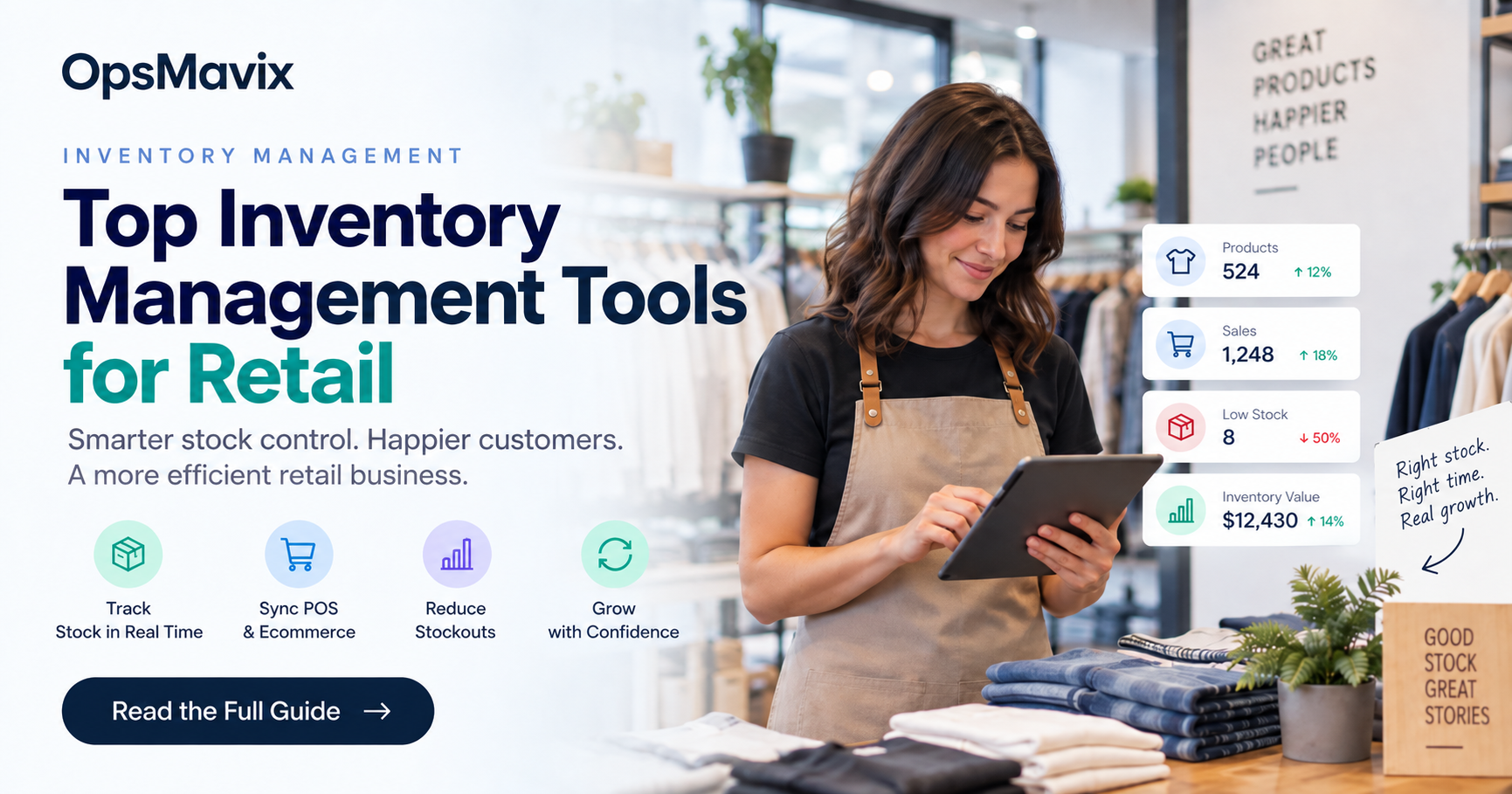
Retail inventory management software should help your shop identify saleable stock by product variant and location, record sales and returns, manage replenishment and connect the relevant ecommerce and financial records. The best option depends on your selling channels and stock workflow. Start by testing the inventory functions in your existing point-of-sale platform before adding another system.
Retail stock accuracy is affected by more than checkout sales. Transfers, deliveries, damaged items, reservations and customer returns can all change what a shop should offer. A system that captures sales but misses these events can still display a misleading available quantity.
This guide compares practical approaches and gives you a buying test covering normal sales, shared stock and exceptions. It treats configured POS tools, specialist inventory applications and custom systems as options to evaluate against the same requirements.

Back-room stock should have the same product identity as the items sold at the till. Illustrative photograph, not an OpsMavix client.
Image credit: FIONASUN, CC0 1.0. Displayed at a reduced size; no additional edits.
Key Takeaways
- Track each meaningful product variant with a stable identifier.
- Separate stock by location, condition and commitment when deciding availability.
- Evaluate the inventory functions of existing POS and ecommerce tools first.
- Test transfers, returns, offline behaviour and delayed channel updates.
- Include purchasing, stock counts and reconciliation in the buying decision.
- Pilot a representative shop and online flow before changing all locations.
In this guide:
- 1. Define the Stock Decisions Your Shop Needs
- 2. Shortlist Tools Around the Selling Platform
- 3. Prove Multi-Location and Online Availability
- 4. Make Purchasing and Receiving Work Together
- 5. Treat Returns and Transfers as Controlled Events
- 6. Check Stock Counts and Operational Resilience
- 7. Compare Costs and the Case for Change
- 8. Pilot a Complete Retail Flow
- Frequently Asked Questions
- How OpsMavix Can Help
1. Define the Stock Decisions Your Shop Needs
Follow more than the sale
Map receiving, back-room storage, display, reservation, sale, return and transfer. Identify who records each event and when it affects availability. A stock figure should have a clear meaning, whether it describes physical goods, saleable units or units free of commitments.
For several shops, include stock travelling between locations. Do not show an item as available in the destination simply because somebody created a transfer request.
Specify product identity
Use distinct codes for variants the customer can choose, such as size or colour. A family-level total is useful for reporting but cannot fulfil a specific variant request.
| Record | Example purpose | Failure to avoid |
|---|---|---|
| Product family | Review a style or range | Treating its total as one saleable item |
| Variant SKU | Identify size or colour | Selling a different variant by mistake |
| Barcode | Find the correct record | Assuming a barcode measures remaining stock |
| Location | Identify where goods are held | Combining shops with different availability |
| Status | Separate saleable, held and damaged | Offering goods awaiting inspection |
Record pack conversions where goods are purchased in cases and sold individually. A delivery of two cases is not two saleable units unless that is the actual product being sold.
2. Shortlist Tools Around the Selling Platform
Test native capability first
Shopify’s POS feature page describes stock-related functions, including purchasing and transfers. Its transfer documentation explains movement and shipment records between locations. Verify the subscription and configuration required for your proposed scope.
Square’s UK purchase-order page provides a starting point for testing supplier ordering and receipt workflows in Square for Retail. Confirm the current plan eligibility and exact shop requirements instead of assuming all features are included in every account.
Compare approaches rather than a universal winner
| Approach | Where it can fit | What to demonstrate |
|---|---|---|
| Shopify POS and configured inventory | Shops already centred on Shopify | Variant stock, transfers, returns and online commitments |
| Square for Retail | Shops using Square and needing purchasing workflows | Supported plan, receiving and location records |
| Existing POS with an inventory extension | Till workflow works but stock controls need more | Extension compatibility and one coherent stock record |
| Specialist inventory platform | Purchasing and several channels need coordination | Channel timing, warehouse work and finance integration |
| Focused custom system or full ERP | Valuable wider requirements remain unsupported | Complete workflow, support and practical handover |
Other retail platforms may also suit the business. Shortlist them when their documented capabilities match your requirement, then run the same transaction tests. Brand familiarity and a long feature list do not establish fit.
3. Prove Multi-Location and Online Availability
Define the authoritative quantity
If the till, website and an inventory app all hold quantities, decide which is authoritative and how the others are updated. Do not let several systems independently overwrite the balance without an agreed reconciliation model.
List the sale, cancellation, return and transfer events that change availability. Show the expected update delay and what the shop does when a connection fails.
Test a competing sale
Hypothetical example: a variant has five saleable units. Two are committed to accepted online orders, leaving three immediately free. A shop sale of one leaves two free if the reservation and sale records are current. A delayed update could still let another channel offer too much.
The system should reduce the risk through clear ownership, timely updates and visible exceptions. It cannot guarantee that every external marketplace changes its display at exactly the same instant.
For shared online stock, compare the ecommerce inventory workflow as well as the till. A stock dashboard alone does not determine which channel can accept an order.
4. Make Purchasing and Receiving Work Together
Keep ordered and received quantities separate
A purchase order describes agreed supply. A receipt describes what arrived. Show outstanding lines and shortages instead of receiving the entire order automatically when the supplier invoice appears.
Record the delivered stock unit and any conversion. Track damaged goods separately if they are not immediately saleable. Define how the buyer follows up short or late deliveries.
Replenish from usable information
Use recent demand, supplier lead time, existing commitments and open supply under an agreed policy. Seasonal ranges and slow-moving items may need different treatment from regular repeat sellers.
Hypothetical case conversion: three cases contain 24 units each, or 72 expected units. Two full cases and one case with 20 units arrive, giving 48 plus 20, or 68 actual units. Four remain short. The record should not show 72 received merely because the order was for three cases.
| Purchasing test | Expected outcome |
|---|---|
| Partial receipt | Outstanding supply remains visible |
| Damaged delivery | Condition affects availability |
| Supplier pack change | Conversion is reviewed explicitly |
| Duplicate receipt | Reconciliation detects or prevents duplication |
| Late order | Named follow-up and revised expectation |
The right software makes these differences understandable without requiring staff to rebuild the history from emails.
5. Treat Returns and Transfers as Controlled Events

Picking, returns and transfers need identifiable movement records to keep location balances useful. Illustrative photograph, not an OpsMavix client.
Image credit: Nenad Stojković / Shixart1985, CC BY 2.0. Displayed at a reduced size; no additional edits.
A refund is not always a stock receipt
A customer can receive a refund without returning physical goods. Returned goods can arrive but still need inspection. Separate the financial correction, physical receipt and decision to make the item saleable again.
Test exchanges between variants and returns to a different shop. Preserve the connection to the original sale where required by the process. Record items that are damaged, incomplete or sent back to a supplier.
Track transfer progress
Use source issue, in-transit status where appropriate and destination receipt. Agree who confirms shortages on arrival and how they are corrected.
Hypothetical transfer: shop A issues 10 units to shop B, which initially receives nine. The missing unit needs an exception or confirmed later receipt. Simply changing both balances to the requested quantity conceals the discrepancy.
For each exception, staff should be able to identify the transaction, permitted action and responsible person. A general adjustment function is useful, but should not become a way to erase unexplained differences.
6. Check Stock Counts and Operational Resilience
Reconcile physical stock routinely
Define whether counts are periodic, cycle-based or prompted by discrepancies. Record the count date, location, item, measured quantity and agreed correction. Keep work occurring during the count identifiable so the comparison is meaningful.
Negative stock, repeated adjustments and variant mismatches are reasons to investigate capture and master data. They are not automatically evidence that the application must be replaced.
Demonstrate offline and recovery behaviour
Ask the POS supplier what happens when the shop loses connectivity: which sales can continue, what payment restrictions apply and when queued records return. Confirm this in the proposed account and equipment rather than making a universal claim about offline sales.
Test repeated messages, device replacement, backup and export. The operation needs a documented way to continue or recover without silently creating a second stock record.
Suggested checks include:
- Shop staff can find the correct variant quickly.
- Queued or rejected updates are visible.
- A duplicate event does not double-deduct stock.
- A count discrepancy can be investigated.
- Permissions match staff responsibilities.
- Another team member can perform the recovery routine.
7. Compare Costs and the Case for Change
Include the complete operating arrangement
Ask for current prices for the required stores, users, POS equipment, inventory features, integrations and support. Include setup, data cleaning, training and the manual work that remains.
Keeping a current platform and configuring a missing feature may cost less than replacing it. A specialist application may be justified where purchasing or several channels exceed the native workflow. Custom development should be considered when a valuable gap remains, rather than treated as the default route.
Measure the relevant workload
Hypothetical administration example: a shop spends three hours a week reconciling online and till stock. At £25 an hour for 48 weeks, that is £3,600 of valued annual staff capacity. A new setup must actually remove the relevant work to create that capacity, and it is not automatically a cash saving.
| Cost area | Question to include |
|---|---|
| Initial project | Who cleans, maps and tests data? |
| Recurring services | Which subscriptions and connectors are required? |
| Equipment | What hardware and replacement support are needed? |
| Exceptions | How much investigation remains? |
| Change | Who maintains interfaces and trains new staff? |
| Exit | Can linked records and images be exported? |
Compare options over the same period. Avoid counting hypothetical lost sales as guaranteed revenue or assuming that every discrepancy will disappear with a new platform.
8. Pilot a Complete Retail Flow
Choose representative products and channels
Select a small group containing variants, a supplier case conversion and a product sold online as well as in store. Reconcile opening quantities and commitments before the test.
Demonstrate receipt, transfer, shop sale, online reservation, cancellation, exchange, refund without return, damaged return and stock correction. Include a delayed update and a lost response followed by retry.
Define acceptance before launch
The pilot should establish that:
- Item and variant identity remains consistent.
- Actual receipts affect the right location.
- Reservations and physical quantities are distinguishable.
- Returns affect stock only through the approved process.
- Financial records reconcile to the sales and corrections.
- Stock discrepancies have an explainable history.
- Contents and relationship-preserving exports are usable.
- Shop staff can maintain records during normal trading.
Agree cutover timing, final counts and support ownership. Keep the old records accessible and document temporary manual steps. Expand after the pilot can be operated reliably, rather than relying on a supplier demo alone.
Test the retail inventory management system through one trading day
Start with known inventory levels for a small group of products. Run a till sale, an online reservation, a delivery and a damaged return. Check how each event changes store inventory.
A system that tracks stock should show why the number moved. Staff need the transaction reference, location and status, not just a new total.
Check stock alerts against usable quantities. A shelf can be empty while units remain in a stockroom or on an unreceived transfer. The alert should help staff choose between replenishing the shelf, moving stock and ordering more.
Review manual processes around the application. If staff still adjust product inventory in a separate spreadsheet, find the missing step. Test whether ordering processes can use the same trusted record.
Compare real-time claims with a timed demonstration. Note the delay between a sale and the update used by the other channel. Use that evidence to decide how the inventory systems should reserve or buffer stock.
Frequently Asked Questions
What should retail inventory management software do?
It should maintain identifiable products, variants, locations and stock movements, and support the availability decisions the shop needs. Purchasing, returns and connected channels should follow explicit rules.
Can our POS already handle inventory?
Potentially. Shopify POS and Square for Retail offer documented stock-related workflows. Verify the exact plan and demonstrate your exceptions before adding another tool.
Do we need separate codes for each size or colour?
Use separate identifiers where variants are distinct saleable items. A product-family total does not establish availability of a particular variant.
Should shop and online stock share one record?
They need a coherent ownership and update model. Shared availability is useful, but the design must account for reservations, timing and failed connections.
Does a refund always increase stock?
No. Goods may not return, or may need inspection. Financial correction and return to saleable stock should be separate where the process requires it.
How should transfers between shops work?
Record the source issue and destination receipt, with in-transit handling where relevant. Requested quantity and actual received quantity must remain distinguishable.
Can inventory software eliminate overselling?
It can reduce the risk through reliable reservations and updates, but external delays and incorrect records can still cause problems. Test the actual channel behaviour and exception handling.
When is a custom retail system appropriate?
When valuable requirements remain unsupported after existing configuration, extensions and specialist tools are evaluated. Include interfaces, support and handover in the scope.
Where should a retail pilot start?
Use one shop and a representative online flow, including variants, returns and transfers. Agree opening records and acceptance criteria before extending to all locations.
How OpsMavix Can Help
OpsMavix can review the stock movements and channel handoffs behind recurring retail discrepancies, then compare configuration, integration and custom development.
We can connect inventory automation with ecommerce inventory operations and the financial or reporting tools the business needs. The scope can be a focused operational application or a full custom ERP when broader requirements justify it.
Contact OpsMavix with one variant whose shop, website and physical quantities disagree, plus its sales, transfer and return records. We can map the failure and define a testable next step.
Keep reading
Getting value from OpsMavix? Add us as a preferred source on Google — you'll see more of our operations content in your AI Overviews, AI Mode and Search.