
Do You Need a Barcode Inventory System?
Tired of guessing and counting stock by hand? Here's what a barcode inventory system genuinely fixes, what's overhyped, and the point at which scanning earns its place.
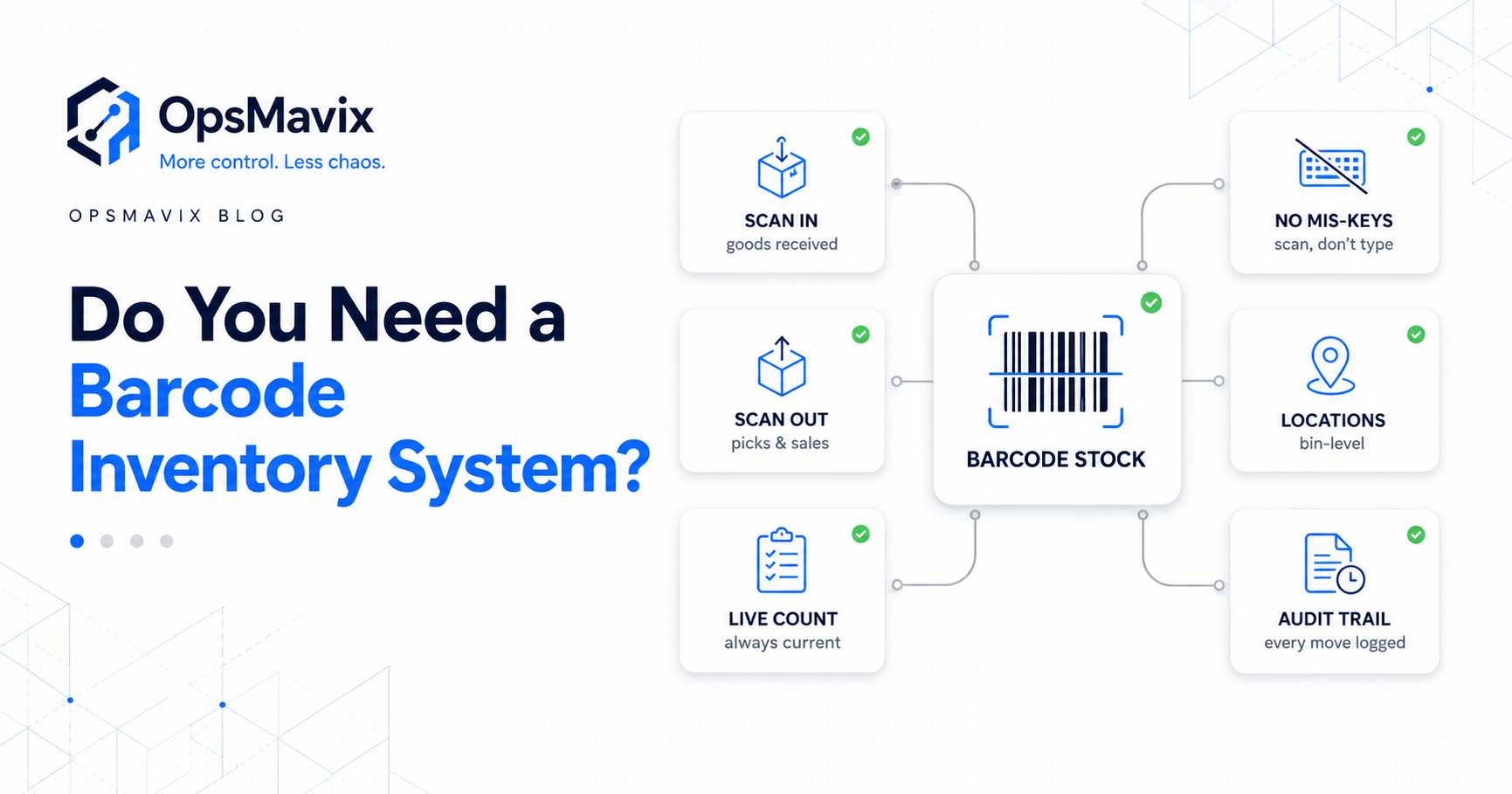
You need a barcode inventory system once stock moves faster than anyone can type it into a spreadsheet. That’s the moment you’re “guessing and manually counting material” and the count is already wrong before you’ve finished it. A barcode system swaps the keyboard for a scan: every receipt, pick and dispatch is captured at the shelf, the instant it happens, against the right SKU. What it won’t do is fix a broken process or a stock figure that already lives in five disconnected places.
Barcodes solve one specific problem extremely well. They close the data-entry gap between what physically happened and what the system recorded. If that gap is your main leak, scanning is one of the highest-return changes you can make. If your real problem is unsynced counts or phantom stock, a scanner alone won’t save you.
Here’s what a barcode inventory system actually fixes, where the hype oversells it, and how to tell which camp you’re in.
Key Takeaways
- A barcode inventory system mainly fixes one thing: the error and delay of typing stock in by hand.
- A scan makes a movement accurate and instant, captured at the shelf against the right SKU.
- It does not fix unsynced channels, phantom stock, or a process that was already broken on paper.
- You’re ready when manual counting and re-keying are your biggest source of stock errors, not before.
- A barcode is only as good as the system behind it. A scan into a dead spreadsheet still drifts.
1What a Barcode Inventory System Actually Does
A barcode system swaps a human typing numbers for a scan that records the exact item instantly. Goods arrive, you scan them in. An order is picked, you scan it out. The count updates itself against the correct SKU every time, with no transposed digits and no “I’ll update the sheet later.”
That’s the whole mechanism, and it matters because manual entry is where most drift creeps in. When the operations manager in our warehouse research describes “guessing and manually counting material,” the scanner removes both the guessing and the counting. The shelf reports itself.
2The Real Problem It Solves: the Data-Entry Gap
Every stock figure is only as accurate as the last time someone remembered to record a movement correctly. Between the physical event (a unit received, picked, returned) and the record, there’s a gap. That gap is where errors and delay live. Manual entry widens it; scanning closes it.
This is the pain behind “a million messy spreadsheets for the warehouse.” Those sheets aren’t wrong because the staff are careless. They’re wrong because people are the integration layer between the shelf and the system, and people mistype, skip lines, and fall behind. A scan captured at the point of movement is the cure for that specific disease.
3What Barcodes Do NOT Fix (the Hype Part)
This is where the “best inventory software” videos oversell it. A barcode scanner does not fix:
- Unsynced counts across channels or locations. If your website, warehouse and a marketplace each hold a separate number, scanning one of them just gives you a very accurate wrong total.
- Phantom stock from a broken process. When “inventory numbers change for no reason,” the cause is usually untracked adjustments such as returns, damages and samples, not slow typing.
- Overselling caused by lag. If you “consistently oversell items you didn’t even have on hand” because channels don’t talk to each other, a scanner at the goods-in door won’t stop it.
A scan into a disconnected spreadsheet still drifts. The barcode is an input method, not a source of truth.
4When You Actually Need One
A pad and a spreadsheet can limp along when volume is low. You’ve crossed the line when:
- Manual counting and re-keying are your biggest source of stock errors, not channel sync, not adjustments.
- Receiving, picking or dispatch volume means stock changes faster than anyone can type it.
- Your SKU count has grown past the point where staff can reliably enter the right line by eye.
- You run cycle counts and the variance is mostly “someone didn’t record the movement,” not “two systems disagree.”
If those describe you, scanning pays back quickly. If your variance comes from unsynced counts or untracked returns, fix that first (covered in why your stock never matches the system) because a scanner won’t.
5The Scanner Is Only as Good as the System Behind It
This is the part the hardware vendors leave out. A barcode is a faster, more accurate way to feed a system, nothing more. If the system it feeds is a static spreadsheet, you’ve made the wrong number arrive more reliably. The value lives in what the scan triggers. Does it update one live count every channel reads from? Does it fire a reorder alert? Does it leave an auditable movement you can trace later?
That’s the OpsMavix view, and it’s where we part ways with “just buy scanners.” We don’t bolt a barcode app onto a mess. We build the system around your actual flow, from receiving through pick to dispatch, so the scan updates one inventory system you own, with movements you can audit instead of phantom swings you can’t explain. And it’s yours: no per-seat fees, no vendor switching it off, no scramble for an alternative when a banner appears on someone’s website.
FAQ
Do I need a barcode inventory system or just better spreadsheets?
If your main source of stock errors is manual counting and re-keying, a barcode system removes that error at the source. Better spreadsheets can’t, because the spreadsheet was never the problem; the typing into it was. If your errors come from unsynced channels or untracked returns, fix that first.
Will a barcode system stop overselling?
Only if overselling comes from data-entry errors. If you oversell because each channel holds a separate count and nothing syncs them, you need one shared stock figure across every channel. A scanner at goods-in won’t reach the other storefronts.
What hardware do I actually need to start?
Less than most expect. Many operations begin with a phone or tablet camera reading standard barcodes, before investing in dedicated handheld scanners. The hardware is the cheap part. The system the scans feed into is what decides whether the count stays true.
Can a barcode system work with the tools I already use?
That’s the point of a custom build. The scanning workflow wraps around your existing receiving, picking and dispatch flow and feeds one live count, rather than forcing your team onto a rigid platform they’ll work around.
Is a barcode system overkill for a mid-sized warehouse?
No. The common belief is “we’re not big enough for real software,” which leaves you stuck between a spreadsheet and a six-figure enterprise WMS. A right-sized barcode system built around your flow is the practical middle path. You don’t need a £100k WMS to get a stock number you can trust.
How OpsMavix Can Help
OpsMavix builds custom inventory systems where scanning is wired into your real flow, from receive to pick to dispatch, so every movement updates one live, auditable stock count instead of a spreadsheet someone has to remember to type into. The scan removes the guessing and the manual counting; the system behind it keeps the shelf and the screen in step. And you own it outright: no per-seat fees, no sunset, no hostage data.
If manual counts and re-keying are quietly costing you in mis-picks, oversells and time spent double-checking, that’s a measurable operational leak. Book an Operations Leak Audit and we’ll map where your stock accuracy breaks down, and whether barcodes are actually the fix.