
Warehouse Automation: Types, Costs and a Practical UK SME Guide
Which warehouse tasks should you automate first? Compare software and equipment, understand the costs, and use a worked payback example to plan a practical pilot.
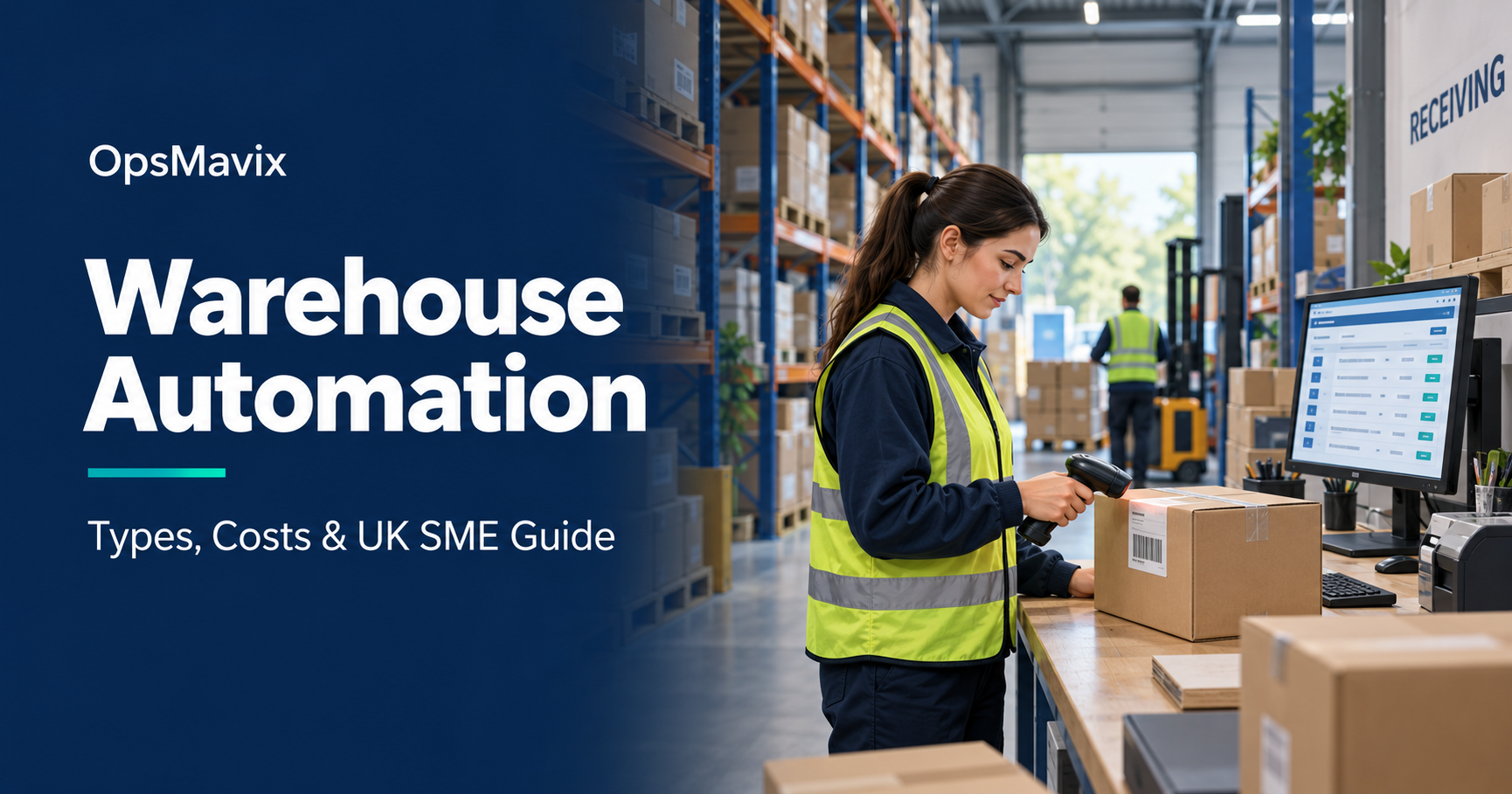
Warehouse automation uses software and equipment to reduce repetitive work in receiving, storage, picking, packing and despatch. It can mean connecting orders to stock records, guiding a picker with a scanner, or using machines to move goods through a building.
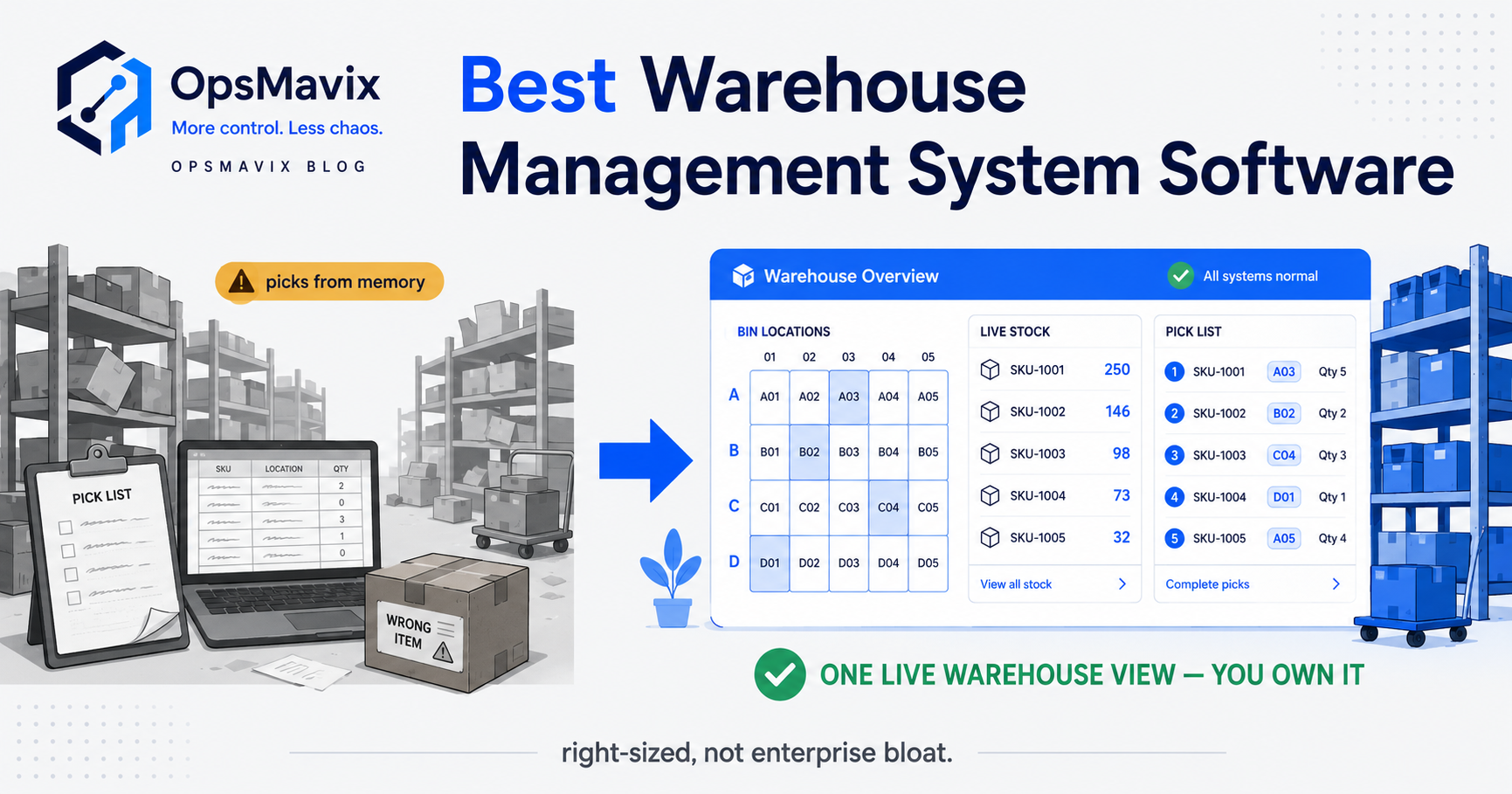
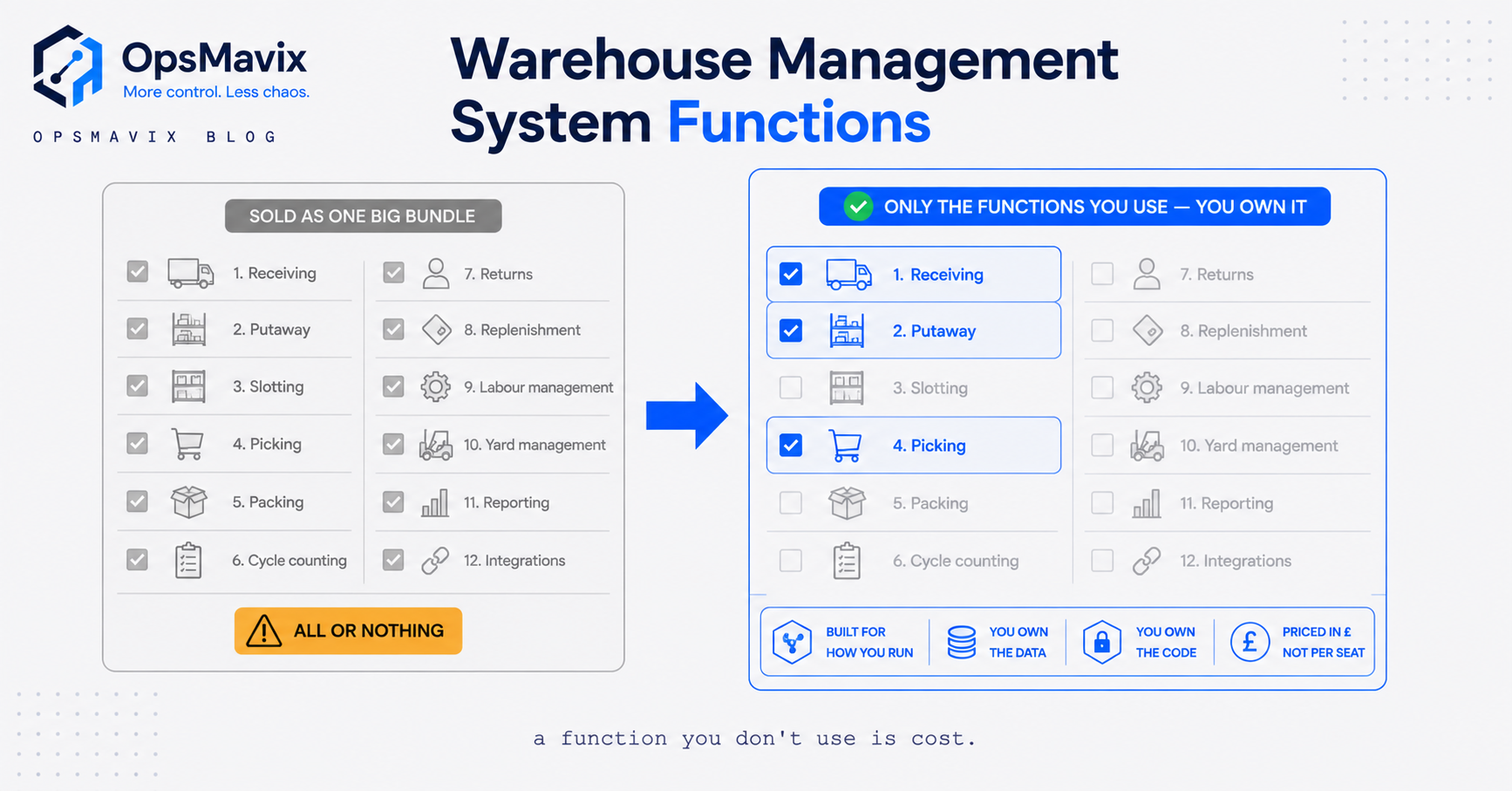
Warehouse automation connects physical stock with reliable records. Illustration: OpsMavix.
The right starting point depends on what is slowing your operation down.
If staff spend the morning copying orders and correcting stock figures, software may address the immediate problem. If reliable orders are waiting because moving goods takes too long, physical automation deserves a closer look.
This guide explains the main warehouse automation systems, how to compare their costs and how to test an improvement before committing to a larger project.
What warehouse automation costs in the UK
Indicative ranges for a single-site SME operation, excluding VAT. Every figure depends on scope, so use them to sense-check quotes, not to budget.
| Level | What it covers | Typical initial cost | Running cost | Payback driver |
|---|---|---|---|---|
| Software + scanning | WMS or inventory system, handheld scanners, barcode labels, one or two integrations | £10k–£40k | £2k–£8k a year | Overtime and correction hours removed |
| Directed picking | Pick-to-light, voice or guided mobile picking on top of a WMS | £25k–£80k | £3k–£10k a year | Pick accuracy and picks per hour |
| Conveyors and sortation | Fixed handling between receiving, packing and despatch | £50k–£250k | Maintenance contract plus power | Travel time and throughput at peak |
| Mobile robots (AMR/AGV) | Goods-to-person or transport robots on existing racking | £100k–£500k+ | Service contract, charging, spares | Labour hours on movement |
| Automated storage (AS/RS) | Cranes or shuttles with dense storage | £500k upwards | Significant maintenance and specialist support | Floor space and labour at scale |
The worked payback example below uses the first row. If your bottleneck is information rather than movement, the rows beneath it rarely pay back first.
What is warehouse automation?
Warehouse automation is the use of technology to carry out or coordinate warehouse tasks with less repetitive manual intervention. It covers both information processing and the physical handling of goods.
SAP’s warehouse automation guide distinguishes digital automation, such as warehouse software, from physical automation, such as conveyors and robotics. A warehouse can use either approach or combine them.
An automated warehouse does not necessarily operate without people. Staff may still receive deliveries, investigate discrepancies, handle unusual products, approve exceptions and maintain equipment.
For a smaller operation, a useful first project might be scanning goods into a known location and making that stock available to the order team immediately. The value comes from removing a specific delay or error, rather than reaching an arbitrary level of automation.
The main types of warehouse automation
Suppliers classify automation in different ways. Element Logic describes four levels, ranging from basic assistance to integrated advanced systems. For a buying decision, it is often easier to compare technologies by the job they perform.
| Technology | What it does | What to investigate before buying |
|---|---|---|
| Warehouse management software | Coordinates stock locations, warehouse tasks and order fulfilment | Whether it handles your units, reservations, exceptions and integrations |
| Barcode scanning | Captures item, location and transaction data | Label quality, device suitability and what happens after a failed scan |
| Pick-to-light or voice picking | Directs people through picking or putaway tasks | Product mix, working environment and exception handling |
| Conveyors and sortation | Move or route goods between work areas | Product dimensions, required throughput and layout constraints |
| Automated guided vehicles and mobile robots | Transport goods between locations | Routes, traffic, load characteristics and operational support |
| Automated storage and retrieval systems | Use machinery to store and retrieve goods | Storage density, product compatibility, maintenance and peak demand |
SSI SCHAEFER’s overview explains how software, handling equipment and control systems contribute to warehouse automation. These technologies solve different problems; they are not interchangeable upgrades.
Warehouse automation software and equipment control
A warehouse management system, or WMS, generally manages inventory and warehouse work. A warehouse control system, or WCS, coordinates automated equipment. Some installations also use a warehouse execution system, or WES, to orchestrate work across resources.
The boundaries vary by product. Mecalux describes separate WMS, WES and WCS offerings, illustrating why a specification should name responsibilities rather than assume one software label covers everything.
Ask who owns stock availability, who releases work, who controls machinery and which system records completion. An integration proposal should answer all four.
Which warehouse process should you automate first?
Start by following an ordinary order through the building. Record where it waits, where someone retypes information and where the physical goods stop matching the system.
Use those observations to choose a first investigation.
| What you observe | First improvement to investigate | Pilot measure |
|---|---|---|
| Received goods wait before becoming available to sell | Receipt capture, checking and putaway confirmation | Time from physical receipt to usable stock |
| Staff search several locations for the same item | Location records, labelling and scan confirmation | Search time per sampled order |
| Sales promise stock already allocated elsewhere | Shared availability and reservation rules | Orders delayed by allocation conflicts |
| Pickers repeatedly collect the wrong variant | Item and location verification | Correct order lines divided by checked lines |
| The packing bench retypes delivery details | Order-to-carrier data transfer and label generation | Manual entries per parcel |
| Moving goods consumes most of the available time | Layout changes, conveyors or mobile transport | Travel time and completed moves per hour |
| Returns go back on sale before inspection | A controlled returns and quarantine workflow | Uninspected returns released to available stock |
These are starting hypotheses, not automatic purchasing recommendations. A location problem may need clearer labels before new software. A slow packing station may need better work allocation before additional equipment.
For a software-led project, define the complete transaction. A successful scan should update the intended record, expose any discrepancy and leave a clear trail of what happened.
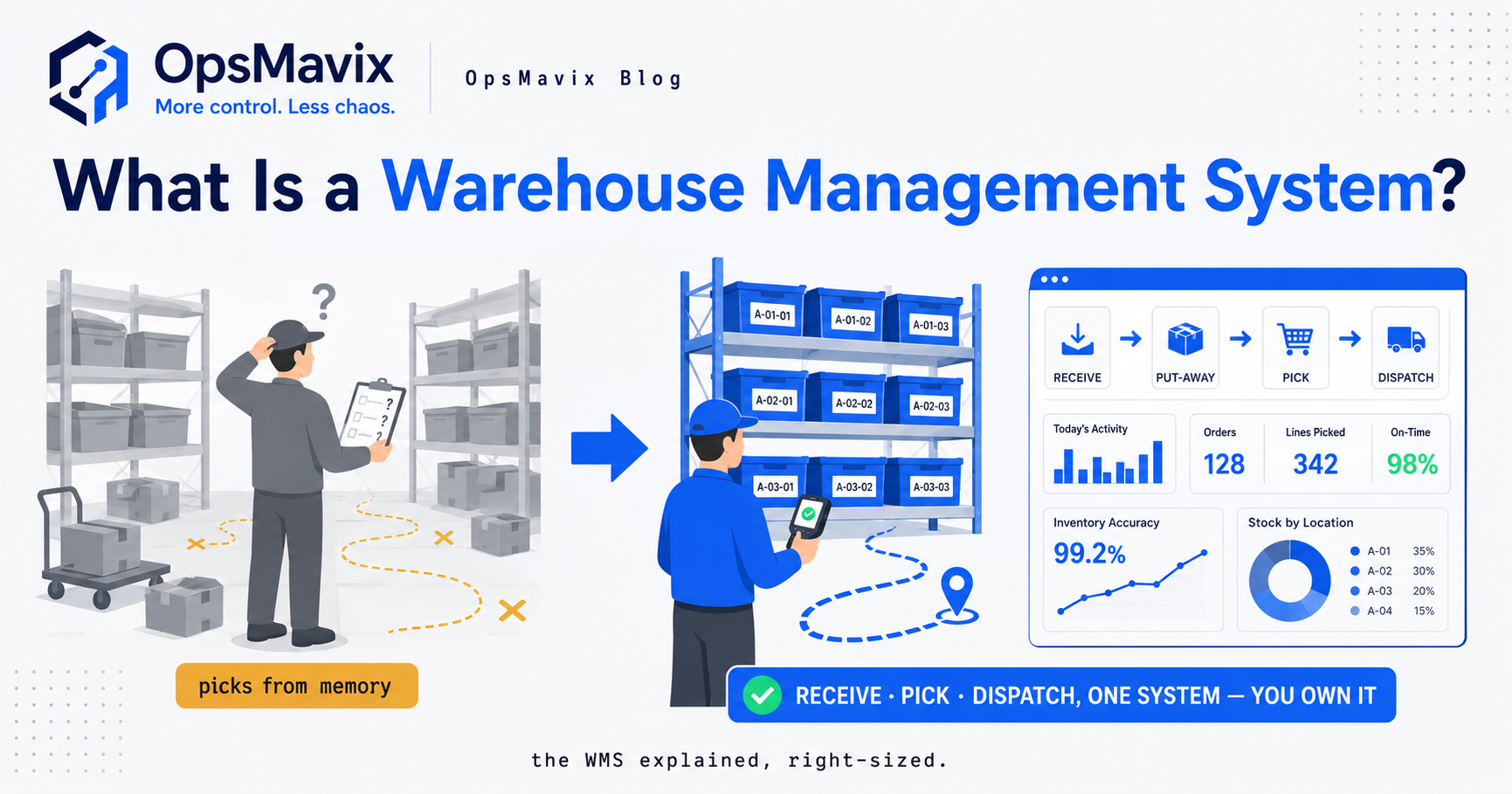
Follow each movement from receiving to despatch. Illustration: OpsMavix. Screen figures are illustrative.
A practical warehouse automation example
Consider an illustrative wholesaler selling cases and individual units of the same product.
A supplier delivers ten cases. Each case contains twelve units. The receiving team records the delivery, but the sales team cannot tell whether the figure means ten units or 120. An order is accepted against the wrong quantity, and the error appears at picking.
A suitable receiving workflow could work as follows:
- The operator selects the purchase order and scans the supplier item.
- The screen shows the expected unit of measure and case conversion.
- The operator confirms the received quantity and records any damage.
- Accepted stock is assigned to a location; damaged stock remains unavailable.
- The order team sees the updated available quantity.
- A discrepancy is sent to a named person for review.
The important feature is the agreed meaning of the transaction. Automating an ambiguous quantity would simply distribute the mistake faster.
Test partial deliveries, an unreadable barcode and a repeated scan as well as the successful case. A usable system must make those exceptions understandable to the person doing the work.
Benefits to measure in your own warehouse
Warehouse automation can improve throughput, stock visibility, order accuracy and customer satisfaction, but the benefit depends on the process and implementation. NetSuite’s overview discusses both potential gains and challenges, including integration, ongoing maintenance and disruption during changeover.
Choose a small set of measures before the pilot starts:
- Receiving delay: how long accepted goods take to become available in the system.
- Picking accuracy: correctly picked lines divided by all checked lines.
- Order completion time: elapsed time from release to ready for despatch.
- Rework: time spent correcting avoidable mistakes.
- Overtime or agency spend: actual expenditure that the change could reduce.
- Exceptions: unresolved tasks requiring someone to intervene.
Keep the comparison fair. An improvement measured on simple orders may disappear when mixed cases, partial picks and urgent orders return. Compare similar work and record changes in staffing and demand.
How much does warehouse automation cost?
There is no single useful price for warehouse automation. A receiving workflow using existing scanners has a different scope from a storage system that changes the building’s layout.
Ask each supplier to separate the following costs:
| Cost area | What to include in the quotation |
|---|---|
| Discovery and design | Process mapping, requirements and proposed operating model |
| Software | Configuration or development, licences and required modules |
| Equipment | Scanners, printers, network upgrades and handling equipment |
| Integration | Connections to ecommerce, accounting, ERP, carriers or machinery |
| Data preparation | Product records, barcodes, units, locations and opening stock |
| Introduction to the business | Testing, training, changeover and initial support |
| Ongoing operation | Hosting, subscriptions, maintenance, support and replacement parts |
| Future change | Additional users, sites, transaction volume and process changes |
Ask what is excluded as well as what is included. A low initial quote is difficult to compare if it leaves data cleanup, integration testing and support to your team.
Separate a software project from equipment procurement when their delivery and maintenance responsibilities differ. Make sure the person accountable for the overall result is clear.
A worked payback calculation
The following is an illustrative planning example, not an OpsMavix quote or a customer result. Figures are in GBP and exclude VAT, financing and tax effects.
Suppose a warehouse is considering a software-and-scanning project with an initial cost of GBP 18,000 and additional running costs of GBP 3,600 per year.
Its business case assumes that the project will remove 15 hours of paid overtime each week. At a total employer cost of GBP 20 per hour over 48 operating weeks, that would save GBP 14,400 annually. It also assumes GBP 1,200 of separately measured correction costs can be avoided.
| Calculation | Result |
|---|---|
| Overtime saving: 15 hours x GBP 20 x 48 weeks | GBP 14,400 per year |
| Other avoidable correction costs | GBP 1,200 per year |
| Total annual savings | GBP 15,600 |
| Less additional annual running costs | GBP 3,600 |
| Annual net saving | GBP 12,000 |
| Simple payback: GBP 18,000 / GBP 12,000 | 1.5 years, or 18 months |
Now test a less favourable outcome. If only 7.5 overtime hours are removed each week, the annual net saving falls to GBP 4,800, assuming the other figures stay the same. Simple payback becomes 45 months.
That difference matters more than an impressive demonstration.
If the project frees salaried staff time without reducing expenditure, record the result as additional capacity. It can still be valuable, but it is not automatically a cash saving. Avoid counting the same labour reduction again under error correction or increased throughput.
How to choose warehouse automation solutions
Prepare a short test pack using representative orders, products and exceptions. Ask each supplier to demonstrate the same scenarios.
Start with the difficult transactions
Include a partial receipt, a customer amendment after allocation, a damaged return, a case-to-unit conversion and a failed stock check.
Ask what the operator sees, what stops the transaction and who receives the exception. Then ask how the transaction is corrected without losing its history.
Check where information comes from
For every integration, establish:
- Which system holds the authoritative product and stock records.
- What event sends an update to another system.
- How quickly the update should arrive.
- How a failed transfer is detected and retried.
- How duplicate transactions are prevented.
- Who investigates a mismatch.
“It integrates” is an opening answer. The buying decision needs the operating detail.
Understand the support arrangement
Ask who responds if a scanner stops working, an order import fails or equipment cannot complete a task. Confirm the support hours, escalation route and fallback procedure.
For equipment, involve a competent specialist in assessing the proposed installation and its operating environment. A software demonstration cannot validate a physical handling design.
If you are comparing software options, use our warehouse management software guide alongside the same test pack.
A phased pilot plan for UK SMEs
Choose a contained workflow, such as receiving one product group or scanning picks in one zone. Define the scope narrowly enough that the team can observe what changes.
The sequence below is a planning framework. Its duration depends on integration, data and equipment requirements.
| Stage | Work to complete | Evidence needed before progressing |
|---|---|---|
| Establish the baseline | Observe representative work and record delays, errors and costs | A documented problem with measurable impact |
| Prepare the records | Check items, units, locations and opening quantities | Agreed data that operators can use |
| Configure and test | Build the workflow and run normal and exception scenarios | Correct transactions and understandable recovery steps |
| Run a limited live pilot | Train a small group and monitor real work | Stable operation without losing transaction control |
| Review the result | Compare quality, time, expenditure and operator feedback | A reasoned decision to expand, revise or stop |
Set stop conditions before going live. Examples include duplicate receipts, unexplained stock movements or staff being unable to recover from an error. Agree how open transactions will be reconciled if the team returns to the previous process.
Involve the people doing the work. Conger’s implementation guidance also emphasises training and phased adoption; an operator’s feedback can reveal problems that a scripted demonstration misses.
Common warehouse automation mistakes
Starting with equipment before identifying the delay. Faster transport will not resolve orders waiting for a stock decision.
Trusting inaccurate starting data. Confirm the physical stock and the meaning of units before relying on automated availability.
Testing only straightforward orders. Include amendments, split quantities, damaged goods and failed integrations.
Ignoring running costs. Evaluate support, maintenance and change alongside the initial project price.
Assuming every saved minute becomes profit. Separate cash savings, released capacity and possible future sales.
Expanding before the pilot is stable. Fix a repeatable problem in a controlled area before introducing it across the building.
Choose the level of warehouse automation by task
An entry-level project might be a scan-guided picking system that sends confirmed movements to the stock record. Material handling equipment addresses a different problem: the physical travel and movement of goods.
A robotics system is worth evaluating when that movement is a measured constraint. Autonomous mobile robots (AMRs) and automated guided vehicles (AGVs) are possible approaches. Ask the supplier to demonstrate route changes, blocked aisles, charging and safe recovery with your site layout.
A fully automated process still needs a way to handle damaged goods, unusual products and system outages. Define who takes over, what work stops, and how completed movements reach the record.
For each proposed level of warehouse automation, compare:
- The task removed or shortened.
- The physical and data prerequisites.
- The exception that still needs a person.
- The real-time status available to supervisors.
- The complete installation, maintenance and support cost.
Start with the smallest project that removes the measured constraint. Expand after the pilot proves accuracy, throughput and recovery.
Connect warehouse automation to commercial records
A faster warehouse still needs a dependable handoff to orders and finance. The warehouse is one link in wider supply chains, so customers, suppliers and carriers rely on those records too. Decide which event confirms a movement, which releases a customer update and which creates a financial document.
Use the same order to test a short pick, a partial shipment and a failed posting. Our distribution accounting guide provides a cost-and-reconciliation exercise. The wholesale inventory buying guide adds pack sizes, customer prices and backorder tests.
Frequently asked questions
Can a small warehouse benefit from automation?
Yes, where a repeatable problem justifies the cost. A smaller warehouse may begin with receiving records, scanning, location control or order handoffs. Select the project from measured needs rather than warehouse size alone.
Do you need robots to automate a warehouse?
No. Software can automate information processing and direct work while people continue to move goods. Robotics become relevant when the physical task, product mix and business case support them.
What is the difference between a WMS and warehouse automation?
A WMS is a software system used to manage warehouse operations. Warehouse automation is a broader term that includes software-led workflows and physical technologies. The WMS may be one part of an automated warehouse system.
How do you automate warehouse inventory?
Define consistent product and location records, verify opening quantities and capture each movement through an agreed process. Then connect those transactions to availability, reservations and replenishment. Add exception checks so discrepancies are investigated rather than silently passed between systems.
How long does warehouse automation take to implement?
There is no single timeline. A contained software workflow and an equipment installation have different dependencies. Agree the data, integration, testing and training requirements before accepting a delivery date, and include a controlled pilot.
Should you automate everything at once?
Start with a bounded project unless there is a clear reason that several processes must change together. A smaller pilot makes it easier to identify causes, measure results and correct the design.
Plan the first improvement around your operation
For a UK wholesaler, manufacturer or ecommerce business, the first useful project might be reliable stock availability, scan-confirmed movements or orders flowing into one shared queue.
OpsMavix builds operational software around those workflows. Explore our inventory and warehouse systems or wholesale order management solution to see how stock, orders and day-to-day work can connect.
Bring one problem, a few representative transactions and the tools you already use. We can help define the workflow and scope a practical first build.
See what we’d build for your business.
How OpsMavix Can Help
OpsMavix builds owned operations systems for UK and US product businesses: stock, orders, production and reporting in one place, fixed price, no per-seat fees. For warehouse-led businesses that start with inventory automation or a wholesale order workflow.
Contact OpsMavix with one end-to-end transaction and the handoffs that currently break. We will tell you plainly whether a focused build fits.
Keep reading
Getting value from OpsMavix? Add us as a preferred source on Google — you'll see more of our operations content in your AI Overviews, AI Mode and Search.