
How to Stop Overselling Across Shopify, Amazon and eBay
One product, three storefronts, one spreadsheet trying to keep up. Here's why overselling happens across channels — and how to make stock sync itself.
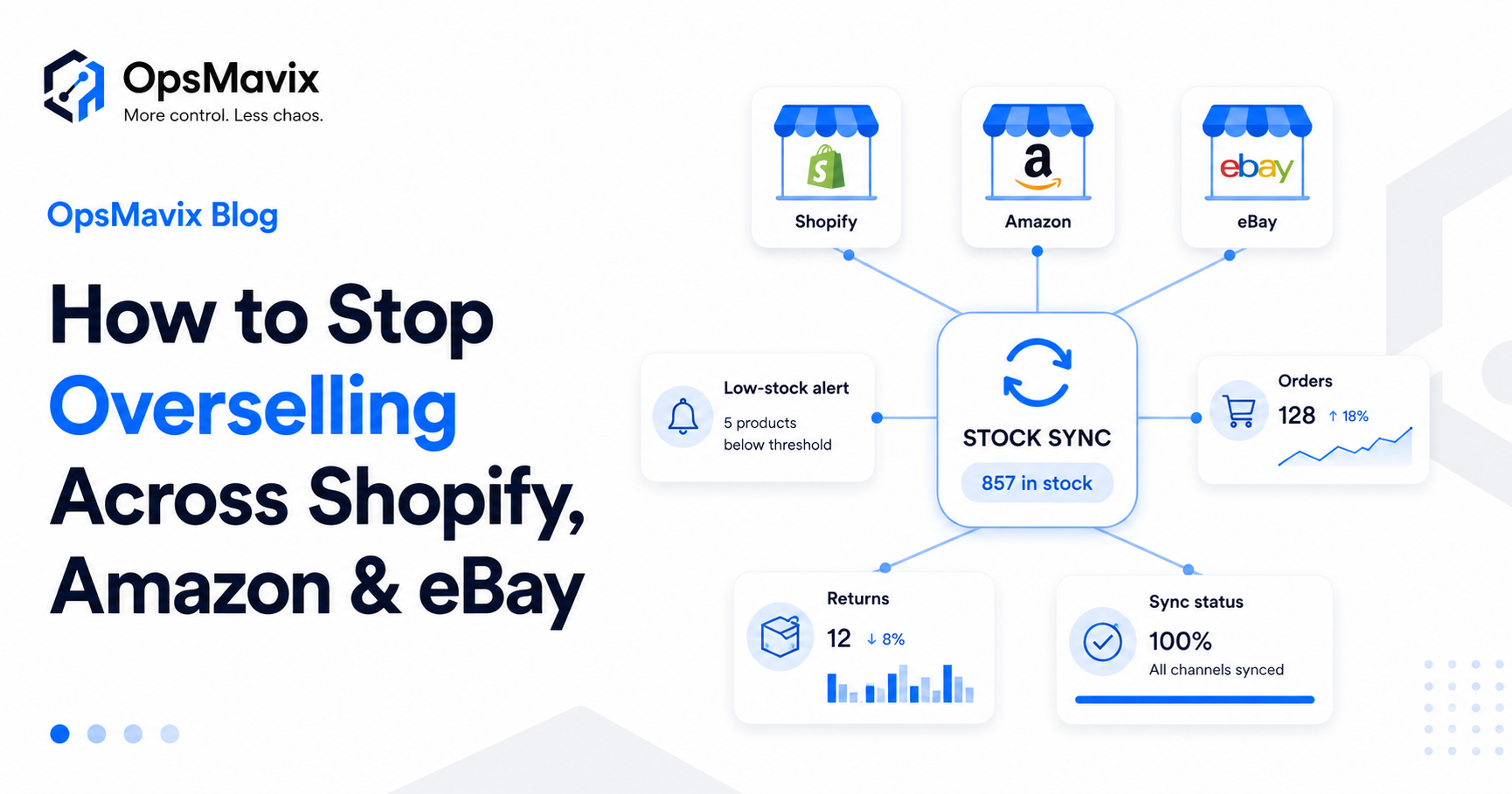
You sold it twice. The same last unit went to a customer on Shopify and another on Amazon, and now one of them is getting an apology email instead of a parcel. The stock was “in the spreadsheet” — it just hadn’t caught up with reality.
If you sell across more than one channel, this is the quiet tax you pay for growth. Every new storefront — Shopify, Amazon, eBay, Etsy, your own site — is another place stock can sell, but the count still lives in one place that updates too slowly to keep up. The more you grow, the worse it gets.
The goal of this piece is simple: explain why overselling happens when you sell on multiple channels, and how to stop overselling across sales channels for good by letting stock sync itself instead of being patched by hand.
Key Takeaways
- Overselling happens because each channel sells, but the stock count lives in one place that updates too slowly.
- On marketplaces, cancellations don’t just lose the sale — they can throttle or suspend the account.
- The fix is one live stock count every channel reads from and writes to in real time.
- Stock buffers on fast movers absorb sync delays, so a near-miss never becomes an oversell.
- “Update it later” stops being a system the moment a second channel can sell your stock.
1Why Shopify Alone Can’t Keep Your Channels in Sync
Shopify is great at running a Shopify store. What it doesn’t do is keep a live, two-way stock count across the other places you sell. A sale on Amazon doesn’t automatically reach into Shopify and reduce the number there, and vice versa.
So most sellers bridge the gap manually — a master spreadsheet, a few end-of-day edits, a mental note to “update eBay later.” That bridge holds right up until two channels sell the same unit in the same hour. Then it collapses, and a customer pays for it.
2The Real Cost of Overselling
Overselling looks like a small admin slip. It isn’t. It compounds:
- Cancellations and refunds — every oversold order is a refund, an apology, and a lost sale.
- Marketplace account health — Amazon and eBay punish cancellations and late shipments with metrics that can throttle or suspend your account.
- Lost trust — a customer who gets cancelled rarely comes back, and may leave the review that costs you ten more.
- Wasted staff time — hours spent firefighting orders instead of growing the business.
The dangerous part is that none of this shows up in your revenue line until it’s already done damage to your reputation and your marketplace standing.
3What Multichannel Inventory Automation Actually Does
Multichannel inventory automation replaces the manual bridge with a single live stock count that every channel reads from and writes to in real time:
- Real-time sync — a sale anywhere reduces the count everywhere, within moments.
- Stock buffers — hold back a small safety margin on fast movers so a sync delay never turns into an oversell.
- Low-stock alerts — get warned before a bestseller runs out, not after.
- Returns and cancellations — put stock back automatically when an order reverses.
Done well, this isn’t a bolt-on app you babysit. It’s an inventory system that treats your true stock as one number and keeps every storefront honest about it — the same single-figure discipline behind why your stock never matches the system.
4Manual Spreadsheet vs Automated Sync
| Spreadsheet / manual | Automated multichannel sync | |
|---|---|---|
| Stock count | One master file, updated by hand | One live count, updated automatically |
| Speed | Hours or a day behind | Near real time |
| Overselling | Happens whenever two channels race | Prevented by live sync + buffers |
| Low stock | Noticed when it’s already out | Alerted before it runs out |
| Returns | Re-added manually, if remembered | Re-added automatically |
| Staff time | Constant firefighting | Spent on growth |
5When You Actually Need It
A spreadsheet can limp along when you’re small. You’ve outgrown it when:
- You sell the same SKUs on two or more channels.
- You’ve already had at least one oversell you had to apologise for.
- Your catalogue has grown past the point one person can mentally track.
- Order volume means stock can change faster than you can update a sheet.
- A marketplace has warned you about cancellations or late dispatch.
FAQ
Doesn’t Shopify sync inventory across channels by itself?
Not reliably across external marketplaces in real time. Connecting Amazon, eBay and others into a single live stock count usually needs a dedicated inventory system sitting behind your channels.
What’s a stock buffer and do I need one?
A buffer holds back a small reserve on fast-selling items so that even a brief sync delay can’t oversell them. On busy bestsellers it’s the difference between a near-miss and a cancelled order.
Will this work with my current sales channels?
That’s the point of a custom system — it’s built around the exact channels you sell on now and can grow as you add more, instead of forcing you onto one rigid platform.
What about wholesale or B2B orders alongside retail?
The same live stock count can feed your wholesale order management too, so retail and B2B draw from one honest number instead of competing spreadsheets.
How OpsMavix Can Help
OpsMavix builds custom eCommerce inventory automation that keeps Shopify, Amazon, eBay and your other channels reading from one live stock count — with buffers, low-stock alerts and automatic returns — so overselling stops being something you manage and becomes something you’ve designed out.
If you’re selling across channels and patching stock by hand, that’s a classic operational leak. Book an Operations Leak Audit and we’ll show you where your inventory is slipping.