
DAI Warehouse Management System Alternative: Built Around Your Real Flow
A DAI warehouse management system is off-the-shelf WMS software for running goods-in, stock, picking and dispatch — and packaged WMS tools do that core job well. The honest DAI alternative for a growing UK warehouse isn't another rigid package that ignores your bins and picking flow. It's a system shaped to how your operation actually runs, connected to your orders, stock and purchasing instead of standing as a bolt-on silo, live in weeks, and owned by you.
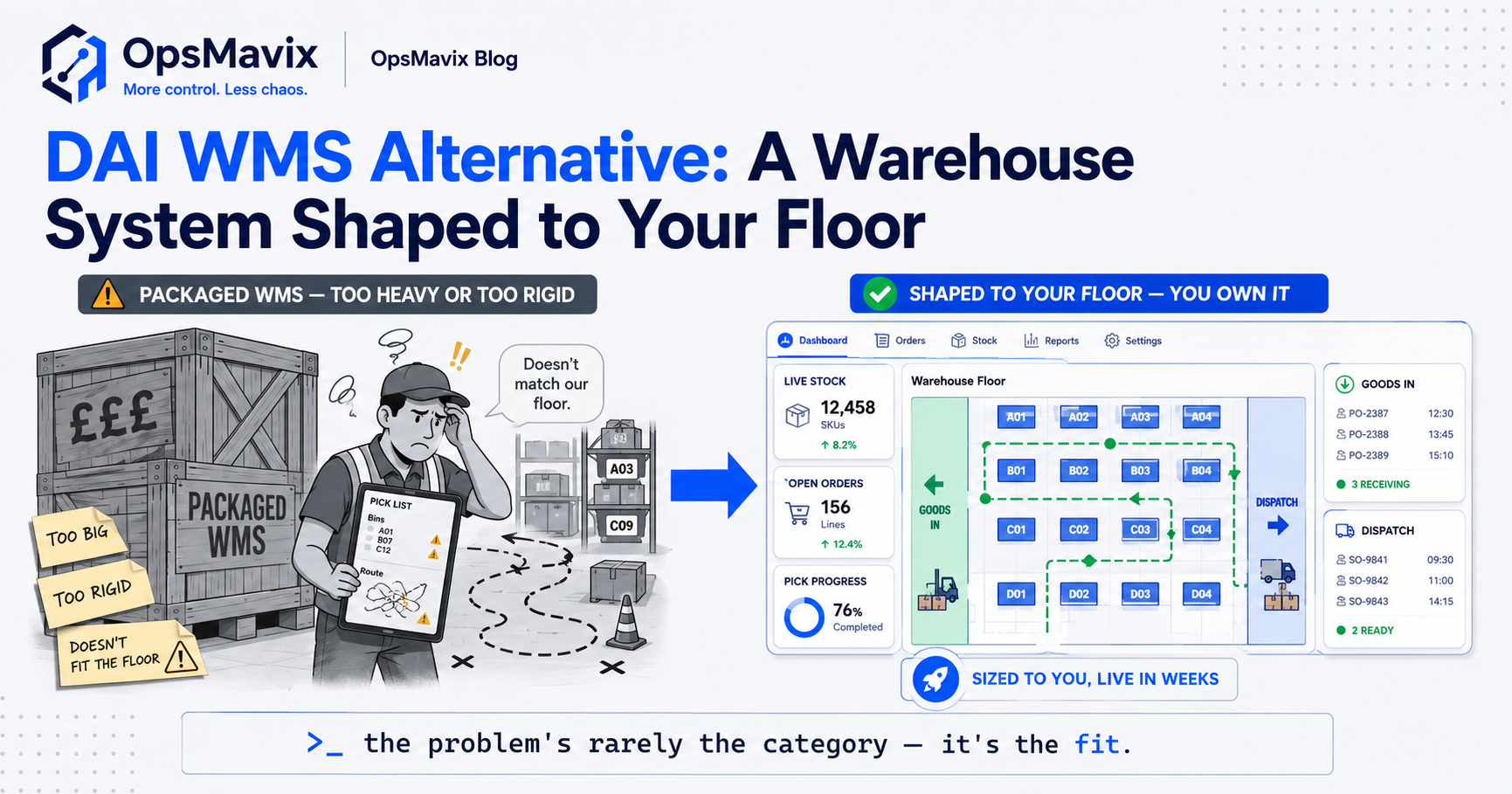
A DAI warehouse management system is the WMS originally developed by Digital Applications International, a UK software company that Dematic acquired in 2020. Its WMS, previously sold as Matflo, is now marketed as Dematic WMS and is aimed at operations ranging from manual RF scanning to highly automated sites.
If you are searching for an alternative, the practical question is not which brand is better in general. It is whether your warehouse needs heavy automation control, a different packaged WMS, a warehouse module inside your ERP, or a smaller connected application that fixes the specific handoffs costing you time and accuracy.

Choosing a WMS alternative starts with how stock, people and orders actually move through your building. Illustrative photograph, not an OpsMavix client site.
Image credit: Adrian Sulyok, Unsplash License. No edits.
Key Takeaways
- DAI’s WMS, formerly Matflo, now sits within Dematic’s software range as Dematic WMS.
- It is designed for operations from manual RF picking through to conveyors, sortation and mobile robots.
- Look for an alternative because of a demonstrated gap, not because a product is old or unfamiliar.
- Compare every option against the same scenario, with the same volumes and exceptions.
- Total cost includes implementation, integration, migration, training, support and future change.
- A focused connected application can sometimes fix the real problem without replacing the WMS.
In this guide:
- 1. Understand What the DAI WMS Is Today
- 2. Decide Why You Are Looking for an Alternative
- 3. Map the Alternative Approaches
- 4. Compare Options on One Shared Scenario
- 5. Count the Total Cost, Not Just the Licence
- 6. Test Integrations With Orders, Stock and Finance
- 7. Plan Migration Without Stopping the Floor
- 8. Run a Scripted Demonstration Before Deciding
- Frequently Asked Questions
- How OpsMavix Can Help
1. Understand What the DAI WMS Is Today
Follow the product history
Digital Applications International Limited (DAI) was a UK-based logistics automation software company. Dematic’s acquisition announcement described a WMS as DAI’s core product and said the deal broadened Dematic’s software from mostly manual operations to fully automated supply chains.
Dematic now states that Dematic WMS was formerly Matflo WMS. So when people search for a DAI warehouse management system today, they are usually looking at, or already running, a product that has become part of a larger automation supplier’s range.
Know what the supplier says it is built for
Dematic describes its WMS as coordinating processes and prioritising activities across a facility, from handheld RF operations to automated robotics, conveyors and sortation. It says the system provides data and event streams using standard API specifications, and it lists retail, e-commerce and logistics providers among its users.
| Point | What the supplier states | What to check for your site |
|---|---|---|
| Product lineage | Dematic WMS was formerly Matflo WMS | Which version you run and its support position |
| Operating range | Manual RF through to automated robotics | Which automation, if any, you actually operate |
| Integration | Data and event streams through standard APIs | Which interfaces exist today and who maintains them |
| Typical users | Retail, e-commerce and logistics providers | Whether your order profile resembles theirs |
That positioning is a strength for sites with significant automation. It also means a smaller manual warehouse should check carefully whether it is paying for capability it does not use.
2. Decide Why You Are Looking for an Alternative
Name the problem in operational terms
“We need a new WMS” is a conclusion, not a problem. Write down what goes wrong, how often and what it costs. Typical triggers include:
- Pickers keeping a side spreadsheet or paper map because the bin structure does not match the floor.
- The order desk and the warehouse working from different stock figures.
- Interfaces to the ERP, ecommerce channels or carriers failing without anyone noticing.
- Every process change requiring a supplier change request.
- A planned move into, or out of, automated handling equipment.
- Support, hosting or licensing arrangements that no longer suit the business.
Separate WMS gaps from surrounding gaps
Many complaints about a WMS are really about the systems around it. If goods-in is slow because purchase orders arrive late or incomplete, a new WMS will receive the same poor data. If stock disagrees between systems, the cause may be an interface, not the warehouse software.
| Symptom | Possible WMS cause | Possible cause elsewhere |
|---|---|---|
| Slow goods-in | Receiving workflow does not fit the checks you need | Purchase orders missing or inaccurate |
| Stock disagreement | Movements not captured at the point of work | Interface delay or failed transfers |
| Mis-picks | Location or scanning rules not enforced | Poor bin location addressing |
| Late dispatch | Wave or release logic unsuitable | Orders released late from the order system |
3. Map the Alternative Approaches
Five realistic routes
An alternative does not have to be another product of the same type. These are the main routes to consider:
| Approach | Where it can fit | Main limitation to test |
|---|---|---|
| Reconfigure or upgrade the current WMS | The product can do what you need but is set up poorly | Cost and availability of supplier changes |
| Another enterprise WMS | Large, complex or highly automated operations | Implementation effort and automation interfaces |
| WMS module within your ERP | The ERP already runs finance, purchasing and sales | Depth of warehouse functions and automation control |
| Mid-market packaged WMS | Mostly manual sites with standard processes | Fit with your exceptions and integration limits |
| Focused custom application | A specific handoff or workflow is the real gap | Ongoing ownership, support and change capacity |
ERP warehouse modules
Some ERPs include warehouse management. For example, SAP describes SAP Extended Warehouse Management as including integrated quality, production and track-and-trace processes, direct control of warehouse automation equipment and slotting rules. Dematic also says it offers pre-built templates for integrating its automation with SAP EWM.
That route can suit a business already committed to that ERP. It still needs the same scenario testing as any standalone WMS.
Custom and focused applications
A custom application can be a full WMS, but it is more often narrower: a receiving app, a scanning workflow, a stock exception queue or a connection between the WMS and the order system. It suits a clearly bounded gap. It does not remove the need for support, documentation and someone to own changes.
See warehouse management system functions for a fuller breakdown of what a WMS normally covers.
4. Compare Options on One Shared Scenario
Define the scenario before talking to suppliers
Give every supplier, and any internal build team, the same written scenario. Ask each one to show it working with your data rather than describing it.
Hypothetical scenario: a UK distributor runs one manual warehouse with 4,000 locations and around 1,200 order lines a day, received from an ERP and two ecommerce channels. It handles partial receipts, batch-tracked lines, a returns area and one weekly cycle-count programme. It has no conveyors or robots and no plans for them within three years.
Score fit, limitations, integrations and cost
| Criterion | Current WMS reconfigured | Another packaged WMS | ERP warehouse module | Focused custom application |
|---|---|---|---|---|
| Fit with receiving and putaway | Test current configuration | Demonstrate with scenario data | Demonstrate with scenario data | Built to the agreed workflow |
| Fit with picking and dispatch | Test current configuration | Demonstrate | Demonstrate | Only if within agreed scope |
| Automation readiness | Strong per supplier | Varies by product | Varies by product | Usually limited unless specified |
| ERP and channel integration | Existing interfaces | New interfaces | Native to that ERP; channels still need work | Built for the named systems |
| Data migration | None | Full | Full | Limited to the new workflow |
| Main risk | Paying for unused capability | Disruption and re-implementation | Warehouse depth | Ownership and support |
The table is a template, not a verdict. In this hypothetical case, the absence of automation weakens one of the strongest reasons to stay on an automation-oriented WMS, but it does not settle the decision on its own.
5. Count the Total Cost, Not Just the Licence
Use a cost model with the same lines for every option
Licences or subscriptions are only one part of the cost. Include implementation, configuration, interfaces, data migration, hardware, training, internal staff time, support and the cost of future changes.
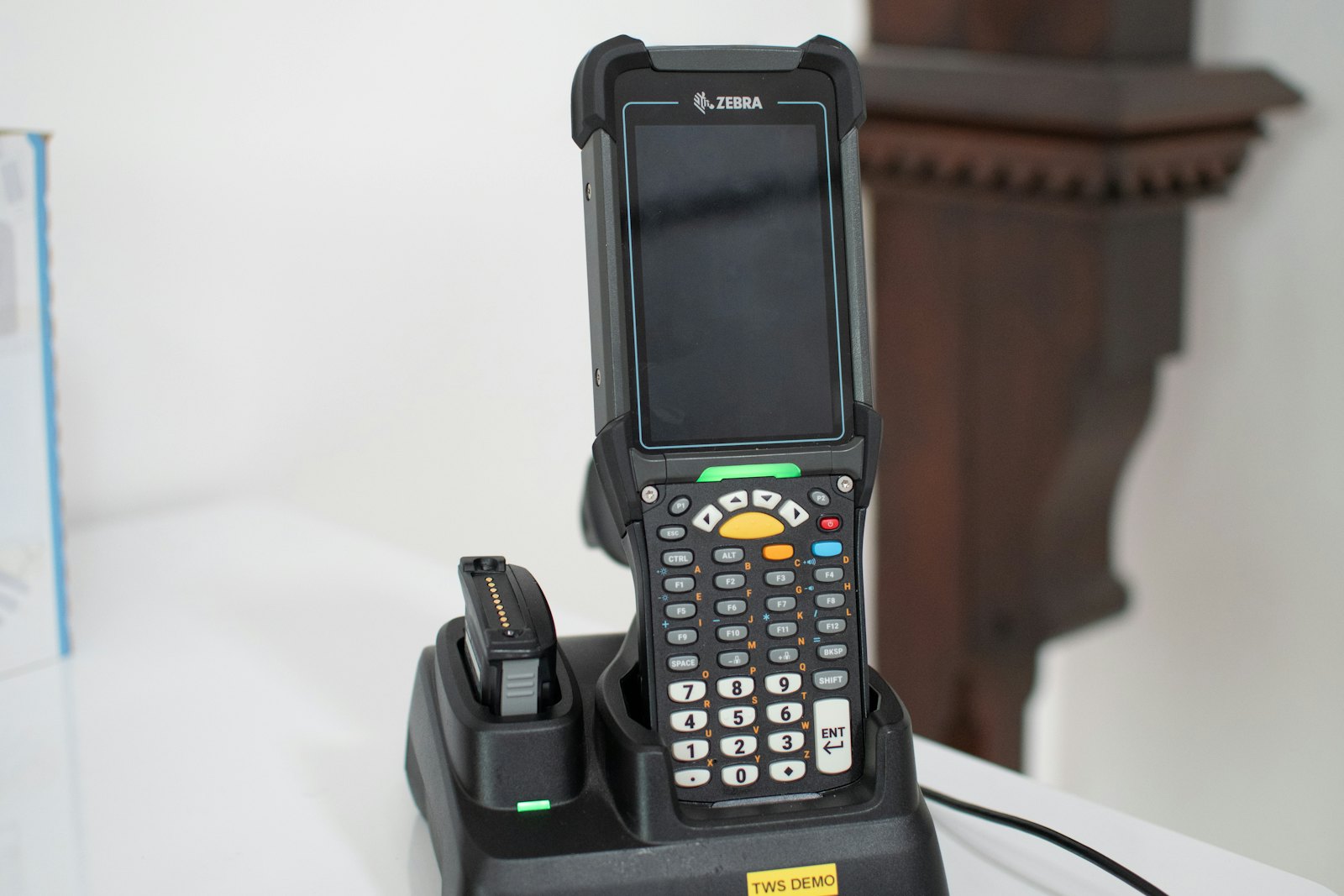
Scanning hardware, devices and their support belong in the cost model for every option. Illustrative photograph, not an OpsMavix client site.
Image credit: Bluestonex, Unsplash License. Cropped to landscape.
Hypothetical worked example: the cost of workarounds
Before pricing any replacement, measure what the current gap costs. All figures below are hypothetical and exclude VAT.
Assume three staff each spend 1.5 hours a day re-keying stock and order data between the WMS and the order system, at a loaded cost of £16 an hour, over 250 working days.
| Line | Calculation | Annual amount |
|---|---|---|
| Re-keying time | 3 people × 1.5 hours × £16 × 250 days | £18,000 |
| Picking errors | 1,200 lines × 0.4% × £12 per error × 250 days | £14,400 |
| Total measured annual cost of the gap | £18,000 + £14,400 | £32,400 |
The error line assumes 4.8 picking errors a day (1,200 × 0.4%) and a £12 handling and reshipping cost each. Over three years the gap costs £97,200 on these assumptions.
That figure gives a ceiling for sensible spending on the fix. If a focused interface removed most of the re-keying, a full WMS replacement would need to justify its additional cost through other benefits. If the errors come from poor location rules, the fix may be configuration rather than new software.
Cost checklist
- Licence, subscription or hosting charges for the full term you will compare.
- Implementation, configuration and project management.
- Interfaces to ERP, ecommerce channels, carriers and any automation.
- Data cleansing and migration, including open orders and stock by location.
- Devices, printers, labels and network coverage.
- Training, floor support during go-live and temporary productivity loss.
- Support and the price of later changes.
6. Test Integrations With Orders, Stock and Finance
Decide which system owns each record
A WMS rarely works alone. Decide where orders, items, locations, stock balances, receipts and dispatch confirmations are authoritative, and how corrections flow back.
| Record | Common owner | Integration test |
|---|---|---|
| Item master | ERP | New item reaches the WMS before the first receipt |
| Purchase order | ERP or purchasing system | Partial receipt updates the open quantity |
| Stock by location | WMS | Adjustment reaches the ERP with a reason code |
| Sales order | ERP or order management system | Cancelled order stops before picking |
| Dispatch confirmation | WMS | Shipment and tracking reach the customer record |
Test failure, not only success
Ask suppliers to show what happens when a message fails, arrives twice or refers to an item that does not exist. Someone must see the failure, own it and confirm it has been corrected. Our guide to ERP and WMS integration covers this in more detail.
7. Plan Migration Without Stopping the Floor
Choose the cut-over carefully
A WMS change touches every movement in the building. Plan a cut-over for a quieter period and agree what happens to orders in progress, open receipts and stock already in transit.
Migration checklist
- Clean the item master and remove obsolete codes.
- Confirm every location label matches the new location structure.
- Count stock by location immediately before cut-over.
- Agree how open purchase orders and sales orders transfer.
- Run interface tests with real messages from every connected system.
- Train pickers on the actual devices they will use.
- Keep a rollback plan for the first days after go-live.
If goods receiving is already unreliable, fix it first. Migrating inaccurate stock into a new system simply moves the problem.
8. Run a Scripted Demonstration Before Deciding
Script the day, including the exceptions
Ask each option to run the same script with your items, locations and order types. Include a short delivery, a damaged pallet, a batch recall, a pick from an empty location, a cancelled order after release and a stock adjustment needing approval.
Acceptance checklist
- Receiving handles partial, short and damaged deliveries.
- Putaway and picking follow your location structure.
- Stock moves only through recorded transactions.
- Exceptions are visible, owned and resolvable on the floor.
- ERP and channel interfaces recover from failures.
- Reports show the definitions and cutoff behind each figure.
- Users can complete tasks on the real devices without workarounds.
- Support, data export and future change arrangements are written down.
Record each requirement as demonstrated, configurable, requiring development or unsupported. That turns a sales conversation into evidence you can compare.
Frequently Asked Questions
What is the DAI warehouse management system?
It is the WMS developed by Digital Applications International, a UK company acquired by Dematic in 2020. Dematic now markets the product as Dematic WMS and states that it was formerly Matflo WMS.
Is DAI’s WMS only for automated warehouses?
No. Dematic says the system supports operations from handheld RF scanning to fully automated robotics. Its automation strengths matter most where conveyors, sortation or robots are in use.
When does an alternative make sense?
When you can show a gap the current system cannot close at reasonable cost: poor fit with your processes, unreliable interfaces, unsuitable support arrangements or a change in your automation plans.
Should we replace the WMS or the systems around it?
Check first. Stock disagreements, late orders and slow goods-in often start in the ERP, order system or interfaces. Replacing the WMS will not fix problems that begin elsewhere.
Is an ERP warehouse module a good alternative?
It can be when the business already runs that ERP and its warehouse functions fit your processes. Test it against the same scenario as a standalone WMS, including any automation you need to control.
How should we compare total cost?
Use the same cost lines for every option over the same period: licences or hosting, implementation, interfaces, migration, hardware, training, support and future changes. Include the measured cost of today’s workarounds.
Can a custom application replace a WMS?
It can, but a focused application around a specific gap is often more proportionate. Either way, agree who owns support, documentation and future changes before building.
How long does a WMS change take?
That depends on scope, data quality, integrations and automation. Ask each supplier for milestones, responsibilities and acceptance criteria based on your scenario rather than a generic timeline.
How OpsMavix Can Help
OpsMavix can map where stock, orders and receiving break down between your WMS, ERP and sales channels, then define whether the right fix is configuration, a connection, a focused application or a wider system change.
That may involve an inventory automation system, wholesale order management, ecommerce inventory automation or a custom application built around your warehouse flow.
Contact OpsMavix with one recent stock discrepancy or late order, the records behind it and the handoff that creates the most rework. We can use that evidence to define requirements and a practical pilot.
Keep reading
Getting value from OpsMavix? Add us as a preferred source on Google — you'll see more of our operations content in your AI Overviews, AI Mode and Search.