
Cloud Based Warehouse Management Systems: What They Actually Fix (and What They Don't)
Cloud based warehouse management systems promise real-time stock visibility from any device, any site, with no server in a cupboard. This guide cuts through the marketing so you can pick one that fits a business that has outgrown spreadsheets and disconnected tools.
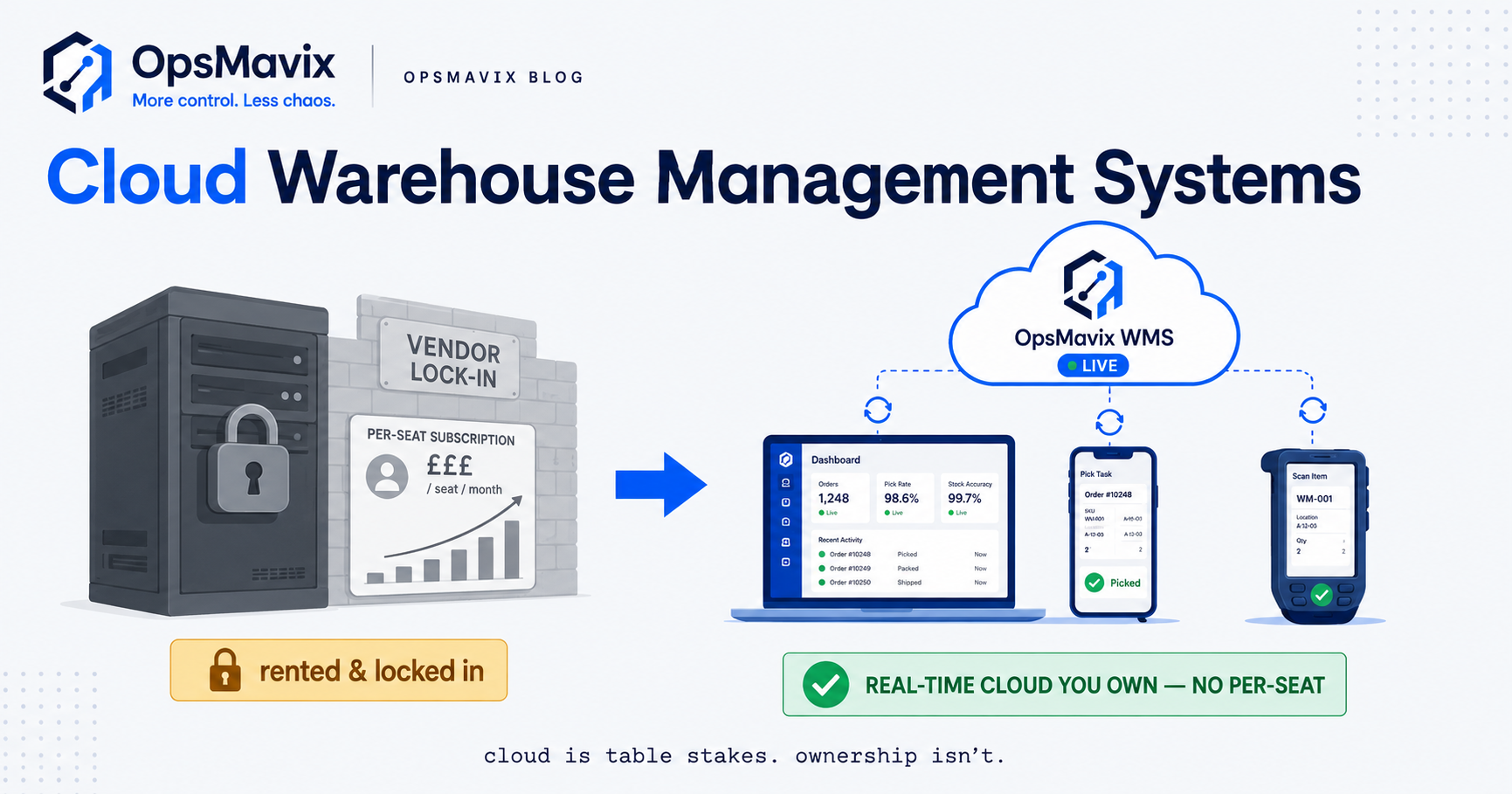
You can walk your warehouse floor with a tablet in your hand, scan a pallet, and watch the count update on your finance director’s screen in the next town. That is the promise of a cloud based warehouse management system: one live picture of stock, orders and pick progress, reachable from any device, on any site, with no server humming in a back-office cupboard. For a business that has outgrown spreadsheets and phone-call stock checks, it is a genuine step up.
The trouble is that almost every warehouse system sold today calls itself “cloud”. The word has stopped being a feature and become the price of entry. So the honest question is no longer should we go cloud — it is which cloud system actually fits how we run, and who owns the thing once we depend on it. This guide answers both.
Quick summary: A cloud based warehouse management system (WMS) tracks stock, receiving, put-away, picking and dispatch in real time, accessed over the internet rather than from software installed on your own hardware. The accuracy gains are real: one UK operator, JODA, moved from low-90s inventory accuracy to 97% in year one and 99% in year two after putting a WMS behind disciplined barcode scanning. But the technology is only half the story — accuracy comes from the process the software enforces, and the biggest long-term decision is whether you are renting a fixed product or owning a system shaped around your business.
Contents
- What a cloud WMS actually does
- The blind spot: “cloud” is table stakes, fit is the real question
- Rent vs own: where your data and your logic live
- Cheap tool vs full ERP vs right-sized owned system
- Integrations and why ownership matters
- A worked example: a two-site wholesaler
- FAQ
- How OpsMavix can help
- Sources
What a cloud WMS actually does
Strip away the marketing and a warehouse management system does one core job: it keeps an accurate, live record of what stock you have, where it physically sits, and what state each order is in. “Cloud based” means that record lives on servers you reach over the internet, so a phone, a scanner, a laptop and a warehouse terminal all see the same numbers at the same moment.
In practice that covers a predictable set of movements:
- Receiving and put-away — booking in deliveries against a purchase order, then directing stock to a bin or location so it can be found again.
- Locations and bins — knowing that SKU 4471 is in Aisle C, Bay 3, not just “somewhere in the building”.
- Picking and packing — generating pick lists, guiding staff by scan, and confirming the right items left in the right quantities.
- Dispatch and stock adjustments — updating counts the instant goods leave, and logging every correction with a name and a timestamp.
- Multi-device, multi-site access — the same live view whether you are on the floor, in the office, or looking at a second warehouse forty miles away.
The value is not the list of features. It is that everyone stops arguing about which number is right. When receiving, picking and finance all read from one live record, the daily “how much have we actually got” question goes away. That single-source-of-truth effect is what drives the accuracy figures — but only when staff actually scan, and the system is set up to reflect how your warehouse really moves.
The blind spot: “cloud” is table stakes, fit is the real question
Because “cloud” now describes nearly every product on the market, it tells you almost nothing about whether a system will work for you. The blind spot is treating the deployment model as the decision. It isn’t. The decision is fit.
Two warehouses can both buy a well-reviewed cloud WMS and get opposite results. The one that maps the software to how it genuinely receives, stores and picks gets clean numbers within a quarter. The one that tries to bend its odd-but-necessary process — the customer who demands split deliveries, the assembly step between goods-in and stock, the seasonal overflow unit — into a rigid product spends months fighting workarounds and quietly drifts back to spreadsheets for the awkward bits.
That drift is the real failure mode. It rarely shows up as a dramatic collapse. It shows up as a “master” spreadsheet living alongside the shiny new system, a WhatsApp group for the exceptions, and a stock count that is trusted on Monday and doubted by Friday. The lesson: a cloud WMS is worth having, but only if it bends to your process rather than forcing your process to bend to it. Judge candidates on how well they handle your three or four genuinely non-standard movements — not on whether they are “in the cloud”, because they all are.
Rent vs own: where your data and your logic live
Once you rely on a warehouse system, two questions matter more than any feature list. Who owns the data, and who owns the logic?
With most off-the-shelf cloud products you are renting. You pay per user, per location or per module, every month, forever. Your stock history, your customer records and your movement logs live in the vendor’s database under their terms. If they raise prices, retire a feature you depend on, or get acquired, you adapt. If you want your data out, you export what their format allows and hope it is enough to rebuild elsewhere. For a lot of businesses that trade-off is perfectly fine — the rent buys you maintenance, updates and someone else’s servers.
The alternative is owning a right-sized system built around your operation. Same cloud benefits — real-time, multi-device, multi-site, no server in the cupboard — but the data sits in a store you control, and the business logic reflects your actual process rather than a vendor’s average of a thousand other warehouses. You are not locked into per-seat pricing that punishes growth, and the day you need it to do something new, it can, because you own the thing.
Ownership is not automatically the right answer. A small, standard operation may never outgrow a good rented tool, and building something custom before you need it is a waste. But if your process has real quirks, if per-user pricing starts to bite as you scale, or if your stock data is genuinely a competitive asset, then who owns the system stops being a technicality and becomes a strategic call. Cloud is table stakes. Ownership is the lever.
Cheap tool vs full ERP vs right-sized owned system
Most decisions land in one of three places. Here is an honest comparison — each option is genuinely the right answer for some businesses.
| Generic cloud WMS / cheap tool | Full ERP | Right-sized owned system | |
|---|---|---|---|
| Best for | Small, fairly standard warehouses; getting off spreadsheets fast | Large, complex, multi-function operations | businesses that have outgrown spreadsheets and disconnected tools |
| Cost model | Monthly per user/location, forever | High licence + implementation + per-module fees, ongoing | One build cost, then you own it; extend as needed |
| Setup time | Days to a few weeks | Many months, often a year-plus | Weeks, focused on your real leak first |
| Fits your process? | You bend to the product | You bend hard to the ERP | Built around how you actually run |
| Handles your quirks | Awkward edge cases become workarounds | Possible, but costly customisation | Yes — that’s the point |
| Data ownership | Vendor’s database, export-limited | Vendor’s platform, heavy lock-in | You own the data outright |
| Scales by | Adding paid seats/modules | Adding paid modules/seats | Extending the system you own |
| Risk | Outgrowing it; drift back to spreadsheets | Over-buying; long, painful rollout | Needs a partner who scopes tightly |
Read it plainly. If you are small and standard, the cheap cloud tool is the smart, cheap choice — take it. If you are large and genuinely need finance, HR, manufacturing and warehousing in one platform, an ERP earns its cost. The right-sized owned system is for the wide middle: businesses whose process is too particular for a generic tool but who do not need — and cannot justify — a full ERP rollout. The goal is always the cheapest thing that closes your real leak.
Integrations and why ownership matters
A warehouse does not operate alone. Your WMS has to talk to the systems on either side of it: your accounting package, your sales channels, your couriers, and often your suppliers. This is where the rent-vs-own difference gets concrete.
The typical connections are:
- Accounting (Xero, QuickBooks, Sage) — so stock value and cost of goods reconcile without rekeying.
- Sales channels (Shopify, Amazon, eBay, trade portals) — so orders flow in and stock levels flow back out, live. A robust ecommerce inventory automation link here is what stops you overselling across channels.
- Couriers and carriers — so labels and tracking generate at dispatch instead of by hand.
- Purchasing and suppliers — so reorder points and incoming deliveries are visible before you run short.
With a rented product, you get the integrations the vendor chose to build. If they connect to your courier, brilliant. If they don’t, you wait for their roadmap or paste data between screens. Their API, their limits, their priorities.
With an owned system the integrations are yours to define. You connect to the courier you actually use, the way your ops team actually works, and when you switch a supplier or add a sales channel you extend the connection instead of raising a support ticket and hoping. This is the practical meaning of ownership: not a feeling, but the ability to make your systems fit together on your terms. An inventory automation system built this way becomes the reliable spine the rest of your operation hangs off, rather than a box you feed by hand at the edges.
A worked example: a two-site wholesaler
Illustrative — not a claim about a specific client.
Picture a UK homewares wholesaler running two sites: a main warehouse in the Midlands and an overflow unit twenty miles away for seasonal stock. Turnover is around £4m. They sell through a trade portal and a Shopify shop, and they invoice through Xero.
Their pain is familiar. Stock lives in a shared spreadsheet updated “when someone gets a minute”. The overflow unit is effectively invisible — nobody trusts its numbers, so they routinely reorder items they already own. Inventory accuracy hovers in the low 90s. Across a year, over-ordering, emergency courier fees for goods that turned out to be in the other unit, and staff time spent counting and re-counting cost them somewhere around £45,000. Two channels occasionally oversell the same last unit, and each incident costs a customer and an apology.
They weigh the three options. A full ERP is quoted well into six figures with a rollout stretching past a year — far more than the problem needs. A cheap cloud WMS handles one site cleanly but wobbles on their split seasonal stock and doesn’t join their two sales channels the way they need.
They go with a right-sized owned system. The first build focuses only on the real leak: one live stock record across both sites, barcode scanning on goods-in and dispatch, and a two-way link to Xero and both sales channels. Setup takes a few weeks, not a year. Within two quarters accuracy climbs from the low 90s toward the high 90s — the same trajectory JODA saw with disciplined scanning. The duplicate ordering stops because the overflow unit is finally visible. Overselling stops because both channels read one live number. The recovered spend pays back the build inside the first year, and because they own the system, adding a third site later is an extension, not a new contract.
The numbers here are illustrative. The shape of the story — leak, right-sized fix, ownership — is what repeats.
FAQ
Is a cloud based warehouse management system safe? Where does my data actually live?
Reputable cloud WMS providers host on major infrastructure with encryption, backups and access controls that are almost always stronger than a server sitting in your office. The real question is not safety but ownership: with a rented product your data lives in the vendor’s database under their export rules; with an owned system it sits in a store you control. Ask any provider exactly how you get your full data out, in what format, if you leave.
We’re small. Do we even need a WMS, or will a spreadsheet do?
If one person can hold the stock picture in their head and you rarely miscount, a spreadsheet is honestly fine — don’t over-buy. You need a WMS when the spreadsheet starts lying: duplicate orders, overselling, stock you can’t find, or numbers people no longer trust. That is the “outgrowing spreadsheets and disconnected tools” moment, and it is the point at which a right-sized system pays for itself.
What’s the difference between a cloud WMS and the warehouse module in an ERP?
An ERP bundles warehousing with finance, HR, purchasing and more into one large platform — powerful, but expensive and slow to implement, and you bend your business to fit it. A standalone cloud WMS does the warehouse job only. A right-sized owned system sits between them: it does the warehouse job the way you actually work, integrates with the finance and sales tools you already use, and can grow toward full-ERP scope later if you genuinely need it.
How long does it take to get a cloud WMS working properly?
A generic cloud tool can be switched on in days, though “working properly” — clean, trusted numbers — depends on your team actually scanning and on the setup matching your process. A full ERP typically takes many months. A right-sized build usually lands in a few weeks because it targets your real leak first rather than boiling the ocean.
Will it work across multiple sites and on the warehouse floor?
Yes — that is the core benefit of cloud. The same live record is reachable from a floor scanner, an office laptop and a second warehouse at once. The thing to check is that the system handles your specific multi-site quirks (overflow units, split deliveries, inter-site transfers) rather than assuming one tidy building.
How OpsMavix can help
OpsMavix builds right-sized, owned operations systems for businesses that have outgrown spreadsheets but don’t need the cost and disruption of a full ERP. We start by finding where your warehouse actually leaks time and money — the duplicate orders, the invisible overflow stock, the overselling — then build the cloud based system that closes that specific gap, integrated with the accounting and sales tools you already run, with the data owned by you. If a cheap off-the-shelf tool is genuinely all you need, we’ll tell you. If your process has real quirks a generic product can’t hold, we’ll build something that fits and grows with you. Book a Free Operations Leak Audit
For a wider view of the market, see our guides to the best warehouse management system software and the best cloud based inventory management system.
Sources
- Clarus WMS — Inventory tracking with WMS — UK WMS provider; documents the JODA operator moving from low-90s inventory accuracy to 97% (year one) and 99% (year two) with disciplined barcode scanning.
- P&S Market Research — UK Warehouse Management System Market — UK market analysis noting cloud holds the larger deployment share and forecasting 16.4% CAGR growth to 2030.