
Airtable Consultant for Operations Systems
Airtable-style operations systems help businesses move from messy spreadsheets to clearer workflows, databases, dashboards, and automation.
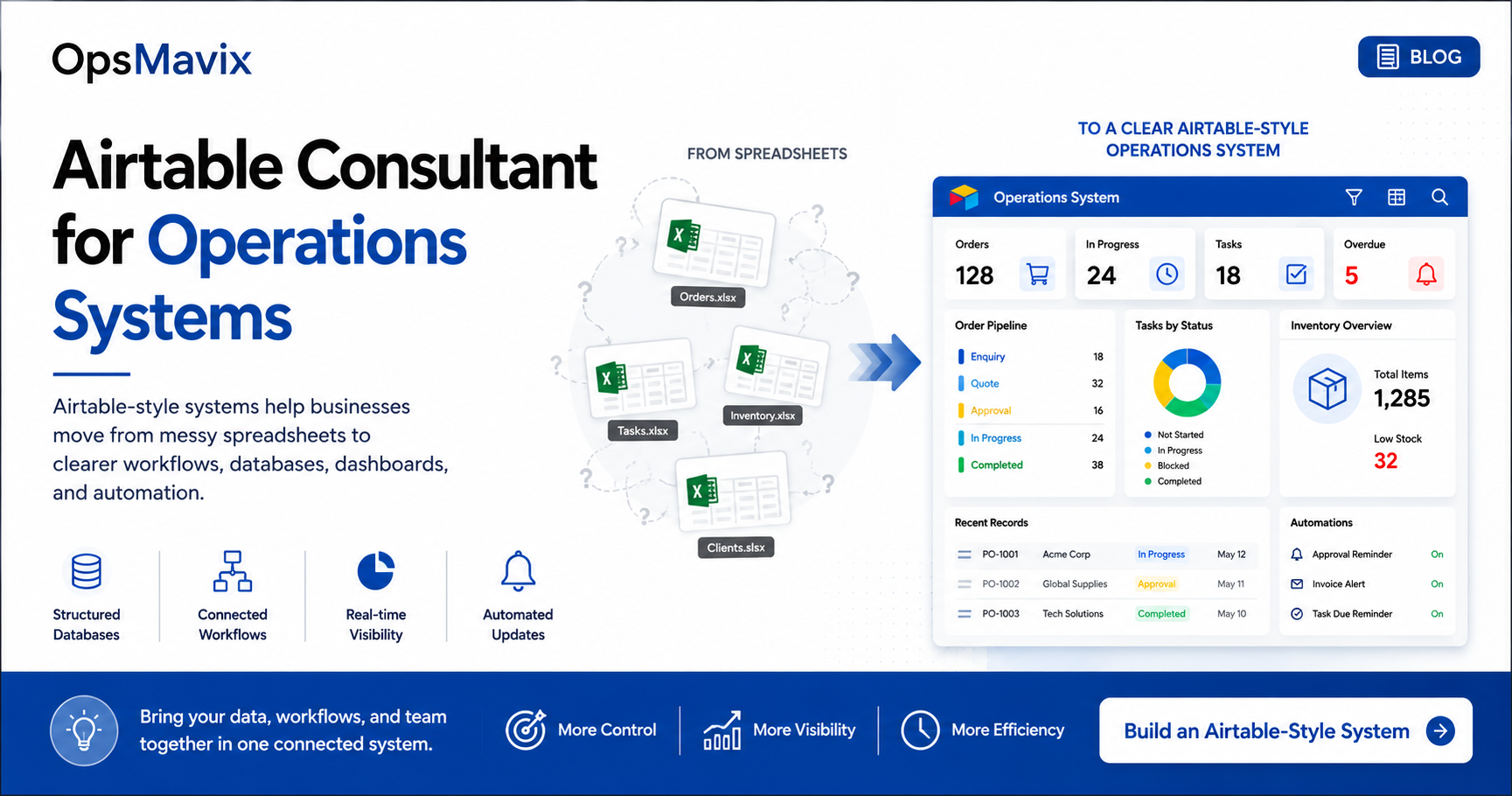
Many businesses use spreadsheets to manage daily operations.
At first, this is simple. But as the company grows, the team starts dealing with multiple files, manual updates, repeated copy-paste, and separate task lists.
That is why many companies start looking for an Airtable consultant operations systems agency. They need a better way to manage workflows without jumping straight into heavy enterprise software.
An Airtable-style system can give the business more structure while still staying simple enough for the team to use.
1The Problem With Spreadsheet Workflows
Spreadsheets are flexible, but they can become messy when they are used to manage important operations.
Common issues include:
- Too many versions of the same file
- No clear data ownership
- Difficult status tracking
- Manual reporting
- Limited permissions
- No automated reminders
- Errors from copy-paste work
- Weak visibility across teams
When daily work depends on these spreadsheets, the business starts losing control.
2Why Airtable-Style Systems Work
Airtable-style systems are useful because they combine the flexibility of a spreadsheet with the structure of a database.
They can help teams manage:
- Clients
- Projects
- Orders
- Tasks
- Stock
- Suppliers
- Approvals
- Documents
- Status updates
- Dashboards
This gives the business a clearer way to organize information without making the system too complex.
3What a Good Operations System Should Show
A good operations system should answer the questions the team asks every day.
For example:
- What is open?
- Who owns it?
- What is late?
- What is blocked?
- What has been completed?
- What needs approval?
- What does management need to see?
If the system cannot answer these questions clearly, the team will keep going back to messages, manual checks, and extra spreadsheets.
A project operations dashboard can help bring these answers into one clearer view.
4How OpsMavix Builds Airtable-Style Systems
OpsMavix builds custom operations systems for companies that are outgrowing spreadsheets.
An Airtable-style system can include:
- Custom databases
- Forms for data entry
- Task and owner tracking
- Workflow statuses
- Dashboards
- Automated reminders
- Client or project views
- Management reports
- Connected records between departments
The goal is to create a system that matches how the business actually works.
What To Do Next
Before building an Airtable-style system, review your current workflows.
Ask:
- Which spreadsheets are used every day?
- Which files create the most confusion?
- Where do updates get missed?
- Who owns each step?
- Which reports are built manually?
- What should be automated?
- What should managers see clearly?
This gives you the structure needed to design the right system.
How OpsMavix Can Help
OpsMavix helps businesses move from scattered spreadsheets to connected operations systems.
We can help you:
- Review current spreadsheets
- Map daily workflows
- Design Airtable-style databases
- Build dashboards and automations
- Improve task and owner tracking
- Create clearer reporting
- Reduce manual admin
If your business needs an Airtable-style operations system, OpsMavix can help you build it around your real process.