
Engineering PO Tracking System: Long-Lead Items That Stall a Build
For engineer-to-order firms, a purchase order isn't a stock top-up — it's a long-lead item a whole project is waiting on. An engineering PO tracking system ties every open PO to the project and BOM it feeds, so a supplier slipping is a flagged build risk months out, not a surprise at assembly. Here's what that link gives you that a general PO log can't.
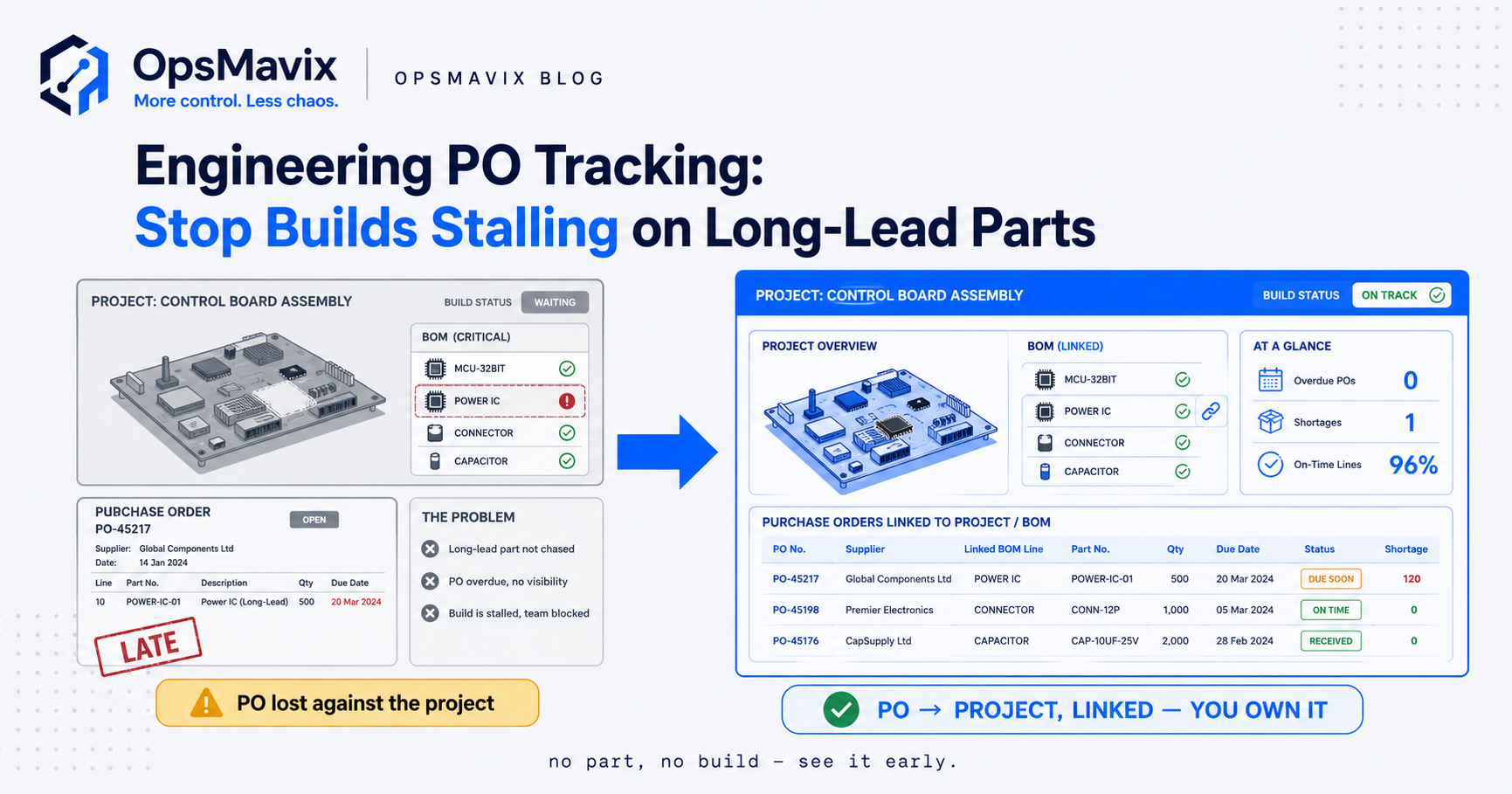
An engineering PO tracking system links every purchase order to the project, bill of materials line and required-on date it supports. Instead of a list of open orders, buyers and project engineers see which build each order feeds, whether the supplier’s confirmed date still meets that need and how much of the project budget is already committed.
The practical problem is that engineer-to-order work rarely has a spare part on a shelf. A late gearbox, a drive package to the wrong revision or a frame delivered without its mounting kit can hold up a one-off build, tie up fitting hours and put a customer date at risk. A general PO log records that the order is late; it does not tell you which project is exposed or by how much.
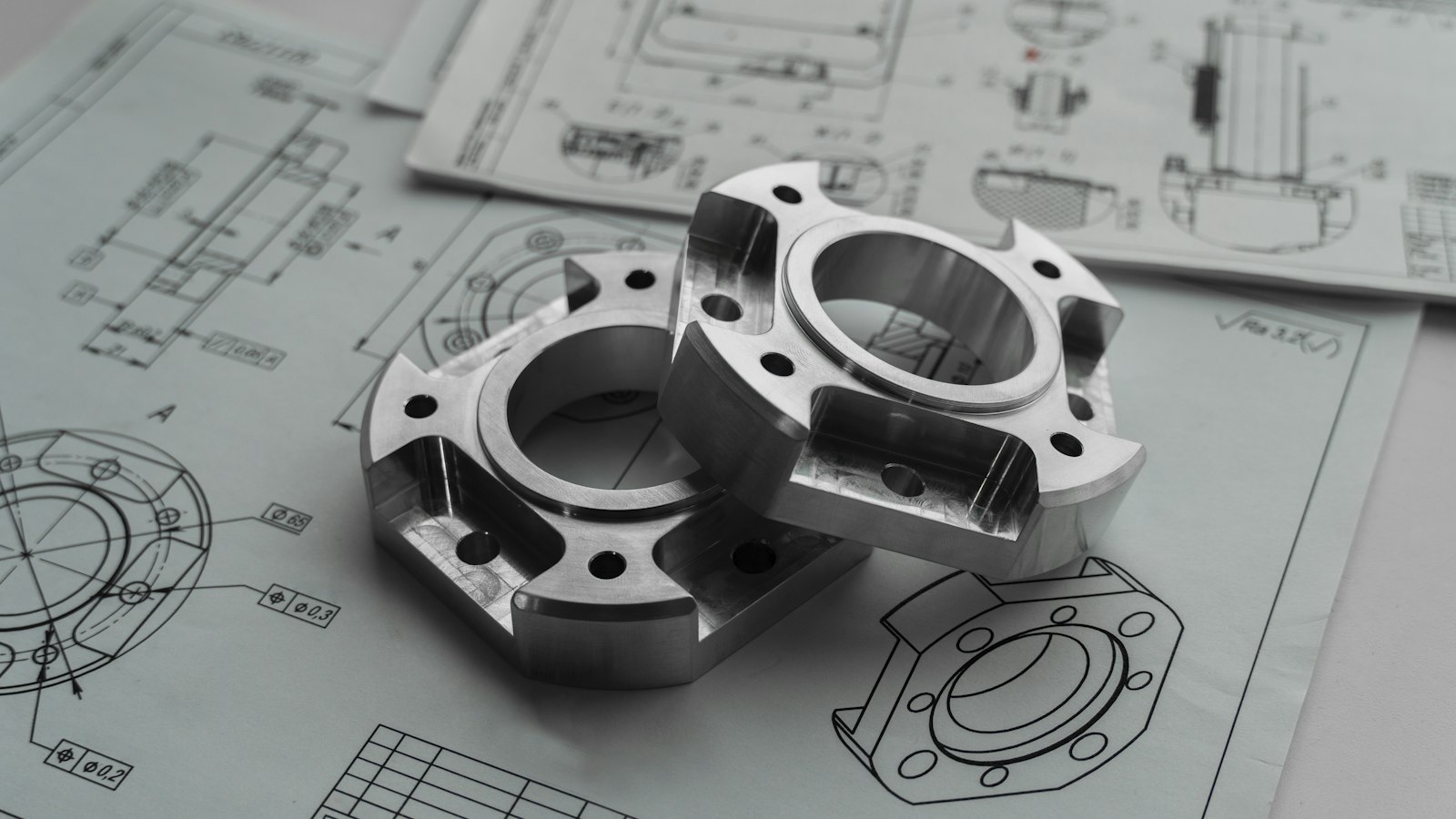
Bought-out parts on an engineered project should trace back to the drawing and BOM line they fulfil. Illustrative photograph, not an OpsMavix project.
Image credit: EnCata PD, Unsplash License. Resized only.
Key Takeaways
- Every engineering PO should carry a project reference, a BOM line and a required-on date.
- Track supplier confirmations against the date the build needs the item, not just the order date.
- Long-lead items deserve a watch list with float, owner and next chase date.
- Measure receipts against what the BOM line and current drawing revision require.
- Combine actual cost and remaining commitments without double-counting.
- Choose between configuration, integration, a focused application or a full ERP from the gaps you can demonstrate.
In this guide:
- 1. Understand What Engineering PO Tracking Covers
- 2. Link Every PO to a Project and BOM Line
- 3. Track the PO Lifecycle Status by Status
- 4. Put Long-Lead Items on a Watch List
- 5. Handle Partial Receipts and Drawing Revisions
- 6. Control Committed Cost Against the Project Budget
- 7. Match Invoices to Orders and Receipts
- 8. Choose a System Approach and Pilot It
- Frequently Asked Questions
- How OpsMavix Can Help
1. Understand What Engineering PO Tracking Covers
Start with the question it must answer
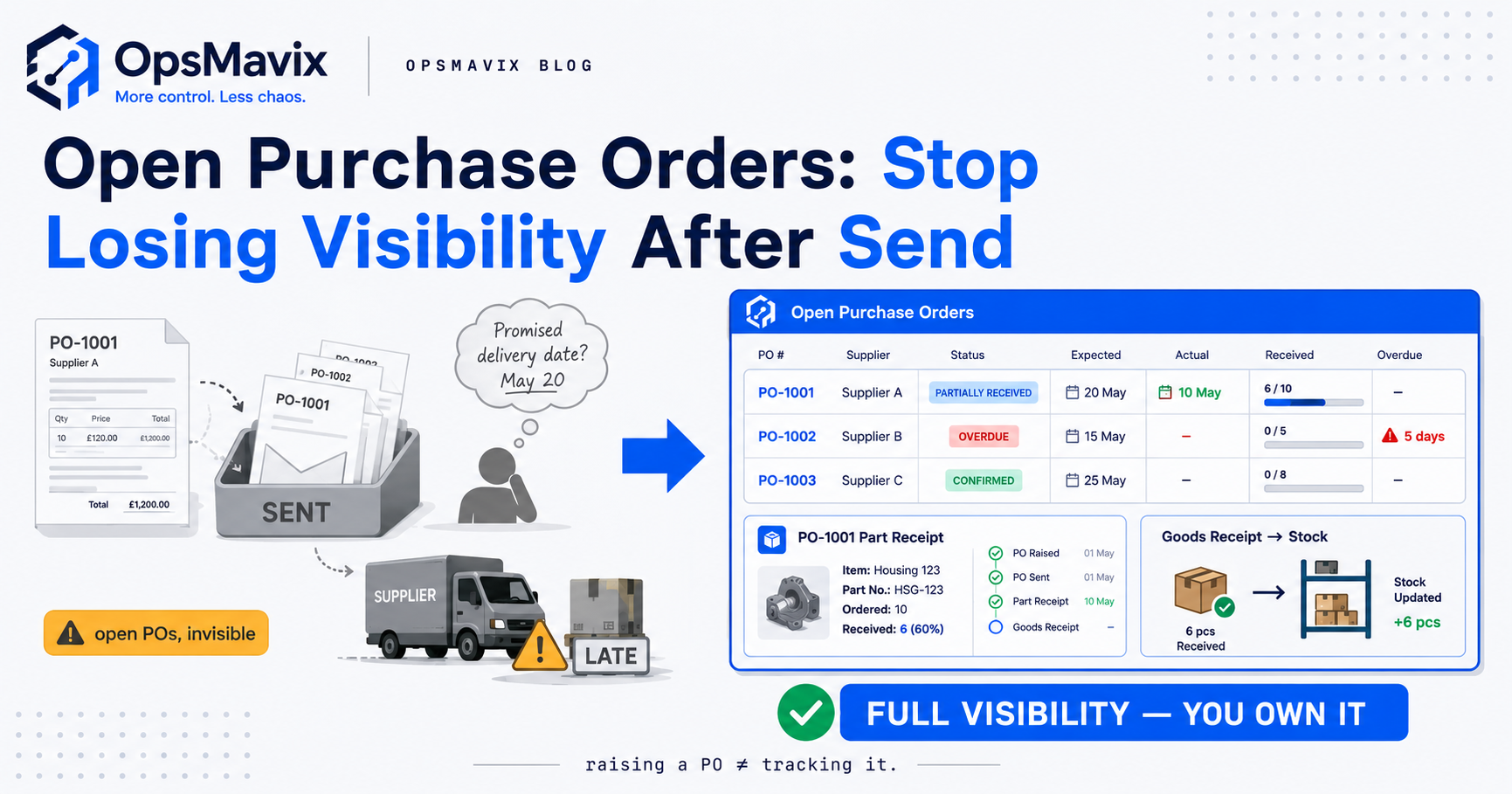
General PO tracking asks what is open, what is due and what arrived short. The purchase order tracking system guide covers that shared discipline. Engineering PO tracking adds a harder question: which project, promised for which date, depends on this order?
In engineer-to-order and project-based engineering, many bought-out items are specified for one contract. The design may still be changing when early orders are placed, lead times can run to months and the customer date is often fixed in the contract. That combination makes the link between the order and the project more important than the order on its own.
Compare it with neighbouring approaches
| Operating pattern | What a late PO usually affects | What tracking must show |
|---|---|---|
| Distribution | Stock availability for sales orders | Expected arrival and stock cover |
| Repeat manufacturing | A works order or production run | Which jobs are short and when |
| Engineering projects | A one-off build and its delivery date | Project exposure, revision status and remaining float |
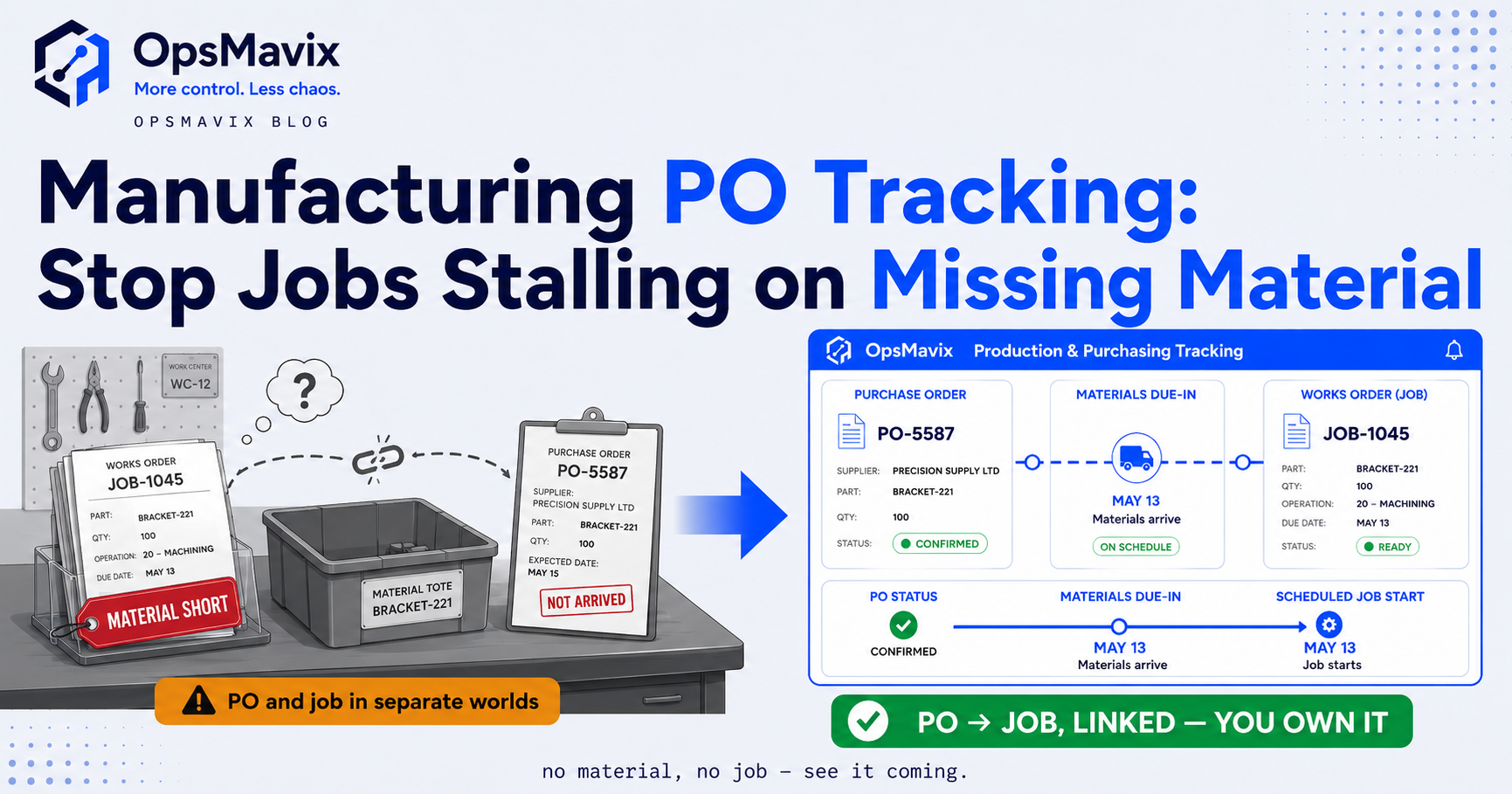
Repeat production has its own guide: manufacturing PO tracking focuses on works orders and material shortages. This guide stays with project-based engineering, where the order often cannot be swapped for stock or moved from another job.
2. Link Every PO to a Project and BOM Line
Carry the references from the start
The cleanest link starts before the order exists. A project BOM identifies a bought-out item, the need becomes a purchase requisition and the approved requisition becomes a PO line carrying the same references. If the link is added later from memory, it is usually incomplete.
| Field on the PO line | Why it matters | Who usually owns it |
|---|---|---|
| Project or contract reference | Shows which build is exposed if the order slips | Project manager |
| BOM line or item reference | Connects the order to the design requirement | Design or project engineering |
| Drawing number and revision | Confirms what the supplier must deliver | Design engineering |
| Required-on date | The date the build stage needs the item | Project planner |
| Supplier confirmed date | The supplier’s current commitment | Buyer |
| Cost code or work package | Places the commitment in the project budget | Commercial or finance |
These are suggested owners, not a fixed organisation chart. Assign each field to the person who actually maintains that information in your business.
Read the link in both directions
From the order, a buyer should see the project and the build stage it serves. From the project, an engineer should see every bought-out BOM line, the PO covering it and any line with no order yet. The second view is often more valuable, because an item that was never ordered does not appear on an open-PO report at all.
The design-to-production handover also matters. If your engineering and manufacturing BOMs differ, agree which one drives purchasing. The guide to engineering vs manufacturing BOMs explains why the two lists legitimately differ.
3. Track the PO Lifecycle Status by Status
Use statuses that reflect real events
A PO that says “open” for three months hides most of what matters. Break the lifecycle into states that each have an owner and an expected next action.
| Status | Meaning | Typical next action |
|---|---|---|
| Requisitioned | Need identified and awaiting approval | Approver reviews budget and specification |
| Ordered | PO issued to the supplier | Buyer waits for acknowledgement |
| Acknowledged | Supplier has accepted price, quantity and date | Buyer records the confirmed date |
| Expediting | Confirmed date threatens the required-on date | Buyer and project engineer agree actions |
| Part received | Some lines or quantities have arrived | Check whether the build can progress |
| Received | All lines booked in against the order | Release for invoice matching |
| Closed | Matched, paid or formally cancelled | Keep history for the project record |
Record acknowledgements and changes
An order without an acknowledgement is an assumption, not a commitment. Record the supplier’s confirmed date separately from the date you requested, and keep each change. When a supplier moves a date three times, the history is useful when choosing suppliers for the next project.
The full procure-to-pay flow is set out in the purchase order cycle guide. For engineering work, the important addition is that every status change should be visible from the project as well as from purchasing.
4. Put Long-Lead Items on a Watch List
Measure float, not just lateness
A long-lead item is not a problem simply because its lead time is long. It becomes a problem when the confirmed delivery leaves too little float before the build needs it. Track float as the gap between the supplier’s confirmed date and the required-on date.
Hypothetical example: a slipping gearbox
Assume a project orders a gearbox in week 3 with a quoted lead time of 16 weeks, so delivery is due in week 19. The build needs it in week 22, leaving 3 weeks of float.
In week 12 the supplier moves delivery by 5 weeks to week 24. The item is now 2 weeks later than the build requires. On a general PO log this may appear only as an overdue order in week 20. On a watch list linked to the project, it is flagged in week 12, while there is still time to re-sequence the build, look for an alternative or discuss the date with the customer.
| Measure | Before the slip | After the slip |
|---|---|---|
| Order week | 3 | 3 |
| Confirmed delivery week | 19 | 24 |
| Required-on week | 22 | 22 |
| Float in weeks | 3 | minus 2 |
The figures are hypothetical. Your own lead time history is the better guide, and the supplier lead time management guide shows how to measure it from PO and receipt dates.
Long-lead watch list checklist
- Every long-lead line has a named buyer and a named project contact.
- Required-on dates come from the current project plan, not the original quote.
- Supplier confirmed dates are recorded with the date they were given.
- Float is calculated for every line and sorted with the smallest first.
- Each line has a next chase date and a recorded outcome.
- Negative float triggers a project review, not just another supplier chase.
5. Handle Partial Receipts and Drawing Revisions
Judge receipts against the requirement
A supplier that ships a frame but not its mounting kit may have delivered most of the order value. If the build cannot progress without the kit, the order is still blocking the project. Percentage received is the wrong measure for an engineered build; the right one is whether the BOM line requirement for the next stage is met.
Record each receipt against the PO line, the quantity and the condition. A goods received note is the buyer’s own record of what physically arrived, which is the basis for both the project view and invoice matching.
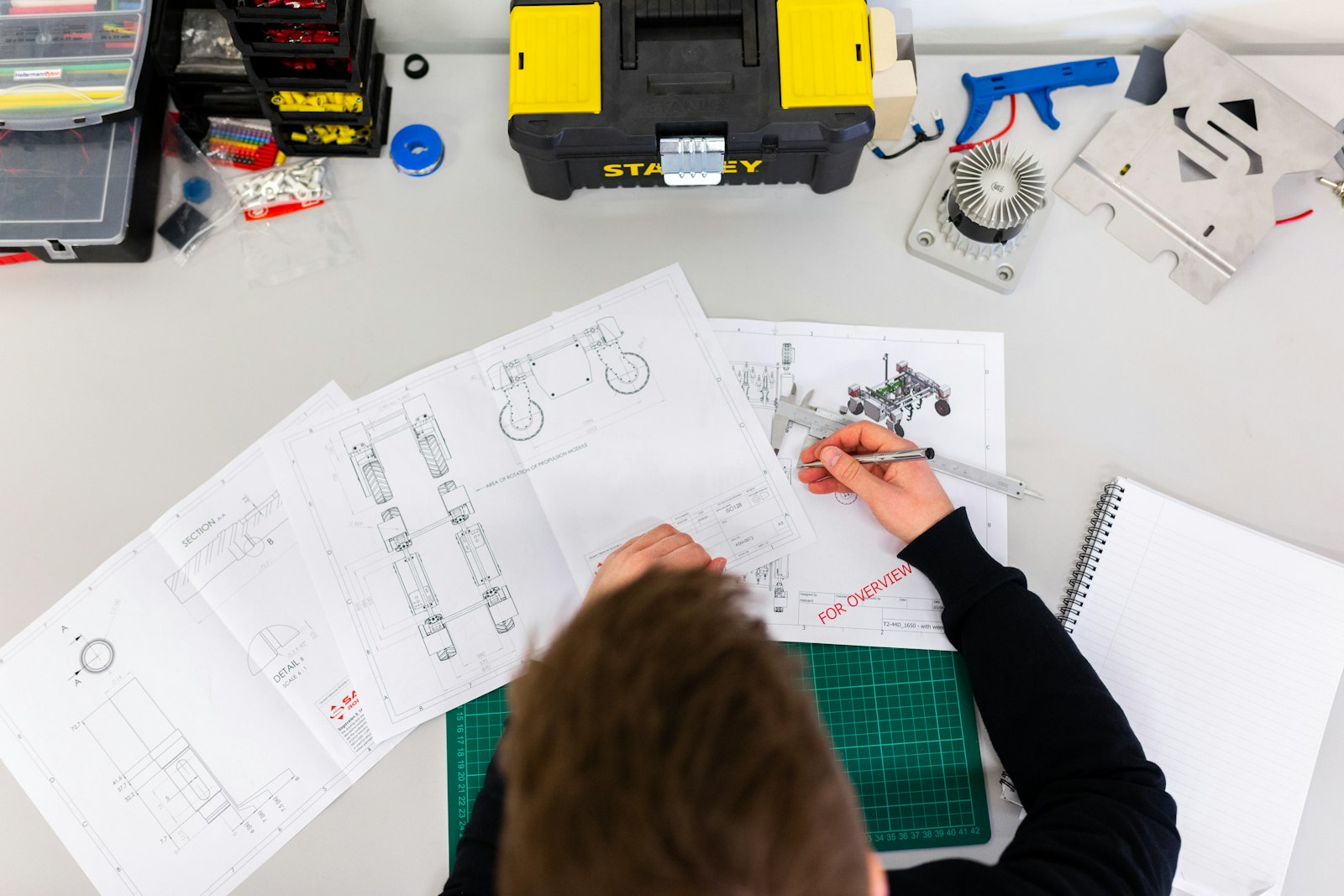
Checking a delivered item against the current drawing revision is part of receiving, not an afterthought. Illustrative photograph, not an OpsMavix client.
Image credit: ThisisEngineering, Unsplash License. Resized only.
Keep the revision on the order
Engineering drawings change. If a PO was raised against revision B and the design moved to revision C, someone must decide whether the supplier builds to C, whether B is still acceptable or whether the order needs amending. Without a revision field on the PO line, that decision is often discovered at goods-in.
| Receipt situation | What a general log shows | What the project needs to know |
|---|---|---|
| Part delivered, missing item blocks the build | Order mostly received | Stage cannot start until the balance arrives |
| Delivered to a superseded revision | Order received | Item may be unusable without rework or approval |
| Delivered early before the design is frozen | Order received | Risk of change after receipt |
| Damaged on arrival | Receipt with a note | Replacement lead time and impact on float |
Receiving checklist for engineered items
- Check the drawing number and revision against the PO line.
- Book only what physically arrived and record the condition.
- Flag any shortfall that blocks the next build stage.
- Route revision or quality queries to the named engineer.
- Keep photographs or inspection records with the receipt where your process requires them.
The goods receiving process guide covers the receiving routine in more detail.
6. Control Committed Cost Against the Project Budget
Separate actual cost and remaining commitments
Tracking orders against the project also gives a live view of bought-out cost. Agree definitions before relying on the numbers. In this example, actual cost means goods received and recognised under your process; remaining commitment means approved order value still outstanding and not yet in actuals.
Hypothetical example: a bought-out package forecast
Assume a project has a £150,000 budget for bought-out items. Four PO lines are open or complete, and a further £19,000 of items has not yet been ordered.
| PO line | Order value | Received to date | Remaining commitment |
|---|---|---|---|
| Fabricated frame | £42,000 | £42,000 | £0 |
| Gearbox | £18,500 | £0 | £18,500 |
| Motor and drive package | £36,000 | £21,600 | £14,400 |
| Control panel (original £25,000 plus approved £2,500 revision) | £27,500 | £0 | £27,500 |
| Total | £124,000 | £63,600 | £60,400 |
| Forecast component | Amount |
|---|---|
| Actual cost | £63,600 |
| Remaining commitments, excluding actuals | £60,400 |
| Uncommitted items still to order | £19,000 |
| Forecast final bought-out cost | £143,000 |
| Favourable variance against £150,000 budget | £7,000 |
The example excludes VAT, carriage and other cost components. A common error is adding the full order value of £124,000 to the £63,600 actual cost. That would give £206,600 including the uncommitted items, overstating the forecast by £63,600 because received value would be counted twice.
Keep revisions visible
The control panel line shows why revisions should be recorded as changes rather than overwritten. The £2,500 increase is an approved change to the commitment. Keeping the original value and the change separately helps the commercial team explain movement in the forecast and recover cost where the contract allows.
7. Match Invoices to Orders and Receipts
Use the receipt as the quantity check
Three-way matching compares the purchase order, the receipt and the supplier invoice before payment. Microsoft’s Dynamics 365 documentation describes it as matching invoice prices to the purchase order and invoice quantities to the product receipts selected for the invoice. Two-way matching checks the invoice against the order only.
On engineering projects, part deliveries and staged invoices are common, so the receipt check matters. Using the hypothetical motor and drive package above, if the supplier invoices the full £36,000 when only £21,600 has been received, the difference of £14,400 should be held until the balance arrives or the discrepancy is resolved.
Matching checklist
- Invoice lines reference the PO number and line.
- Prices agree with the order, including approved revisions.
- Quantities agree with what has been booked in.
- Tolerances are agreed by finance and applied consistently.
- Exceptions have an owner and a recorded resolution.
For the full method and where tolerances fit, see the three-way matching guide.
8. Choose a System Approach and Pilot It
Match the approach to a demonstrated gap
| Approach | Where it fits | What to check |
|---|---|---|
| Configure current tools | Your accounting or purchasing tool can hold project and revision fields | Reporting from the project side, permissions and usability |
| Connect existing systems | Design, purchasing and finance tools work but handoffs fail | Shared references, error handling and reconciliation |
| Packaged ERP or MRP | Wider planning, stock and finance needs justify a suite | Project-based purchasing support, configuration and total cost |
| Focused custom application | A clear gap such as a project-linked PO and long-lead view | Integration scope, support, data ownership and maintenance |
| Full custom ERP | Broad requirements that packaged options do not fit | Delivery capacity, migration, continuity and long-term support |
A business that runs a few engineered projects a year with dependable suppliers may manage with a well-kept PO log and project schedule. A business with many concurrent projects and long-lead items usually needs the project link held in a system rather than in people’s heads. Packaged ERP and MRP suites can provide project-linked purchasing; confirm that the edition and configuration proposed actually demonstrate it.
Run a pilot on a real project
Pick a live project with long-lead items, at least one part delivery and one drawing revision. Ask each option to demonstrate the same scenario.
- Raise a requisition from a BOM line and convert it to a PO with the project references.
- Record a supplier acknowledgement and a later date change.
- Show the float for each long-lead line from the project view.
- Book a partial receipt and show the project impact.
- Amend a PO line for a drawing revision and keep the history.
- Produce the committed cost forecast without double-counting.
- Match an invoice to the order and receipt and hold the difference.
Mark each step as demonstrated, configurable, requiring development or unsupported. Include licences or hosting, implementation, integration, training and ongoing support in the cost comparison.
Frequently Asked Questions
What is an engineering PO tracking system?
It is a way of tracking purchase orders so that each one is linked to the project, BOM line, drawing revision and required-on date it supports. That lets the business see which projects are exposed when a supplier slips.
How is it different from a general PO tracker?
A general tracker follows the order through its lifecycle. An engineering PO tracking system also shows the project impact: the build stage affected, the remaining float and the committed cost against the project budget.
Which purchase orders should be on a long-lead watch list?
Any line where a slip could stop a build stage, plus lines with long or unreliable lead times. Many businesses add a rule based on lead time, but the better test is whether the item sits on the project’s critical path.
Should we track float or lateness?
Float. Lateness tells you the order missed its date. Float tells you, before that happens, how much room remains between the supplier’s confirmed date and the date the build needs the item.
How do we handle drawing revisions on open orders?
Record the drawing number and revision on the PO line. When the design changes, an engineer decides whether the order is amended, cancelled or accepted as it stands, and the change is kept in the order history.
What is the difference between committed and actual cost?
Actual cost is cost recognised under your process, often on receipt or invoice. Remaining commitment is approved order value still outstanding. Add them together only after removing anything already counted in actuals.
Does three-way matching work with part deliveries?
Yes. The invoice quantity is checked against what has been received. If a supplier invoices more than has arrived, the difference is held until the balance is received or the discrepancy is resolved.
Do we need a full ERP to do this?
Not necessarily. Some businesses configure their current tools, some connect existing systems and some need a focused application or a full ERP. Decide from the gaps you can demonstrate on a real project.
How OpsMavix Can Help
OpsMavix can map how purchase orders, project BOMs, receipts and invoices connect in your business, then define the system scope needed to make project exposure visible early.
That may involve improving existing tools, connecting design and purchasing records, building manufacturing production tracking or a project operations dashboard, introducing invoice approval workflows or developing a full custom ERP.
Contact OpsMavix with one recent project, its open purchase orders and the long-lead item that caused the most disruption. We can use that evidence to define requirements and a practical pilot.
Keep reading
Getting value from OpsMavix? Add us as a preferred source on Google — you'll see more of our operations content in your AI Overviews, AI Mode and Search.